


Language: 简体中文 | English
A Cordis plugin that puts an authentication gate in front of the [DeepSeek Harness](https://github.com/deepseek-ai/deepseek-harness) Web UI: **password auth + TOTP two-factor authentication + layered brute-force protection + session management + login audit**, with **real interception of every request** (HTTP and WebSocket) at the gateway layer — unauthenticated traffic never reaches the backend. `dsh web` ships with no authentication layer (its built-in trust fence is a reachability policy, not auth). This plugin fills that gap as an in-process gateway: the gateway exclusively owns the external port, the bundle patch pins the internal webserver to the loopback address, and the gateway is the only way in. ## Installation and Uninstallation ```bash # Install (from npm registry) dsh plugin --profile web add dsh-auth-gateway # Start (external port 8080, internal webserver auto-moves to 8081) dsh web --port 8080 # Uninstall (clean credentials first, then remove) ~/.dsh/profiles/web/node_modules/.bin/dsh-auth-gateway-uninstall dsh plugin --profile web remove dsh-auth-gateway ``` - Supports installation from GitHub / local directory — see [docs/en/INSTALL.md](docs/en/INSTALL.md); - Forgot your password? Use `dsh-auth-gateway-reset` to reset (restart prints a new initial password to the console); - Deployment guide: [docs/en/DEPLOYMENT.md](docs/en/DEPLOYMENT.md) ## Features - **Password auth**: on first deployment an initial password is auto-generated and printed to the console (one-time credential); after login you are guided to set a personal password (scrypt-hashed), and every subsequent visit requires login; - **Two-factor authentication (TOTP)**: optional; works with Google Authenticator, Authy, 1Password and other mainstream authenticators; ships with one-time backup codes (scrypt-hashed, single-use) for recovery when a device is lost; **the OTP secret is stored encrypted at rest with AES-256-GCM** (master key from the `DSH_AUTH_GATEWAY_MASTER_KEY` env var or an auto-generated `auth-gate/otp-master.key`), so a disk disclosure no longer exposes the second-factor root key; - **Real request interception**: unauthenticated `/api/*` returns 401, page paths 302 to the login page, WebSocket upgrades are rejected outright; authenticated traffic is forwarded transparently (Host/Origin normalization, compatible with the internal trust fence); - **Sub-path deployment (basePath)**: supports mounting behind a reverse-proxy sub-path (e.g. `https://example.com/dsh/`). Configure `basePath: /dsh` and the gateway handles route stripping, 302 redirect prefixing, and upstream forwarding automatically; PWA metadata (`manifest`/`favicon`) and static assets (`/assets/*`) are served without authentication. **Note**: DSH is a root-path application — frontend JS references absolute URLs like `/assets/...`, `/api/...`, `/plugins/...`. Sub-path deployment requires nginx to proxy these root paths separately. **Subdomain deployment is recommended** (`dsh.example.com`, root path, zero conflicts) — see [docs/en/NGINX-DEPLOYMENT.md](docs/en/NGINX-DEPLOYMENT.md); - **Login audit**: login success / failure / logout / password change are logged via `ctx.logger.info` (with source IP and failure reason — never any credentials), forming a complete audit trail alongside brute-force alerts; - **Authenticated LAN settings support**: before dsh client modules initialize, browsers reached through the gateway receive loopback-trusted connection state, enabling Models, Credentials, locale/theme preferences, and other host-backed settings to load and persist; - **Layered brute-force protection**: per-source lockout on password failures (default 5 failures / 5 min) + global rate limit (default 60 attempts/min) + per-source OTP/backup-code limit (default 10/min); scrypt runs asynchronously on the libuv thread pool, so login floods never block the event loop; - **Session management**: in-memory 256-bit tokens (30 days), HttpOnly + SameSite=Strict cookies; changing the password or disabling OTP revokes all sessions; - **Security events**: lockouts and exhausted rate-limit windows log warnings and broadcast a `dsh-auth-gateway/brute-force` Cordis event (JSON payload) for monitoring and automation; - **Bilingual (zh/en)**: the settings panel follows the dsh UI language (Settings → Language); the login / onboarding / OTP pages render in your preferred language (`locale.preference` in `$DSH_HOME/settings.yaml`), falling back to the browser language (Accept-Language) when no preference was set — a change applies on the next page load; the first-run console notice prints both languages; - **Compliant shape**: a host-only plugin (zero build, zero runtime dependencies) plus an optional client half (settings panel, source-built), all through official dsh extension points (`ctx.effect`, `webServer.tapIndex`, `ctx.slots`). ## How it works ``` Browser ──> dsh-auth-gateway gateway (external port, inside the dsh process) │ every request passes the auth check first (O(1) session table) ├─ unauthenticated ─> /api/*: 401 | pages: 302 /login | WS: rejected ├─ 2FA not passed ─> /otp/verify └─ authenticated ─> forward (Host/Origin rewritten to loopback) ──> dsh webserver (127.0.0.1:internal port) ``` - The gateway's lifecycle is bound to dsh: it starts/stops with dsh, no separate process; - The bundle patch moves the webserver to a loopback port (external = `--port`, internal = external + 1), so remote clients cannot bypass the gateway and reach the backend directly; - The gateway establishes client-side loopback trust while dsh's `__ModuleLoader__` loads the connection module, before Settings consumers start. This compatibility layer does not replace login, the HTTP/WebSocket gates, or the server-side fence; - Auth state machine: `first deploy → initial-password login → onboarding (set a personal password) → login → (optional) OTP verification → session`; sessions that have not finished onboarding or 2FA can only reach their verification endpoints. ## Screenshots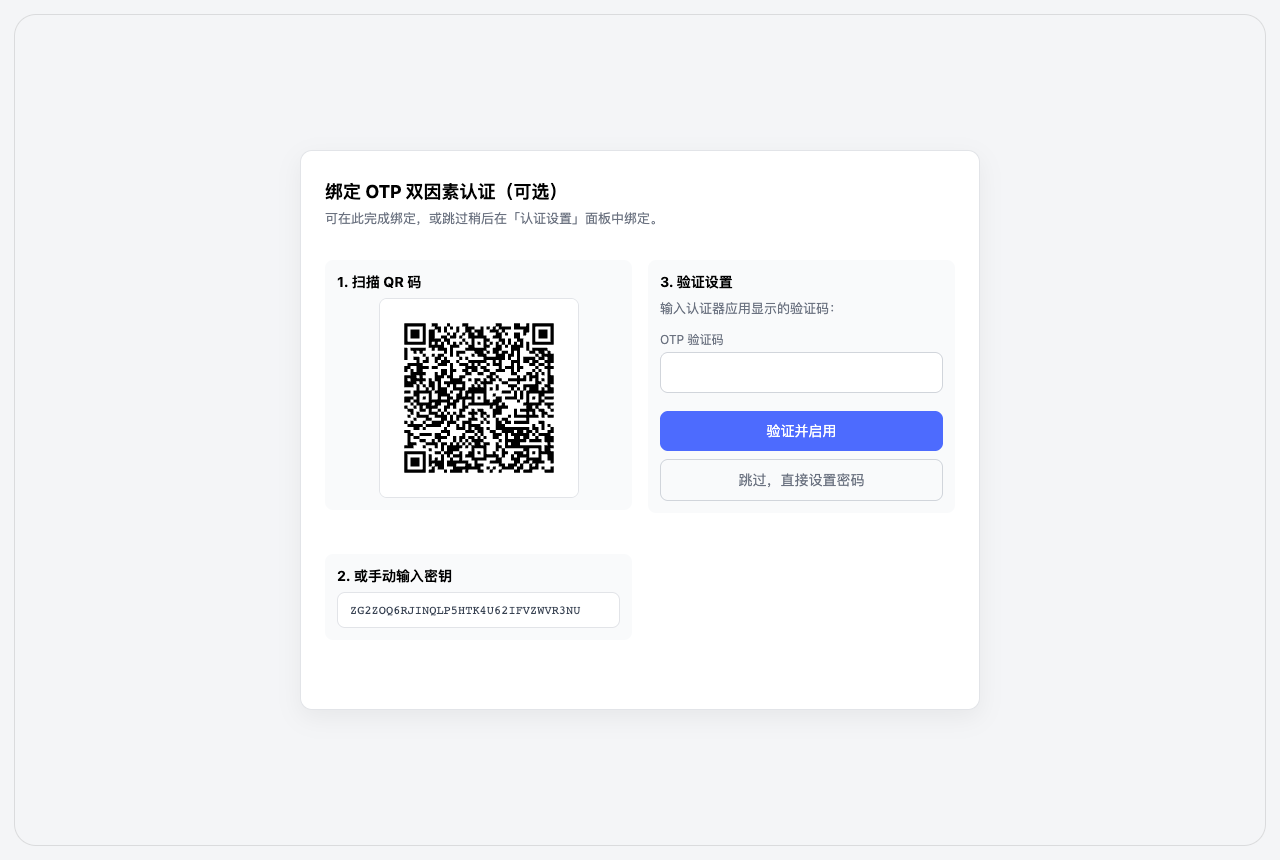 Onboarding (after initial-password login) |
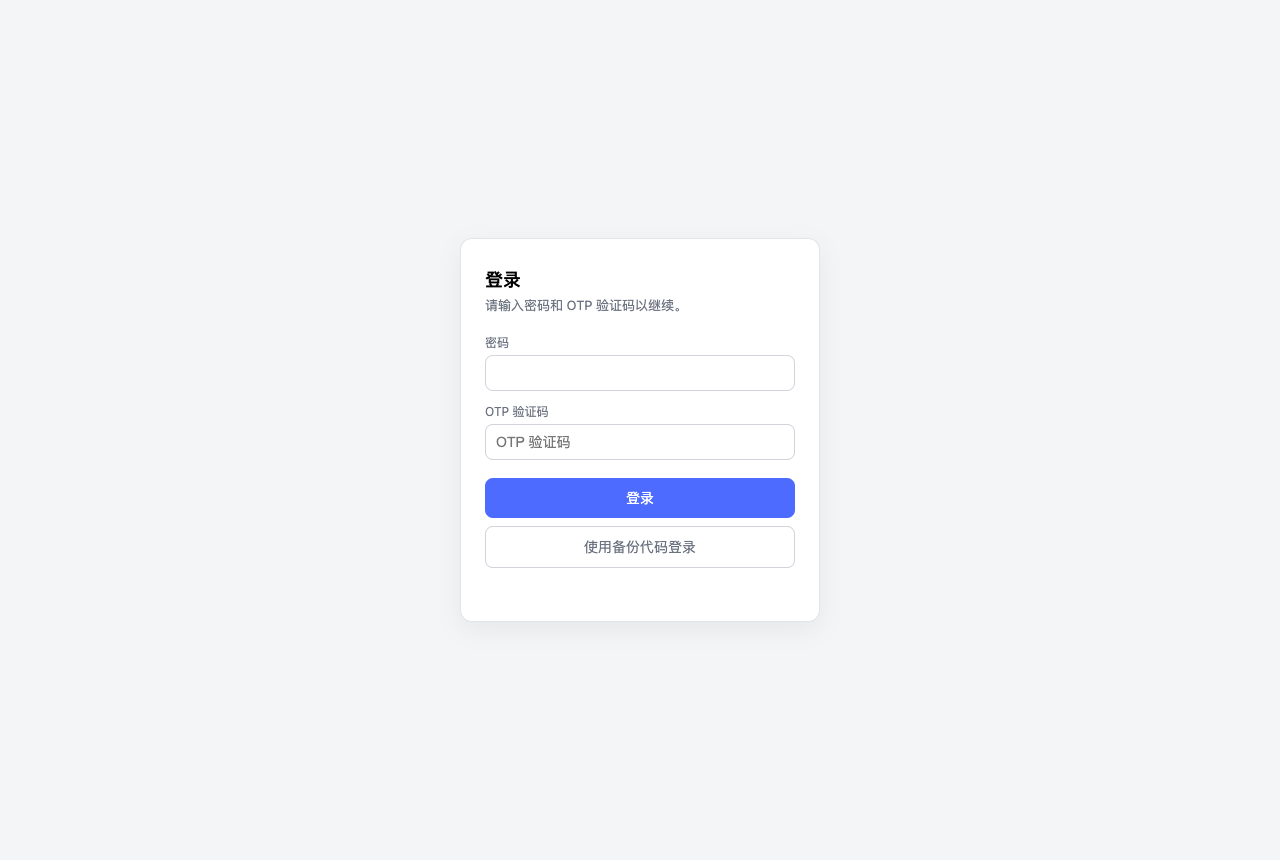 Login (with 2FA code) |
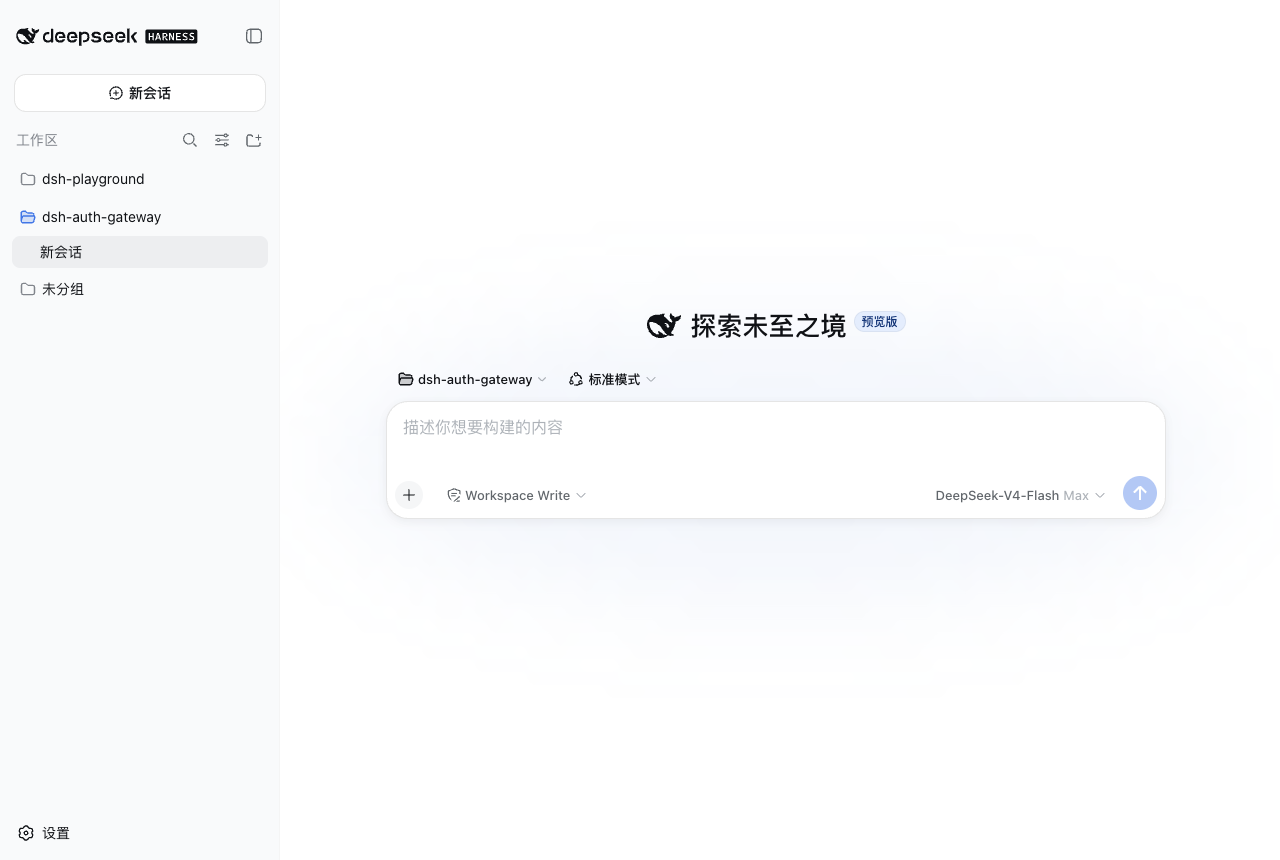 2FA login success |
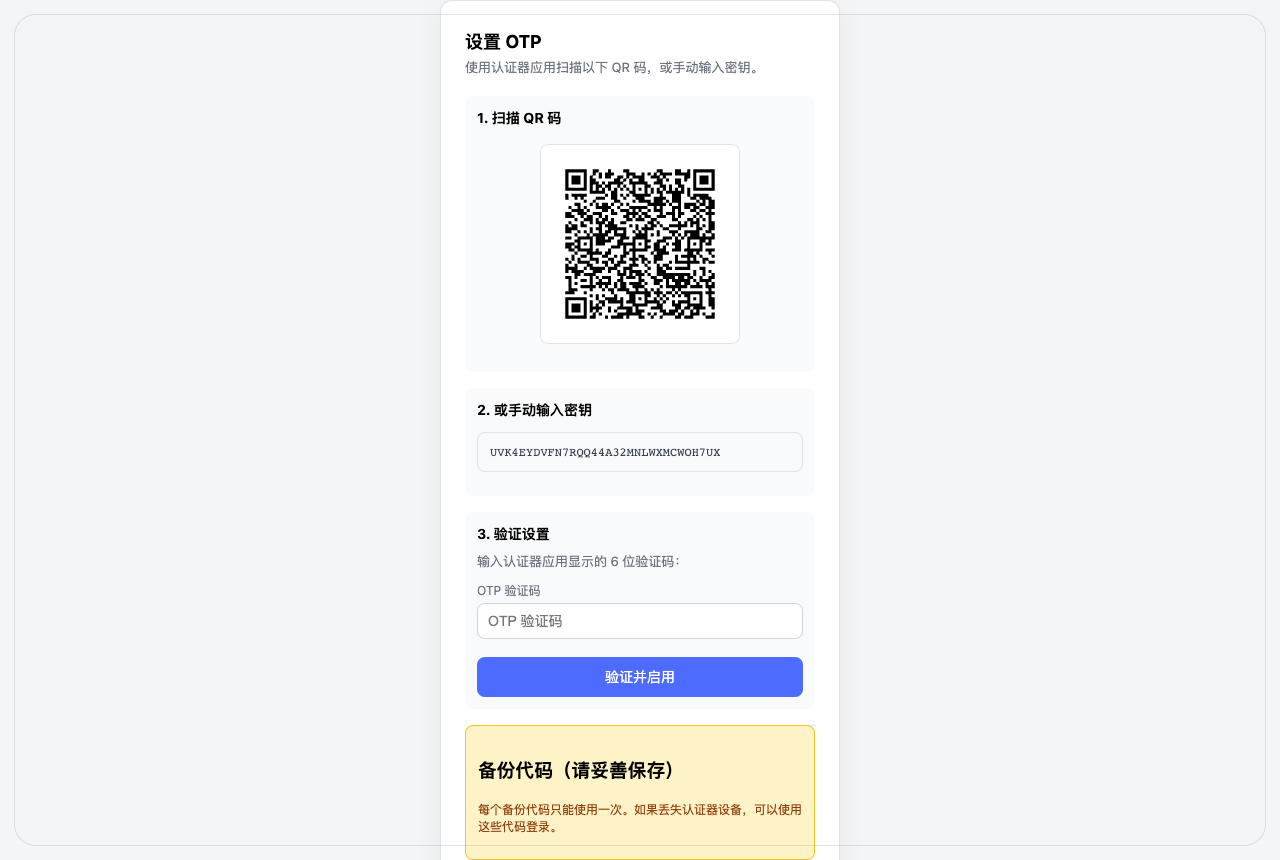 OTP setup (QR code) |
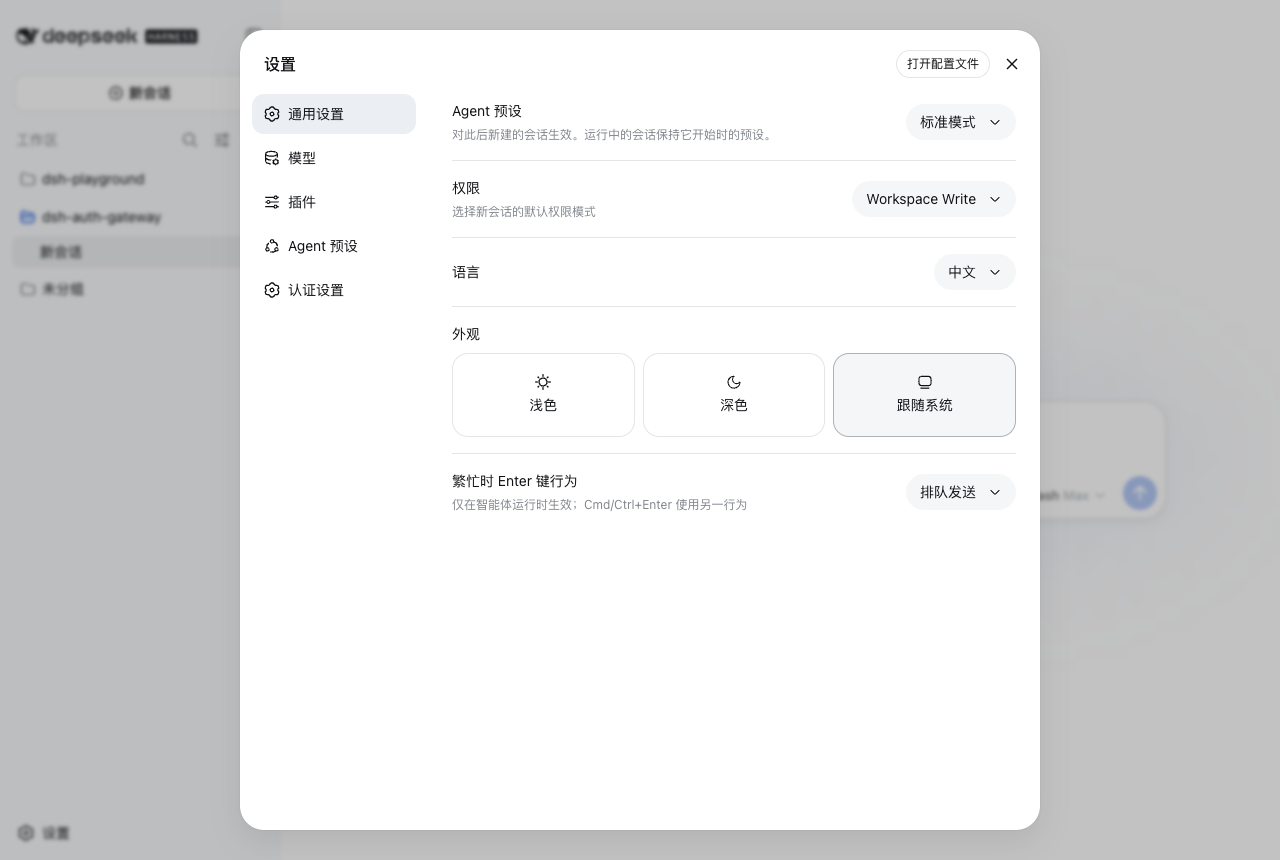 Settings menu ("Auth Settings" entry) |
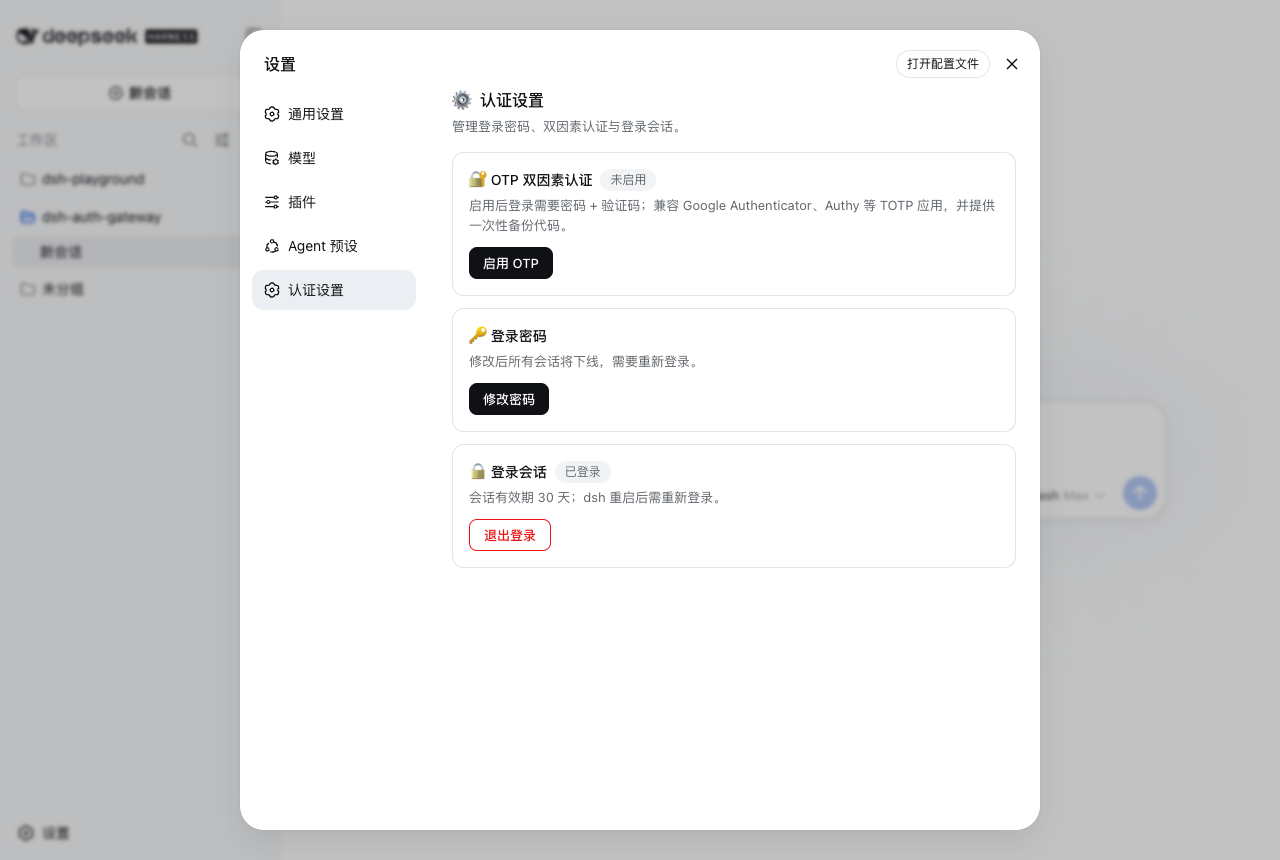 Auth settings panel |