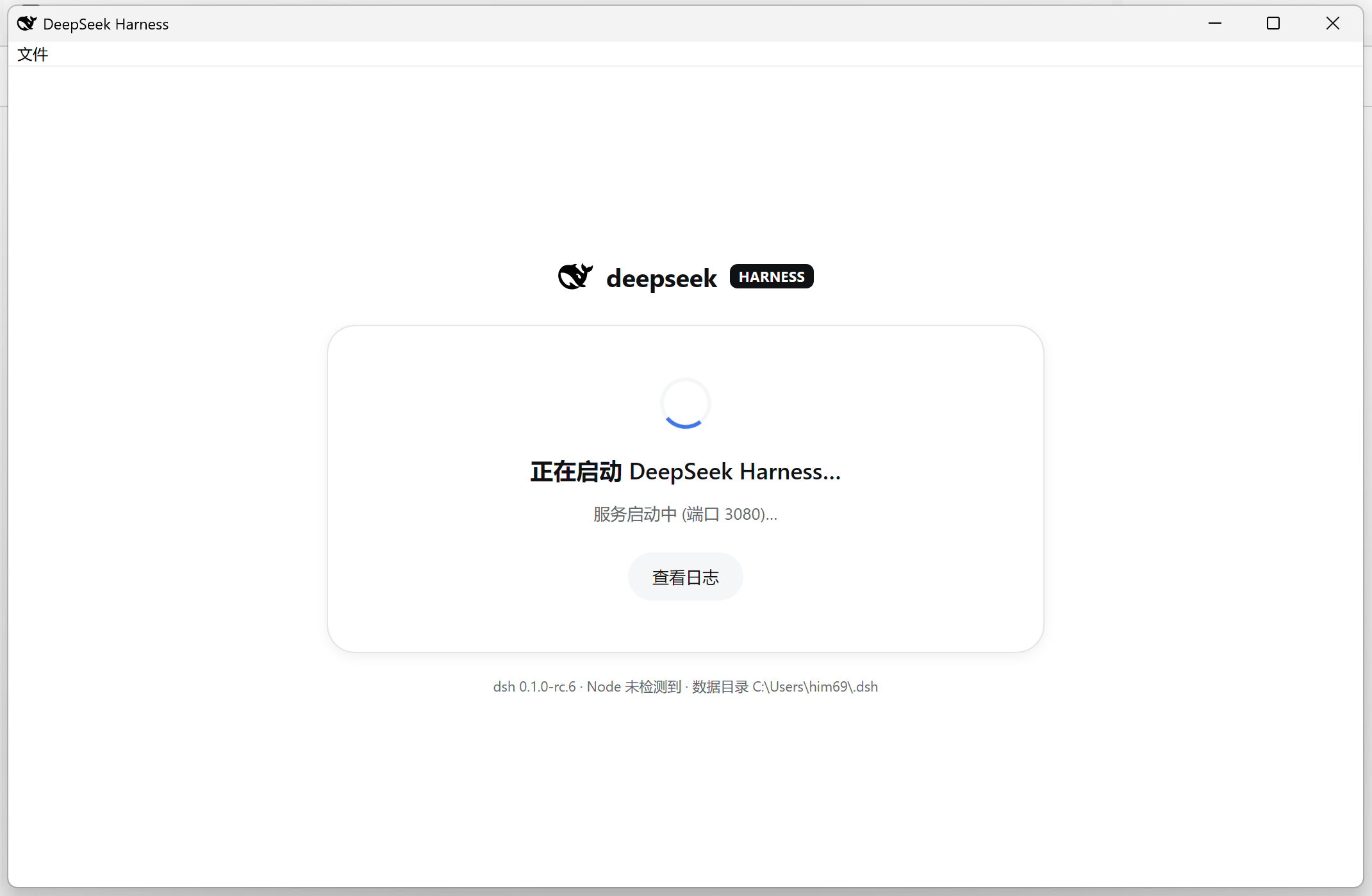
# DeepSeek Harness Desktop
**A real desktop app for [DeepSeek Harness](https://github.com/deepseek-ai/deepseek-harness)**
No more losing it in a sea of browser tabs — one icon, double-click to open, and it keeps
running quietly in the background when you close the window.
[中文](README.md) | English
[](./LICENSE)
[](https://github.com/xiincs/deepseek-harness-desktop/releases/latest)
[](https://github.com/xiincs/deepseek-harness-desktop/releases)

[](#-download)
[](#-download)
[](#-download)
**[⬇️ Download now](https://github.com/xiincs/deepseek-harness-desktop/releases/latest)** ·
[Features](#-what-it-does) ·
[FAQ](#-faq)
---
## ✨ What is this
DeepSeek Harness ships as a web app — great on its own, but still just another browser tab:
easy to close by accident, easy to lose in a pile of other tabs, gone after a restart until you
dig it back up.
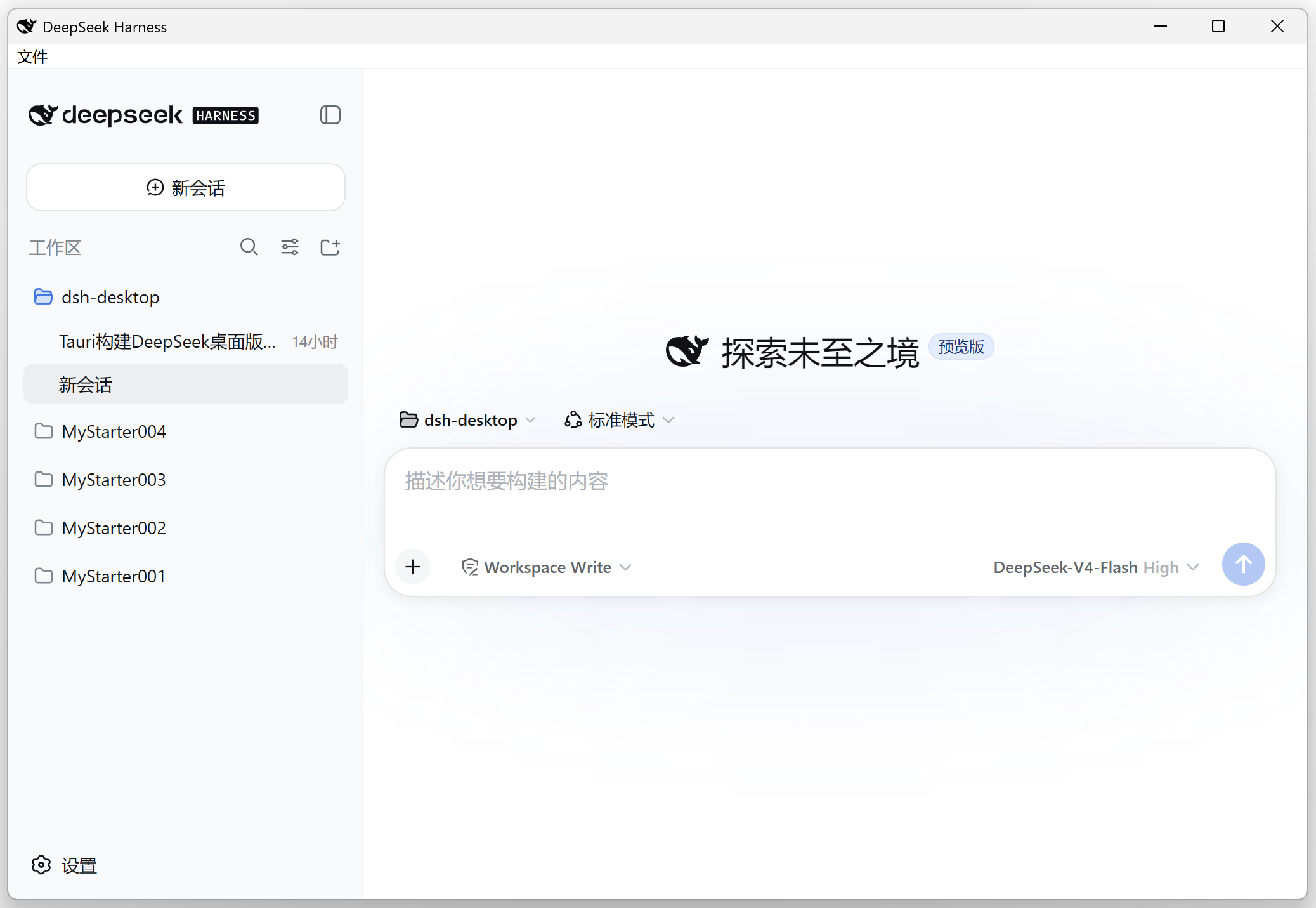
**DeepSeek Harness Desktop** turns it into an actual app: pin it to your taskbar or Dock like
any other program, double-click to open, and closing the window doesn't mean quitting — it sits
quietly in your system tray, one click away, exactly where you left it.
## 🚀 What it does
- **Double-click and go**: open the app and it gets everything running in the background for
you — no terminal, no ports to figure out.
- **Closing isn't quitting**: hitting the close button just hides the window; work keeps going.
Only "Quit" from the tray actually exits.
- **Same data as the web version**: sessions and settings live in one shared place — switch
freely between the browser version and the desktop app with nothing to sync or lose.
- **File panel**: pop open a file tree on the side, click any file to preview, edit, and save it
right there, changes highlighted inline — no more tabbing out to a separate editor.
- **Plugin market**: browse, search, and install community plugins from a growing, community-run
catalog with hundreds of entries. Every install shows you the exact command it's about to run
first; nothing installs silently on a single click.
- **Built-in terminal**: need to run a command? It's already in the app, no extra terminal
window needed.
- **Recovers from crashes on its own**: if the background service dies unexpectedly, the app
restarts it automatically; if that fails too, it tells you why instead of leaving you guessing.
- **Tells you about updates**: checks for a newer version on launch and installs it with one
click — no need to go hunting on the releases page.
- **Small and fast**: uses your system's own browser engine instead of bundling a full Chromium
like many similar apps do, so the installer is much smaller and it opens faster.
## ⬇️ Download
Head to the **[Releases page](https://github.com/xiincs/deepseek-harness-desktop/releases/latest)**
and grab the installer for your system:
| Platform | Installer | Notes |
|---|---|---|
| Windows | `.exe` | Signed, auto-updates, just double-click to install |
| macOS | `.dmg` | First launch needs a one-time manual allow in System Settings → Privacy & Security (expected — not enrolled in the Apple Developer program) |
| Linux | `.deb` | `dpkg -i` or open with your system's package installer |
> macOS and Linux builds don't auto-update yet — check back here for new versions.