[Windows Version](https://github.com/ximeiorg/winxime) | [Linux Version](https://github.com/ximeiorg/xime-wayland) | [Predictive Text Model](https://github.com/ximeiorg/predictive-text) | [Handwriting Model](https://github.com/ximeiorg/ochwpro)
An Android input method built on the [Rime](https://rime.im/) engine, designed for efficient Chinese text input with Wubi (五笔) and Pinyin support.
---
> This input method supports both Wubi (五笔) and Pinyin input. The author primarily uses Wubi with Pinyin as a fallback, so resources lean toward Wubi.
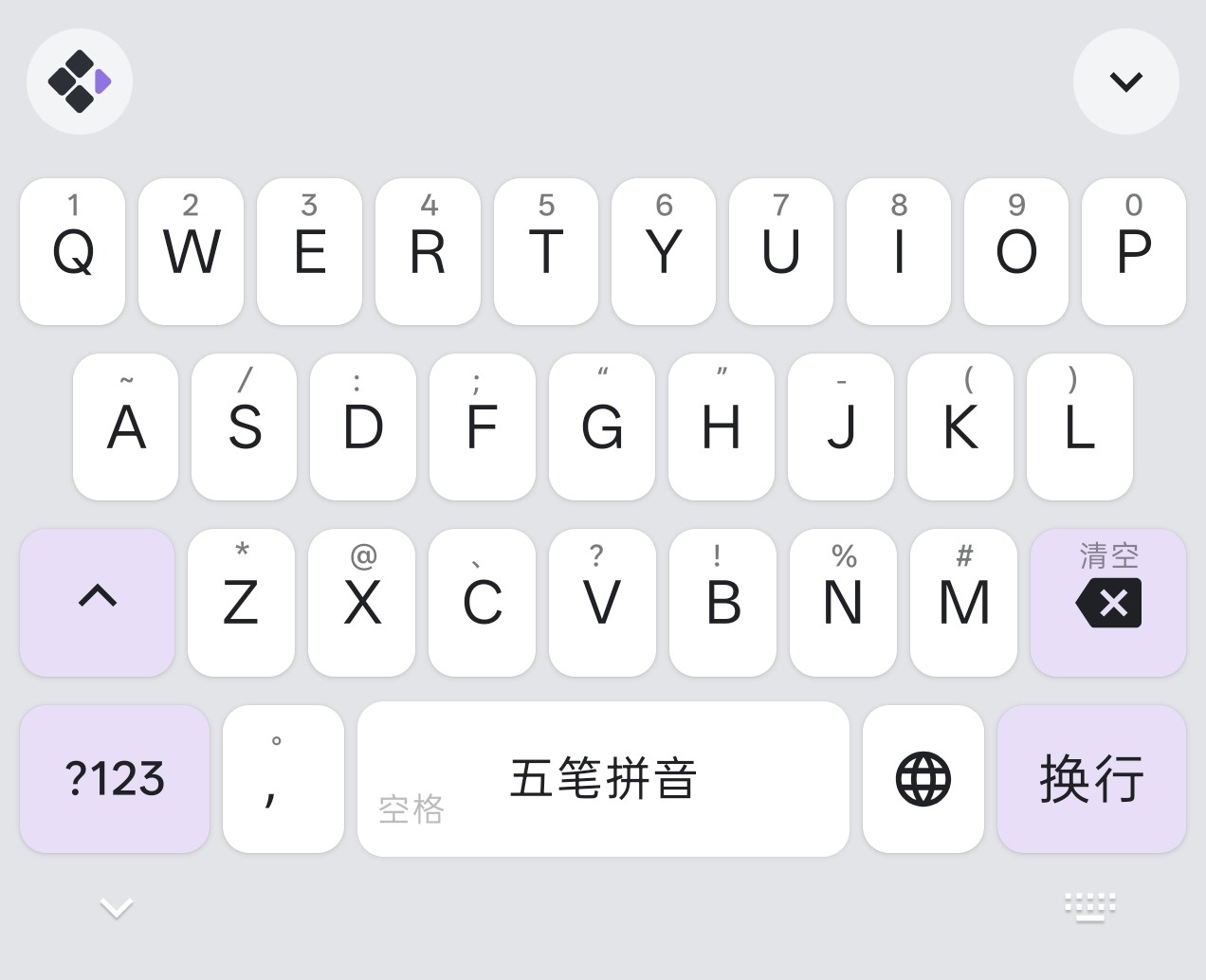
Full Keyboard (Light)
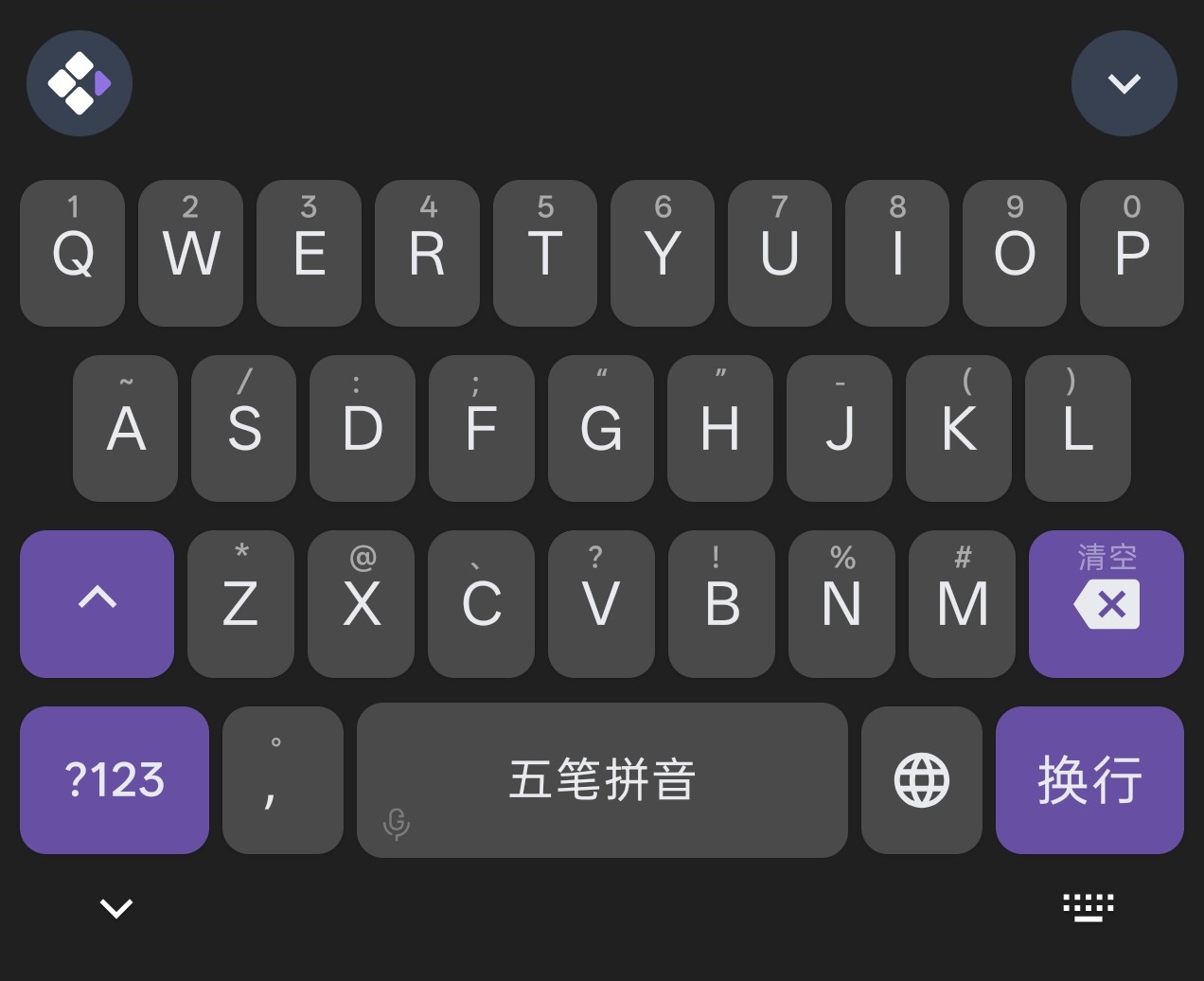
Full Keyboard (Dark)
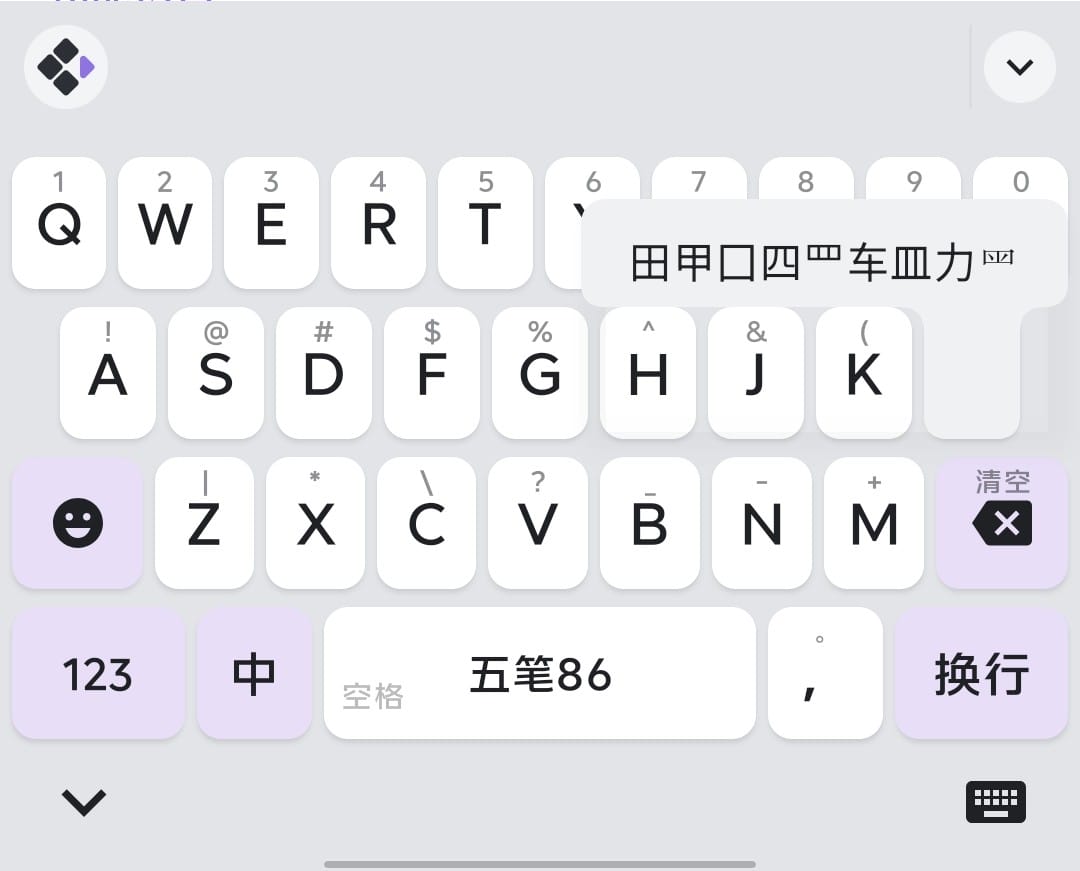
Radical Swipe
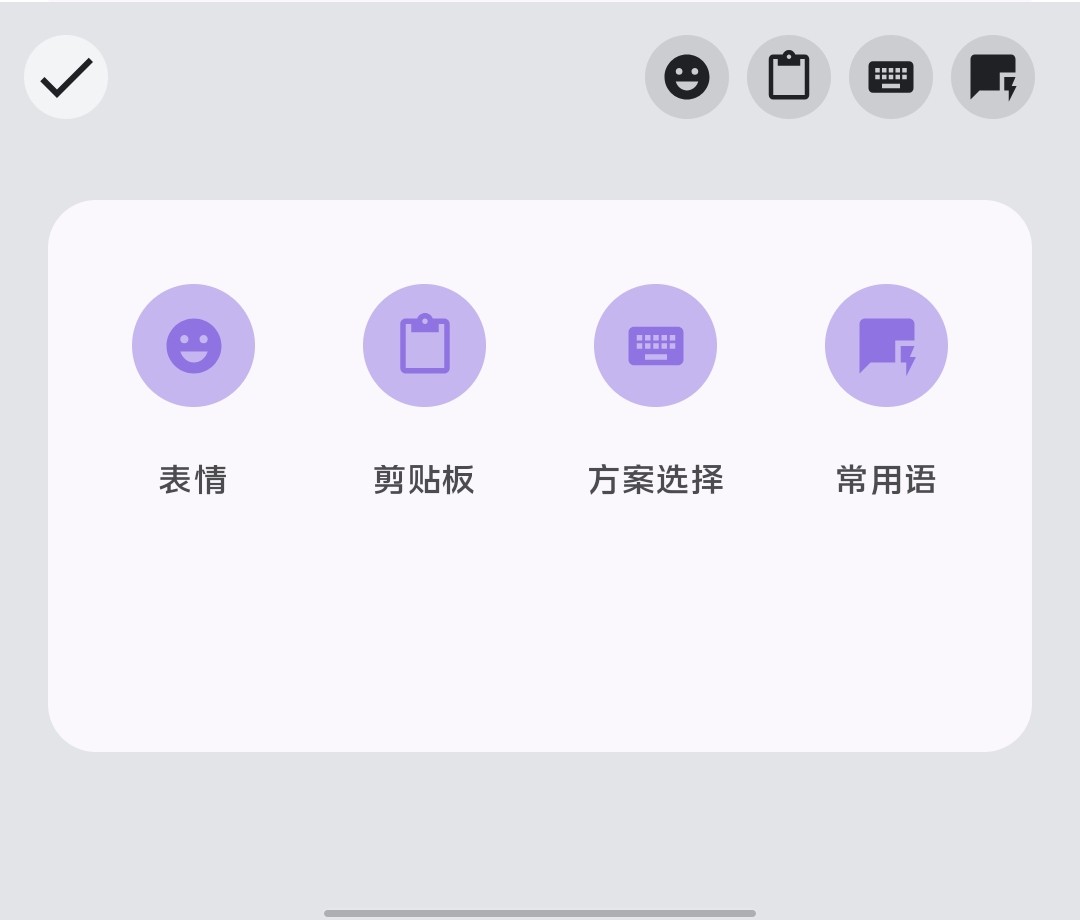
Quick Actions
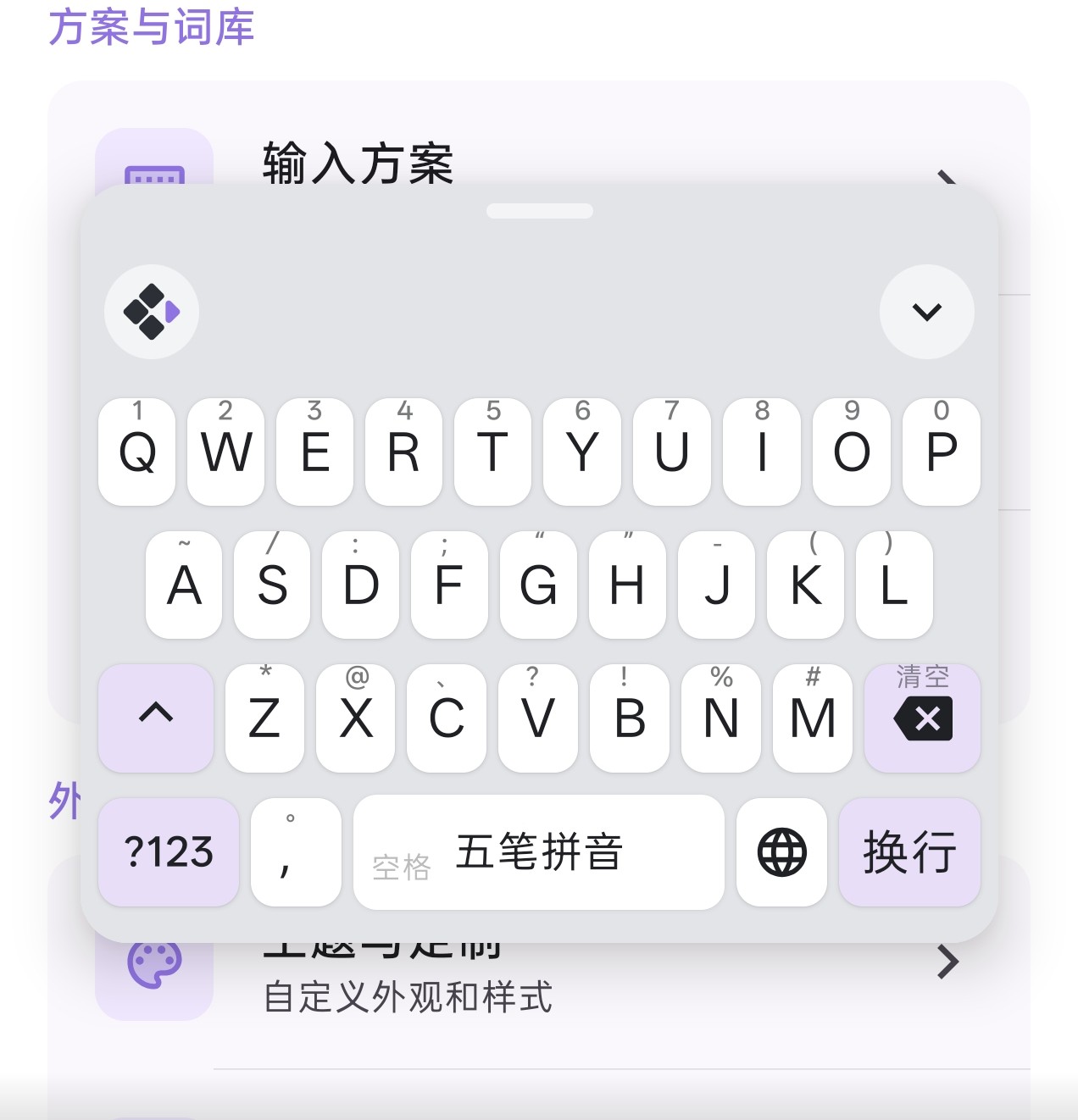
Floating Keyboard
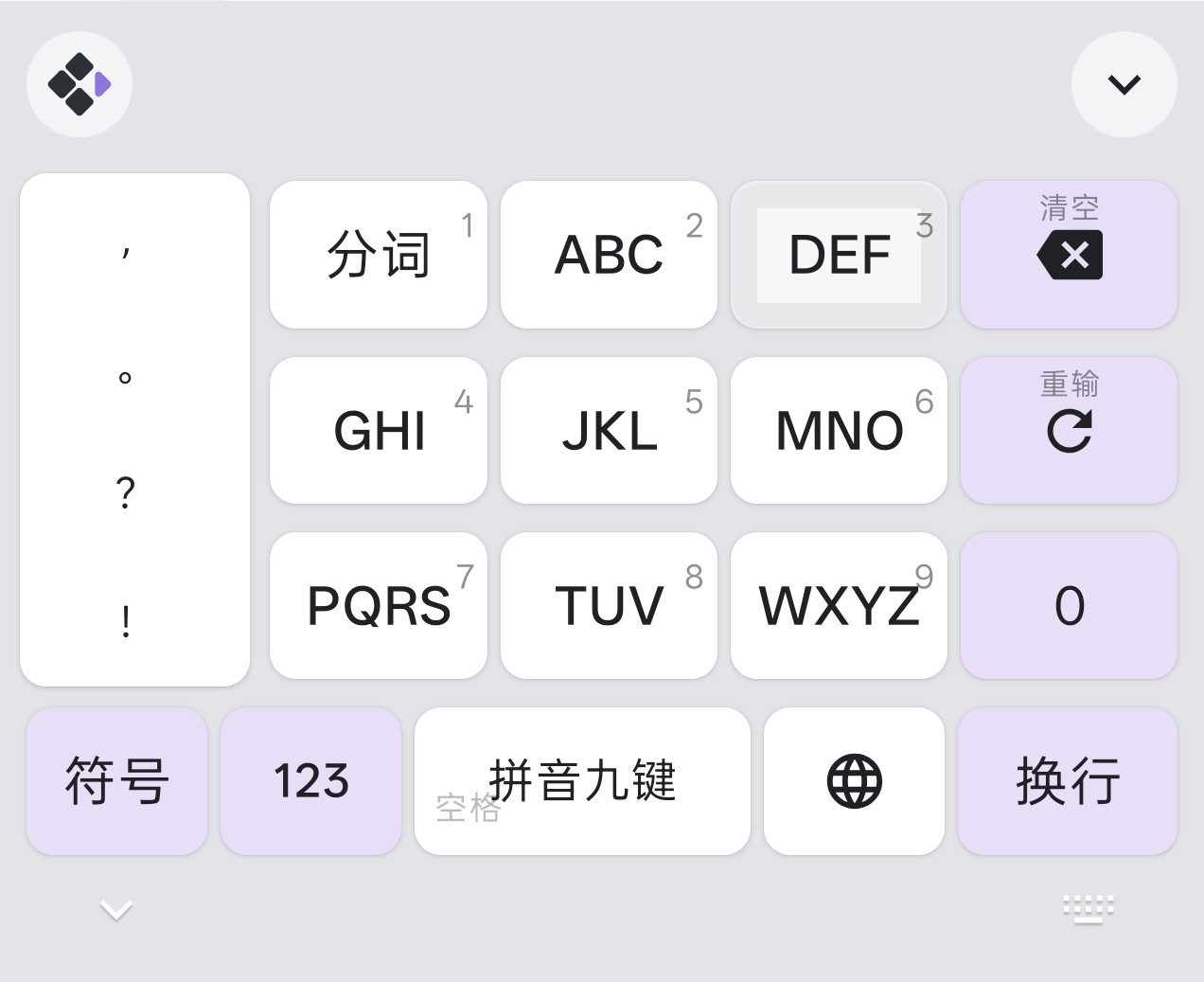
T9 Pinyin
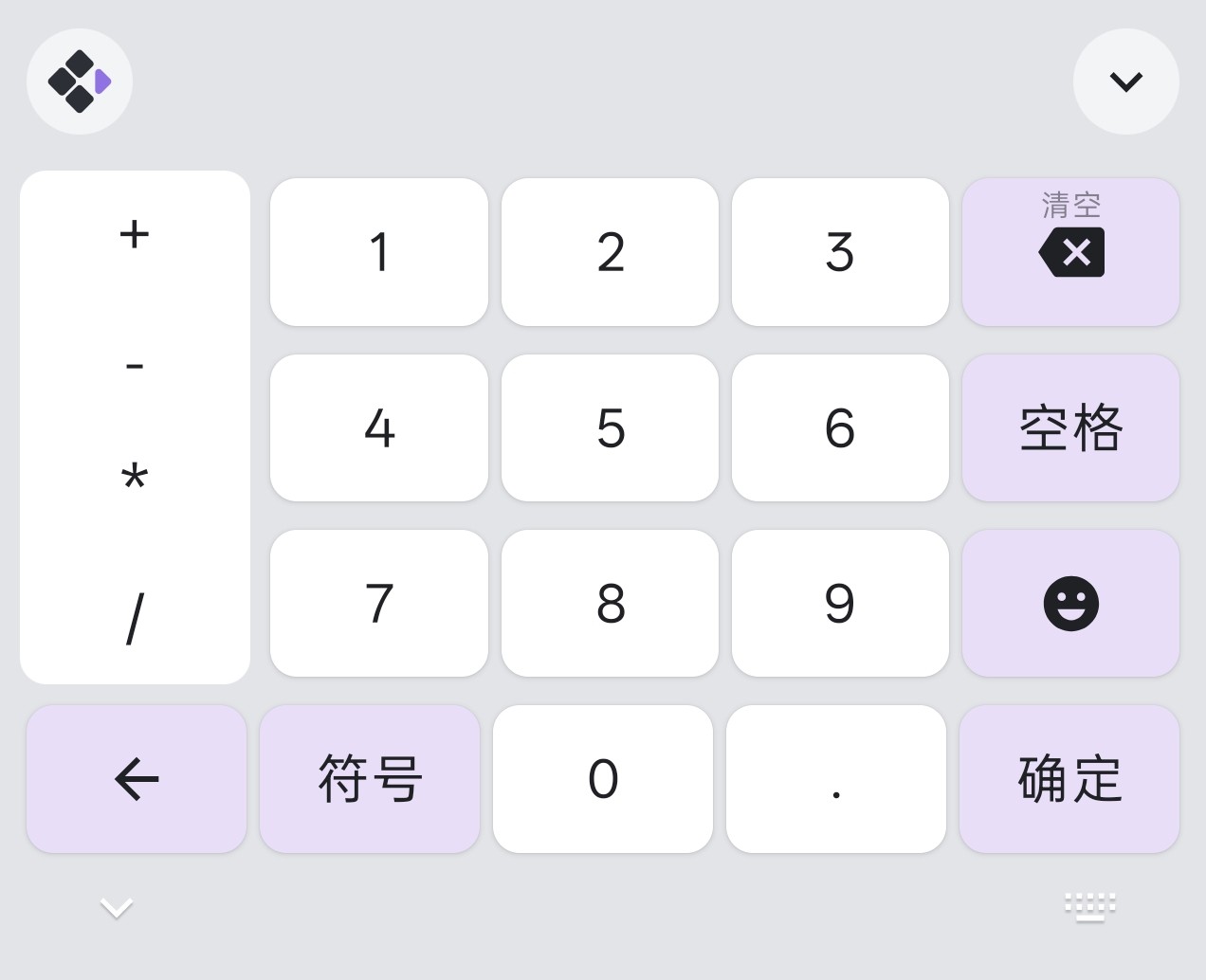
Numpad
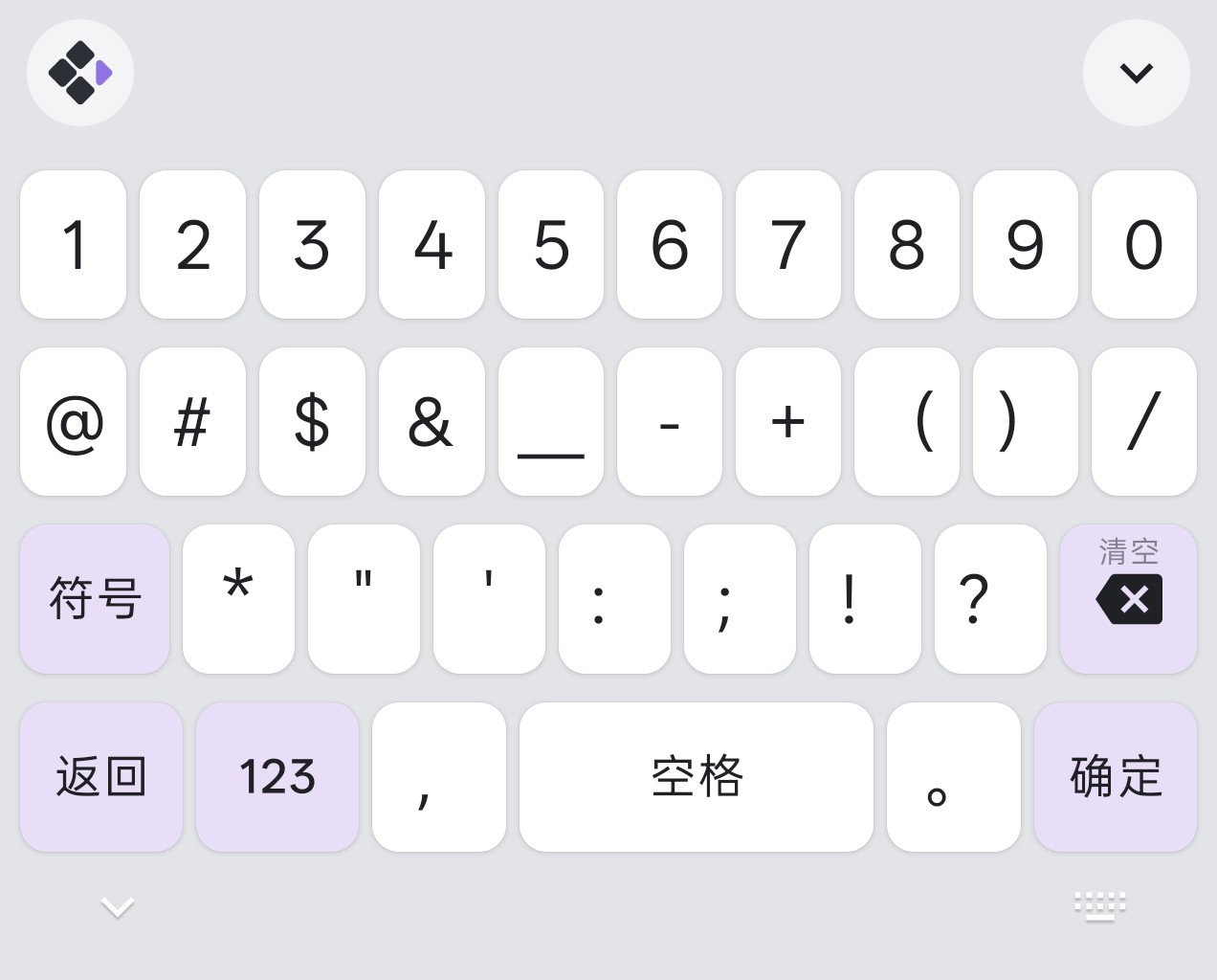
Symbols
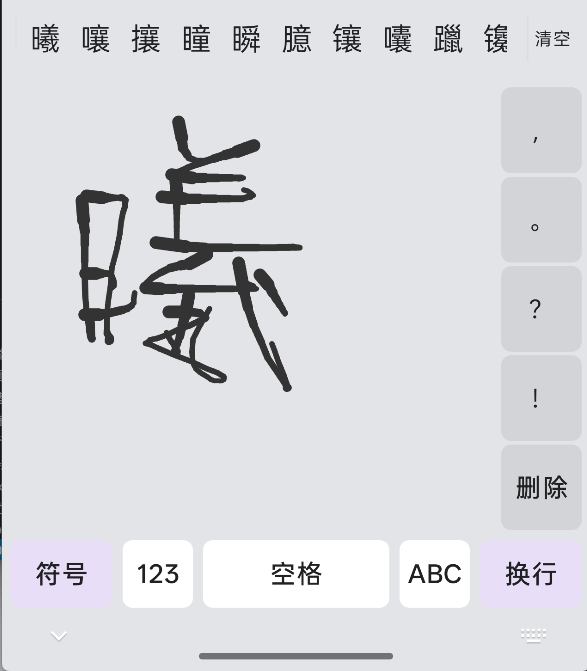
Handwriting
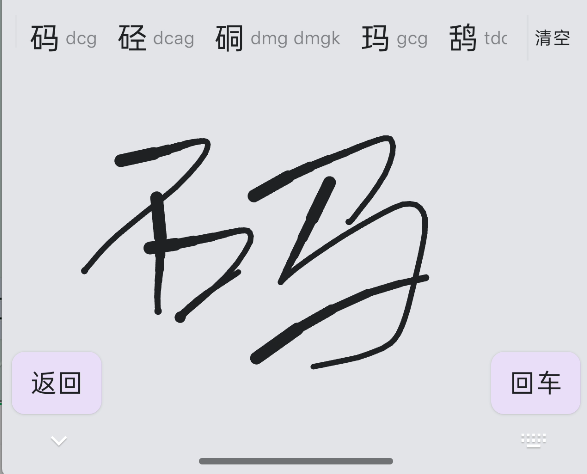
Handwriting (Candidates)
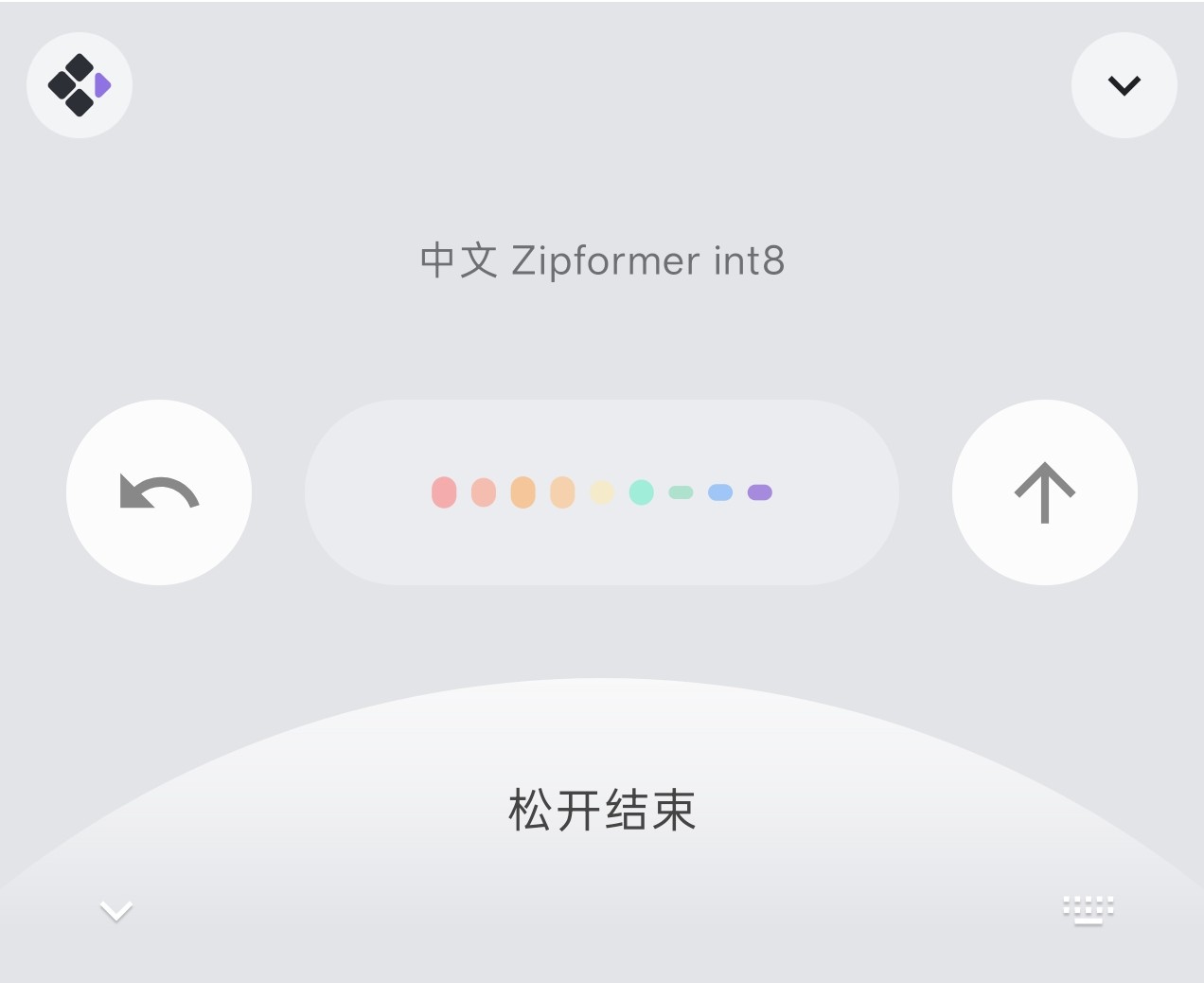
Voice Input
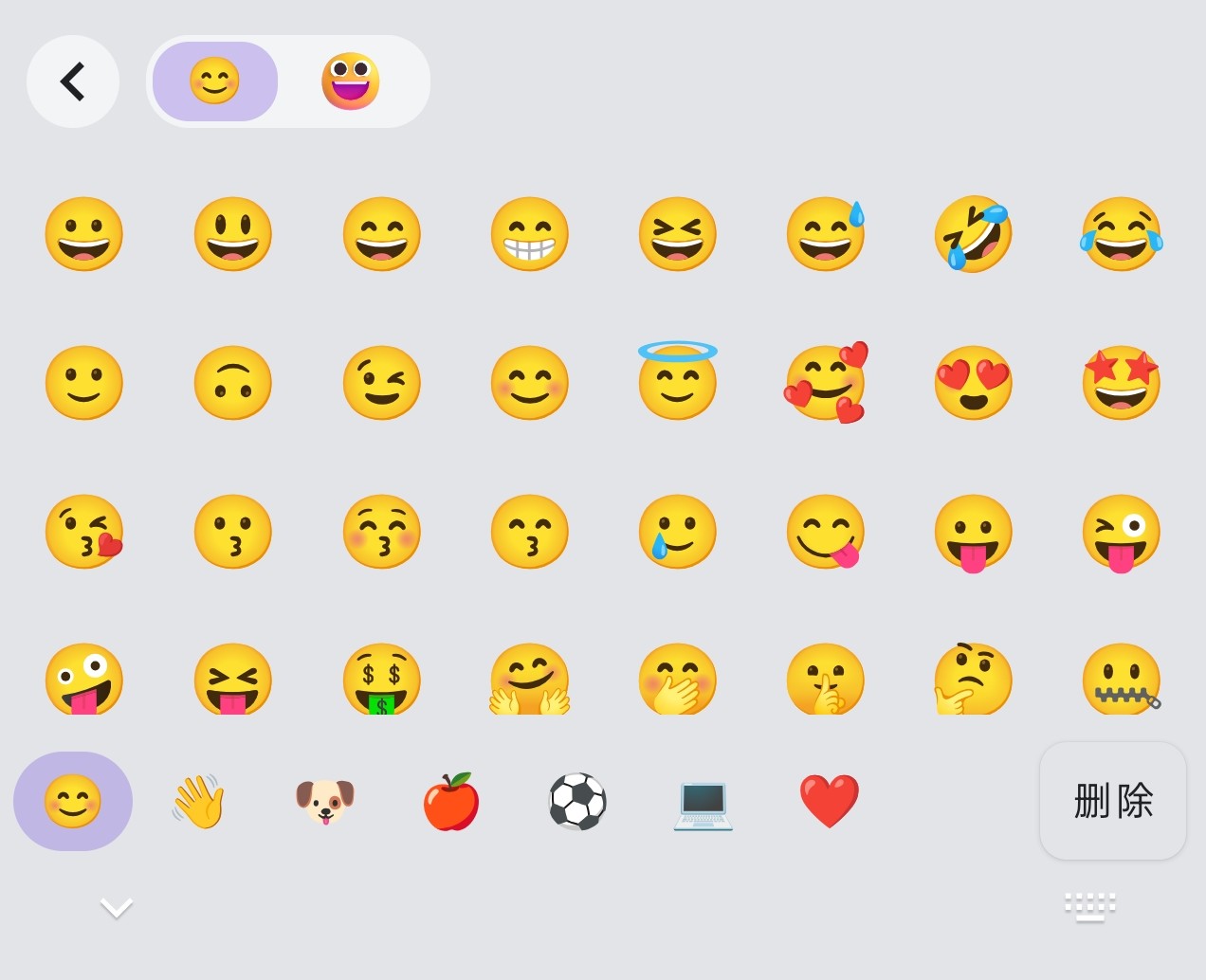
Emoji Keyboard
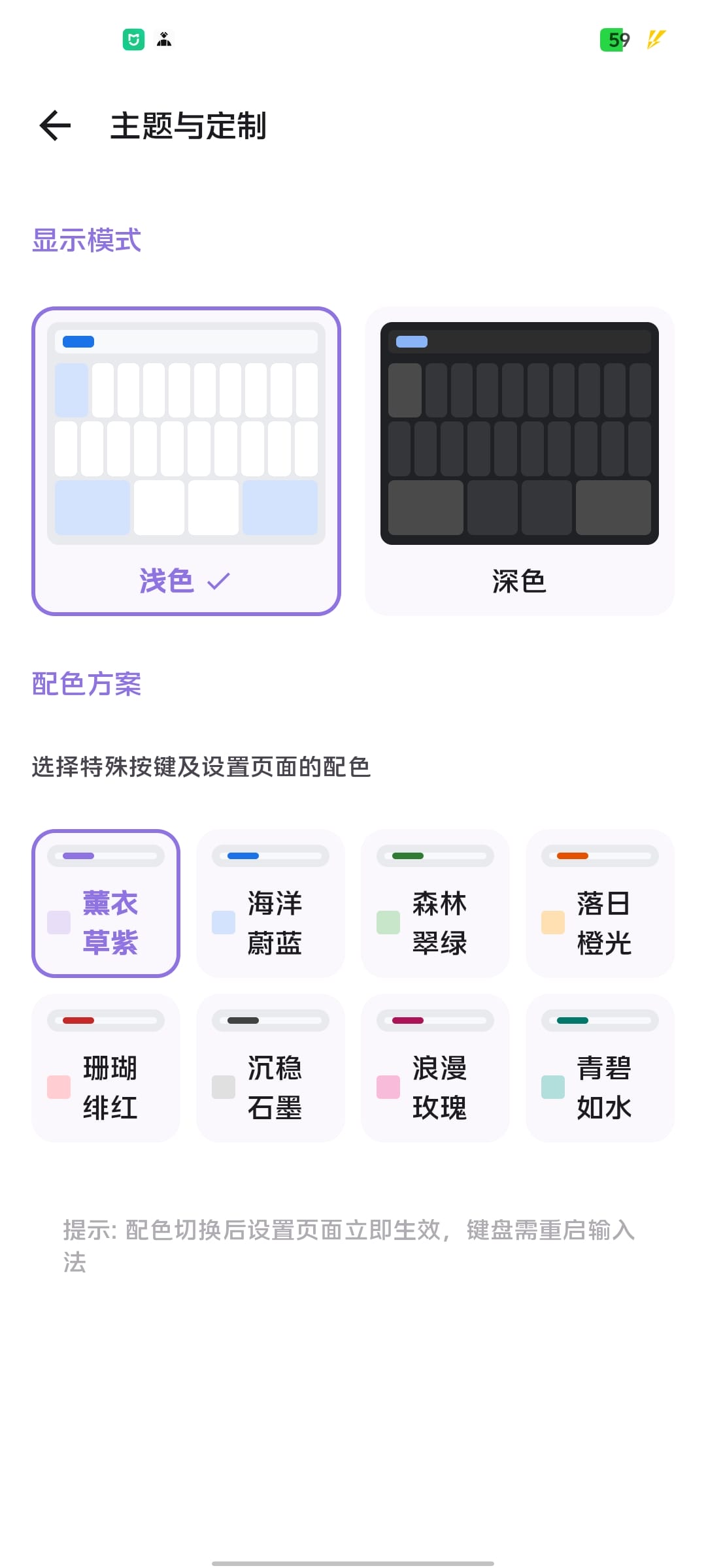
Theme Settings (Light)
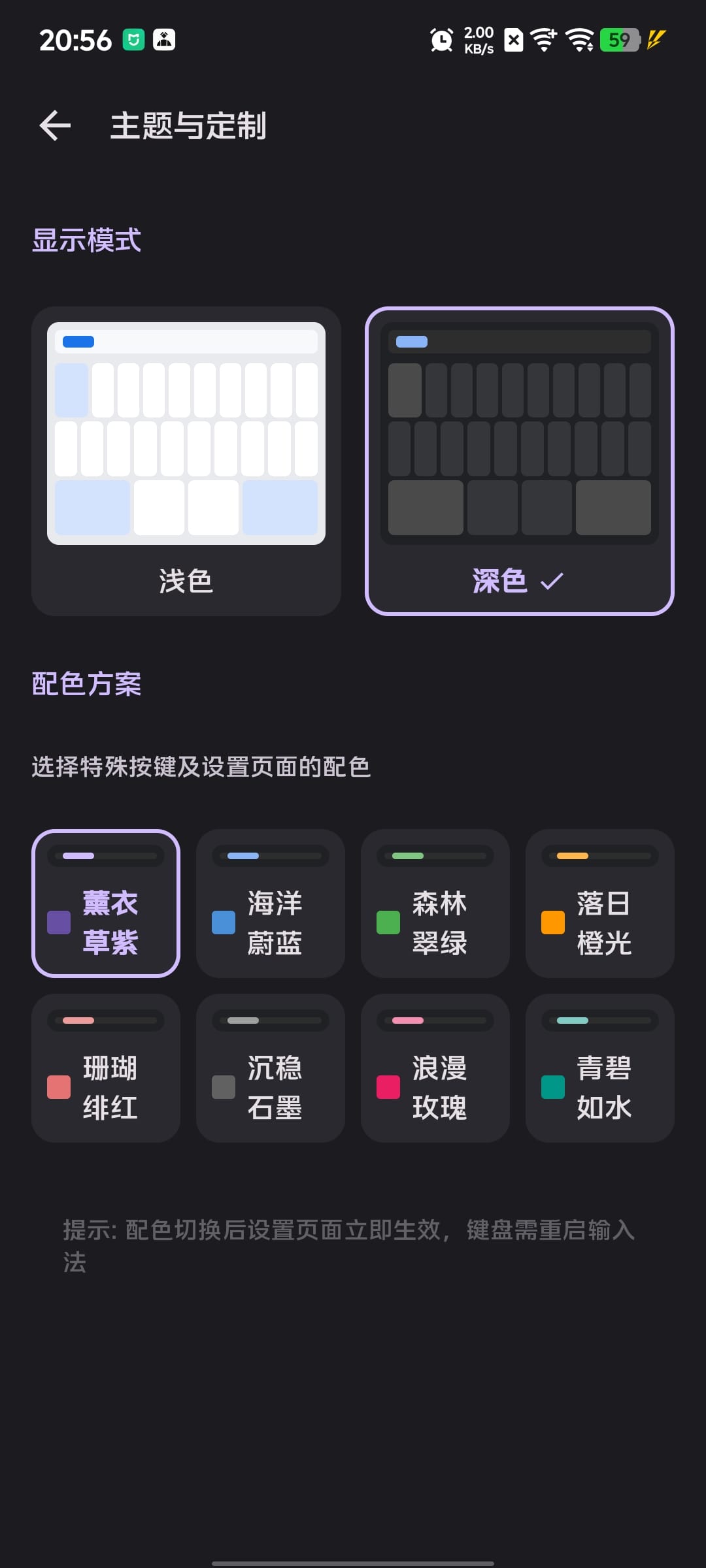
Theme Settings (Dark)
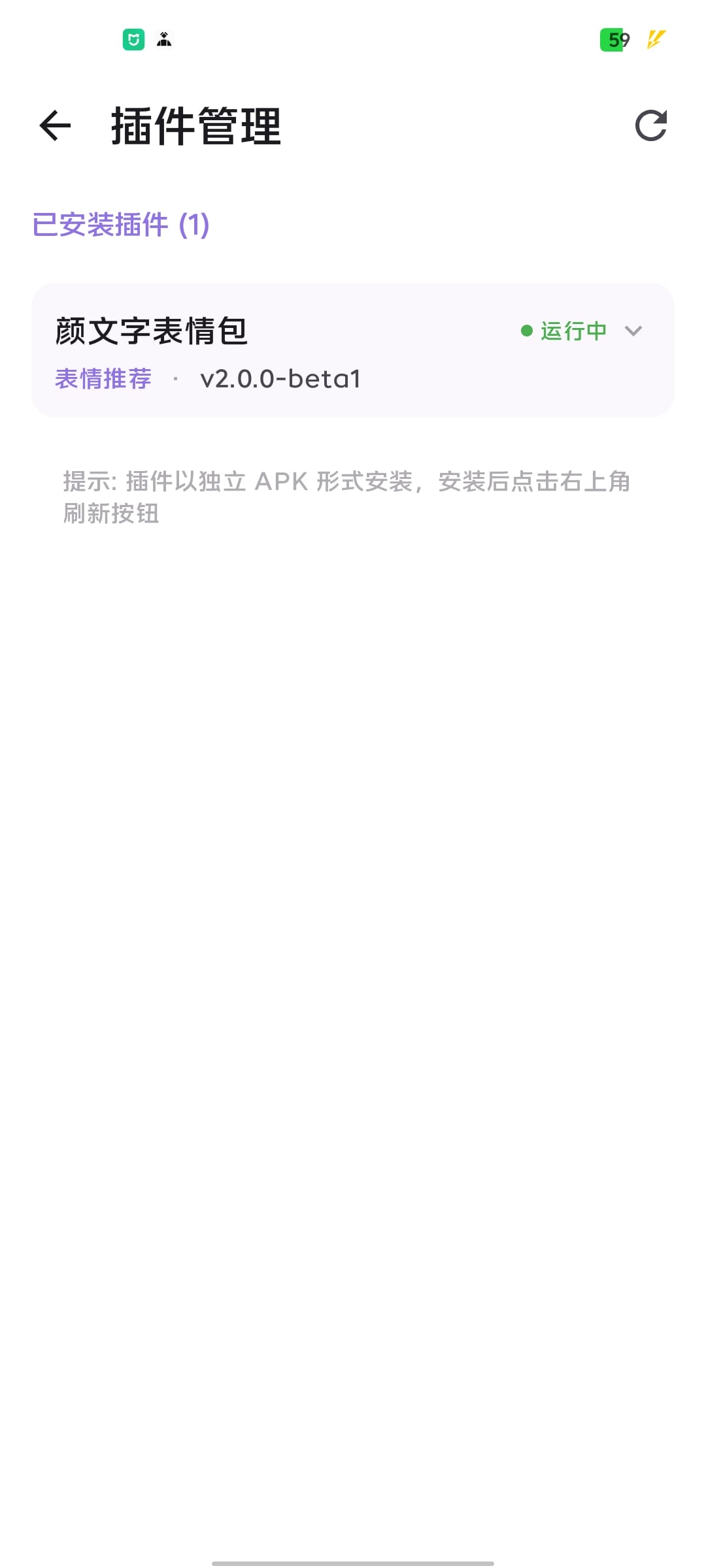
Plugin Manager
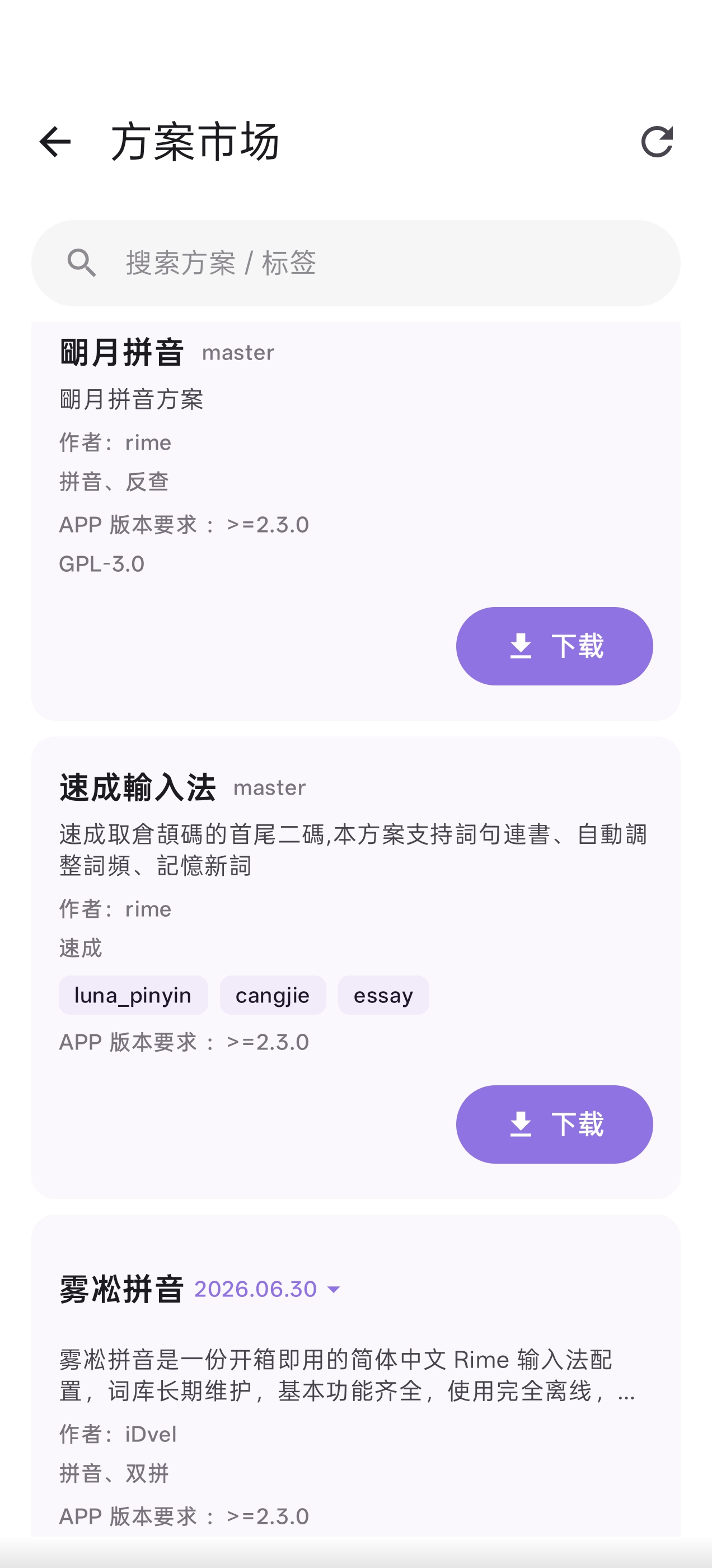
Schema Marketplace
## Features
- **Multiple Input Schemas** - Built-in Wubi 86/98, Pinyin, and mixed schemas; supports custom schemas (Shuangpin, Stroke, etc.) via the schema marketplace or wireless import
- **Rime Engine** - Powered by the mature and reliable Rime input method engine for accurate Chinese input
- **Rich Keyboard Layouts** - QWERTY full keyboard, T9 Pinyin, Stroke 9-key, Handwriting, Numpad (with calculator)
- **Floating Keyboard** - Floating card style with drag support, semi-transparent rounded design
- **Voice-to-Text** - Supports Alibaba Bailian FunAsr (online) and sherpa-onnx (local offline) engines
- **AI Enhancement** - Transformer-based predictive text and punctuation prediction for faster input
- **Clean UI** - Material Design 3, light/dark themes with multiple color schemes
- **Keyboard Adjustment** - Adjustable keyboard height and position
- **Toolbar Customization** - Customizable toolbar button layout and functions
- **Haptic Feedback** - Adjustable sound and vibration intensity
- **Swipe Gestures** - Cursor movement, deletion, symbol input via swipe gestures
- **Clipboard Manager** - Clipboard history with quick send and pinning
- **Candidate Coding Hints** - Display Wubi codes for candidates to aid learning
- **Radical Display** - Swipe down on keys to show Wubi radicals for memory aid
- **Physical Keyboard Support** - Floating candidate bar when using hardware/bluetooth keyboards
- **WebDAV Sync** - Backup and restore schemas and settings via WebDAV
- **Emoji Plugins** - Extensible emoji plugins (kaomoji, sticker packs, etc.)
## Requirements
- Android 9.0 (API 28) or later
## Installation
### Download
Choose the APK matching your device architecture:
- **arm64-v8a**: Modern phones (recommended for most users)
- **armeabi-v7a**: Older 32-bit phones
- **x86_64**: Emulators
- **universal**: All architectures (larger file size)
### From Releases
1. Download the latest APK from [Releases](https://github.com/ximeiorg/Xime/releases)
2. Install the application
3. Enable Xime in system input method settings
4. Set Xime as the current input method
### Build from Source
1. Clone the project and build the APK
2. Install the application
3. Enable Xime in system input method settings
4. Set Xime as the current input method
## Documentation
For detailed documentation, visit [https://ime.ximei.me](https://ime.ximei.me).
## Building
```bash
# Clone with submodules
git clone --recursive https://github.com/ximeiorg/Xime.git
# Or initialize submodules in an existing clone
git submodule update --init --recursive
# Build Release APK
./gradlew assembleRelease
```
### Local Speech Recognition Build
The project supports local offline speech recognition (based on sherpa-onnx). The JNI library is downloaded and compiled automatically on first build.
If the automatic build fails, run:
```bash
# Build sherpa-onnx JNI library manually
./build-sherpa-onnx.sh
```
The built `libsherpa-onnx-jni.so` will be placed in `app/src/main/jniLibs/`.
The local ASR model can be downloaded from within the app's settings page.
### AI Model Download
#### Predictive Text Model
- **Repository**: https://github.com/ximeiorg/predictive-text
- **Model**: https://www.modelscope.cn/models/bikeand/predictive-text-small
- **File**: `model_int8_dynamic.onnx` (~17MB)
- **Vocabulary**: `vocab.json`
- **Location**: `filesDir/` (app private directory root)
- **Function**: Transformer-based Chinese word prediction for intelligent candidate suggestions
#### Punctuation Prediction Model
- **Repository**: https://github.com/ximeiorg/srf-punctuation
- **Demo**: https://srf-punctuation.ximei.me/
- **Model**: https://www.modelscope.cn/models/bikeand/srf-punctuation
- **File**: `punctuation_int8.onnx` (~2.2MB)
- **Vocabulary**: `vocab.json`
- **Location**: `filesDir/punctuation_models/`
- **Function**: Transformer-based Chinese punctuation prediction, auto-punctuation after speech recognition
**Note**: All models can be downloaded directly from within the app (Settings > AI Prediction / Speech Recognition) — no manual placement required.
## Tech Stack
- Kotlin
- Jetpack Compose
- Material Design 3
- Rime (librime)
- JNI (Native C++)
## Contributing
Contributions welcome! Please read [CONTRIBUTING.md](CONTRIBUTING.md) before submitting a PR.
Core rules:
- **File an Issue first** — All changes require a prior discussion via an Issue
- **Minimal changes** — PRs must contain only the minimum changes needed
- **GPG signing** — All commits must be GPG-signed
## Acknowledgments
- [Rime](https://rime.im/) - Input method engine
- [Trime](https://github.com/osfans/trime) - Configuration reference
- [fcitx5-android](https://github.com/fcitx5-android/fcitx5-android) - Keyboard layout reference
- [sherpa-onnx](https://github.com/k2-fsa/sherpa-onnx) - Local speech-to-text support
## Star History
## License
GPLv3 License