## Table of Contents
- [Features](#features)
- [Installation](#installation)
- [Supported Clients](#supported-clients)
- [Command Line (Preview)](#command-line-preview)
- [Privacy & Network](#privacy--network)
- [Development](#development)
- [Star History](#star-history)
- [Disclaimer](#disclaimer)
## Features
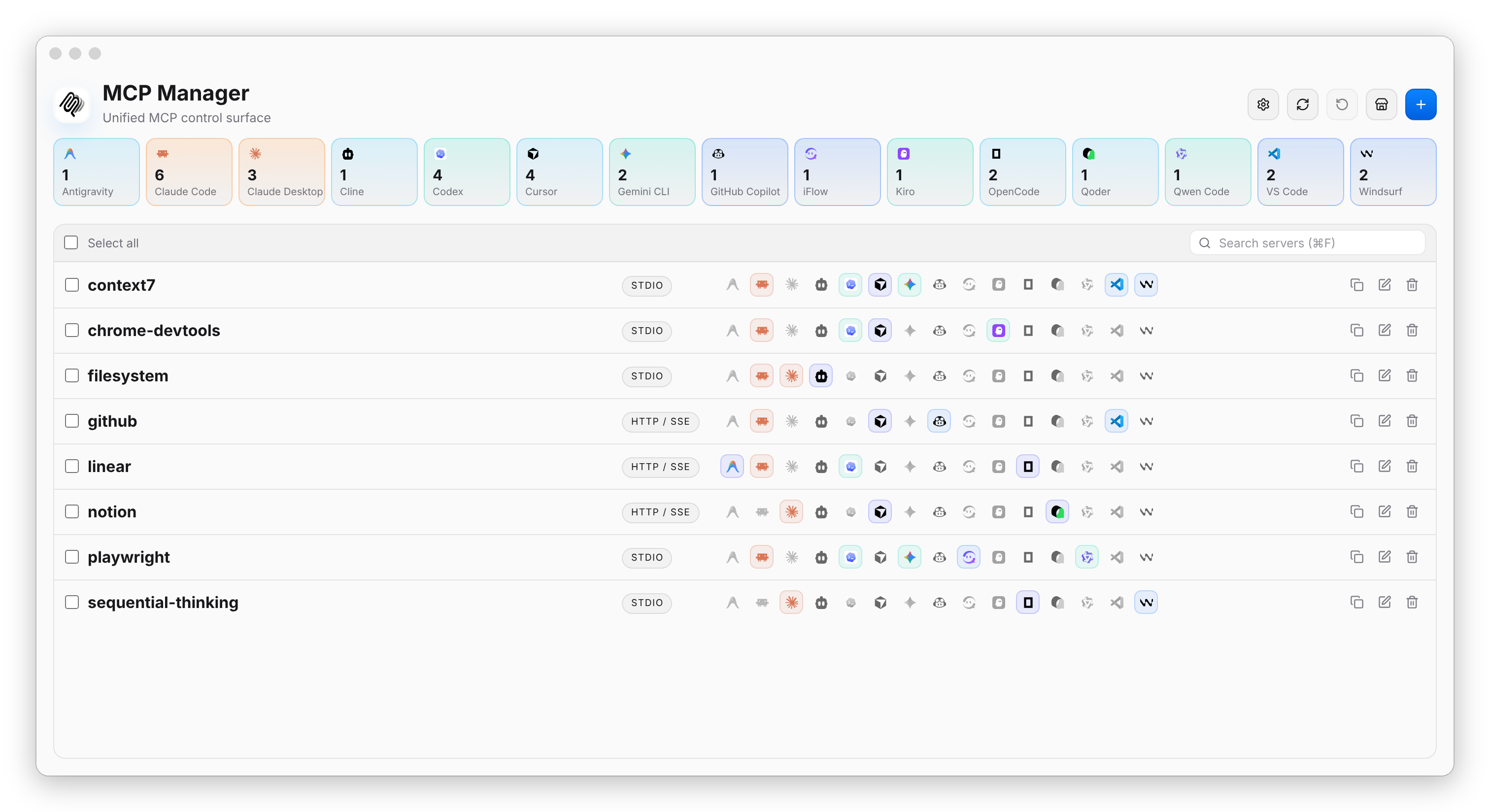
- **One workspace** for every MCP server, imported from the configs your clients already have
- **Online marketplace**: find servers in the GitHub MCP Registry, the official MCP Registry, or any compatible registry, and add them in a few clicks
- **Form or raw JSON** editing
- **Apply to many clients at once**, with a review of risky writes, automatic backups, and rollback
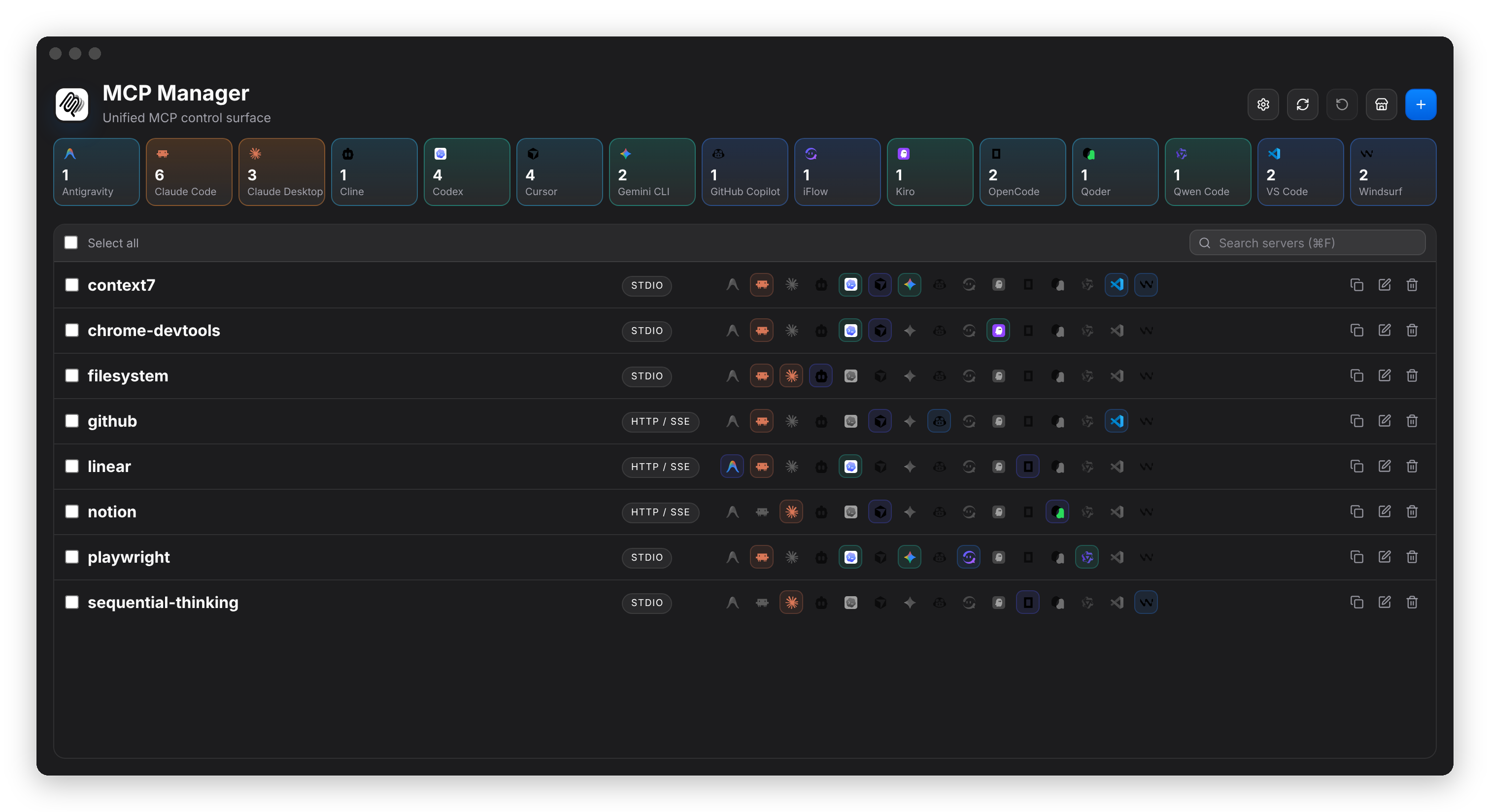
- Light / dark theme, and a UI in 11 languages that follows your system language
## Installation
Download the package for your platform from the [latest release](https://github.com/xjeway/mcp-manager/releases/latest):
| Platform | Package |
| --- | --- |
| macOS | `.dmg`, or `brew install --cask xjeway/mcp-manager/mcp-manager` |
| Windows | `setup.exe` (x64 / arm64) or `.msi` (x64) |
| Linux | `.deb`, `.rpm`, or `.AppImage` |
Pick `arm64` / `aarch64` for Apple Silicon and ARM devices, `x64` / `x86_64` / `amd64` otherwise.
macOS says the app is damaged or can't be opened?
Release builds are ad-hoc signed but not notarized by Apple yet. On first launch:
1. Move the app to `/Applications` and open it; click **Done** on the warning.
2. Open **System Settings → Privacy & Security**, click **Open Anyway** near the bottom, and confirm.
If macOS still says the app is damaged (older, unsigned releases), run:
```bash
xattr -dr com.apple.quarantine "/Applications/MCP Manager.app"
```
## Supported Clients
Every client below supports both **import** (read existing MCP servers from its config) and **apply** (write the unified config back).
## Command Line (Preview)
`mcpmgr` shares the desktop app's server list, so changes made in either show up in the other.
```bash
npx @mcpmgr/cli list # or: npm i -g @mcpmgr/cli / brew install xjeway/mcp-manager/mcpmgr
mcpmgr add context7 -- npx -y @upstash/context7-mcp@latest
mcpmgr add linear --url https://mcp.linear.app/mcp -a cursor,claude-code
mcpmgr remove context7 -a codex
mcpmgr rollback
```
In a terminal, `add` walks you through servers, clients and scope, and previews every file before writing. Each step also has a flag (`--yes`, `--dry-run`, `--json`, …); inside an AI coding agent such as Claude Code or Codex, it skips the prompts and targets that agent's client.
## Privacy & Network
MCP Manager only goes online to check for updates and, while the marketplace page is open, to query MCP registries (cached for 6 hours, usable offline). Turn the marketplace off under **Settings → Online marketplace** to stop those requests entirely.
## Development
Requires Node.js 20+, Rust stable, and the [Tauri prerequisites](https://tauri.app/start/prerequisites/) for your platform.
```bash
make install # install dependencies
make tauri-dev # run the desktop app
make test && make check
```
The core logic (client adapters, parsing, safe writes) lives in `crates/mcp-manager-core`, shared by the Tauri app in `src-tauri/` and the CLI in `crates/mcp-manager-cli/`. Releases are described in [`docs/releasing.md`](./docs/releasing.md).
Issues and pull requests are welcome; for larger changes, please open an issue first. When changing user-facing docs, keep [`README.md`](./README.md), [`README.zh-CN.md`](./README.zh-CN.md), and [`docs/readme/`](./docs/readme/) in sync.
## Star History
## Disclaimer
This project is developed primarily with AI assistance and reviewed by a human maintainer, so it may still contain mistakes. MCP Manager rewrites other tools' config files; backups and rollback are built in, but keep your own backups of important configs. Provided "as is" under the [MIT License](./LICENSE).
 MCP Manager



 Claude Code
 Claude Desktop
 Codex
 Cursor
 OpenCode
 GitHub Copilot
 Gemini CLI
 Antigravity
 iFlow
 Qwen Code
 Cline
 Devin (Desktop / CLI)
 Kiro
 Qoder
 Kilo Code
 Factory Droid
 Kimi CLI
 Zed
 Mistral Vibe
 Hermes Agent
 Goose
 Amp
 Grok Build
 VS Code