

An AI Presentation Assistant for Professionals Powered by DeepSeek Harness
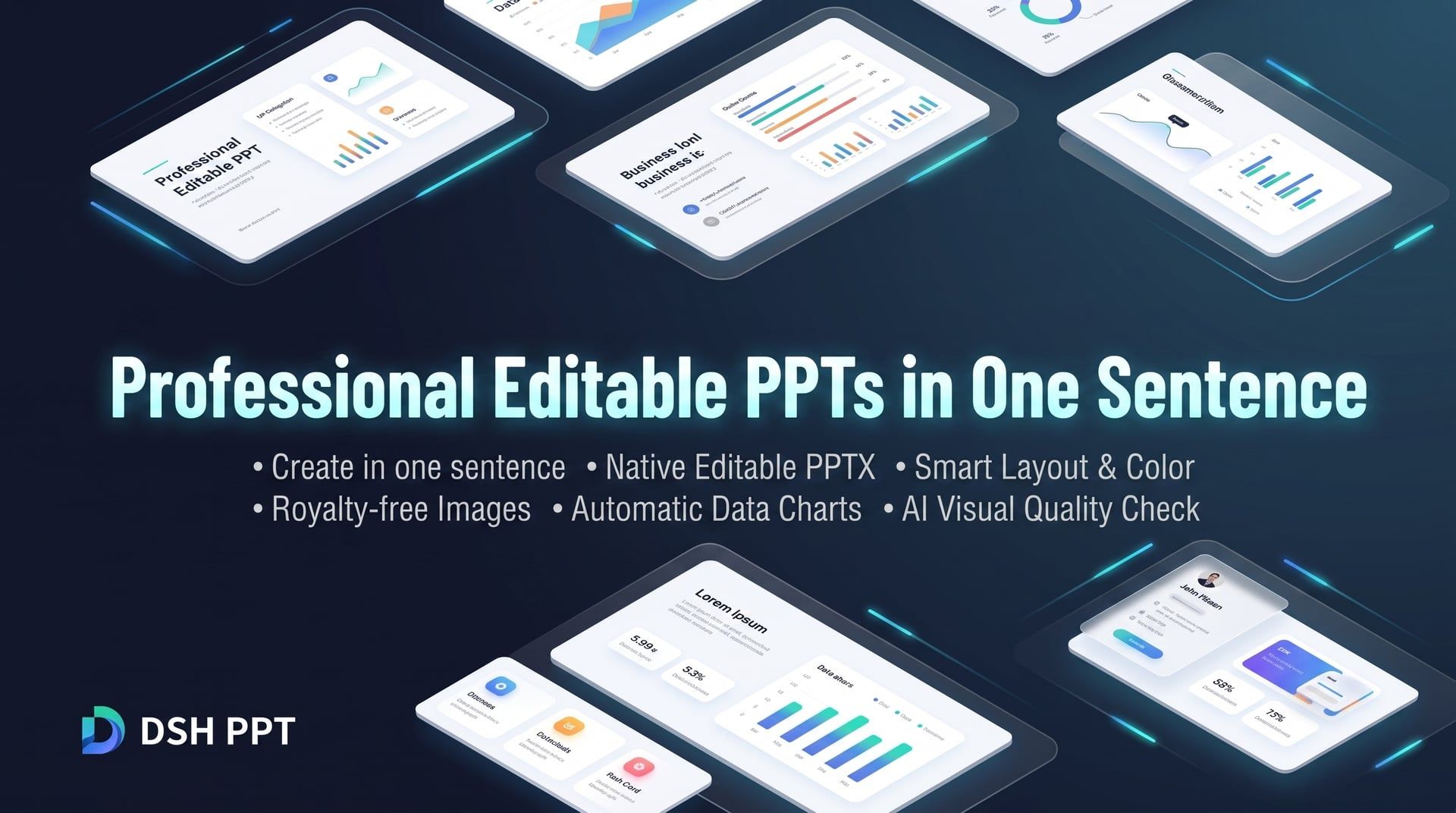
One-prompt generation · Native editable PPTX · Smart layout & palette · Free commercial images · Auto data charts · AI visual quality review
[Highlights](#highlights) · [Quick Start](#quick-start) · [Use Cases](#use-cases) · [Output Files](#output-files) · [FAQ](#faq) · [License](#license)
## Highlights Tired of spending hours searching for templates, aligning text boxes, and tweaking layouts? Most AI PPT tools either output flattened, uneditable image slides or rigid, generic templates. **DSH PPT brings presentation making back to what matters — your content:** - 📝 **Truly Native & Editable**: Generates standard `.pptx` files rather than whole-page images. Texts, shapes, and charts can be freely edited and adjusted in Microsoft PowerPoint, Apple Keynote, or WPS. - 🎨 **Professional Aesthetics & Layouts**: No more cookie-cutter templates. AI intelligently tailors color schemes, typography hierarchies, and page compositions for a polished business look. - 📈 **Smart Charts & Curated Visuals**: Automatically searches for royalty-free commercial images and plots high-resolution data charts using Python, replacing walls of text with engaging visuals. - 👁️ **AI Closed-Loop Visual Review**: The AI renders and visually inspects the generated PPT, proactively detecting and fixing text overflows, overlapping elements, or layout flaws. - 🔒 **Local Safety & Privacy**: Generation and rendering run securely in local sandboxes, keeping clear records of asset licensing and sources for confident business use. ## Quick Start ### 1. Prerequisites - **DeepSeek Harness** (DSH runtime environment) - Any of the following office software installed locally (for high-fidelity rendering and visual review): - **macOS**: Keynote or Microsoft PowerPoint - **Windows**: Microsoft PowerPoint - **Cross-platform / Linux**: LibreOffice ### 2. Installation Run the following commands to install the plugin directly from npm: ```bash # Install directly via DSH plugin manager dsh plugin --profile web add @yejiming/dsh-ppt dsh plugin --profile headless add @yejiming/dsh-ppt ``` ### 3. Start Creating #### Option 1: Web Interface (Recommended) Launch the Web console, create a new session, choose **"PPT Mode"**, and describe your requirements to the AI just like speaking with a designer: ```bash dsh --profile web ``` #### Option 2: Headless Command Line Generate a full deck directly with a single command: ```bash dsh --profile headless "Create a 6-page AI project quarterly review and roadmap deck for management" ``` ## Use Cases | Category | Example Prompt | | :--- | :--- | | 📊 **Business Review / Debrief** | *"Create a 6-page Q3 e-commerce review deck highlighting GMV growth, funnel conversion, and next quarter strategy."* | | 💼 **Pitch Deck / Proposal** | *"Draft an 8-page enterprise private AI knowledge base proposal deck with a sleek business-tech aesthetic."* | | 📢 **Product Launch** | *"Design a product launch deck for a new mobile app, emphasizing key selling points and UX highlights."* | | 🎓 **Training / Team Guidelines** | *"Create a 5-page agile development & team collaboration handbook deck with a clean, lively style."* | ## Output Files Each completed task creates a standalone folder inside `ppt-output/`: - 📄 **`deck.pptx`**: The final native PPT file. Double-click to open in PowerPoint, Keynote, or WPS for presentation or direct editing. - 🖼️ **`preview/`**: High-resolution image previews of each slide, convenient for quick mobile browsing and sharing. - 📁 **`assets/`**:Image assets and charts used in the deck, complete with attribution and license tracking. ## FAQ.pptx file. You can enter presenter mode in PowerPoint, Keynote, or WPS, or export directly to PDF or speaker notes.
deck.pptx directly and modify text, swap images, or tweak layouts like any standard slide deck.