---
## Where it sits
```text
Files · repositories · tool results · configured providers
│
▼
LeanCTX Context Gateway
Select · Control · Learn · Prove
│
▼
Your AI application / agent
│
▼
Your model
```
- **Select:** give AI the context the task needs, with search, structural views,
compression and reuse.
- **Control:** apply configured path permissions, content filters and context
budgets to supported calls.
- **Learn:** retain local task records and connect code and knowledge across
sessions, within the configured access and retention rules.
- **Prove:** inspect source references, policy decisions and usage evidence.
A context-only integration records its prepared result; the host owns the
subsequent model call.
For coding workflows, start with **Claude Code, Cursor or Codex**.
[The installation matrix](docs/integrations/installation-matrix.md) distinguishes
first-class paths from other compatibility references.
| Your work | Start here |
|---|---|
| Improve the context path of existing AI tools | [Community setup](#get-started-30-seconds) |
| Apply shared context controls across an organization | [Enterprise](https://leanctx.com/enterprise/) — licensed controls and deployment scope |
| Build context control into your application | [LeanCTX SDK](https://github.com/Thinkery-AG/leanctx-sdk) — stable interfaces and separate SDK/OEM terms |
[What is LeanCTX?](docs/what-is-leanctx.md) ·
[Where LeanCTX fits](docs/where-leanctx-fits.md) ·
[Architecture](ARCHITECTURE.md)
|
### 🟢 Your first setup
*"I just installed it — now what?"*
```bash
lean-ctx wrap cursor # one-command setup for your agent
lean-ctx doctor # confirm you're wired up
```
`wrap` configures the supported integration; `doctor` checks the resulting setup.
→ **[Journey 1 — Setup & Onboarding](docs/reference/01-setup-and-onboarding.md)**
|
### 📖 Coding every day
*"Stop re-reading the same files."*
```bash
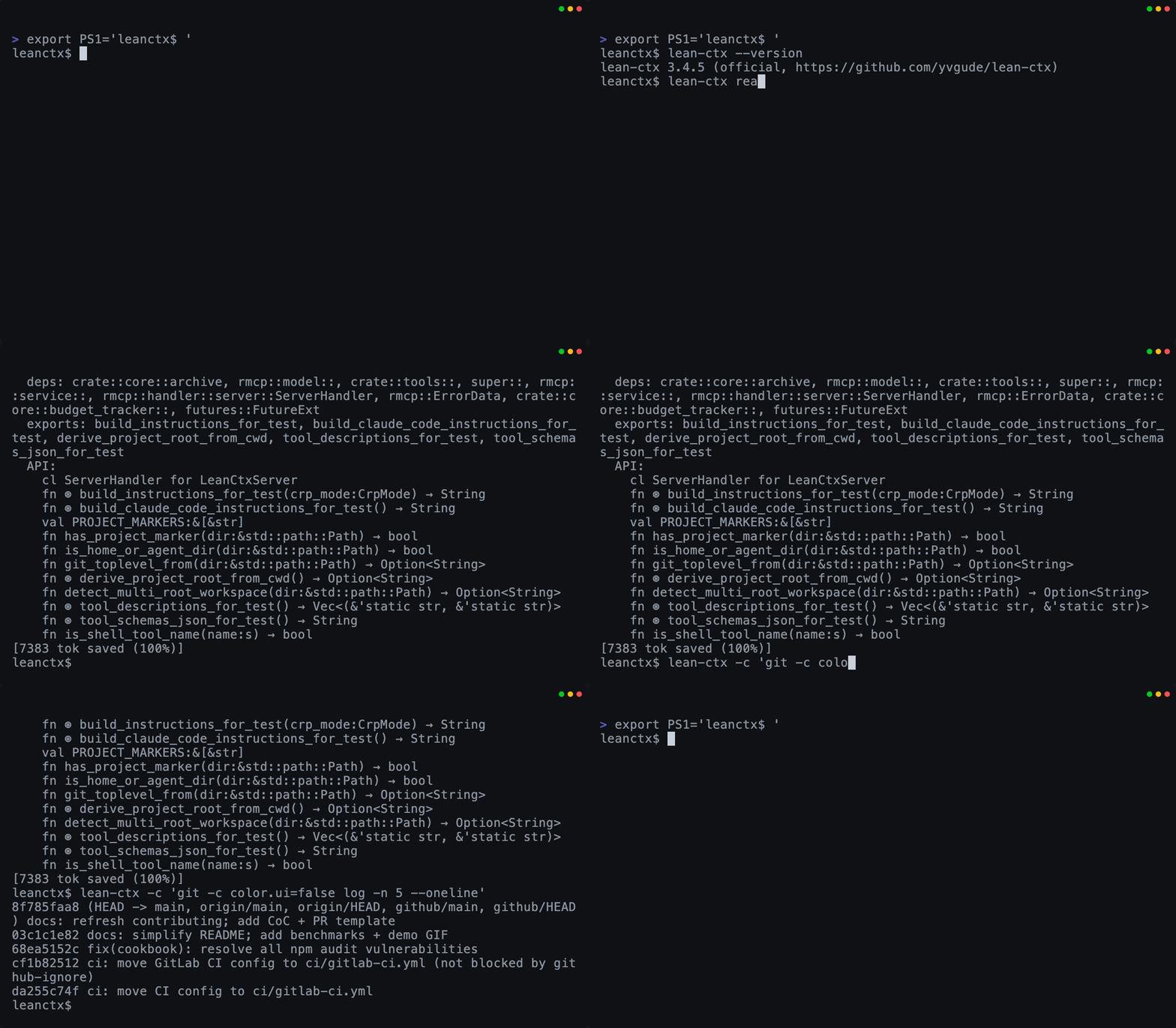
lean-ctx read src/server.rs -m map # API surface, ~13 tok on re-read
lean-ctx -c "git status" # compressed shell output
```
Your agent reads less and searches smarter — automatically.
→ **[Journey 2 — Daily Use](docs/reference/02-daily-use.md)**
|
|
### 🧠 Resume where you left off
*"My new chat forgot everything."*
```bash
lean-ctx overview # task-aware project recap
lean-ctx knowledge recall "auth" # facts that survive resets
lean-ctx knowledge consolidate # import session + compact lifecycle
lean-ctx knowledge consolidate --all # compact every project store
```
Session memory + a project knowledge graph persist across chats.
→ **[Journey 3 — Memory & Knowledge](docs/reference/03-memory-and-knowledge.md)**
|
### 🗺️ Understand a new codebase
*"Where does this function ripple to?"*
```bash
lean-ctx graph impact src/auth.rs # blast radius
lean-ctx smells scan # code-smell hotspots
```
A multi-edge property graph powers impact analysis + ranked search.
→ **[Journey 4 — Code Intelligence](docs/reference/04-code-intelligence.md)**
|
|
### 🔌 Providers & multi-repo
*"Pull in GitHub issues and our Postgres schema."*
```bash
lean-ctx provider list
lean-ctx serve --root ./api --root ./web # multi-repo
```
External data flows through the same consolidation pipeline.
→ **[Journey 5 — Advanced & Integrations](docs/reference/05-advanced.md)**
|
### 🛠️ Keep it healthy
*"Update, fix, or cleanly remove."*
```bash
lean-ctx doctor --fix
lean-ctx update
```
Self-healing diagnostics; surgical uninstall that only removes its own blocks.
→ **[Journey 6 — Lifecycle & Troubleshooting](docs/reference/06-lifecycle.md)**
|
|
### 🎛️ Take control of the window
*"Budget my context like a pro."*
```bash
lean-ctx plan "refactor billing" --budget 8000
lean-ctx compile --mode balanced
```
Phi-scored planning + knapsack compilation + a context ledger.
→ **[Journey 7 — Context Engineering](docs/reference/07-context-engineering.md)**
|
### 🤝 Run a team of agents
*"Planner + coder + reviewer on one repo."*
```text
ctx_agent action=register role=dev
ctx_handoff action=create # baton-pass with full context
```
Shared message bus, diaries, knowledge, and deterministic handoffs.
→ **[Journey 8 — Multi-Agent Collaboration](docs/reference/08-multi-agent.md)**
|
|
### 🏢 Explore team and CI context — Research
*"One shared index, headless in pipelines."*
```bash
lean-ctx team serve --config team.toml
lean-ctx bootstrap # zero-prompt CI setup
```
Experimental local team-server path with scoped tokens and verifiable context
gates; no hosted team or cloud service is publicly available.
→ **[Journey 9 — Team, Cloud & CI](docs/reference/09-team-cloud-ci.md)**
|
### 🎚️ Tune & govern
*"Make it behave exactly how we want."*
```bash
lean-ctx compression standard
lean-ctx harden # enforce token discipline
```
Compression levels, tool profiles, themes, and rules governance.
→ **[Journey 10 — Customization & Governance](docs/reference/10-customization-and-governance.md)**
|
|
### 📊 Measure usage and cost
*"Show me the numbers."*
```bash
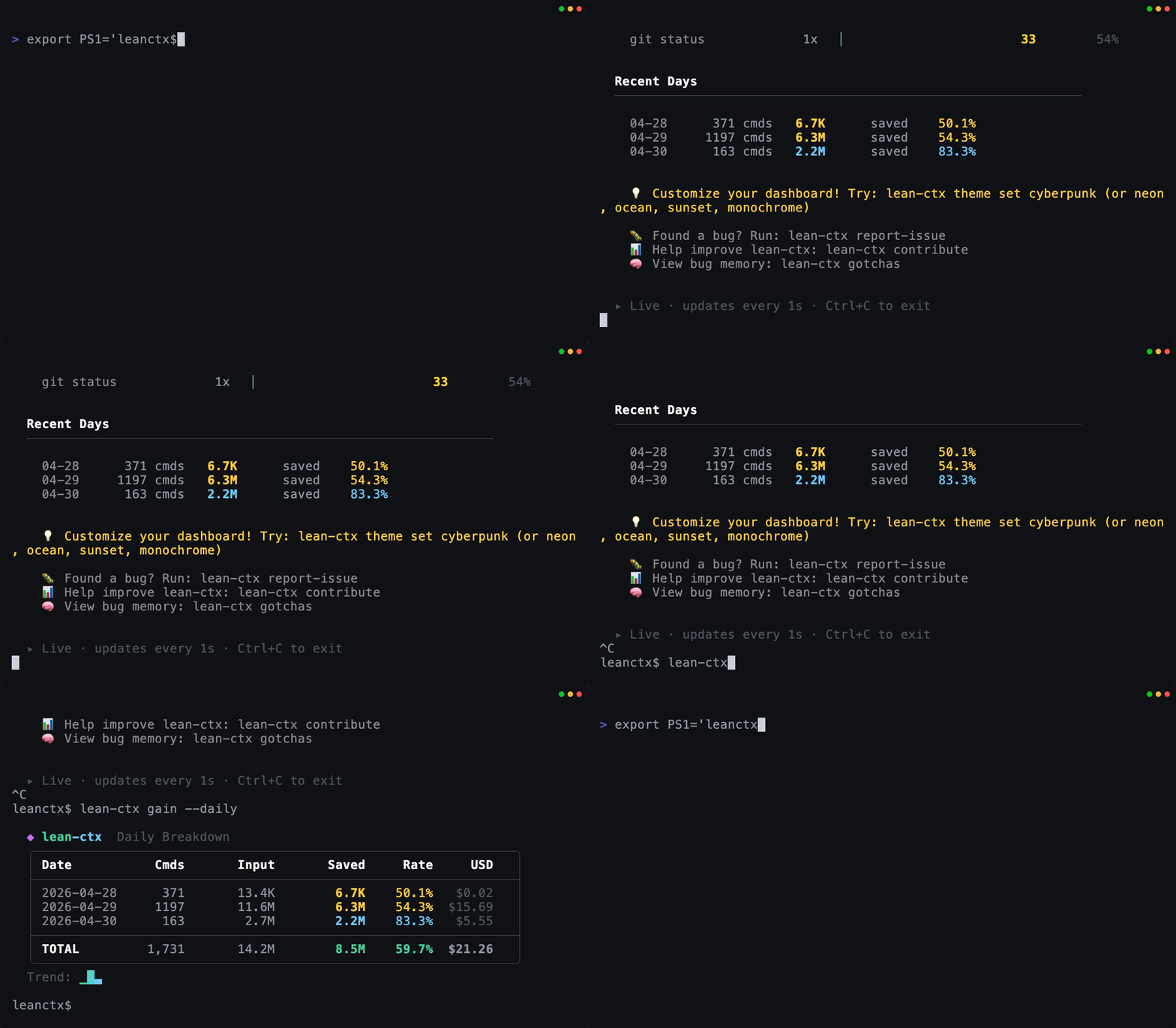
lean-ctx gain --deep # savings, cost, per-agent, heatmap
lean-ctx wrapped # shareable recap (also: gain --svg / gain --share)
lean-ctx savings # verified per-event ledger (auditable; savings verify)
```
All analytics live in the CLI/dashboard — never burning agent tokens.
→ **[Journey 11 — Analytics & Insights](docs/reference/11-analytics-and-insights.md)**
|
### 📚 The full reference
*"I want to read everything."*
Every command and the generated MCP registry, organized as user journeys, plus
appendices for the [CLI map](docs/reference/appendix-cli-map.md),
[MCP tools](docs/reference/appendix-mcp-tools.md), and
[paths & config](docs/reference/appendix-paths-and-config.md).
→ **[Reference index](docs/reference/README.md)**
|
## Supported IDEs & AI tools
LeanCTX provides an **MCP server**. Client support depends on transport, tool
handling, and configuration; the matrix below records the integration scope.
Two integration modes are selected for supported agents:
| Mode | How it works | Best for |
|---|---|---|
| **Hybrid** | MCP for cached reads and references + shell hooks for command compression | Agents with shell access (Cursor, Claude Code, Codex, ...) |
| **MCP** | Complete tool set via MCP protocol, no shell hooks | Protocol-only agents (JetBrains, VS Code, Zed, ...) |
### Agent compatibility matrix
| Agent | Hybrid | MCP | Setup |
|---|:---:|:---:|---|
| Cursor | ● | | `lean-ctx init --agent cursor` |
| Claude Code | ● | | `lean-ctx init --agent claude` |
| CodeBuddy | ● | | `lean-ctx init --agent codebuddy` |
| Augment CLI / VS Code | ● | | `lean-ctx init --agent augment` |
| Codex CLI | ● | | `lean-ctx init --agent codex` |
| Grok | ● | | `lean-ctx init --agent grok` |
| Gemini CLI | ● | | `lean-ctx init --agent gemini` |
| Windsurf | ● | | `lean-ctx init --agent windsurf` |
| GitHub Copilot | ● | | `lean-ctx init --agent copilot` |
| CRUSH | ● | | `lean-ctx init --agent crush` |
| Hermes | ● | | `lean-ctx init --agent hermes` |
| OpenCode | ● | | `lean-ctx init --agent opencode` |
| Pi | ● | | `lean-ctx init --agent pi` |
| Qoder | ● | | `lean-ctx init --agent qoder` |
| Amp | ● | | `lean-ctx init --agent amp` |
| Cline | ● | | `lean-ctx init --agent cline` |
| Roo Code | ● | | `lean-ctx init --agent roo` |
| Kiro | ● | | `lean-ctx init --agent kiro` |
| Antigravity | ● | | `lean-ctx init --agent antigravity` |
| Amazon Q | ● | | `lean-ctx init --agent amazonq` |
| Qwen | ● | | `lean-ctx init --agent qwen` |
| Trae | ● | | `lean-ctx init --agent trae` |
| Verdent | ● | | `lean-ctx init --agent verdent` |
| Aider | | ● | `lean-ctx init --agent aider` |
| Mistral Vibe | | ● | `lean-ctx init --agent vibe` |
| Continue | | ● | `lean-ctx init --agent continue` |
| JetBrains IDEs | | ● | `lean-ctx init --agent jetbrains` |
| QoderWork | | ● | `lean-ctx init --agent qoderwork` |
| VS Code | | ● | `lean-ctx init --agent vscode` |
| Zed | | ● | `lean-ctx init --agent zed` |
| Neovim | | ● | `lean-ctx init --agent neovim` |
| Emacs | | ● | `lean-ctx init --agent emacs` |
| Sublime Text | | ● | `lean-ctx init --agent sublime` |
> MCP clients need compatible transport, tool support, and configuration. The table lists setup targets; the [client constraints](docs/integrations/client-constraints-matrix-v1.md) distinguish verified integrations from generic compatibility.
### When to use (and when not to)
**Great fit if you...**
- use AI coding tools daily and your sessions are shell-heavy (git/tests/builds)
- work in medium/large repos (50+ files / monorepos)
- want local context processing with inspectable network and telemetry controls
**Skip it if you...**
- mostly work in tiny repos and rarely call the shell from your AI tool
- always need raw/unfiltered logs (you can still use `--raw`, but ROI is lower)
The honest fine print: the payoff depends on three levers — **reach** (own the
window via the proxy/engine, not just the `ctx_*` tool layer), **context
lifetime** (one long-lived session vs. a fresh process per phase), and
**provider pricing** (prompt-cache-priced vs. re-billed every turn). They stack
into a clear win where they line up and net to **break-even** where they don't.
See the [win vs. break-even matrix](docs/reference/14-performance-tuning.md#win-vs-break-even-at-a-glance)
for the full breakdown and how to tune for each case.