Website · Download · Star · 中文
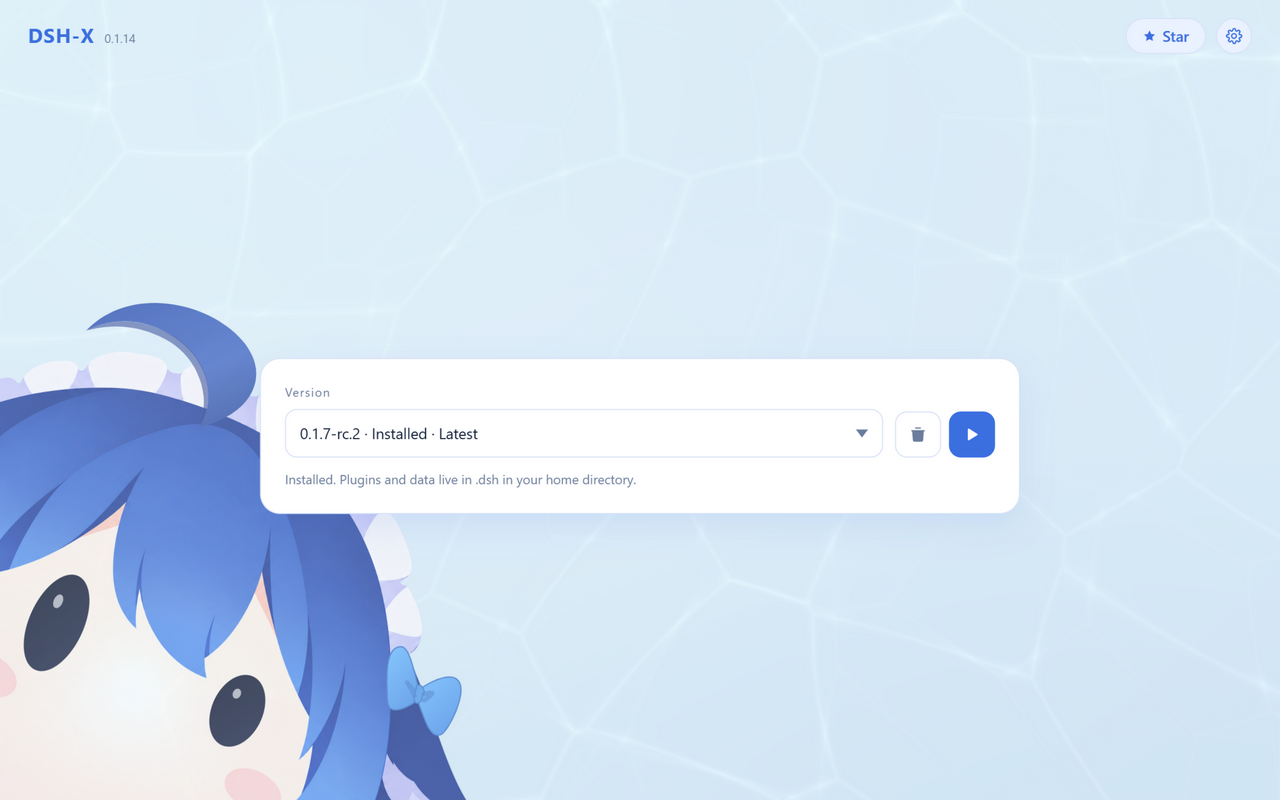
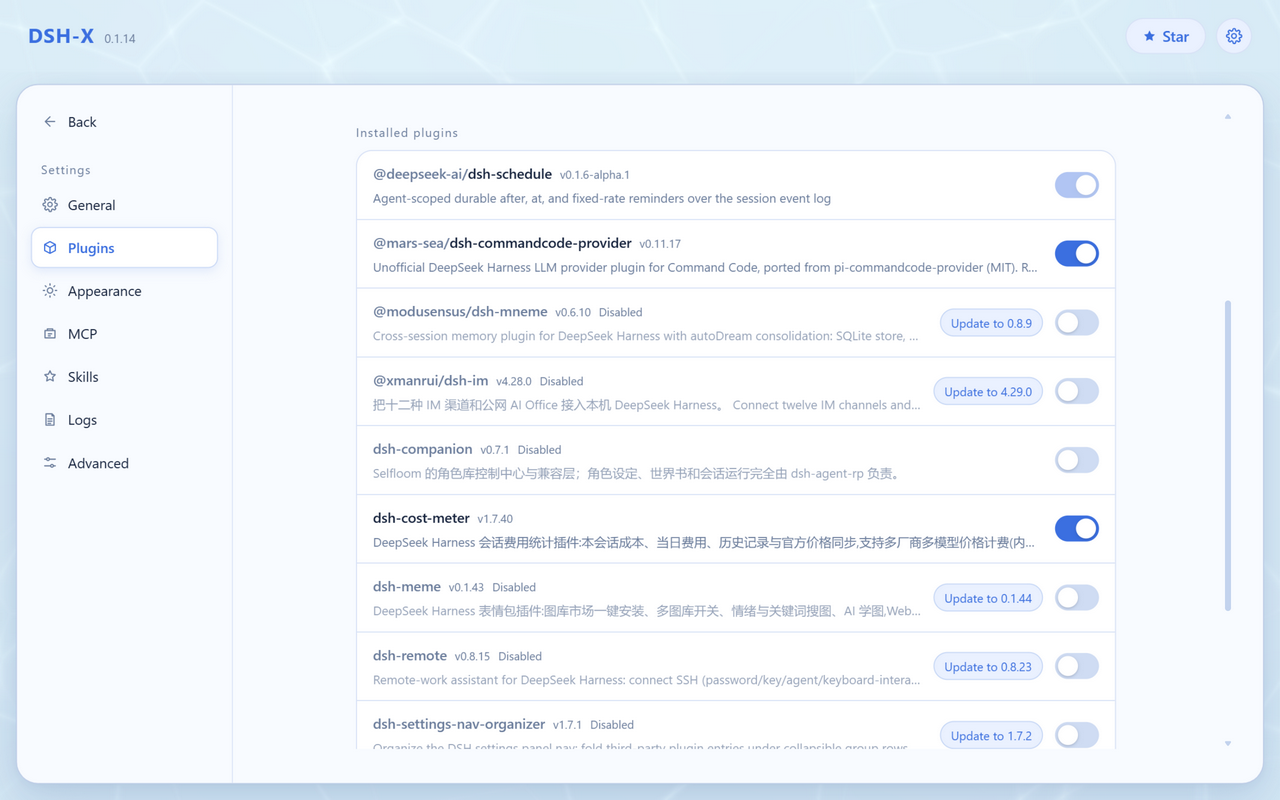
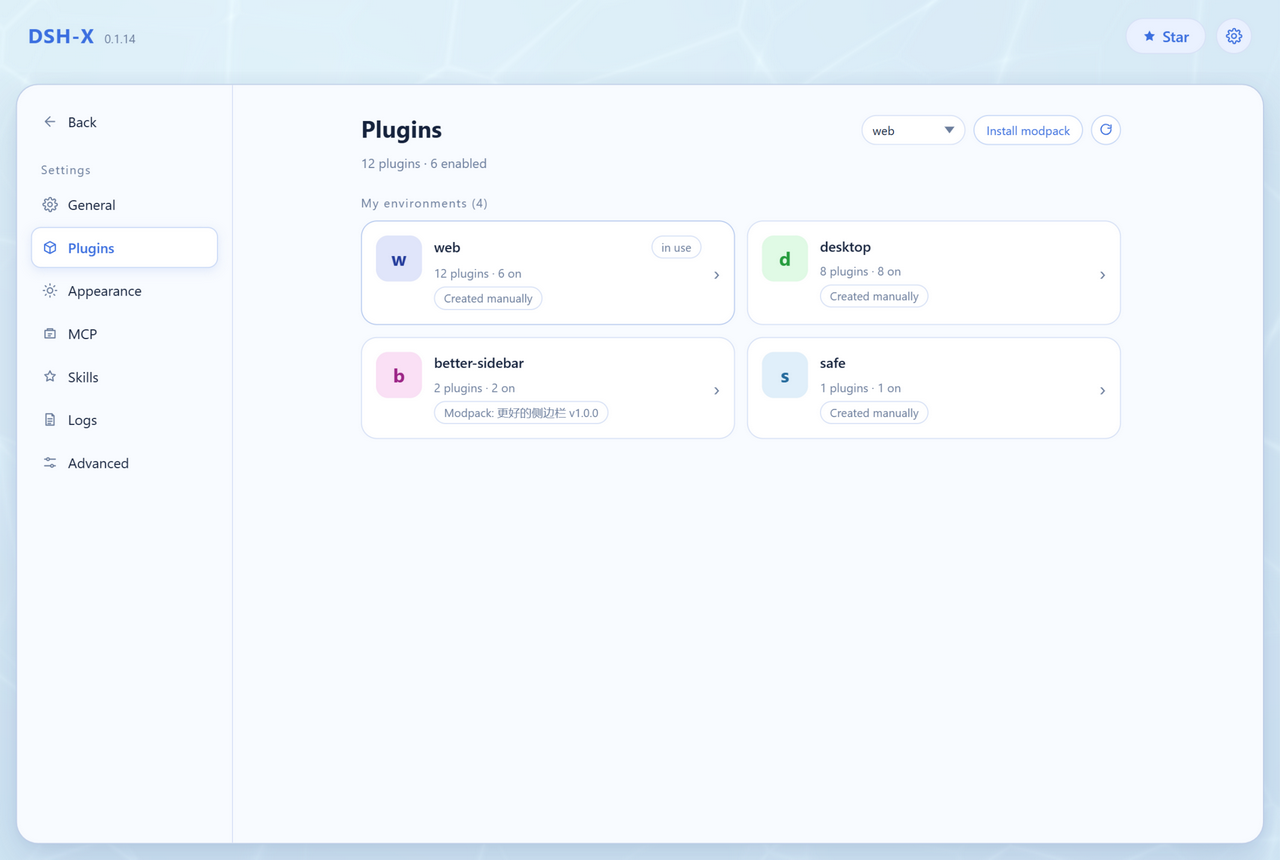
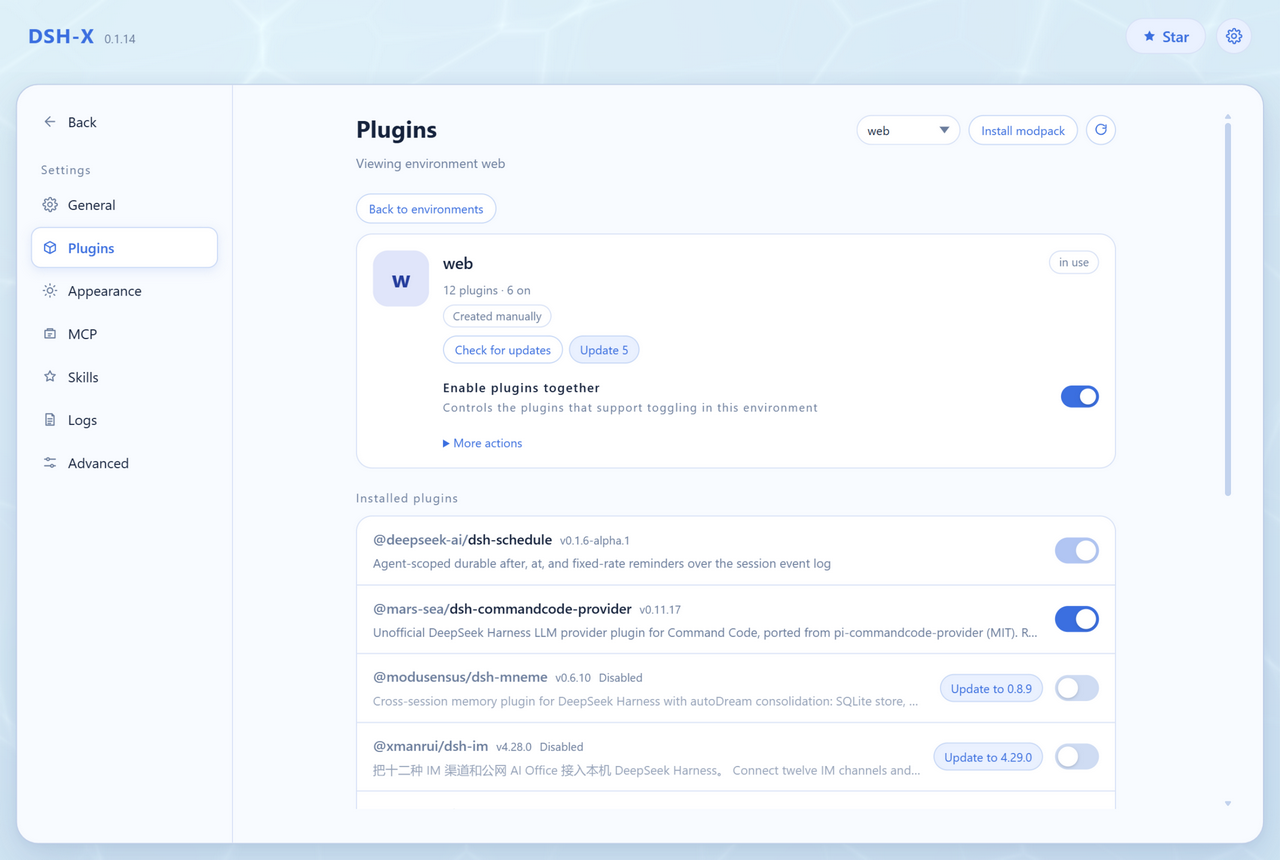
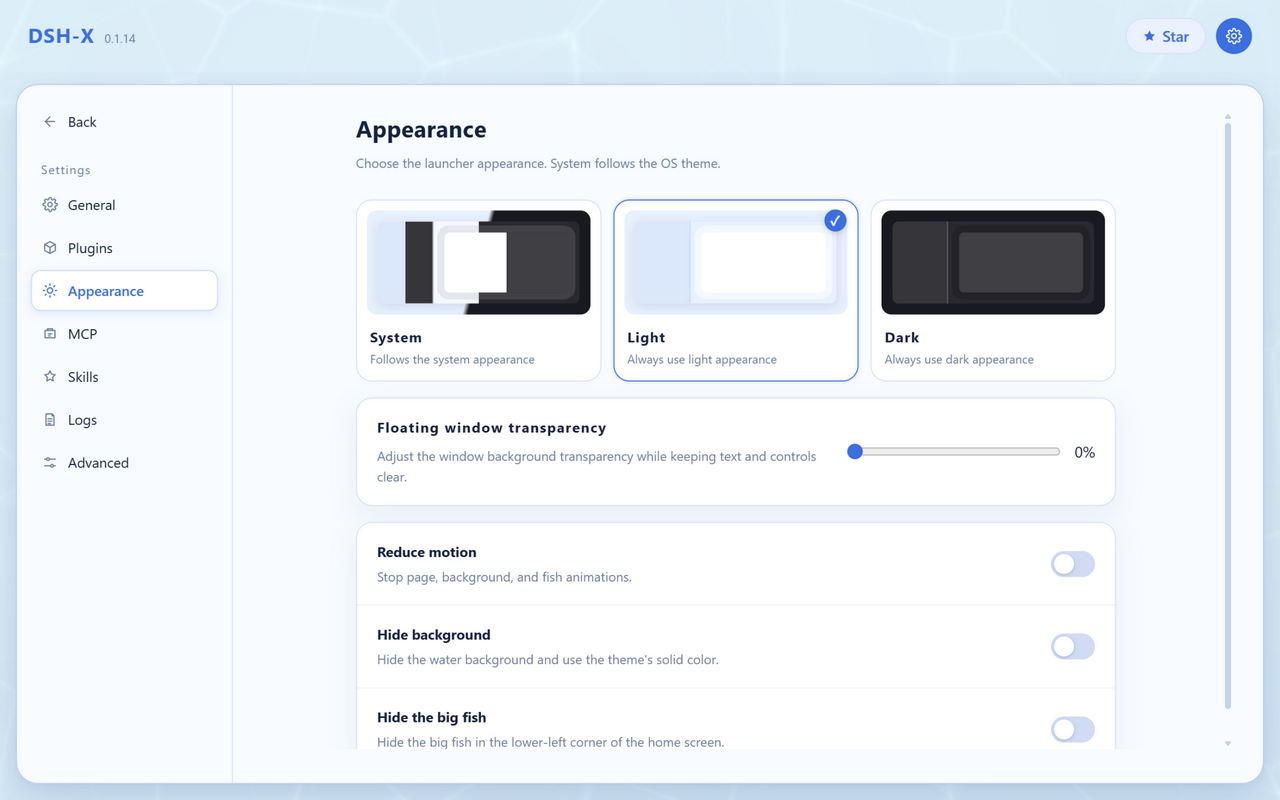
A lightweight launcher for DeepSeek Harness. Pick a version, start DSH web. > [!IMPORTANT] > **DSH-X starts DeepSeek Harness's own web page.** > It only handles version installation, launching and plugin management and never modifies or rewrites DSH's web UI. DSH-X is a community project, not an official DeepSeek product. ## Features - **Pick a version and go**: start / stop / restart / update / uninstall - **Multi-platform**: native packages for both Windows and macOS (with separate Apple Silicon and Intel builds for macOS); self-update, launch at login and the folder picker use each system's own mechanisms - **Plugins page**: list installed plugins and toggle each with one click, check for and install updates (one or all), and switch profiles - **Modpacks**: install a batch of plugins and their config in one go (community market and import/export included) — see the Modpacks section below - **Compatibility mode**: on a failed start, disable the plugins named in the error (one click to restore); after boot it checks the client plugin bundles that the page references and reports the verdict, telling a broken install apart from a stale tab - **Dark appearance**: follow the system or pick a theme, plus floating-panel transparency and mascot switches - **Faster startup**: equivalent fast implementations at the bundle composition point (saves about 1–2 s), skipped automatically once dsh changes underneath - **Plugins stay where dsh puts them**: data lives in `~/.dsh`, so switching versions needs no plugin reinstall - **Keeps one older version**: only the newest and the most recently installed are kept (enough to roll back); older ones are pruned after install (this can be turned off in Settings) - **Resident in the background**: closing the page does not quit (Windows tray / macOS menu bar icon); the UI uses your system browser - **Bundled Node / npm / pnpm**: a portable runtime ships inside the package, packages come from the npmmirror registry, and plugin installs need nothing from the host system - **Network proxy**: follow the system proxy (default), enter an address, or turn it off; unreachable proxies fall back to a direct connection. The version list, GitHub, the market and plugin installs all go through it - **Run several versions at once**: one instance per version, each on the port it picked (data in `.dsh` is shared anyway); open and stop them one by one on the control page. To keep one address across restarts, pin a port to a version × profile (applies on the next start) - **Optional marketplace**: `dshmarket` can be installed on first launch Feedback: **QQ group [993579665](https://qm.qq.com/q/7AD2g70HqS)** ## Modpacks Install a batch of plugins and their config in one go — no installing one by one and hand-editing files. Every modpack is a card on the Plugins page: **one card is one profile** (which is exactly what installing a pack produces), profiles you assembled by hand show up too, and a card that came from a pack says where it came from. Click one to see the plugins in that profile, each still toggleable on its own. The format is the ecosystem's [DSH-PackForge](https://github.com/DSH-PackForge/DSH-PackForge) `.dspack` (manifest v5, older versions accepted), so packs are interchangeable with other launchers. - **Where from**: a local `.dspack` file, a direct link, or a GitHub `owner/repo` (it takes the `.dspack` from the latest release); or pick one from the built-in community market right on the page. - **Where to**: a profile of its own by default, so your current setup is untouched — or point it at an existing profile such as `web`. Switch to it and restart from the same page. - **You see it first**: layers, dependencies, files to write, what gets overridden, and what in the pack will not be installed (credentials, `.npmrc` and machine-wide settings never land on disk). Nothing happens before you confirm. - **You can get back**: files it overwrites are backed up first, a failed install rolls back, removing a pack restores your files, and a profile the pack created can be deleted along with it. - **Share your own**: export the current profile as a `.dspack` (pinned dependencies + patch layer + config files, never `node_modules` or credentials), and whoever installs it gets the same plugin setup. The repo ships one: [**`packs/dsh-x-recommended`**](packs/dsh-x-recommended/README.md) — DSH-X's own starter set, which currently installs the ecosystem's config-manager plugin (`dsh-config-manager`). `node scripts/make-pack.mjs` builds it into `release/packs/`, then install it from the page as a local file. ## Screenshots