
A cross-platform music player based on PyQt5



English | 简体中文
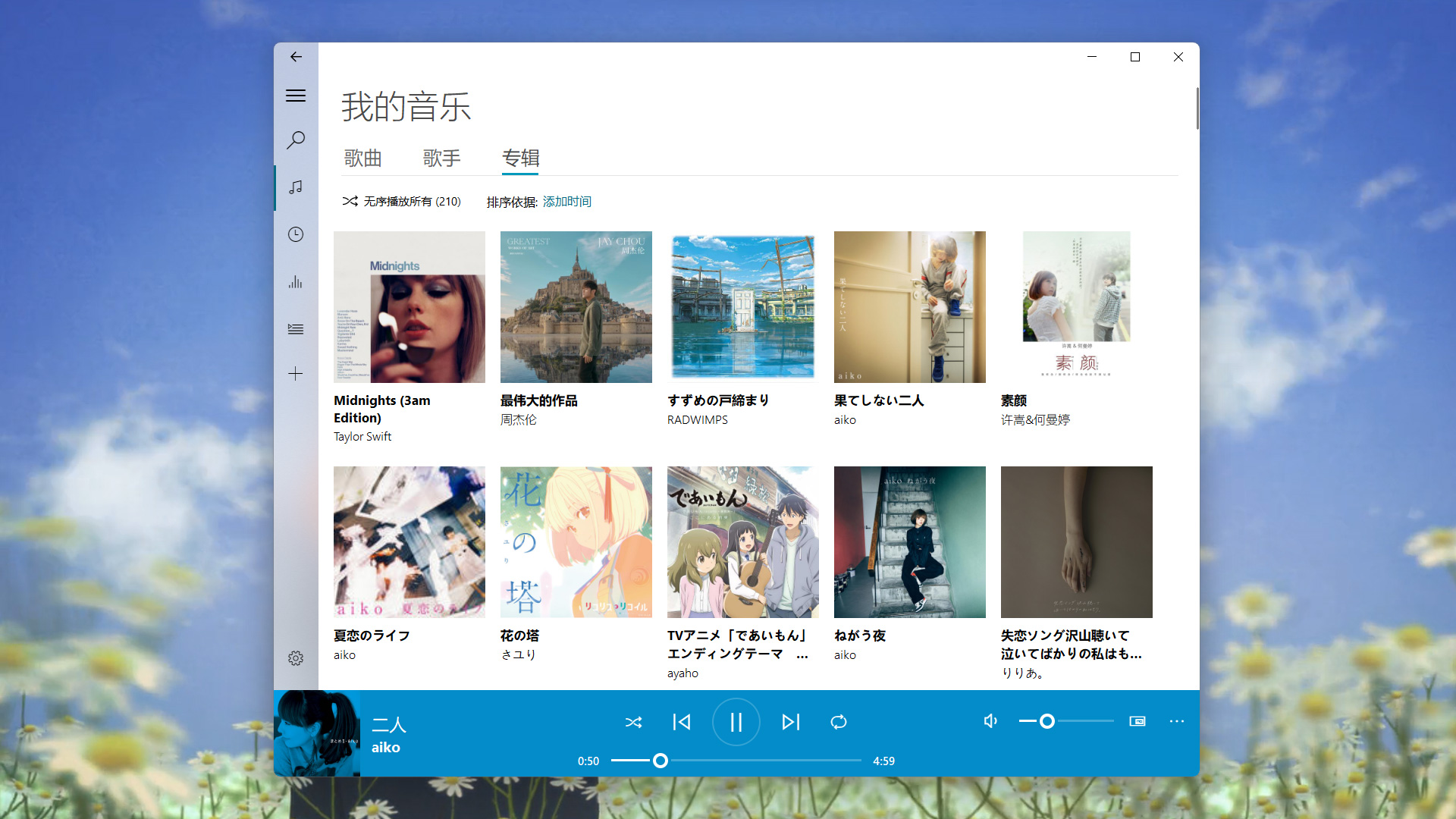 ## Features * Play local music 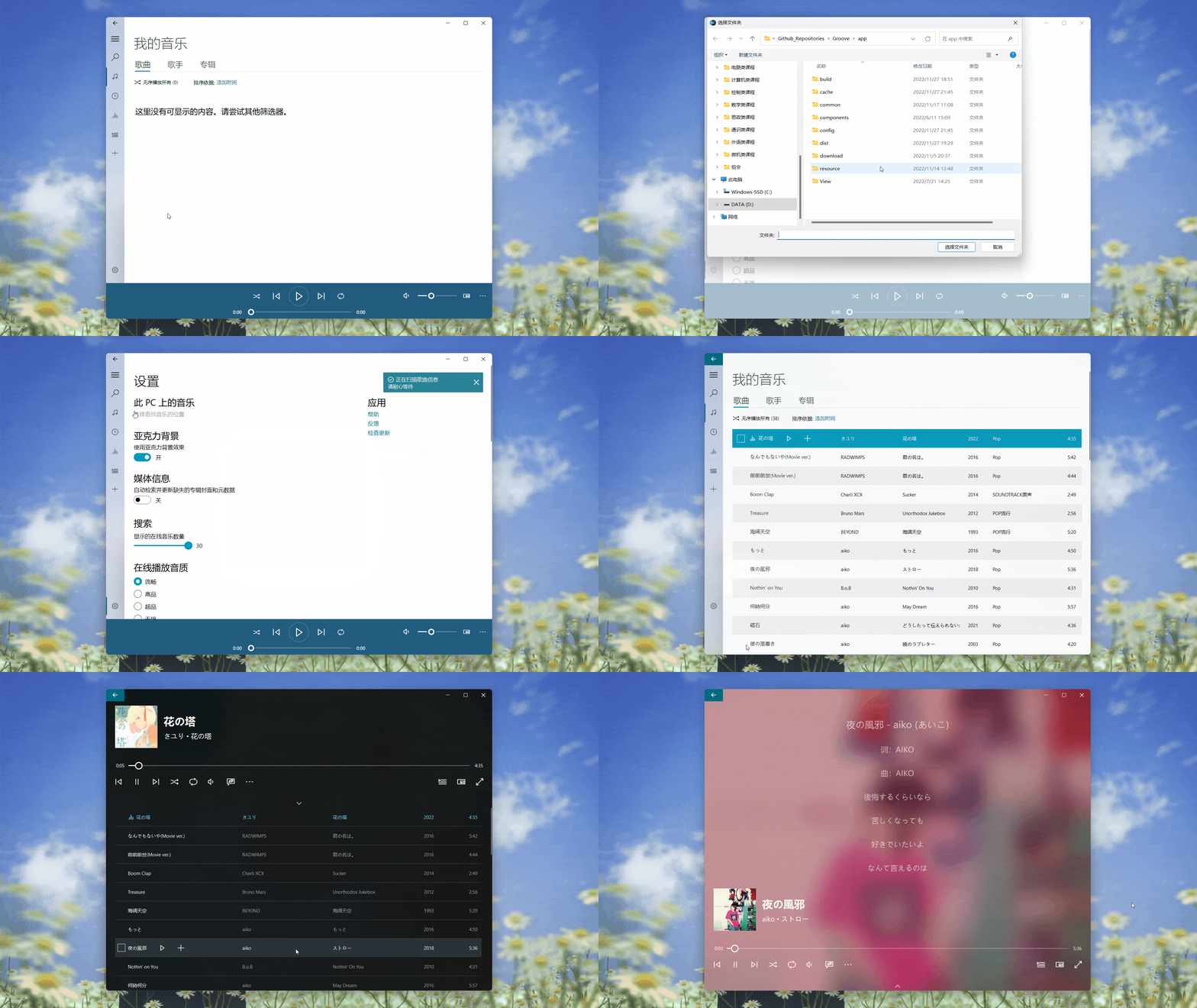 * Create and manage custom playlist 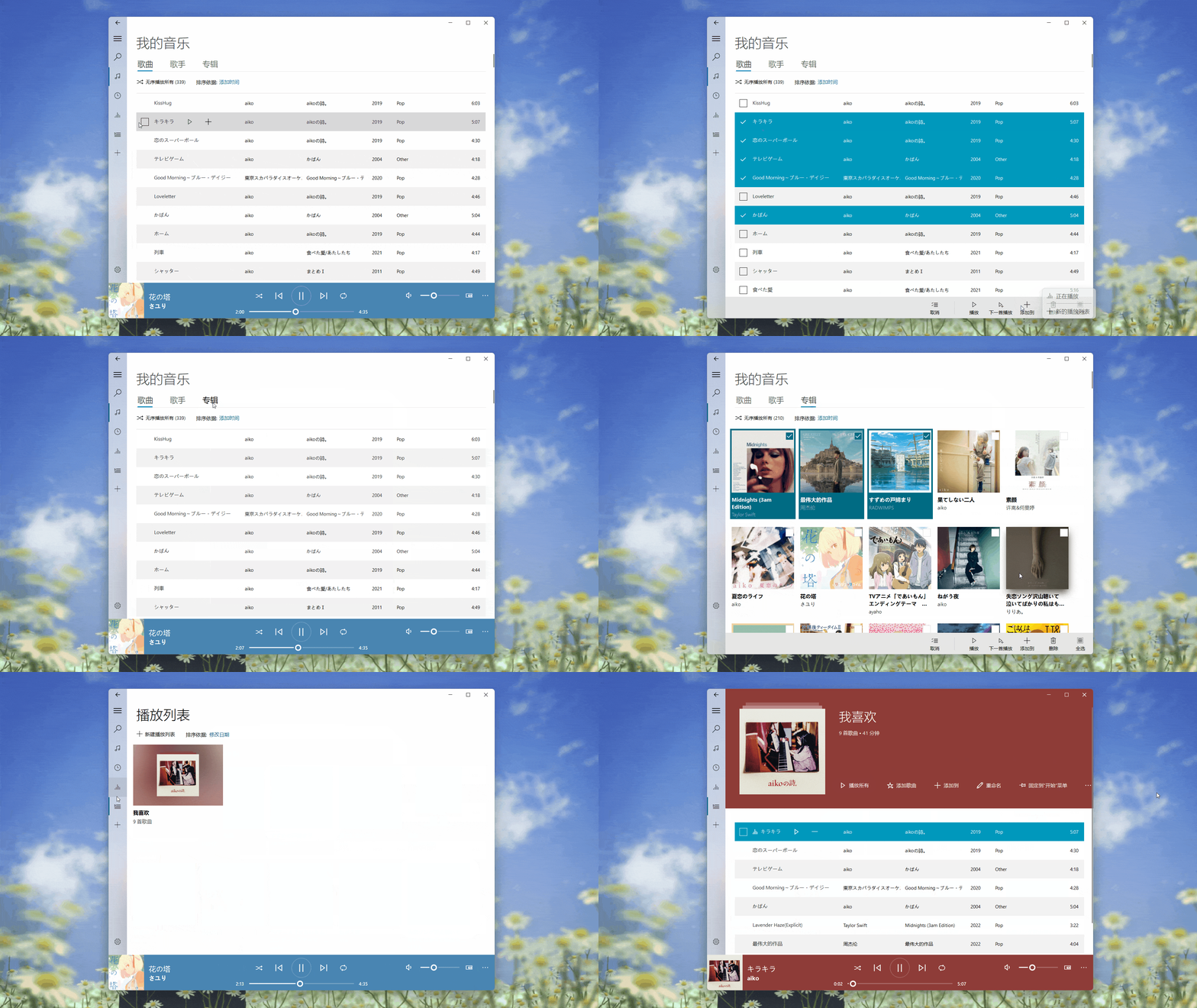 * View and edit song meta data 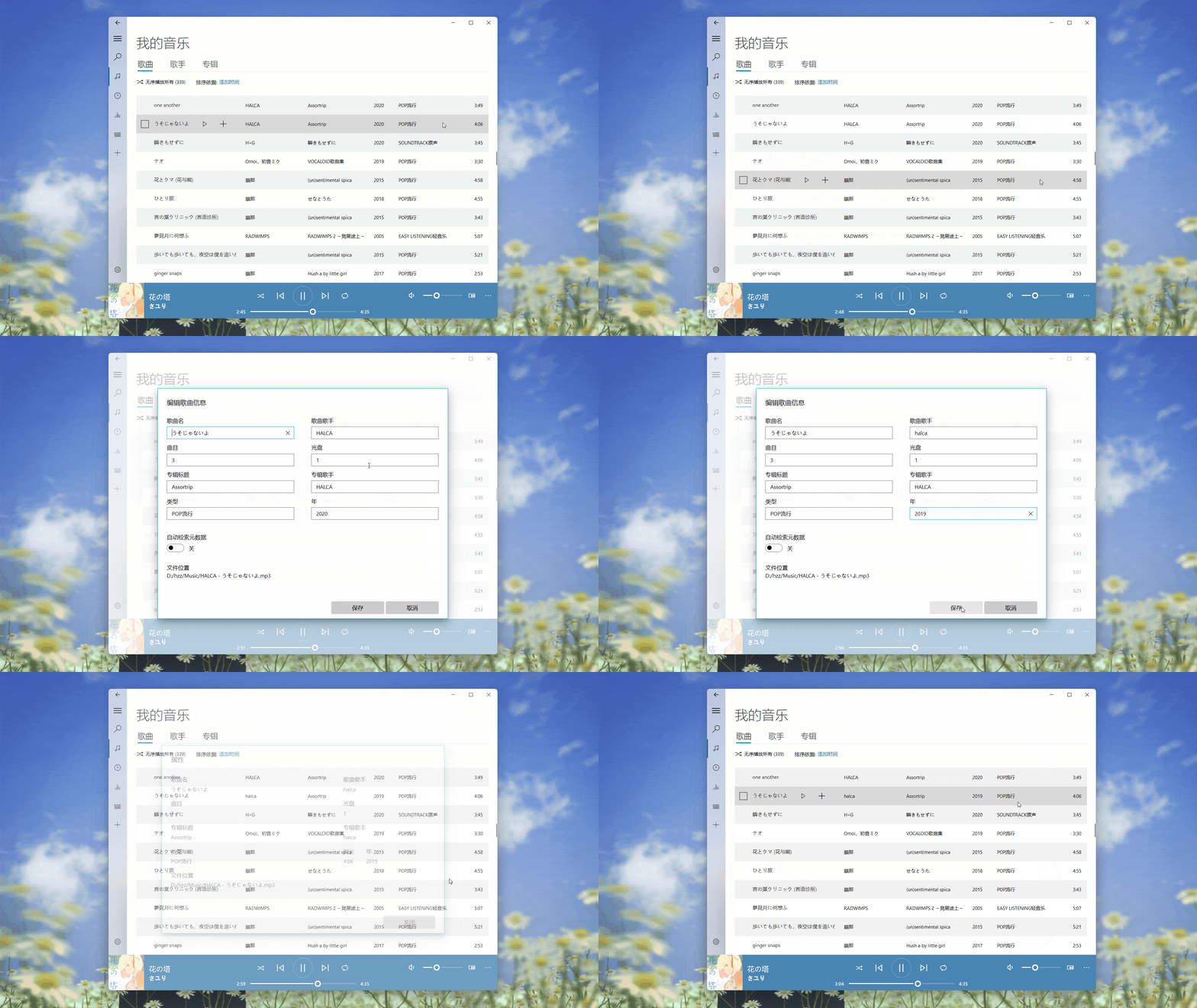 * Watch and download MV 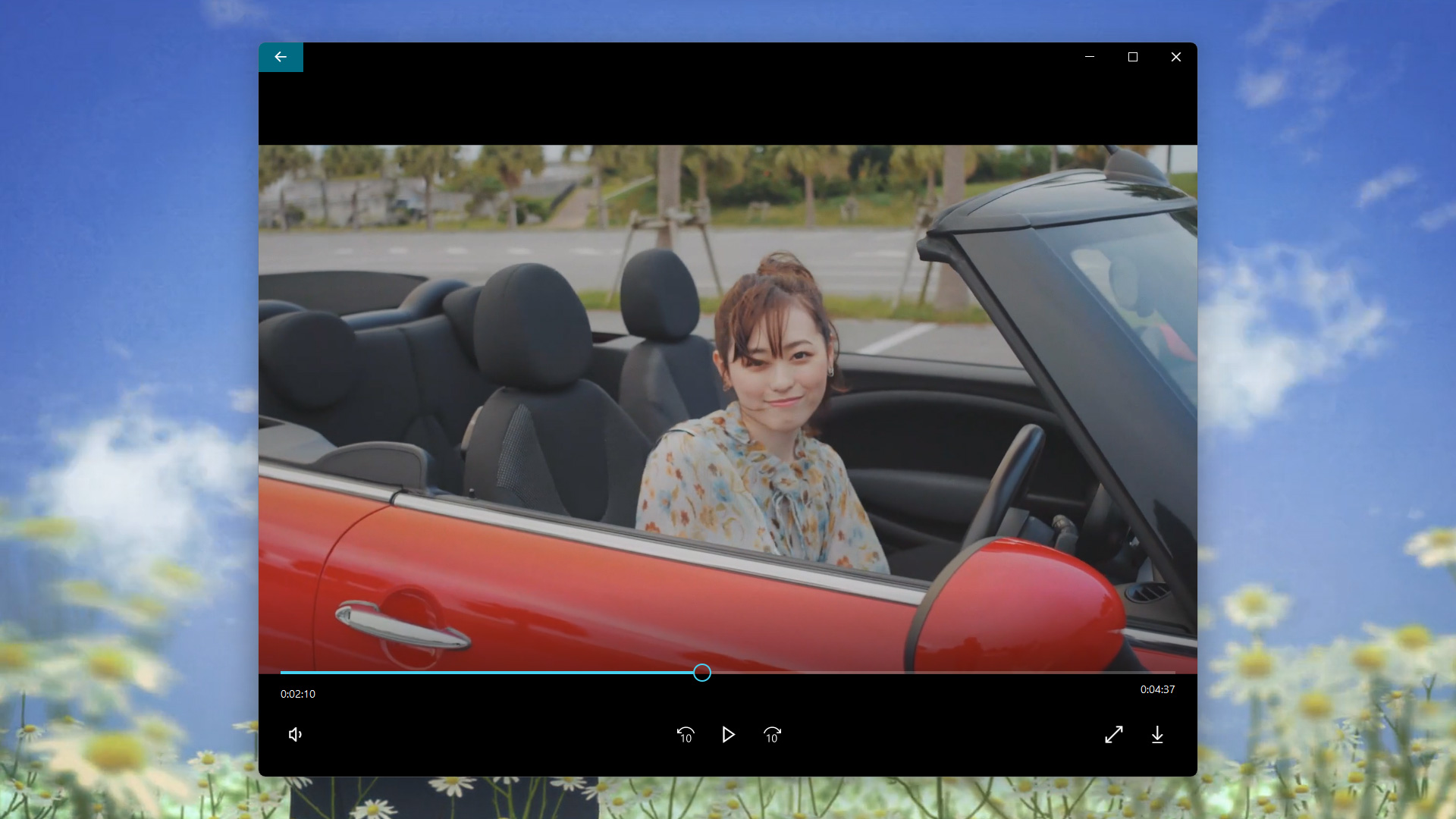 ## Quick start 1. Create virtual environment: ```shell conda create -n Groove python=3.8 conda activate Groove pip install -r requirements.txt -i https://pypi.tuna.tsinghua.edu.cn/simple ``` 2. Download decoder: * For the Win32, you should install [LAV Filters](https://github.com/Nevcairiel/LAVFilters/releases/download/0.74/LAVFilters-0.74-Installer.exe). * For the Linux, you should install GStreamer. 3. Open Groove music: ```shell cd app conda activate Groove python Groove.py ``` ## Document Want to know more about Groove Music? Please read the [help document](https://groove-music.readthedocs.io) 👈 ## See also - [zhiyiYo/PyQt-Frameless-Window](https://github.com/zhiyiYo/PyQt-Frameless-Window):A cross-platform frameless window based on pyqt5, support Win32, Linux and macOS. - [zhiyiYo/PyQt-Fluent-Widgets](https://github.com/zhiyiYo/PyQt-Fluent-Widgets):A fluent design widgets library based on PyQt5 - [jsmolka/egg-player](https://github.com/jsmolka/egg-player):A Groove Music like music player. The code of this repo is very elegant. ## License Groove is licensed under GPLv3 for non-commercial usage. Copyright © 2020 by zhiyiYo. > *Attention* > > This software is only for learning and communication, the songs' and playlists' copyright belongs to each music platform.