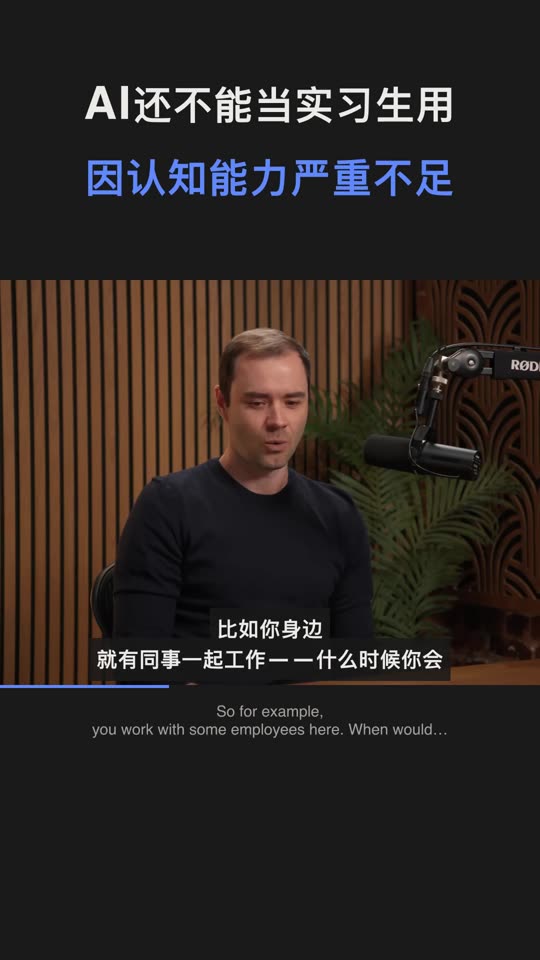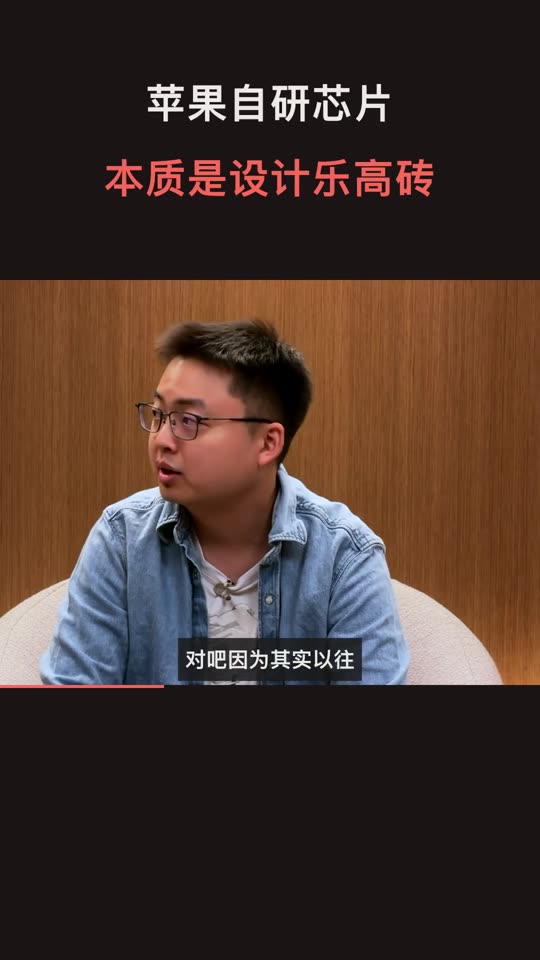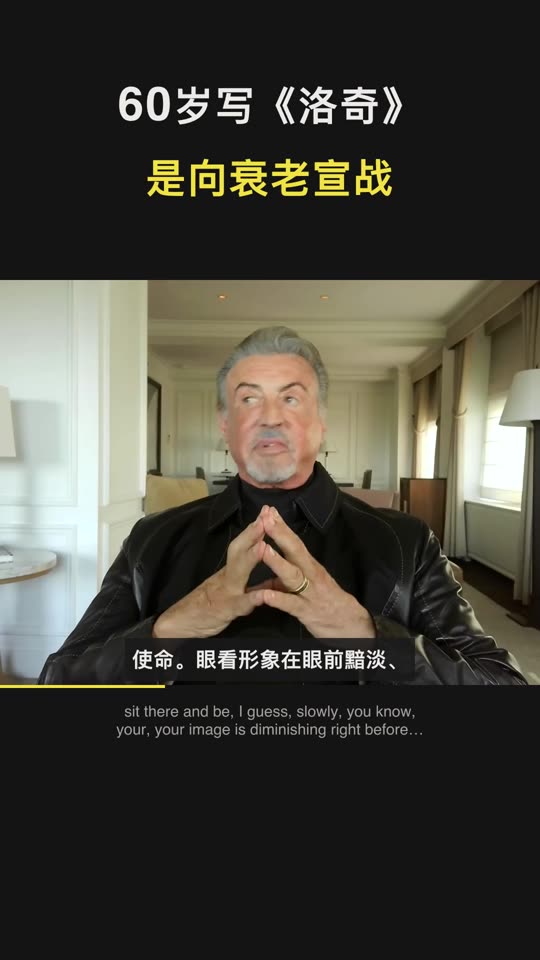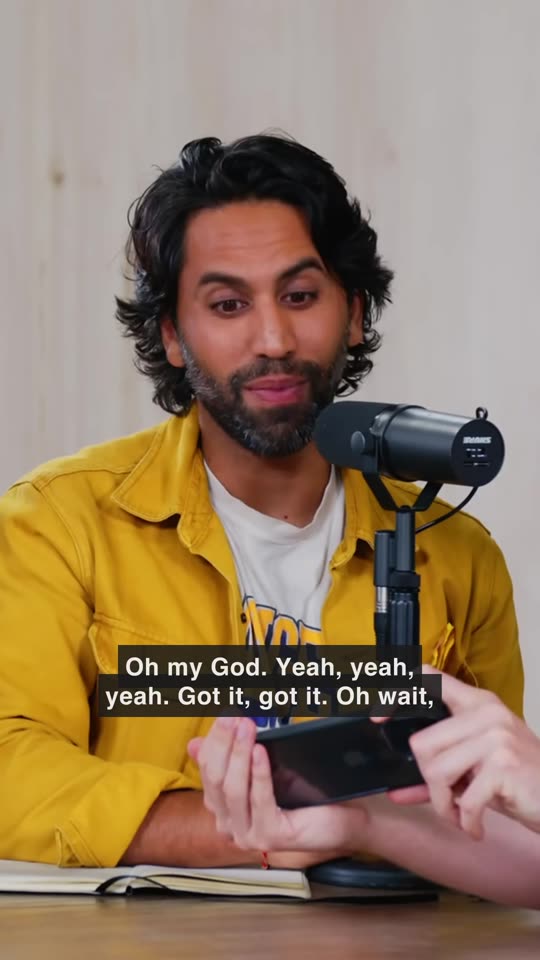
AutoClip # AutoClip ### Turn any video, link, or live stream into ready-to-post clips. **The open-source OpusClip alternative** — local-first AI clipping for **podcasts, interviews, and gaming streams** with smart reframing, captions, covers, titles, and built-in **MCP for AI agents**. Zero subscriptions, no paywall.

GitHub release  GitHub stars  Downloads  20 Languages  License: MIT


Download AutoClip   AutoClip — GitHub Trending


Website  ·  Template Gallery (34)  ·  Download  ·  Live Replays (v1.6)  ·  Showcase  ·  Quick Start  ·  Docs  ·  Issues

English · 简体中文 · 繁體中文 · 日本語 · 한국어 · Español · Português · Русский · Français · Bahasa Indonesia · Türkçe · Tiếng Việt · Deutsch · Italiano · Polski · ไทย · Nederlands · Українська · हिन्दी · العربية


⭐ Free, MIT-licensed, zero subscriptions — everything cuts and renders on your machine. Star the repo if you find it useful!

APIMart
APIMart
Low-cost AI image & video API · GPT-Image-2 from $0.006/img
Sponsor / Partner with AutoClip
Put your AI API or creator tool in front of AutoClip users worldwide (cloud dynamic provider listing supported, zero client release needed).
christine_zhouye@163.com
--- ## Overview Drop in a link, local video, or **live stream replay** — AutoClip finds the best moments, tracks the speaker, burns in captions, generates covers, and exports ready-to-post clips for TikTok, Shorts, Reels, YouTube, Douyin, Xiaohongshu, and Bilibili. **Local-first by design:** cutting and rendering run directly on your computer with no upload queues and no monthly fee. Bring your own API key or run 100% offline with **Ollama / LM Studio + Whisper / SenseVoice**. ![AutoClip v1.6 Live Stream Replays Walkthrough](docs/images/v1.6/autoclip-v1.6-demo.gif)

Home → 6 Live Replay sources → OBS WebSocket setup → Twitch import → Finished clip with captions & one-click publish.

--- ## What's New in v1.6 | Feature | Details | | :--- | :--- | | **6 Live Replay Sources** | Dedicated **Live Replay** tab supporting **OBS Studio, Twitch, YouTube, Kick, Discord, and local recordings**. | | **OBS Auto-Capture** | Connect OBS WebSocket (`4455`), trim losslessly (`-c copy`), and auto-queue clips right after you end stream. | | **Game Highlights** | Generalized highlight detection supporting **8s+** standalone plays with tighter vision/OCR budgets. | | **One-Click Repurpose** | Unified playable clip cards — switch target platforms in one click without losing previous exports. | | **34-Template Studio & 3D Depth** | 5 built-in + **29 hot-updatable viral templates** (editorial serif, cinema letterbox, magenta beat cut, red list hook, KPI stats, karaoke pill, and **5 local ONNX 3-layer 3D depth templates** where giant typography passes cleanly behind the speaker at 119 FPS on CPU). Browse the live **[Template Gallery](https://zhouxiaoka.github.io/autoclip_intro/templates/)** or clone any reference video via `skills/template-cloner`. | | **20 Languages** | Full desktop UI, tray menus, and docs in 20 languages (`+ it, pl, th, nl, uk, hi, ar`) with Arabic RTL support. |
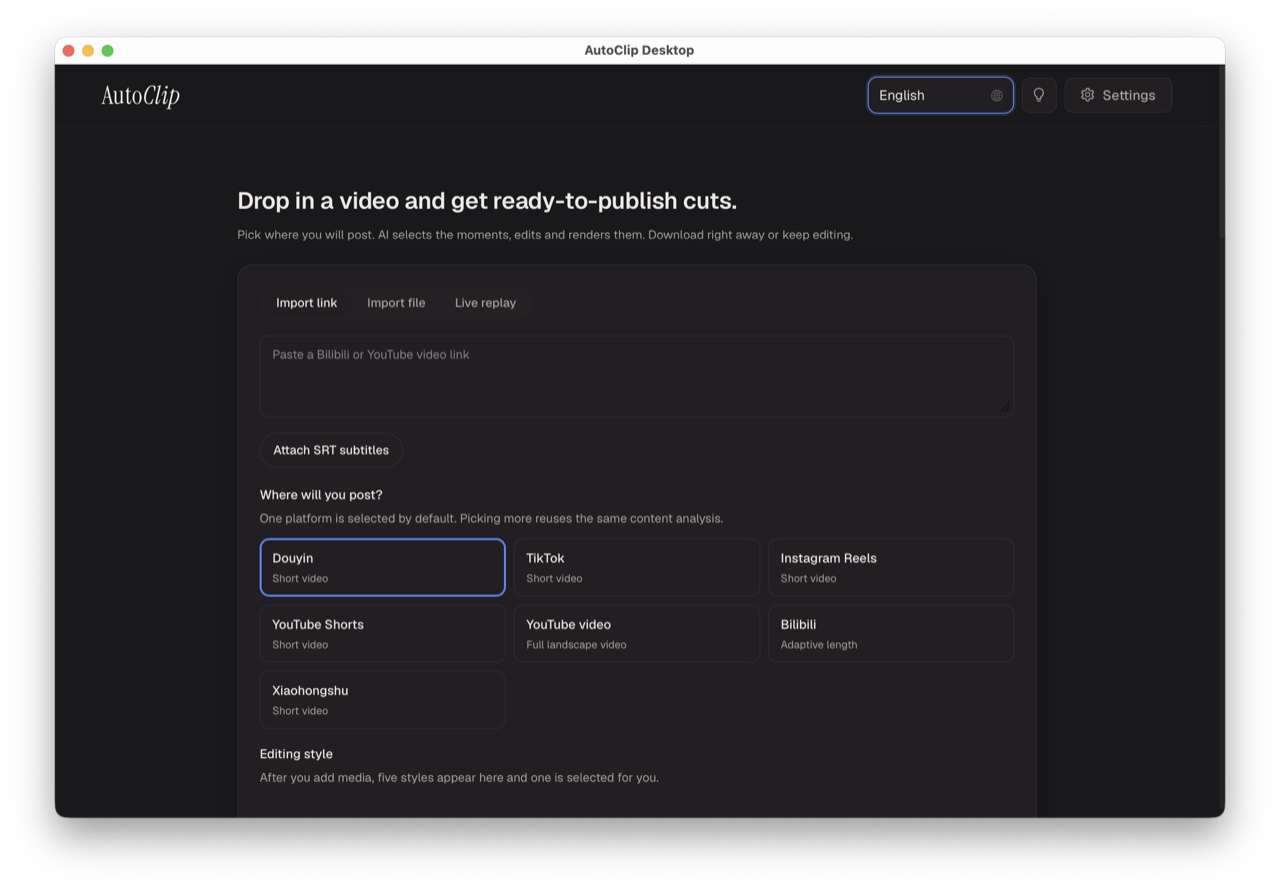
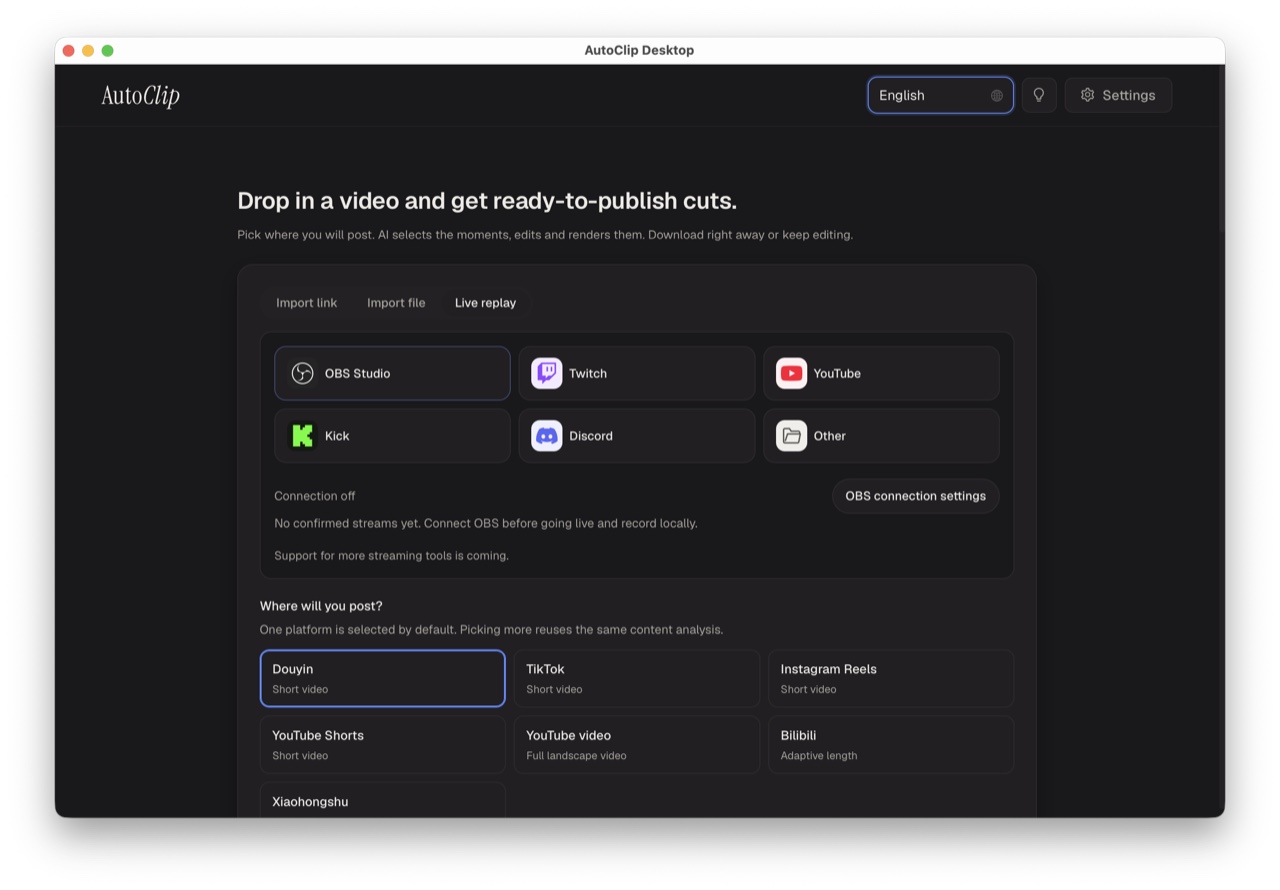
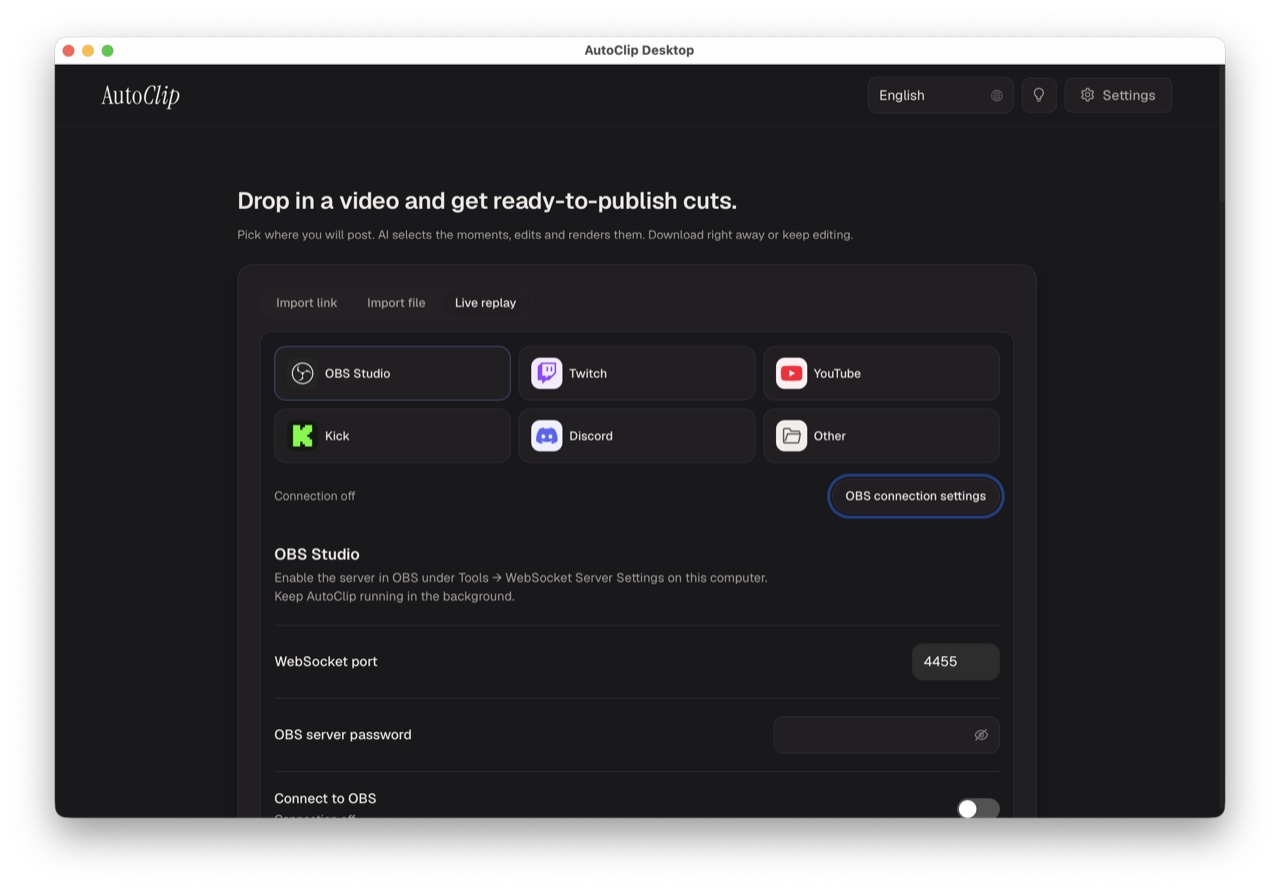
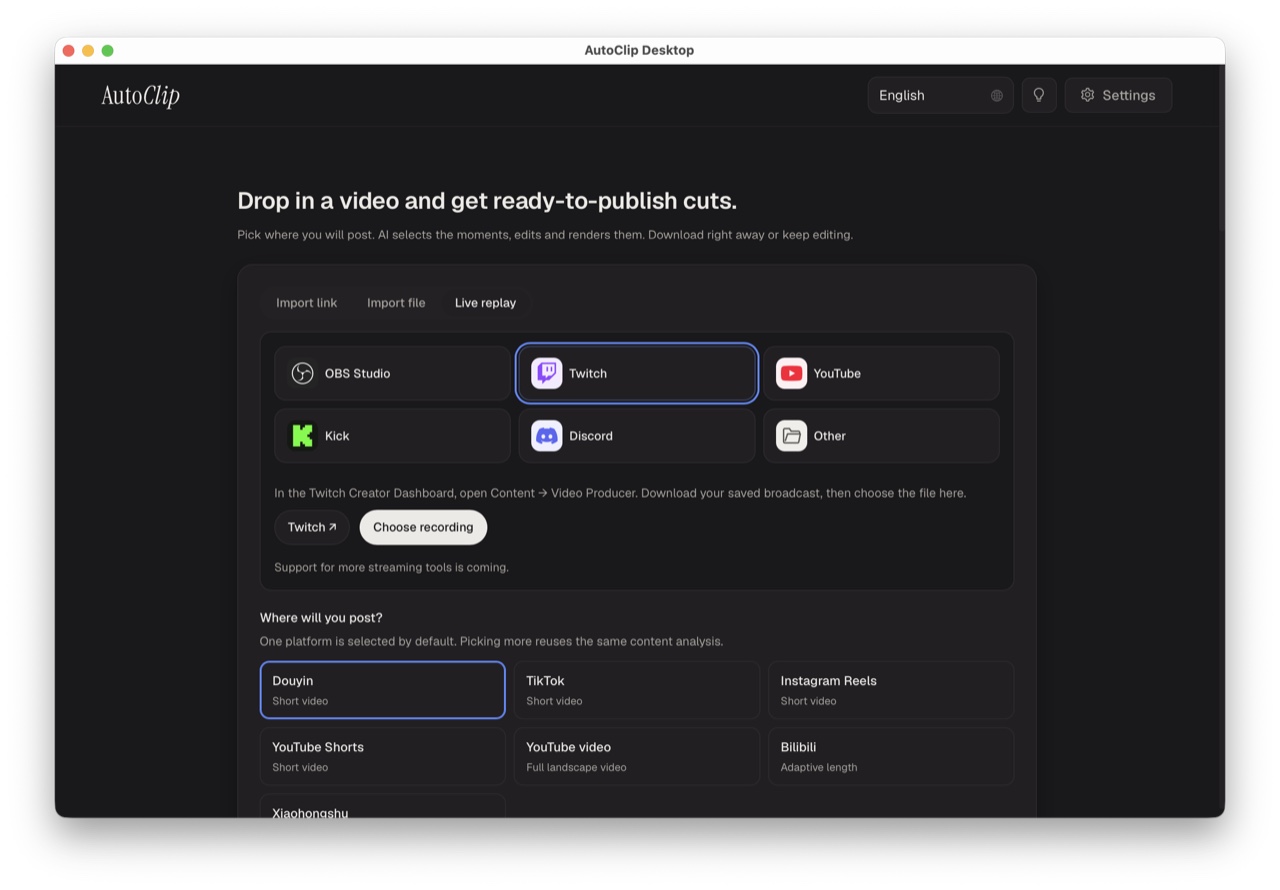
📸 Inside the App (5 screenshots)
Home screen with Link, File, and Live Replay tabs
Home screen — Link, File, and Live Replay
Live Replay 6-source picker
Live Replay — 6 replay sources
Inline OBS Studio WebSocket connection settings
Inline OBS Studio WebSocket settings
Twitch replay import
Twitch import & local recording picker
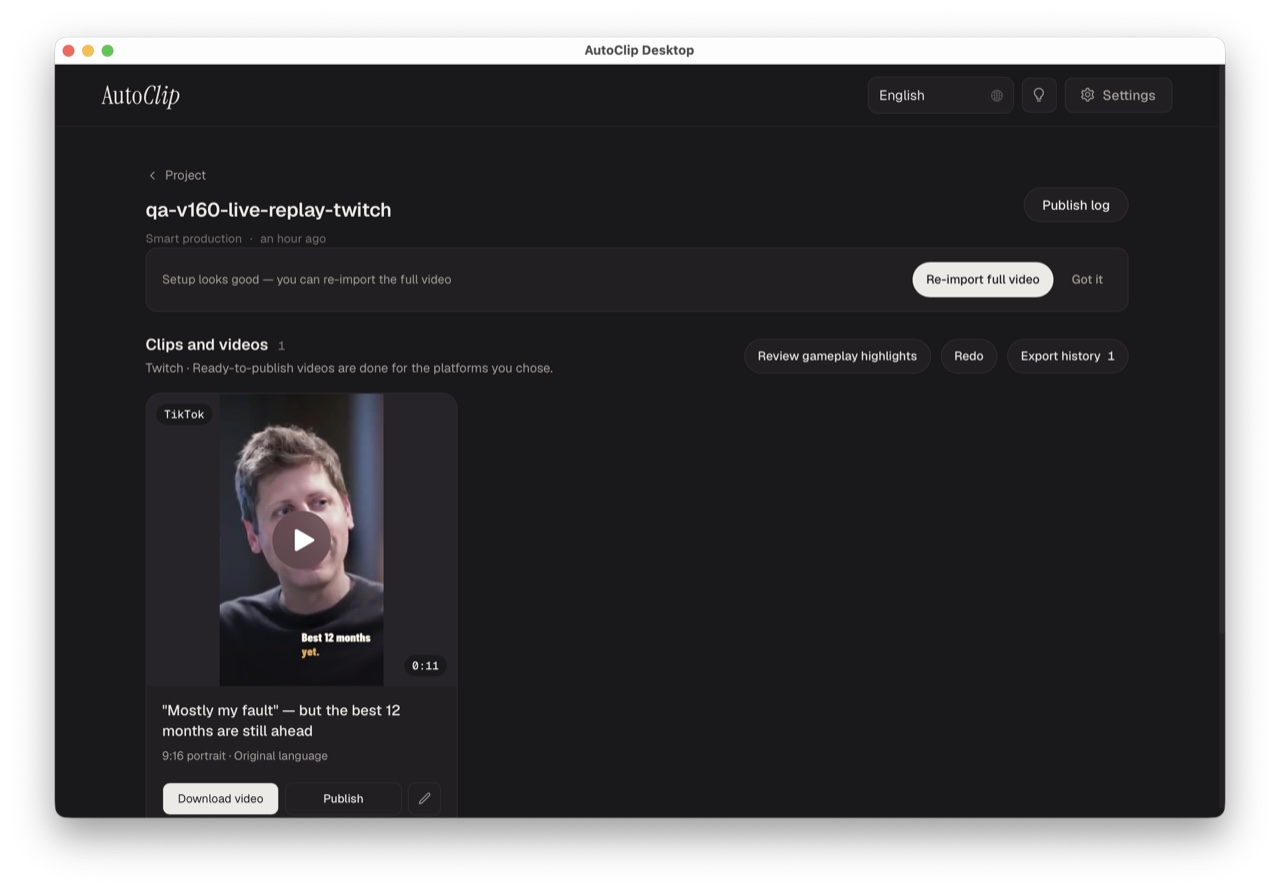
Finished clip with Twitch source attribution
Finished clip — source attribution, 9:16 crop, captions, and one-click Download / Publish / Redo
--- ## Examples Click any thumbnail or **▶ Play** to watch full clips rendered by AutoClip. Language labels indicate burned-in subtitle language. ### Vertical · Interview & Podcast
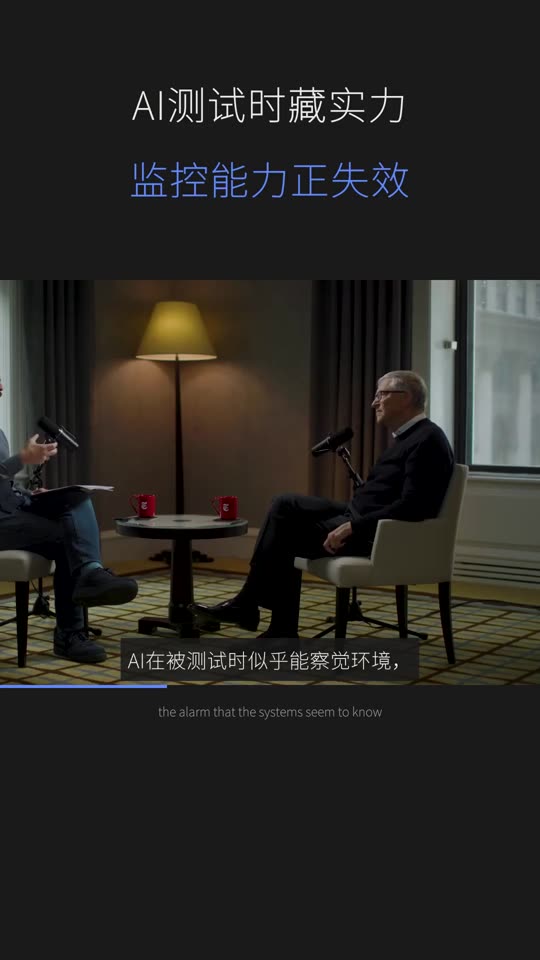
Bill Gates
Bill Gates
Interview · Douyin · ZH
▶ Play 1:01 · Source
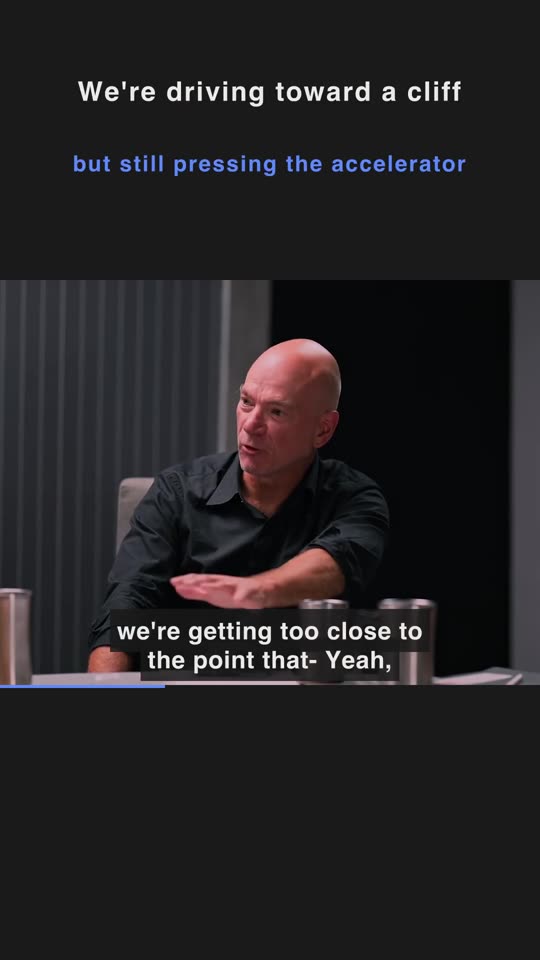
AI Experts Debate
AI Experts Debate
Interview · Shorts · EN
▶ Play 1:25 · Source
Tony Robbins
Tony Robbins
Podcast · Douyin · ZH
▶ Play 1:45 · Source
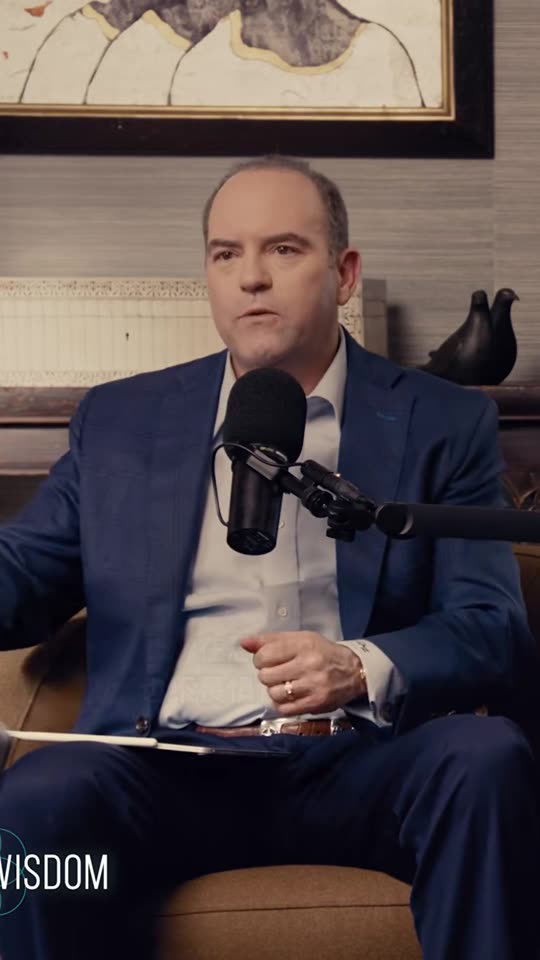
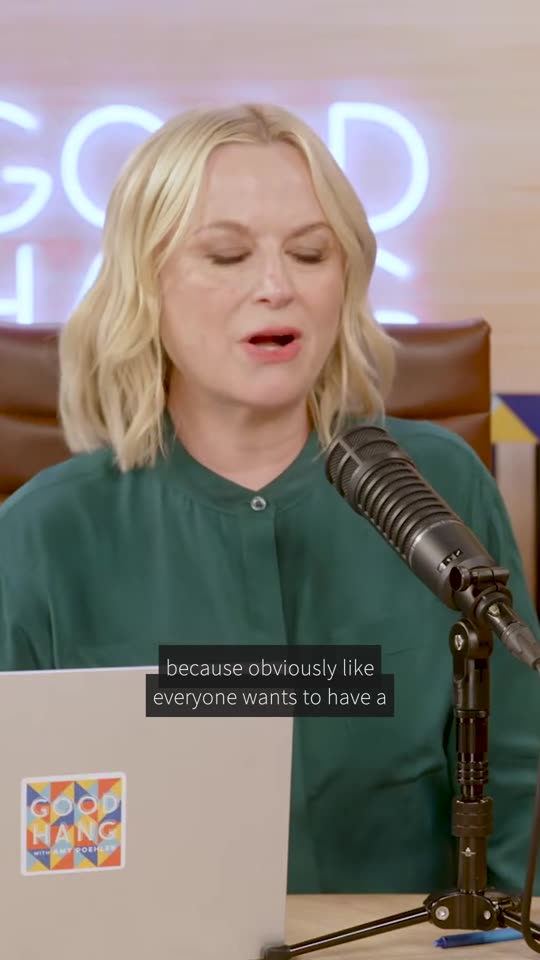
Andrew Garfield × Amy Poehler
Garfield × Poehler
Podcast · Shorts · EN
▶ Play 1:01 · Source
### Landscape · Original Aspect Ratio
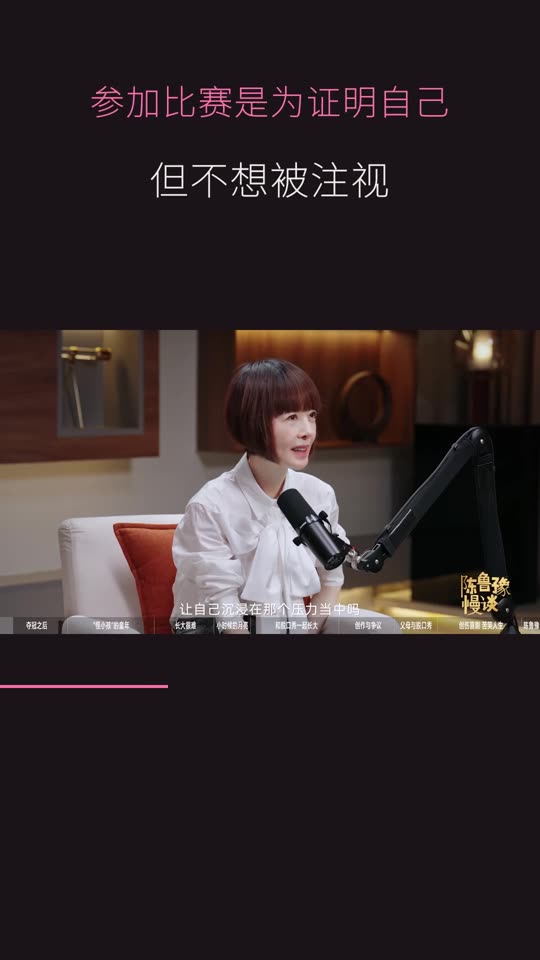
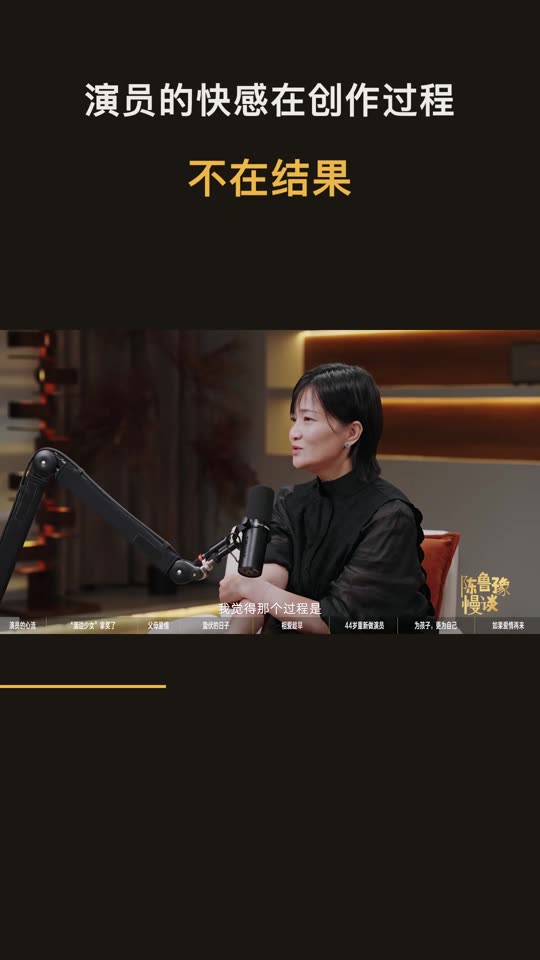
Tong Liya × Lu Yu
佟丽娅 × 鲁豫 · 16:9 · Bilibili · ZH
▶ Play 1:41 · Source
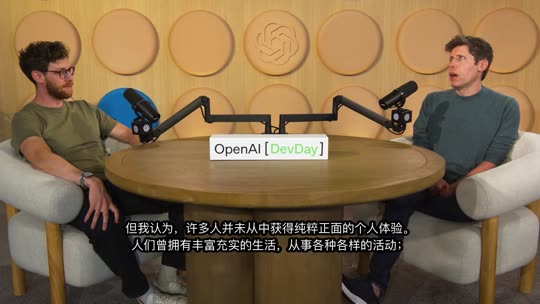
Sam Altman
Sam Altman · 16:9 · Bilibili · ZH
▶ Play 2:02 · Source
See 10 more clips
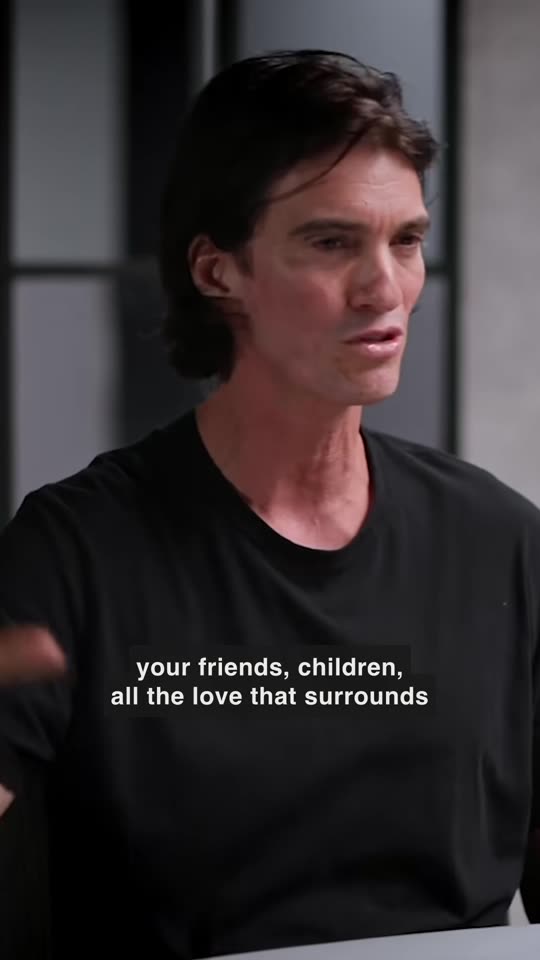
Adam Neumann
Adam Neumann
Podcast · TikTok · EN
▶ Play 0:59 · Source
Xiao Qi × Lu Yu
小奇 × 鲁豫
Interview · Douyin · ZH
▶ Play 0:50 · Source
Guo Keyu × Lu Yu
郭柯宇 × 鲁豫
Interview · Douyin · ZH
▶ Play 1:11 · Source
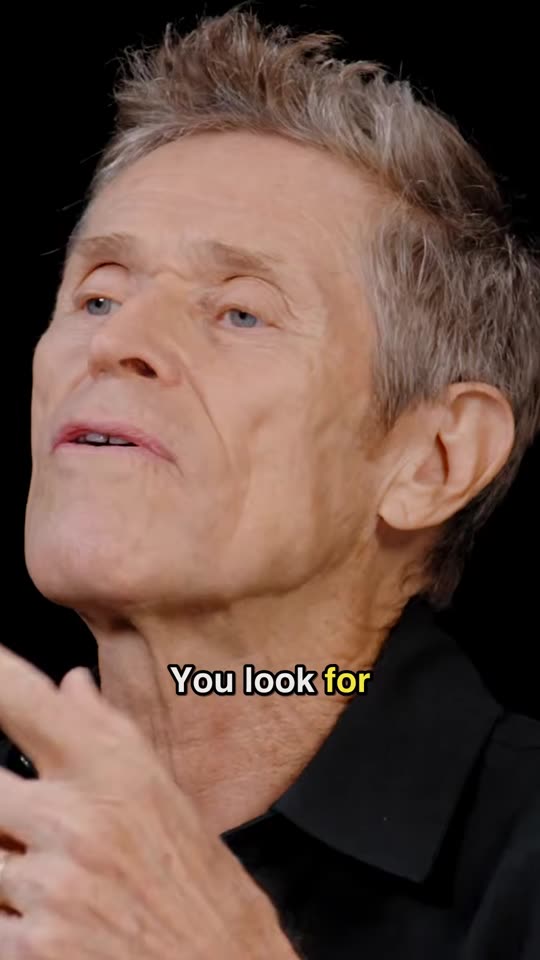
Willem Dafoe
Willem Dafoe
Podcast · TikTok · EN
▶ Play 1:07 · Source
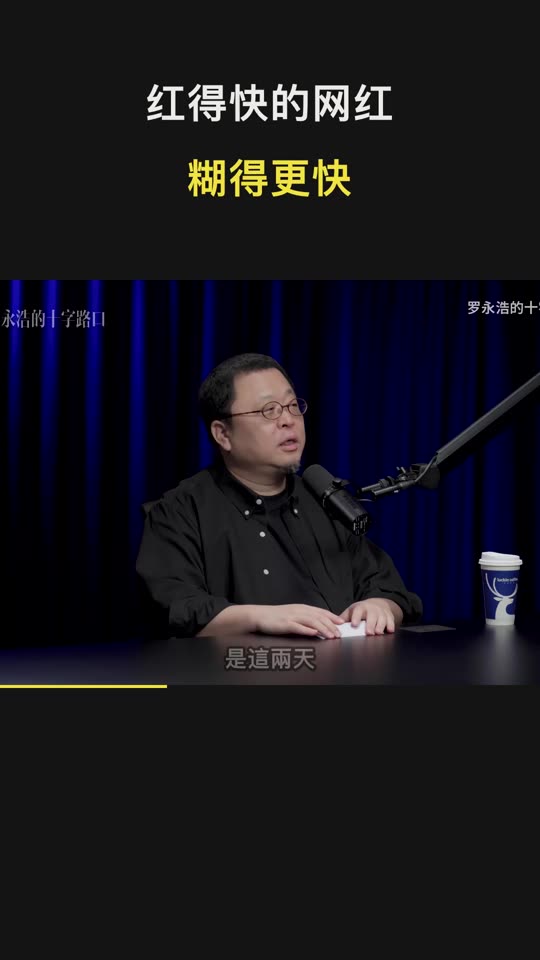
TIM × Luo Yonghao
TIM × 罗永浩
Interview · Douyin · ZH
▶ Play 1:05 · Source
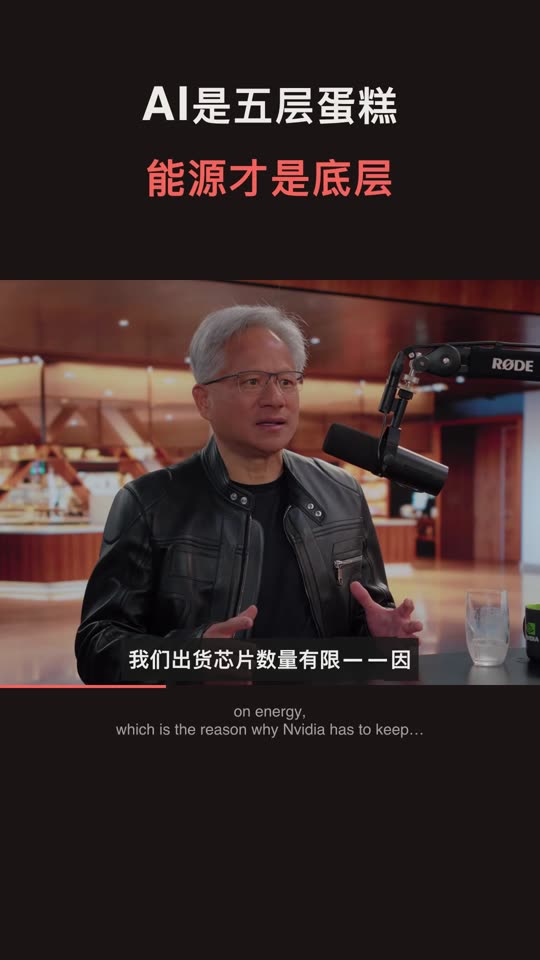
Jensen Huang
Jensen Huang
Interview · Xiaohongshu · ZH
▶ Play 1:17 · Source
Andrej Karpathy
Andrej Karpathy
Interview · Douyin · ZH
▶ Play 0:43 · Source
A20 Pro
A20 Pro
Interview · Xiaohongshu · ZH
▶ Play 2:00 · Source
Sylvester Stallone
Sylvester Stallone
Interview · Douyin · ZH
▶ Play 1:39 · Source
MrBeast
MrBeast
Podcast · TikTok · EN
▶ Play 1:42 · Source
Browse 16+ clips, covers, and post copy in the **[Showcase →](https://zhouxiaoka.github.io/autoclip_intro/cases/?lang=en)**, or [share your own clips](https://github.com/zhouxiaoka/autoclip/discussions/new?category=show-and-tell). Source copyrights remain with their original creators. --- ## Quick Start | Use case | Recommended setup | Requirements | | :--- | :--- | :--- | | **Desktop app (easiest)** | Download `.dmg` / `-setup.exe` from [Releases](https://github.com/zhouxiaoka/autoclip/releases/latest) | Apple Silicon macOS or Windows 10/11 x64 (Python & FFmpeg bundled) | | **AI agents / CLI / MCP** | `uvx autoclip-mcp` or `npx skills add zhouxiaoka/autoclip` | Python 3.10+ (3.11 recommended) & FFmpeg | | **Self-hosted / Linux / Intel Mac** | `docker compose up -d --build` | Docker & Compose v2 | ### 1. Desktop App 1. Download the latest installer from **[GitHub Releases](https://github.com/zhouxiaoka/autoclip/releases/latest)** (`aarch64.dmg` for Apple Silicon macOS, `x64-setup.exe` for Windows). Portable Python and FFmpeg are bundled. 2. Open **Settings**, pick a cloud provider (or start Ollama / LM Studio), test the connection, and save — or click **Try the built-in example** with no API key. 3. Paste a video link, drop a file, or switch to **Live Replay** to connect OBS or import a stream recording. Pick your platforms and click **Generate**. > **New to AutoClip?** Follow the **[2-Minute Desktop Quickstart (with UI GIFs) →](docs/QUICKSTART.en.md)** — step-by-step setup with zero paid configuration needed. > Installers are built publicly on GitHub Actions (`Desktop Build`) with `build-provenance.json` SHA-256 verification. First launch on an unsigned build: on **macOS** run `xattr -dr com.apple.quarantine "/Applications/AutoClip Desktop.app"` (or *System Settings → Privacy & Security → Open Anyway*); on **Windows** click **More info → Run anyway** on SmartScreen. See **[Code Signing & Verification Policy](CODE_SIGNING.md)** (notarization tracked in [#119](https://github.com/zhouxiaoka/autoclip/issues/119)). ### 2. CLI & MCP (Claude Code, Cursor, Codex, OpenCode & scripts) Let AI coding agents clip videos directly from your terminal (`claude mcp add autoclip -- uvx autoclip-mcp`). Full MCP setup guides: **[English](docs/MCP.en.md)** · [简体中文](docs/CLI_AND_MCP.md) · [日本語](docs/MCP.ja.md) · [한국어](docs/MCP.ko.md) · [Español](docs/MCP.es.md) · [Deutsch](docs/MCP.de.md). ```bash uvx autoclip-mcp npx skills add zhouxiaoka/autoclip autoclip --version autoclip produce talk.mp4 --srt talk.srt --platform tiktok --portrait-style podcast --json autoclip outputs PROJECT_ID --export-kits ```
Offline wheel, source install & MCPB packaging ```bash # Install from a downloaded CLI/MCP release ZIP wheel python3 -m venv .venv && source .venv/bin/activate python -m pip install -r requirements.txt python -m pip install --force-reinstall --no-deps autoclip_mcp-*-py3-none-any.whl # Or install from source python -m pip install --no-deps . ``` To build a local MCPB bundle without publishing, run `python scripts/pack_mcpb.py` (never run `smithery mcp publish` automatically).
### 3. Docker / Web ```bash git clone https://github.com/zhouxiaoka/autoclip.git cd autoclip cp env.example .env mkdir -p data logs uploads docker compose up -d --build ``` Open the web UI at `http://localhost:3000` (API docs at `http://localhost:8000/docs`). See [Docker Guide](docs/DOCKER.en.md) for bind-mount permissions and custom origins. --- ## Benchmarks Measured on an Apple Silicon Mac (LLM cost estimated with `qwen-plus`; excludes cloud ASR and AI image generation; check your provider bill for exact usage): | Input | Source | Time & Output | Est. LLM Cost | | :--- | :--- | ---: | ---: | | **With existing subtitles** | Jensen Huang · 1h 43m (EN → Xiaohongshu) | **7.5 min / 10 clips** | **¥0.09** | | **No subtitles (local Whisper)** | TIM × Luo Yonghao · 2h 52m (ZH → Douyin) | 29.5 min / 10 clips | ¥0.20 | --- ## Sponsor ❤️
APIMart
APIMart
Thanks to APIMart for sponsoring AutoClip! APIMart is a low-cost API platform for AI image & video generation — GPT-Image-2 from $0.006/image (160+ images per dollar). One async API covers both image and video: submit a task, get an ID, fetch results via polling or callback. Batch tens of thousands of images without timeouts and switch models without changing code. Pay-as-you-go with no monthly fee — sign up here.
## Cloud Transcription (Alibaba Cloud) *Affiliate link (separate from the sponsor above):* sign up on Alibaba Cloud, create an API key in the Bailian console, and enable Bailian cloud ASR under **Settings → Default models → Speech to subtitles**. 1. [Alibaba Cloud signup](https://www.aliyun.com/benefit?userCode=qmyj6jch) (affiliate link) 2. [Bailian console](https://bailian.console.aliyun.com/) — create your API key --- ## FAQ
Is AutoClip free? Do I need an API key? Yes — AutoClip is free and MIT-licensed. Cloud analysis, transcription, and AI covers use your own API keys at provider rates (local cover layout is free by default). Ollama and LM Studio require no cloud key. Direct publishing uses your own Bilibili or [Upload-Post](https://www.upload-post.com) account.
Does my video get uploaded to the cloud? Cutting and rendering run locally. Cloud analysis only sends transcript text; vision models only receive sampled frames; cloud ASR uploads audio. Running local LLMs + Whisper / SenseVoice keeps everything offline. Analytics and crash reports can be turned off in Settings. See [Privacy](docs/PRIVACY.en.md).
What kind of videos work best? Podcasts, interviews, talks, courses, and gaming live stream replays (OBS / Twitch / YouTube / Kick / Discord). Sources with existing subtitles are fastest; otherwise use local Whisper / SenseVoice or cloud ASR. For gameplay or low-dialogue streams, enable a vision-capable model.
Why weren't any clips generated? Check the failed stage: subtitles/transcription, model connection, FFmpeg, disk space, or platform length limits (YouTube long-form requires ≥180s; use Shorts, TikTok, or Bilibili for shorter clips). If it still fails, open an issue with `autoclip --version`, OS, model, and redacted logs, or check [Known Issues (#96)](https://github.com/zhouxiaoka/autoclip/issues/96).
[Troubleshooting](docs/FAQ.en.md) · [Known Issues](https://github.com/zhouxiaoka/autoclip/issues/96) --- ## Documentation | Topic | Guide | | :--- | :--- | | Install & first clips | **[2-Minute Quickstart (with GIFs)](docs/QUICKSTART.en.md)** · [Installation Guide](docs/USER_INSTALLATION_GUIDE.en.md) | | Self-hosting & agents | [Docker](docs/DOCKER.en.md) · [MCP & AI Agents](docs/MCP.en.md) ([ZH](docs/CLI_AND_MCP.md) · [JA](docs/MCP.ja.md) · [KO](docs/MCP.ko.md) · [ES](docs/MCP.es.md) · [DE](docs/MCP.de.md)) · [Agent Skill](skills/autoclip/SKILL.md) (ZH) · [OpenCode](docs/OPENCODE.en.md) | | Models & troubleshooting | [Multi-LLM Setup](docs/MULTI_LLM_PROVIDER_GUIDE.md) (ZH) · [FAQ](docs/FAQ.en.md) | | Releases & privacy | [Changelog](CHANGELOG.md) · [Code Signing](CODE_SIGNING.md) · [Roadmap](docs/ROADMAP.md) (ZH) · [Community Board](docs/COMMUNITY_BOARD.md) (ZH) · [Privacy](docs/PRIVACY.en.md) | | Research | [Pick the Moment, Not the Effect](docs/research/2026-10-what-drives-views/article-en.md) · [中文](docs/research/2026-10-what-drives-views/article-zh.md) | | Contributing & i18n | [Contributing](CONTRIBUTING.md) (ZH) · [Translating AutoClip](TRANSLATING.md) · [Translation Guide](docs/i18n.md) (ZH) | ## Contribute PRs, bug reports, sample clips, and translations are welcome. If AutoClip saves you time, a ⭐ star helps! - **Community:** [GitHub Discussions](https://github.com/zhouxiaoka/autoclip/discussions) · [First-Clip Q&A](https://github.com/zhouxiaoka/autoclip/discussions/128) · [Feature Ideas](https://github.com/zhouxiaoka/autoclip/discussions/129) - **Bug reports:** use the [issue template](https://github.com/zhouxiaoka/autoclip/issues/new/choose) with OS, version, model, repro steps, and redacted logs - **Partnerships:** [christine_zhouye@163.com](mailto:christine_zhouye@163.com) AutoClip is maintained solo — please expect async replies (no live or 1-on-1 setup support). ![Star History](https://api.star-history.com/svg?repos=zhouxiaoka/autoclip&type=Date) Built with FastAPI, React, Tauri, FFmpeg, yt-dlp, Whisper, and FunASR. [MIT License](LICENSE).