 ALTRun
English | 简体中文
A lightweight, open-source launcher for Windows, modeled on Alfred for macOS

Press Alt+Space, type a few letters, press Enter: apps, files, web search, calculations, clipboard and system commands, all from one window






Website ·
Why ALTRun ·
Getting started ·
Features ·
Shortcuts ·
Documentation (Wiki) ·
Changelog
## Why ALTRun
- **Tiny**: about 2.5 MB, with one `ALTRun.exe` and a few resource files; no .NET, Electron or other runtime to install.
- **Fast**: results appear as you type. With [Everything](https://www.voidtools.com/) running, file searches cover all disks in milliseconds; otherwise, ALTRun uses its built-in index.
- **Smart ranking**: learns from what you pick; matches word initials (`vsc` → Visual Studio Code) and pinyin initials (`wx` → 微信; file names too: `cs` → 测试文件.zip), and highlights the matched characters.
- **Beyond launching**: [Quick Switch](#features) jumps Open / Save dialogs to folders open in Total Commander, Directory Opus or Explorer; act on selected text, files or URLs in any app; expand snippets with `;keyword`.
- **All in one**: calculate and convert units, search the web, browse bookmarks, manage clipboard history and snippets, run system commands, or open a terminal—without separate tools for each task.
- **Keyboard first**: use `→` for the action panel, see what `Enter` will do in the status bar, edit in place with `F3`, open a result directly with `Ctrl+1`–`Ctrl+9`, or use `Ctrl+Enter` to open a file’s containing folder or paste text into the active window.
- **Portable and private**: no installer, registry entries, admin rights, background service or driver. Data stays local by default; some clipboard data is stored in `%LOCALAPPDATA%\ALTRun`. No telemetry; internet access is used for updates, optional exchange rates and site icons you request.
- **Automatic updates**: new versions appear in the search window; press `Enter` to install. Packages are SHA256-verified and settings are kept; Scoop is also supported.
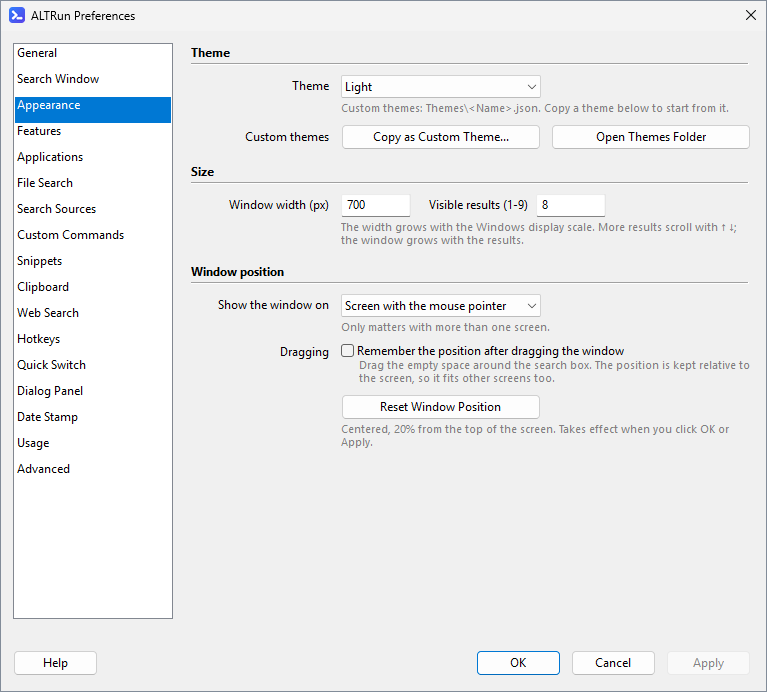
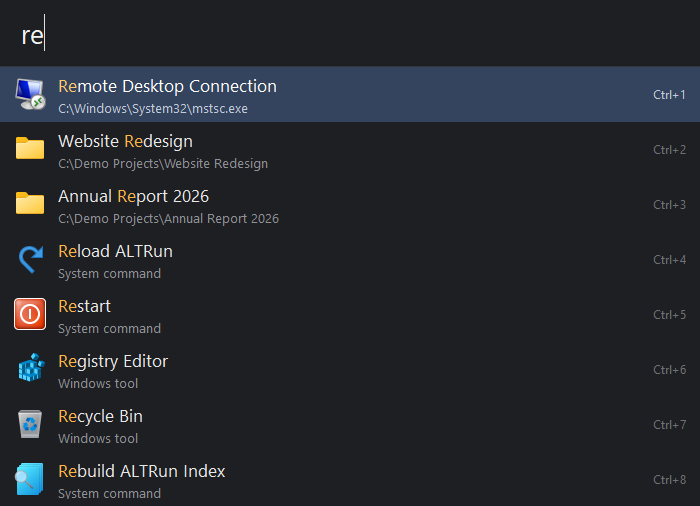
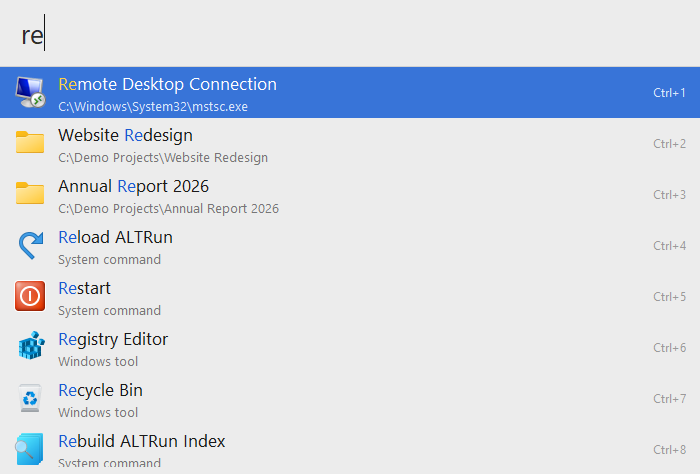
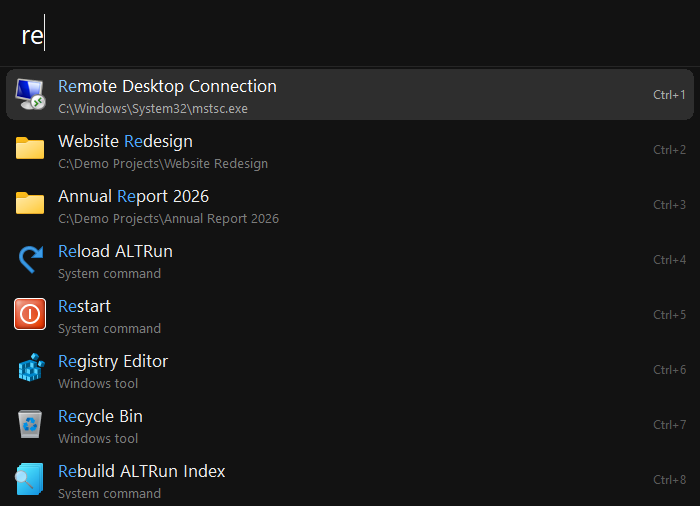
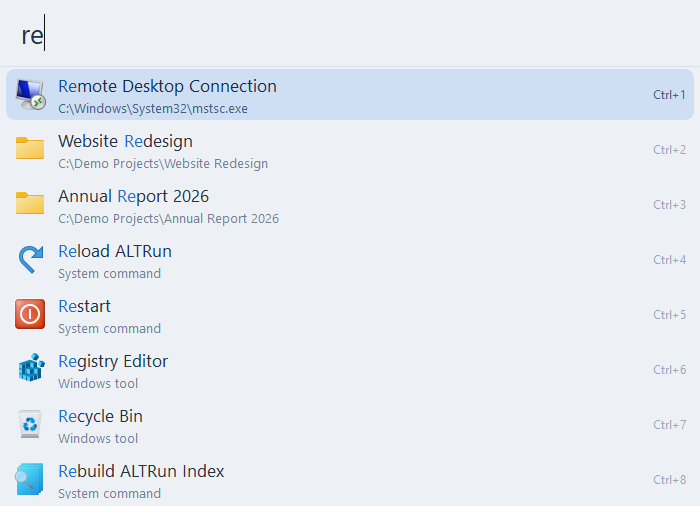
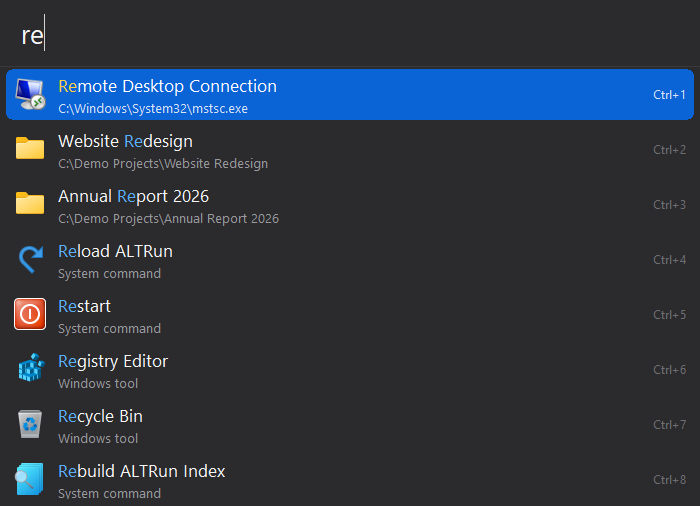
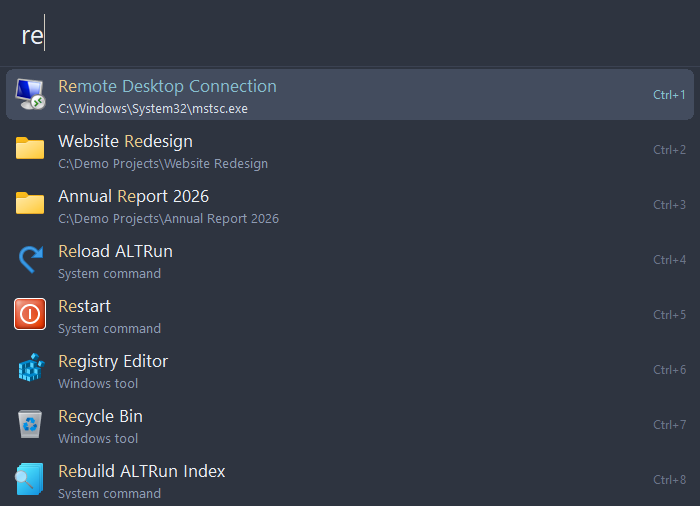
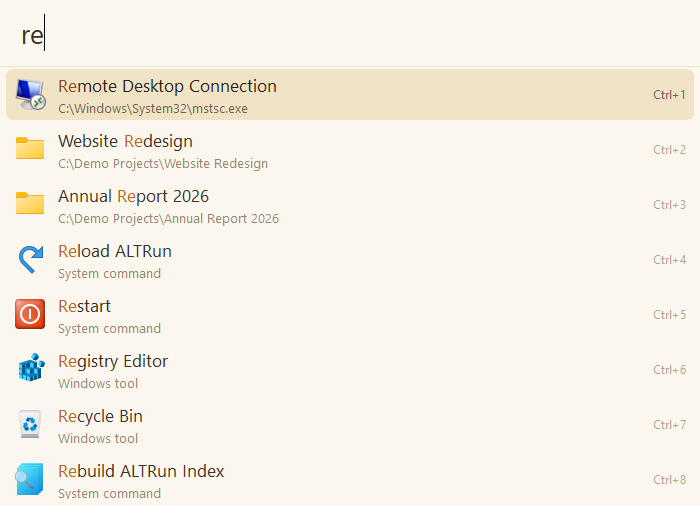
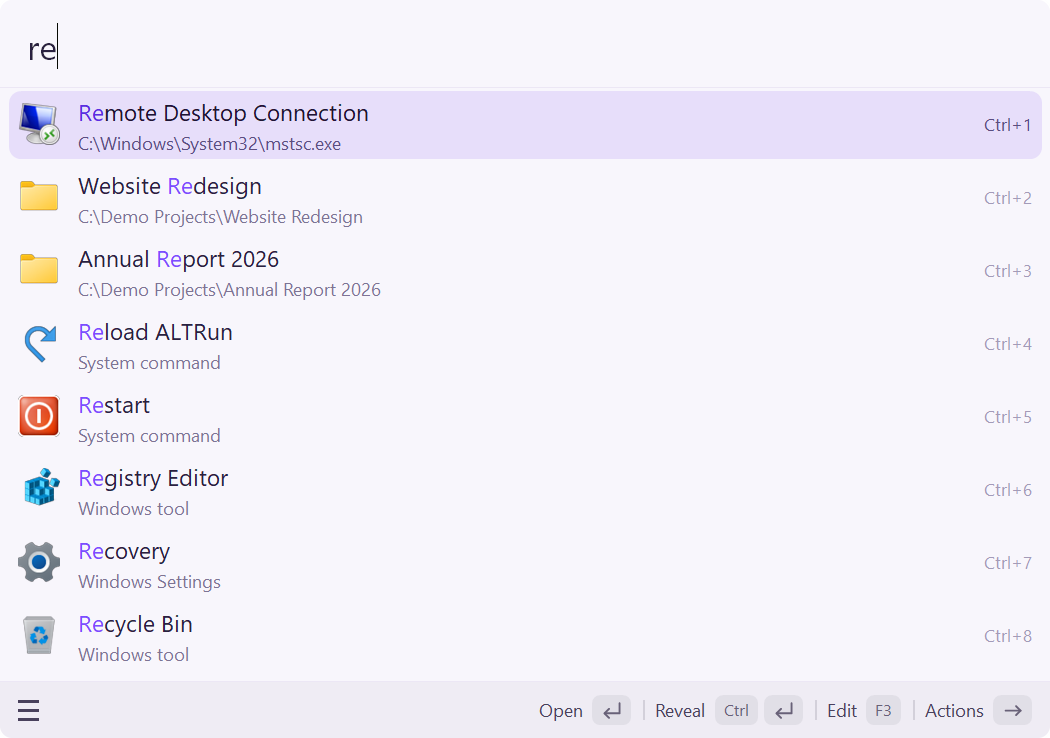
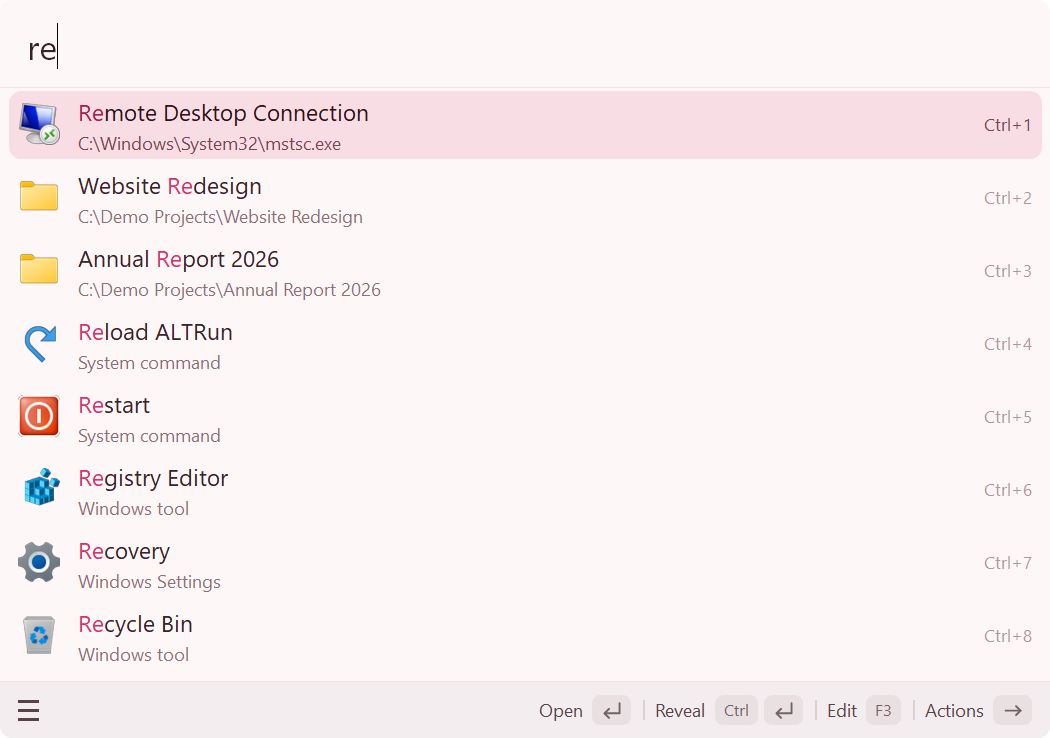
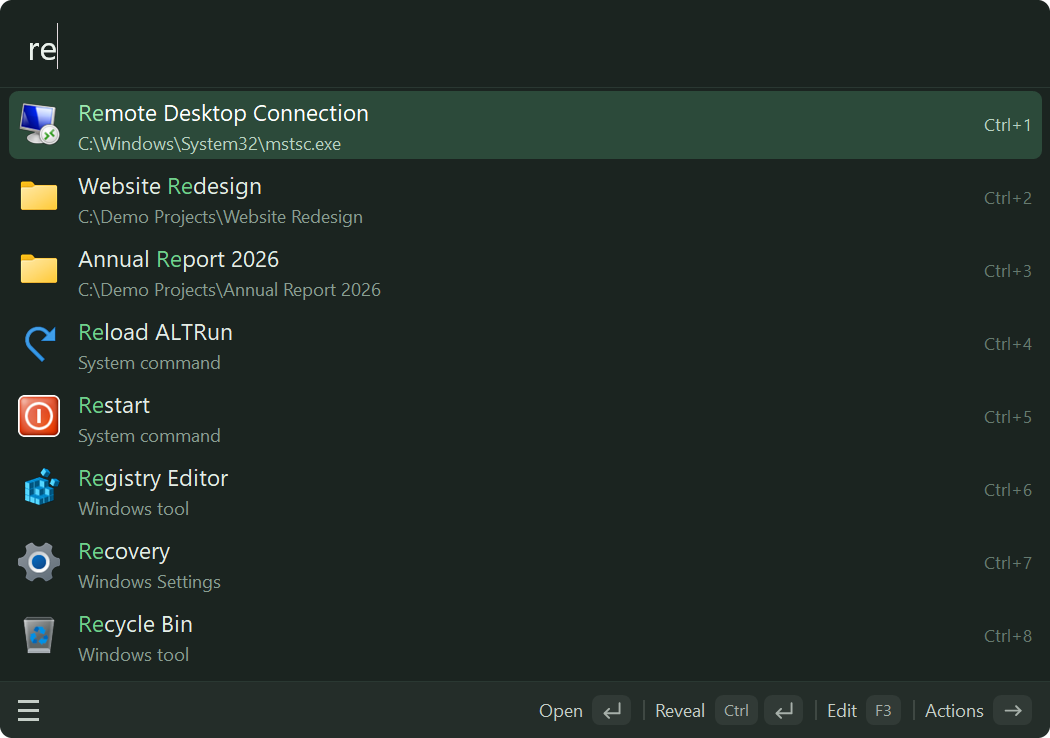
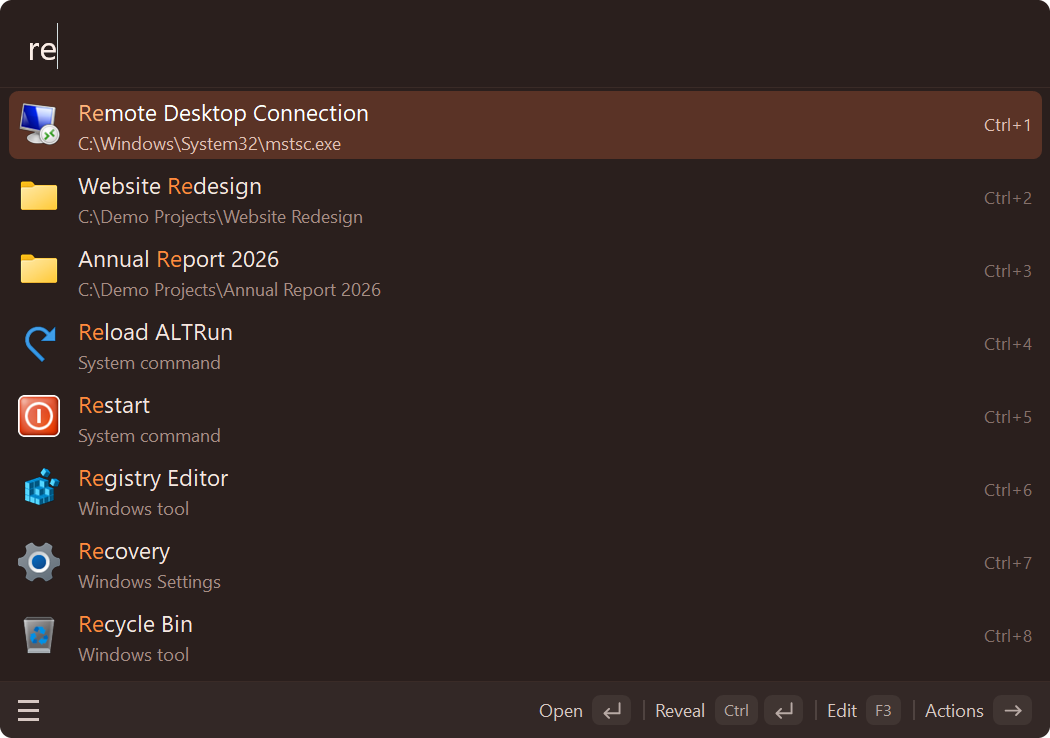
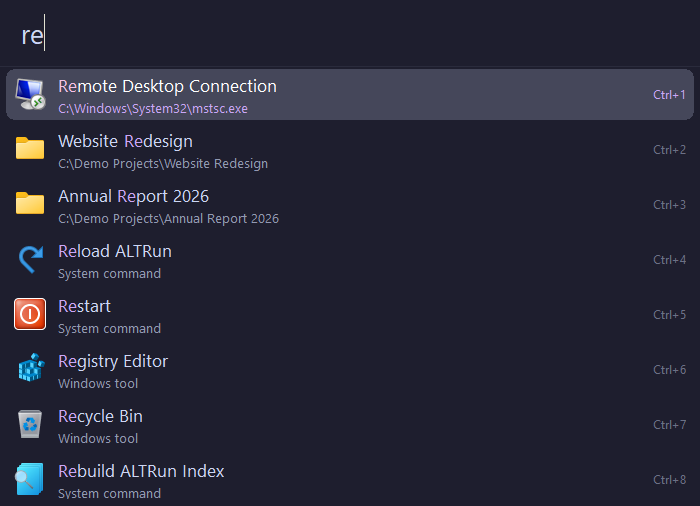
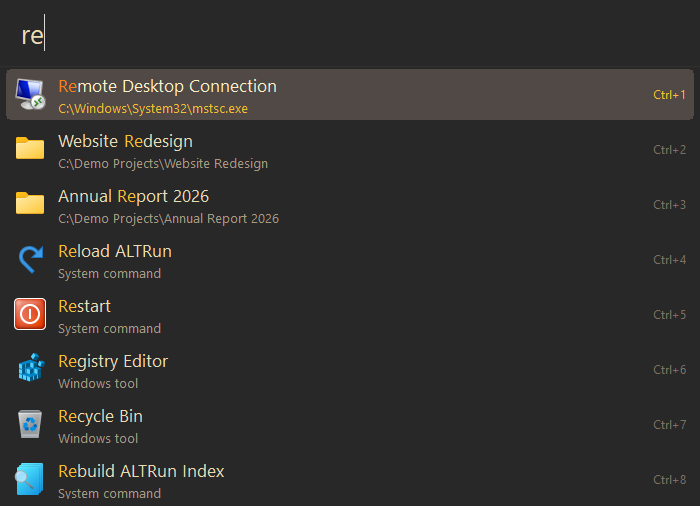
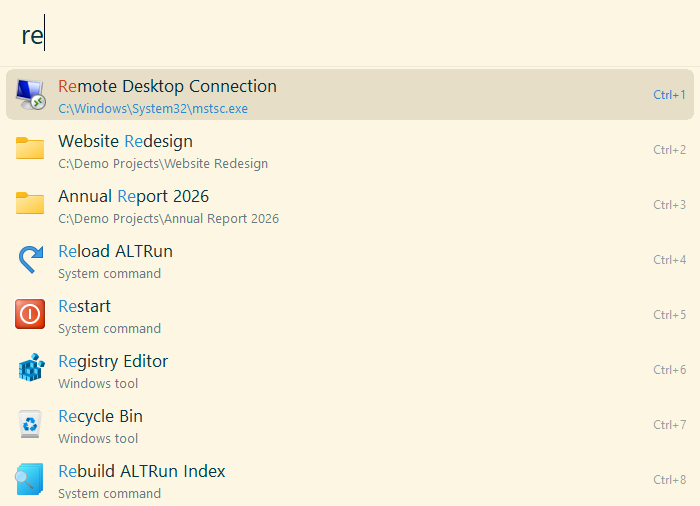
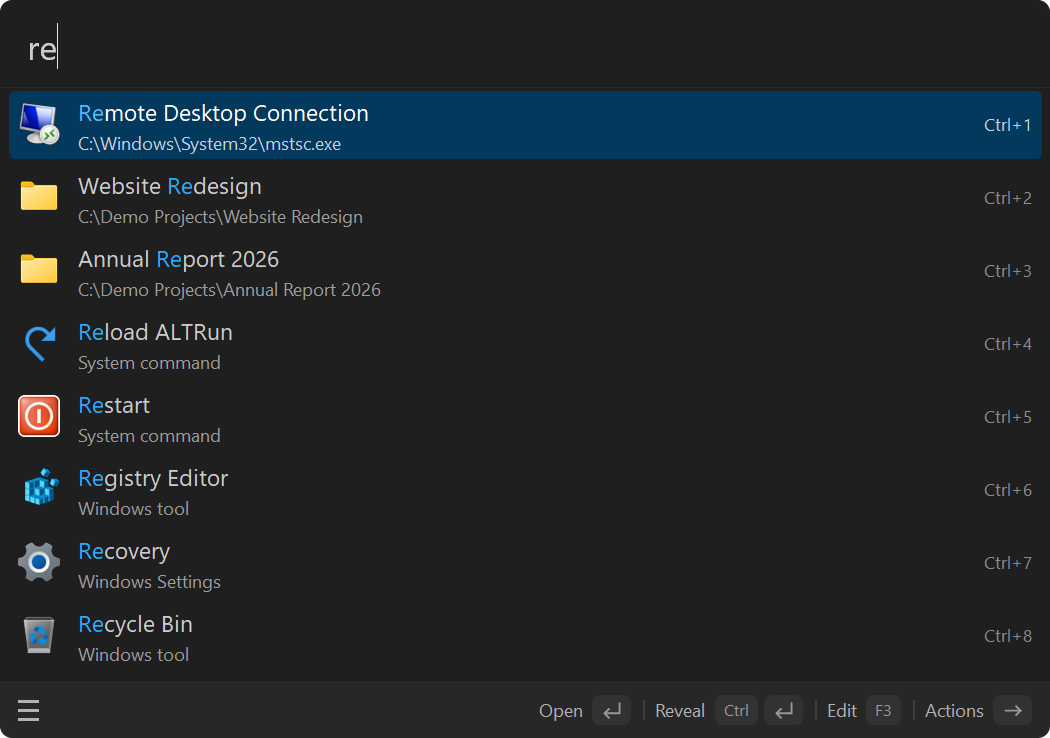
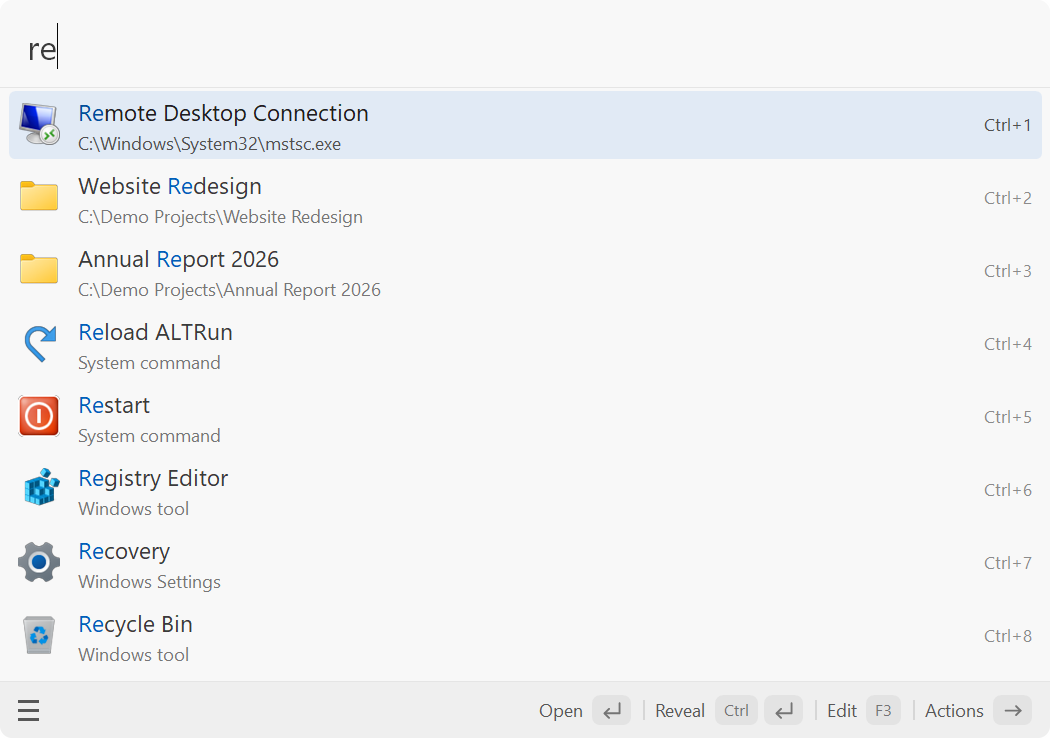
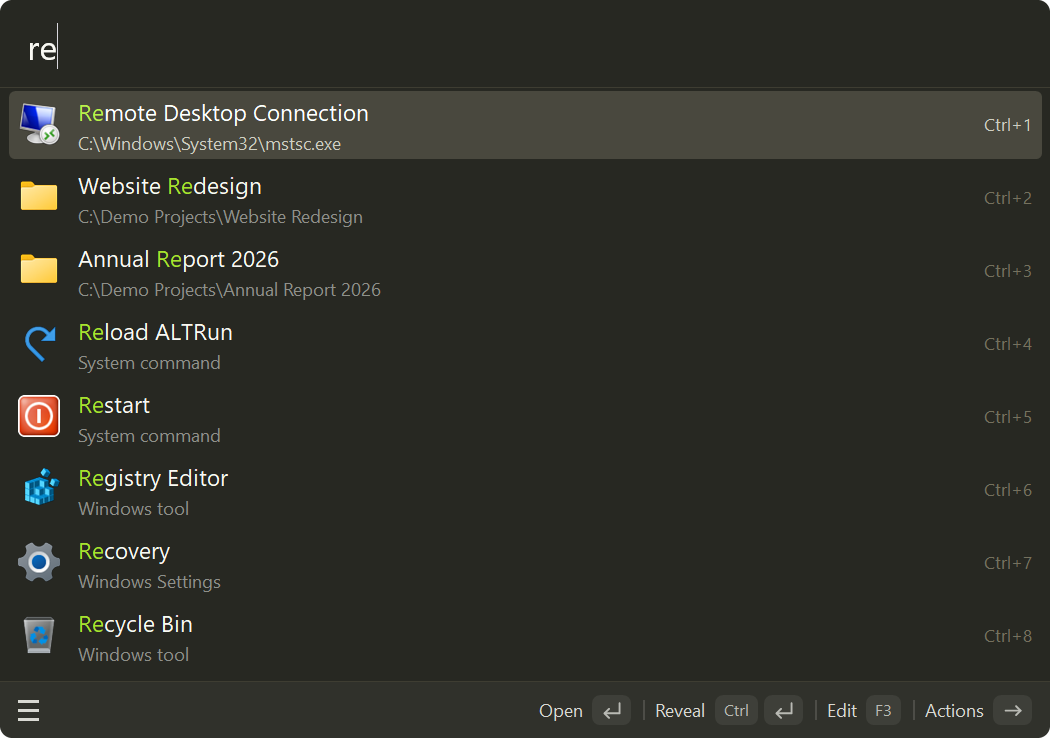
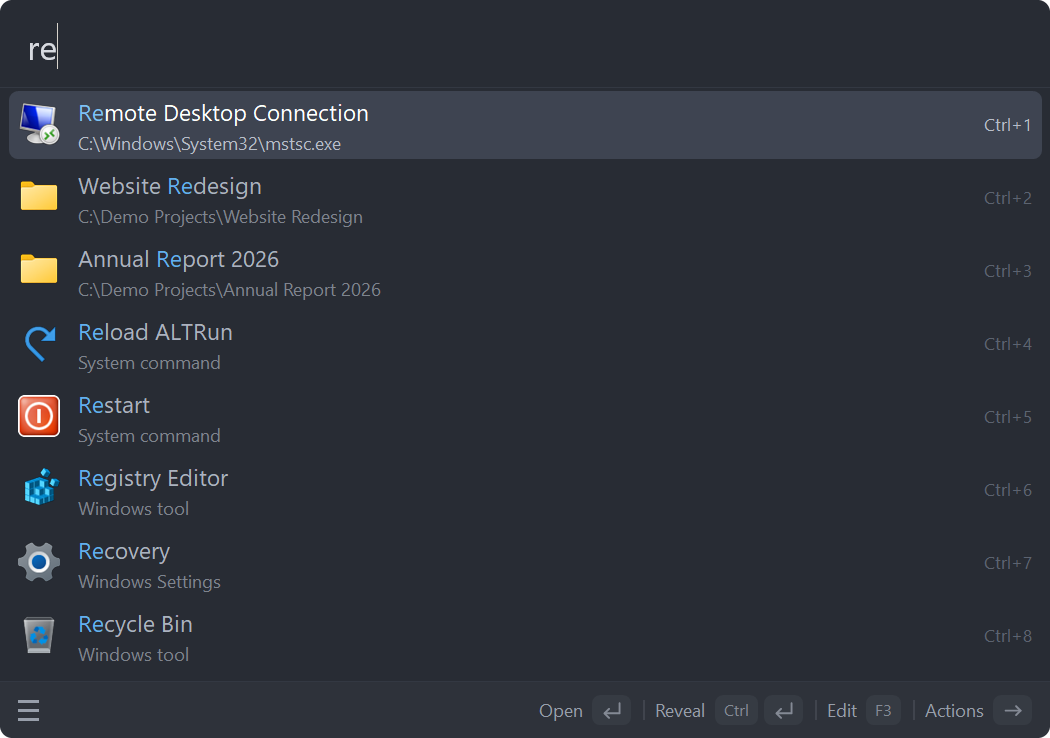
- **Customizable**: four interface languages—English, Simplified Chinese, Traditional Chinese and Japanese—and 22 built-in themes, each in three densities. Follow Windows light / dark mode or customize themes and settings through plain JSON files.
- **Free and open source**: GPL-3.0 licensed, with more than 8,000 tests run automatically on Windows for every pull request.
## Getting started
1. [Download the latest release](https://github.com/zhugecaomao/ALTRun/releases/latest), unzip it to any folder and run `ALTRun.exe` — no installation or AutoHotkey required.
2. Press `Alt+Space` (or `Alt+R`), type an app or file name, then press `Enter`.
3. Type `?` to see all search syntax and shortcuts; press `Ctrl+,` to open Preferences.
If Windows SmartScreen blocks the app, choose **More info** → **Run anyway**. For antivirus warnings, see the [FAQ](https://github.com/zhugecaomao/ALTRun/wiki/FAQ#my-antivirus-flags-it).
You can also install with Scoop or winget (once accepted), or run `ALTRun.ahk` with AutoHotkey v2. See [Installation options and upgrades](#installation-options-and-upgrades) for details.
## Features
**Search**
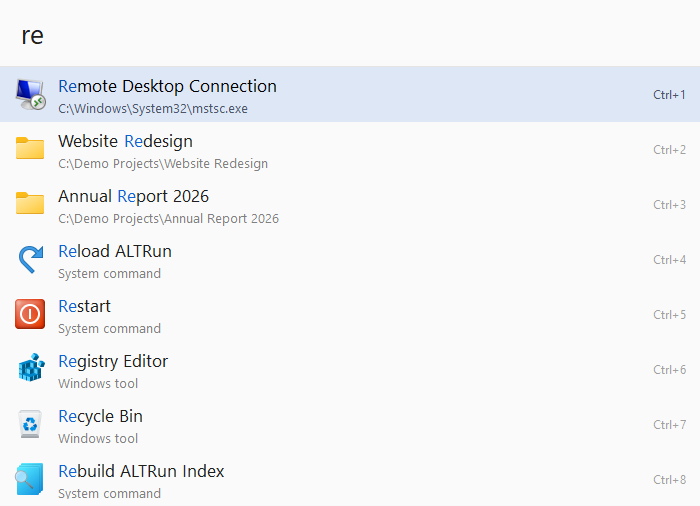

- **Search window**: results update as you type, with a title and path for each; the window grows with the results, can be dragged and remembers its position, and opens on the screen with the mouse pointer when you have several monitors.
- **Apps**: Start menu, desktop and Microsoft Store apps are indexed automatically, and newly installed programs show up within seconds; press `Ctrl+Del` to hide apps or built-in commands you don't want, and restore them in Preferences.
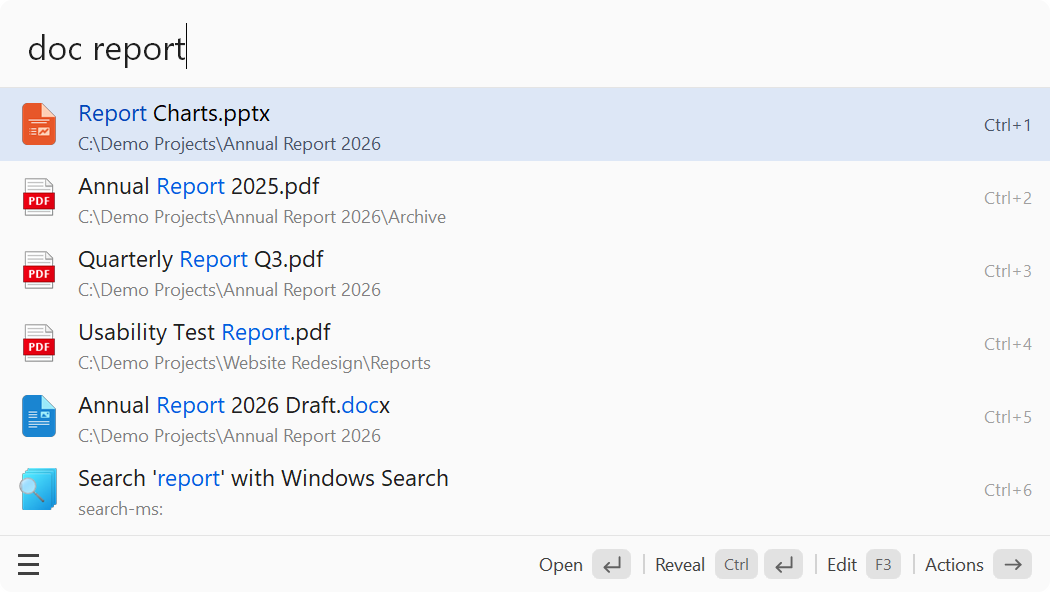
- **Match highlighting**: the parts of a title that match what you typed (consecutive characters, word initials, pinyin initials) are highlighted.
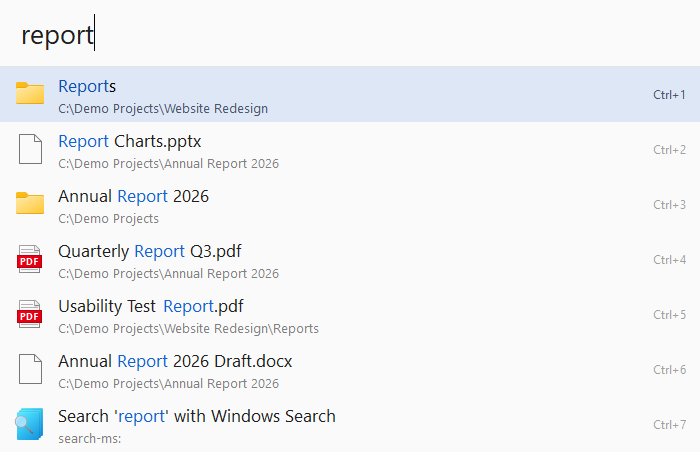
- **Files and folders**: in an empty search box, press `Space` first and then type a name (or use `'report` or `open report`). With Everything running it searches all disks, otherwise the built-in index; type a path such as `D:\Projects\` to browse folder by folder; `recent report` searches the files you opened recently in any program. Files can also show in normal results, matched by the start of a name or anywhere in it (Preferences → File Search).
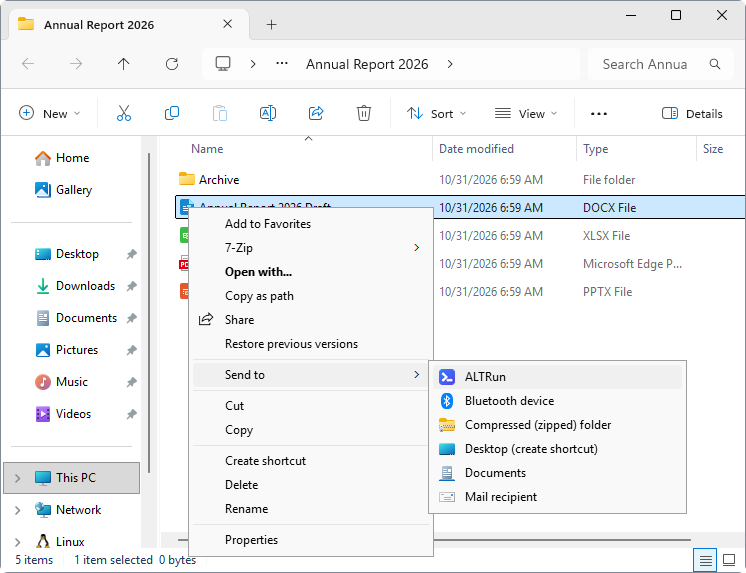
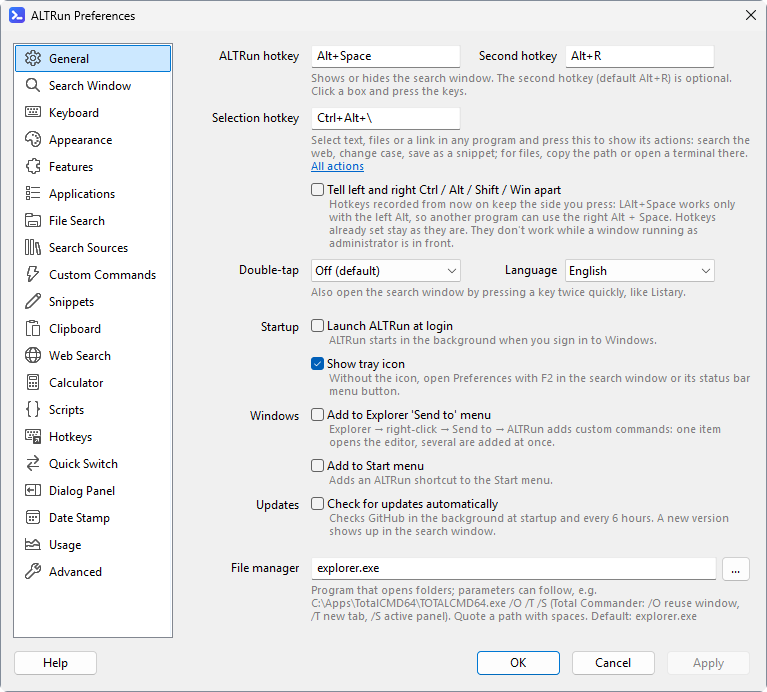
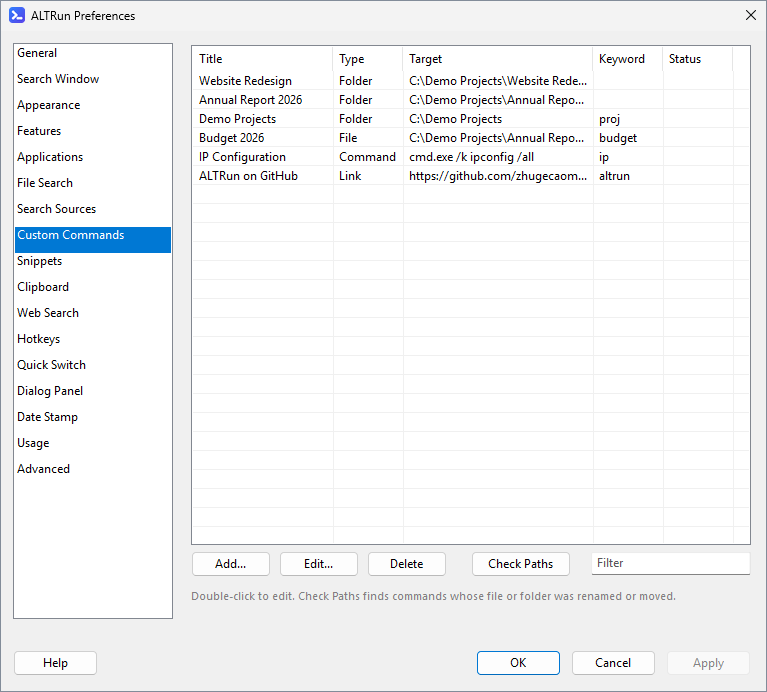
- **Custom commands**: files, folders, programs (with arguments) and web addresses, each with optional keywords (several, separated by commas, if you switch keyboard layouts). Add them from Explorer with right-click → Send to → ALTRun (several at once works too), and check for commands whose path no longer exists.
- **Learned ranking**: remembers which result you picked for each query and moves frequent picks up.
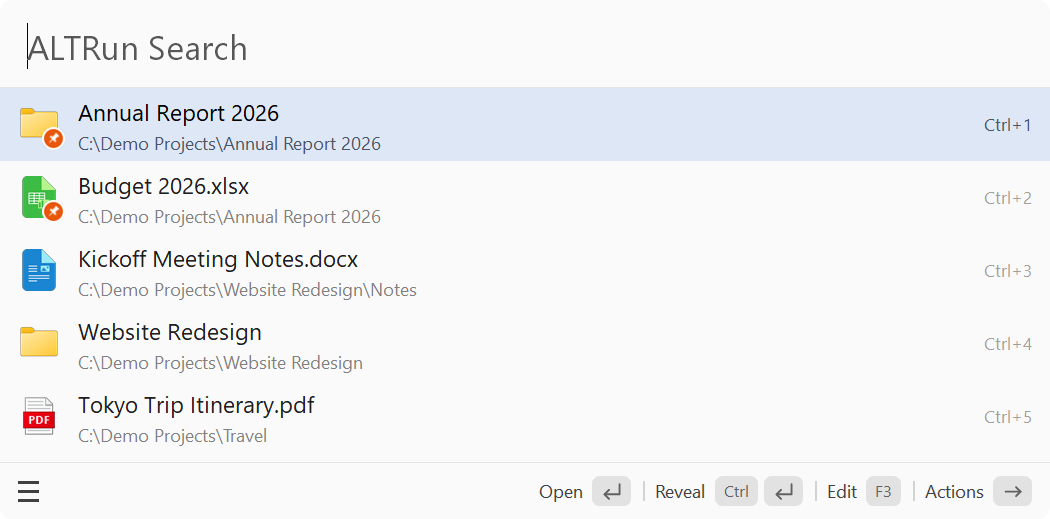
- **Pinned and recent items**: before you type anything, the window lists your pinned items and recently opened ones.
- **Usage statistics**: counts per day and per feature (only counts are recorded).

- **Calculator**: type an expression directly; supports unit conversion (`10 km in mi`), number bases (`255 in hex`), date arithmetic (`today + 30 days`) and optional currency conversion (`100 usd to sgd`).
- **Web search**: `g keywords` (Google), `bd keywords` (Baidu) and more; search engines are customizable (`g` and a space with nothing after it searches the clipboard text), and web search is offered when nothing else matches.
- **Browser bookmarks**: searches Chrome, Edge, Brave and Vivaldi bookmarks; `bm keywords` searches bookmarks only.
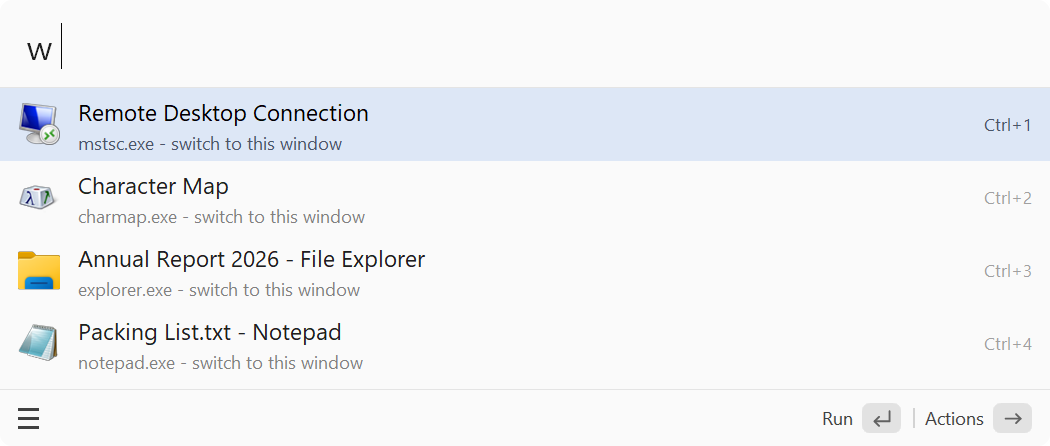
- **Window switcher**: type a window title or program name to switch to an open window; `w keywords` searches windows only, `w ` lists them all.
- **System commands**: lock, sleep, shut down, empty the Recycle Bin, volume and media control, Windows tools, more than 40 Windows Settings pages (Display, Bluetooth, Wi-Fi and so on), and text conversions (case, sorting, Simplified / Traditional Chinese and more).
**Productivity**
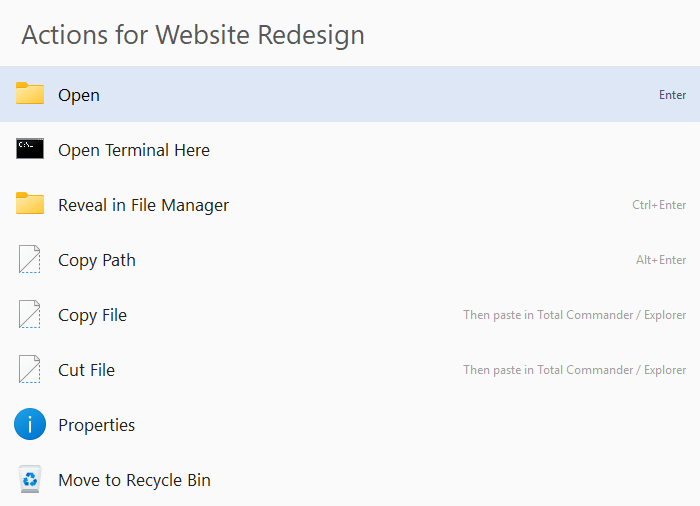
- **Action panel**: select a result and press `→` (or right-click) to list what you can do with it, such as run as administrator, open file location, copy path, open a terminal here, show properties or (when turned on) open the Windows context menu with the items 7-Zip, Git and other programs add.
- **Actions on selected content**: select text, files or a URL in any program and press `Ctrl+Alt+\` for actions such as web search, save as a snippet, or convert and replace the original text.
- **Edit in place**: press `F3` to edit a command, snippet or search engine; apps and files can be turned into custom commands in one step.

- **Clipboard history**: press `Ctrl+Alt+C` or type `clip`. Records text, files and images; pin the ones you use often, paste as plain text, and ignore anything copied from password managers.
- **Text snippets**: search by name, keyword or content; placeholders such as `{date}`, `{clipboard}` and `{cursor}`; type `;keyword` in any program to expand a snippet; import them in bulk from Excel / CSV, or export them.
- **Terminal**: type `>ipconfig /all` to run it in a terminal.
- **Large type**: press `Ctrl+L` to show a result in full-screen large type, handy for phone numbers or calculation results (turn it on in Preferences → Features).
**Extensions**

- **Quick Switch**: in an Open / Save dialog, press `Ctrl+G` to jump to the folder of the file manager you used last (Total Commander, Directory Opus or Explorer); a folder panel next to the dialog lists every open and recently used folder. Also works in the older Browse for Folder dialog (folder tree only).
- **Date stamp**: while renaming a file, press `Ctrl+D` to add or update a date before the extension (`Report.docx` → `Report - 28.09.2026.docx`).
- **Custom hotkeys**: assign a hotkey to any system command, optionally only inside specific programs.
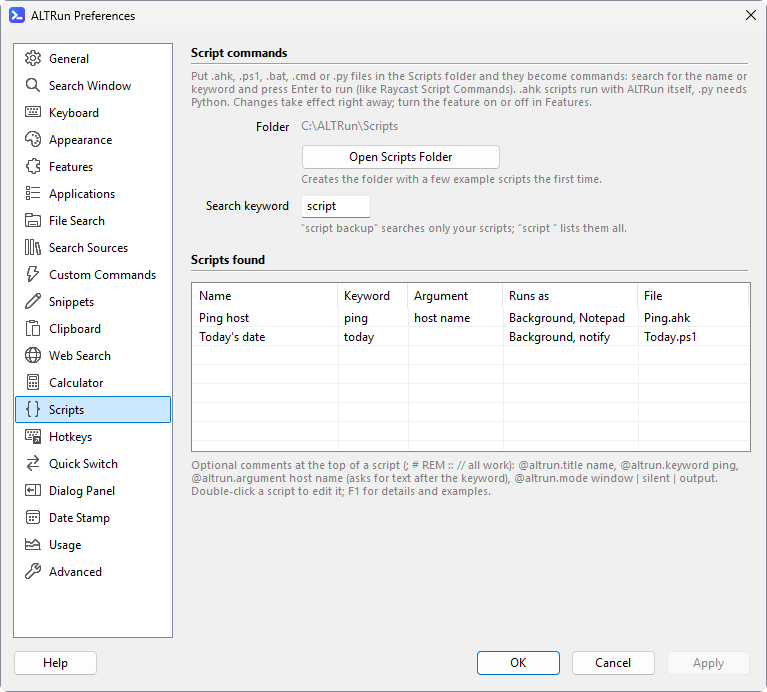
- **Scripts**: put `.ahk`, `.ps1`, `.bat` or `.py` scripts into the `Scripts\` folder and run them from the search window, with an argument, in the background or with their output shown.
**For structural engineers**
- **Structural calculations** (off by default): the calculator can add beam main bars and rebar area below its result.
- **PT Tools**: rebar / mesh area calculations and SPF2M post-tensioning tendon profiles, with results you can copy to Excel.
## Screenshots
| Search window | Action panel (`→`) |
|:---:|:---:|
|  |
|  |
| **File search (`Space` + name)** | **Search by file type (`doc` + name)** |
|
|
| **File search (`Space` + name)** | **Search by file type (`doc` + name)** |
|  |
|  |
| **Calculator and unit conversion** | **Pinyin initials (`jsb` finds 记事本, Notepad)** |
|
|
| **Calculator and unit conversion** | **Pinyin initials (`jsb` finds 记事本, Notepad)** |
|  |
|  |
| **Clipboard history (`Ctrl+Alt+C` / `clip`): find and paste** | **Pinned and recent items (empty search box)** |
|
|
| **Clipboard history (`Ctrl+Alt+C` / `clip`): find and paste** | **Pinned and recent items (empty search box)** |
|  |
|  |
| **Browse folders: `Tab` goes in, `Backspace` goes up** | **Web search (`g` + keywords)** |
|
|
| **Browse folders: `Tab` goes in, `Backspace` goes up** | **Web search (`g` + keywords)** |
|  |
|  |
| **Quick Switch: jump an Open / Save dialog to a folder you have open** | **Themes (Preferences → Appearance)** |
|
|
| **Quick Switch: jump an Open / Save dialog to a folder you have open** | **Themes (Preferences → Appearance)** |
|  |
|  |
| **Window switching (`w` + Space)** | **Add commands from Explorer (right-click → Send to → ALTRun)** |
|
|
| **Window switching (`w` + Space)** | **Add commands from Explorer (right-click → Send to → ALTRun)** |
|  |
|  |
| **Preferences** | **Custom commands** |
|
|
| **Preferences** | **Custom commands** |
|  |
|  |

| **Snippets: type `;thx` in any program** | **Scripts** |
|
|
| **Snippets: type `;thx` in any program** | **Scripts** |
|  |
|  |
|
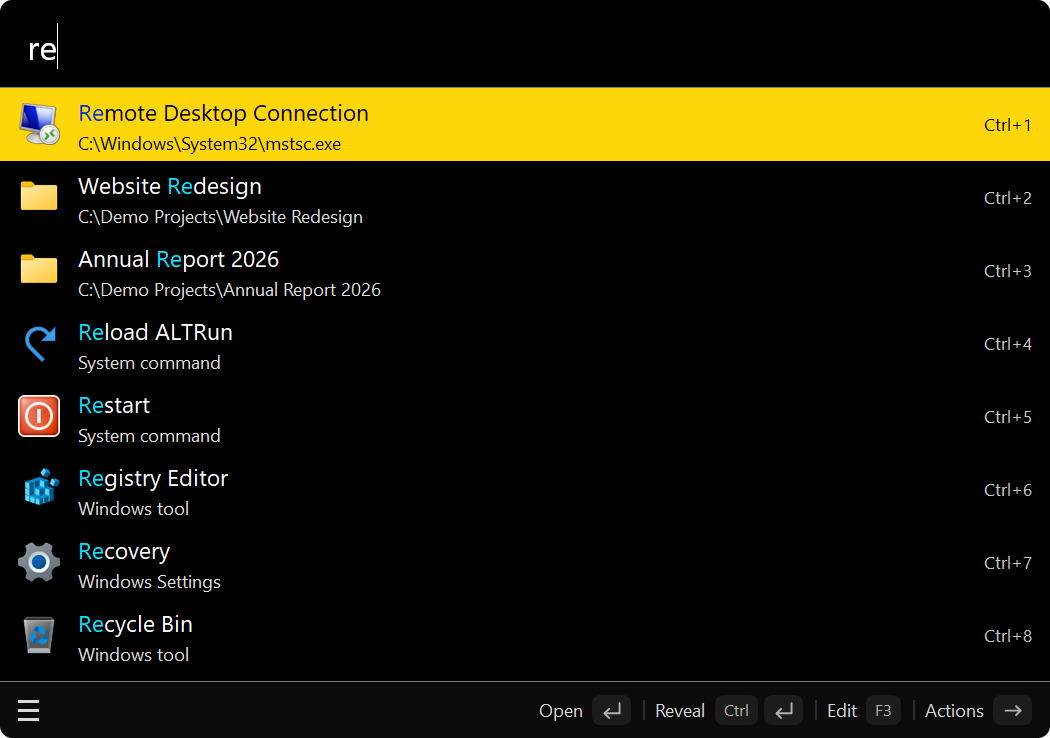
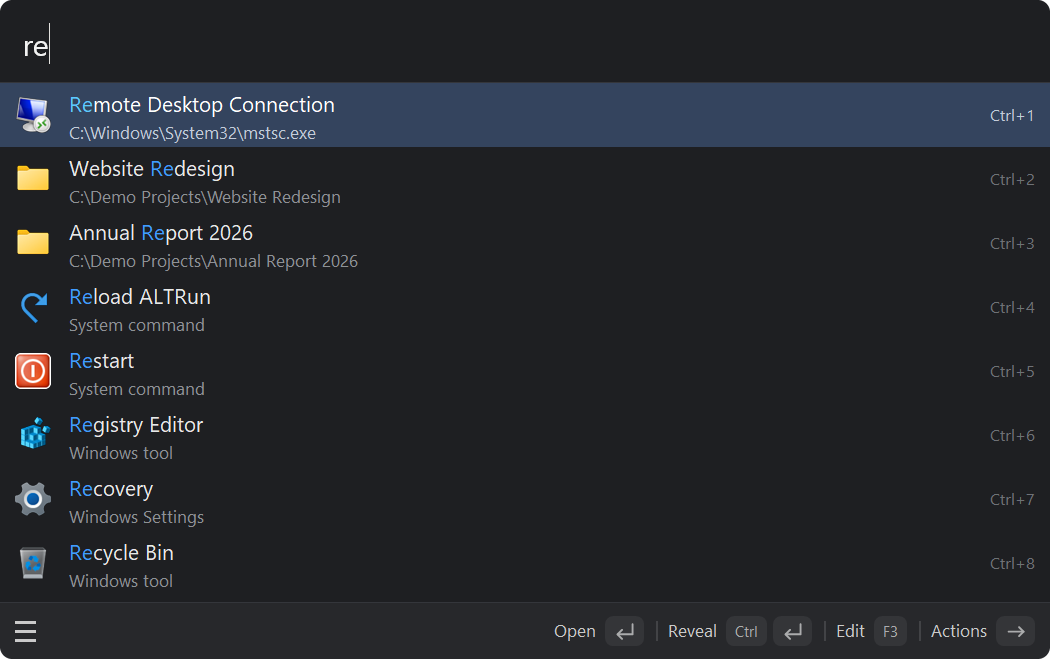
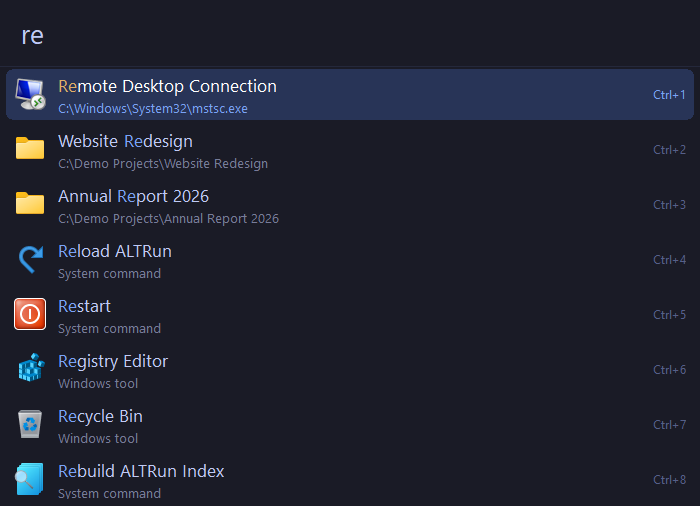
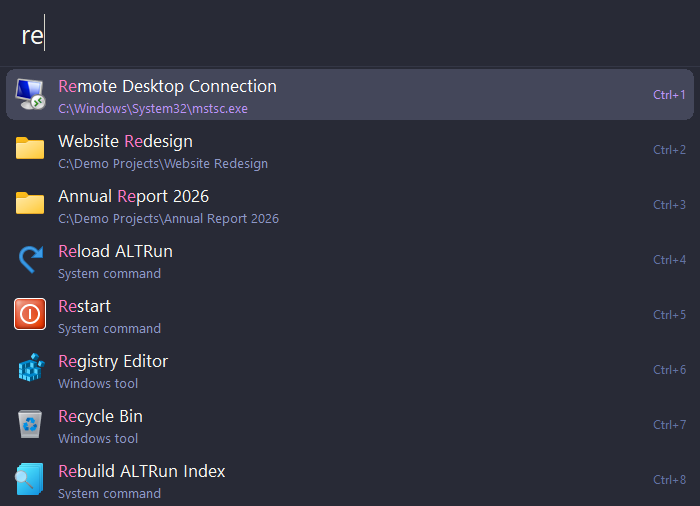
Built-in themes (22 in total, each in three densities; click to expand)
| Dark | Classic | Midnight |
|:---:|:---:|:---:|
|  |
|  |
|  |
| **Frost** | **Graphite** | **Ocean** |
|
|
| **Frost** | **Graphite** | **Ocean** |
|  |
|  |
|  |
| **Paper** | **Lavender** | **Rose** |
|
|
| **Paper** | **Lavender** | **Rose** |
|  |
|  |
|  |
| **Forest** | **Sunset** | **HighContrast** |
|
|
| **Forest** | **Sunset** | **HighContrast** |
|  |
|  |
|  |
| **Dark · Compact** | **TokyoNight** | **Dracula** |
|
|
| **Dark · Compact** | **TokyoNight** | **Dracula** |
|  |
|  |
|  |
| **CatppuccinMocha** | **GruvboxDark** | **SolarizedLight** |
|
|
| **CatppuccinMocha** | **GruvboxDark** | **SolarizedLight** |
|  |
|  |
|  |
| **DarkModern** | **LightModern** | **Monokai** |
|
|
| **DarkModern** | **LightModern** | **Monokai** |
|  |
|  |
|  |
| **OneDark** | | |
|
|
| **OneDark** | | |
|  | | |
| | |
The screenshots are generated automatically by [Tests/Screenshots](Tests/Screenshots/TakeScreenshots.ahk) on a Windows runner in GitHub Actions.
## Keyboard shortcuts
| Key | Action |
|---|---|
| `Alt+Space` | Show / hide the search window (configurable) |
| `Enter` | Open the selected result |
| `Ctrl+Enter` | Files / folders: open the containing folder; text: paste into the active window |
| `Alt+Enter` | Copy the path, URL or text |
| `Ctrl+1`–`Ctrl+9` | Open the Nth result |
| `↑` `↓` / `Ctrl+P` `Ctrl+N` | Move up / down one row |
| `PgUp` `PgDn` | Previous / next page |
| `Ctrl+↑` / `Ctrl+↓` | Previous / next search from history |
| `Tab` | Autocomplete; folders: browse into them (or select the next result, see Preferences → Keyboard) |
| `Backspace` (browsing a folder) | Up a level |
| `Insert` | Mark several files / folders, then press `→` to act on all of them |
| `Space` (in an empty search box, or with the cursor at the start) | Switch to file search, keeping what you typed; `Backspace` in an empty box or at the start switches back |
| `folder name` | Search folders only |
| `?` | Cheat sheet: every syntax and shortcut |
| `→` / right-click | Action panel / action menu |
| `F3` | Edit the selected result, or add an app, file or URL as a custom command |
| `Ctrl+Del` | Delete the selected result (with confirmation); apps: hide from results |
| `Ctrl+C` / `Ctrl+L` | Copy the selected result / large type |
| `Ctrl+E` | Edit the selected file in its editor (e.g. an .ahk script) |
| `F2` or `Ctrl+,` / `F4` | Preferences / edit ALTRun.json in Notepad |
| `F1` | About ALTRun (version, check for updates, project page) |
| `Ctrl+Alt+C` | Clipboard history |
| `Esc` | Close the action panel / hide the window |
For the full syntax (`'file`, `>command`, `clip`, `snip`, web search keywords and more), see [Search and shortcuts](https://github.com/zhugecaomao/ALTRun/wiki/Usage) in the wiki.
## Documentation
The full documentation is in the [wiki](https://github.com/zhugecaomao/ALTRun/wiki/Home):
| Page | Contents |
|---|---|
| [Installation and upgrades](https://github.com/zhugecaomao/ALTRun/wiki/Installation) | Download, Scoop / winget, start with Windows, automatic updates, upgrading from 2.x, uninstalling |
| [Search and shortcuts](https://github.com/zhugecaomao/ALTRun/wiki/Usage) | Search syntax, shortcuts, action panel, learned ranking, usage statistics |
| [Custom commands](https://github.com/zhugecaomao/ALTRun/wiki/Custom-Commands) | Command types, commands with an argument, path variables |
| [Snippets](https://github.com/zhugecaomao/ALTRun/wiki/Snippets) | Placeholders, snippet expansion, windows without expansion, import / export |
| [File search](https://github.com/zhugecaomao/ALTRun/wiki/File-Search) | Everything integration, built-in index, exclusion rules |
| [Themes](https://github.com/zhugecaomao/ALTRun/wiki/Themes) | Built-in themes, custom themes, every available key |
| [Extensions](https://github.com/zhugecaomao/ALTRun/wiki/Extensions) | Quick Switch, date stamp, custom hotkeys, system commands |
| [PT Tools](https://github.com/zhugecaomao/ALTRun/wiki/PT-Tools) | Rebar and mesh areas, bars required, a calculator; SPF2M tendon profiles |
| [Settings reference](https://github.com/zhugecaomao/ALTRun/wiki/Configuration) | Every ALTRun.json setting and its default value |
| [FAQ](https://github.com/zhugecaomao/ALTRun/wiki/FAQ) | Hotkey conflicts, things that can't be found, antivirus false positives and more |
| [Development guide](https://github.com/zhugecaomao/ALTRun/wiki/Development) | Architecture, adding a search feature, code style, tests |
## Installation options and upgrades
**Scoop** (adds a Start menu shortcut and keeps settings across upgrades):
```powershell
scoop bucket add altrun https://github.com/zhugecaomao/ALTRun
scoop install altrun
scoop update altrun # upgrade (quit ALTRun first)
```
The winget manifest has been submitted and is awaiting acceptance. Once accepted, install with `winget install zhugecaomao.ALTRun`.
To run from source, install [AutoHotkey v2](https://www.autohotkey.com/) and launch `ALTRun.ahk`.
For upgrading from an older version or from 2.x, see [Installation and upgrades](https://github.com/zhugecaomao/ALTRun/wiki/Installation).
## Feedback and contributing
- Report a problem: [open an issue](https://github.com/zhugecaomao/ALTRun/issues/new/choose) (please include your Windows version and the steps to reproduce)
- Ideas and discussion: [Discussions](https://github.com/zhugecaomao/ALTRun/discussions)
- Code contributions: please read [CONTRIBUTING.md](CONTRIBUTING.md) first; the [Development guide](https://github.com/zhugecaomao/ALTRun/wiki/Development) covers the project structure, running the tests and adding a search feature
Issues and pull requests are welcome in English or Chinese. If ALTRun is useful to you, a star ⭐ is much appreciated.
## Code signing policy
Free code signing provided by [SignPath.io](https://about.signpath.io/), certificate by [SignPath Foundation](https://signpath.org/).
- Only `ALTRun.exe` built from this repository's source by the [Release workflow](.github/workflows/release.yml) is signed.
- Committers and reviewers: [zhugecaomao](https://github.com/zhugecaomao)
- Approvers: [zhugecaomao](https://github.com/zhugecaomao)
- Privacy policy: [SECURITY.md](SECURITY.md#privacy-policy)
## License and credits
ALTRun is open source under the [GPL-3.0](LICENSE) license © zhugecaomao
Thanks to these projects:
- [ALTRun](https://github.com/etworker/ALTRun) (etworker, Delphi): the name and the original design
- [RunZ](https://github.com/goreliu/runz) (goreliu, AutoHotkey): the idea of writing a launcher in AutoHotkey
- [Alfred](https://www.alfredapp.com/): the interaction model
- [Listary](https://www.listary.com/): its Quick Switch is the model for ALTRun's
- [pypinyin](https://github.com/mozillazg/python-pinyin) (Copyright (c) 2016 mozillazg, 闲耘; [MIT](https://github.com/mozillazg/python-pinyin/blob/master/LICENSE.txt)): pinyin initials of rare and Traditional characters