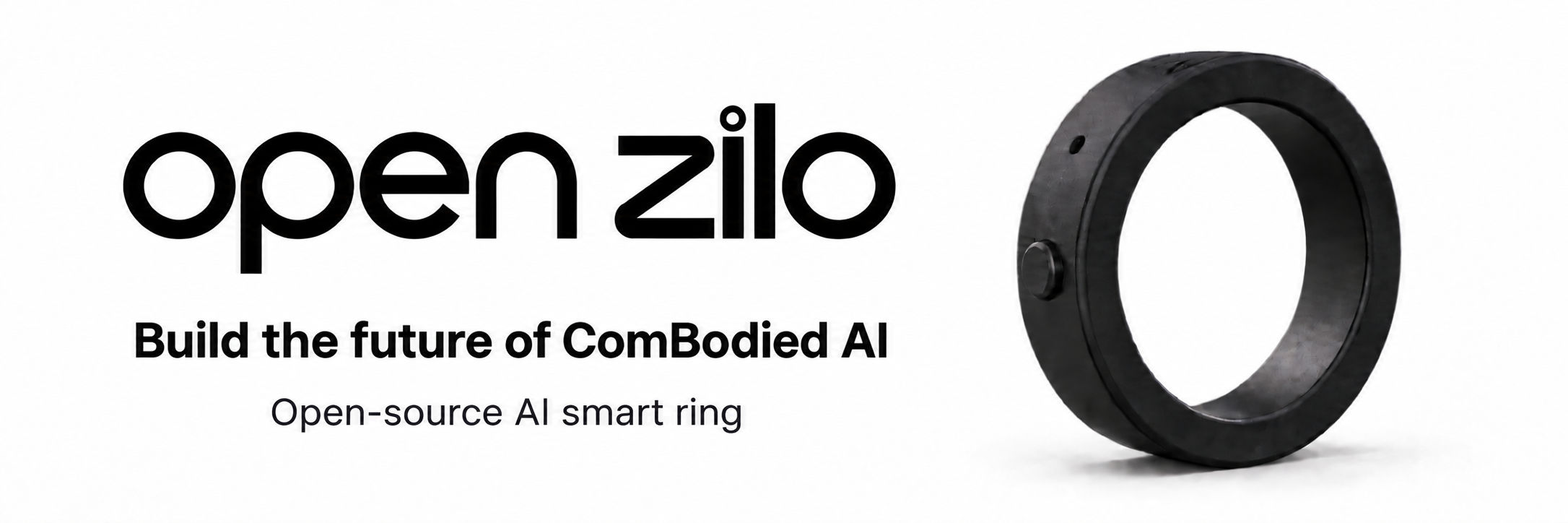
Open-source wearable hardware for building Combodied AI.




Website · Get the Kit · Development kits · Coding agents · Quick start · 简体中文
OpenZilo is an open development platform for building always-available AI experiences with wearable hardware. Starting with smart rings, OpenZilo provides developers with hardware, firmware, SDKs, and reference applications for connecting **voice, gestures, physiological signals, AI agents, computers, robots, and the physical world**. This repository contains the Python SDK and CLI for scanning and connecting to an OpenZilo ring, reading device information, downloading recordings, converting Speex or mono/stereo Opus to WAV, and receiving IMU and gesture events. Run `openzilo device use` to scan and save a default ring, then `openzilo shell` for an interactive terminal. Device commands also accept `OPENZILO_ADDRESS` or `--address`. Use `sensor-stream --seconds 10 --output imu.jsonl` for timed IMU capture. See the [Chinese CLI guide](docs/cli.zh-CN.md); remote recording requires matching extended firmware. Run `uvx --from git+https://github.com/ziloai/OpenZilo.git openzilo shell` to start the interactive terminal directly from GitHub. See the [CLI guide](docs/cli.en.md#run-directly-with-uvx). It documents protocol v4 on firmware `V2.001.0002.0000`. Check device behavior on your own hardware. ## News - We released [OpenZilo-HMM](https://github.com/ziloai/OpenZilo-HMM), an AI framework for training custom gestures with the OpenZilo ring. - We released an AI-powered ring sizing tool. Try it by searching for the **“Zilo”** mini program in WeChat. ## Development Kits OpenZilo currently includes two development kits: **OpenZilo Q** and **OpenZilo X**. Choose **Q** for voice-first development with dual microphones. Choose **X** when your prototype also needs physiological sensing. | Sensor configuration | OpenZilo Q | OpenZilo X | | --- | --- | --- | | Microphones | **2** | **1** | | IMU | **Included** | **Included** | | PPG sensor | — | **Included** | ### OpenZilo Q **Voice + Gesture Development Kit** Built for: - AI agents - voice interaction - gesture control - robotics - computers and mobile devices - experimental human–AI interfaces ### OpenZilo X **Voice + Gesture + Physiological Sensing Development Kit** Adds physiological sensing for building: - health-aware AI agents - context-aware applications - multimodal interaction - personal sensing experiments - wearable AI research ## What can you build? OpenZilo is designed as an open interaction layer rather than a closed consumer device. Use it to build: - **AI Agents** — invoke and interact with agents through voice and gestures - **Robotics** — connect wearable input to robots and physical systems - **Desktop & Mobile** — create new shortcuts, workflows, and AI interfaces - **AR / XR** — explore subtle wearable interaction for spatial computing - **Health-aware AI** — combine physiological signals with personal context - **Experimental Interfaces** — build interactions we have not imagined yet ## Coding agents Open the cloned repository in your tool. The project instructions point to the SDK's public API and the [`llms.txt`](llms.txt) documentation index. | Tool | Start in repository root | Project instructions | | --- | --- | --- | | [Codex](docs/ai-tools.md#codex) | `codex` | [`AGENTS.md`](AGENTS.md) |
|
[Codex](docs/ai-tools.md#codex) | `codex` | [`AGENTS.md`](AGENTS.md) |
|  [Claude Code](docs/ai-tools.md#claude-code) | `claude` | [`CLAUDE.md`](CLAUDE.md) |
|
[Claude Code](docs/ai-tools.md#claude-code) | `claude` | [`CLAUDE.md`](CLAUDE.md) |
|  [Cursor](docs/ai-tools.md#cursor) | Open the repository | [`AGENTS.md`](AGENTS.md) |
|
[Cursor](docs/ai-tools.md#cursor) | Open the repository | [`AGENTS.md`](AGENTS.md) |
|  [GitHub Copilot](docs/ai-tools.md#github-copilot) | Open the repository | [Copilot instructions](.github/copilot-instructions.md) |
|
[GitHub Copilot](docs/ai-tools.md#github-copilot) | Open the repository | [Copilot instructions](.github/copilot-instructions.md) |
|  [Gemini CLI](docs/ai-tools.md#gemini-cli) | `gemini` | [`GEMINI.md`](GEMINI.md) |
|
[Gemini CLI](docs/ai-tools.md#gemini-cli) | `gemini` | [`GEMINI.md`](GEMINI.md) |
|  [OpenCode](docs/ai-tools.md#opencode) | `opencode` | [`AGENTS.md`](AGENTS.md) |
Try:
> “Read `llms.txt` and the Python SDK guide. Write a script using exported `openzilo` APIs that scans for a ring and prints its model, firmware version, and battery level.”
See the [setup guide](docs/ai-tools.md) for installation links and using these docs from another repository.
## Quick start
You need [uv](https://docs.astral.sh/uv/getting-started/installation/), Python 3.10+ (uv can install it), and a BLE adapter. On Linux, you also need BlueZ and Bluetooth access.
Install the device CLI from GitHub:
```bash
uv tool install git+https://github.com/ziloai/OpenZilo.git
openzilo scan --timeout 10
openzilo info --address AA:BB:CC:DD:EE:FF
```
Replace the example address with one returned by `scan`. To use the SDK in your uv project, run `uv add git+https://github.com/ziloai/OpenZilo.git`. Without uv, use `python -m pip install git+https://github.com/ziloai/OpenZilo.git`.
In Python:
```python
import asyncio
import openzilo as sdk
async def main() -> None:
async with sdk.OpenZiloClient(address="AA:BB:CC:DD:EE:FF") as ring:
info = await sdk.get_system_info(ring)
print(info.model, info.firmware_version, info.battery_percent)
asyncio.run(main())
```
See the [examples](examples/) for audio download and IMU streaming.
For live mono/stereo PCM, install `uv add "openzilo[pcm] @ git+https://github.com/ziloai/OpenZilo.git"` and consume
`sdk.open_live_audio_stream(ring)` with `async with` / `async for`. It yields
`LiveAudioStart`, 20 ms `LivePcmFrame` blocks (16 kHz s16le, with the configured channel count),
then a verified `LiveAudioEnd`. Slow consumers fail explicitly; leaving the
context stops an unfinished capture and attempts unsubscribe. This path uses
PyAV and does not need an ffmpeg executable. See [the live PCM example](examples/live_pcm.py)
and [live audio guide](docs/sdk-live-audio.en.md#open_live_audio_stream-pcm--opus-events).
Use `output="opus"` to consume original packets with only the base SDK.
Install `ffmpeg` if you need Speex/Opus-to-WAV conversion. `audio-clear` deletes recordings from the device and requires `--yes`.
## Research and partners
[ComBodied Agents: a New Paradigm of Human-Centric Agentic AI](https://arxiv.org/abs/2608.10915) is featured on the [OpenZilo website](https://openzilo.com).
[PDF](https://arxiv.org/pdf/2608.10915) · [Hugging Face Papers](https://huggingface.co/papers/2608.10915)
[OpenCode](docs/ai-tools.md#opencode) | `opencode` | [`AGENTS.md`](AGENTS.md) |
Try:
> “Read `llms.txt` and the Python SDK guide. Write a script using exported `openzilo` APIs that scans for a ring and prints its model, firmware version, and battery level.”
See the [setup guide](docs/ai-tools.md) for installation links and using these docs from another repository.
## Quick start
You need [uv](https://docs.astral.sh/uv/getting-started/installation/), Python 3.10+ (uv can install it), and a BLE adapter. On Linux, you also need BlueZ and Bluetooth access.
Install the device CLI from GitHub:
```bash
uv tool install git+https://github.com/ziloai/OpenZilo.git
openzilo scan --timeout 10
openzilo info --address AA:BB:CC:DD:EE:FF
```
Replace the example address with one returned by `scan`. To use the SDK in your uv project, run `uv add git+https://github.com/ziloai/OpenZilo.git`. Without uv, use `python -m pip install git+https://github.com/ziloai/OpenZilo.git`.
In Python:
```python
import asyncio
import openzilo as sdk
async def main() -> None:
async with sdk.OpenZiloClient(address="AA:BB:CC:DD:EE:FF") as ring:
info = await sdk.get_system_info(ring)
print(info.model, info.firmware_version, info.battery_percent)
asyncio.run(main())
```
See the [examples](examples/) for audio download and IMU streaming.
For live mono/stereo PCM, install `uv add "openzilo[pcm] @ git+https://github.com/ziloai/OpenZilo.git"` and consume
`sdk.open_live_audio_stream(ring)` with `async with` / `async for`. It yields
`LiveAudioStart`, 20 ms `LivePcmFrame` blocks (16 kHz s16le, with the configured channel count),
then a verified `LiveAudioEnd`. Slow consumers fail explicitly; leaving the
context stops an unfinished capture and attempts unsubscribe. This path uses
PyAV and does not need an ffmpeg executable. See [the live PCM example](examples/live_pcm.py)
and [live audio guide](docs/sdk-live-audio.en.md#open_live_audio_stream-pcm--opus-events).
Use `output="opus"` to consume original packets with only the base SDK.
Install `ffmpeg` if you need Speex/Opus-to-WAV conversion. `audio-clear` deletes recordings from the device and requires `--yes`.
## Research and partners
[ComBodied Agents: a New Paradigm of Human-Centric Agentic AI](https://arxiv.org/abs/2608.10915) is featured on the [OpenZilo website](https://openzilo.com).
[PDF](https://arxiv.org/pdf/2608.10915) · [Hugging Face Papers](https://huggingface.co/papers/2608.10915)