# kkTerminal
> A terminal for Web SSH connection
>
> Author: [zyyzyykk](https://github.com/zyyzyykk/)
>
> Source Code: https://github.com/zyyzyykk/kkTerminal
>
> Docker Hub Address: https://hub.docker.com/repository/docker/zyyzyykk/kkterminal/general
>
> Preview: https://ssh.kkbpro.com/
>
> Update Time: 2026-03-07
>






English | 简体中文
### ⚡ Quick integration
Using the HTML tag `iframe` in web pages to quick integration:
```html
```
### 🐳 Deploy with Docker
1. Pull image:
```bash
docker pull zyyzyykk/kkterminal
```
2. Create and run a container:
```bash
docker run -d --name kkterminal \
-p 3000:3000 \
-e BANNER="kkTerminal" \
-e STORAGE="P5P1SIqVe6kaOxMX" \
-e PASSWORD="" \
-v /data/kkterminal/cloud:/cloud \
-v /data/kkterminal/log:/log \
-v /data/kkterminal/temp:/temp \
zyyzyykk/kkterminal
```
3. Accessing in browser: `http://:3000/`
### 👀 Preview
Visit this website: https://ssh.kkbpro.com/
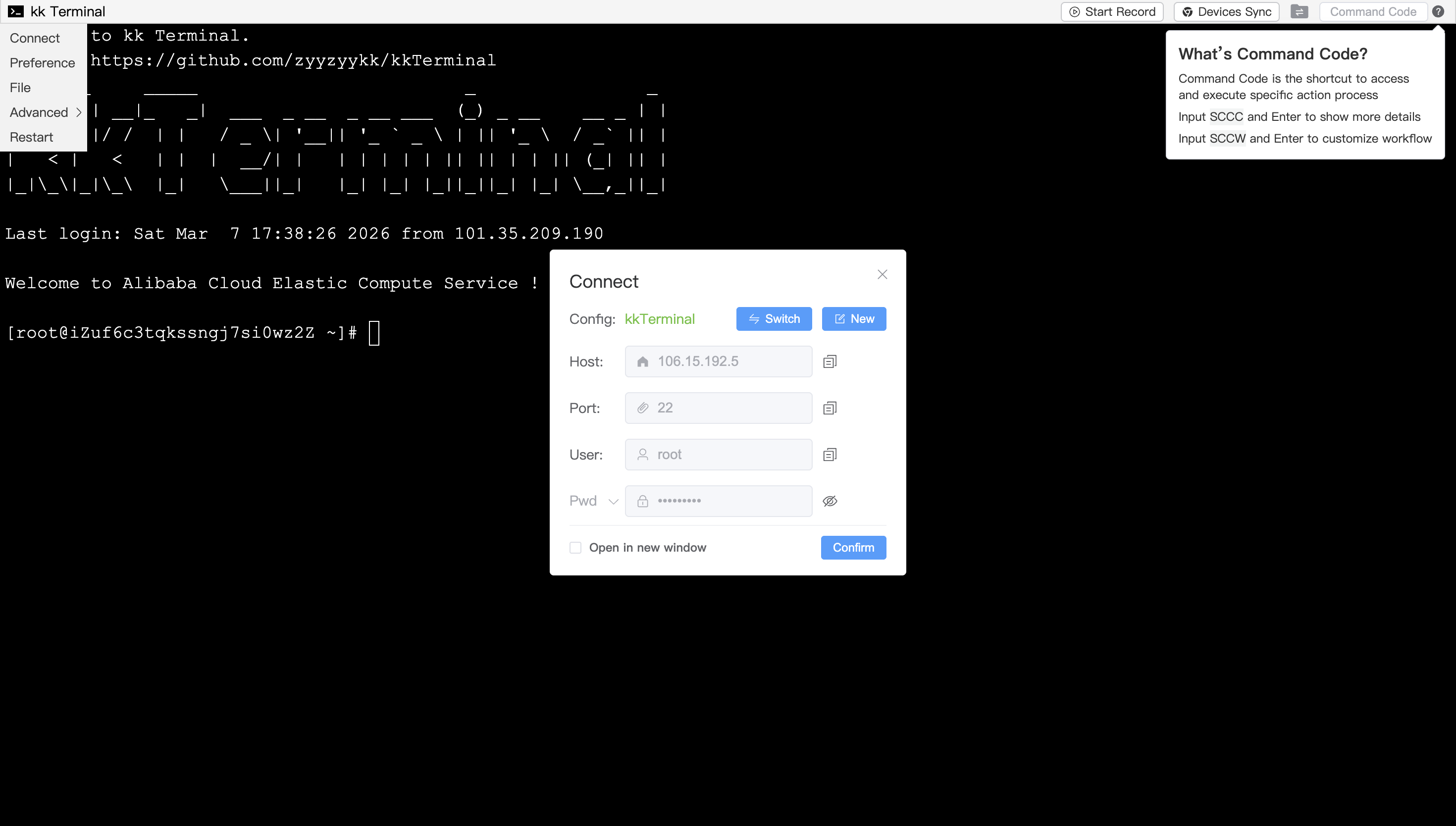
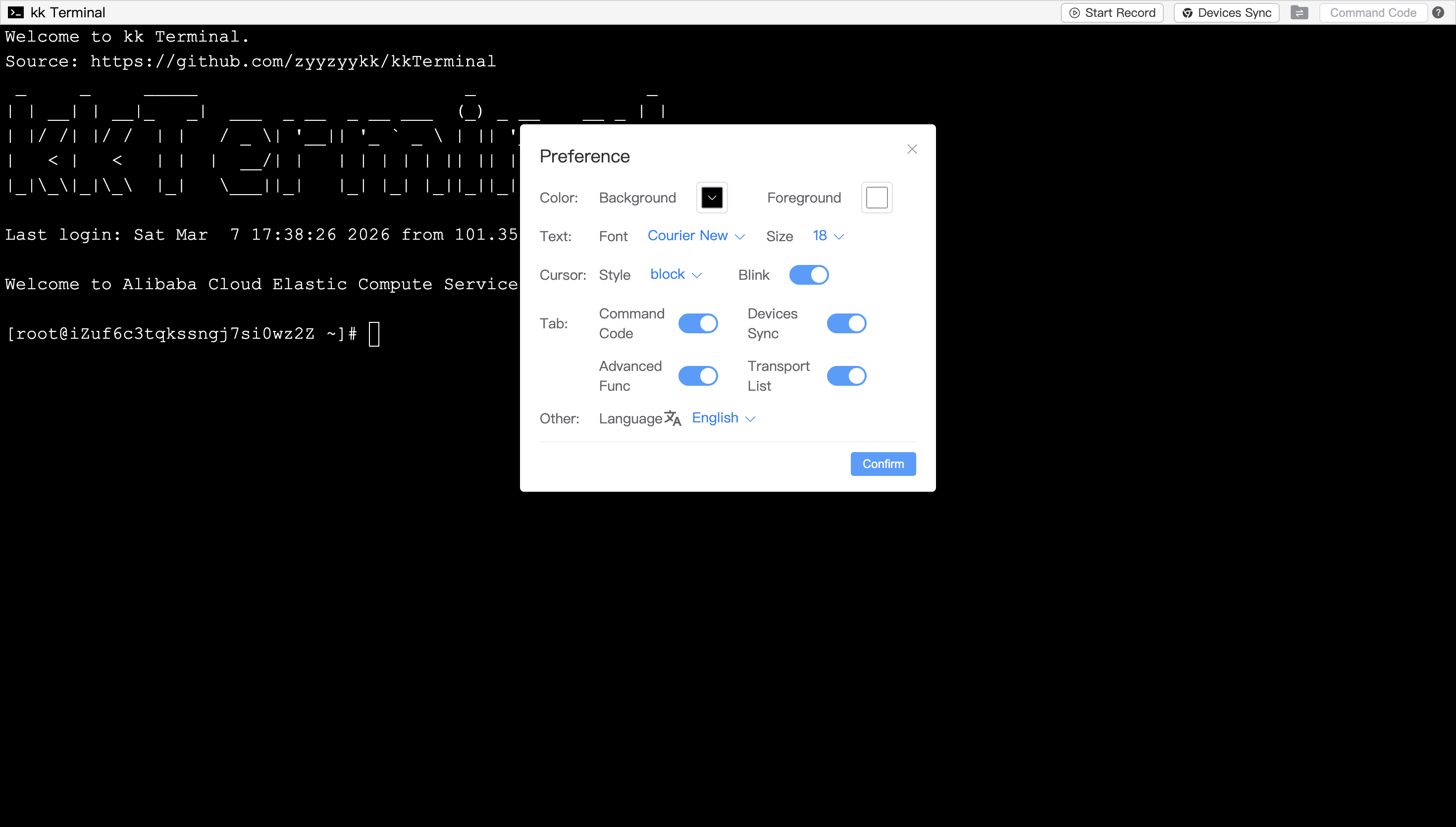
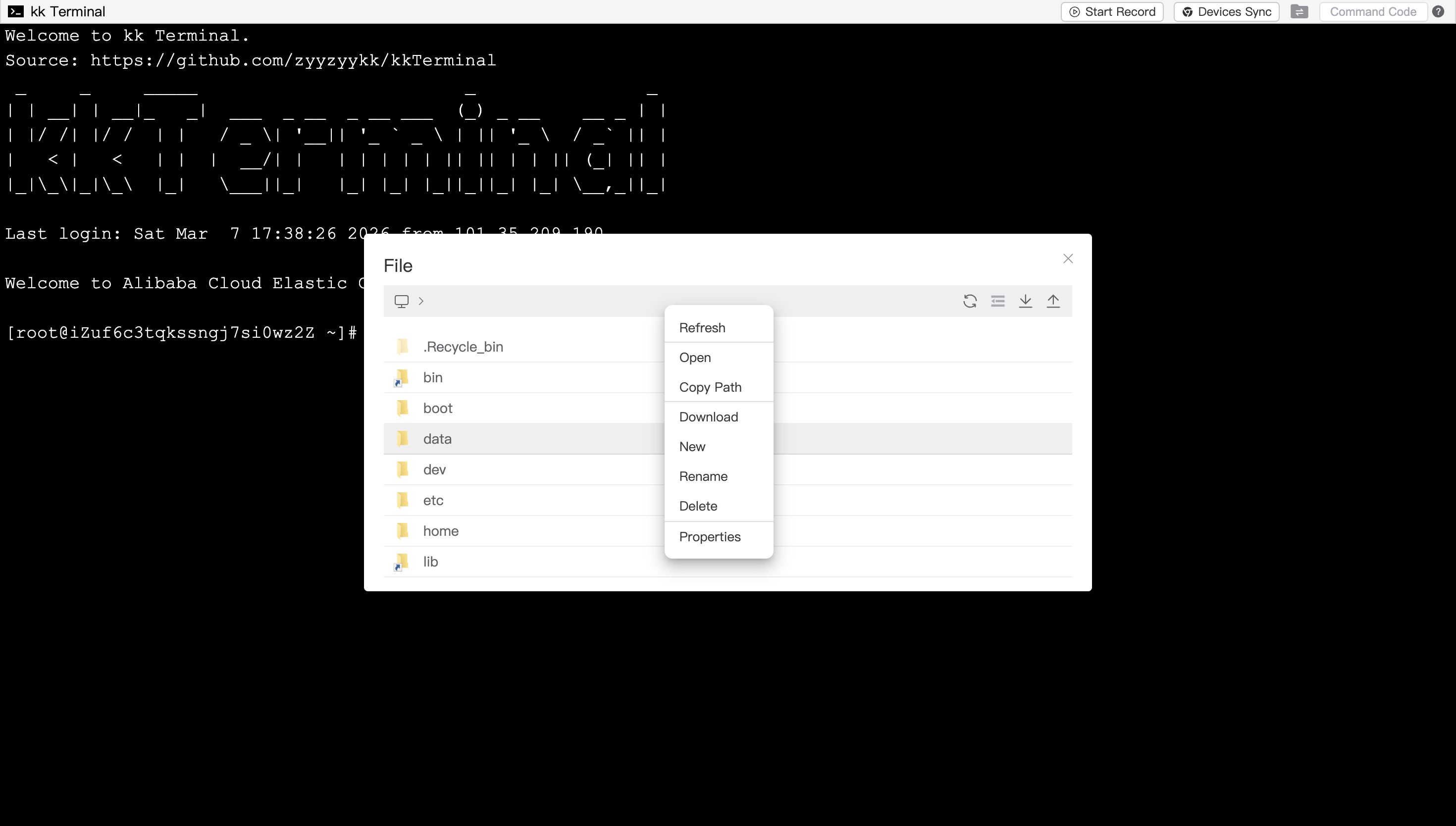
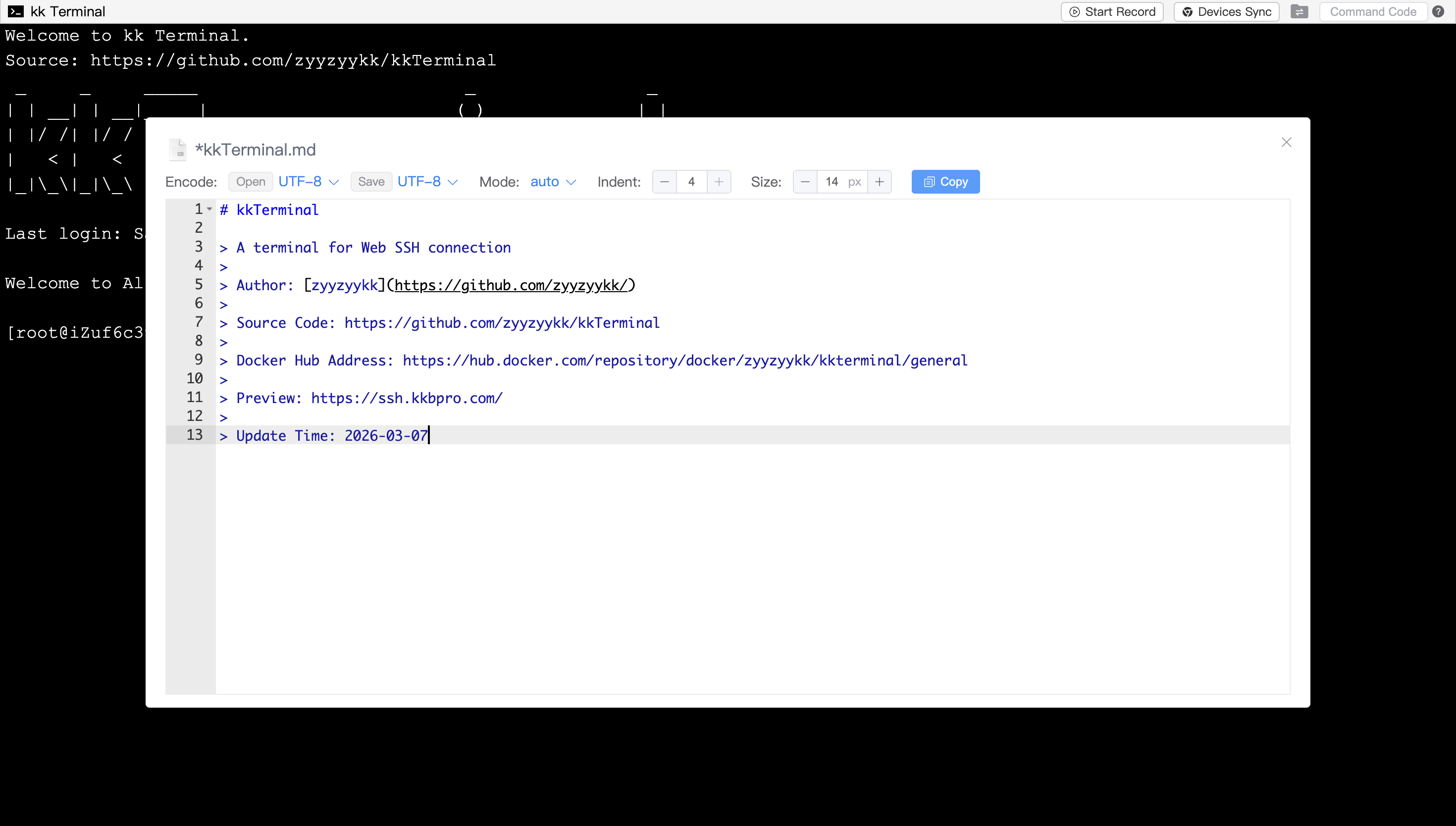
[**More Module Previews**](./MODULE.md)
### 💡 Function Description
1. Click on the upper-left terminal icon and select Connect to establish an SSH connection
2. Support the usage of `iframe` tag in web pages for quick integration into third-party websites
3. Support customizing terminal configuration through [URL Parameters](./PARAMS.md)
4. Support internationalization and language switching between Chinese and English
5. Support local PC operation which browser window will be auto-opened upon startup
6. Support adaptive window size and Chinese input
7. Support preference settings, such as choosing the terminal background/foreground color, font size, cursor display style, etc
8. Support automatically/manually restart
9. Support automatic copy on selection and right-click paste
10. Support file management, open the File module to view, decompress, upload and download files/folders
11. Support shortcut key operations such as multiple/all file selection, copy and paste, cut, selection switch, open, delete, etc
12. Support file browsing and editing, modify your file and save it to the remote server by using `ctrl+s`
13. Support [Command Code](./CMDCODE.md),which can execute customized workflow
14. Support operation recording and devices synchronization functions
15. Support Cooperate, Monitor and Docker functions
16. Support password verification for access
### 👨💻 Update Records
##### zyyzyykk/kkterminal:3.8.0
- Docker module adds container details display and app store updates
- Enhance compatibility of non-secure context and lower versions
- Upgrade project jdk and springboot version
- Refactoring some codes and optimizing UI display
##### zyyzyykk/kkterminal:3.7.6
- Support more URL parameters
- Optimize file transfer process
- Add access verify function
- User Command Code file module adds API
- Docker module adds viewing container details
- Fix bug of data request exception in Docker module
- Optimize page display
- Enhance some functions
##### zyyzyykk/kkterminal:3.6.8
- Add file transport list
- Add docker appStore
- Add logging function
- Optimize the overall encryption logic
- Some dialogs support left and right stretching to adjust width
- Optimize the encoding format for opening and saving in file editor
- User Command Code adds reserved values and file module API
- Refactoring some codes and optimizing UI display
[**History Update Records**](./UPDATE.md)
### 🧬 Architecture
```markdown
+---------+ http +-------------+ ssh +---------------+
| browser | <===========> | kk Terminal | <========> | remote server |
+---------+ websocket +-------------+ sftp +---------------+
Vue + Xterm SpringBoot + SSHJ Linux OS
```
### 🏘️ About this project
> [!Important]
>
> kkTerminal will not actively record any information such as passwords, files, commands, etc which related to remote servers
### 🌟 Stars
[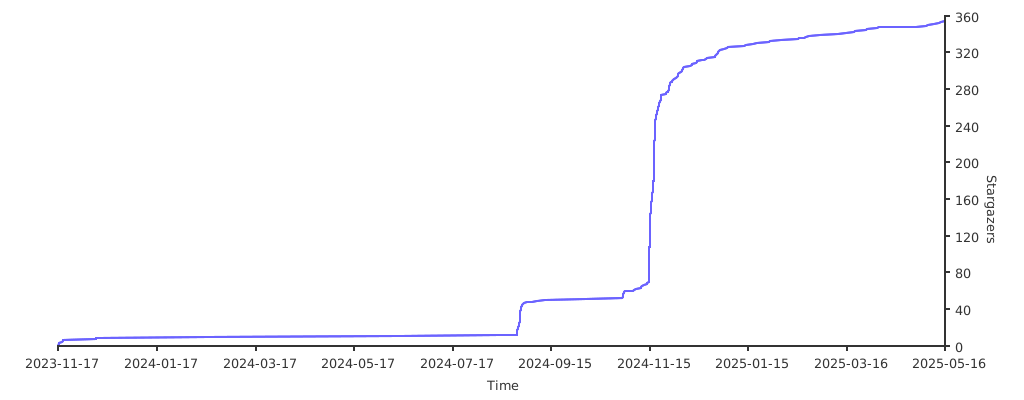](https://starchart.cc/zyyzyykk/kkTerminal)