# Laravel-smartmd

Documentation | 中文文档



一个实用的 markdown 编辑器兼容大部分主流的 markdown 语法解析,您可以选择前后端的任意一种解析方式,包括数学公式、流程图、emoji 表情、上传图片等...这是一个 laravel 插件的项目,要求 laravel 版本大于等于 5.4, php 版本大于等于 7.1 ,更多功能和文档随缘更新...
## 效果截图
编辑器示例页面:[Demo](https://xiaoqingxin.site/editor/write)
js 渲染示例页面: [Demo](https://xiaoqingxin.site/editor/js-show)
php 渲染示例页面: [Demo](https://xiaoqingxin.site/editor/php-show)
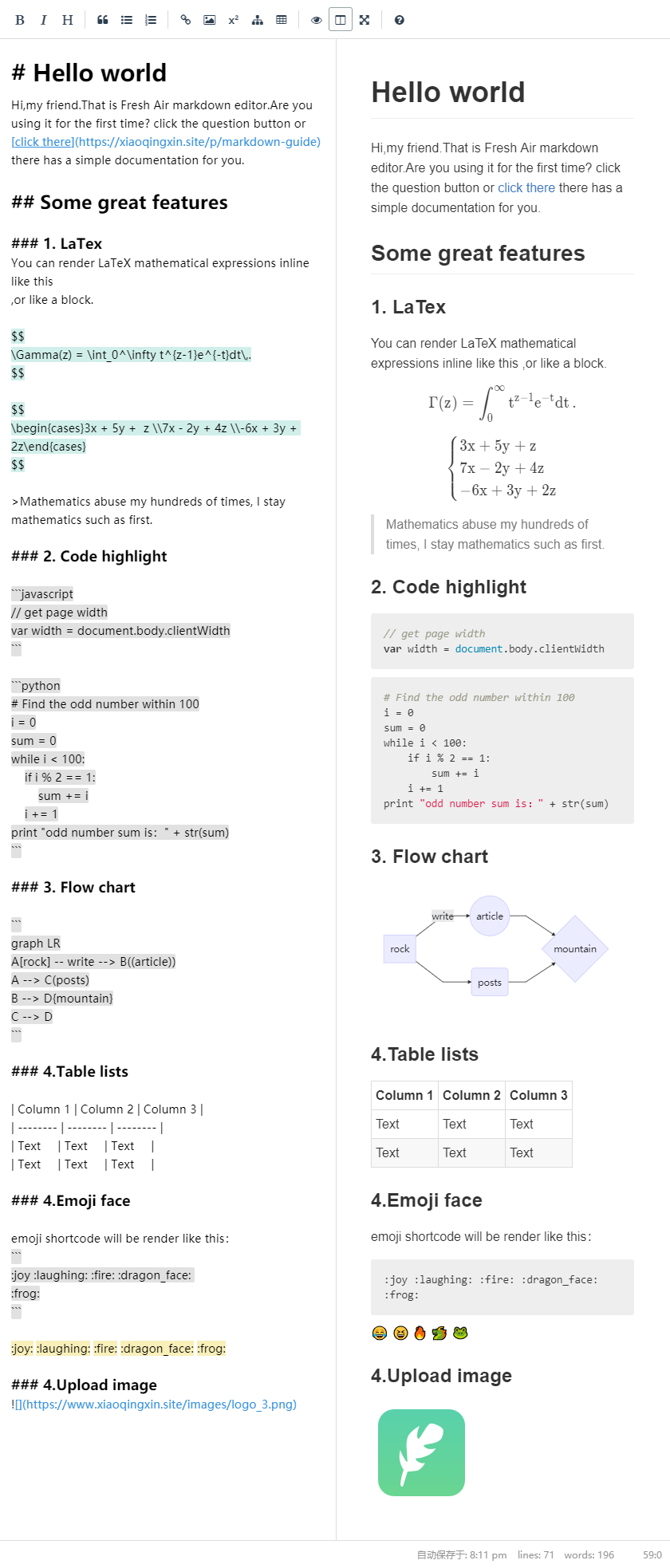
---
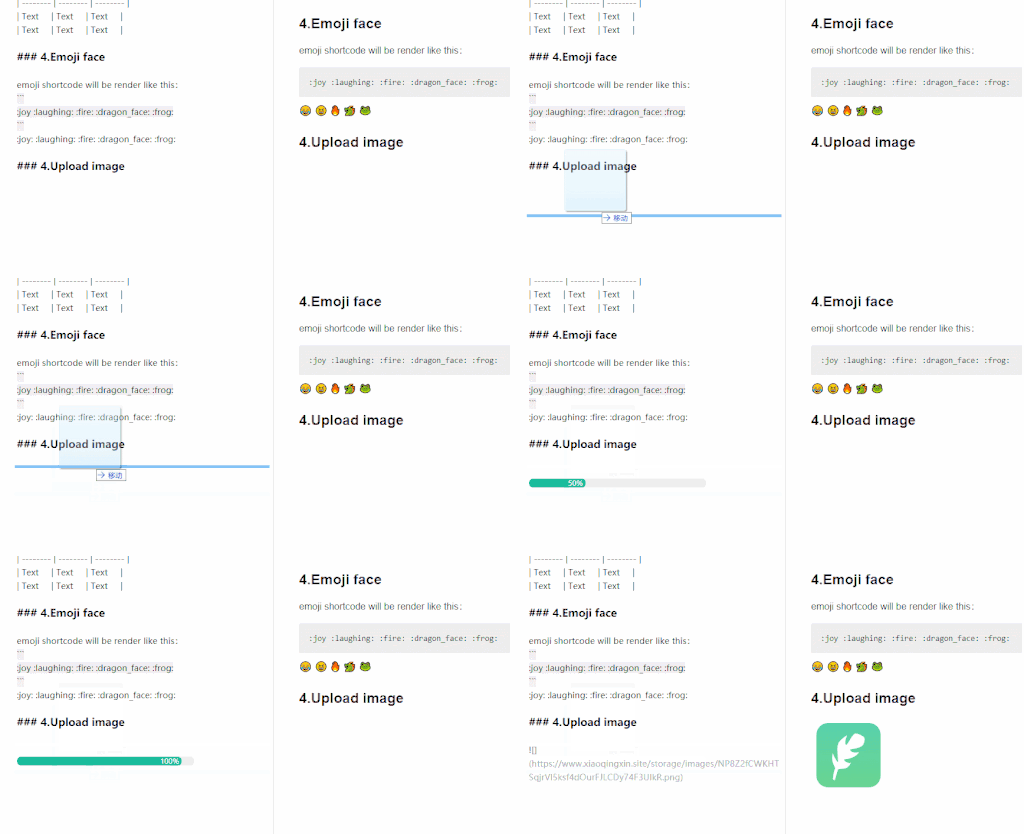
---
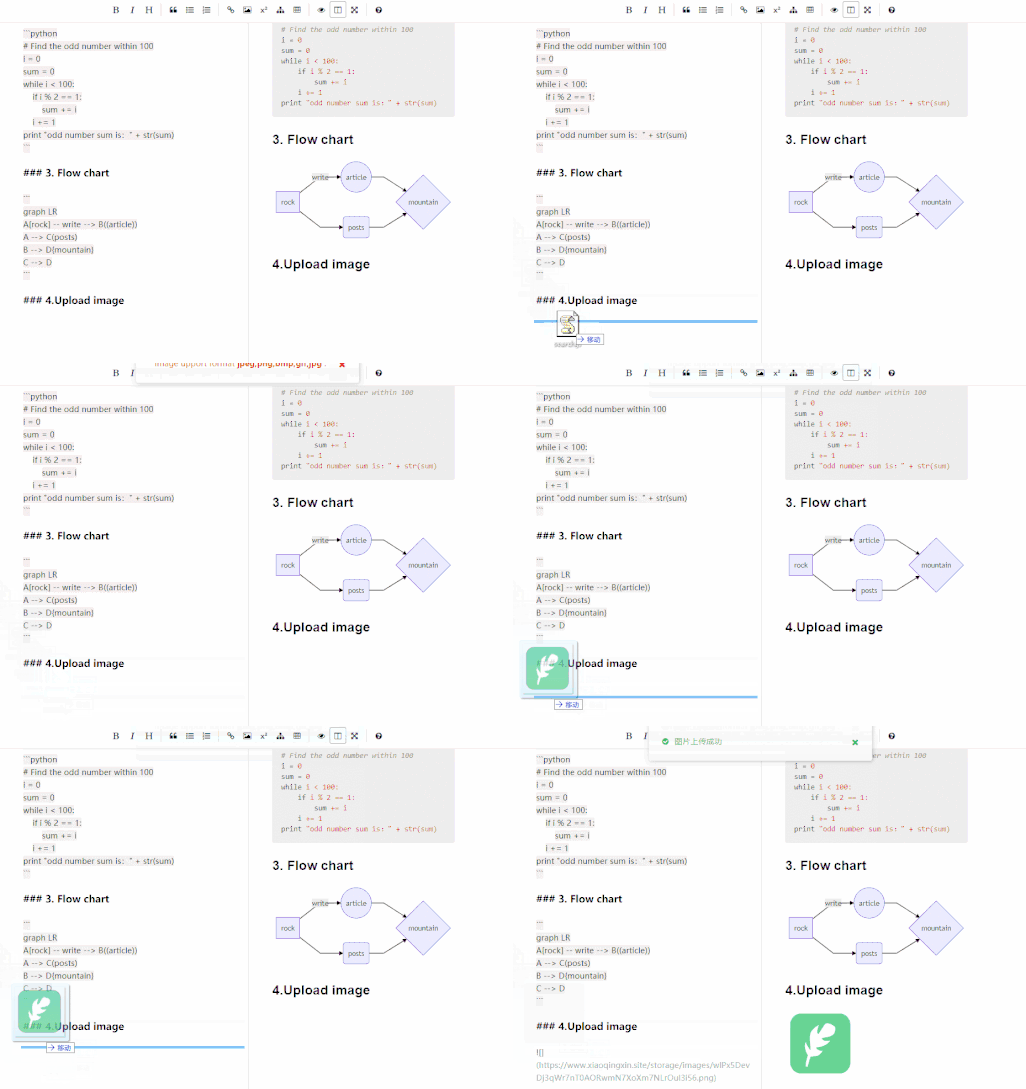
参考和引用:
- CodeMirror [link](https://github.com/codemirror/CodeMirror)
- Simplemde-markdown [link](https://github.com/sparksuite/simplemde-markdown-editor)
- markdown-it (markdown render) [link](https://github.com/markdown-it/markdown-it)
- mermaid (flowchart) [link](https://github.com/knsv/mermaid)
- intervention (image handling) [link](https://github.com/Intervention/image)
## 依赖于
- PHP >= 7.1.0
- Laravel >= 5.4.0
## 如何初始化
首先,安装 composer 的 noisywinds/laravel-smartmd 包:
```
composer require noisywinds/laravel-smartmd
```
将素材和配置文件迁移到项目:
```
php artisan vendor:publish --provider="NoisyWinds\Smartmd\SmartmdServiceProvider"
```
在 web.php 写入测试路径(后期可自行并入项目):
```
Route::group(['namespace' => 'Smartmd', 'prefix' => 'editor'], function () {
Route::post('/upload', 'UploadController@imSave');
Route::get('/write', function () {
return view('vendor/smartmd/write');
});
Route::get('/php-show','ParseController@index');
Route::get('/js-show',function(){
return view('vendor/smartmd/js-show');
});
});
```
重写 UploadController 或者 config/smartmd.php 来改变你的文件上传位置:
```php
[
/*
* like filesystem, Where do you like to place pictures?
*/
"root" => storage_path('app/public/images'),
/*
* return public image path
*/
"url" => env('APP_URL').'/storage/images',
],
];
```
* 注意: 上传的图片会经过优化和压缩,这些处理你可以在 UploadController 中修改(比如加水印)。
## 一些快捷键
1. Bold (Ctrl + b)
2. Italic (Ctrl + I)
3. Insert Image (Ctrl + Alt + I)
4. Insert Math (Ctrl + m)
5. Insert flowchart (Ctrl + Alt + m)
6. more... (mac command the same with ctrl)
## 前端对编辑器的基础配置
```javascript
new Smartmd({
el: "#editor",
height: "80vh",
autoSave: {
uuid: 1,
delay: 5000
},
isFullScreen: true,
isPreviewActive: true,
uploads: {
url: './upload',
type: ['jpeg', 'png', 'bmp', 'gif', 'jpg'],
maxSize: 4096,
typeError: 'Image support format {type}.',
sizeError: 'Image size is more than {maxSize} kb.',
serverError: 'Upload failed in {msg}'
}
});
```
## 解析 markdown
smartmd 提供了三种解析 markdown 的方式,您可以按照自己的需求通过不同方式渲染页面
#### 不需要编辑器:
```html
// require in your view meta
@include('Smartmd::js-parse')
```
```
```
#### 需要编辑器:
```html
```
#### 直接 php 返回 html :
* 只有在 流程图、语法高亮、数学公式时通过 js 渲染:
```html
// require in your view meta
@include('Smartmd::php-parse')
```
ParseController.php
```
use NoisyWinds\Smartmd\Markdown;
$parse = new Markdown();
$text = "# Your markdown text";
$html = $parse->text($text);
return view('Smartmd::php-show',['content'=>$html]);
```
## 如何拓展
#### 1. 编辑器
Smartmd 的前端项目 [点击链接](https://github.com/noisywinds/smartmd)
#### 2. 可视化的 markdown 文本渲染
参考 markdown-it 的插件开发 [链接](https://github.com/markdown-it/markdown-it)
如需更改后端的解析规则,后端可修改 Markdown.php, 前端需要修改 codemirror 的 token
## 问题反馈
欢迎你在 issue 反馈你遇到的问题和你想兼容或者想拓展的需求,希望能给到你一些帮助。