# SenseNova-U series: Native Unified Paradigm with NEO-unify from the First Principles

English | 简体中文

arXiv SenseNova-U1.5 on Hugging Face SenseNova-U1.5 on ModelScope SenseNova-U1 on Hugging Face NEO-unify License SenseNova-U Demo Discord

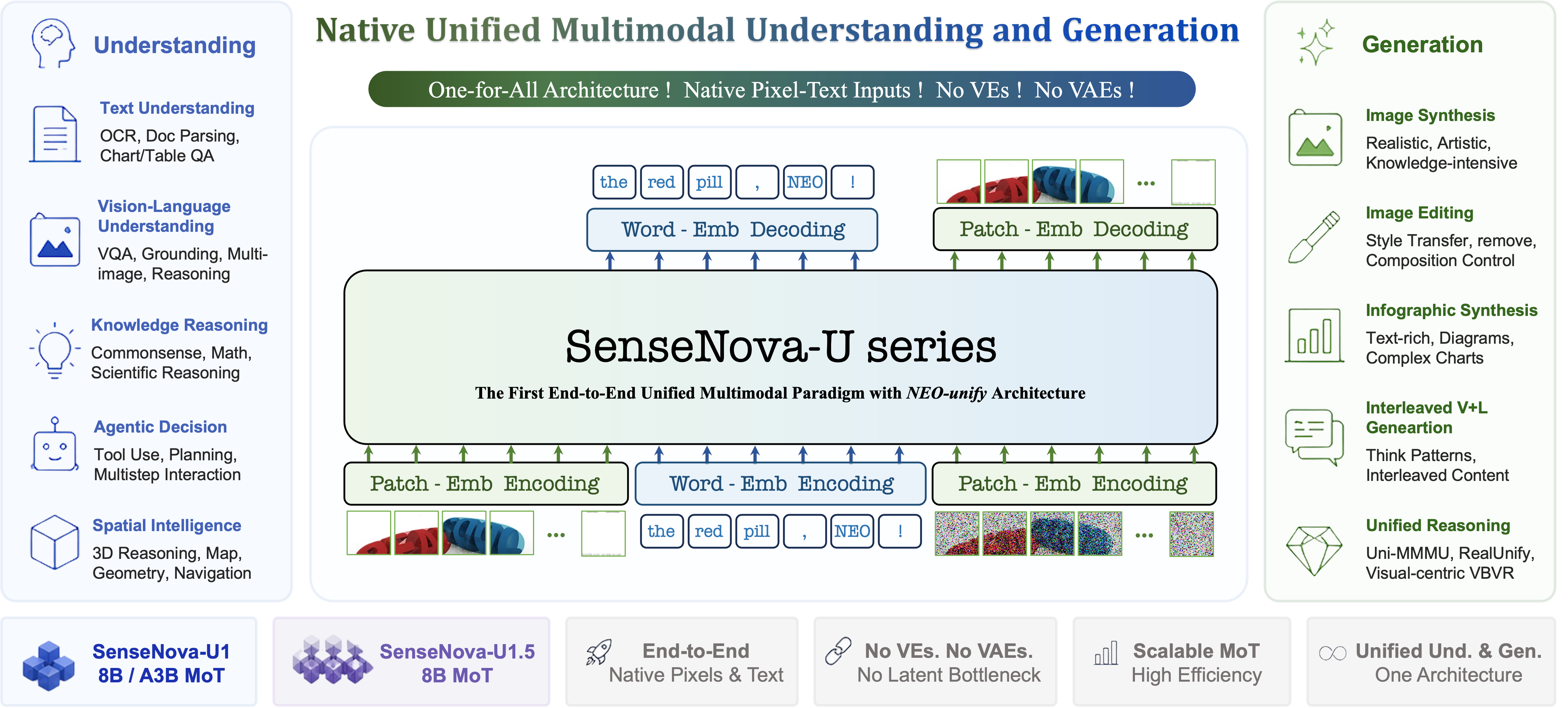
SenseNova-U1.5 native unified multimodal architecture

## 📣 Updated News - `[2026.08.20]` Release [SenseNova-U1.5-8B-MoT](https://huggingface.co/sensenova/SenseNova-U1.5-8B-MoT), which further improves instruction following, text and layout, native 4K generation, image editing, and visual control. Alongside the base checkpoint, we release [SenseNova-U1.5-8B-MoT-LoRA-8step](https://huggingface.co/sensenova/SenseNova-U1.5-8B-MoT-LoRAs/blob/main/SenseNova-U1.5-8B-MoT-LoRA-8step.safetensors) for faster and more efficient inference; see [example script](docs/base_vs_distill.md#sensenova-u15-recommended) for usage. We are also preparing the technical report and the full training pipeline, from SFT and RL to MOPD, for open-source release. - `[2026.08.04]` Community contributor [smthem on Hugging Face](https://huggingface.co/smthem) (GitHub [@smthemex](https://github.com/smthemex)) released a [Q8 GGUF checkpoint for SenseNova-U1.5-8B-MoT-Preview](https://huggingface.co/smthem/SenseNova-U1-8B-MoT-Merger-gguf/blob/main/SenseNova-U1.5-8B-MoT-Preview-Q8.gguf) (19.9 GB). Thank you for continuing to maintain and share quantized SenseNova-U1 weights with the community. - `[2026.07.31]` Release [SenseNova-U1.5-8B-MoT-Preview](https://huggingface.co/sensenova/SenseNova-U1.5-8B-MoT-Preview) that focuses on native 4K image generation, finer local textures and realistic materials, more complex layout generation, and stronger preservation of subjects and unedited regions during image editing. See the [U1.5 Preview documentation](docs/u1.5_preview.md) for details.
Click to expand older SenseNova-U1 updates - `[2026.07.16]` Release [SenseNova-U1-8B-MoT-Infographic-V3 📊](https://huggingface.co/sensenova/SenseNova-U1-8B-MoT-Infographic-V3), designed for integrated infographic generation and editing. It retains strong text-to-image (T2I) capabilities while significantly enhancing infographic editing, supporting localized text and content editing, global style editing, and global layout editing. See [✨ U1 Infographic Model Series](docs/u1_infographic_model.md) for model details and benchmark results. A corresponding supported [ComfyUI workflow](apps/comfyui/example_workflows/infographic_series_t2i_edit.json) is also available. - `[2026.06.29]` Release [SenseNova-U1-8B-MoT-Infographic-V2 📊](https://huggingface.co/sensenova/SenseNova-U1-8B-MoT-Infographic-V2), an upgraded infographic model with improved dense small-text rendering with sharper text edges, stronger complex dense-layout generation, and better overall visual aesthetics and harmony, plus a fix for the black-background issue. Model details and visual examples are available in [✨ U1 Infographic Model Series](docs/u1_infographic_model.md). - `[2026.06.12]` Release [SenseNova-U1-8B-MoT-Infographic-LoRA-8step-V1.0](https://huggingface.co/sensenova/SenseNova-U1-8B-MoT-LoRAs/blob/main/SenseNova-U1-8B-MoT-Infographic-LoRA-8step-V1.0.safetensors) for faster infographic generation. Please see the [example script](docs/base_vs_distill.md#run-base-and-distilled-model). - `[2026.06.11]` Release [SenseNova-U1-8B-MoT-Interleaved 📖](https://huggingface.co/sensenova/SenseNova-U1-8B-MoT-Interleaved), specially optimized for interleaved image-text generation, with notably improved narrative coherence, character and style consistency, and text-image alignment in multi-page content. - `[2026.05.21]` Release the full-parameter fine-tuning [training code](https://github.com/OpenSenseNova/SenseNova-U1/blob/main/training/README.md) for SenseNova-U1. - `[2026.05.15]` Release [SenseNova-U1-8B-MoT-Infographic 📊](https://huggingface.co/sensenova/SenseNova-U1-8B-MoT-Infographic) model for improved infographic generation. See [U1 Infographic Model Series](docs/u1_infographic_model.md) for details, and [✨ Infographic Showcases ](docs/u1_infographic_showcases.md) for 100 generated examples. - `[2026.05.10]` Release [🔥SenseNova-U1 Technical Report🔥](https://github.com/OpenSenseNova/SenseNova-U1/blob/main/docs/pdf/SenseNOVA_U1.pdf) and the weights for [SenseNova-U1-A3B-MoT-SFT](https://huggingface.co/sensenova/SenseNova-U1-A3B-MoT-SFT) & [SenseNova-U1-A3B-MoT](https://huggingface.co/sensenova/SenseNova-U1-A3B-MoT). - `[2026.05.08]` Add **GGUF quantized checkpoints** and **layer-offload VRAM modes** for low-VRAM single-GPU inference. See [Memory-efficient inference](#-memory-efficient-inference-gguf--vram-modes). GGUF weights for `SenseNova-U1-8B-MoT-Merger` are available at [🤗 smthem/SenseNova-U1-8B-MoT-Merger-gguf](https://huggingface.co/smthem/SenseNova-U1-8B-MoT-Merger-gguf) — many thanks to [@smthemex](https://github.com/smthemex) for contributing the quantized weights. - `[2026.05.06]` Release [SenseNova-U1-8B-MoT-LoRA-8step-V1.0](https://huggingface.co/sensenova/SenseNova-U1-8B-MoT-LoRAs/blob/main/SenseNova-U1-8B-MoT-LoRA-8step-V1.0.safetensors). Please see the [example script](docs/base_vs_distill.md#run-base-and-distilled-model). - `[2026.04.30]` Release the preview version of the 8-step inference model [SenseNova-U1-8B-MoT-8step-preview](https://huggingface.co/sensenova/SenseNova-U1-8B-MoT-8step-preview). In most cases, the image generation quality of this model closely matches that of the base model (see [comparison and existing issues](docs/base_vs_distill.md)). To test this model, you can use the [inference scripts](examples/README.md), but with the following parameters: ```--cfg_scale 1.0 --num_steps 8``` . - `[2026.04.27]` Initial release of the weights for [SenseNova-U1-8B-MoT-SFT](https://huggingface.co/sensenova/SenseNova-U1-8B-MoT-SFT) and [SenseNova-U1-8B-MoT](https://huggingface.co/sensenova/SenseNova-U1-8B-MoT). - `[2026.04.27]` Initial release of the [inference code](https://github.com/OpenSenseNova/SenseNova-U1/blob/main/examples/README.md) for SenseNova-U1.
## 🚀 SenseNova-U1.5

SenseNova-U1.5 native unified multimodal architecture

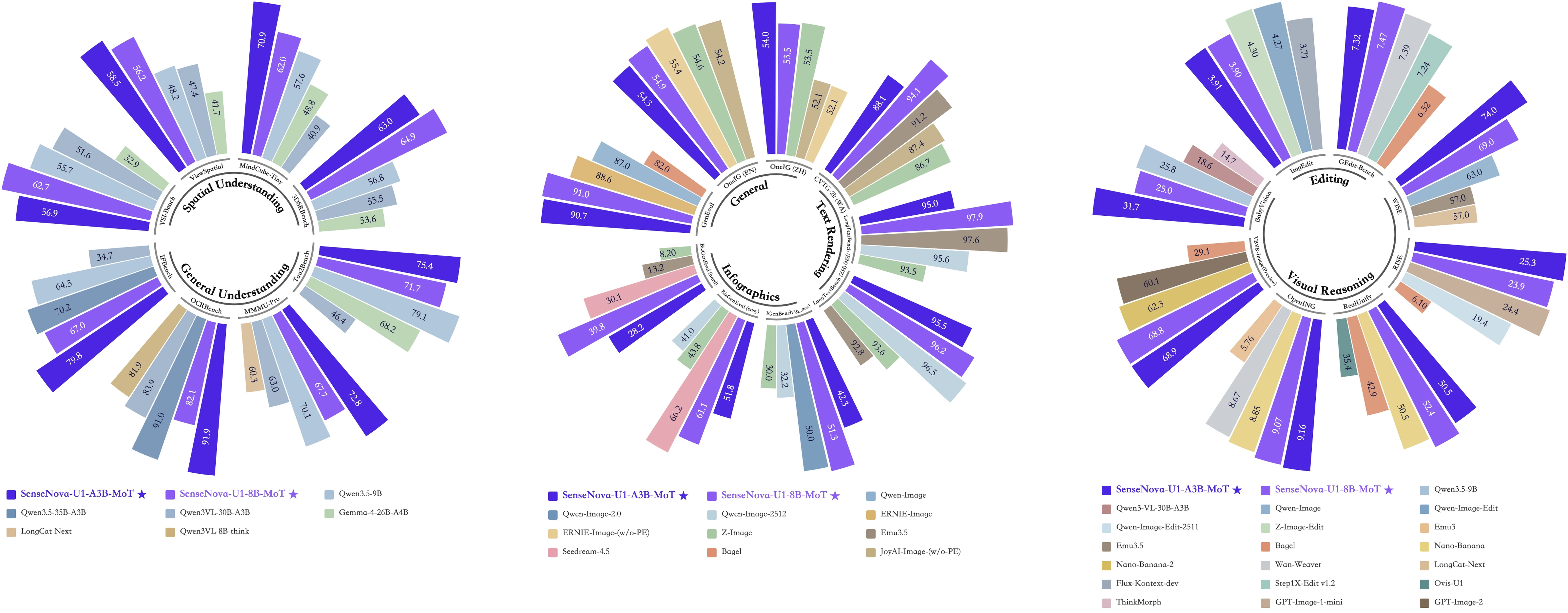
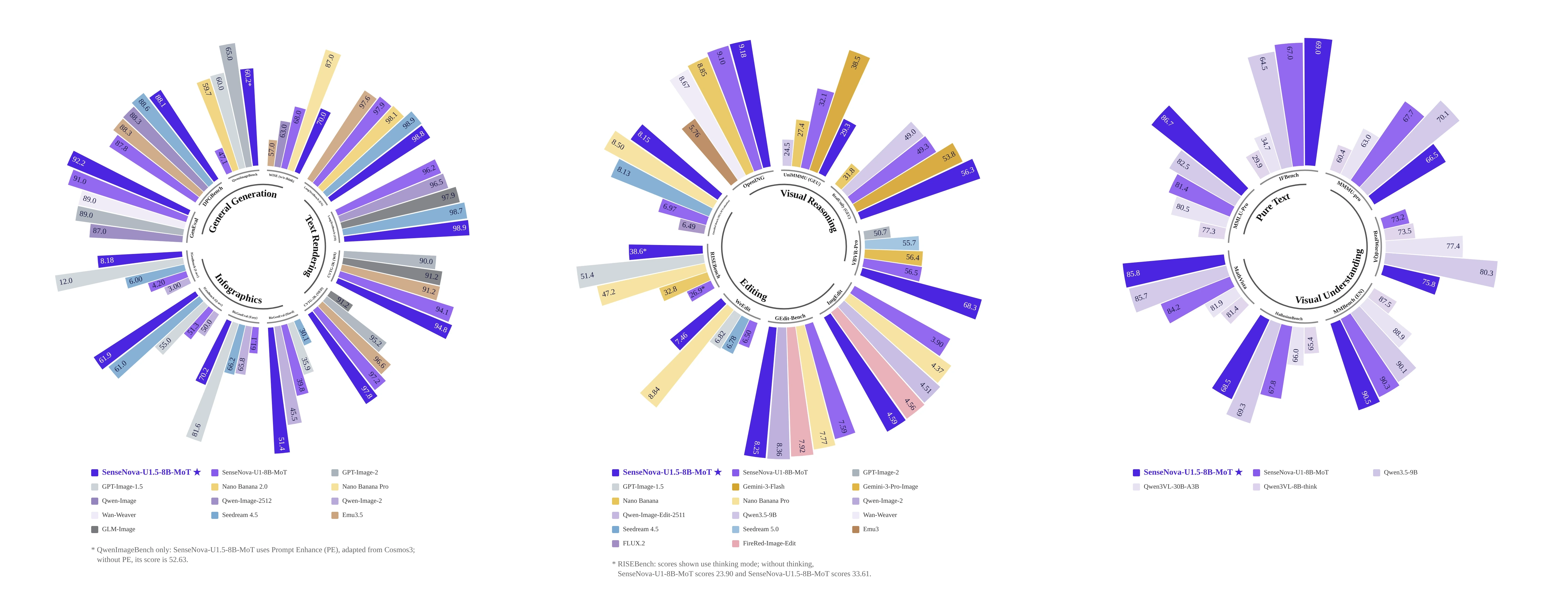
### 🌟 Overview **[SenseNova-U1.5-8B-MoT](https://huggingface.co/sensenova/SenseNova-U1.5-8B-MoT)** is our latest native unified multimodal checkpoint for more accurate, consistent, reliable, and aesthetically compelling visual creation. Built on [NEO-unify](https://huggingface.co/blog/sensenova/neo-unify), we further strengthen the patchify layers, data quality and distribution, task formulation, prompt enhancement, and post-training pipeline. The official release focuses on six user-visible improvements: - **Higher-quality image generation:** improved composition and color harmony, with more realistic material rendering, natural lighting, stronger visual fidelity, and finer local details. - **Better text rendering and infographic generation:** more legible Chinese and English text, with clearer information hierarchy in posters, infographics, brand assets, and other text-dense designs. - **More efficient native 4K generation:** more coherent global structure, color harmony, and stable high-resolution output with improved generation efficiency. - **More reliable native image editing:** stronger preservation of subject identity and unedited content across local, text, multi-reference, insertion, and replacement edits. - **Stronger complex-instruction following:** more consistent execution of object counts, spatial relationships, layouts, styles, and multiple constraints within a single request. - **More precise visual control:** more accurate region- and object-level control through bounding boxes, visual markers, and single- or multi-image references. ### 📊 Key Benchmarks

SenseNova-U1.5 benchmark overview

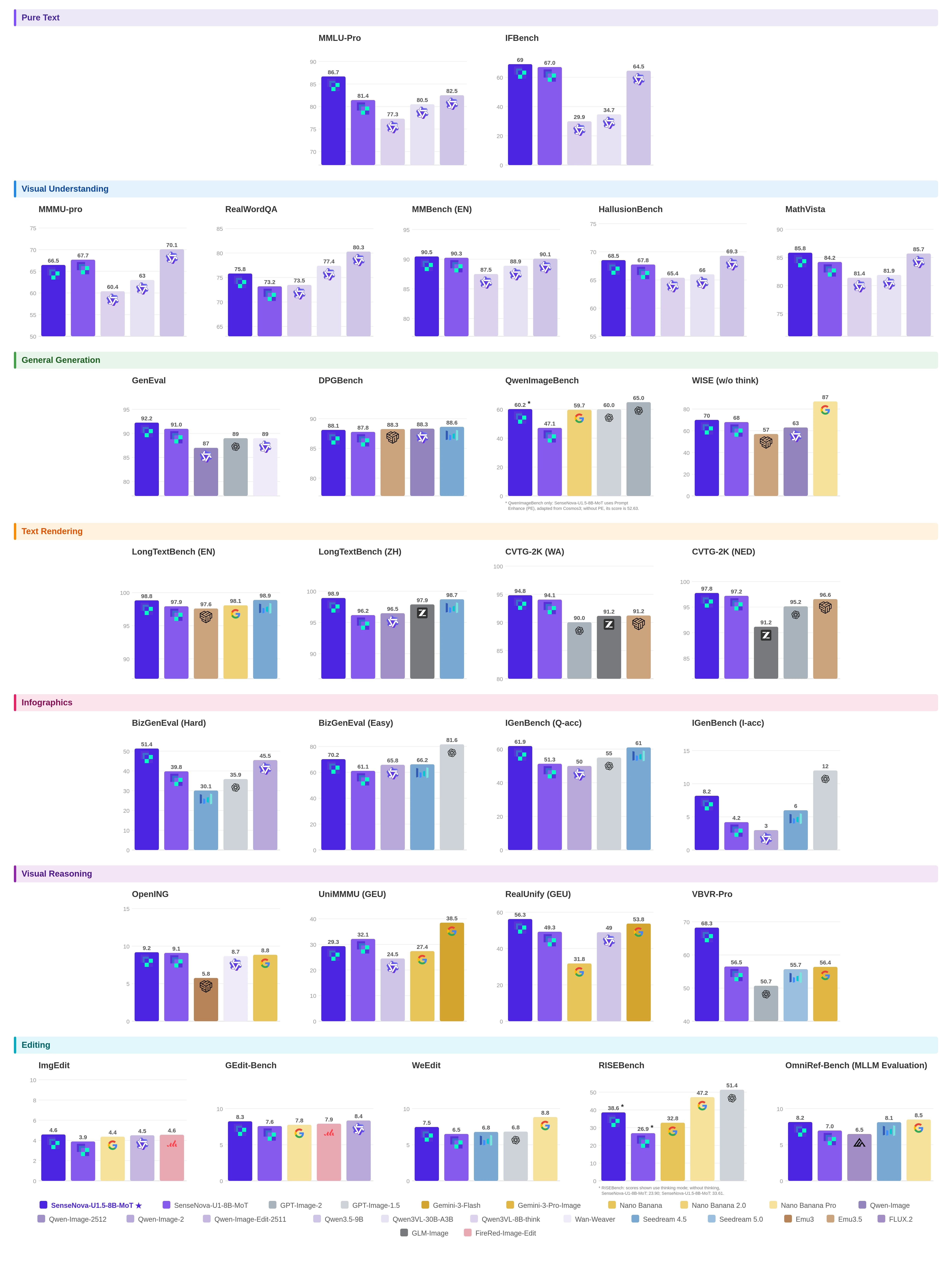
View detailed benchmark results

SenseNova-U1.5 detailed benchmark results

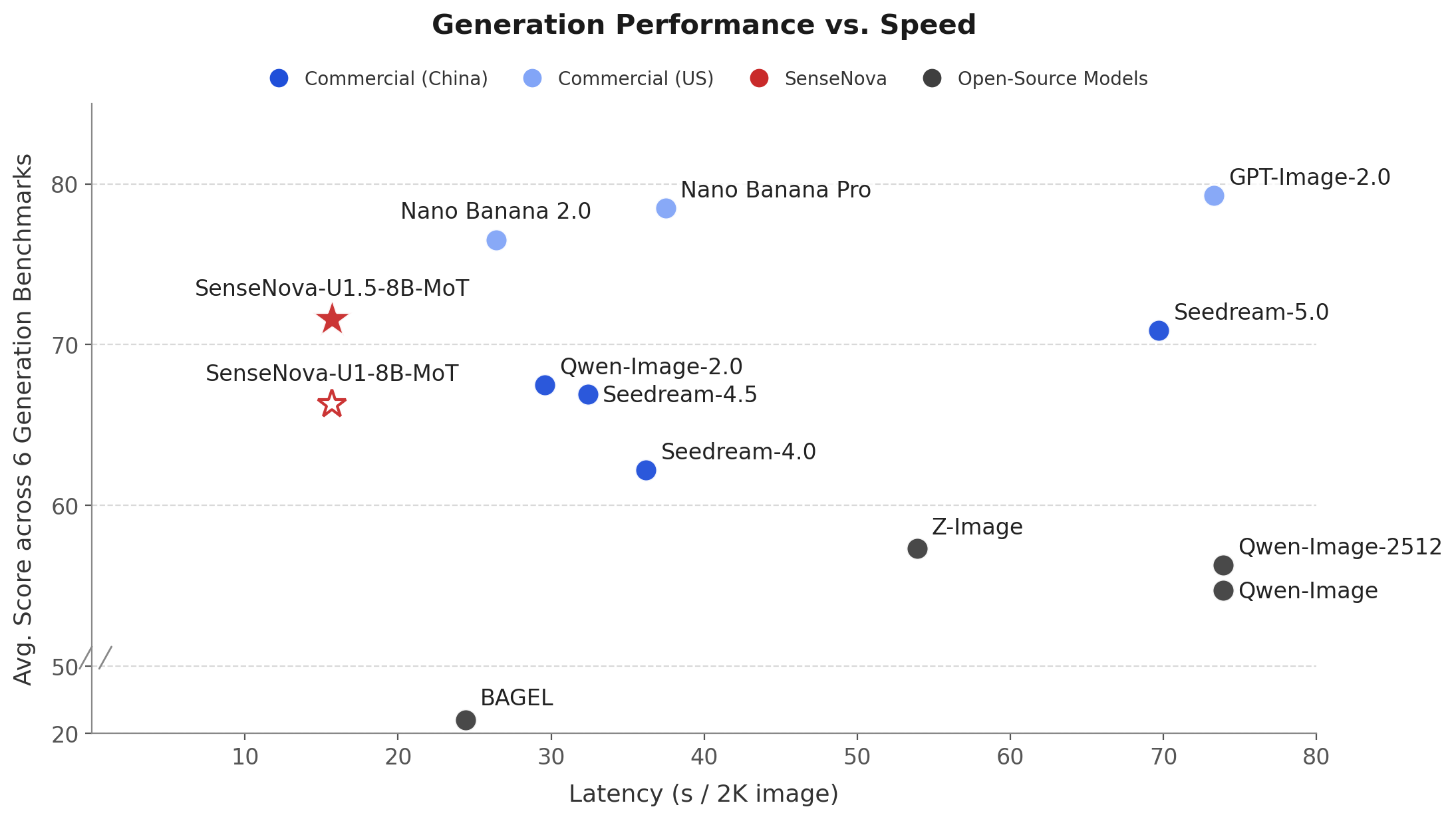
### ⚡ Performance vs. Speed

SenseNova-U1.5 generation performance versus speed

Generation Latency vs. Averaging Performance on OneIG (EN, ZH), LongText (EN, ZH), BizGenEval (Easy, Hard), CVTG, IGenBench and Qwen-Image-Bench.

### 🎦 Best Practices [Strong Recommendation] Direct natural-language prompts work well for clear tasks with few constraints. For complex generation or editing, use PE when additional planning is needed, explicitly specify what should remain unchanged, and gradually lower `cfg_scale` if high-frequency details or colors become overemphasized. See the **[U1.5 Showcases and Best Practices guide](docs/u1.5_best_practices.md)** for workflow recommendations, setup instructions, and visual comparisons. SenseNova U1.5 will also be available on **[SenseNova-Studio](https://unify.light-ai.top/)**, where everyone can experience the model directly. ### ⚠️ Ongoing Improvements The official release improves upon the Preview, though challenges remain in: - Over-emphasized details or colors: Some prompts may produce excessive high-frequency detail or oversaturated colors, which can often be mitigated by lowering `cfg_scale`. - Dense text errors: Dense, lengthy, small, or mixed Chinese-English text may contain errors. - Constrained layout: Exact counts, alignment, or hierarchy may be imperfect in highly constrained layouts. - Unstable human details: Small faces, hands, limbs, and fine-grained object structures may remain unstable. - Complex editing drift: Broad, multi-turn, or multi-reference edits may drift, especially when many regions must be preserved simultaneously. ### ⚙️ Deployment Guidance - **Quick start with Transformers** ```bash # Text-to-Image python examples/t2i/inference.py \ --model_path sensenova/SenseNova-U1.5-8B-MoT \ --prompt "A formal portrait depicts a man in 18th-century attire seated with a scroll, wearing a red cloak and ornate medals, against a classical landscape with ancient ruins and inscriptions." \ --output output.png # Image Editing python examples/editing/inference.py \ --model_path sensenova/SenseNova-U1.5-8B-MoT \ --image examples/editing/data/images/1.webp \ --prompt "Change the jacket of the person on the left to bright yellow." \ --output edited.png # Interleaved Generation python examples/interleave/inference.py \ --model_path sensenova/SenseNova-U1.5-8B-MoT \ --prompt "I want to learn how to cook tomato and egg stir-fry. Please give me a beginner-friendly illustrated tutorial." \ --resolution "16:9" \ --output_dir outputs/interleave/ \ --stem demo \ --profile # Visual Understanding python examples/vqa/inference.py \ --model_path sensenova/SenseNova-U1.5-8B-MoT \ --image examples/vqa/data/images/menu.jpg \ --question "My friend and I are dining together tonight. Looking at this menu, can you recommend a good combination of dishes for 2 people? We want a balanced meal — a mix of mains and maybe a starter or dessert. Budget-conscious but want to try the highlights." \ --output outputs/answer.txt \ --max_new_tokens 8192 \ --do_sample \ --temperature 0.6 \ --top_p 0.95 \ --top_k 20 \ --repetition_penalty 1.05 \ --profile ``` - **Production serving:** For deployment with LightLLM + LightX2V, see the [deployment guide](docs/deployment.md). - **GGUF quantized inference:** SenseNova-U1.5-Lite GGUF weights are coming soon. Their inference workflow will be similar to that of the community [Q8 GGUF checkpoint for SenseNova-U1.5-8B-MoT-Preview](https://huggingface.co/smthem/SenseNova-U1-8B-MoT-Merger-gguf/blob/main/SenseNova-U1.5-8B-MoT-Preview-Q8.gguf). Keep `--model_path` pointed to the matching base checkpoint. ```bash # Install the optional dependencies once uv pip install -e ".[gguf]" # or: pip install "gguf>=0.10.0" "diffusers>=0.30.0" python examples/t2i/inference.py \ --model_path sensenova/SenseNova-U1.5-8B-MoT-Preview \ --gguf_checkpoint /path/to/SenseNova-U1.5-8B-MoT-Preview-Q8.gguf \ --prompt "A male peacock trying to attract a female" \ --output output_gguf.png ``` ## 🚀 SenseNova-U1
Expand the original SenseNova-U1 overview, showcase, and deployment

SenseNova-U1 visualization

### 🌟 Overview 🚀 **SenseNova-U1** is a new series of native multimodal models that unifies multimodal understanding, reasoning, and generation within a monolithic architecture. It marks a fundamental paradigm shift in multimodal AI: **from modality integration to true unification**. Rather than relying on adapters to translate between modalities, SenseNova-U1 models think-and-act across language and vision natively. Unifying visual understanding and generation in an end-to-end architecture from pixel to word opens tremendous possibilities, enabling highly efficient and strong understanding, generation, and interleaved reasoning in a natively multimodal manner.

radar plot

#### 🏗️ *Key Pillars:* At the core of SenseNova-U1 is **[NEO-unify](https://huggingface.co/blog/sensenova/neo-unify)**, a novel architecture designed from the first principles for multimodal AI: *It eliminates both Visual Encoder (VE) and Variational Auto-Encoder (VAE) where pixel-word information are inherently and deeply correlated.* Several important features are as follows: - 🔗 Model language and visual information end-to-end as a unified compound. - 🖼️ Preserve semantic richness while maintaining pixel-level visual fidelity. - 🧠 Reason across modalities with high efficiency & minimal conflict via native MoTs. #### ✨ *What This Unlocks:* Powered by this new core architecture, SenseNova-U1 delivers exceptional efficiency in multimodal learning:

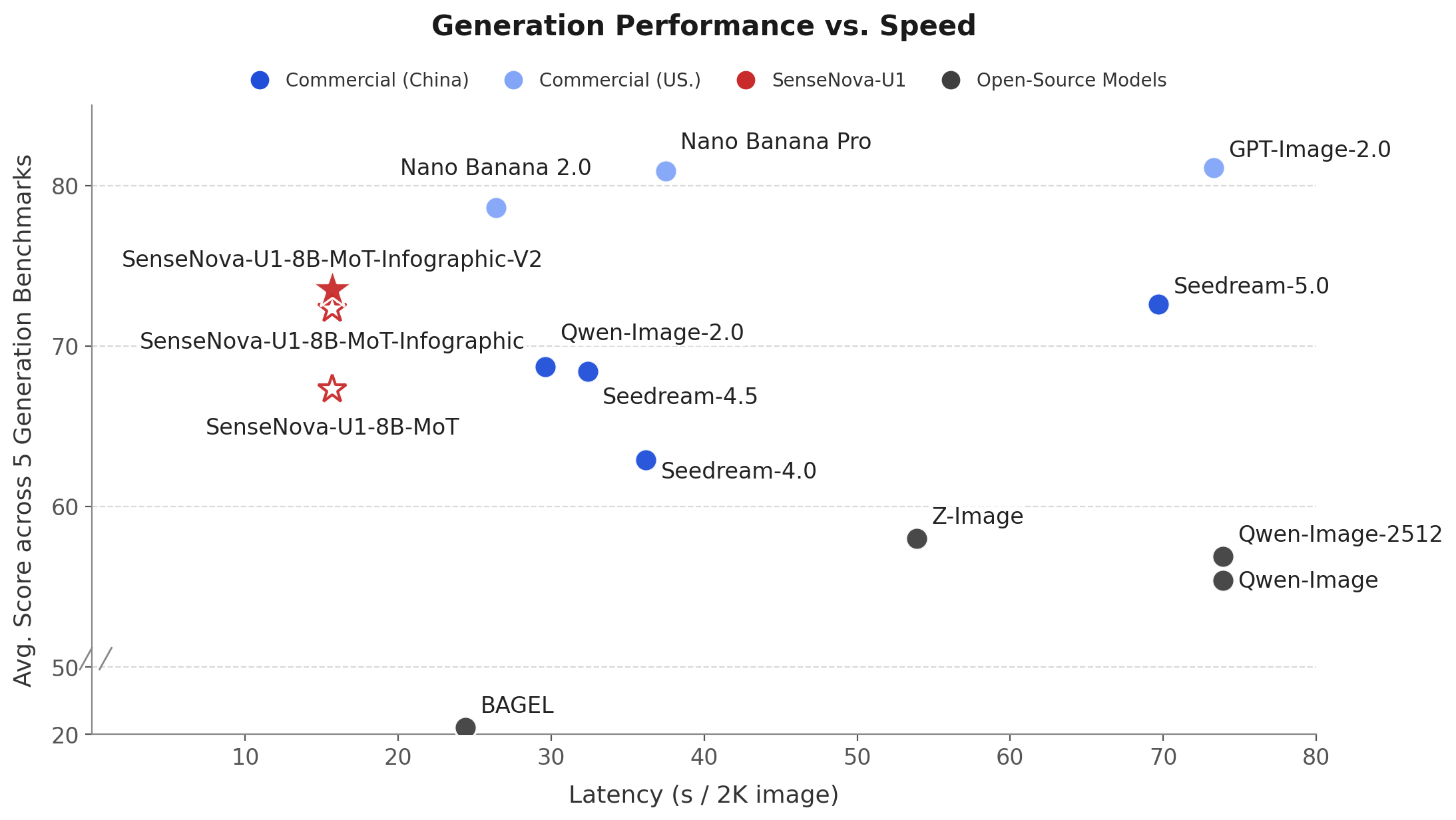
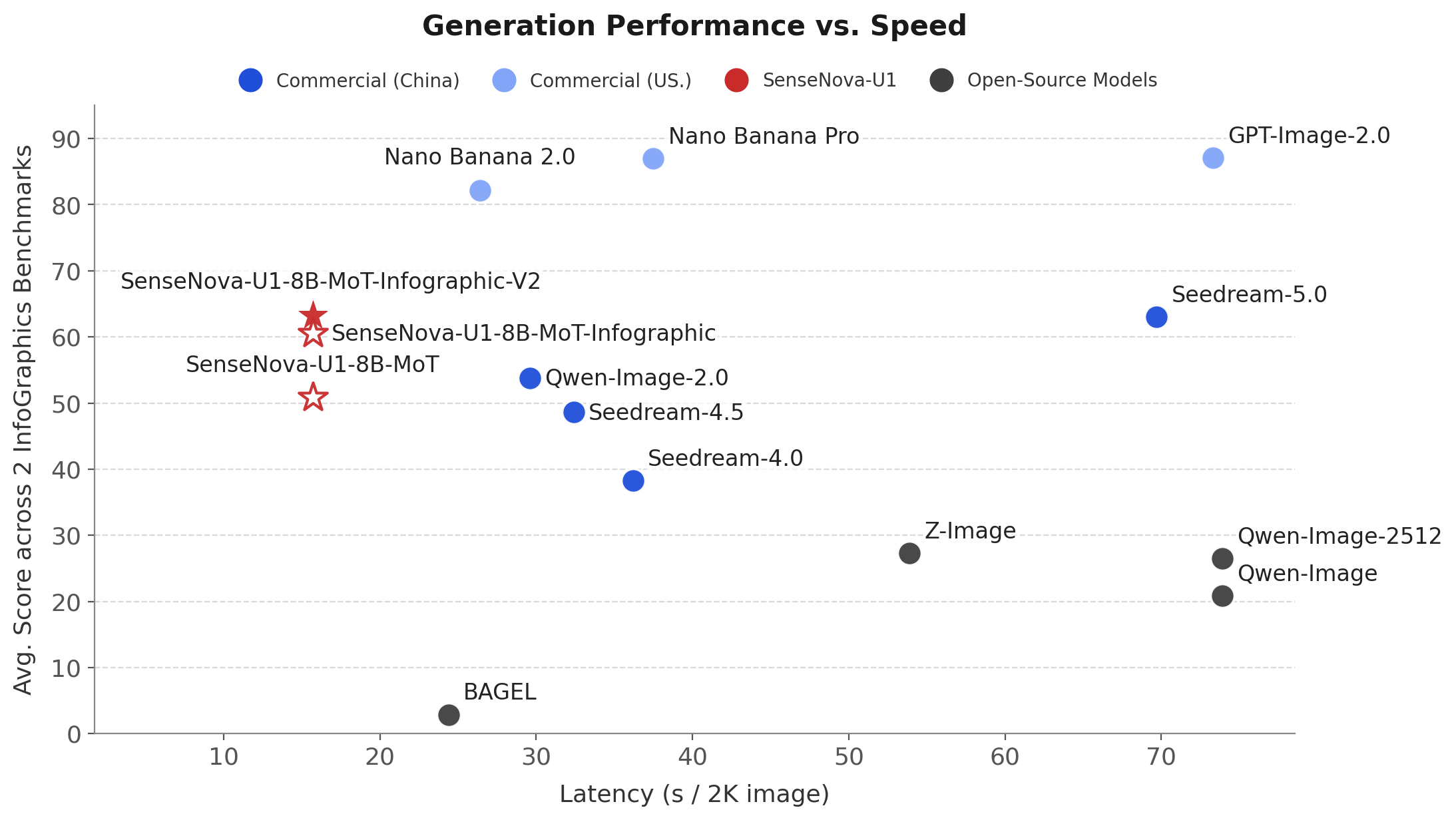
Left: Generation Latency vs. Averaging Performance on OneIG (EN, ZH), LongText (EN, ZH), BizGenEval (Easy, Hard), CVTG and IGenBench.
Right: Generation Latency vs. Averaging Performance on Infographic Benchmarks, i.e., BizGenEval (Easy, Hard), and IGenBench.
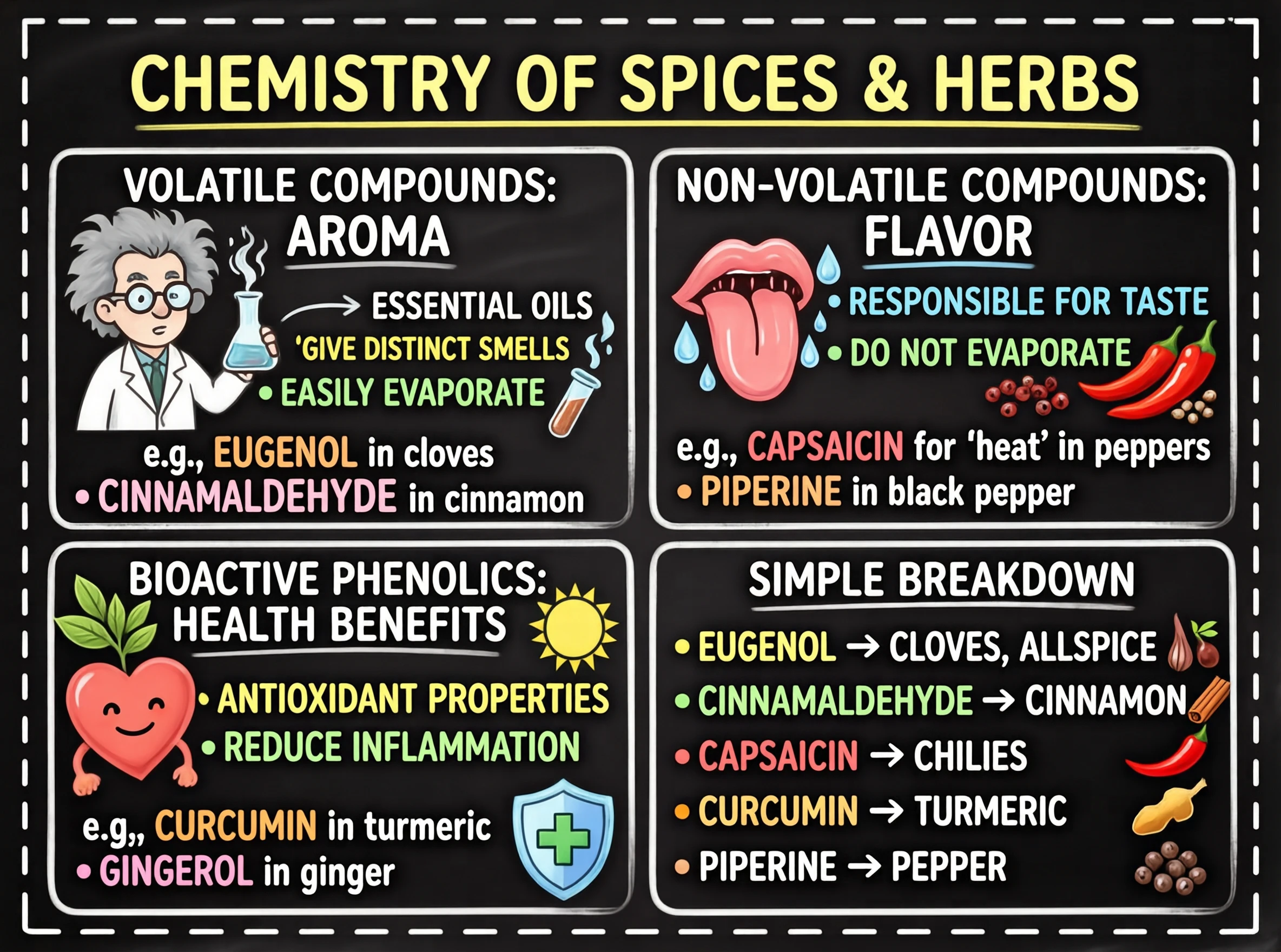
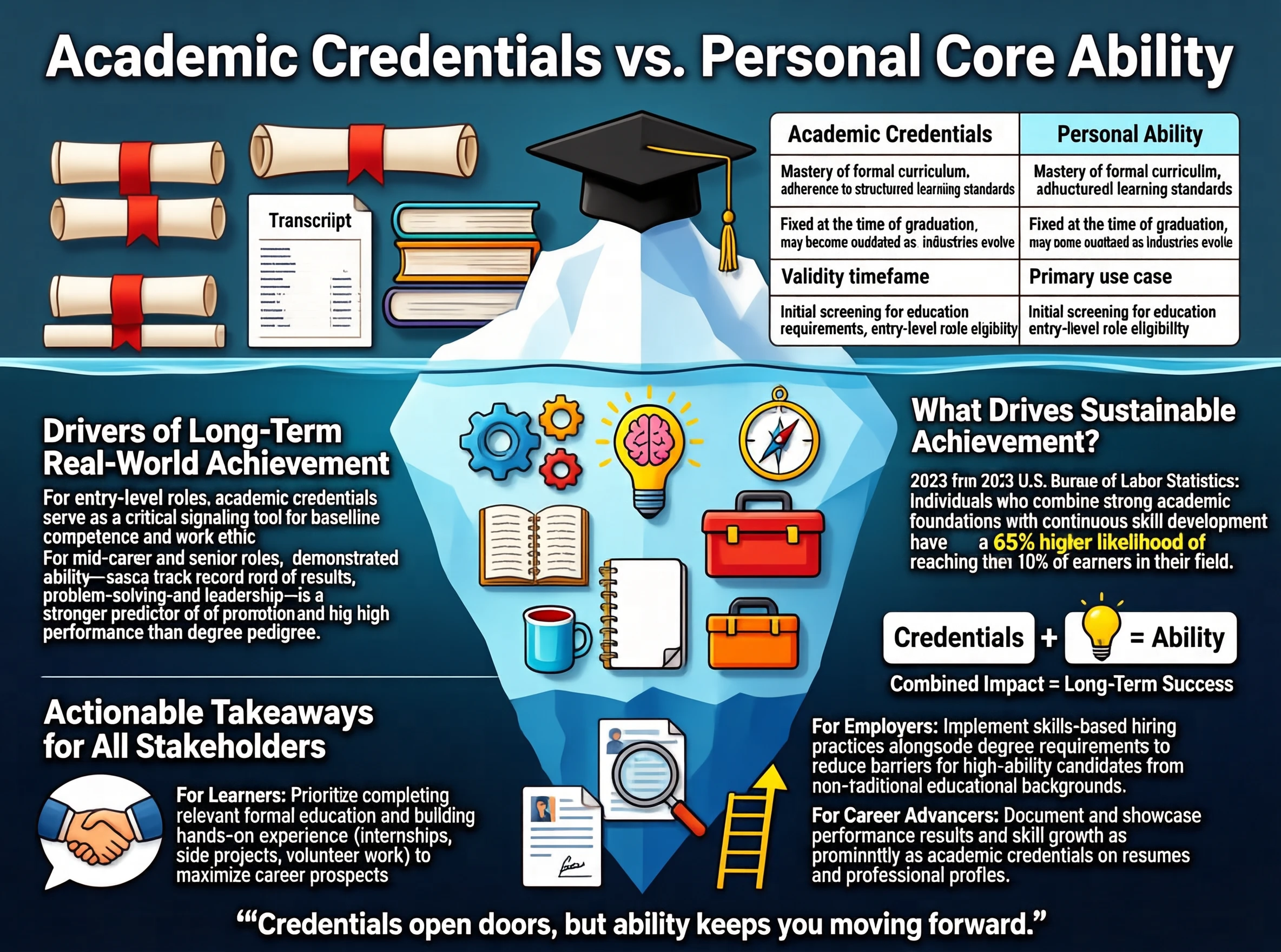
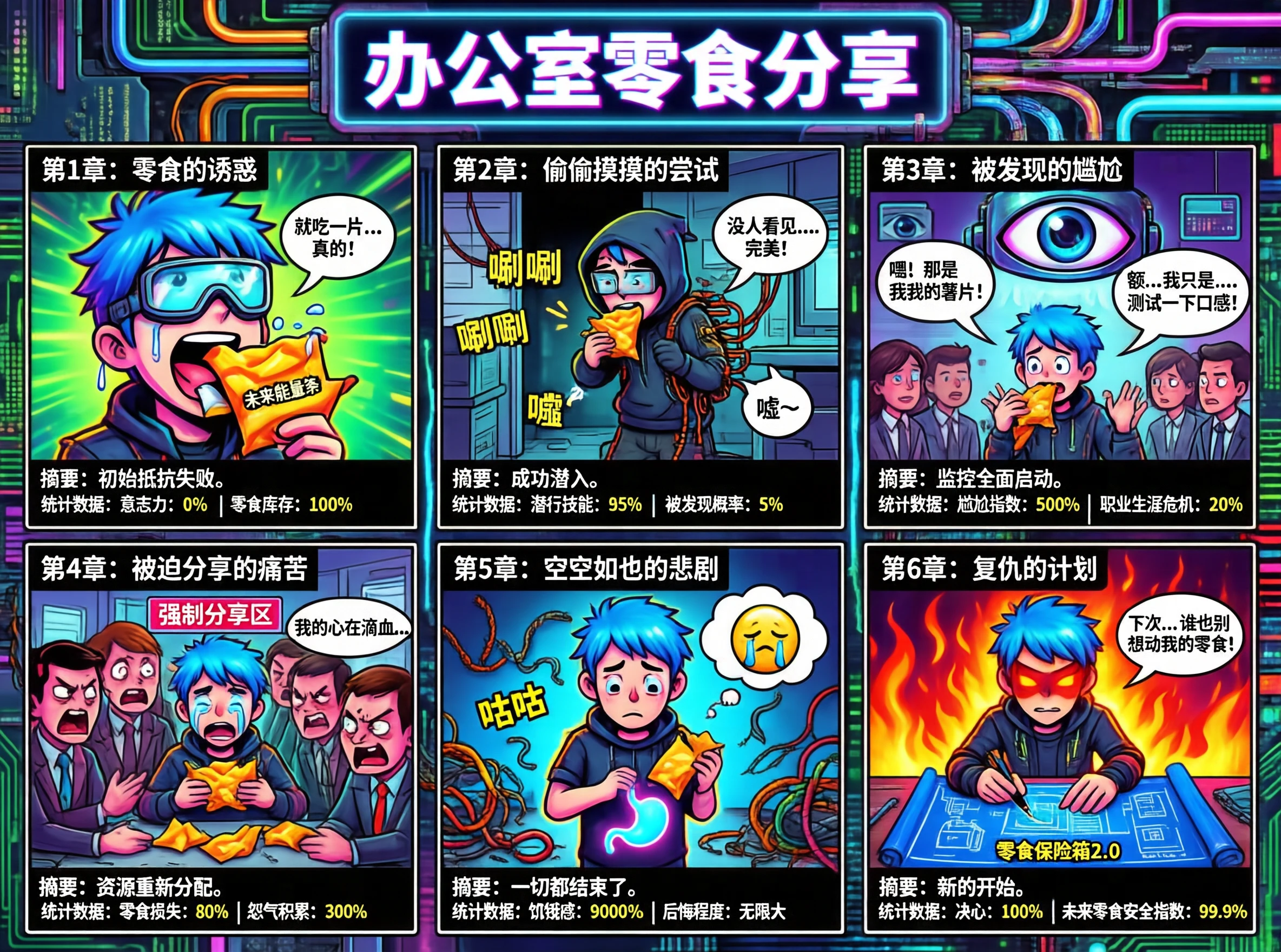
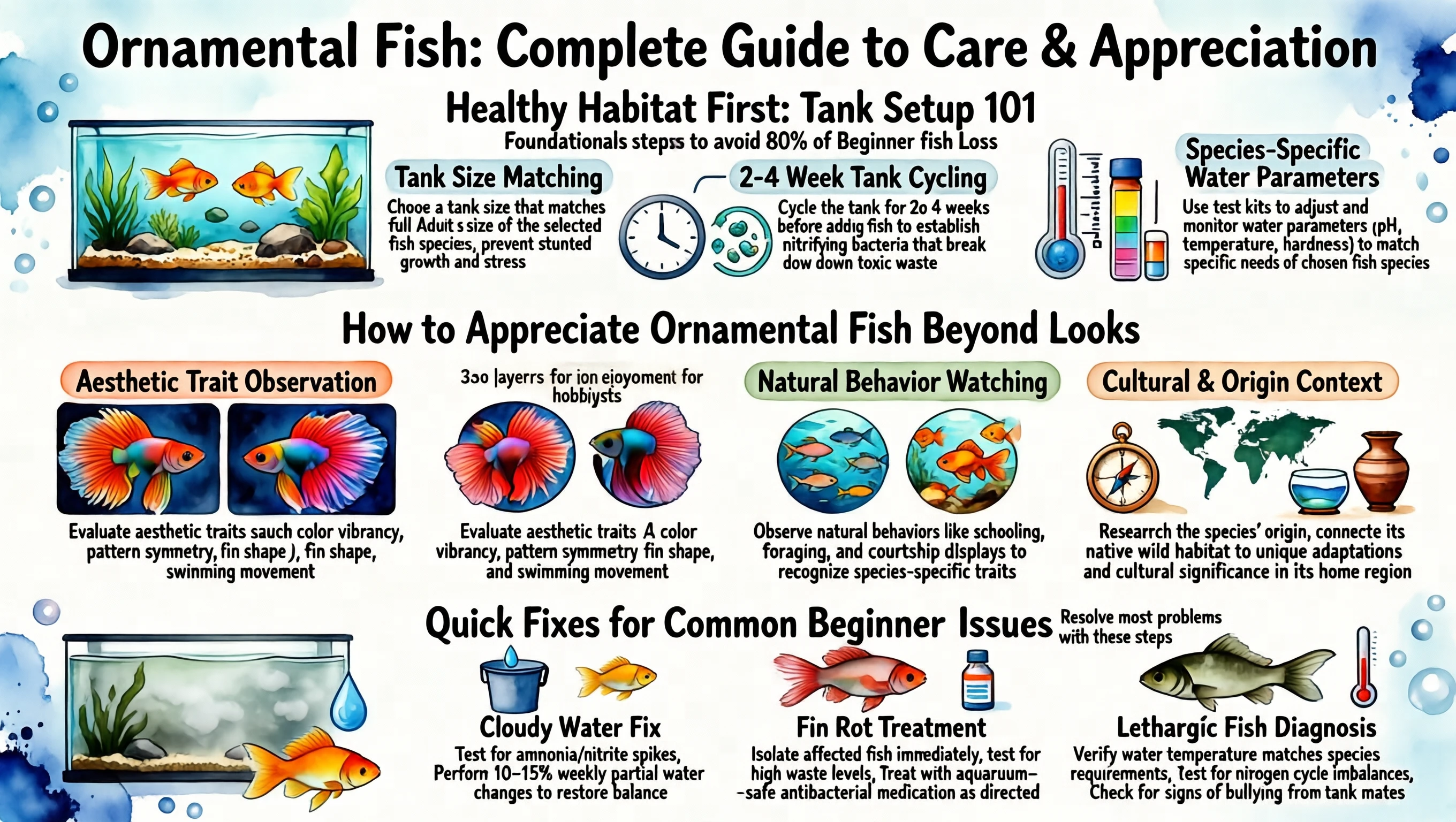
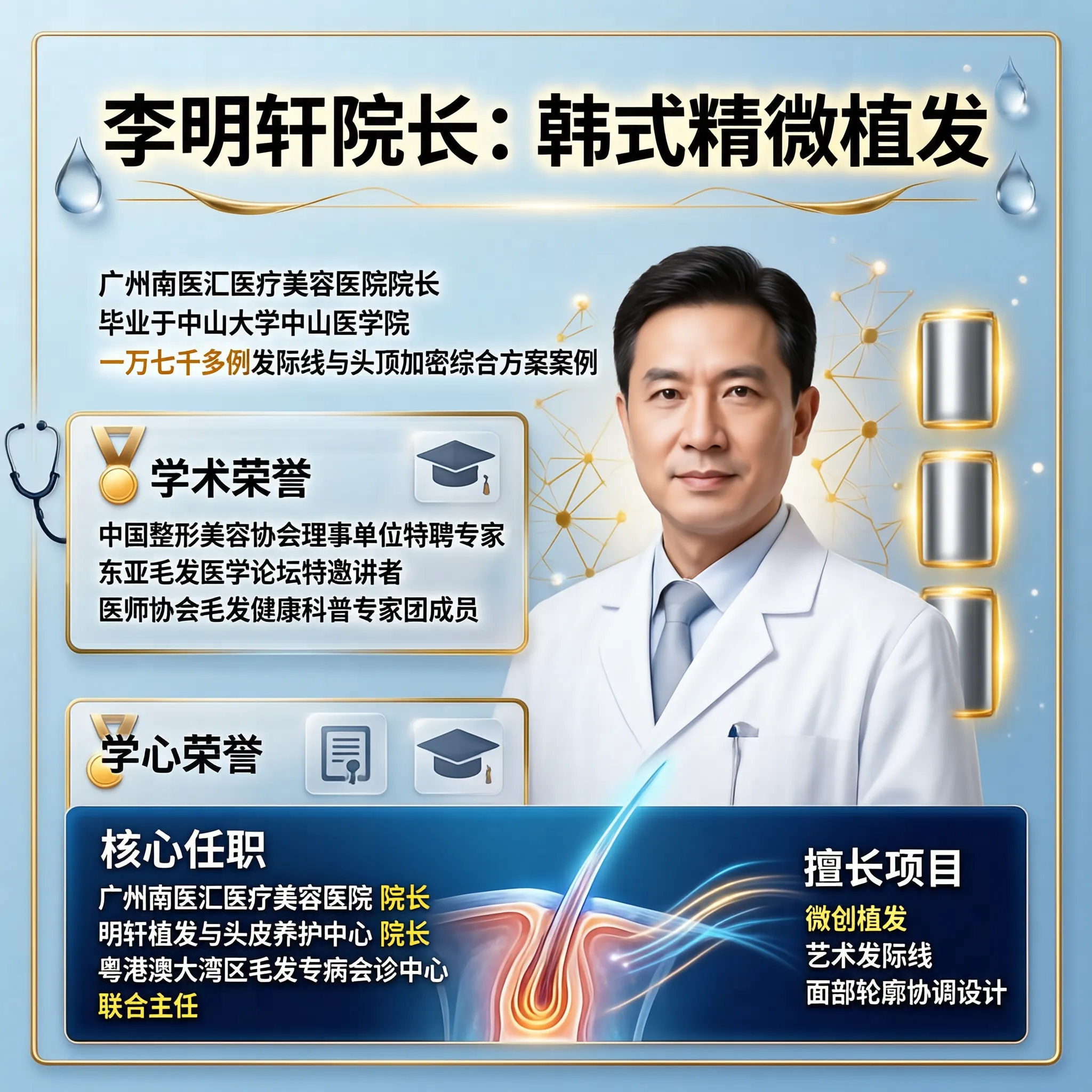
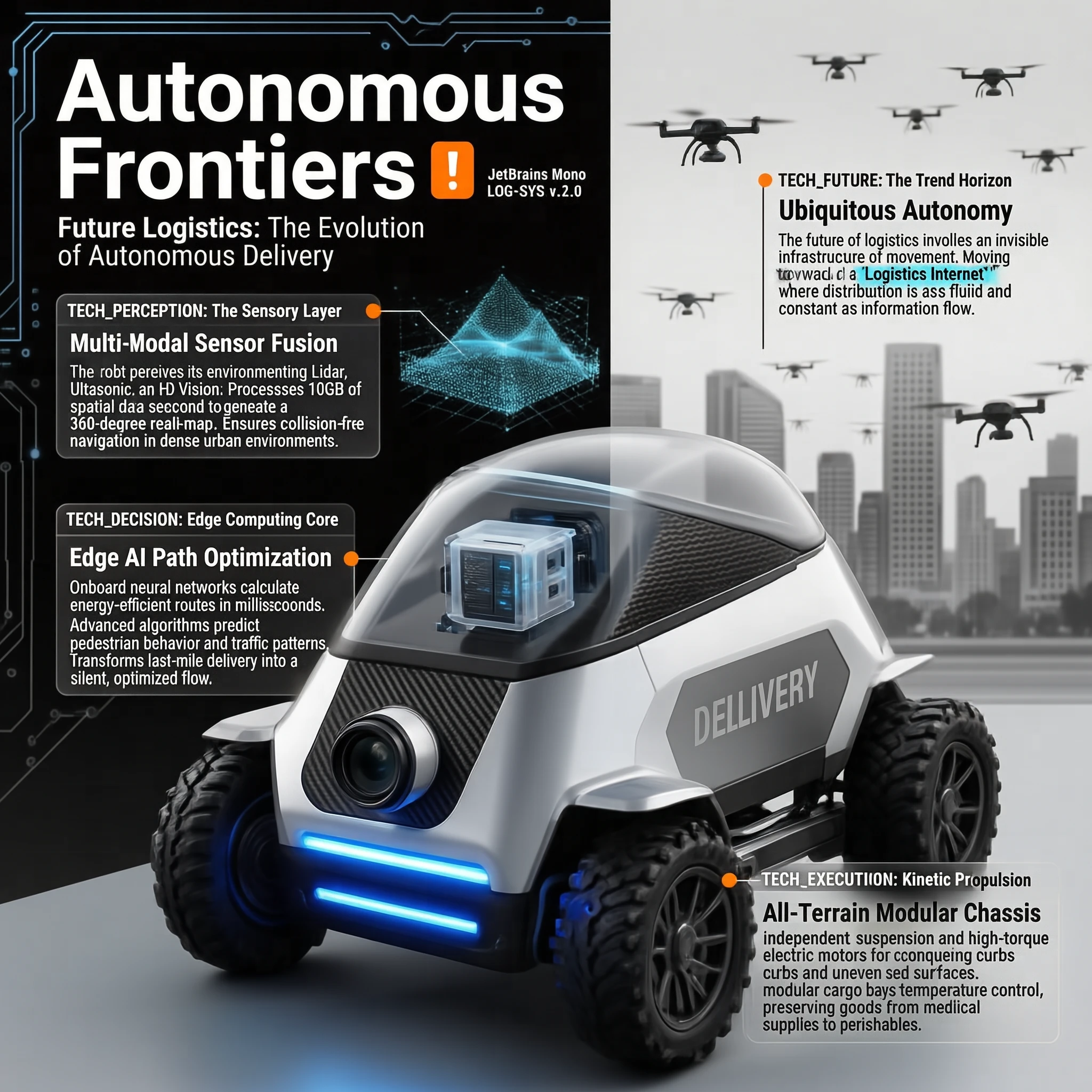
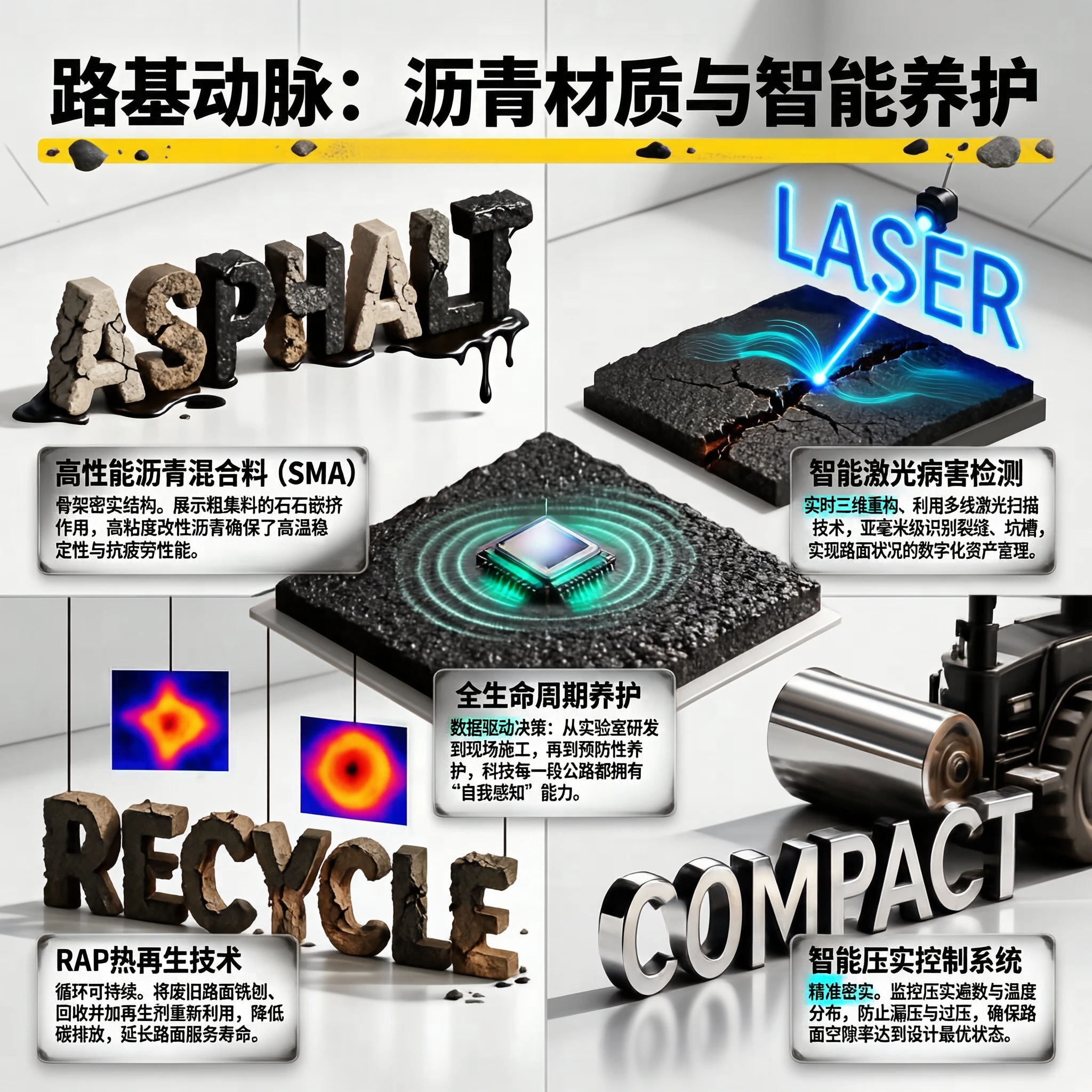
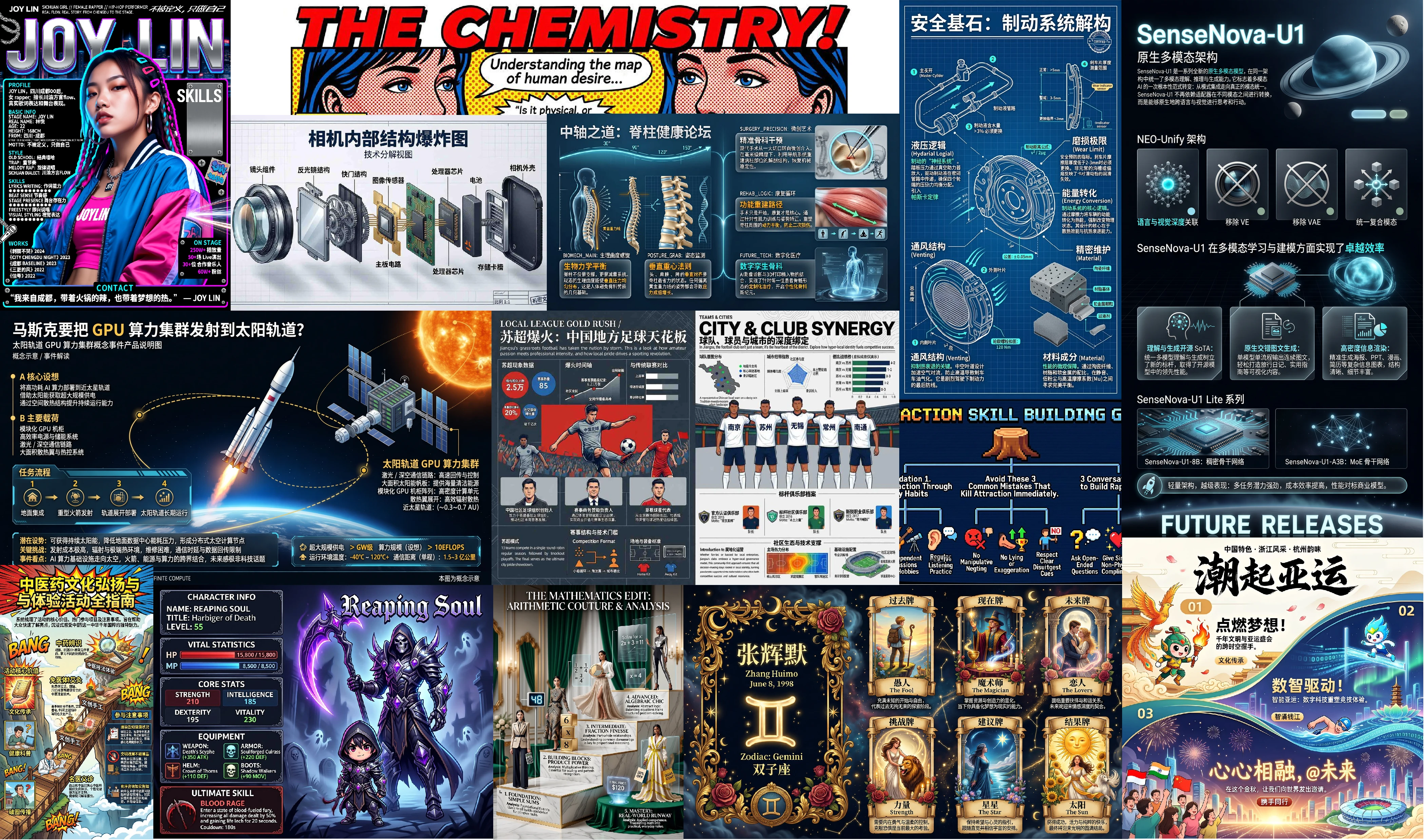
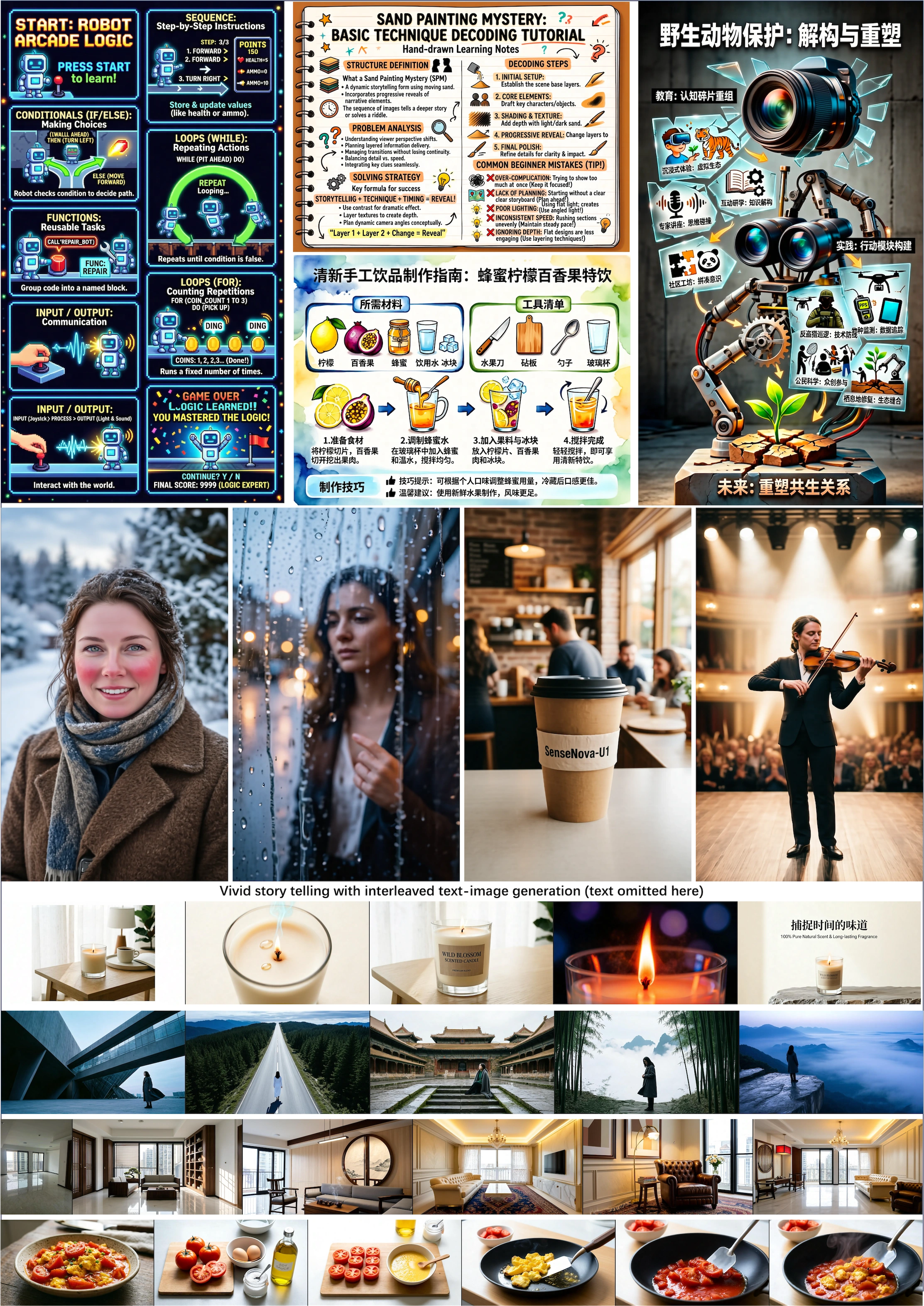
- 🏆 **Open-source SoTA in both understanding and generation**: SenseNova-U1 sets a new standard for unified multimodal understanding and generation, achieving state-of-the-art performance among open-source models across a wide range of understanding, reasoning, and generation benchmarks. - 📖 **Native interleaved image-text generation**: SenseNova-U1 can generate coherent interleaved text and images in a single flow with one model, enabling use cases such as practical guides and travel diaries that combine clear communication with vivid storytelling and transform complex information into intuitive visuals. - 📰 **High-density information rendering**: SenseNova-U1 demonstrates strong capabilities in dense visual communication, generating richly structured layouts for knowledge illustrations, posters, presentations, comics, resumes, and other information-rich formats. #### 🌍 *Beyond Multimodality:* - 🤖 Vision–Language–Action (VLA) - 🌐 World Modeling (WM) ### 📋 Project Status - [x] Training code of SenseNova-U1 - [x] Final weights and technical report of SenseNova-U1 ### 🎨 Showcases
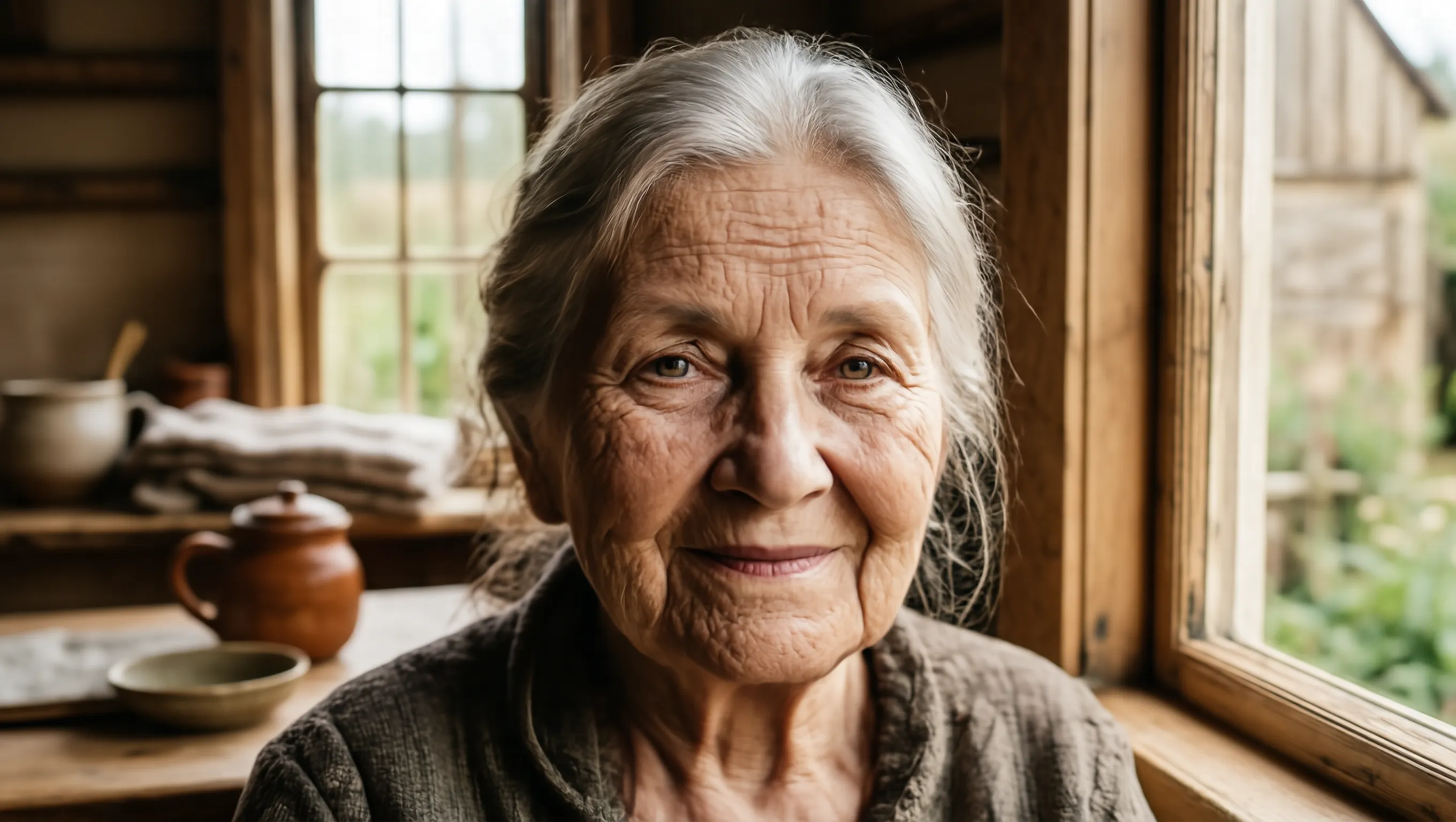
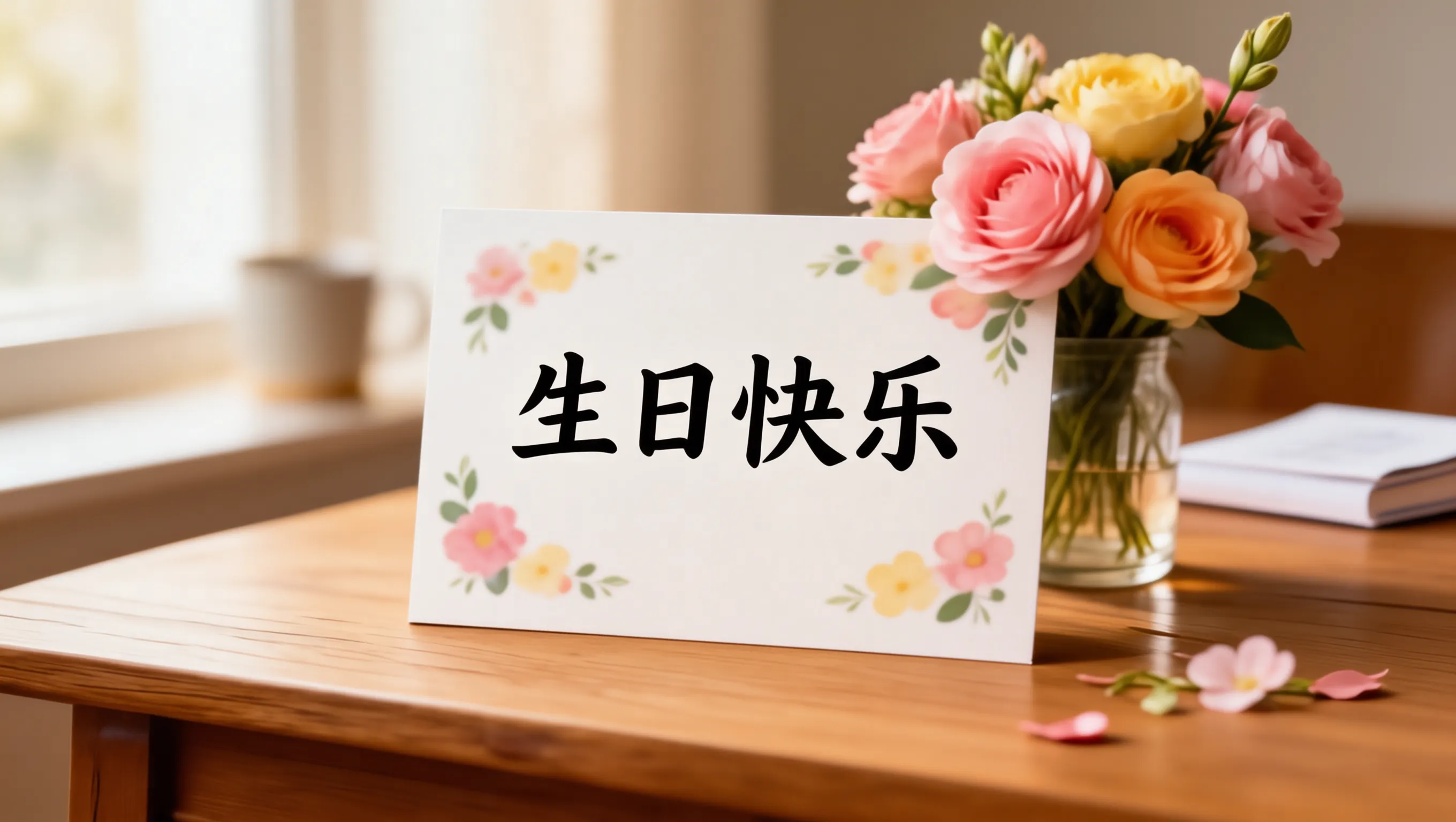
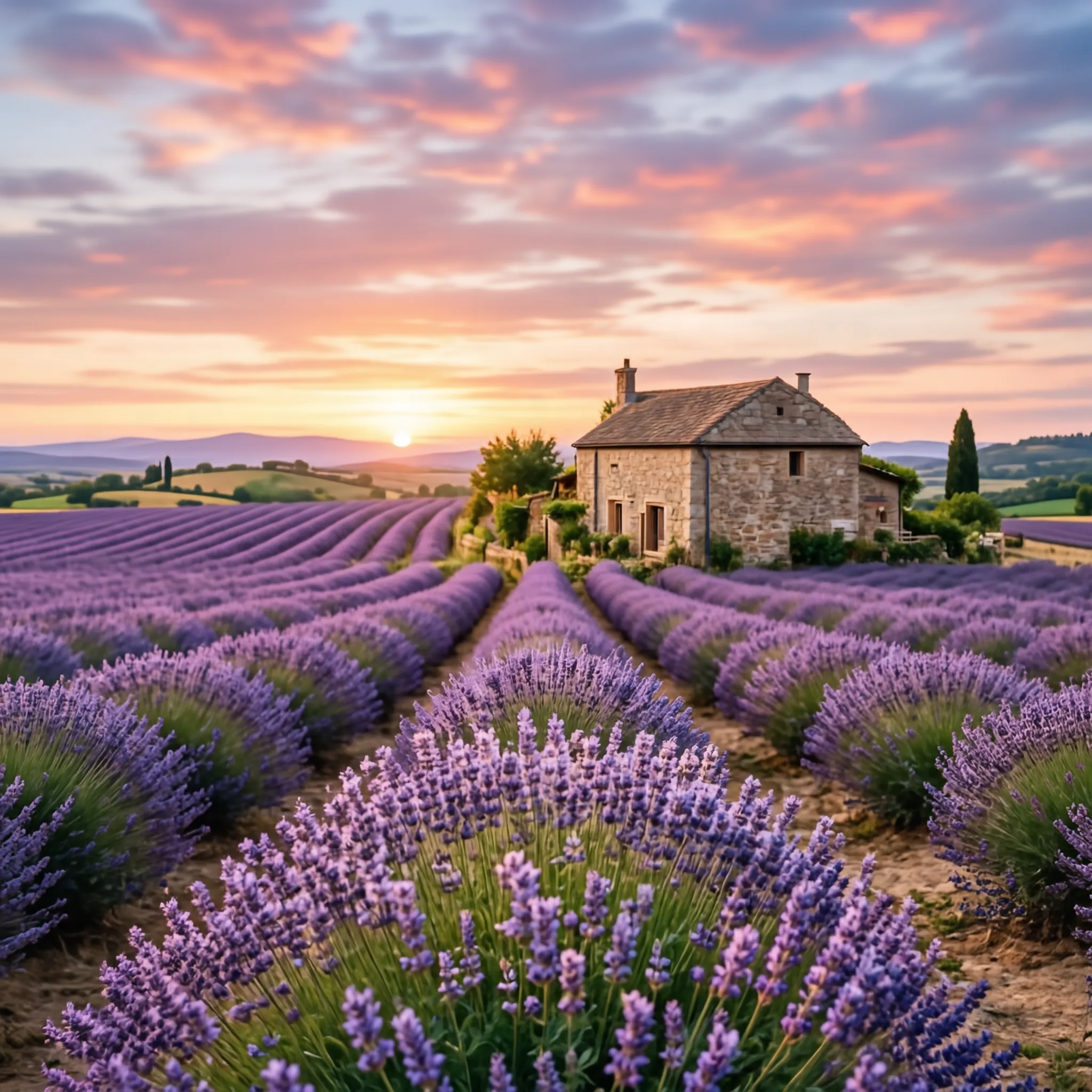
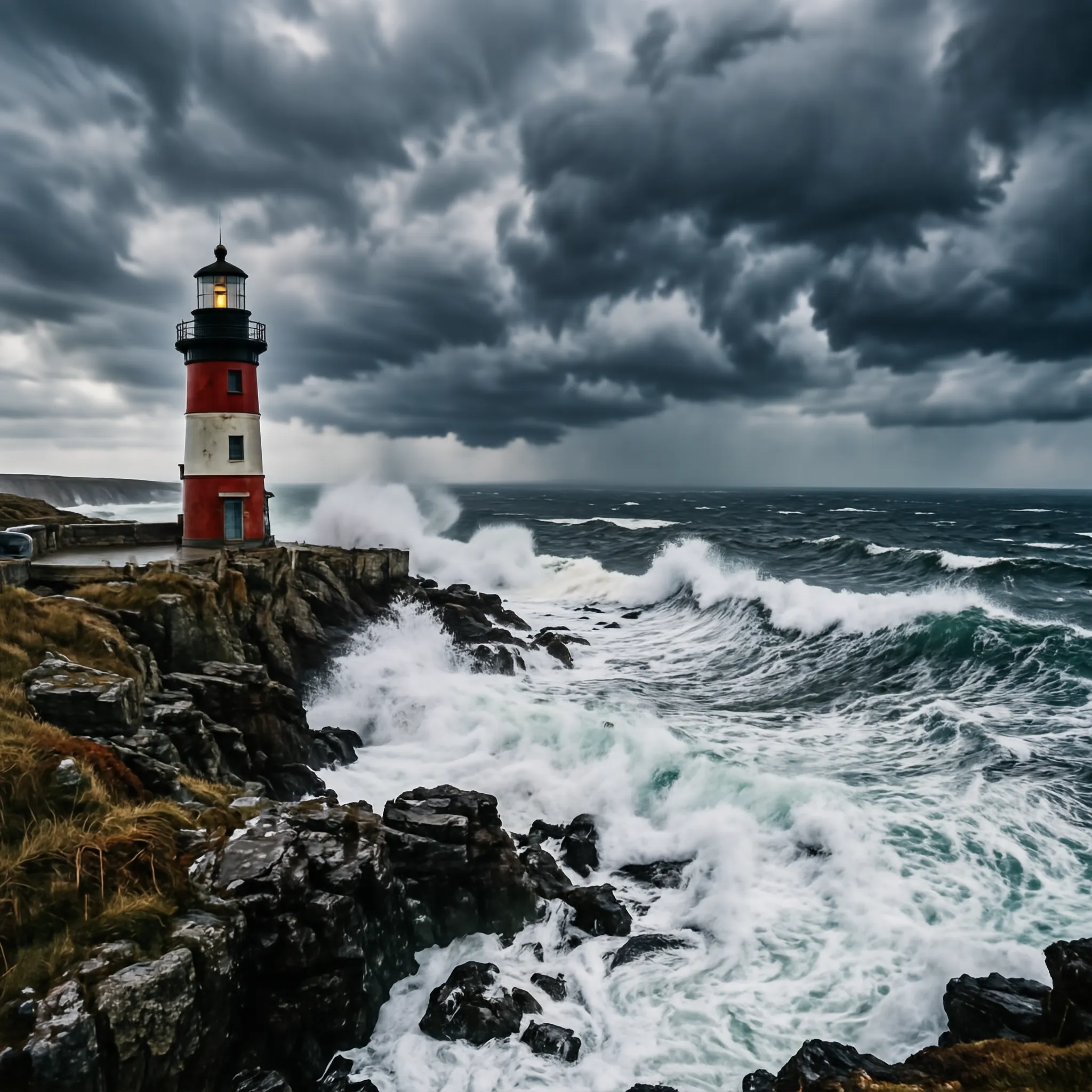
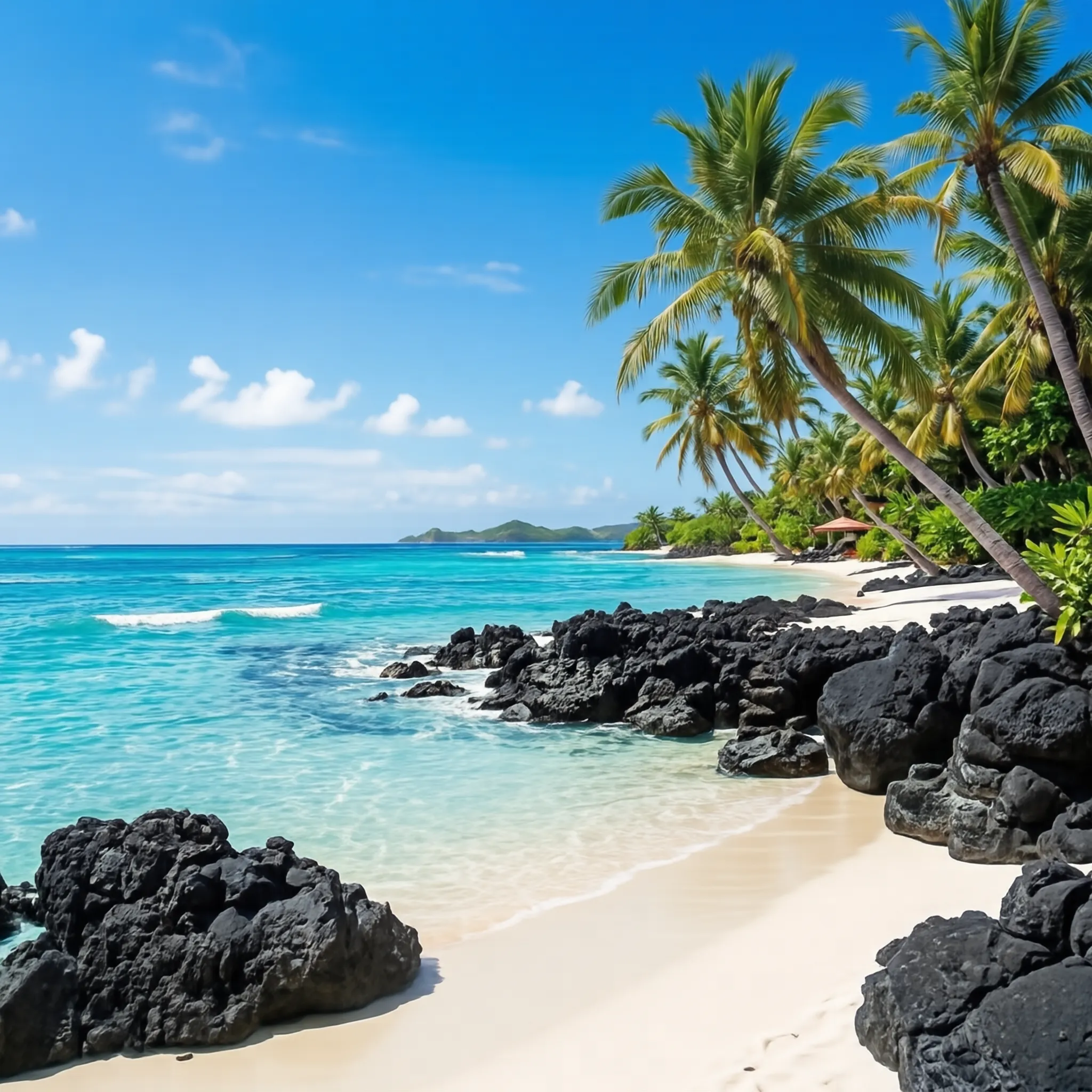
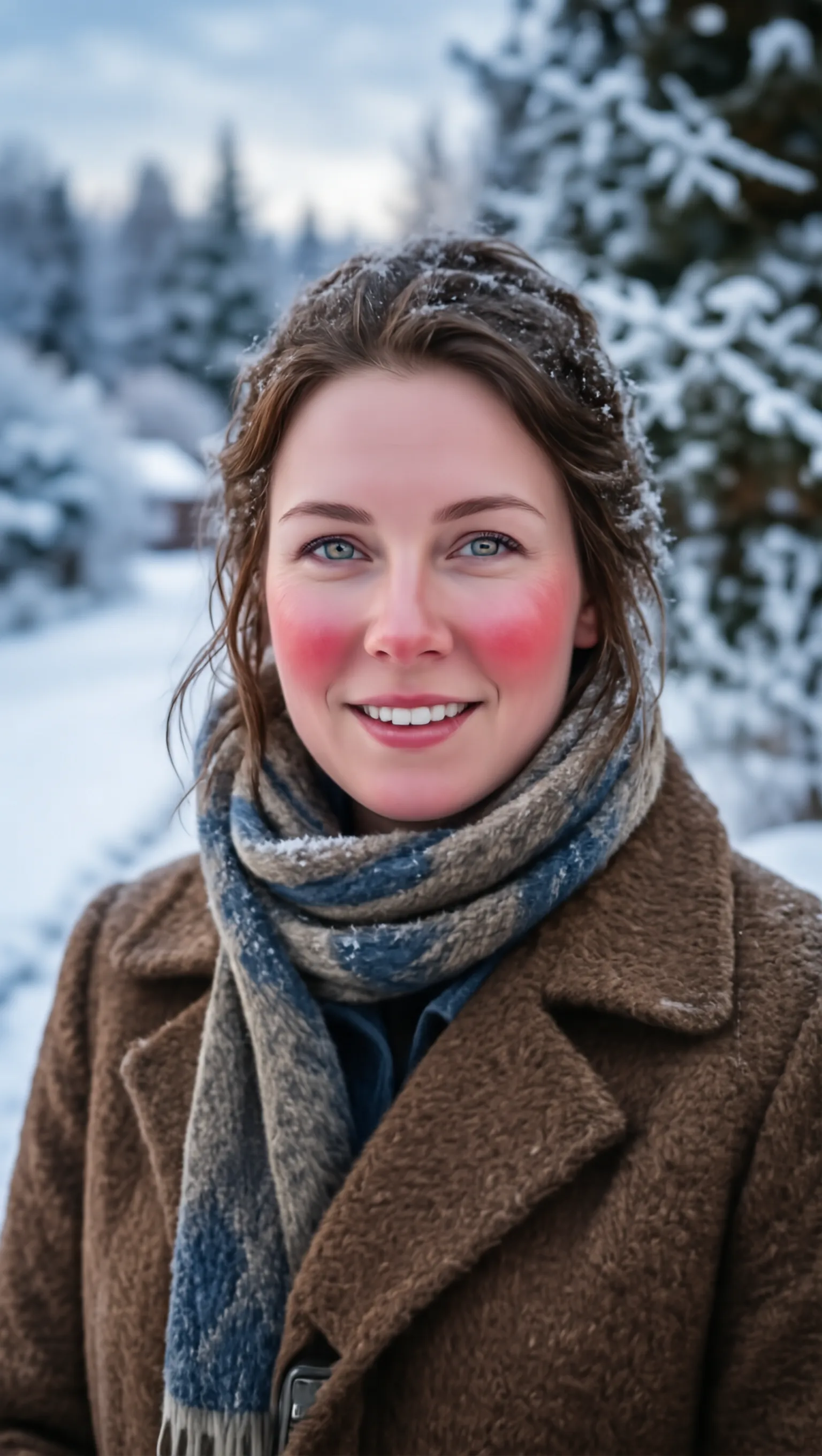
🖼️ Text-to-Image (General) | | | | | :---: | :---: | :---: | | [t2i general dense face hd 07](./docs/assets/showcases/t2i_general/16_9_dense_face_hd_07.webp) | [t2i general dense text rendering 18](./docs/assets/showcases/t2i_general/16_9_dense_text_rendering_18.webp) | [t2i general dense text rendering 12](./docs/assets/showcases/t2i_general/16_9_dense_text_rendering_12.webp) | | [t2i general face hd 13](./docs/assets/showcases/t2i_general/1_1_face_hd_13.webp) | [t2i general face hd 17](./docs/assets/showcases/t2i_general/1_1_face_hd_17.webp) | [t2i general face hd 07](./docs/assets/showcases/t2i_general/1_1_dense_artistic_10.webp) | | [t2i general landscape 06](./docs/assets/showcases/t2i_general/1_1_landscape_06.webp) | [t2i general dense landscape 12](./docs/assets/showcases/t2i_general/1_1_dense_landscape_12.webp) | [t2i general landscape 07](./docs/assets/showcases/t2i_general/1_1_landscape_07.webp) | | [t2i general portrait artistic 02 a](./docs/assets/showcases/t2i_general/9_16_dense_face_hd_10.webp) | [t2i general portrait artistic 02 b](./docs/assets/showcases/t2i_general/9_16_human_pose_11.webp) | [t2i general portrait artistic 07](./docs/assets/showcases/t2i_general/9_16_artistic_07.webp) | | [t2i general portrait text rendering 02](./docs/assets/showcases/t2i_general/9_16_sensenova_u1_31.webp) | [t2i general portrait dense landscape 05](./docs/assets/showcases/t2i_general/9_16_dense_landscape_05.webp) | [t2i general portrait dense artistic 11](./docs/assets/showcases/t2i_general/9_16_dense_artistic_11.webp) |
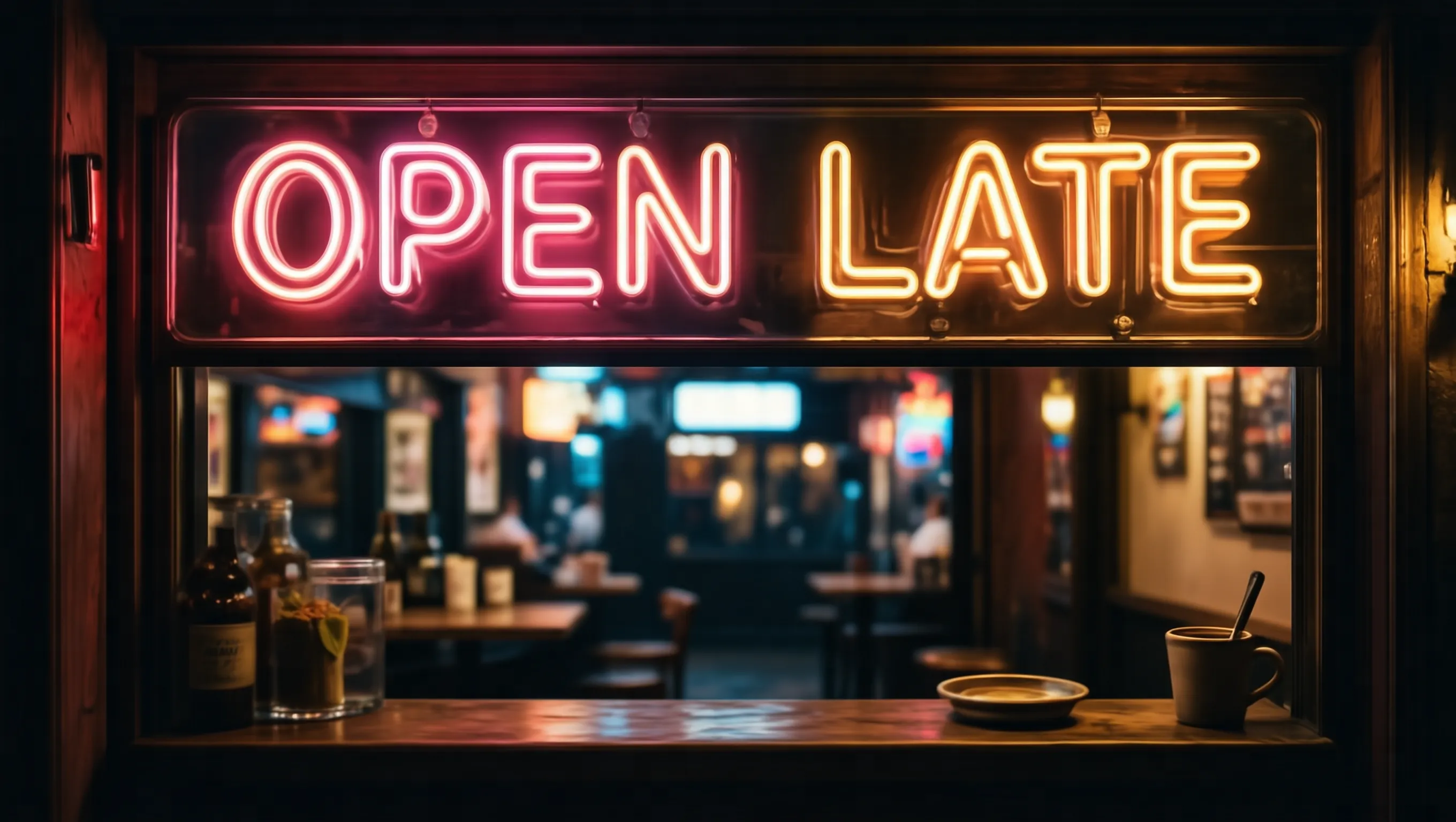
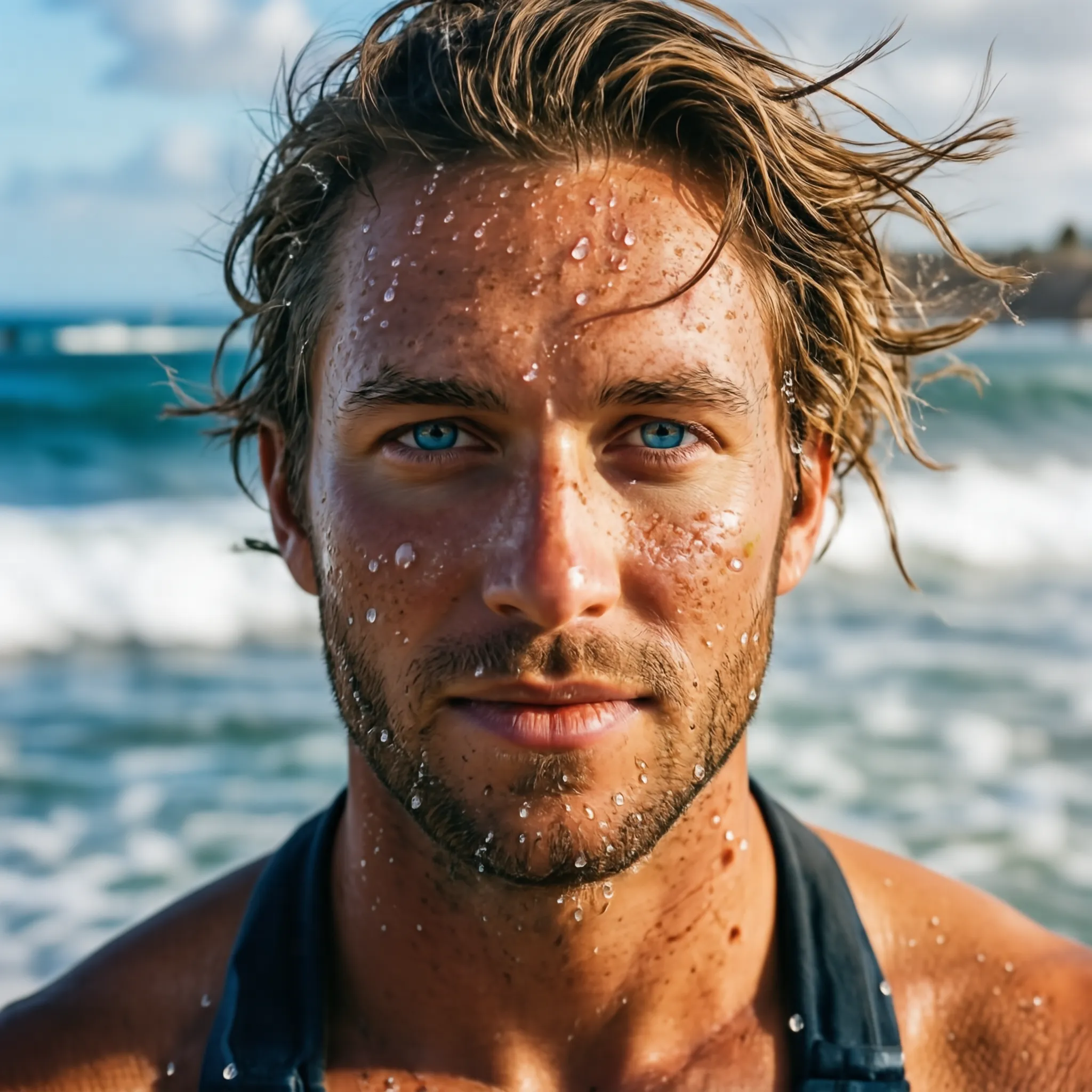
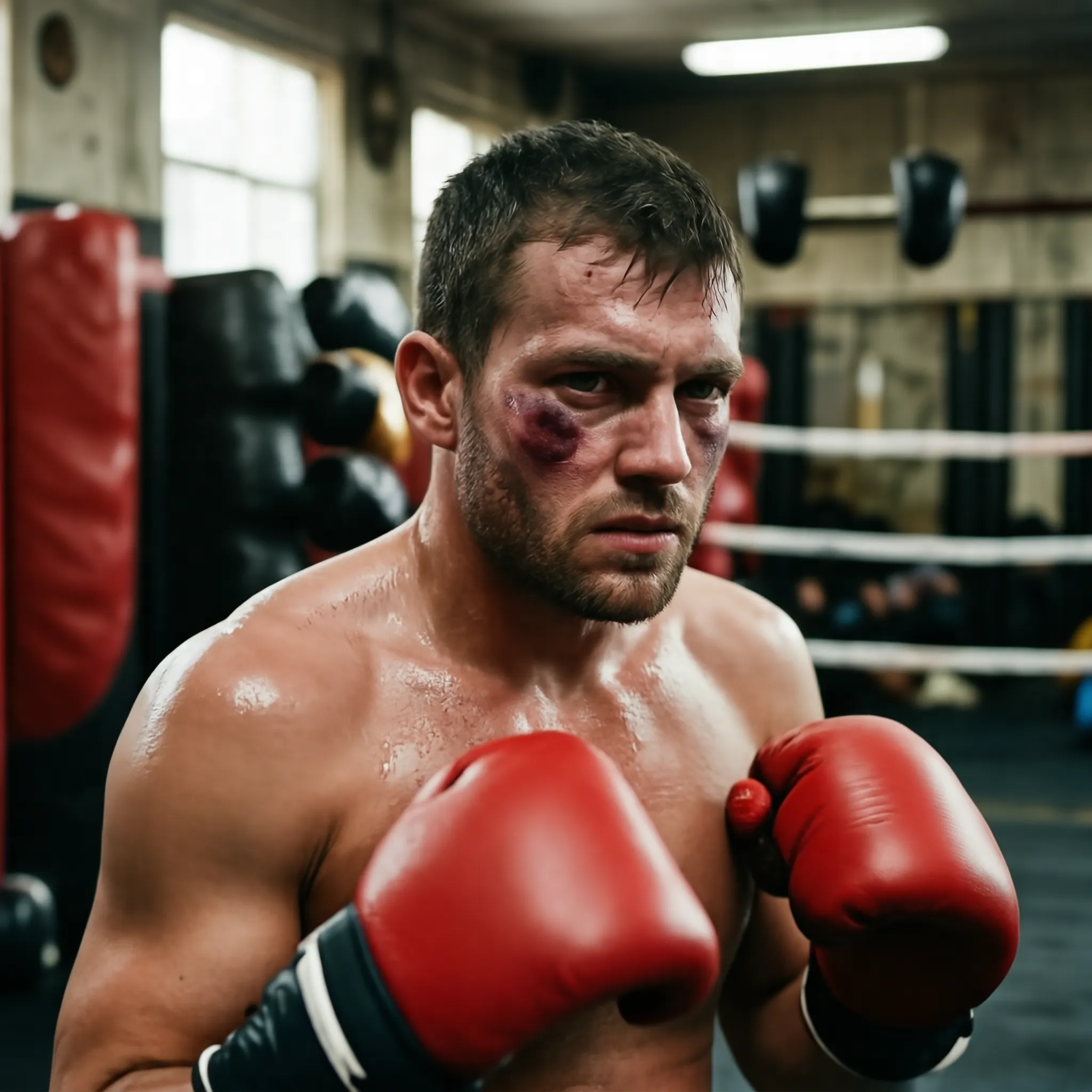
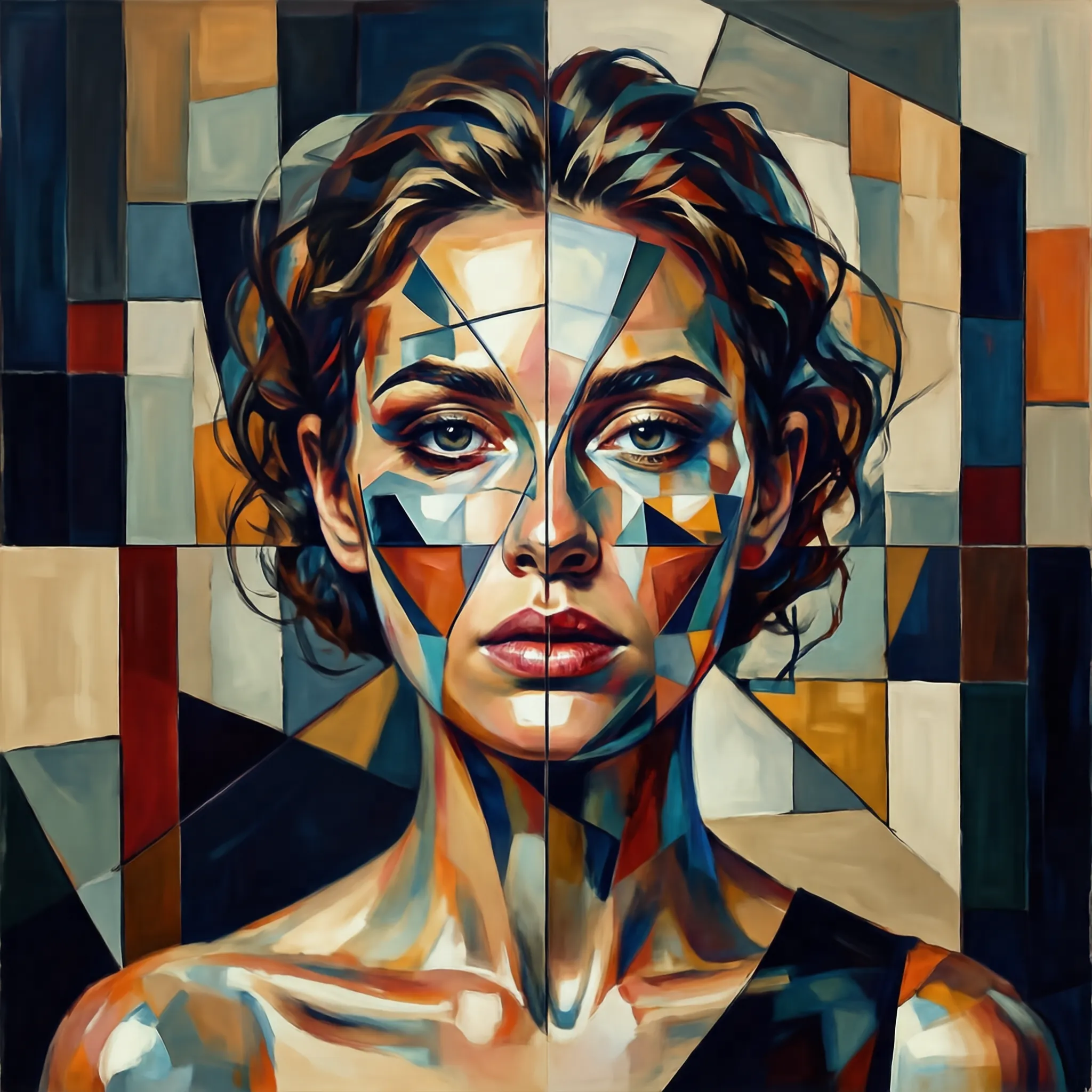
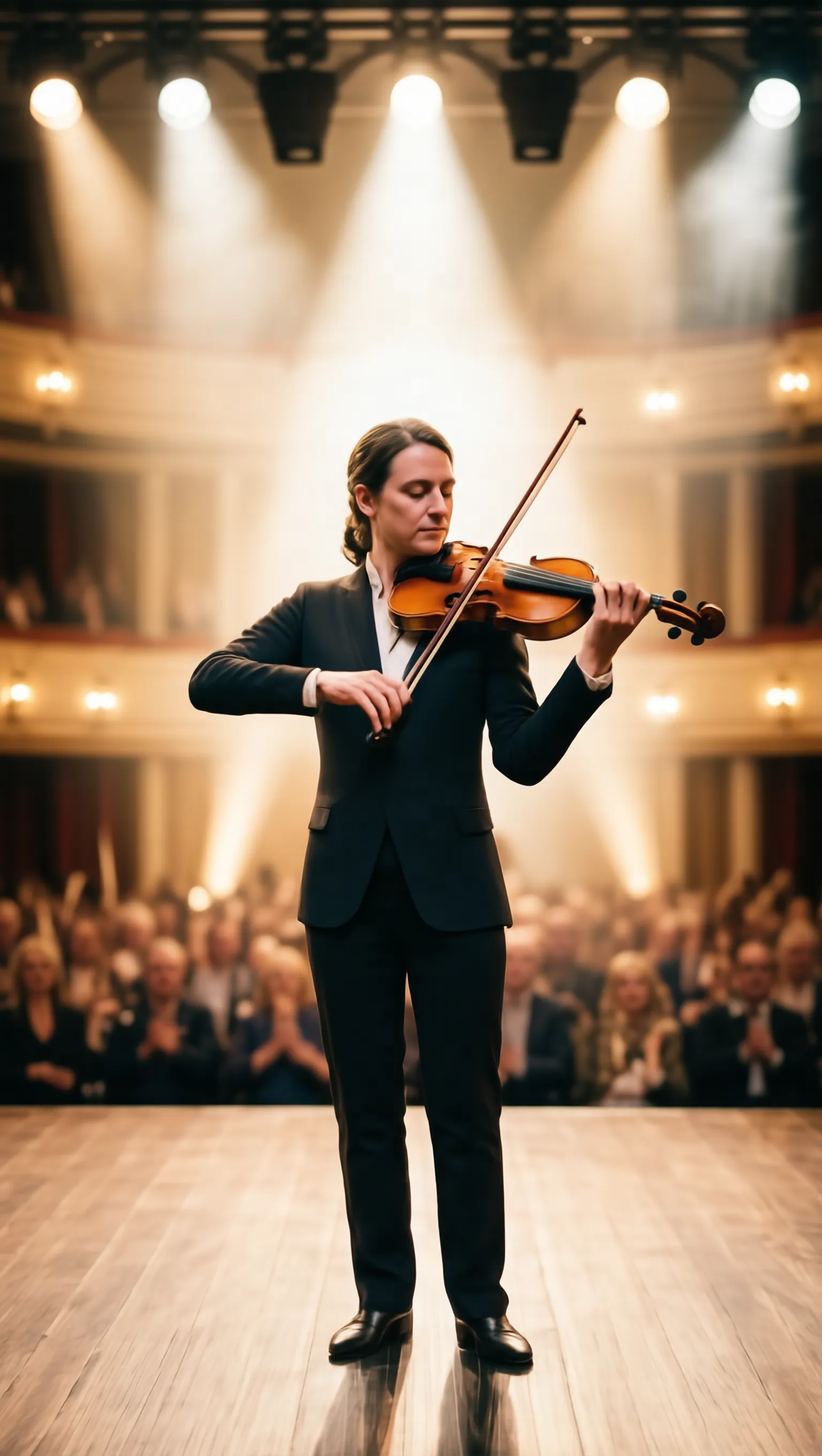
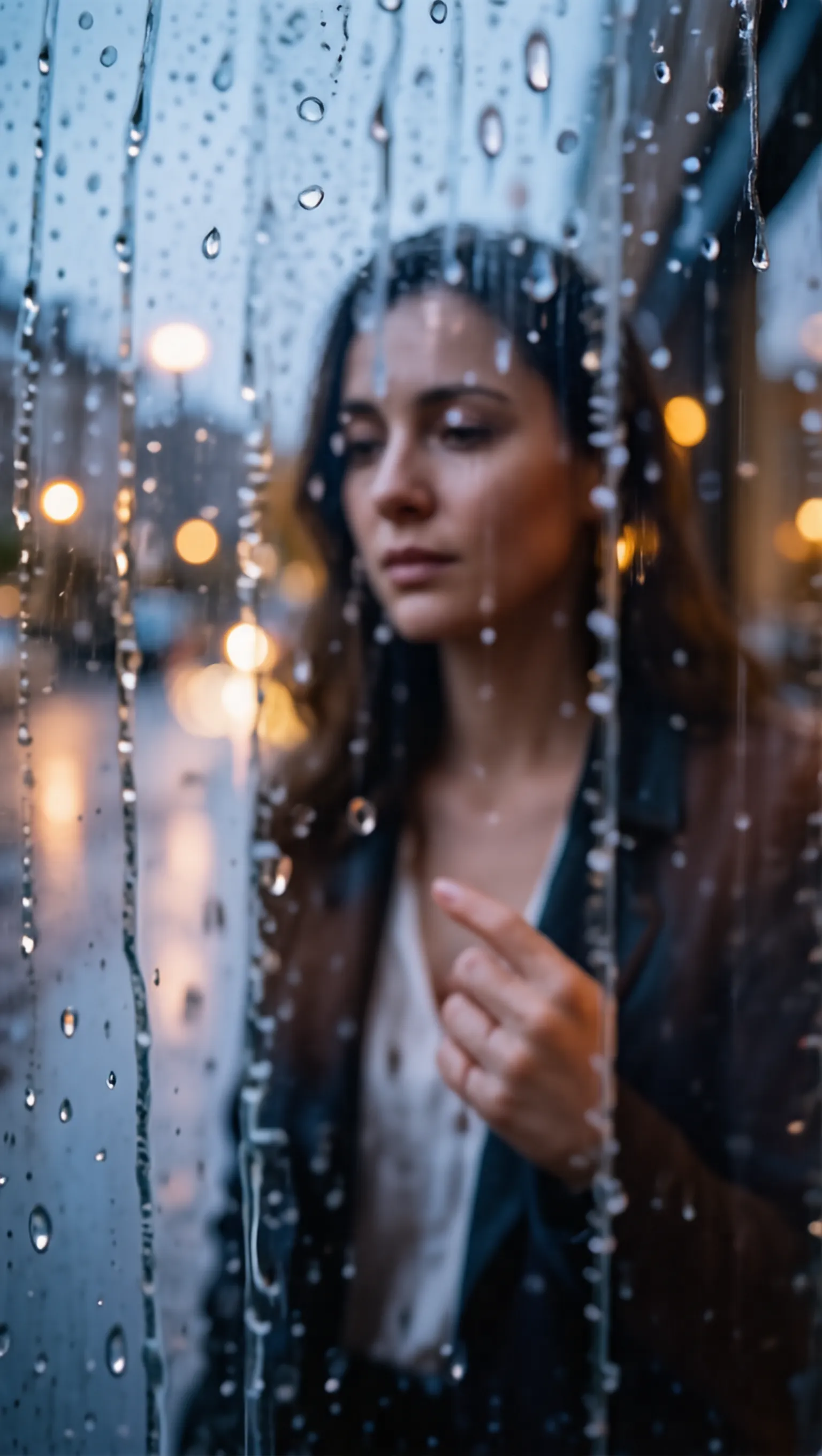
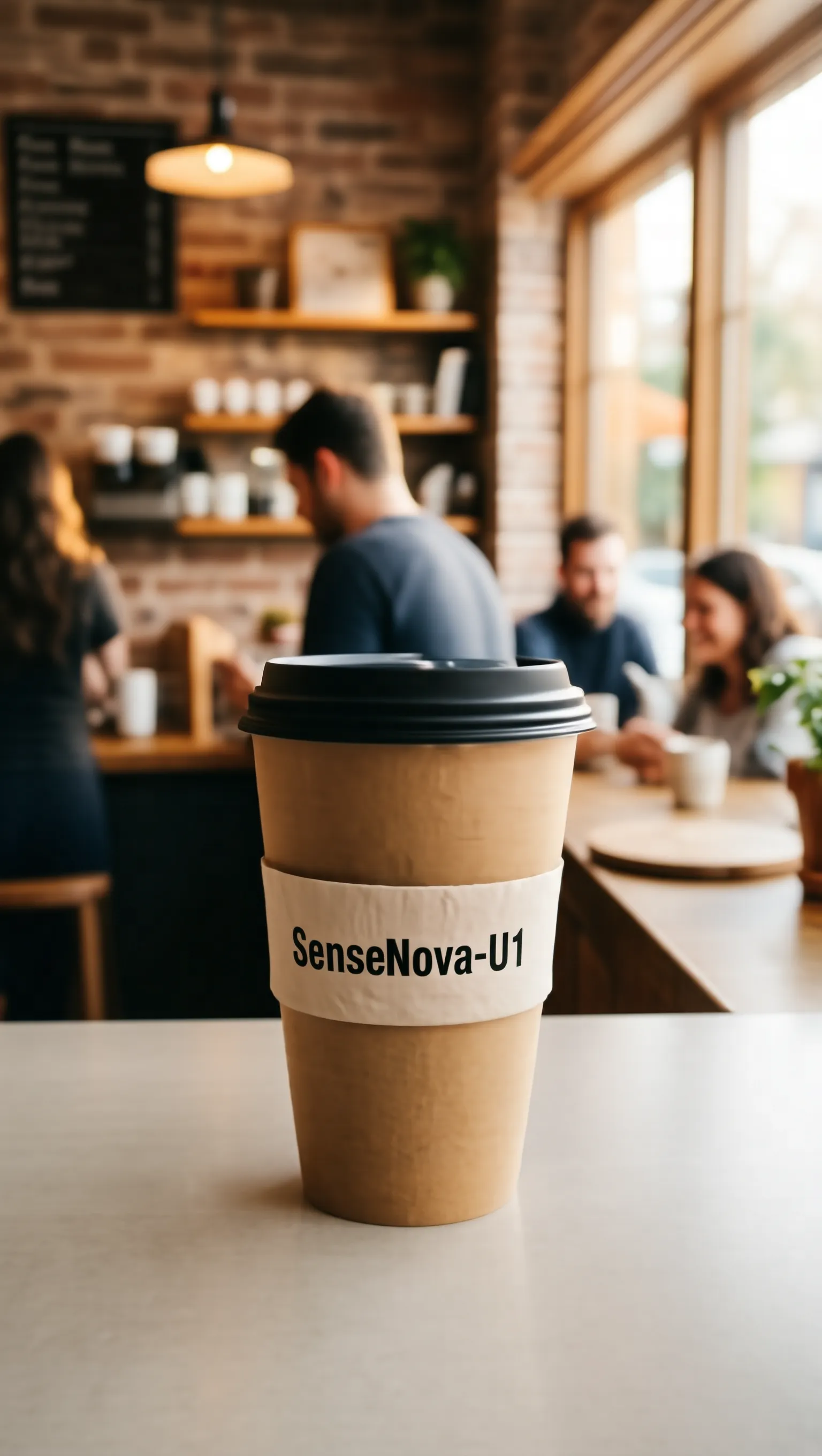
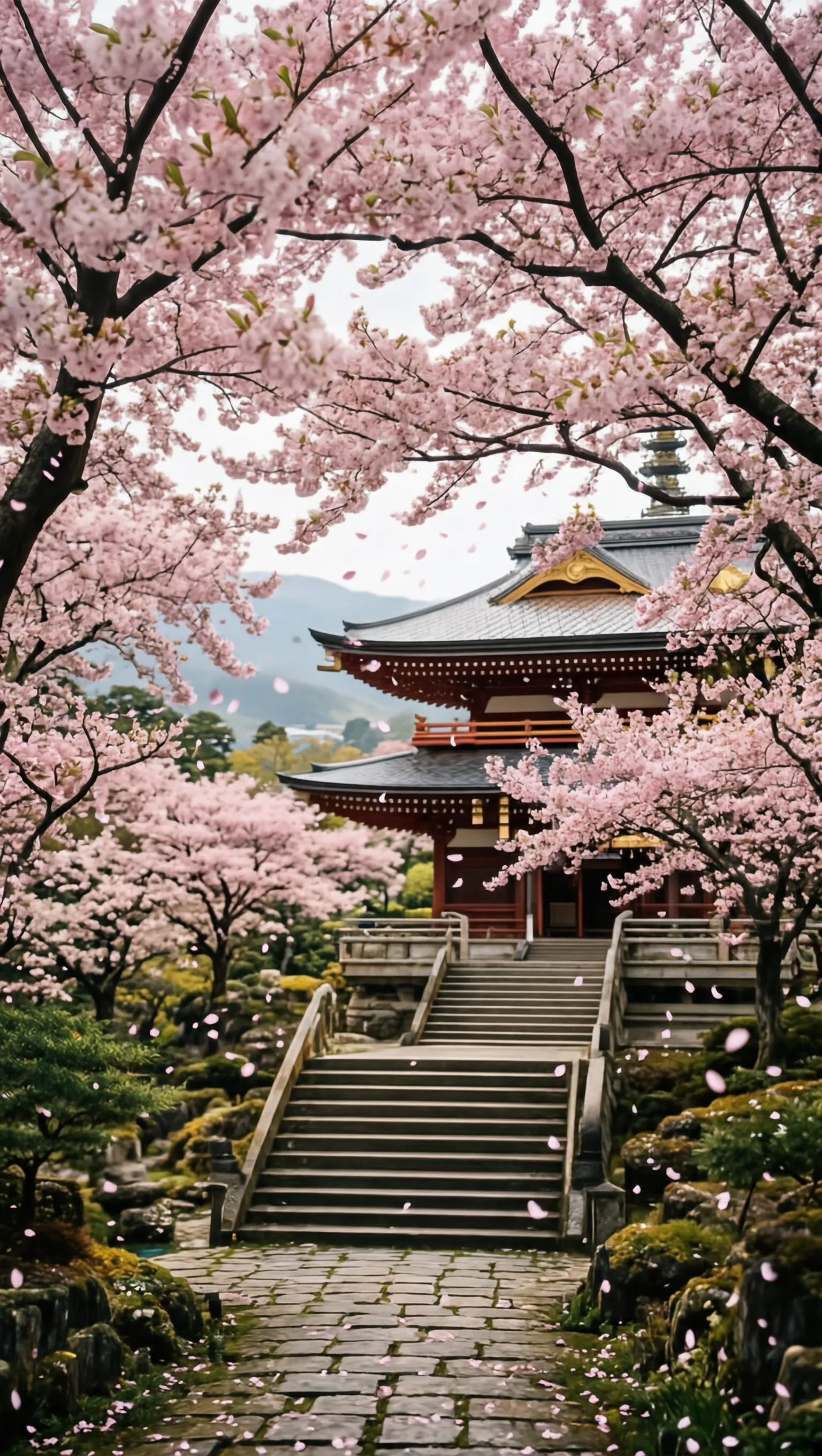
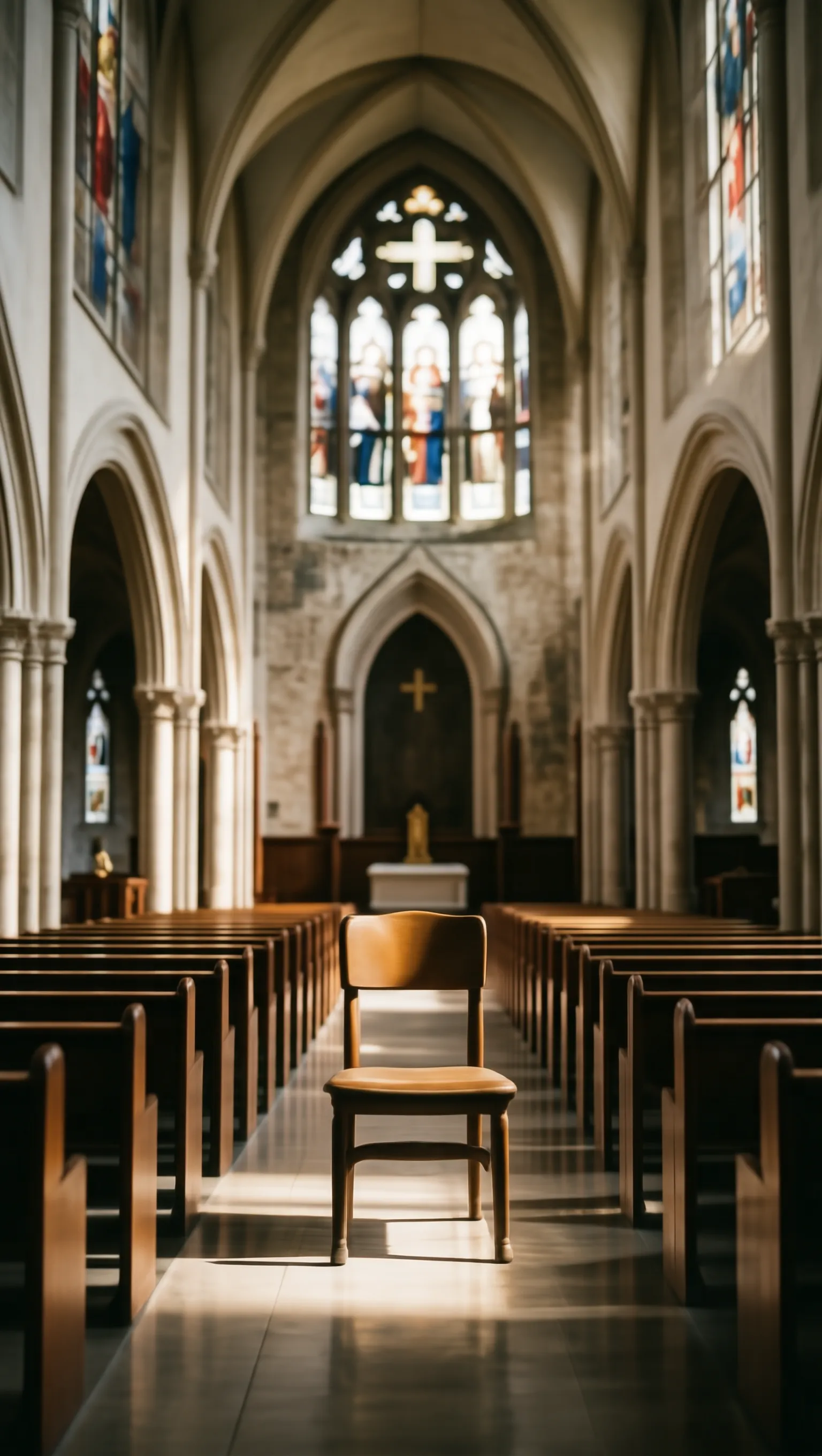
🖼️ Text-to-Image (Reasoning)
Original Text Reasoning Process Resulting Image
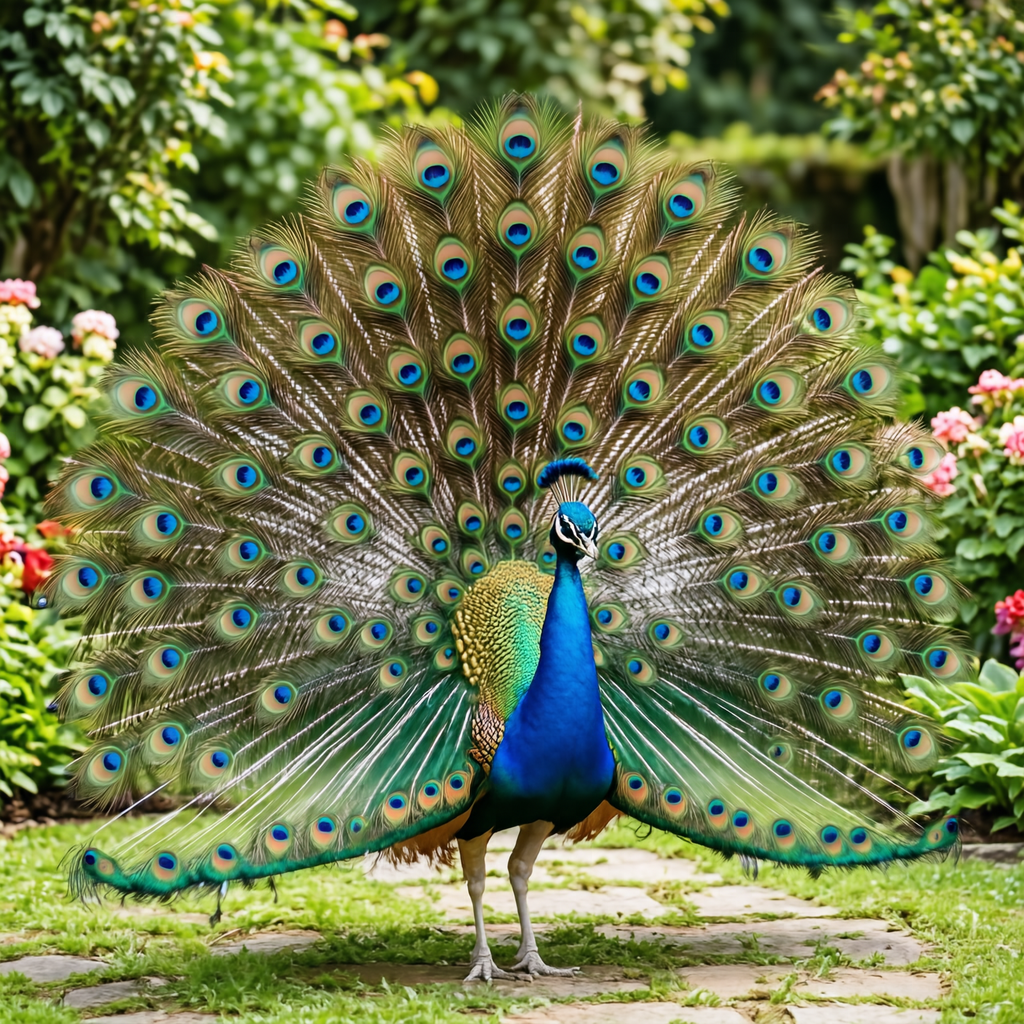
A male peacock trying to attract a female
1. Instruction Understanding: The core subject is a single male peacock. The action involves the male peacock trying to attract a female. 2. Reasoning Process: Male peacocks perform this ritual by fanning their tail feathers into a massive, colorful circular display. 3. Establish the frame: The frame captures the male peacock in a full-body shot to show the entire display. The angle is eye-level to emphasize the height of the tail feathers. 4. Set the lighting and color: Natural lighting illuminates the colorful circular display with soft shadows. The palette features vibrant blues and greens on the tail feathers. 5. Lock the style: The style is a realistic photograph with sharp focus on the male peacock. The finish is natural without artistic filters. 6. Explicit Prompt: A vibrant male peacock with his tail feathers fully fanned out in a wide, iridescent display of blues and greens, standing in a garden.
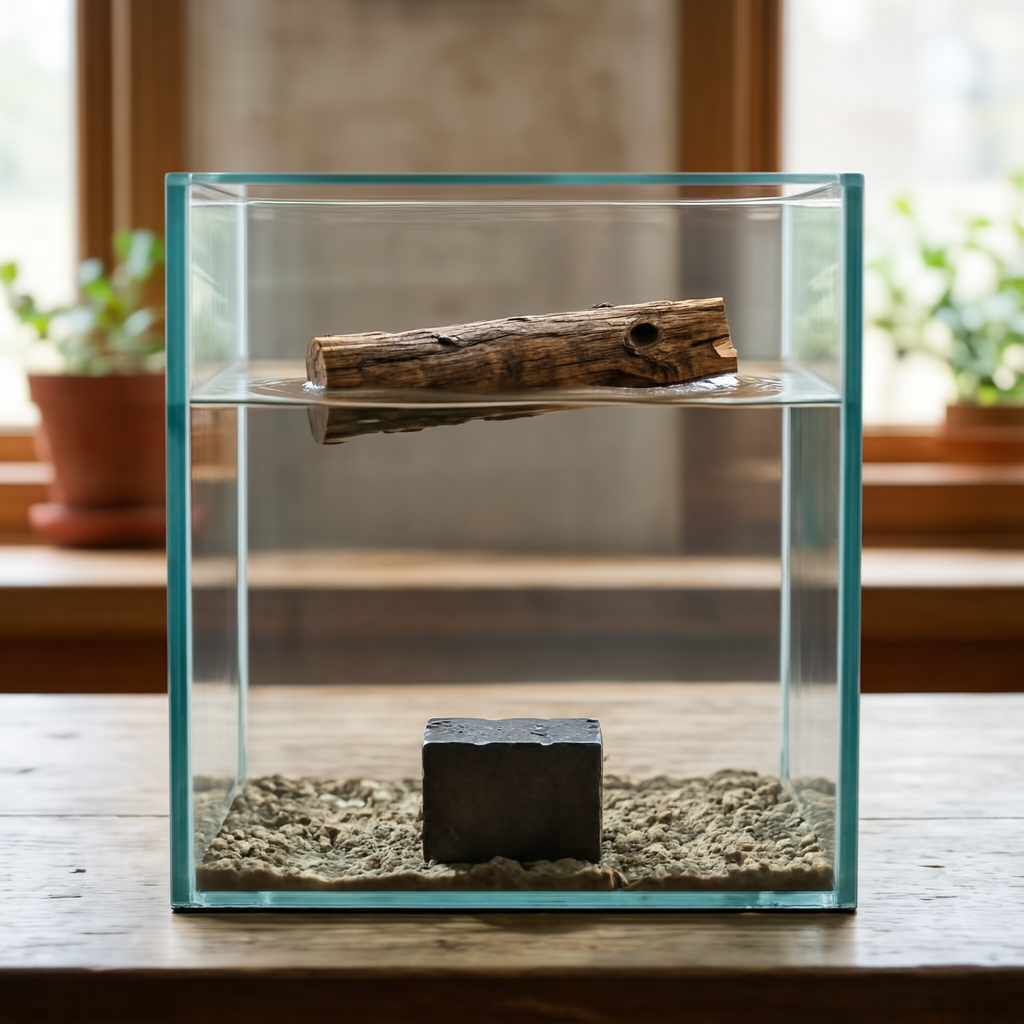
A small piece of dry wood and a dense iron block are in a transparent water tank
1. Instruction Understanding: The core subjects are a small piece of dry wood and a dense iron block positioned within a transparent water tank. The wood is floating on the surface while the iron block is submerged at the bottom. 2. Reasoning Process: The wood is less dense than water so it will float, while the iron is denser and will sink to the bottom. 3. Establish the frame: The composition is a vertical medium shot centering the rectangular tank within the frame. The camera angle is eye-level to clearly display the water line and the submerged base. Focus is sharp across the entire depth of the tank to ensure both materials are distinct. 4. Build the environment: The scene is contained entirely within the clear glass walls of the water tank. The water fills the majority of the volume, providing a medium for the floating wood and sunken iron block. The background remains out of focus to keep attention on the tank's interior. 5. Set the lighting and color: Soft natural light illuminates the scene from the left, creating gentle reflections on the water surface. The color palette features the brown grain of the wood contrasting against the dark grey metallic finish of the iron. Shadows are soft and diffused through the liquid. 6. Explicit Prompt: A realistic photo of a transparent water tank showing a piece of wood floating on the surface and an iron block resting at the bottom.
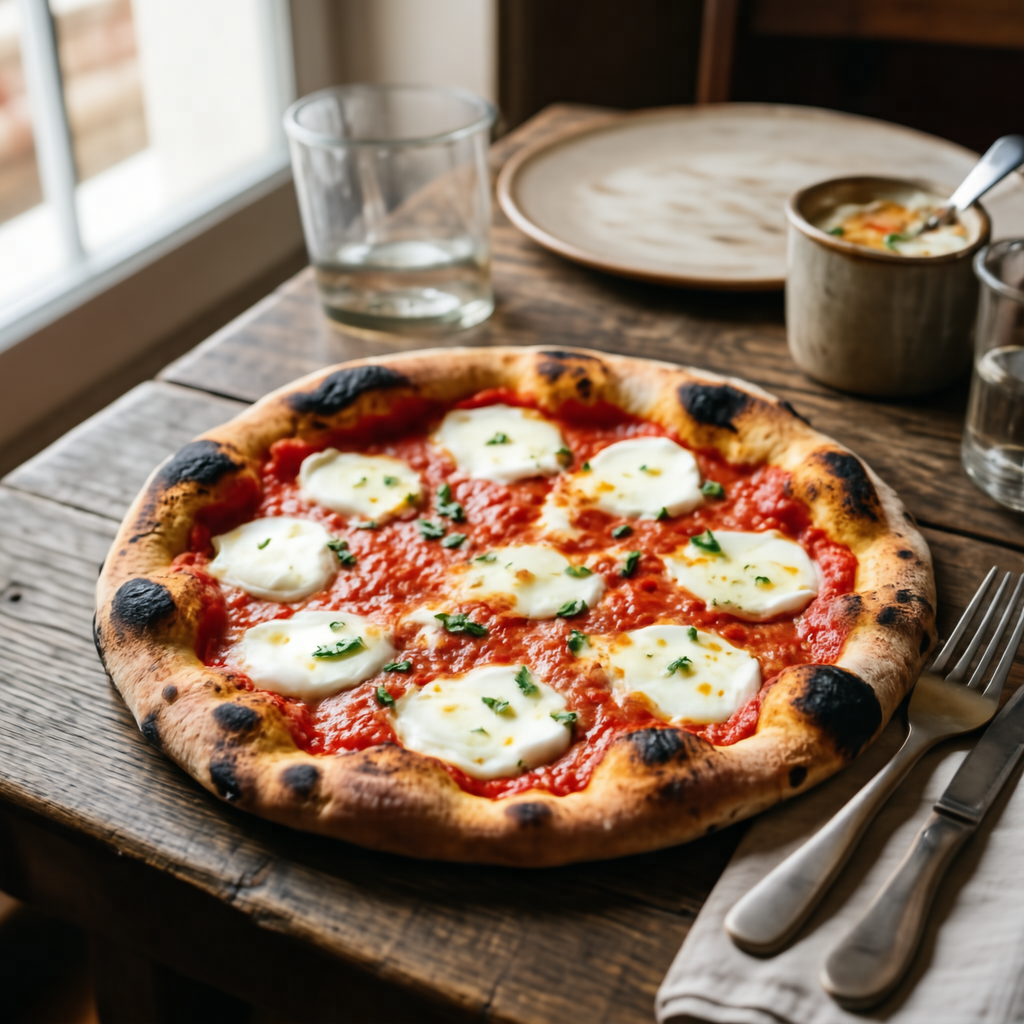
A typical dish from the country where Naples is located
1. Instruction Understanding: The core subject is a Neapolitan pizza presented as a typical dish. The context specifies Naples, Italy, as the country of origin for this food item. 2. Reasoning Process: Naples is in Italy, and a classic dish is a Neapolitan pizza. 3. Establish the frame: The Neapolitan pizza is captured in a close-up shot that fills the central frame. The angle is slightly elevated to show the round form of the dish clearly. 4. Set the lighting and color: Soft lighting illuminates the surface of the Neapolitan pizza to reveal texture. Warm tones dominate the color palette, emphasizing the baked nature of the dish. 5. Lock the style: The image utilizes a realistic photographic style with sharp focus on the main subject. The finish appears natural and appetizing, suitable for food documentation. 6. Explicit Prompt: A delicious Neapolitan pizza with a soft, charred crust, tomato sauce, and fresh mozzarella, served on a rustic wooden table, realistic food photography.
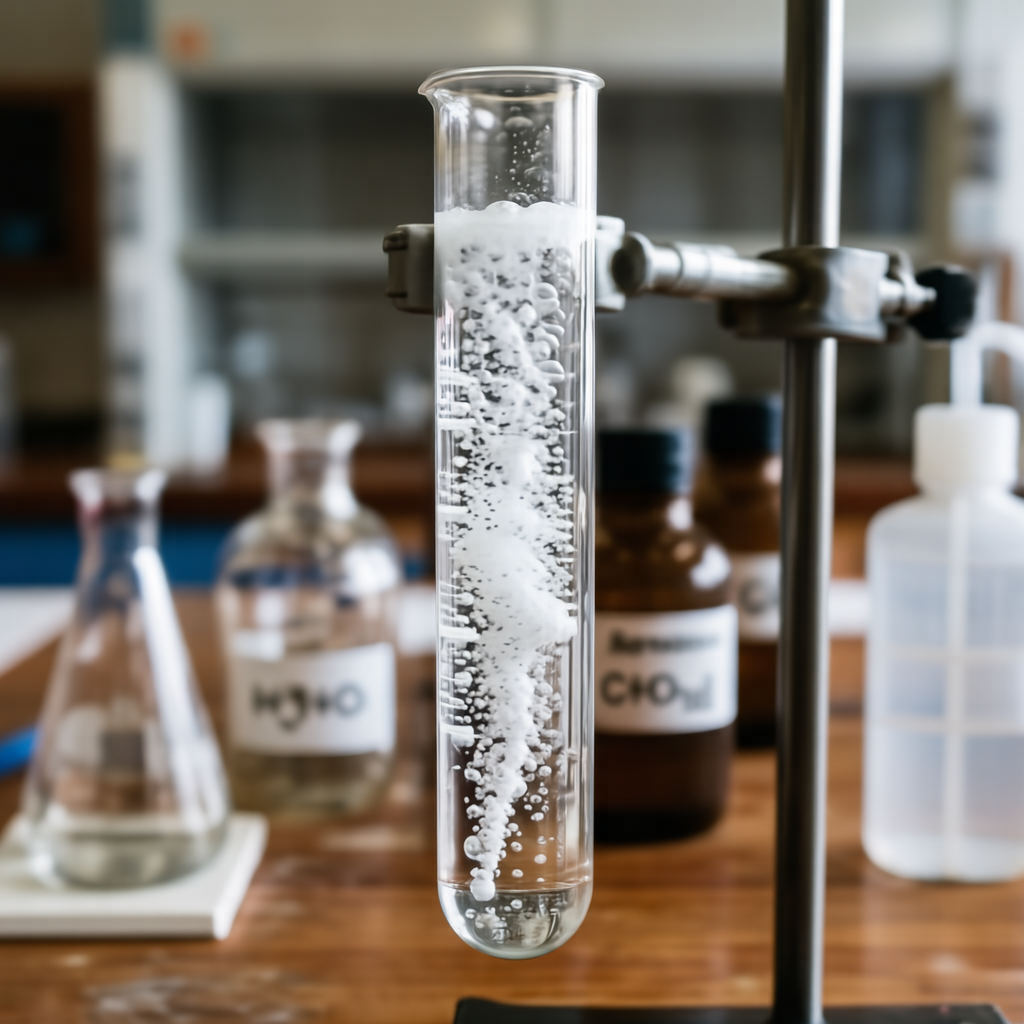
A solution of calcium carbonate reacting with acetic acid
1. Instruction Understanding: The core subject is a solution of calcium carbonate and acetic acid. The prompt specifies the reacting state of the chemical mixture. 2. Reasoning Process: The reaction produces carbon dioxide gas, which would be visible as a steady stream of bubbles rising through the liquid. 3. Establish the frame: The camera frames the solution closely to capture the details of the reaction. The composition centers on the liquid where the gas is visible. 4. Set the lighting and color: The liquid appears clear, allowing the white bubbles to stand out distinctly. The lighting is bright and even to illuminate the stream of gas. 5. Lock the style: The image maintains a realistic photographic style suitable for scientific observation. The focus is sharp on the reacting solution and bubbles. 6. Explicit Prompt: A test tube filled with a clear liquid and a rapid, effervescent stream of carbon dioxide bubbles rising to the surface, laboratory experiment.
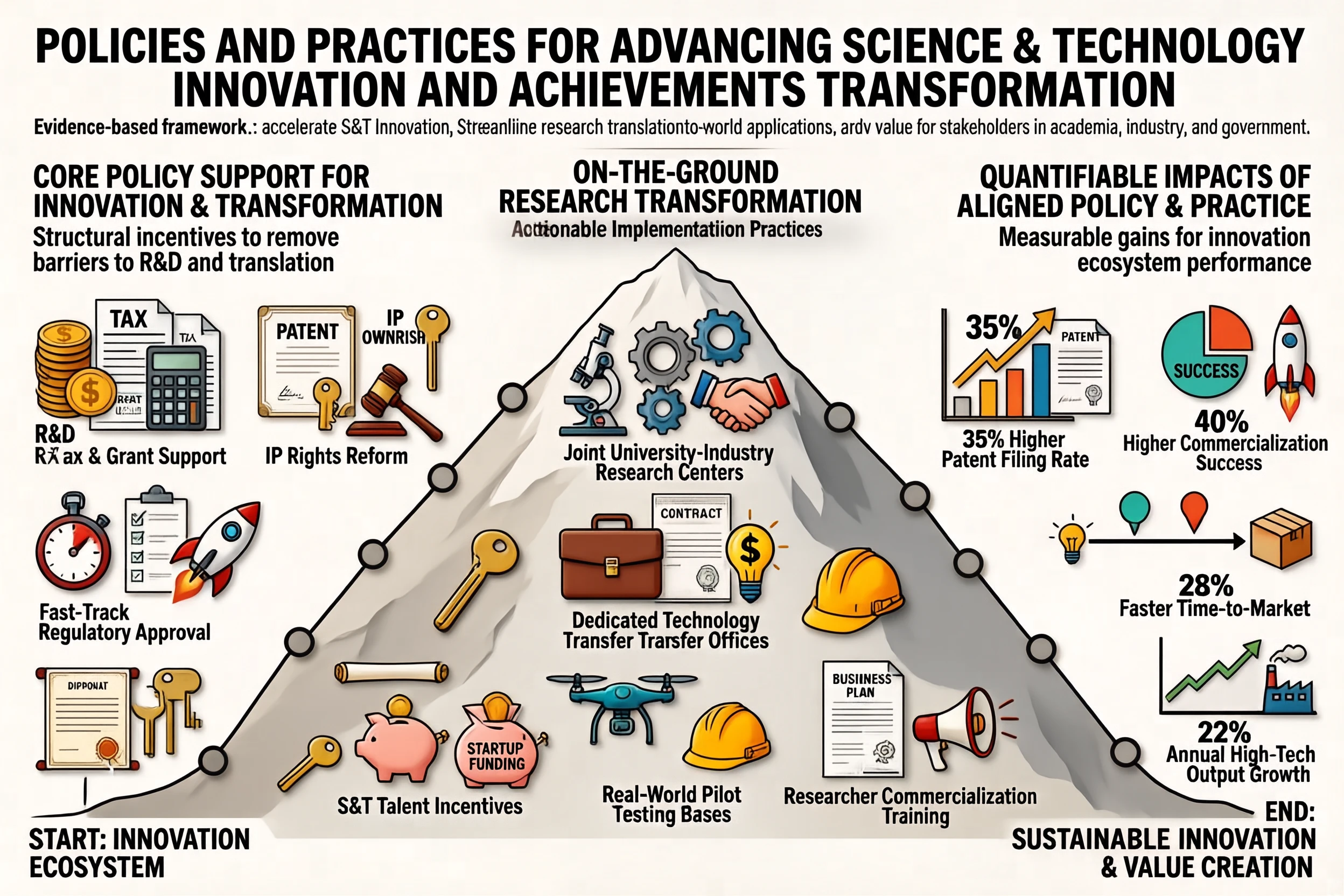
🖼️ Text-to-Image (Infographics)
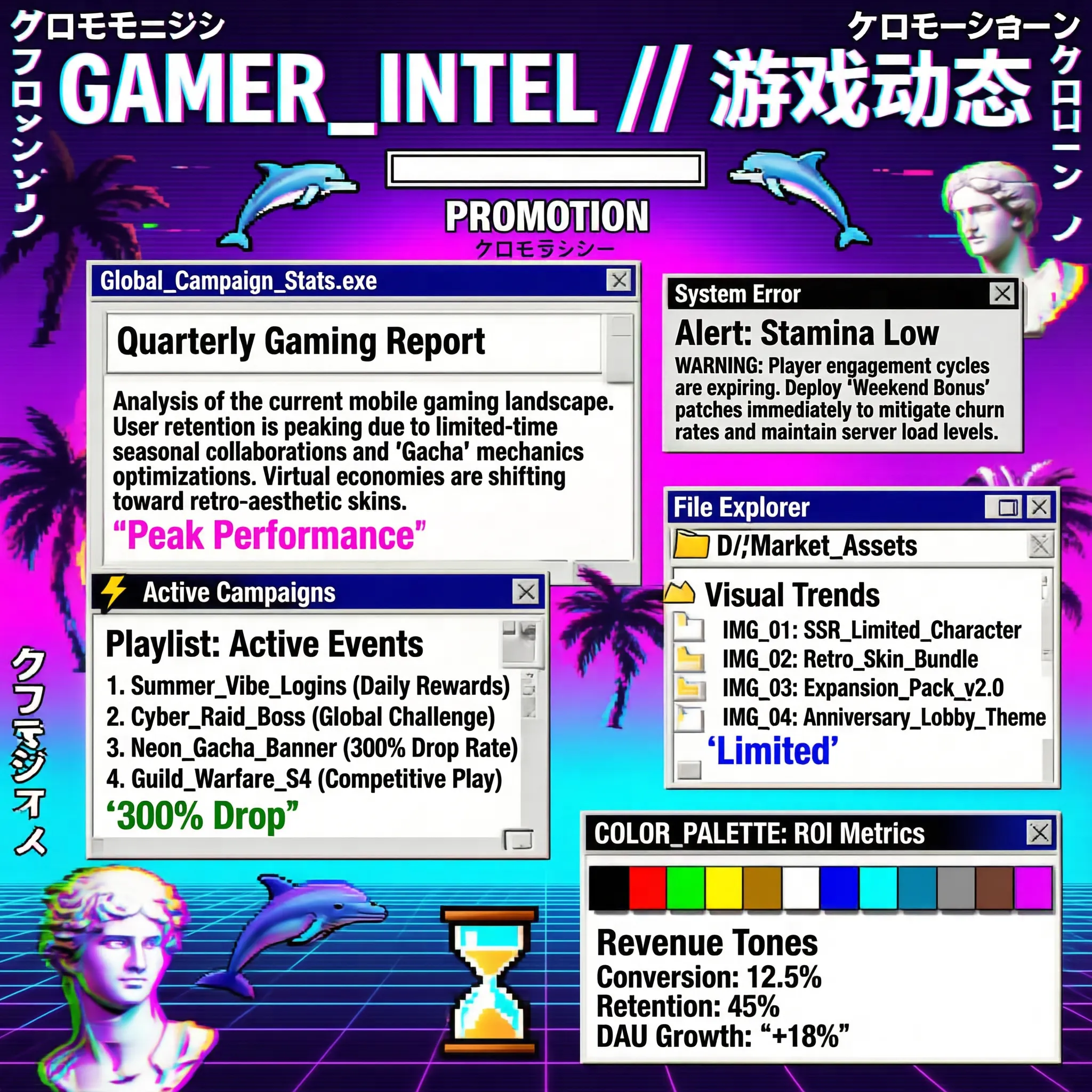
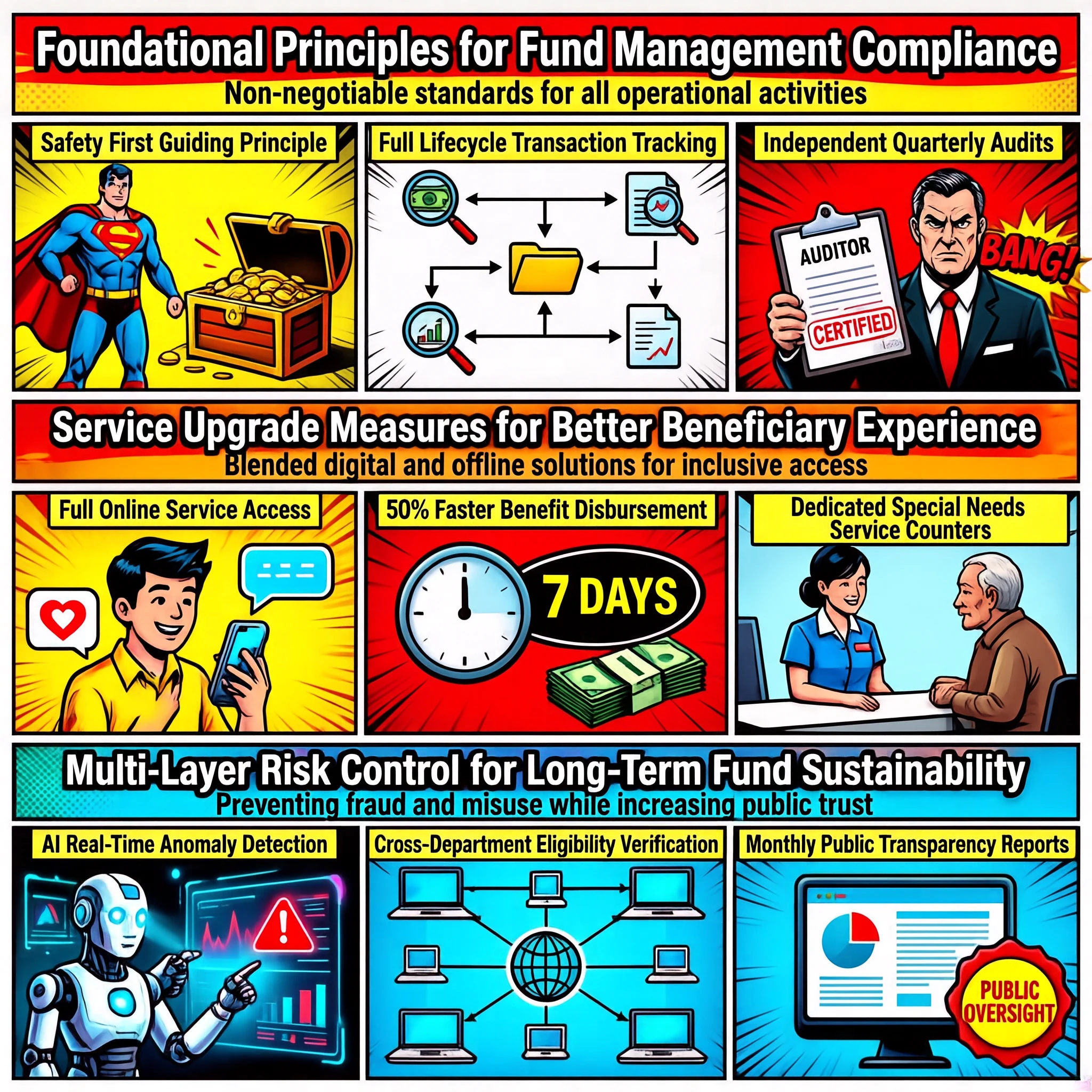
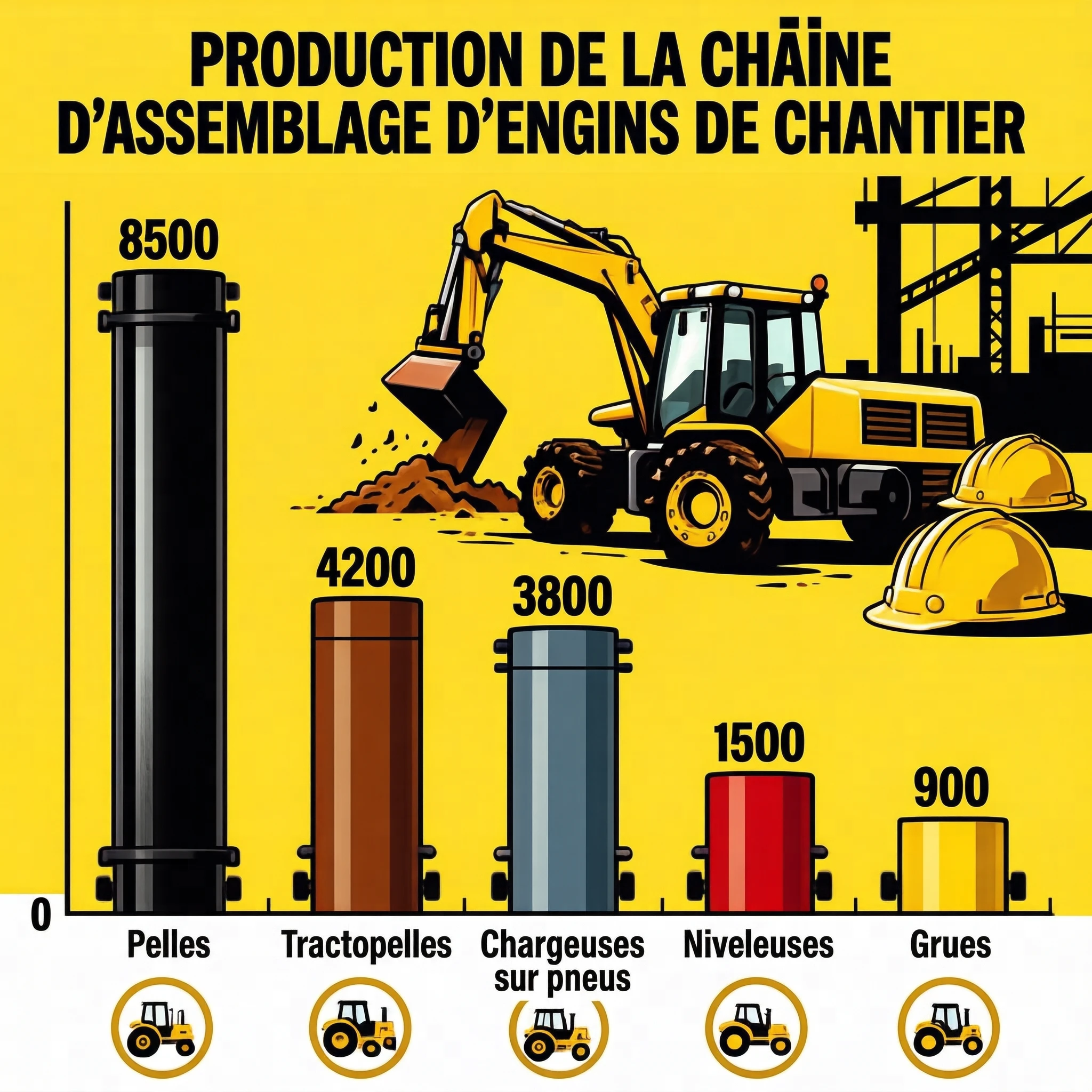
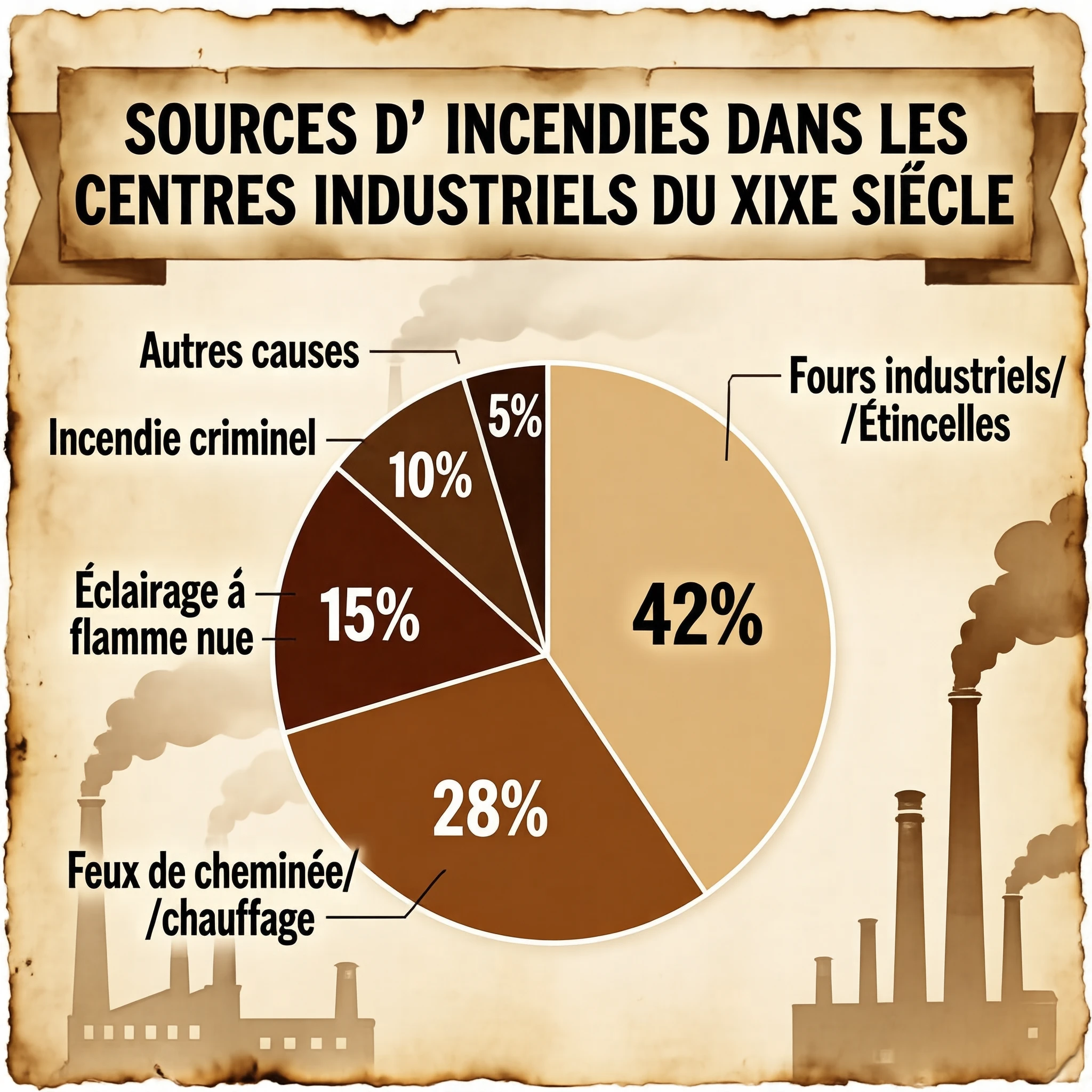
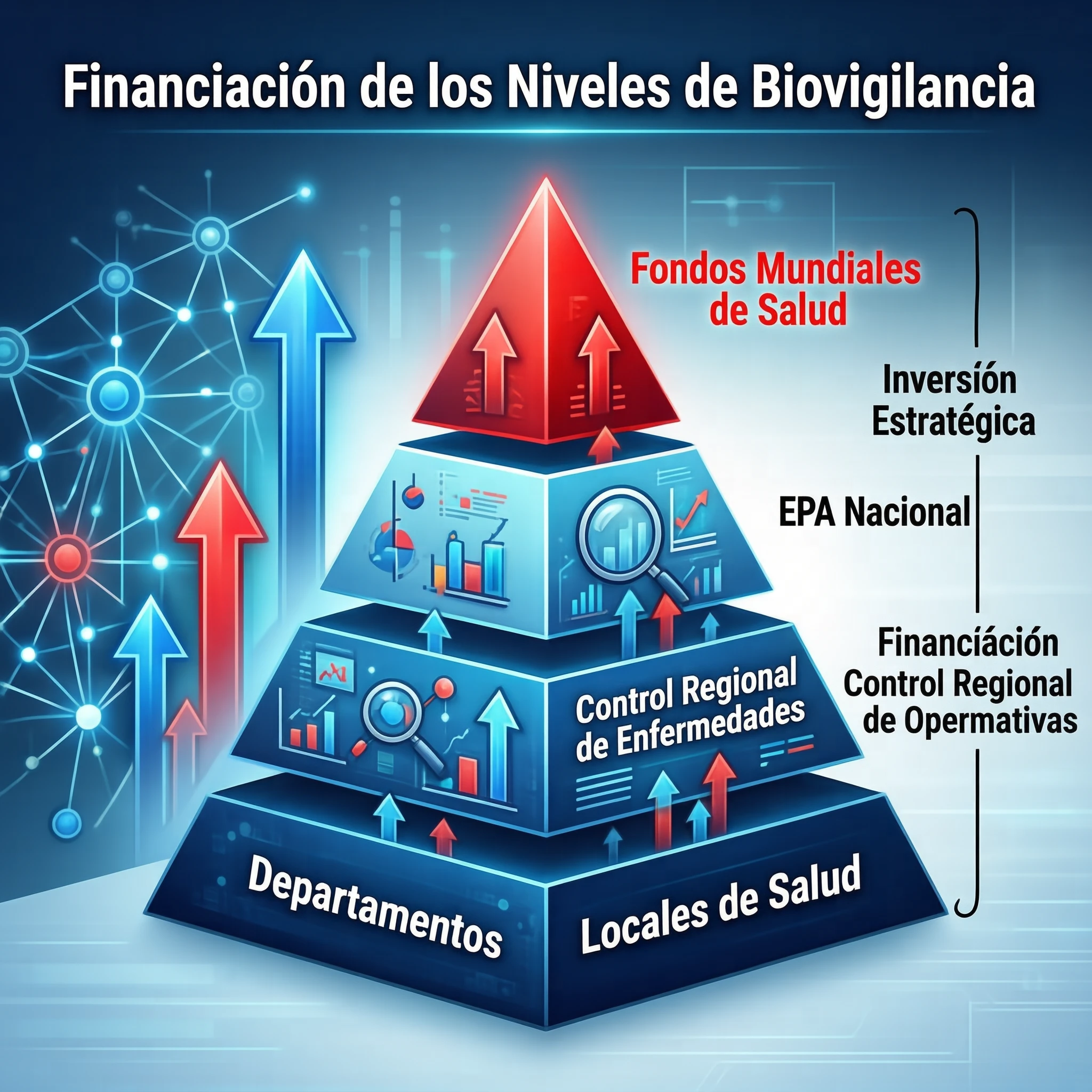
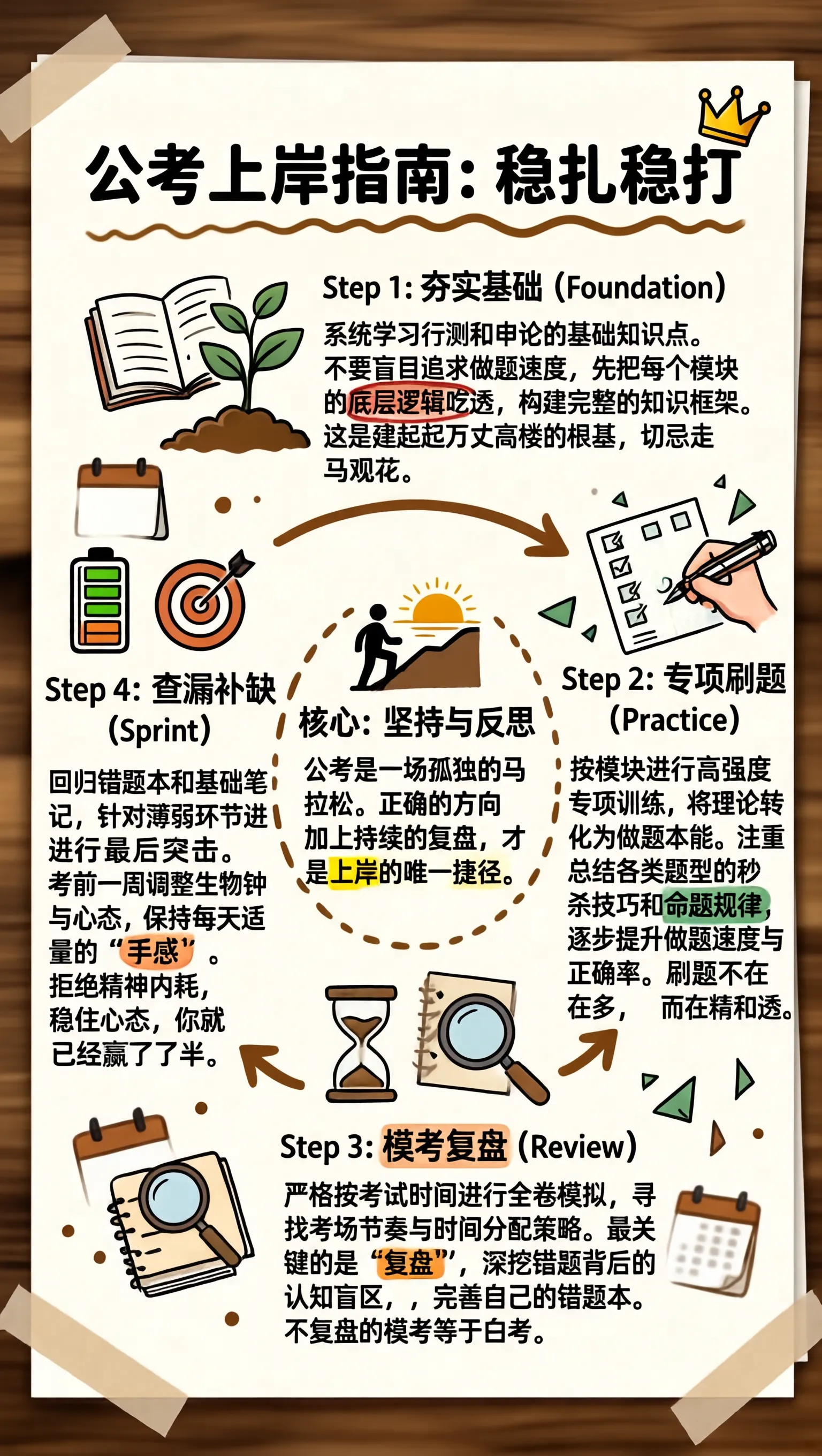
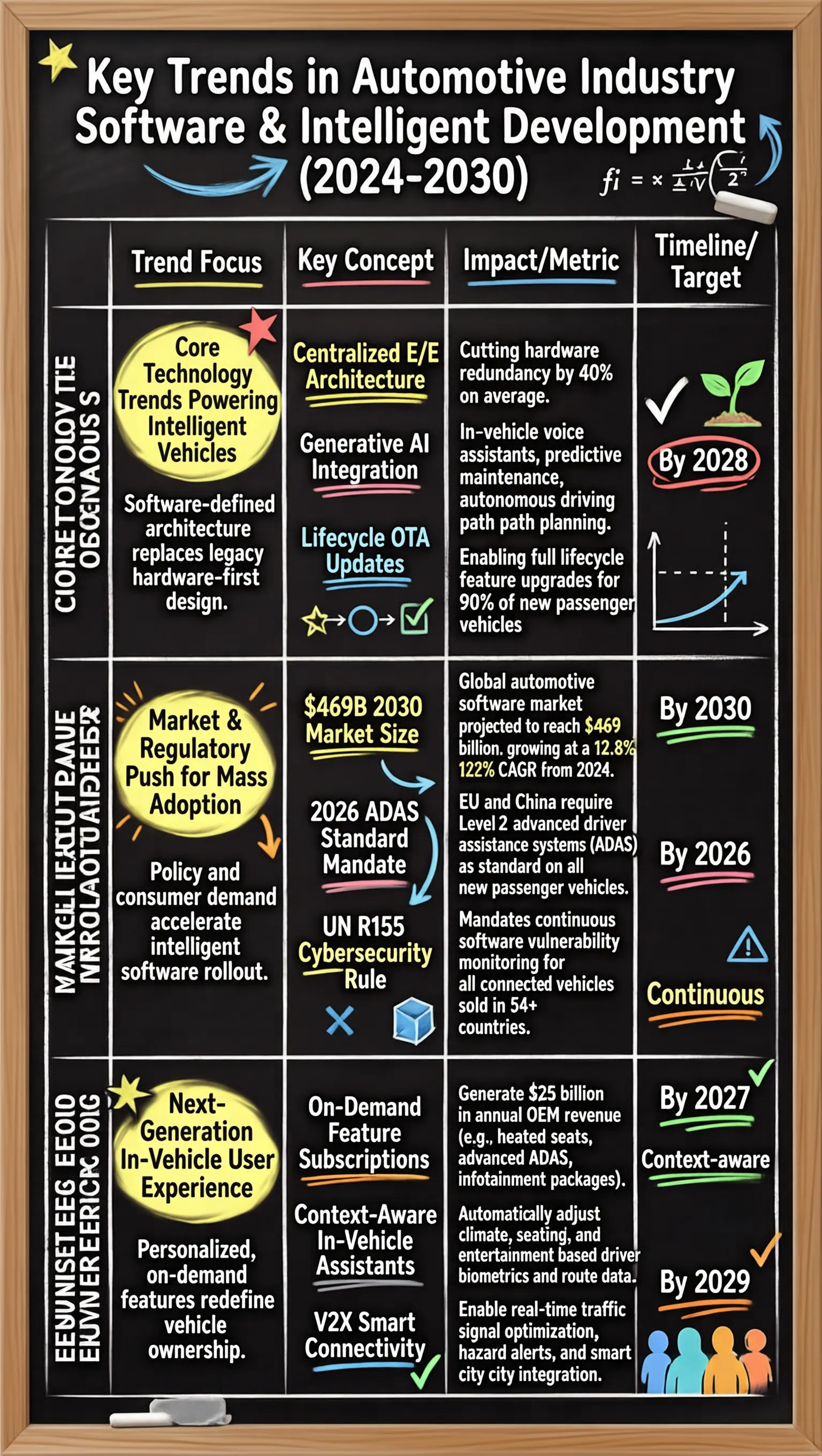
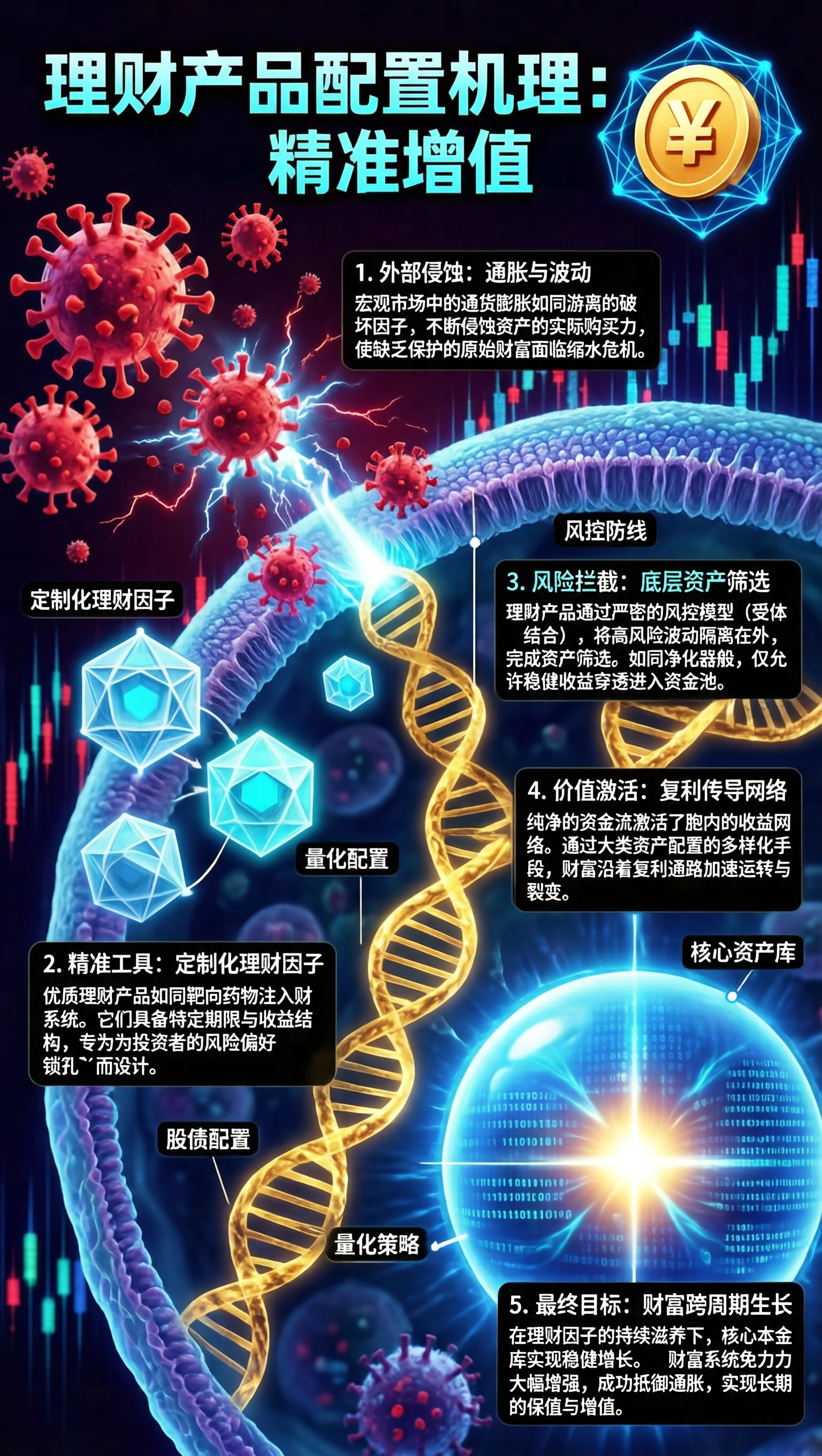
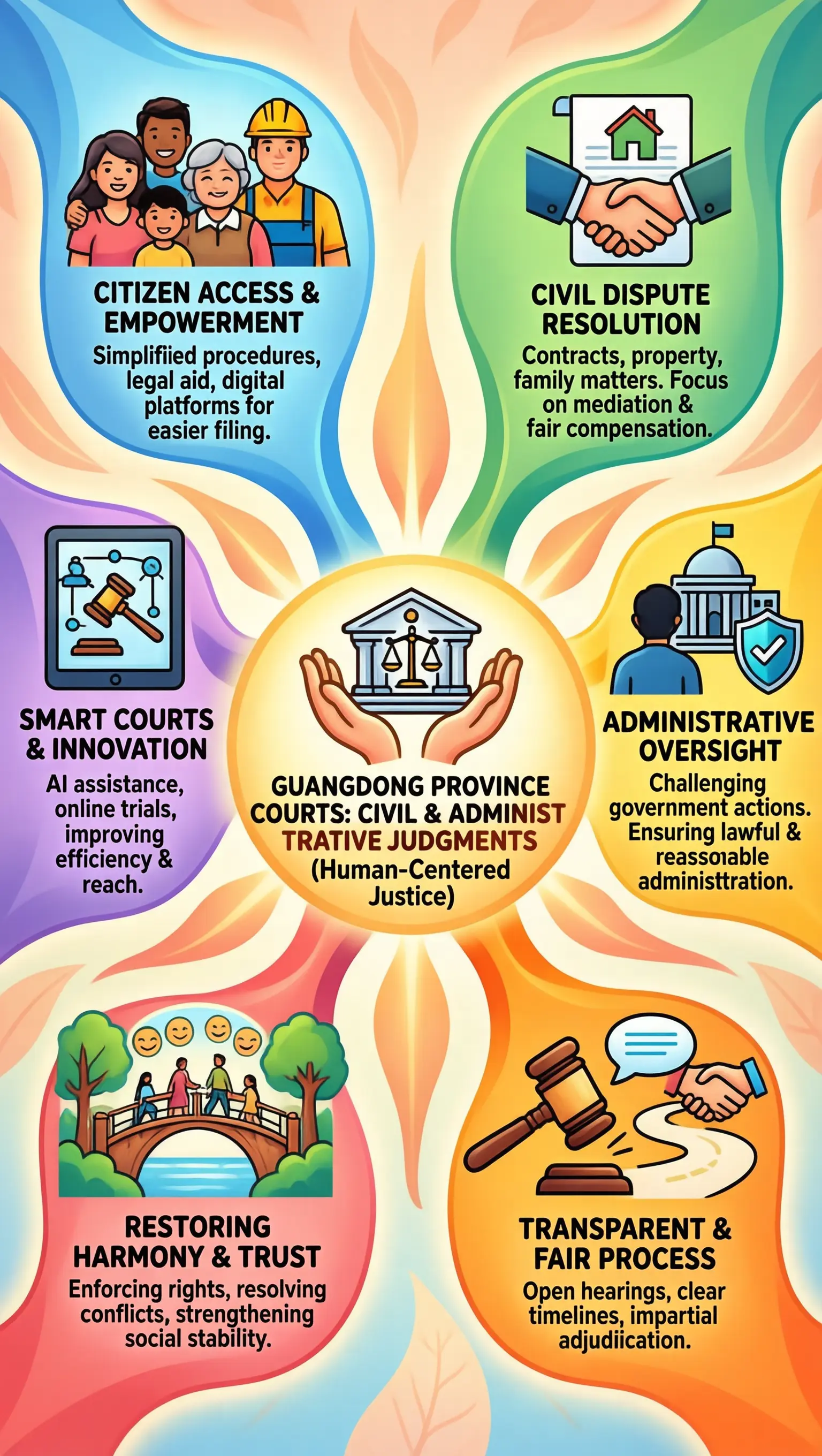
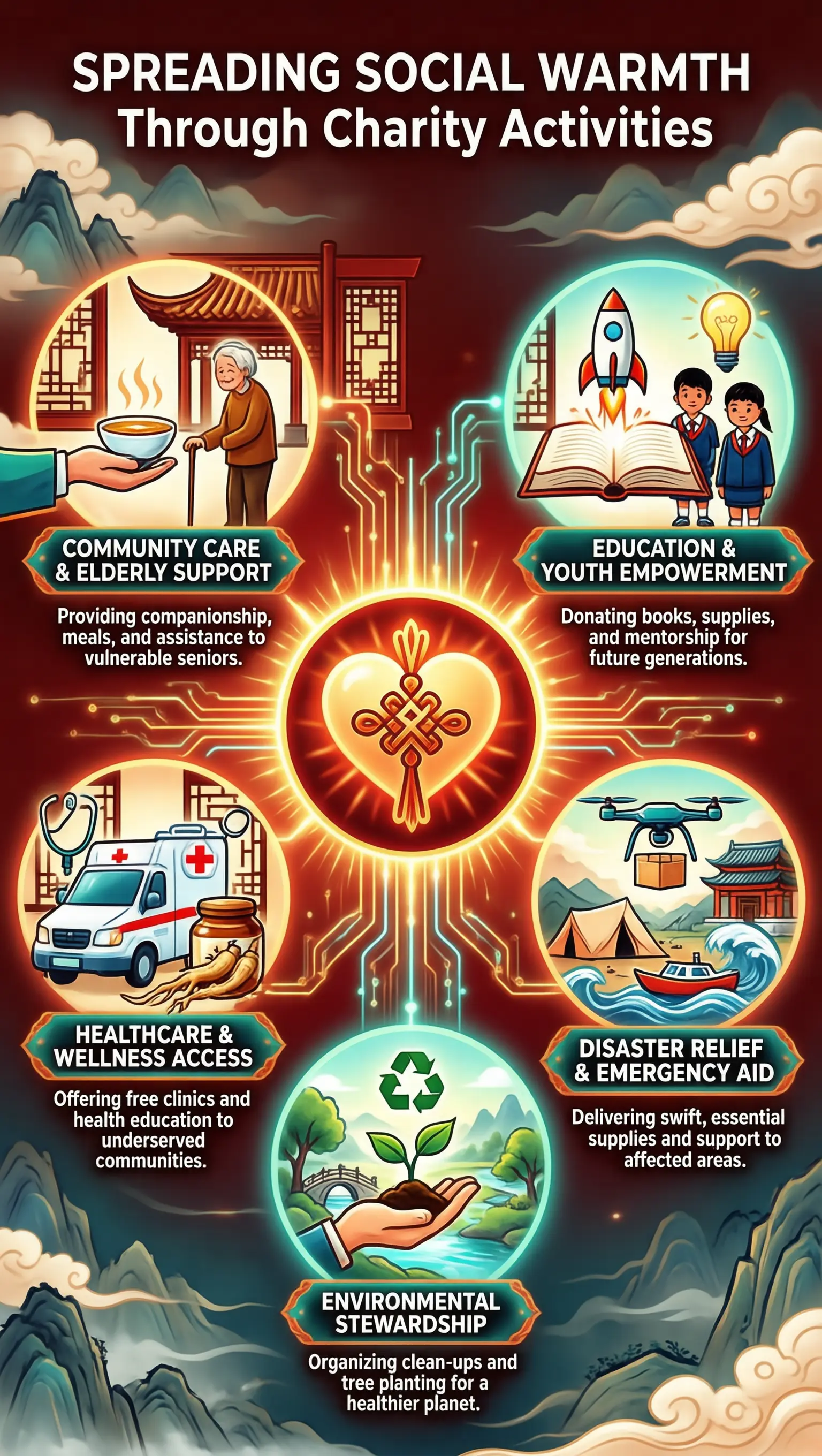
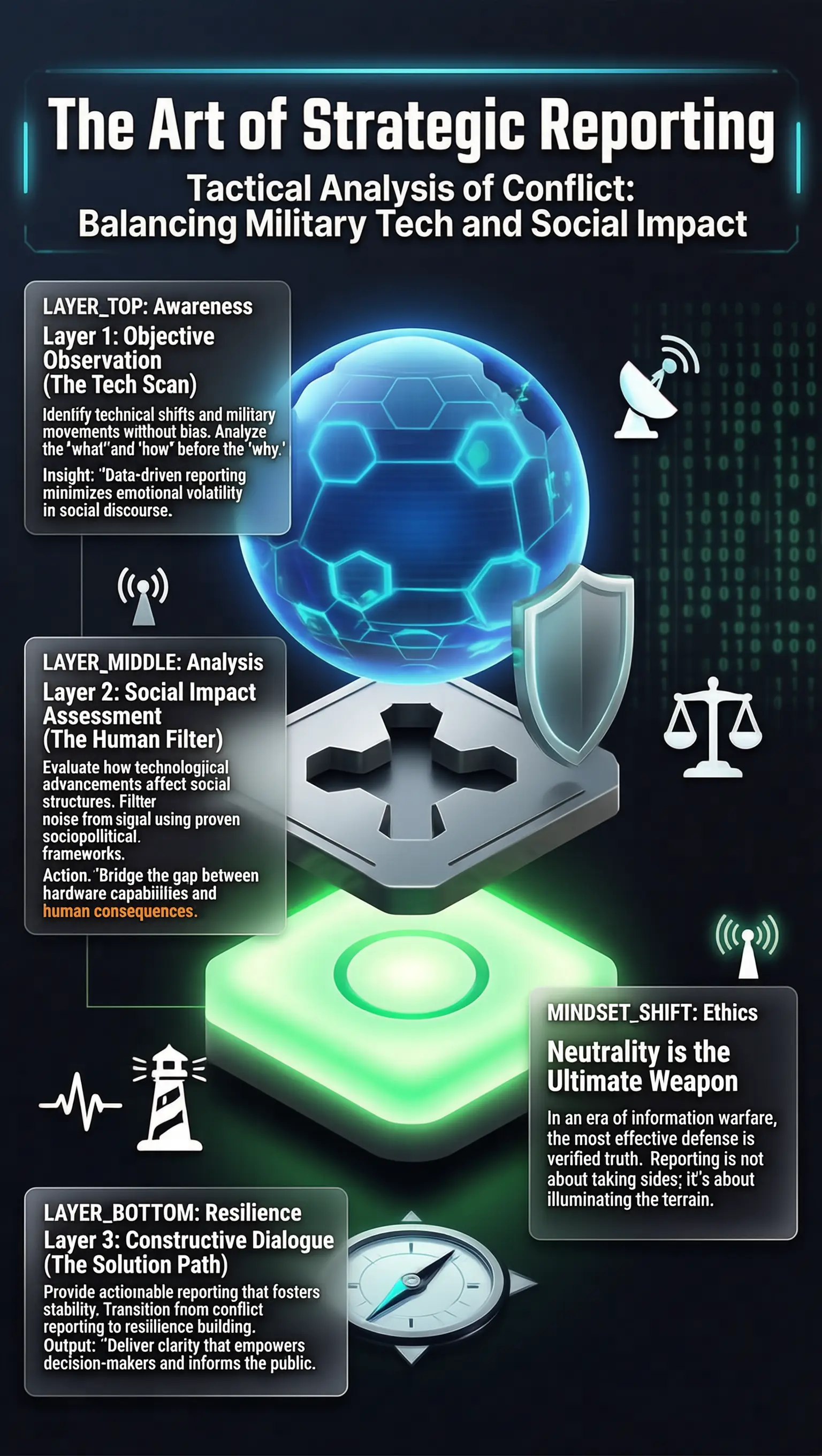
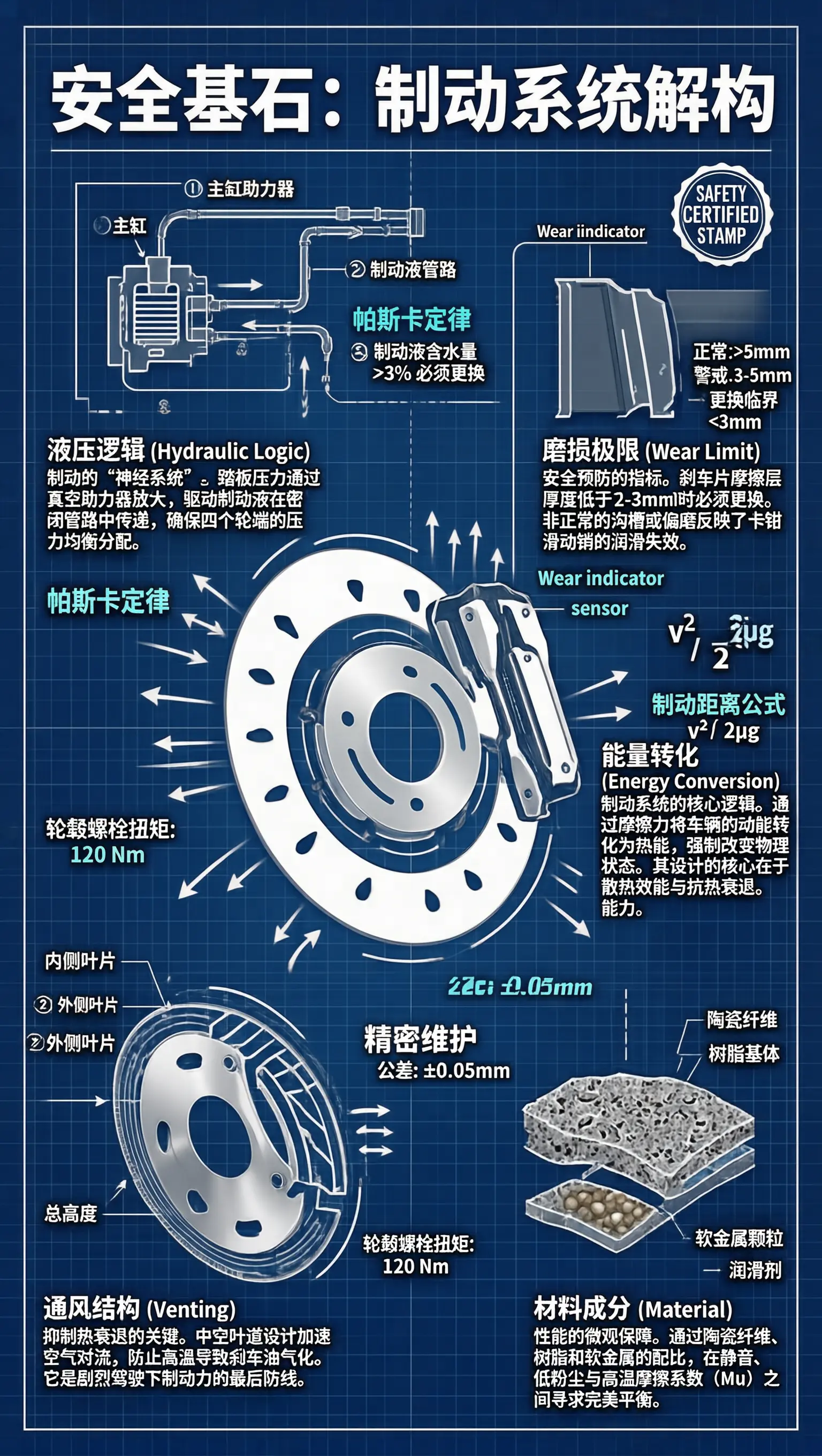
t2i landscape 0001 t2i landscape 0002 t2i landscape 0003
t2i landscape 0004 t2i landscape 0005 t2i landscape 0006
t2i landscape 0007 t2i landscape 0008 t2i landscape 0009
t2i landscape 0010 t2i landscape 0011 t2i landscape 0012 t2i landscape 0012
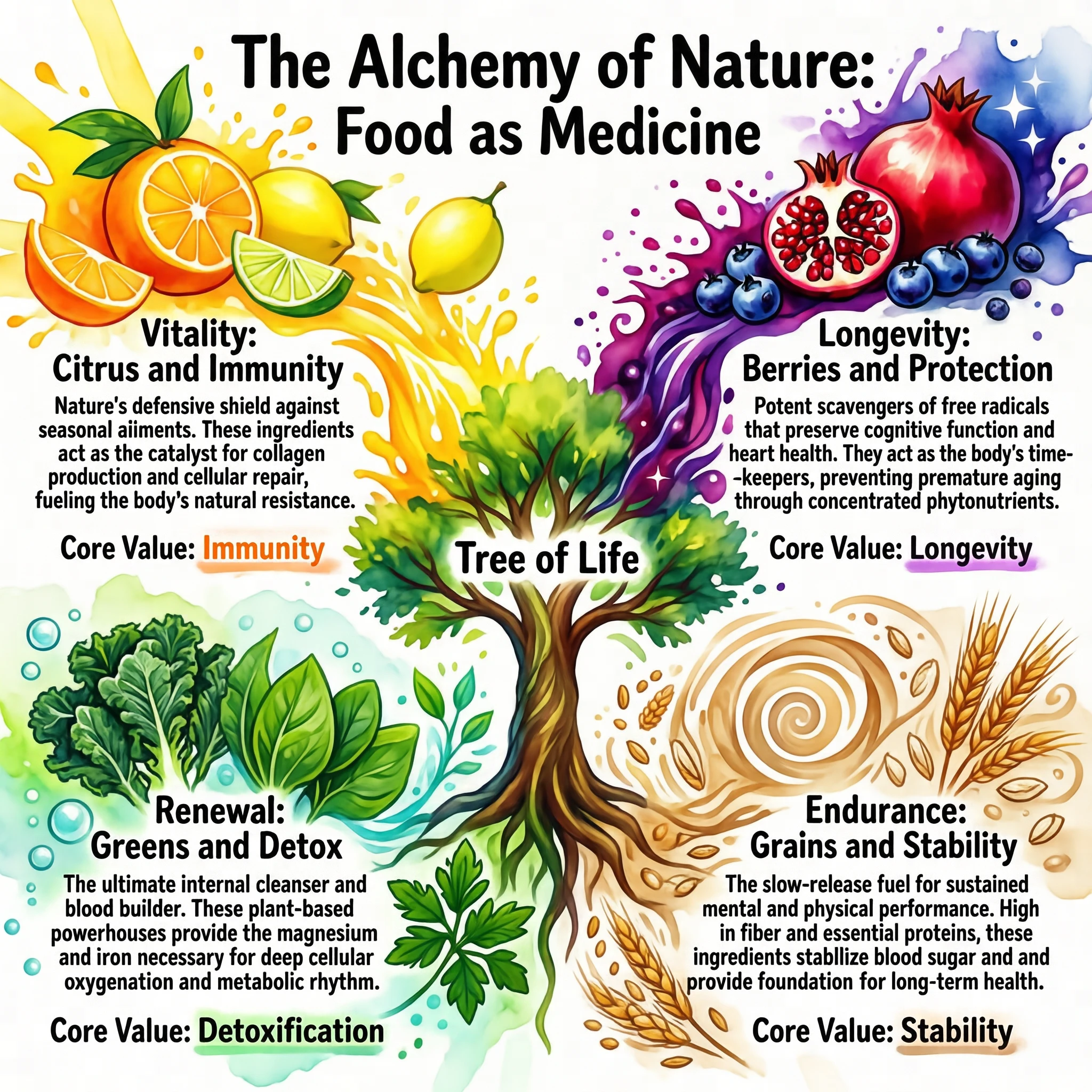
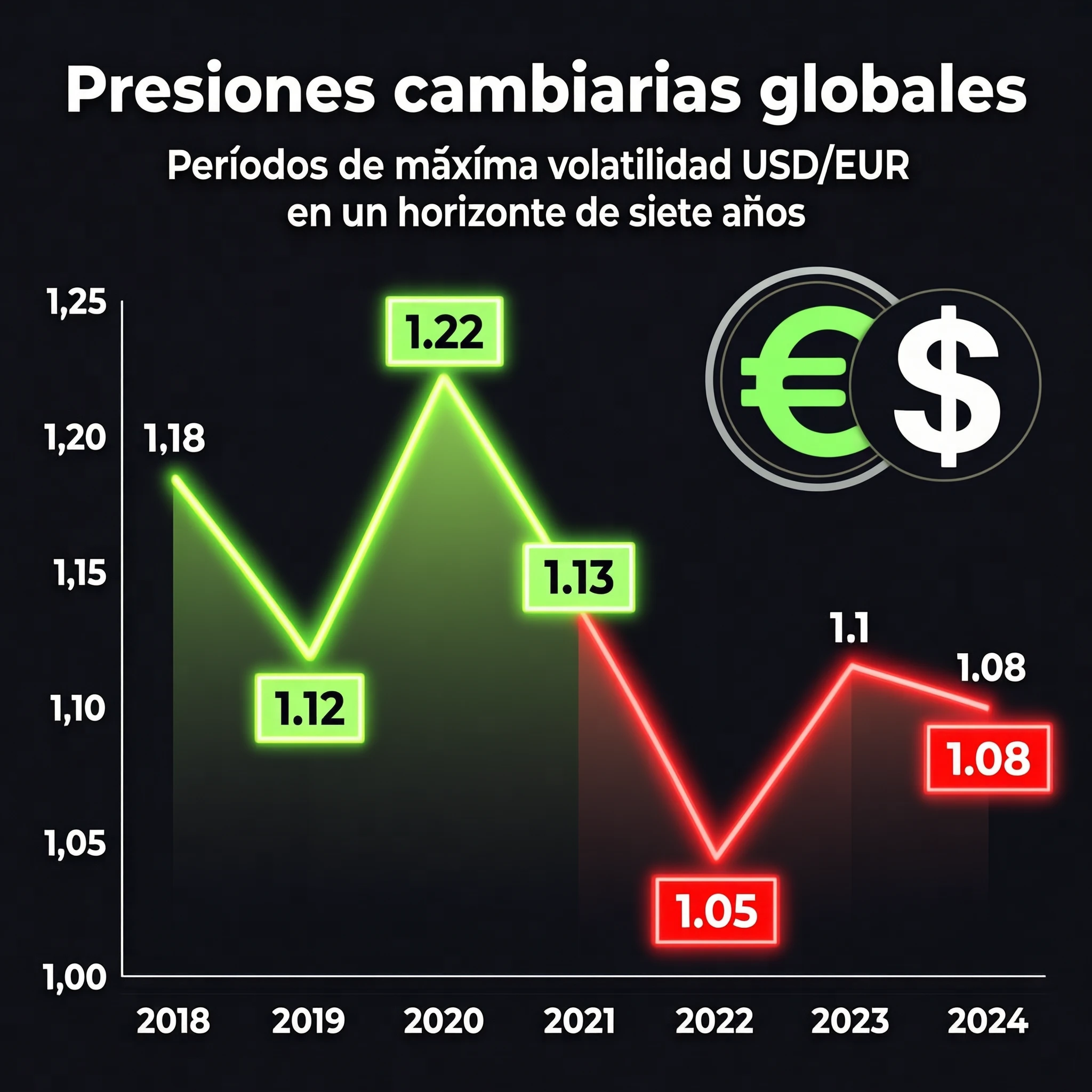
t2i image 0022 t2i image 0020 t2i image 0021 t2i image 0023
t2i image 0024 t2i image 0025 t2i image 0026 t2i image 0027
t2i image 0028 t2i image 0029 t2i image 0030 t2i image 0031
> 📸 **More generation samples:** see [Image Generation Gallery](./docs/showcases.md#text-to-image).
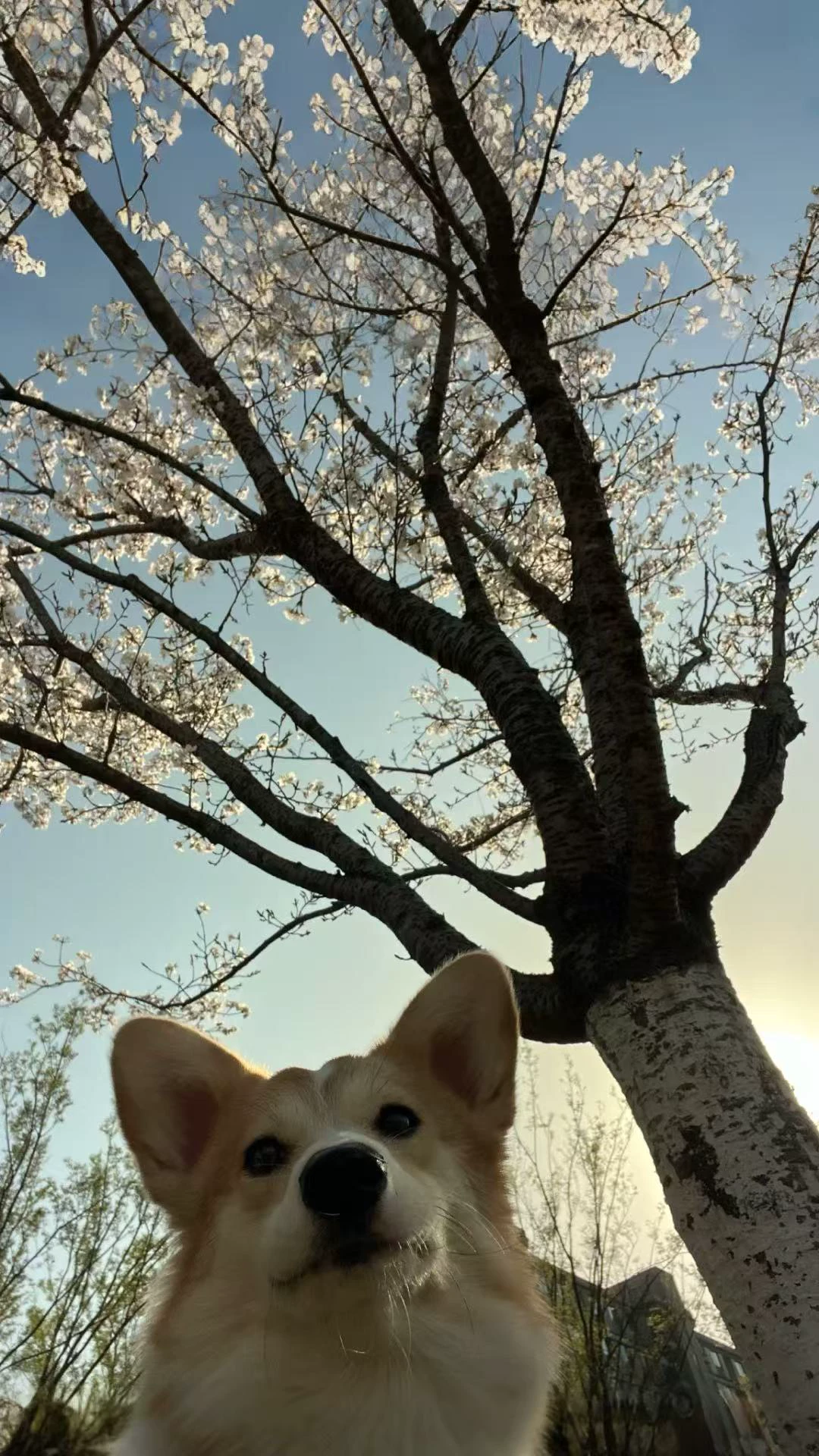
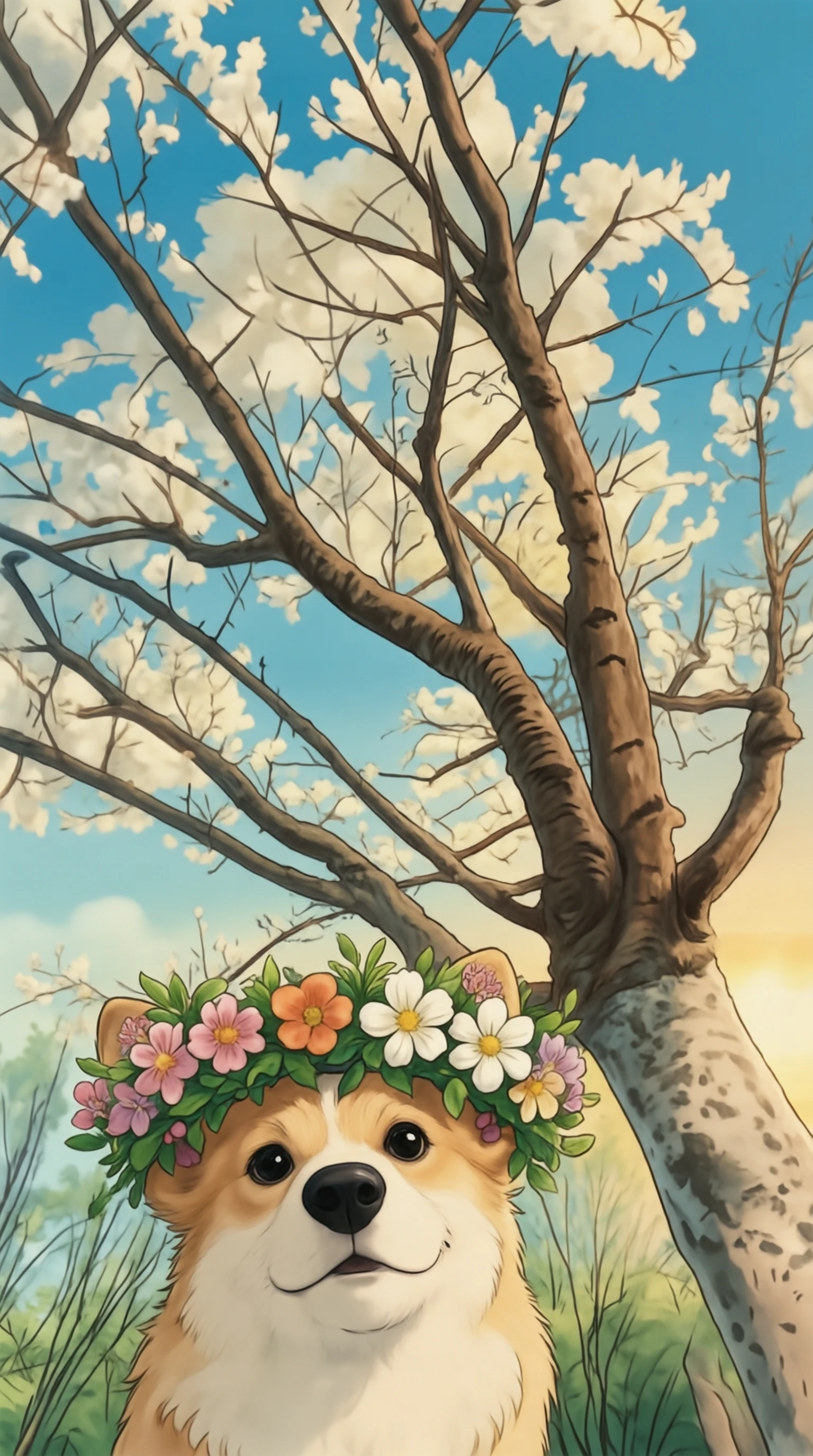
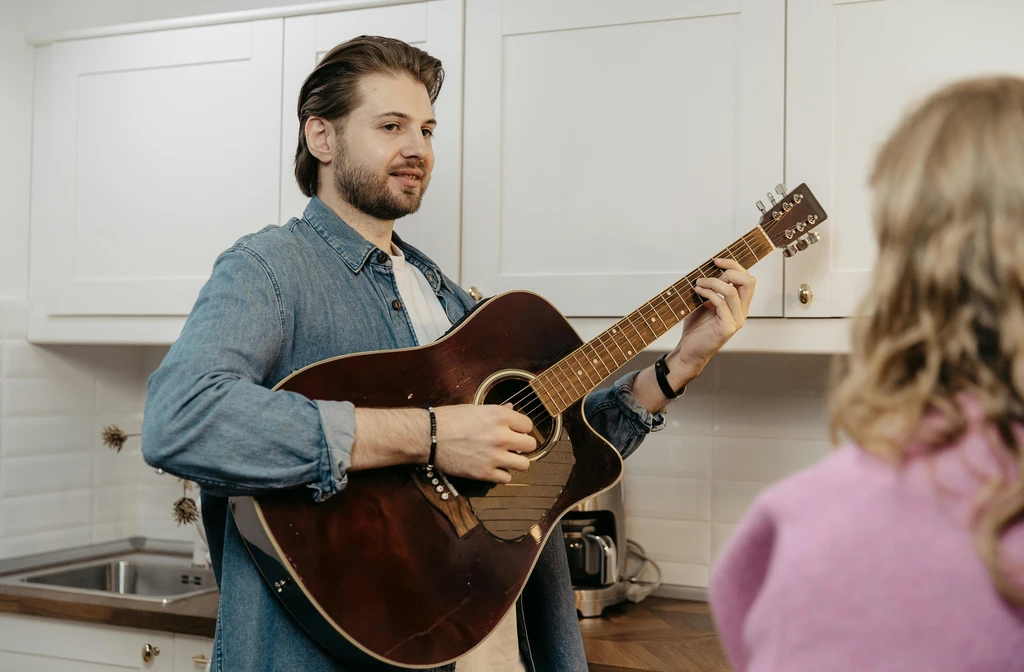
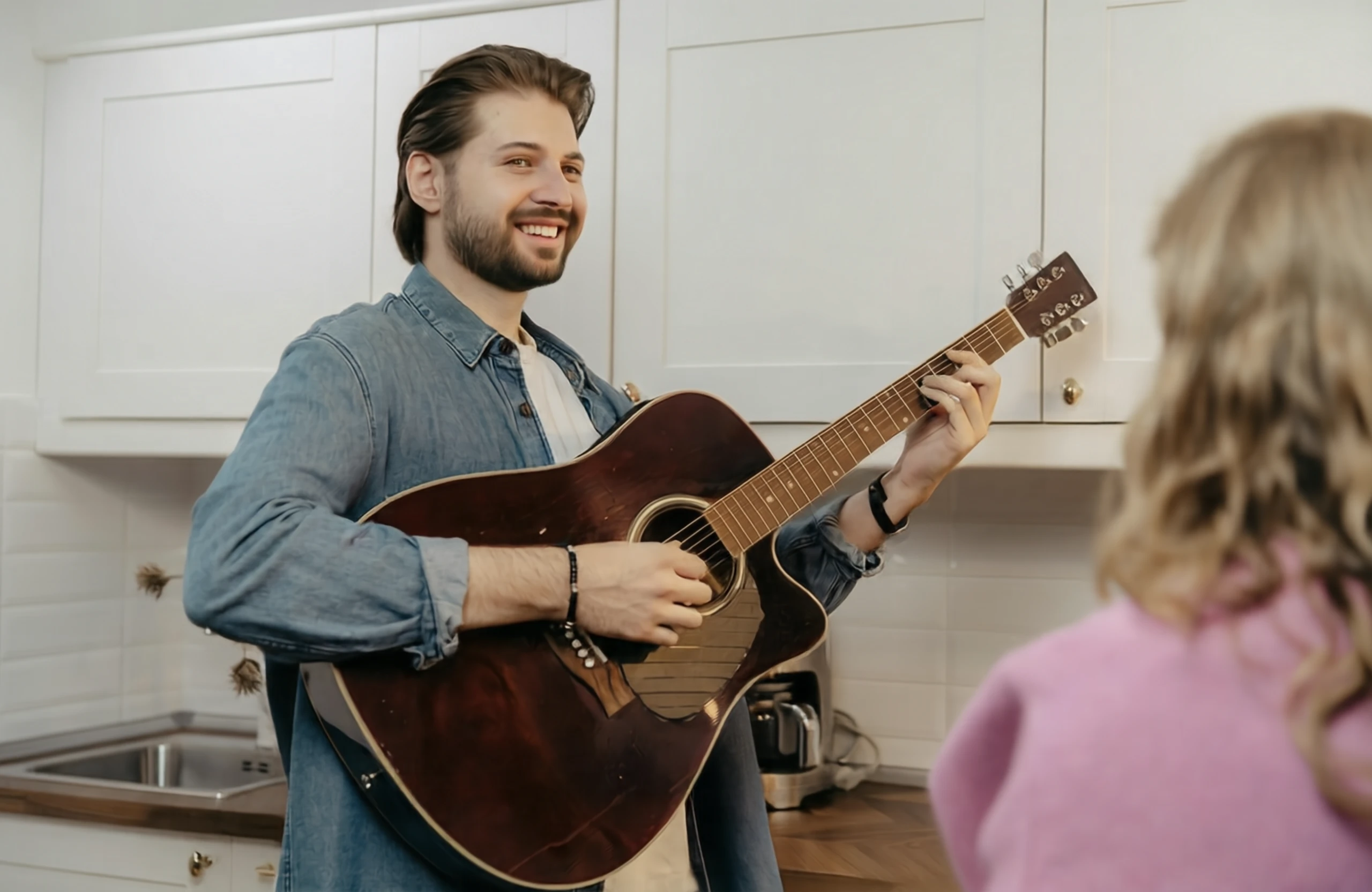
✏️ Image Editing (General) | | | | :---: | :---: | |
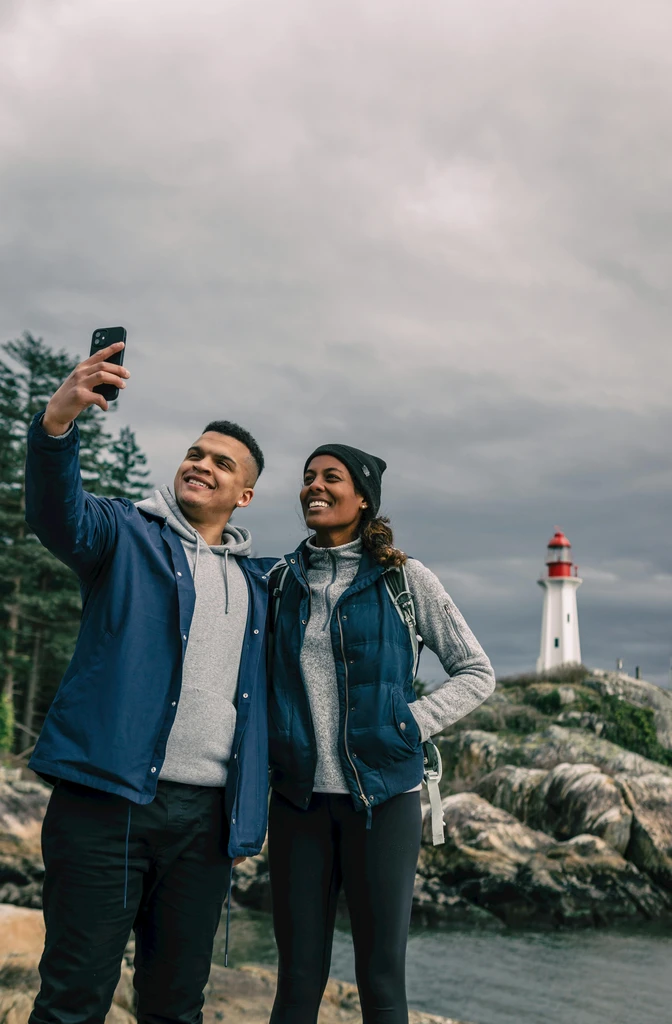
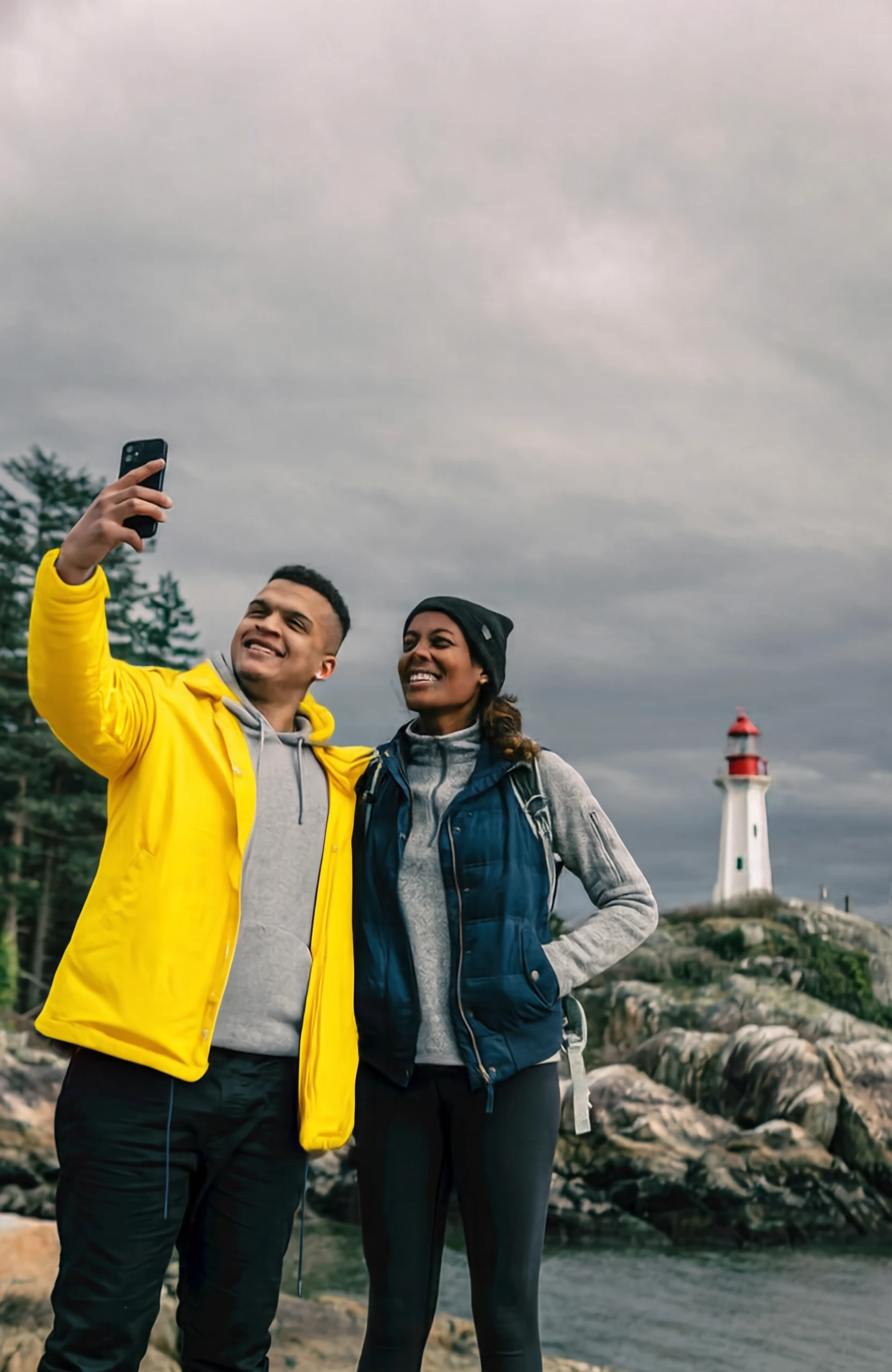
editing input 1 editing output 1
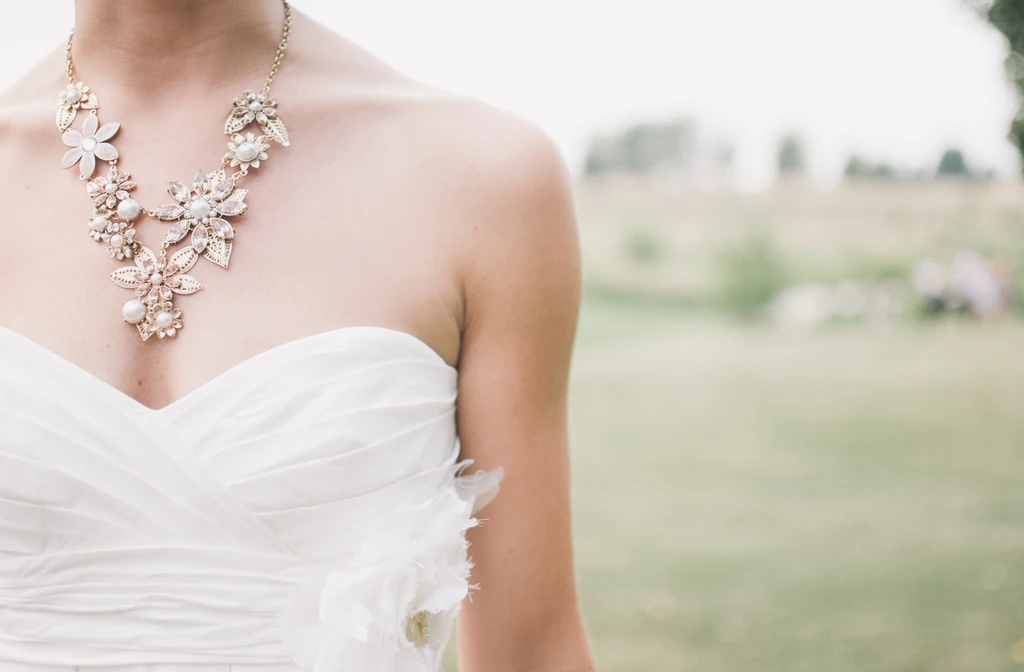
Change the jacket of the person on the left to bright yellow.
|
editing input 3 editing output 3
在小狗头上放一个花环,并且把图片变为吉卜力风格。
| |
editing input 2 editing output 2
Make the person in the image smile.
|
editing input 4 editing output 4
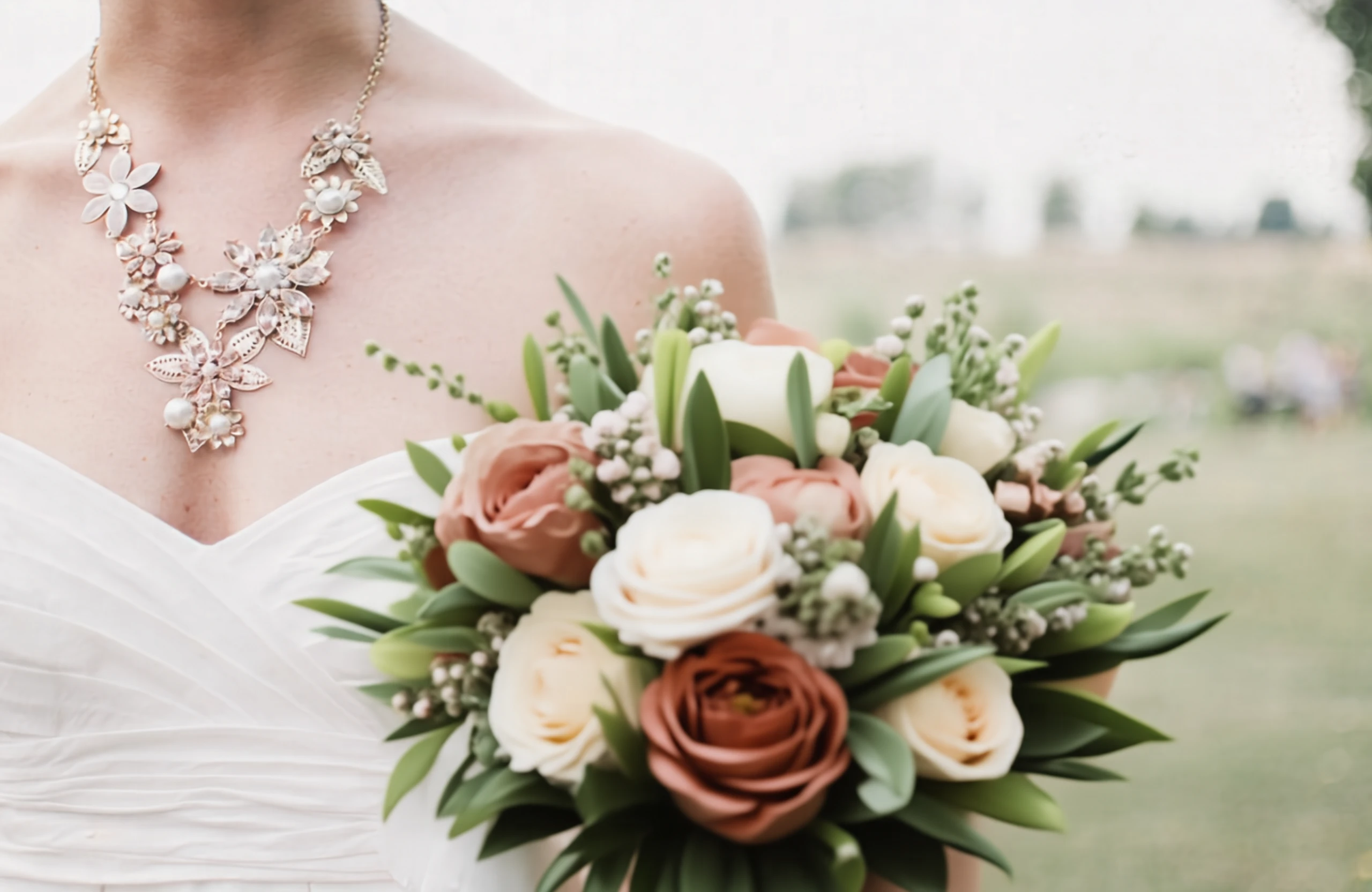
Add a bouquet of flowers.
| |
editing input 8 editing output 8
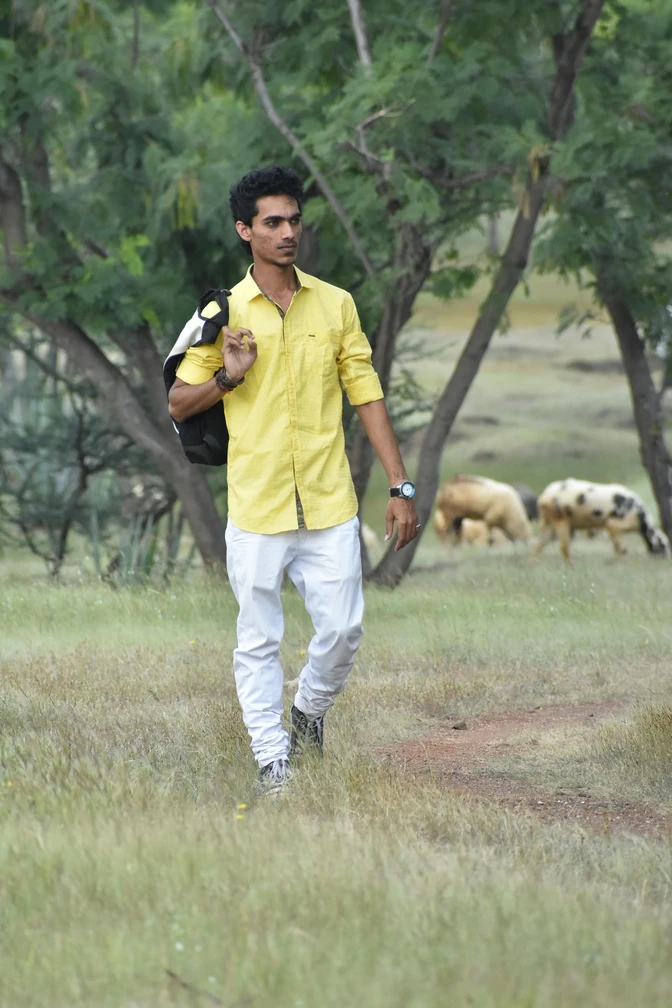
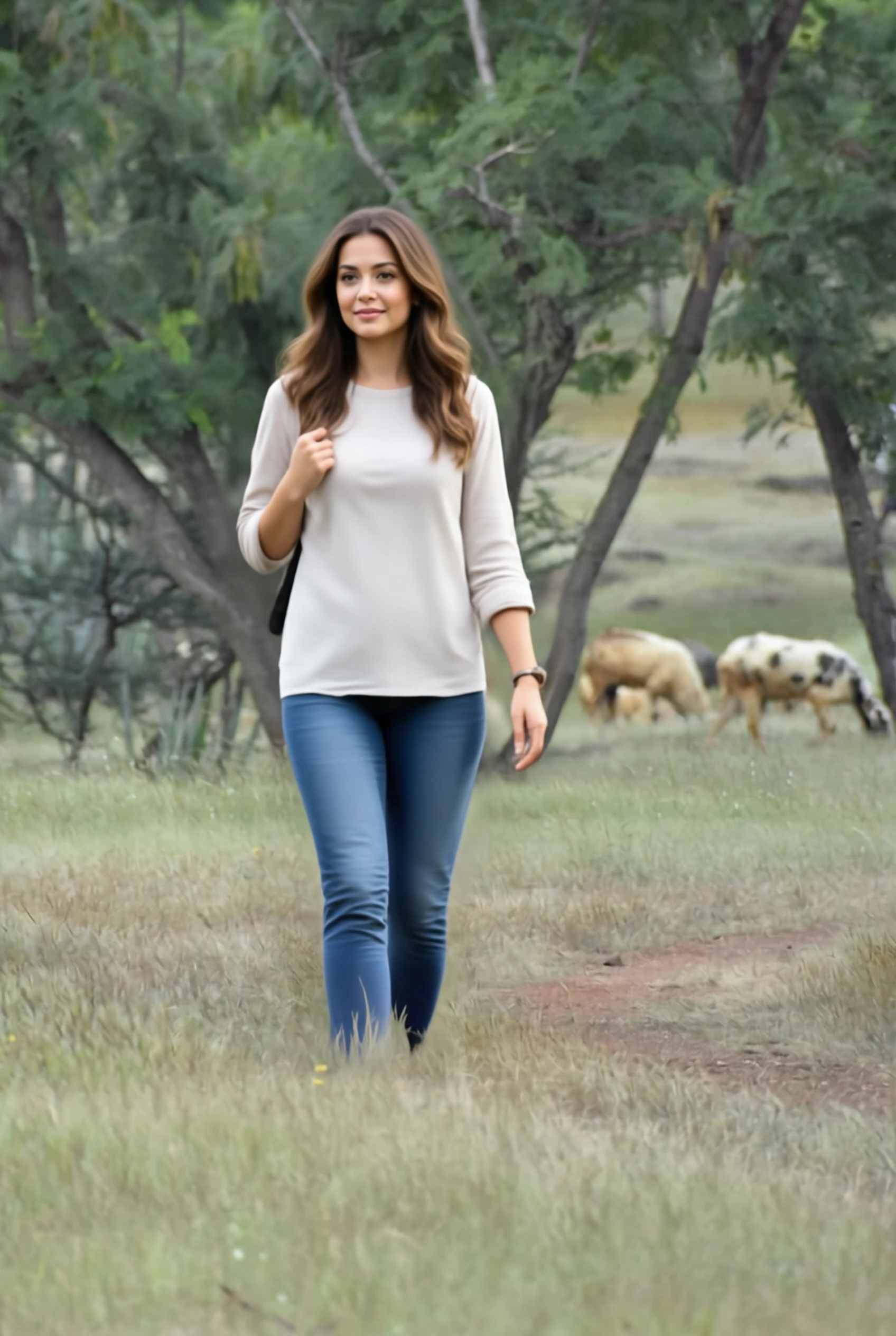
Replace the man with a woman.
|
editing input 6 editing output 6
Replace the text "WARFIGHTER" to "BATTLEFIELD" in the bold orange-red font.
|
✏️ Image Editing (Reasoning)
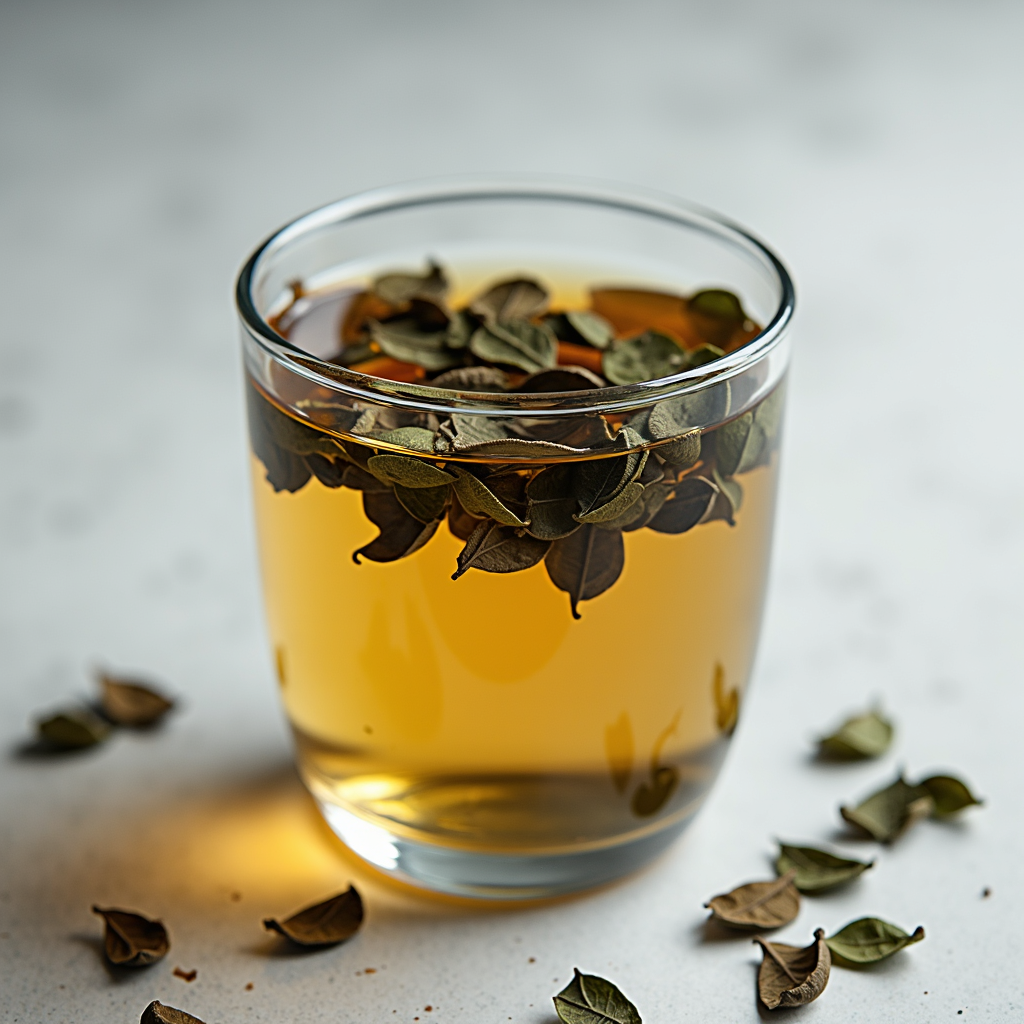
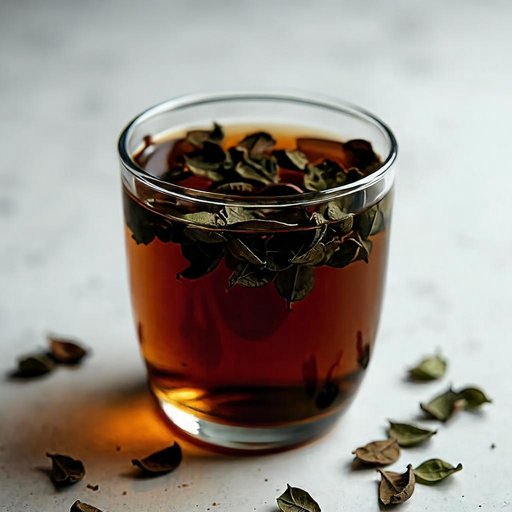
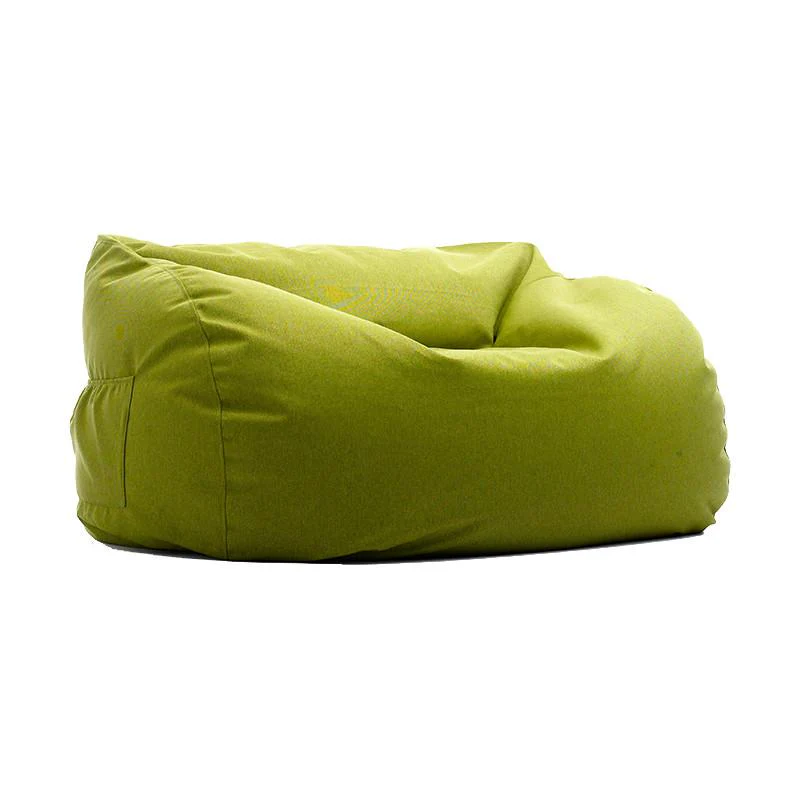
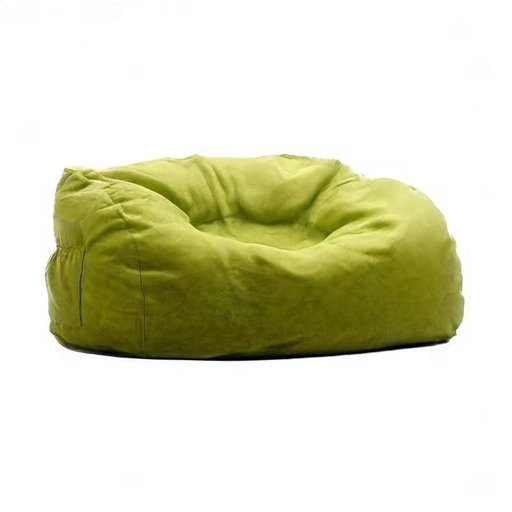
Original Text Original Image Reasoning Process Resulting Image
Draw what it will look like one hour later.
1. Source Image Analysis: The source image shows a glass cup of hot tea with steeping tea leaves, and the water appears relatively clear. 2. Instruction Understanding: The instruction asks for the appearance one hour later. 3. Reasoning Process: Over time, tannins and pigments leach out, making the tea noticeably darker and more uniformly colored, and the leaves may look more swollen and darker from soaking. 4. Expected Visual Changes: The expected visible result is a deeper amber-to-brown tea color and more fully saturated liquid. 5. Elements to Preserve: The glass cup, scattered leaves around it, background, and camera angle should remain unchanged. 6. Explicit Edit Prompt: Edit the tea liquid to a much darker, more saturated amber-brown color as if fully steeped, and make the tea leaves look slightly darker and more swollen, while keeping the glass cup, surrounding leaves, background, and framing unchanged.
Draw what it will look like immediately after someone stands up from sitting on it for a long time.
1. Source Image Analysis: The source image shows a fluffy lime-green beanbag chair that looks evenly plump and undisturbed on a white background. 2. Instruction Understanding: The edit instruction asks for its appearance immediately after someone stood up from sitting there for a long time. 3. Reasoning Process: Prolonged weight compresses the fabric and internal fill, leaving a depressed seat area, wrinkles radiating outward, and a slowly recovering shape. 4. Expected Visual Changes: The visible result should be a noticeable dip and creasing where a person was seated. 5. Elements to Preserve: The background, beanbag color, lighting, and camera angle should remain unchanged while only the beanbag’s shape shows the compression. 6. Explicit Edit Prompt: Edit the beanbag chair to show a clear seated depression in the center with surrounding wrinkles and slightly compressed fabric, while keeping the white background, lighting, and camera angle unchanged.
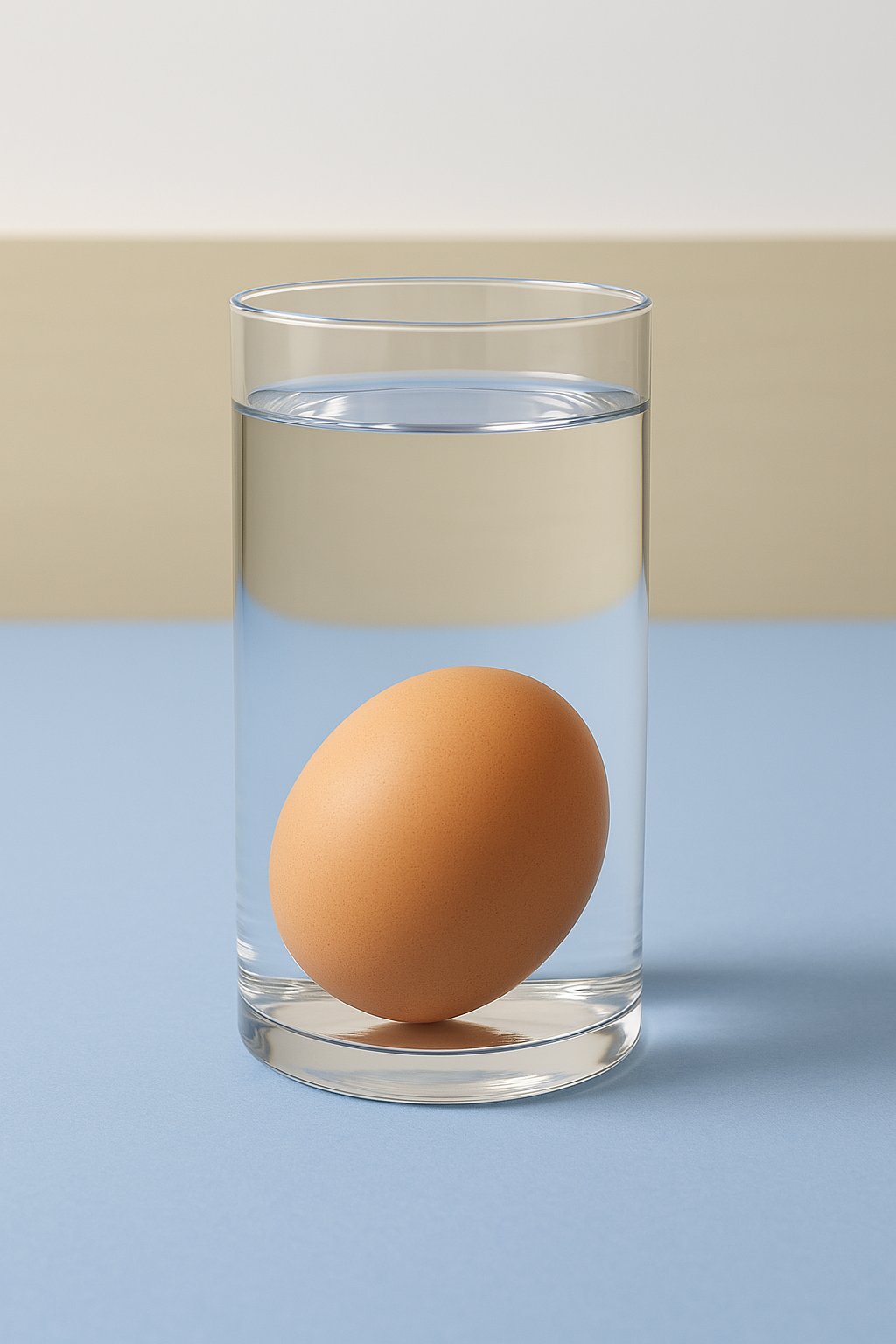
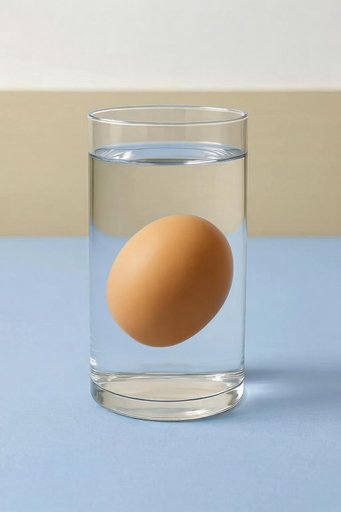
Change the water to high-concentration saltwater
1. Source Image Analysis: The source image shows an egg resting at the bottom of a glass of water. 2. Instruction Understanding: The instruction asks to change the medium to high-concentration saltwater. 3. Reasoning Process: Saltwater is denser than fresh water, which increases the buoyant force on the egg. 4. Expected Visual Changes: As density increases, the egg will overcome gravity and float higher or suspend in the middle of the liquid. 5. Elements to Preserve: The glass and the egg's appearance should remain consistent, focusing on the shift in the egg's vertical position. 6. Explicit Edit Prompt: Edit the position of the egg so it is floating in the middle of the liquid instead of resting on the bottom, while keeping the glass and the egg's appearance unchanged.
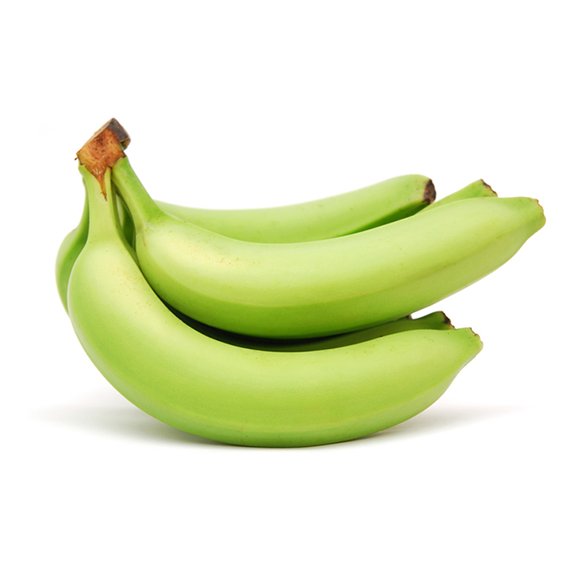
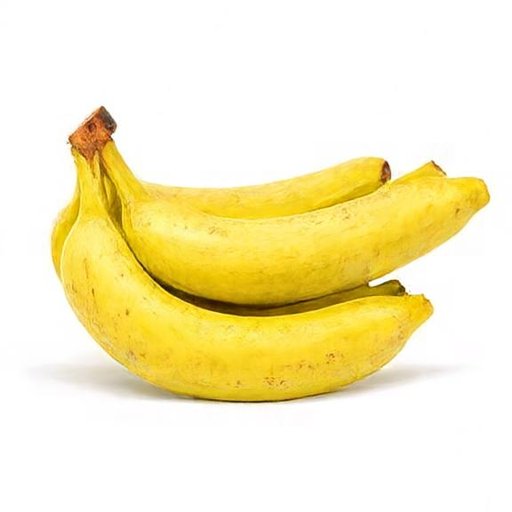
What the fruit looks like when ripe in the picture
1. Source Image Analysis: The source image shows green, unripe bananas. 2. Instruction Understanding: The instruction asks for the appearance of the fruit when ripe. 3. Reasoning Process: Ripening involves a breakdown of chlorophyll and the production of sugars, which turns the skin from green to yellow and often causes small brown sugar spots to appear. 4. Expected Visual Changes: The color and texture of the peel should transition to a ripe state. 5. Elements to Preserve: The shape of the bananas and the white background should remain constant. 6. Explicit Edit Prompt: Edit the green bananas to be bright yellow with small brown spots, while keeping the original shape and white background unchanged.
> 📸 **More editing samples:** see [Image Editing Gallery](./docs/showcases.md#image-editing).
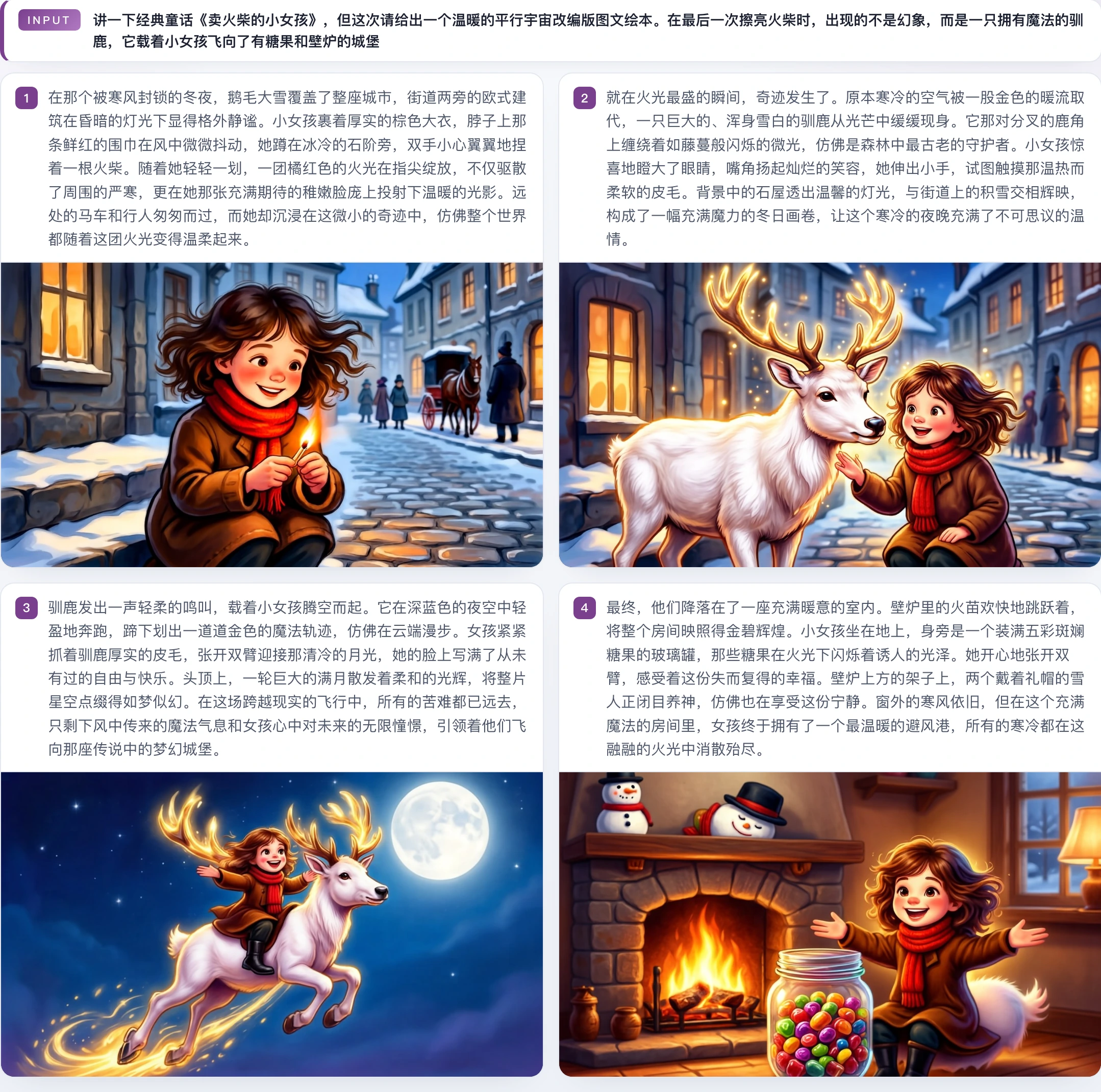
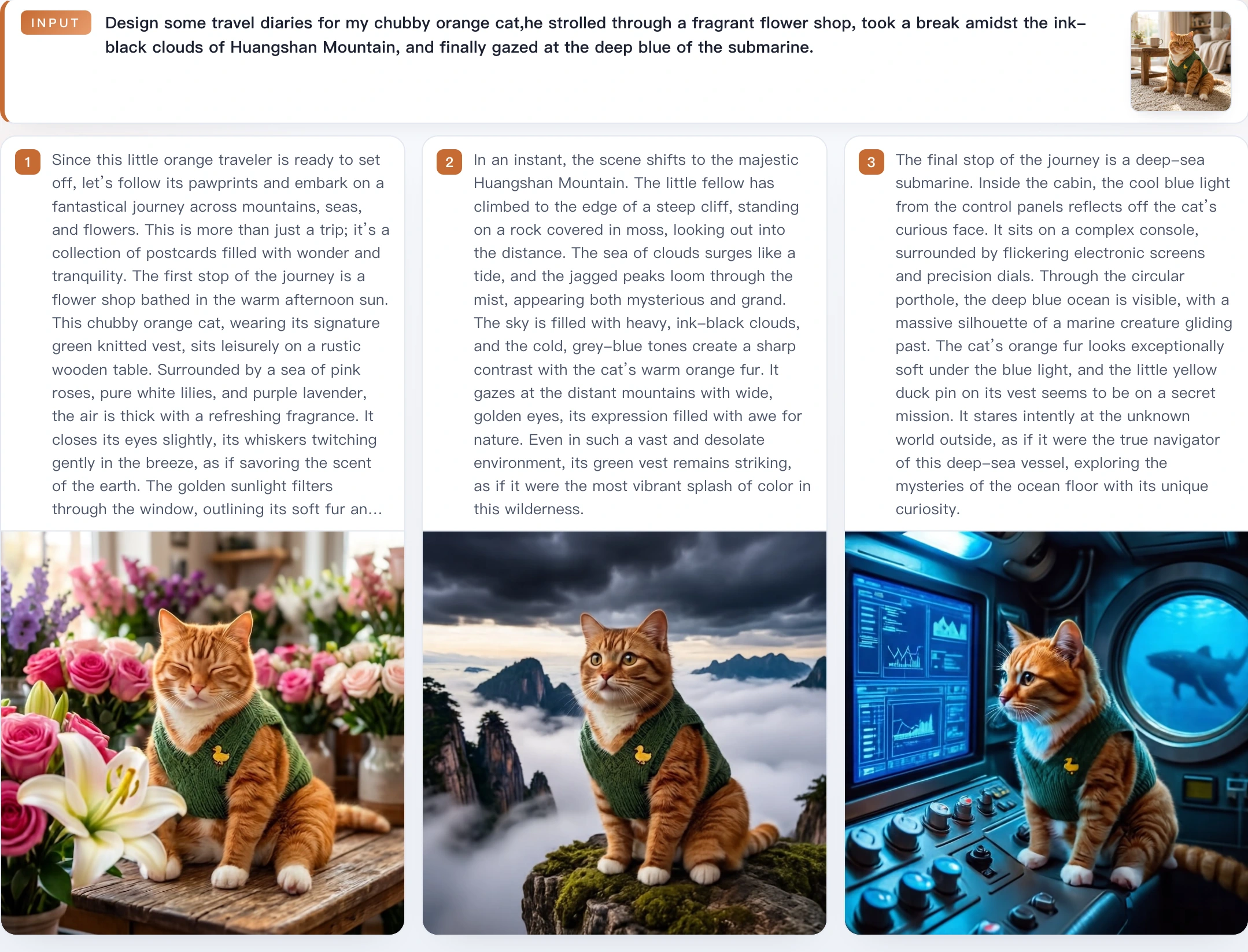
♻️ Interleaved Generation (General) | | | :---: | | [interleave case 05](./docs/assets/showcases/interleave/case_0005_matchgirl_warm_au.webp) | | [interleave case 06](./docs/assets/showcases/interleave/case_0006_orange_cat_travel.webp) |
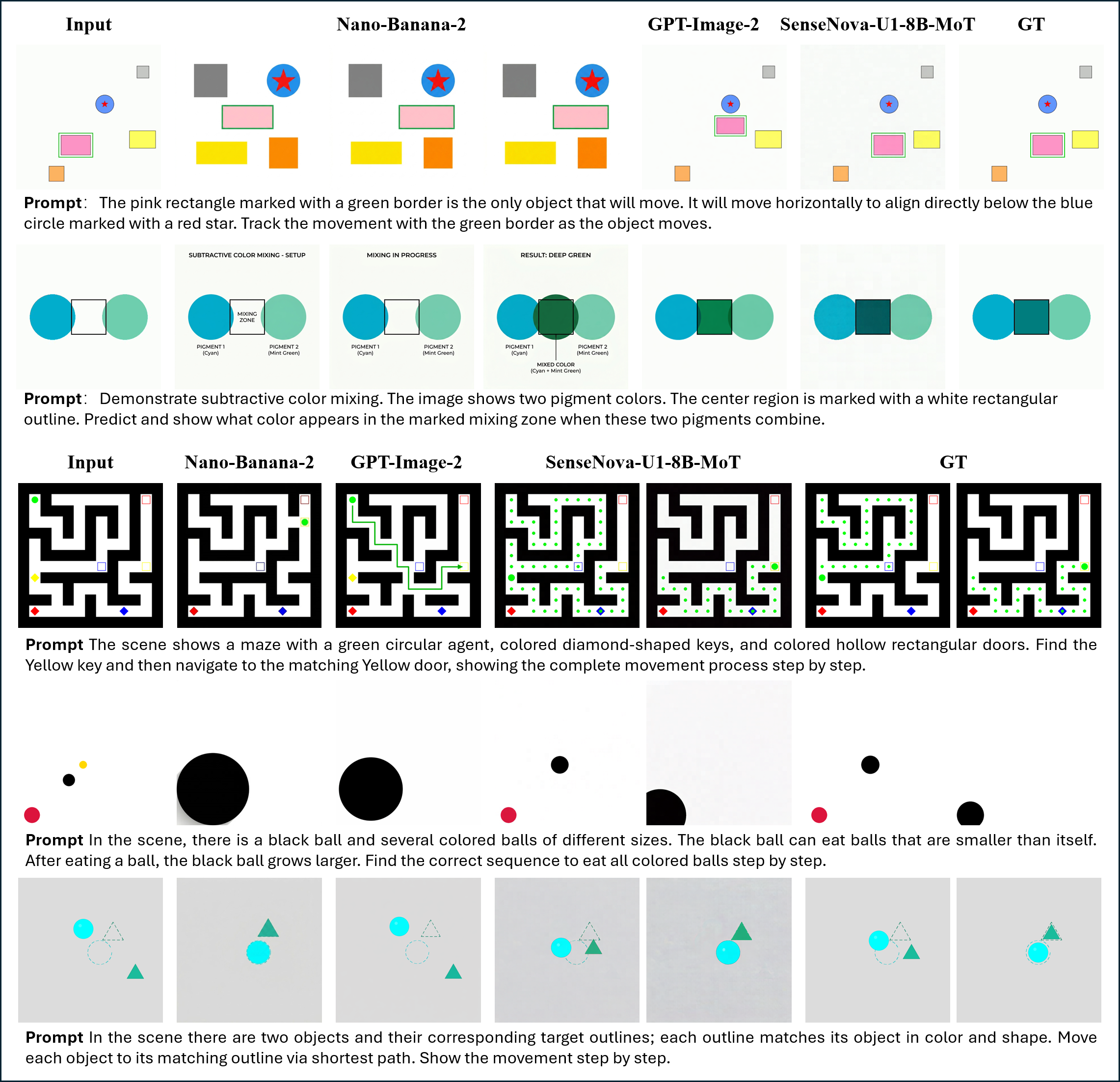
♻️ Interleaved Generation (Reasoning) | | | :---: | | [interleave case 05](./docs/assets/showcases/interleave/reasoning.png) |
> 📸 **More interleaved samples:** see [Interleaved Generation Gallery](./docs/showcases.md#interleaved-generation).
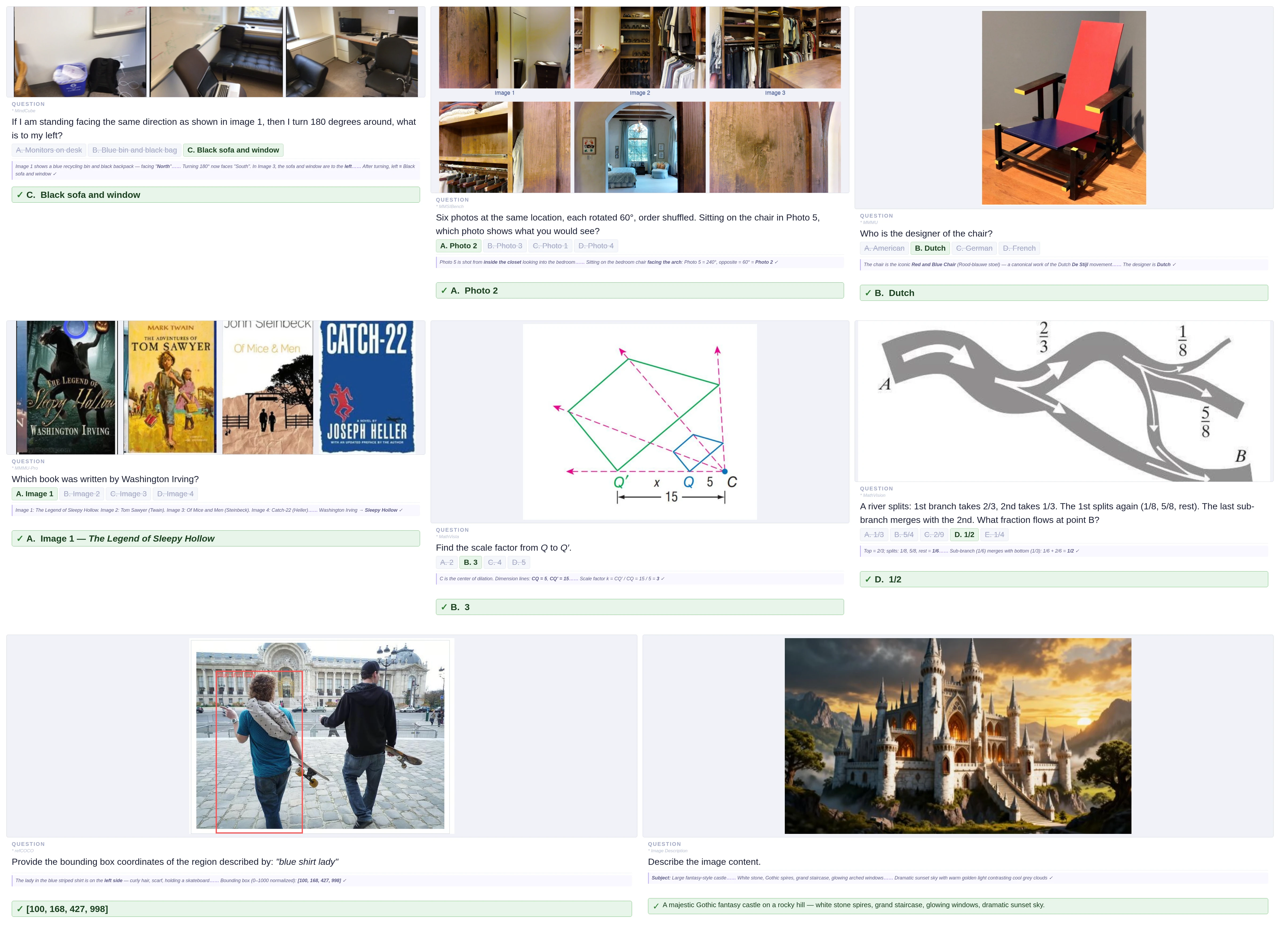
📝 Visual Understanding (General) | | | :---: | | [vqa general cases](./docs/assets/showcases/vqa/general_case.webp) |
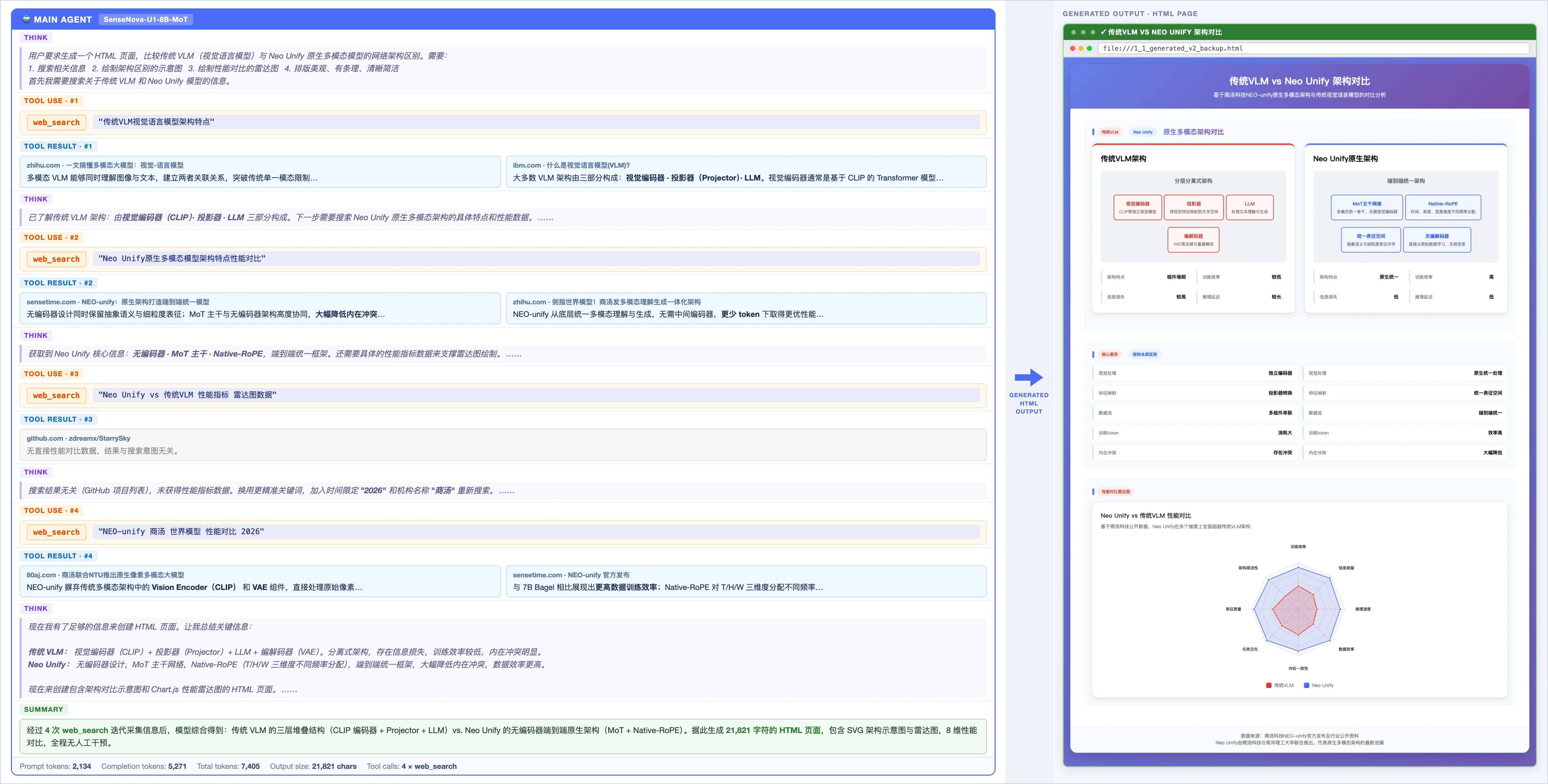
📝 Visual Understanding (Agentic) | | | :---: | | [vqa agentic case](./docs/assets/showcases/vqa/agentic_case.webp) |
> 📸 **More understanding samples:** see [Visual Understanding Gallery](./docs/showcases.md#visual-understanding).
🦾 Visual-Language-Action [![YouTube](./docs/assets/showcases/vla/1.png)](https://www.youtube.com/watch?v=3mvBPPgv8vo) [![YouTube](./docs/assets/showcases/vla/2.png)](https://www.youtube.com/watch?v=2QZY8gf0Vsk) [![YouTube](./docs/assets/showcases/vla/3.png)](https://www.youtube.com/watch?v=tznVbuYf0yw)
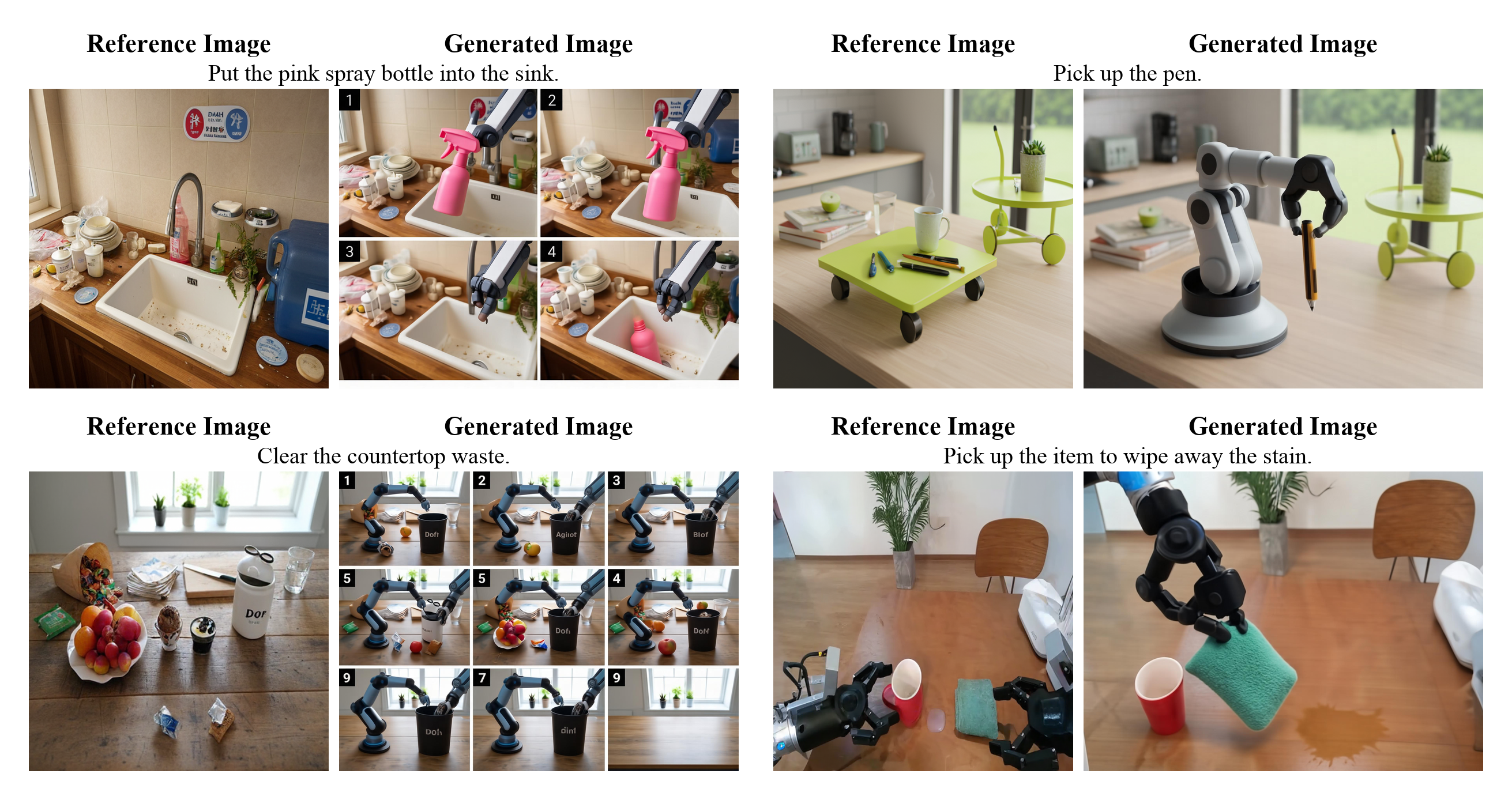
🦾 World Modeling | | | :---: | | [world modeling case](./docs/assets/showcases/wm/1.png) |
### 📊 Key Benchmarks
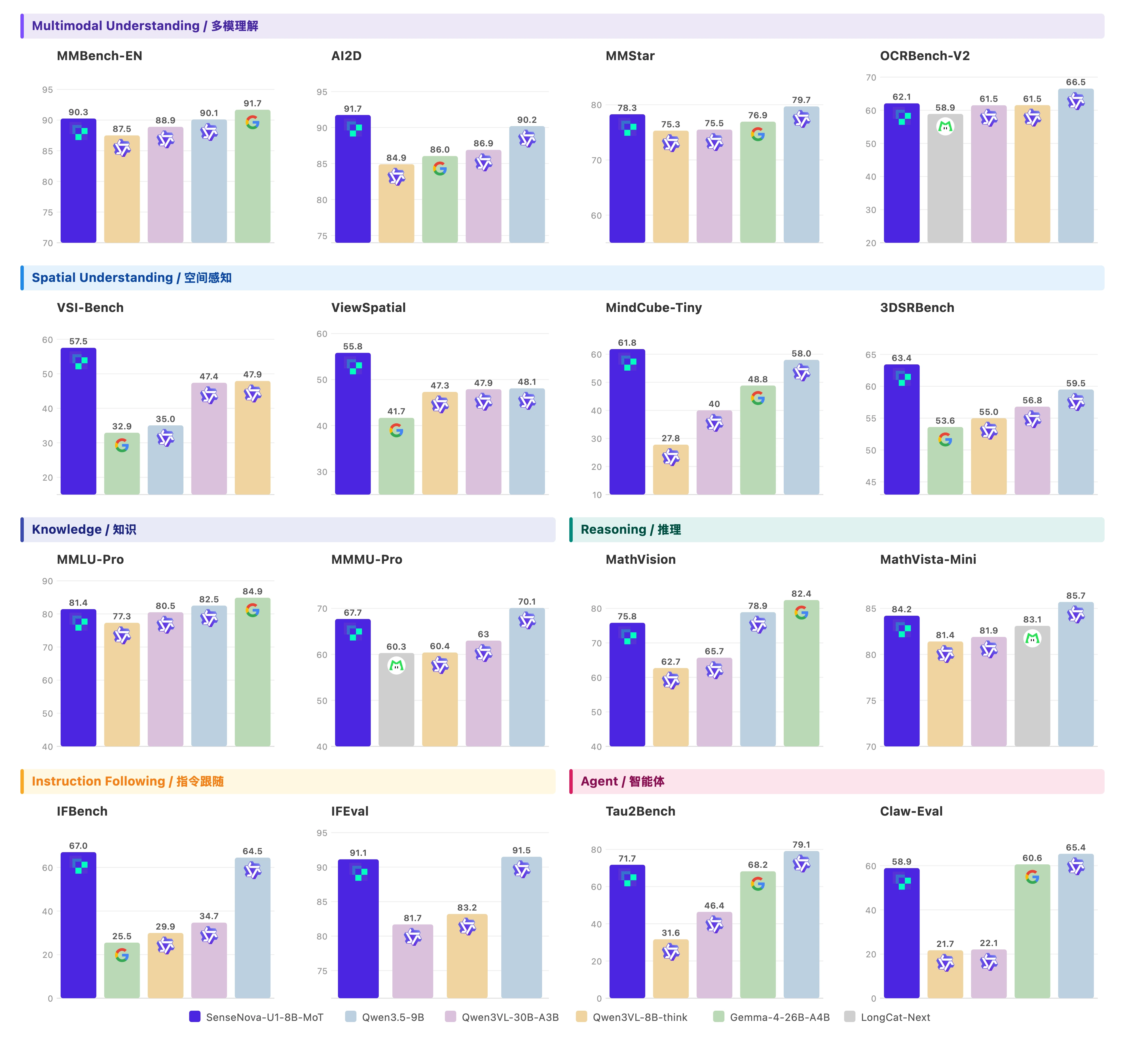
📝 Visual Understanding

Understanding Benchmarks

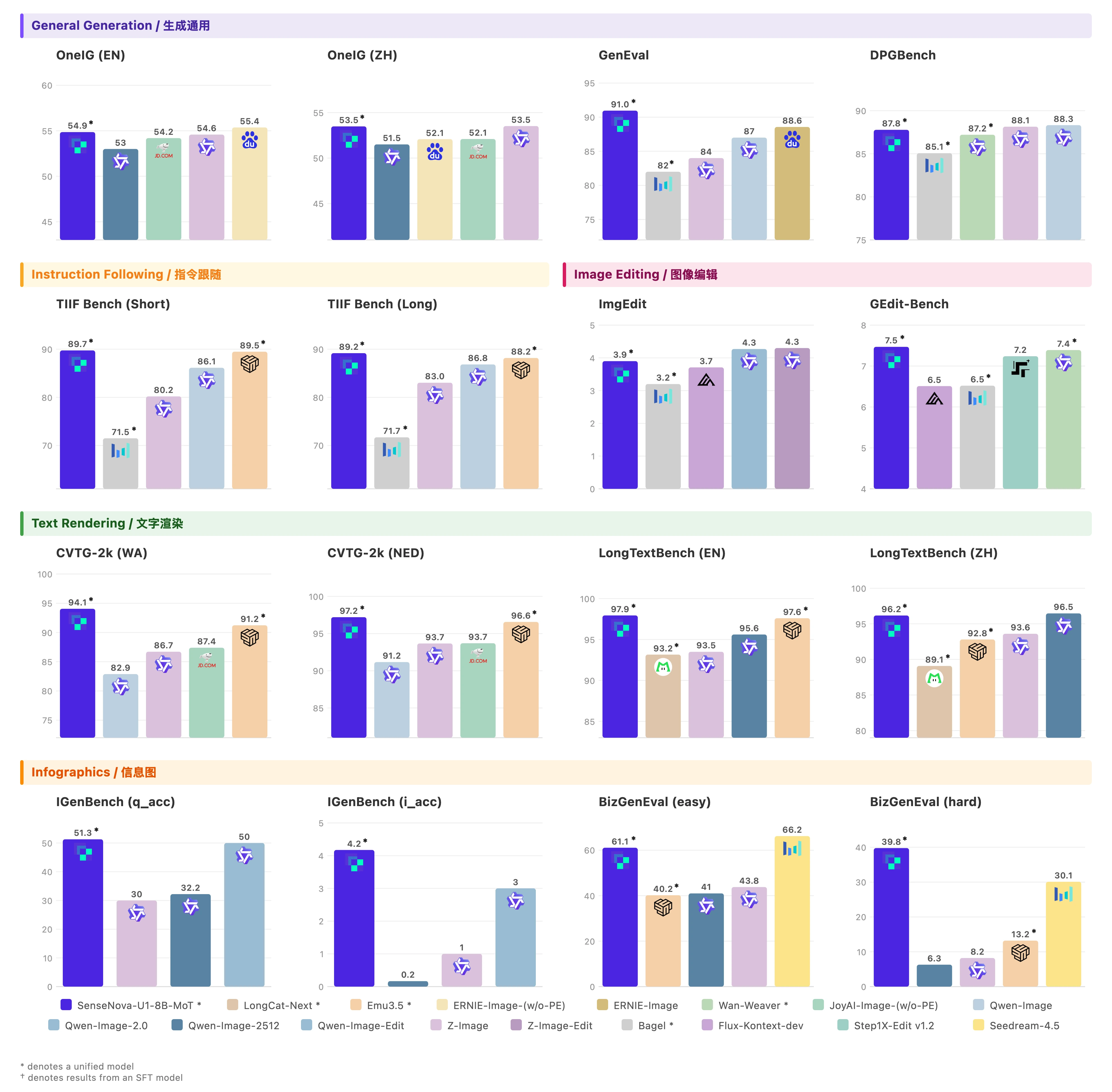
🖼️ Visual Generation

Generation Benchmarks

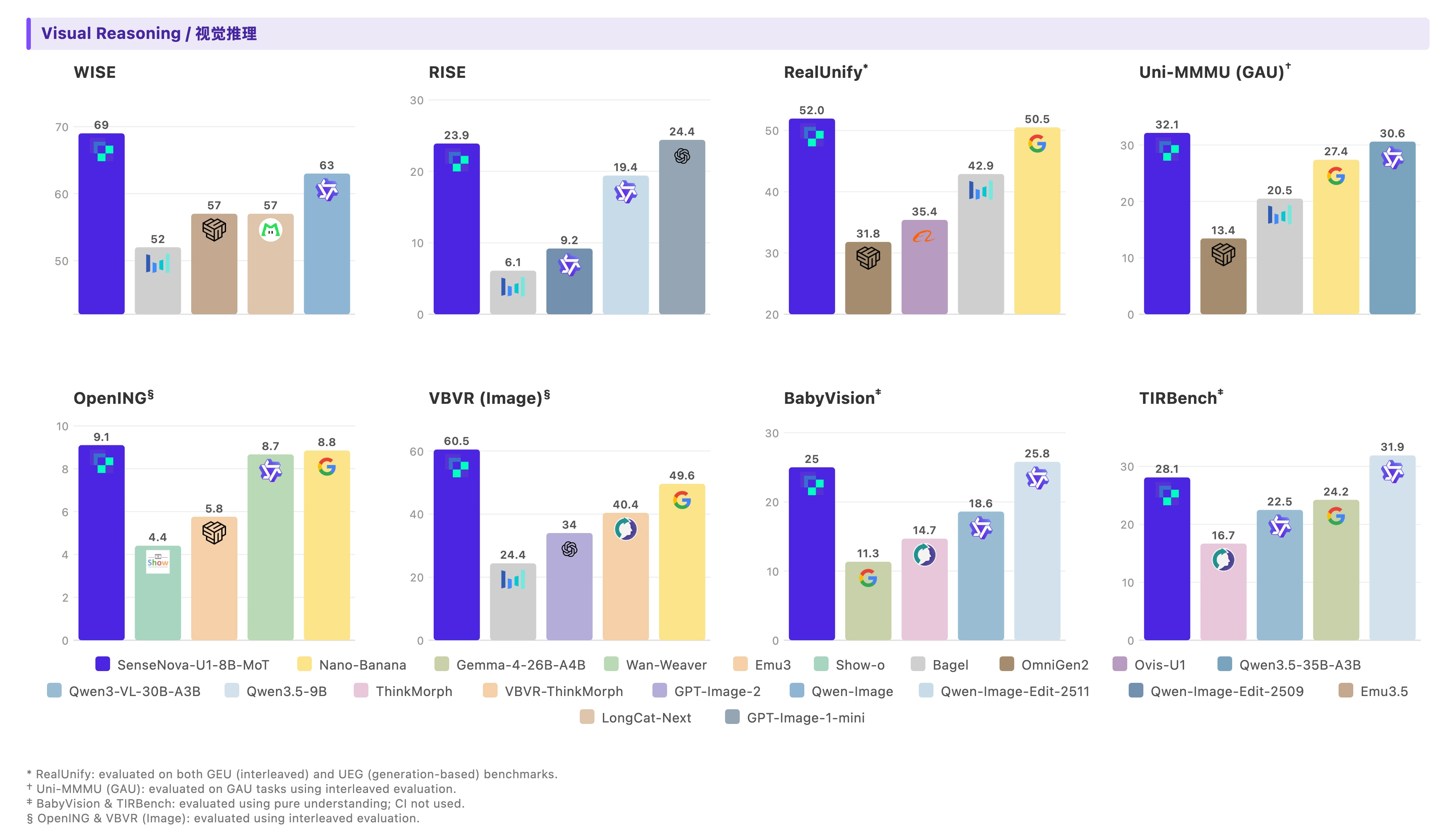
♻️ Visual Reasoning

Interleaved Benchmarks

> Evaluation scripts and benchmark reproduction guides are added in [`evaluation`](./evaluation/README.md). ### ⚠️ Ongoing Improvements The limitations below refer to the original SenseNova-U1 checkpoints. SenseNova-U1.5 limitations and its CFG-tuning note are documented in the U1.5 overview above. Despite strong performance across tasks, several limitations remain for improvement: * **Visual Understanding**: The current model only supports a context length of up to **32K** tokens, which may constrain performance in scenarios requiring longer or more complex visual contexts. * **Human-centric Generation**: Fine-grained details of human bodies can be challenging, especially when people appear as small elements within a scene or are engaged in complex interactions with surrounding objects. * **Text-based Generation**: Text rendering may sometimes produce misspellings, distorted characters, or formatting inconsistencies, which are sensitive to how prompts are phrased, especially in text-heavy scenarios. (see [`prompt enhancement`](./docs/prompt_enhancement.md) for best practice) * **Interleaved Generation**: * As an experimental feature, interleaved generation is still evolving and may not yet match the performance of dedicated text-to-image (T2I) pipelines. * **Beta status:** RL has not been specifically optimized for visual editing, reasoning, and interleaved tasks, and current performance is comparable SFT models. We view these areas as active directions and expect continued improvements in future iterations. ### 🛠️ Usage and Deployment > 💡 **Tip:** If you encounter any issues during setup or running, please check our [FAQ](docs/FAQ.md). #### 🌐 Use with SenseNova-Studio The fastest way to experience SenseNova-U1 is through **[SenseNova-Studio](https://unify.light-ai.top/)** — a 🆓 free online playground where you can try the model directly in your browser, no installation or GPU required. > **Note:** To serve more users, U1-Fast has undergone step and CFG distillation, and is dedicated to infographic generation. #### 🦞 Use with SenseNova-Skills (OpenClaw) The easiest way to integrate SenseNova-U1 into your own agent or application is through our companion repository **[SenseNova-Skills (OpenClaw) 🦞](https://github.com/OpenSenseNova/SenseNova-Skills)**, which ships SenseNova-U1 as a ready-to-use skill with a unified tool-calling interface. > Refer to the [SenseNova-Skills README](https://github.com/OpenSenseNova/SenseNova-Skills) for installation and usage details.
✨ Some interesting cases produced through our Skills and Studio

Skill Cases

#### 🤗 Run with transformers (Default) > **Setup:** Follow the [Installation Guide](./docs/installation.md) to clone the repo and install dependencies with [uv](https://github.com/astral-sh/uv).
📝 Visual Understanding ```bash python examples/vqa/inference.py --model_path sensenova/SenseNova-U1-8B-MoT --image examples/vqa/data/images/menu.jpg --question "My friend and I are dining together tonight. Looking at this menu, can you recommend a good combination of dishes for 2 people? We want a balanced meal — a mix of mains and maybe a starter or dessert. Budget-conscious but want to try the highlights." --output outputs/answer.txt --max_new_tokens 8192 --do_sample --temperature 0.6 --top_p 0.95 --top_k 20 --repetition_penalty 1.05 --profile ```
> See [`examples/README.md`](./examples/README.md#visual-understanding-vqa) for batched inference, generation parameters, and JSONL format.
🖼️ Text-to-Image ```bash python examples/t2i/inference.py --model_path sensenova/SenseNova-U1-8B-MoT --prompt "这张信息图的标题是“SenseNova-U1”,采用现代极简科技矩阵风格。整体布局为水平三列网格结构,背景是带有极浅银灰色细密点阵的哑光纯白高级纸张纹理,画面长宽比为16:9。\n\n排版采用严谨的视觉层级:主标题使用粗体无衬线黑体字,正文使用清晰的现代等宽字体。配色方案极其克制,以纯白色为底,深炭黑为主视觉文字和边框,浅石板灰用于背景色块和次要信息区分,图标采用精致的银灰色线框绘制。\n\n在画面正上方居中位置,使用醒目的深炭黑粗体字排布着大标题“SenseNova-U1”。标题正下方是浅石板灰色的等宽字体副标题“新一代端到端统一多模态大模型家族”。\n\n画面主体分为左、中、右三个相等的垂直信息区块,区块之间通过充足的负空间进行物理隔离。\n\n左侧区块的主题是概述。顶部有一个银灰色线框绘制的、由放大镜和齿轮交织的图标,旁边是粗体小标题“Overview”。该区块内从上到下垂直排列着三个要点:第一个要点旁边是一个代表文档与照片重叠的极简图标,紧跟着文字“多模态模型家族,统一文本/图像理解和生成”。向下是由两个相连的同心圆组成的架构图标,配有文字“基于NEO-Unify架构(端到端统一理解和生成)”。最下方是一个带有斜线划掉的眼睛和漏斗形状的图标,明确指示文本“无需视觉编码器(VE)和变分自编码器(VAE)”。\n\n中间区块展示模型矩阵。顶部是一个包含两个分支节点的树状网络图标,旁边是粗体小标题“两个模型规格”。区块内分为上下两个包裹在浅石板灰色极细边框内的卡片。上方的卡片内画着一个代表高密度的实心几何立方体图标,大字标注“SenseNova-U1-8B-MoT”,下方是等宽字体说明“8B MoT 密集主干模型”。下方的卡片内画着一个带有闪电符号的网状发光大脑图标,大字标注“SenseNova-U1-A3B-MoT”,下方是等宽字体说明“A3B MoT 混合专家(MoE)主干模型”。在这两个独立卡片的正下方,左侧放置一个笑脸轮廓图标搭配文字“将在HF等平台公开”,右侧放置一个带有折角的书面报告图标搭配文字“将发布技术报告”。\n\n右侧区块呈现核心优势。顶部是一个代表巅峰的上升阶梯折线图图标,旁边是粗体小标题“Highlights”。该区块内部垂直分布着四个带有浅石板灰底色的长方形色块,每个色块内部左侧对应一个具体的图标,右侧为文字。第一个色块内是一个无缝相连的莫比乌斯环图标,配文“原生统一架构,无VE和VAE”。第二个色块内是一个顶端带有星星的奖杯图标,配文“单一统一模型在理解和生成任务上均达到SOTA性能”。第三个色块内是代表文本行与拍立得照片交替穿插的图标,配文“强大的原生交错推理能力(模型原生生成图像进行推理)”。最后一个色块内是一个被切分出一小块的硬币与详细饼状图结合的图标,配文“能生成复杂信息图表,性价比出色”。" --width 2720 --height 1536 --cfg_scale 4.0 --cfg_norm none --timestep_shift 3.0 --num_steps 50 --output output.png --profile ```
> Default resolution is 2048×2048 (1:1). See [supported resolution buckets](./examples/README.md#supported-resolution-buckets) for other aspect ratios. > For high-quality infographic generation, it is recommended to apply [prompt enhancement](./docs/prompt_enhancement.md) before generating images.
✏️ Image Editing ```bash python examples/editing/inference.py --model_path sensenova/SenseNova-U1-8B-MoT --prompt "Change the animal's fur color to a darker shade." --image examples/editing/data/images/1.webp --cfg_scale 4.0 --img_cfg_scale 1.0 --cfg_norm none --timestep_shift 3.0 --num_steps 50 --output output_edited.png --profile --compare ```
> 💡 Pre-resize inputs to ~2048×2048 resolution with orginal aspect ratio before inference for best quality (see [`examples/editing/resize_inputs.py`](./examples/editing/resize_inputs.py)).
♻️ Interleaved Generation ```bash python examples/interleave/inference.py --model_path sensenova/SenseNova-U1-8B-MoT --prompt "I want to learn how to cook tomato and egg stir-fry. Please give me a beginner-friendly illustrated tutorial." --resolution "16:9" --output_dir outputs/interleave/ --stem demo --profile ```
> See [`examples/README.md`](./examples/README.md) for batched inference, JSONL format, prompt enhancement, resolution buckets, and full flag reference. > See [`docs/gpu_mem_profiler.md`](./docs/gpu_mem_profiler.md) for GPU memory profiler. #### 💾 Memory-efficient inference (GGUF + VRAM modes) For users running on a single consumer GPU, two complementary features lower the VRAM footprint of the `transformers` path. They can be combined freely. ##### GGUF quantized checkpoints Pass `--gguf_checkpoint` to any of the four inference scripts (`t2i`, `editing`, `interleave`, `vqa`) to load a quantized `.gguf` file via the `diffusers` GGUF Linear layer instead of the bf16 safetensors weights. The base `--model_path` is still required (for tokenizer / config / non-LM weights). ```bash # install the optional extra once uv pip install -e ".[gguf]" # or: pip install "gguf>=0.10.0" "diffusers>=0.30.0" python examples/t2i/inference.py \ --model_path sensenova/SenseNova-U1-8B-MoT \ --gguf_checkpoint /path/to/SenseNova-U1-8B-MoT-Merger-Q4_K_M.gguf \ --prompt "A male peacock trying to attract a female" \ --output output.png ``` Community-maintained GGUF weights are available at: | Model | GGUF checkpoint | Quantization | Size | HF link | | :---- | :-------------- | :----------- | :--- | :------ | | SenseNova-U1 8B variants | Multiple files | Q4 / Q6 / Q8 | Varies | [🤗 Repository](https://huggingface.co/smthem/SenseNova-U1-8B-MoT-Merger-gguf/tree/main) | | SenseNova-U1.5-8B-MoT-Preview | `SenseNova-U1.5-8B-MoT-Preview-Q8.gguf` | Q8 | 19.9 GB | [🤗 Download](https://huggingface.co/smthem/SenseNova-U1-8B-MoT-Merger-gguf/blob/main/SenseNova-U1.5-8B-MoT-Preview-Q8.gguf) | For the community **U1.5 Preview** GGUF listed above, keep `--model_path` pointed at `sensenova/SenseNova-U1.5-8B-MoT-Preview` and pass the downloaded Q8 file through `--gguf_checkpoint`. This quantization targets the Preview checkpoint, not the official `SenseNova-U1.5-8B-MoT` release. It is maintained by the contributor independently from the official SenseNova model releases. > 🙏 Thanks to Hugging Face user [smthem](https://huggingface.co/smthem) / GitHub [@smthemex](https://github.com/smthemex) for creating and maintaining these quantized weights for the community. ##### `--vram_mode`: single-GPU layer offload Pass `--vram_mode` to control language-model layer residency and CPU-to-GPU streaming while keeping activations on-device. | Mode | Behavior | When to use | | :--- | :--- | :--- | | `full` *(default)* | No offload; whole model on GPU | Plenty of VRAM, best speed | | `fast` | Async prefetch, then retain generation layers within the GPU memory budget | 24 GB class GPU, near-full speed | | `low` | Synchronous per-layer CPU↔GPU swap | Lowest VRAM footprint | | `balanced` | Async prefetch overlaps H2D copy with compute | Tight on VRAM but want to recover speed | `fast` defaults to a 90% automatic VRAM budget, 2 GiB of reusable headroom, and a 4 GiB activation reserve. All values are configurable: ```bash python examples/t2i/inference.py \ --model_path sensenova/SenseNova-U1-8B-MoT \ --vram_mode fast \ --fast_vram_fraction 0.90 \ --fast_vram_headroom_gib 2 \ --fast_activation_reserve_gib 4 \ --fast_vram_budget_gib 20.5 \ --prompt "..." --output output.png ``` `--fast_vram_budget_gib` is optional and overrides the fraction-derived budget. Omit it for automatic sizing. ```bash python examples/t2i/inference.py \ --model_path sensenova/SenseNova-U1-8B-MoT \ --vram_mode balanced \ --prompt "..." --output output.png ``` `--gguf_checkpoint` and `--vram_mode` compose: a Q4 GGUF + `balanced` is the recommended setup for ~10–12 GB consumer cards. #### ⚡ Run with LightLLM + LightX2V (Recommended) For production serving, we co-design a dedicated inference stack on top of **[LightLLM](https://github.com/ModelTC/lightllm)** (understanding) and **[LightX2V](https://github.com/ModelTC/lightx2v)** (generation). The two engines are disaggregated so that each path can use its own parallelism and resource budget, with a low-overhead transfer channel in between. On a single node with `TP2 + CFG2`, this stack delivers roughly **~0.15 s/step** and **~9 s end-to-end** for a **2048×2048** image on H100 / H200, with a ~**2.4–3.2×** prefill speedup from our FA3-based hybrid-mask attention over the Triton baseline. Full per-GPU performance are reported in [`docs/inference_infra.md`](./docs/inference_infra.md). An official docker image is provided for one-command deployment: ```bash docker pull lightx2v/lightllm_lightx2v:20260407 ``` > ⚙️ **Deployment guide (Docker, launch flags, modes, quantization, API test):** see [`docs/deployment.md`](./docs/deployment.md). > > 📖 **Full design and performance profiling:** see [`docs/inference_infra.md`](./docs/inference_infra.md).
## 🦁 Models The current flagship checkpoint is **[SenseNova-U1.5-8B-MoT](https://huggingface.co/sensenova/SenseNova-U1.5-8B-MoT)**. Note that the model hub still retains the original SenseNova-U1 checkpoints and task-specialized variants: - SenseNova-U1.5-8B-MoT — dense + MoT backbone - SenseNova-U1-8B-MoT — dense + MoT backbone - SenseNova-U1-A3B-MoT — MoE + MoT backbone | Model | Params | HF Weights | | :---- | :------- | :--------- | | **SenseNova-U1.5-8B-MoT** | 8B MoT | [🤗 link](https://huggingface.co/sensenova/SenseNova-U1.5-8B-MoT) | | **SenseNova-U1.5-8B-MoT-SFT** | 8B MoT | [🤗 link](https://huggingface.co/sensenova/SenseNova-U1.5-8B-MoT-SFT) | | **SenseNova-U1.5-8B-MoT-LoRA-8step** | 0.4B | [🤗 link](https://huggingface.co/sensenova/SenseNova-U1.5-8B-MoT-LoRAs/blob/main/SenseNova-U1.5-8B-MoT-LoRA-8step.safetensors) | | SenseNova-U1.5-8B-MoT-Preview | 8B MoT | [🤗 link](https://huggingface.co/sensenova/SenseNova-U1.5-8B-MoT-Preview) | | SenseNova-U1-8B-MoT-Interleaved | 8B MoT | [🤗 link](https://huggingface.co/sensenova/SenseNova-U1-8B-MoT-Interleaved) | | SenseNova-U1-8B-MoT-Infographic-V3 | 8B MoT | [🤗 link](https://huggingface.co/sensenova/SenseNova-U1-8B-MoT-Infographic-V3) | | SenseNova-U1-8B-MoT-Infographic-V2 | 8B MoT | [🤗 link](https://huggingface.co/sensenova/SenseNova-U1-8B-MoT-Infographic-V2) | | SenseNova-U1-8B-MoT-Infographic | 8B MoT | [🤗 link](https://huggingface.co/sensenova/SenseNova-U1-8B-MoT-Infographic) | | SenseNova-U1-8B-MoT-Infographic-LoRA-8step-V1.0 | 0.4B | [🤗 link](https://huggingface.co/sensenova/SenseNova-U1-8B-MoT-LoRAs/blob/main/SenseNova-U1-8B-MoT-Infographic-LoRA-8step-V1.0.safetensors) | | SenseNova-U1-8B-MoT-LoRA-8step-V1.0 | 0.4B | [🤗 link](https://huggingface.co/sensenova/SenseNova-U1-8B-MoT-LoRAs/blob/main/SenseNova-U1-8B-MoT-LoRA-8step-V1.0.safetensors) | | **SenseNova-U1-8B-MoT** | 8B MoT | [🤗 link](https://huggingface.co/sensenova/SenseNova-U1-8B-MoT) | | **SenseNova-U1-8B-MoT-SFT** | 8B MoT | [🤗 link](https://huggingface.co/sensenova/SenseNova-U1-8B-MoT-SFT)| | SenseNova-U1-A3B-MoT | A3B MoT | [🤗 link](https://huggingface.co/sensenova/SenseNova-U1-A3B-MoT) | | SenseNova-U1-A3B-MoT-SFT | A3B MoT | [🤗 link](https://huggingface.co/sensenova/SenseNova-U1-A3B-MoT-SFT)| Here **SFT models** (*×32 downsampling ratio*) are trained via Understanding Warmup, Generation Pre-training, Unified Mid-training, and Unified SFT, with **final models** obtained after Multi-Expert RL and OPD training. > 💡 The `8B-MoT` in `SenseNova-U1-8B-MoT` refers to ~8B understanding parameters **and** ~8B generation parameters. See [parameter breakdown](docs/parameter_breakdown.md) for details. ## 🌐 Join the Community! Join our growing community to share feedback, get support, and stay updated on the latest SenseNova-U1.5 and SenseNova-U1 family developments — we'd love to hear from you!
Discord Feishu Group
## ✒️ Citation If this project is helpful for your research, please consider **star** ⭐ and **citation** 📝 : ```bibtex @misc{sensenova2026neounify, title = {NEO-unify: Building Native Multimodal Unified Models End to End}, author = {SenseNova}, journal = {Hugging Face blog}, url = {https://huggingface.co/blog/sensenova/neo-unify}, year = {2026} } @article{sensenova2026sensenovau1, title = {SenseNova-U1: Unifying Multimodal Understanding and Generation with NEO-unify Architecture}, author = {Diao, Haiwen and Wu, Penghao and Deng, Hanming and Wang, Jiahao and Bai, Shihao and Wu, Silei and Fan, Weichen and Ye, Wenjie and Tong, Wenwen and Fan, Xiangyu and others}, journal = {arXiv preprint arXiv:2605.12500}, year = {2026} } ``` ## ⚖️ License This project is released under the [Apache 2.0 License](./LICENSE).