 , or select the menu item .
— Insert Special Characters —
You can insert characters that might not be on your keyboard into your document using the Special Characters dialog.
To insert special characters click the Insert Special Character button , or select the menu item .
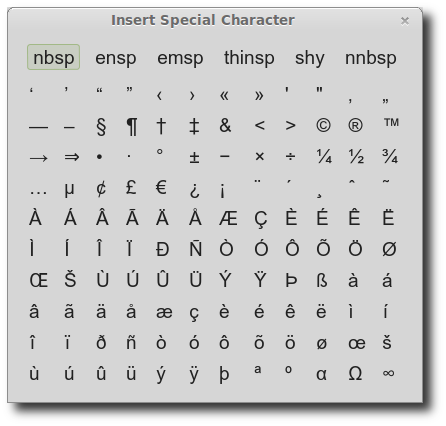
The dialog will stay open to allow you to insert text multiple times, and you can move the window to any position on the screen you want.
You can use Ctrl-click to select and insert the character and close the dialog window immediately.
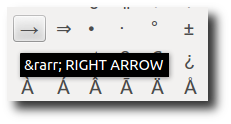
If you pause over a character you will see a tooltip listing the HTML entity code for the character and a description:
You can change the font and size of the characters in the dialog using Preferences.
Some characters may not display correctly in some fonts.