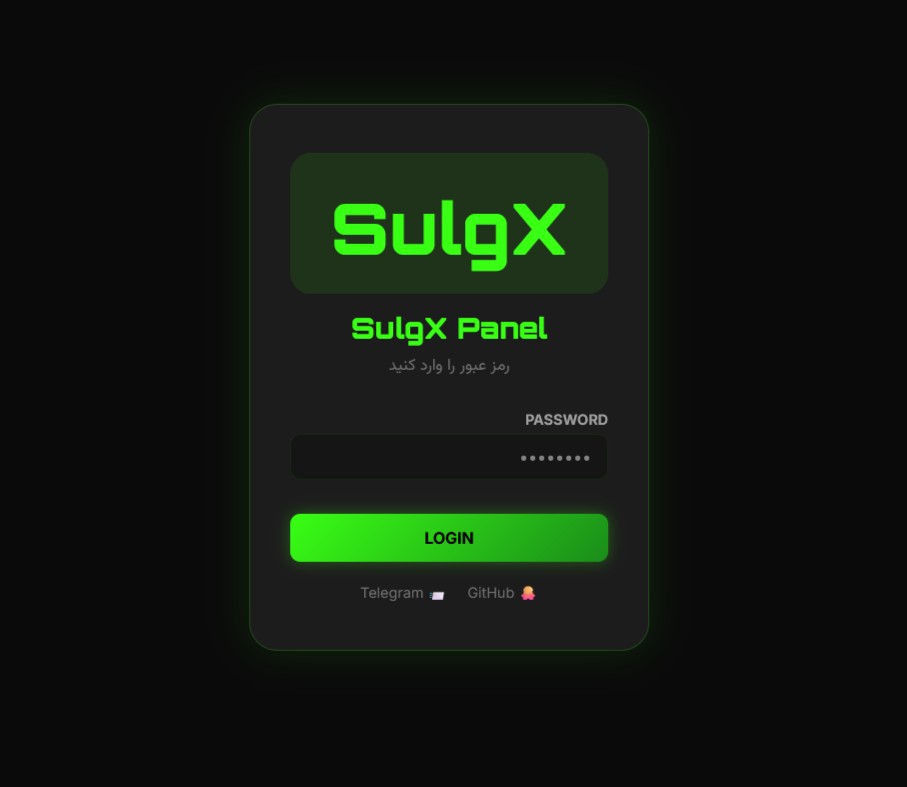
# š SulgX Panel (Version 1.1.0)
[](https://github.com/SulgX/SulgX-Panel/releases)
[](https://www.python.org/)

[](LICENSE)

[](https://github.com/SulgX/SulgX-Panel)

Readme:
English |
ŁŲ§Ų±Ų³Ū


> **A lightweight, selfāhosted subscription management panel for VLESS over WebSocket + TLS.**
> Built entirely in a single Python file, powered by FastAPI and SQLite.
---
## š Table of Contents
- [⨠Key Features](#-key-features)
- [š What's New in v1.1.0](#-whats-new-in-v110)
- [š Quick Start & Deployment](#-quick-start--deployment)
- [āļø Deployment Platforms](#-deployment-platforms)
- [š Repository Architecture](#-repository-architecture)
- [šø Bandwidth & Pricing Guide](#-bandwidth--pricing-guide)
- [āļø Strict Disclaimer](#-strict-disclaimer)
- [š Acknowledgements](#-acknowledgements)
---
## ⨠Key Features
### š Security & Access
- **Robust Authentication:** JWTābased sessions with HTTPāonly, secure cookies.
- **AntiāBrute Force:** Rate limiting applied to logins and API interactions.
- **Strict Passwords:** Enforced policy (min 8 chars, uppercase, lowercase, numbers).
- **Audit Logging:** Logs all login attempts (Success/Fail, IP, UserāAgent).
### š” Inbound Management
- **Full Lifecycle:** Create, edit, toggle, and safely delete VLESS configs.
- **Granular Control:** Perāuser traffic limits (GB), expiration days, and max concurrent connections.
- **Advanced Routing:** Custom Path, SNI, Host, and TLS Fingerprints per inbound.
- **Fragment Support:** Add packet fragmentation ranges (e.g., `1000-2000`) to counter DPI.
- **Country Flags:** Assign a flag (š®š·, š©šŖ, ā¦) to each config ā shown in the panel and subscription links.
- **Bulk Operations:** Batch activate, deactivate, reset, or delete configs.
- **Immutable Core:** The default `SulgX` inbound is systematically protected against accidental deletion.
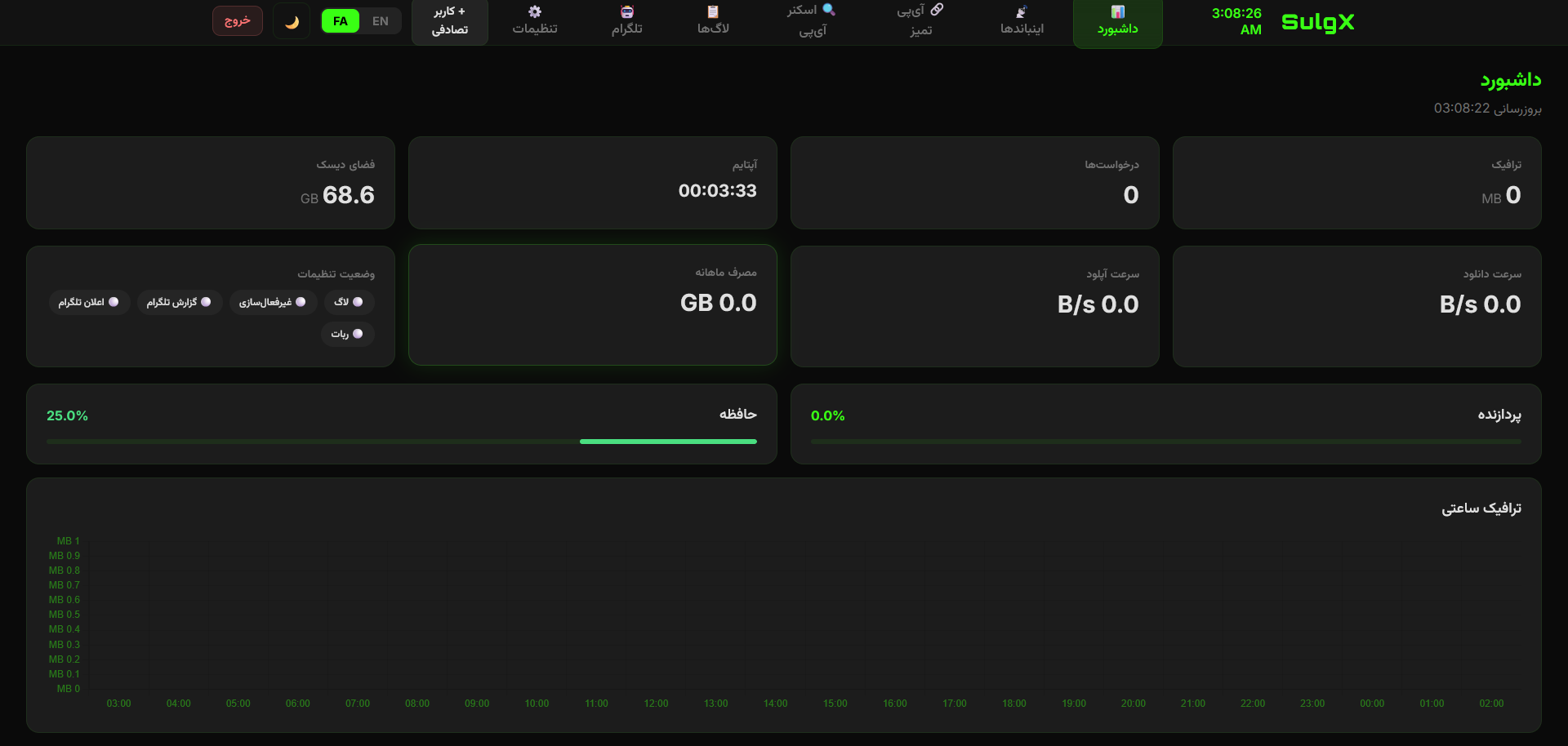
### š RealāTime Analytics
- **Live Speed Engine:** Highly accurate Download/Upload charts with adaptive spikeāfiltering.
- **Dynamic Metrics:** 24āhour realātime traffic bars (timezoneāaware) and distribution doughnuts.
- **System Health:** Live CPU, Memory, and Disk monitoring with `loadavg` fallbacks.
### šŗļø Clean IP & Safe Scanner
- **IP Management:** Add, edit, and bulkāimport IPv4/IPv6 addresses dynamically attached to subscriptions.
- **Safe Scanner:** Scan port 443 across 24 predefined cloud providers (Cloudflare, AWS, Azure, etc.).
- **AntiāCrash:** Safely handles massive CIDR ranges (e.g., `/14`) by capping at 4,096 IPs to prevent browser freezing. Automatically excludes public DNS (8.8.8.8).
### š¤ Smart Telegram Bot
- **Bilingual (EN/FA):** Fully translatable templates.
- **Event Alerts:** Panel Logins, Expired Users, Errors, and 90% Quota warnings.
- **Live Preview:** Realātime JSON template rendering in the dashboard.
### ā” Intelligent KeepāAlive (AntiāSleep)
- **DualāMode:** Simple (for Render/Railway) and Advanced (for Dockfly) keepāalive pings.
- **Configurable:** Set interval, enable/disable, and choose mode directly from the panel settings.
- **SelfāHealing:** Automatically adjusts request headers and intervals to avoid provider blocks.
---
## š What's New in v1.1.0
| Category | Improvement |
|----------|-------------|
| **UI & UX** | Major polish of the glassāmorphism interface. Fixed the Blue Theme selection bug and ensured theme settings persist across sessions. Mobile responsiveness greatly improved for all tables and control panels. |
| **Performance** | Linkācache is now periodically cleaned to prevent memory leaks. Scanner tasks are correctly cancelled on WebSocket close. |
| **AntiāSleep** | KeepāAlive engine completely reādesigned. Now features two distinct modes (`Simple` / `Advanced`) that can be switched in real time from the panel. |
| **Inbounds** | Added **Fragment (FRAG)** support to enhance DPI bypass. Country **Flags** can be assigned to each inbound and are displayed everywhere (panel, subālinks, user dashboard). |
| **User Dashboard** | Added a live usage progress bar with colorācoded thresholds (green ā yellow ā red) so endāusers can instantly see their consumption. |
| **Telegram** | Fixed the language toggle (English / Persian). It now correctly saves and restores the selected language. |
| **Database** | Automatic schema migration ā existing installations upgrading from older versions will automatically get the `flag` and `fragment` columns without manual intervention. |
| **Bug Fixes** | Settings status cards now correctly sync with actual configurations. Timeāzone and language selectors are fully harmonised. |
For a full list of commits, see the [v1.1.0 release](https://github.com/SulgX/SulgX-Panel/releases/tag/v1.1.0).
---
## š Quick Start & Deployment
> [!NOTE]
> The project now runs natively through its **Dockerfile**. Simply fork the repo, set your environment variables, and let the platform build it for you.
> No manual start commands or Gunicorn configuration are required for the recommended platforms.
### š“ Step 1: Fork & Configure
1. Fork this repository to your own GitHub account.
2. (Optional) For maximum stability, you can pin your deployments to the **release tag** `v1.1.0` instead of the `main` branch.
### āļø Step 2: Choose a Platform
All five platforms listed below support **WebSocket**, can deploy directly from a **Dockerfile**, and **do not require a credit card or phone number** ā only an email or GitHub account.
- [**Railway**](https://railway.app/) ā Top recommendation (free credit, persistent volumes)
- [**Render**](https://render.com/) ā Free tier with persistent disks
- [**Dockfly**](https://dockfly.app/) ā Minimal & simple
- [**Back4app**](https://www.back4app.com/) ā Parseābased, generous free tier
- [**Scalingo**](https://scalingo.com/) ā French PaaS, 30āday free trial
> Other platforms such as **Koyeb**, **Fly.io**, **Northflank**, or **Zeabur** also work perfectly with SulgX, but they require a credit card or phone number for registration.
### š Step 3: Deploy with the Dockerfile
1. **Connect your forked repo** in your chosen platform.
2. The platform will automatically detect the included `Dockerfile` and build the application.
3. **Environment Variables** ā add the following variables in the platformās dashboard:
| Variable | Example | Description |
|----------|---------|-------------|
| `ADMIN_PASSWORD` | `StrongPass!123` | Panel login password (min 8 chars, uppercase, lowercase, digits). |
| `SECRET_KEY` | `random_long_string` | Secret key used to sign JWT cookies. |
| `DOMAIN` | `sulgx.up.railway.app` | Your public domain. *Highly recommended for correct link generation.* |
| `DB_PATH` | `/data/panel.db` | Path for the SQLite database. **Important:** If your platform supports persistent volumes (see table below), mount a volume at `/data` to keep your data safe. |
| `PORT` | `8000` | (optional) The port your app listens on. Most platforms ignore this and use their own. |
4. **Persist your data**
Platforms that support persistent volumes let you keep your database across restarts. For platforms that donāt (or if you need extra safety), connect an **external PostgreSQL** database by setting the `DATABASE_URL` environment variable.
5. **Access the panel**
Once deployed, open your appās public URL and navigate to `/panel`. Log in with the password you set in `ADMIN_PASSWORD`.
### š PlatformāSpecific Notes