English | 简体中文
Project Rules
HeartRateMonitor

Heart Rate Monitor

Make heart-rate monitoring elegant.

An Android heart rate monitoring app based on BLE (Bluetooth Low Energy) technology, plus a Windows desktop heart rate monitor — two platforms that work together.

License: MIT Platform Kotlin UI Material minSdk targetSdk Platform .NET

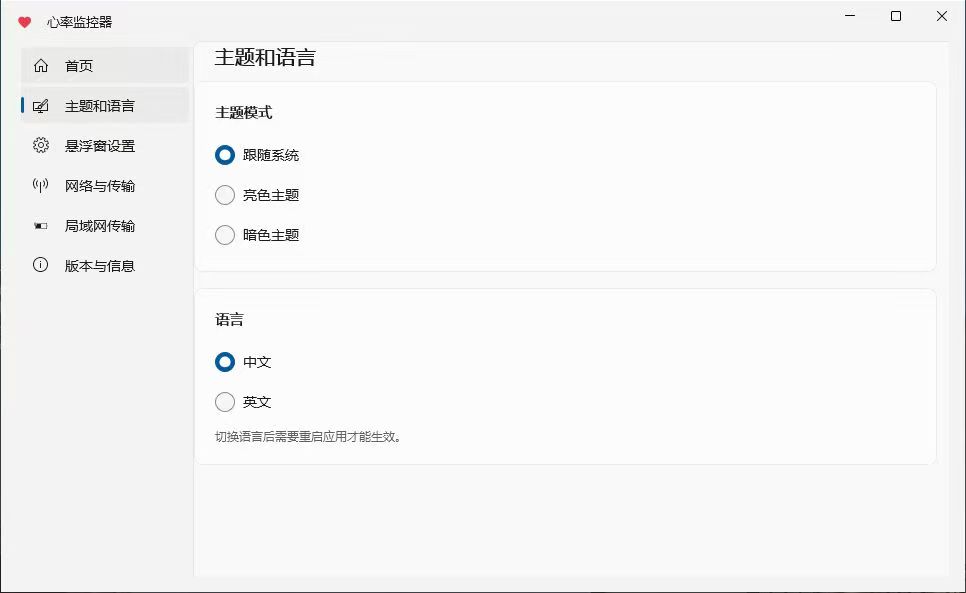
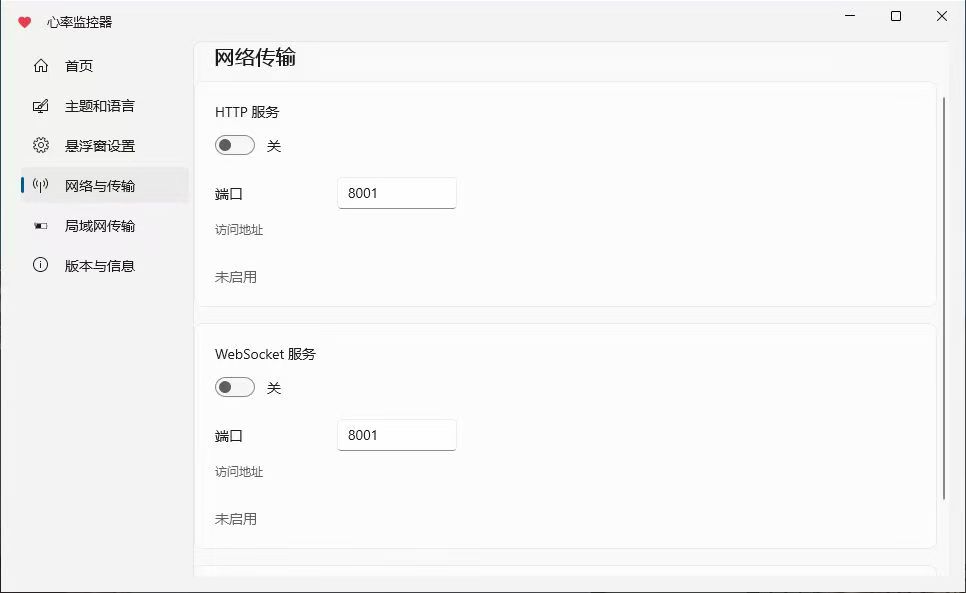
----- ## 📦 Project Overview This repository contains two platform-specific applications with no shared code; they can be used together: | Directory | Platform | Tech Stack | |---|---|---| | [`android`](./android) | Android | Kotlin + Jetpack Compose | | [`windows`](./windows) | Windows | .NET 10 + WinUI 3 | ----- ## ✨ Features ### Android - 🖥️ **Full-Screen Mode**: Immersive heart rate display, turning your phone into a cardiac monitor - 🔵 **Bluetooth Connection**: Scan and connect to BLE devices that support heart rate services - ⭐ **Device Management**: Favorite frequently used devices, with auto-connect and disconnect-reconnect support - ❤️ **Heartbeat Animation**: Dynamically changes based on heart rate - 📊 **Heart Rate History & Charts**: Auto-recording, history list, batch management, chart analysis, landscape view - 🎨 **Personalization**: Feature toggles, floating window style customization - 📡 **Data Interfaces**: HTTP server, WebSocket server, Webhook push - 🖼️ **Floating Heart Rate Display**: Shows your heart rate over any app on your phone screen - 📌 **Status Bar Heart Rate**: Display real-time heart rate in the status bar - 🔔 **Heart Rate Alert**: Posture detection combined with threshold-based notifications and vibration - 🧠 **Fair Memory Management**: Adapted to domestic vendor memory management mechanisms - 🎨 **Color Picker**: Self-drawn HSV color wheel - ✨ **Smooth Transition Animations**: Real-time blur scaling - 🧊 **Liquid Glass Effect**: Liquid glass effect for the bottom navigation bar - 🔗 **Local Network Transmission**: WebSocket server for PC and phone communication - 🎯 **Material 3 Dynamic Color** ### Windows - **Bluetooth Heart Rate Monitoring**: Scan and connect to Bluetooth heart rate devices, display real-time bpm - **Floating Window**: A draggable desktop floating heart, with scaling, color, heartbeat animation, bpm unit display, click-through, and global hotkeys - **Appearance Settings**: Scaling ratio, icon size, heart color, display items, heartbeat animation toggle, one-click reset - **Network & Transfer** - HTTP server: serves current heart rate as JSON - WebSocket server: pushes heart rate data in real time - Webhook: triggers custom HTTP callbacks on heart rate changes - LAN transfer: mDNS broadcast + pairing, real-time sync with the phone (with port conflict detection) - **Multi-language**: 简体中文 / English - **Version & Info Page**: Shows current version and repository links ----- ## 🖼️ Screenshots ### Android
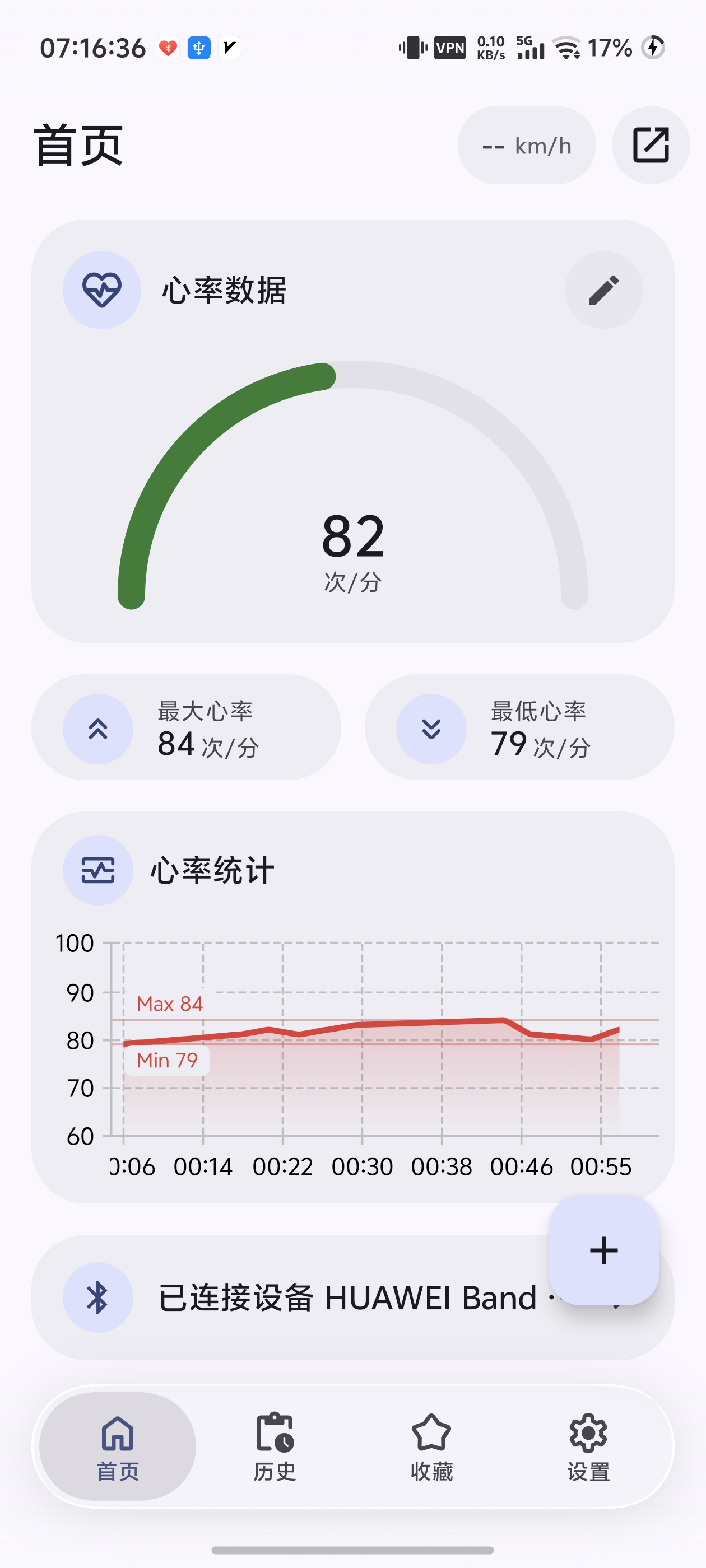
Real-time heart rate monitoring

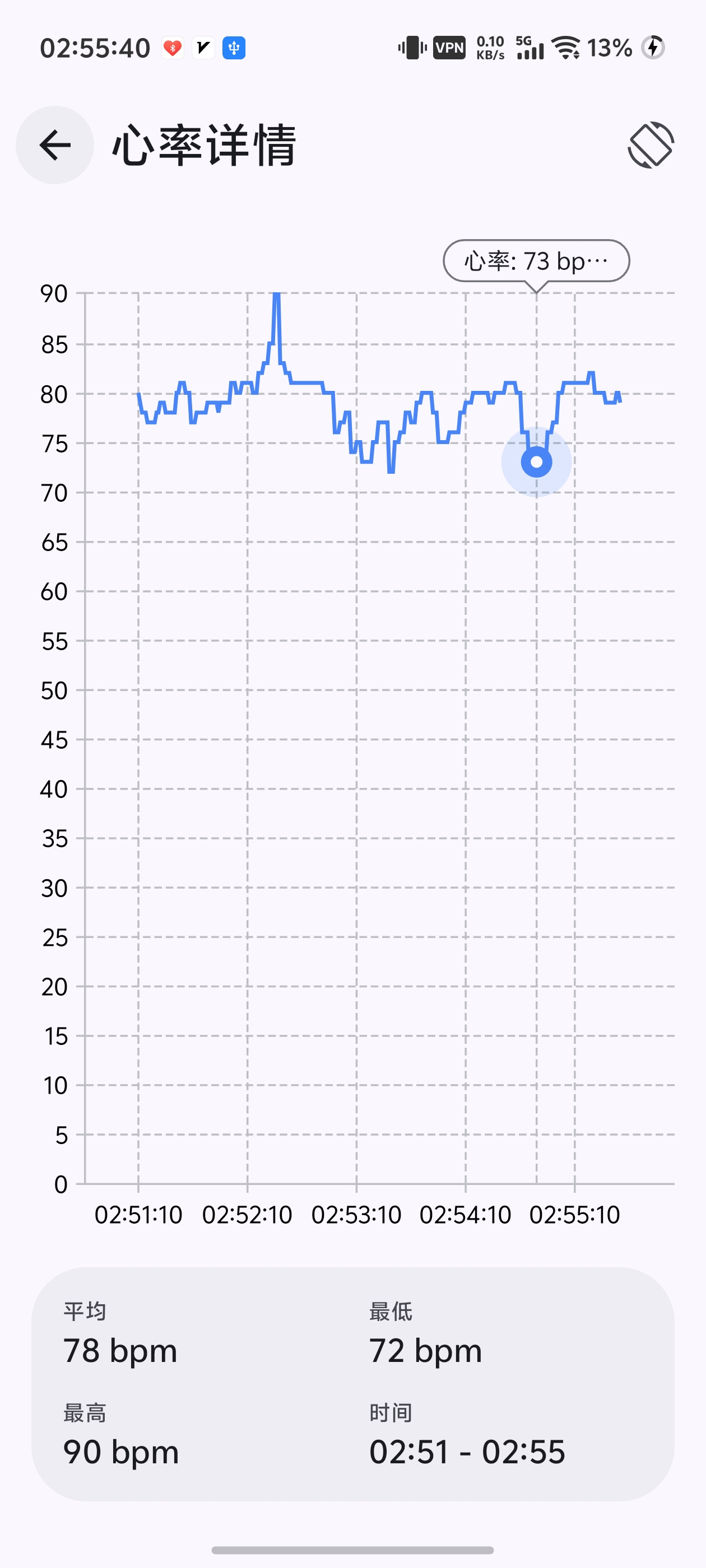
History & chart analysis

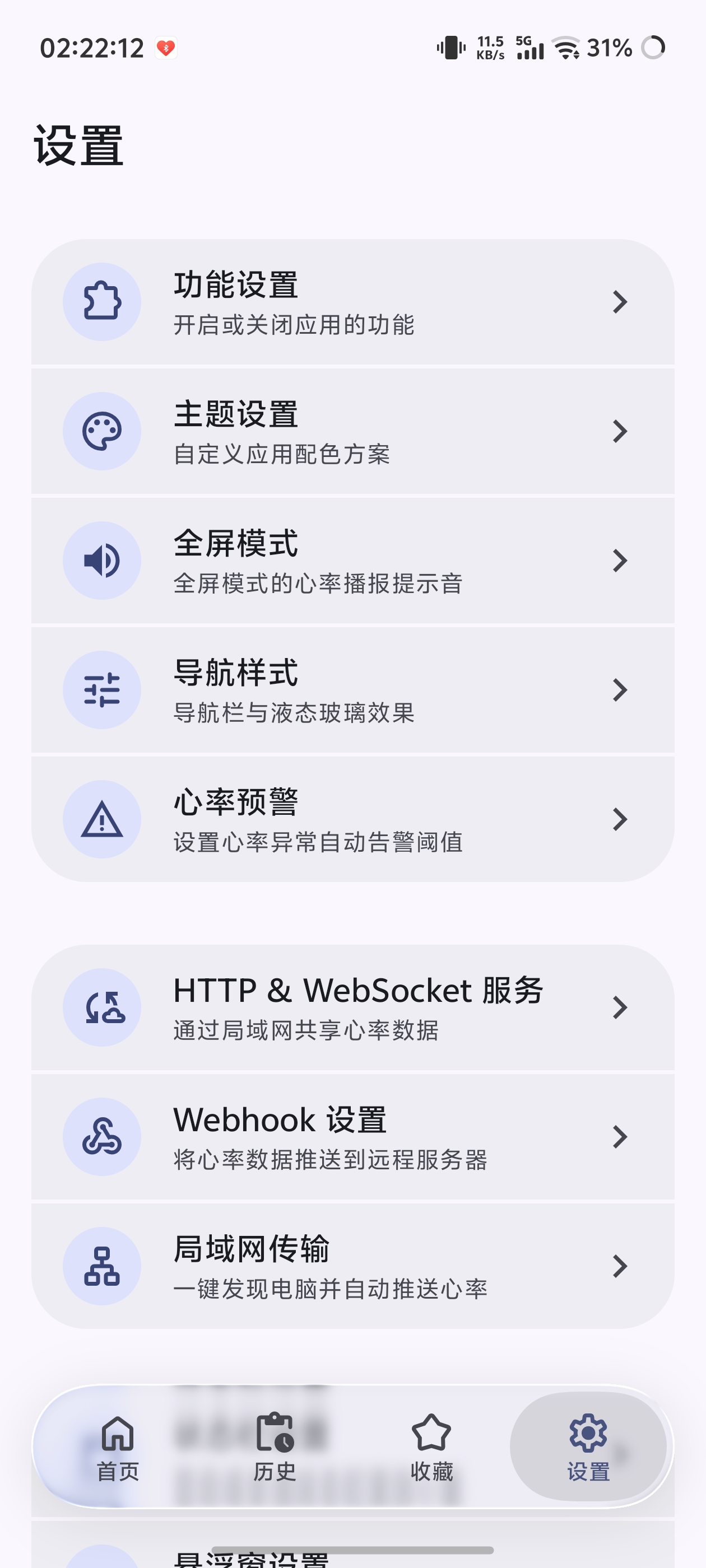
Personalization & floating window

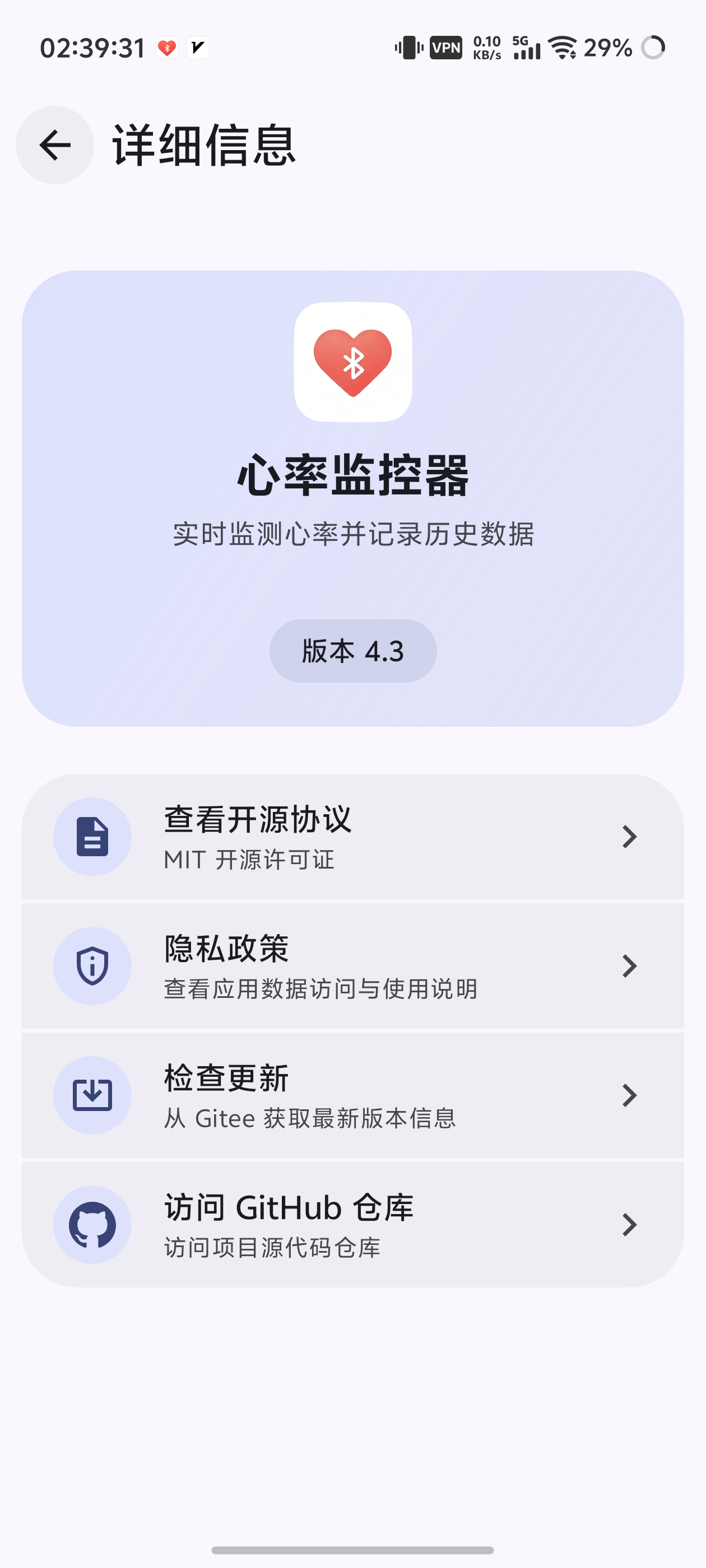
About and details
### Windows

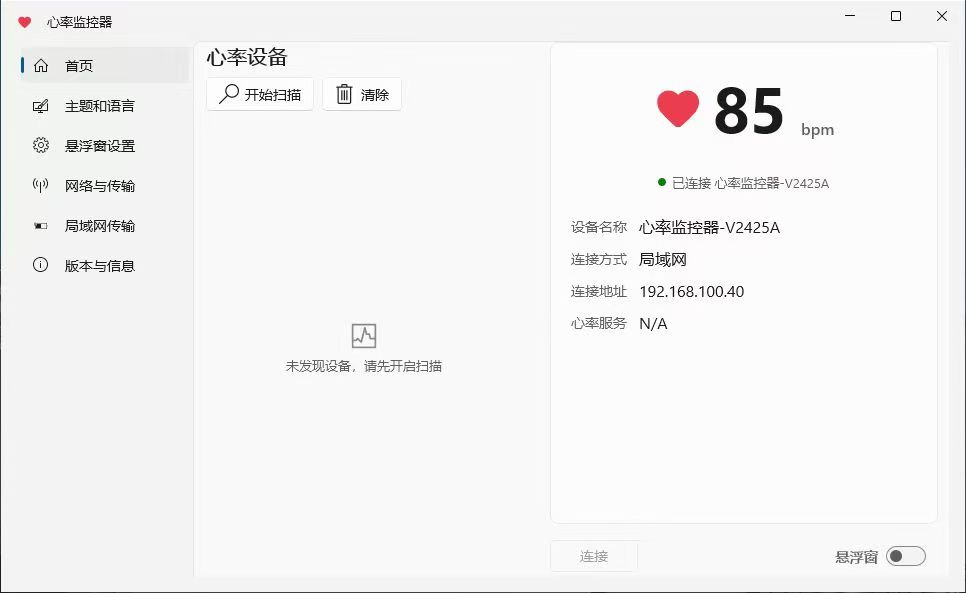
Home
Home

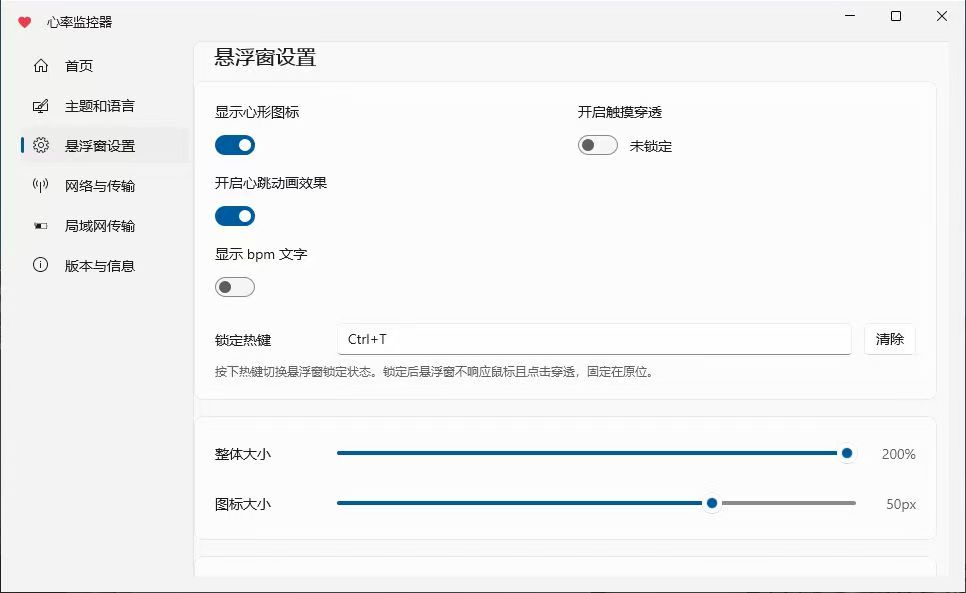
Floating window settings

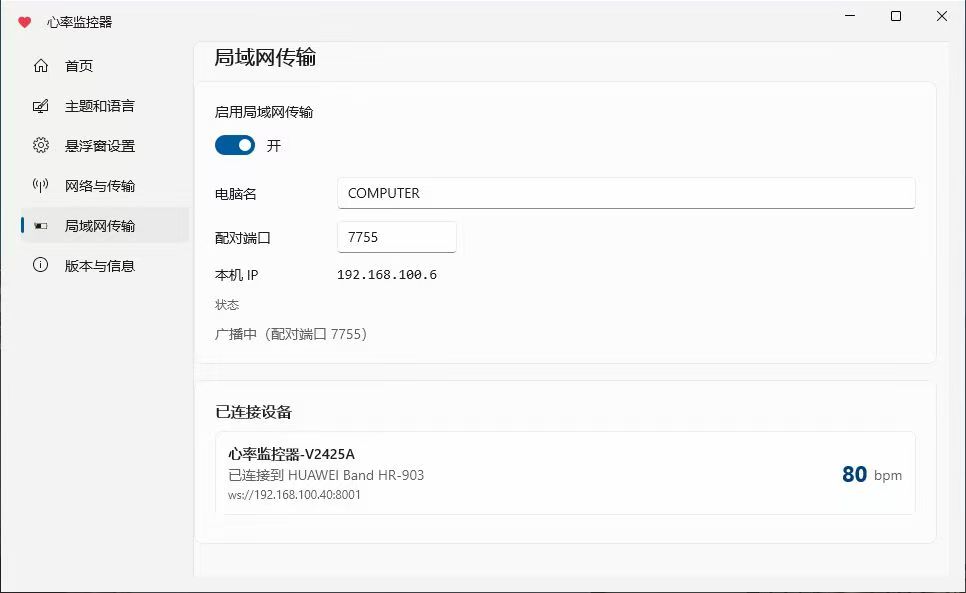
LAN transfer
LAN transfer

Version and details
Version and details

LAN transfer
LAN transfer

----- ## 🚀 Installation & Running Clone the repository: ```bash git clone https://github.com/XiaochangXu/HeartRateMonitor-composeui.git ``` ### Android 1. **Open the project**: Open the `android` directory with **Android Studio** 2. Wait for **Gradle** to automatically sync dependencies 3. **Build and run**: Connect a real device or emulator (API ≥ 24), then click the ▶️ Run button in the toolbar ### Windows **Requirements**: Windows 10/11, .NET 10 SDK, Windows App SDK 1.8 workload. ```bash cd windows dotnet build -c Debug ``` Run: ```bash bin\Debug\net10.0-windows10.0.19041.0\win-x64\HeartRate.exe ``` > If `dotnet` is not in PATH, call `dotnet.exe` with its full path. > > Alternatively, extract the release package and double-click `HeartRate.exe` to launch. ----- ## 🧭 Usage Guide ### Android 1. **Grant permissions**: Allow Bluetooth and location permissions on first launch 2. **Connect a heart rate device**: First enable heart rate broadcasting on the device, then tap the Scan button to select and connect 3. **View history**: Tap the history icon in the toolbar to open the list, then tap an entry to view charts 4. **Use the floating window**: Toggle from the home toolbar, customize appearance in Settings 5. **Status bar persistence**: Settings → Status Bar Heart Rate, enable to show heart rate in the status bar 6. **Heart rate alerts**: Settings → Heart Rate Alert, configure thresholds and posture calibration 7. **Data interfaces**: Settings → Data & Services, configure HTTP/WebSocket/Webhook ### Windows - Extract the release package, enter the directory, and double-click `HeartRate.exe` to launch ----- ## Tech Stack ### Android - Kotlin + Jetpack Compose - Kable (BLE), Vico (Charts), Room (Database), MaterialKolor (Dynamic Color) - NanoHTTPD (HTTP/WebSocket Server), PermissionX, AndroidLiquidGlass ### Windows - .NET 10 + WinUI 3 (Windows App SDK 1.8) - CommunityToolkit.Mvvm (MVVM source generators) - Direct2D / DirectComposition floating window rendering - Self-contained unpackaged deployment ----- ## 📁 Project Structure ``` ├── android/ # Android (Kotlin + Compose) ├── windows/ # Windows (C# + WinUI 3) ├── .github/workflows/ # Release pipelines: release-android.yml / release-windows.yml ├── LICENSE └── README.md ``` ----- ## 🙏 Acknowledgements **Core Dependencies (Android)** - UI Framework: [Jetpack Compose](https://developer.android.com/jetpack/compose) · [Material 3](https://m3.material.io/) - Bluetooth: [Kable](https://github.com/JuulLabs/kable) - Charts: [Vico](https://github.com/patrykandpatrick/vico) - Database: [Room](https://developer.android.com/training/data-storage/room) - Dynamic Color: [MaterialKolor](https://github.com/jordond/MaterialKolor) - HTTP/WebSocket Server: [NanoHTTPD](https://github.com/NanoHttpd/nanohttpd) - Permissions: [PermissionX](https://github.com/guolindev/PermissionX) - Liquid Glass: [AndroidLiquidGlass](https://github.com/Kyant0/AndroidLiquidGlass) - G2 Capsule: [Capsule](https://github.com/Kyant0/Capsule) ----- ## 🗺️ Roadmap ### ✅ Core Features - [x] BLE heart-rate device scanning & connection - [x] Heart-rate history & chart analysis - [x] Floating window / status-bar persistent heart rate - [x] HTTP / WebSocket / Webhook data interfaces - [x] Heart-rate alert + posture detection - [x] Material 3 dynamic color - [x] Self-drawn HSV color picker - [x] WebSocket server for PC and phone communication ----- ## 📄 License [MIT](./LICENSE) © 2026 XiaochangXu