🇺🇸 English • 🇹🇷 Türkçe • 🇨🇳 简体中文 • 🇹🇼 繁體中文 • 🇫🇷 Français • 🇪🇸 Español • 🇧🇷 Português-Brasil • 🇷🇺 Русский • 🇯🇵 日本語 • 協助翻譯 • Crowdin
一個強大且跨平台的 GUI,讓您以優雅、輕鬆的方式管理 Rclone 雲端連接。
使用 Angular 22 + Tauri 建置 · 支援 Linux • Windows • macOS • Android (測試版) • ARM




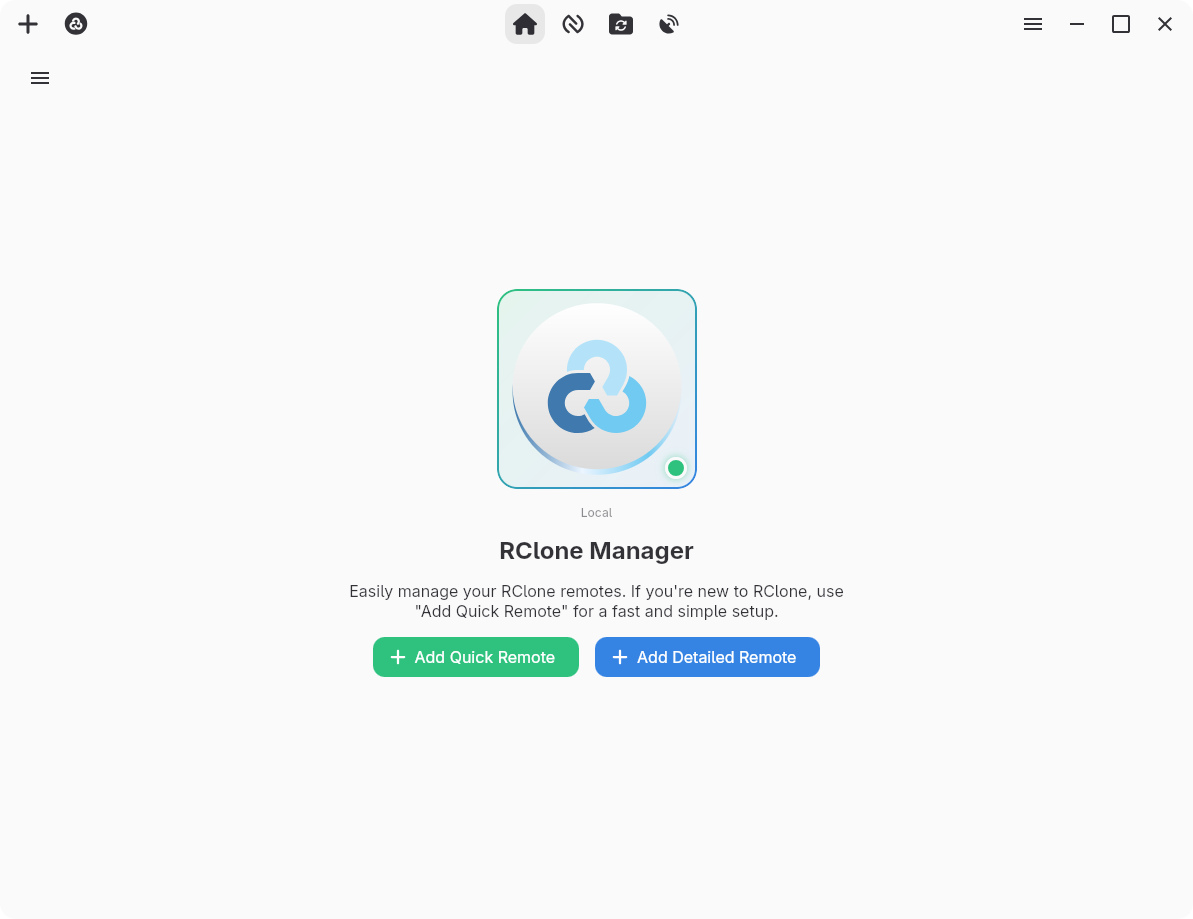
控制面板 - 快速執行、掛載與遠端概覽一目了然
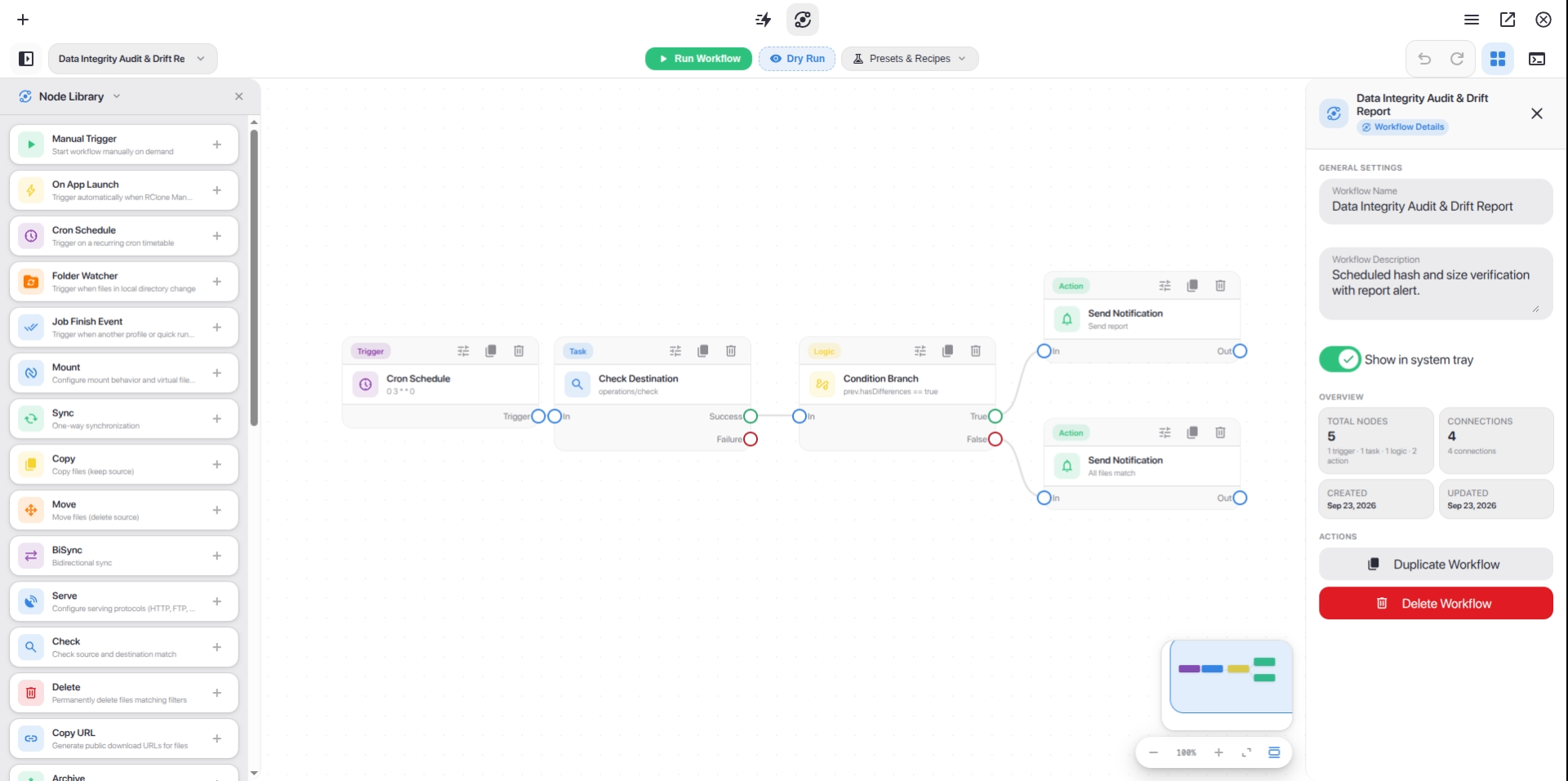
工作流程編輯器 - 在互動式節點畫布上設計與自動化多步驟雲端管線
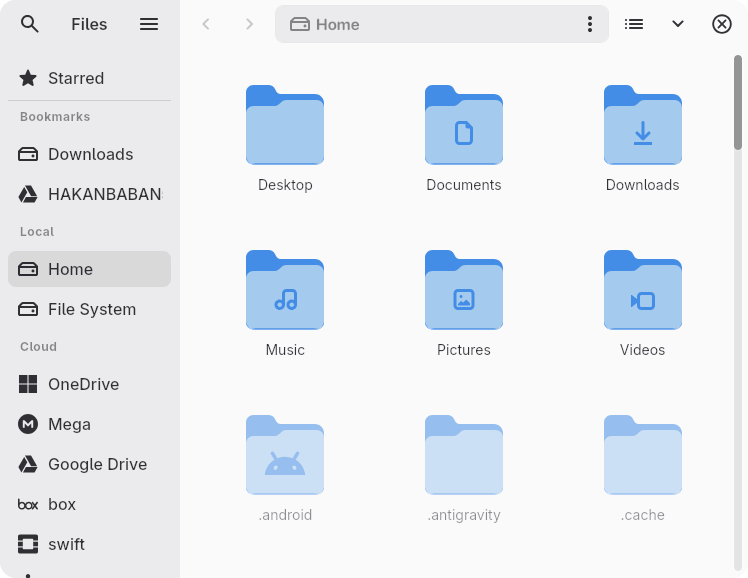
Nautilus - 瀏覽、傳輸與管理所有遠端儲存空間中的檔案
📖 想了解更多?請造訪 Wiki 藝廊 了解所有功能。
--- ## 安裝與下載 使用您偏好的套件管理器安裝 RClone Manager,或直接從 [版本發佈頁面](https://github.com/Zarestia-Dev/rclone-manager/releases) 下載獨立二進位檔。 ### Linux | 來源 | 版本 | 安裝指令 / 下載 | | :------------ | :-------------------------------------------------------------------------------------------------------------------------------------------------------------------------------------- | :------------------------------------------------------------------------------------------------------------------ | | **AUR** | [](https://aur.archlinux.org/packages/rclone-manager) | `yay -S rclone-manager` | | **AUR (Git)** | [](https://aur.archlinux.org/packages/rclone-manager-git) | `yay -S rclone-manager-git` | | **Flathub** | [](https://flathub.org/apps/io.github.zarestia_dev.rclone-manager) | `flatpak install io.github.zarestia_dev.rclone-manager` | | **直接下載** | [](https://github.com/Zarestia-Dev/rclone-manager/releases/latest) | [最新版本 (.deb, .rpm, .AppImage, Portable tar.gz)](https://github.com/Zarestia-Dev/rclone-manager/releases/latest) | > 📚 **指南:** [Wiki: 安裝 - Linux](https://hakanismail.info/zarestia/rclone-manager/docs/installation-linux)(Flatpak 問題排查、Snap 等) ### macOS | 來源 | 版本 | 安裝指令 / 下載 | | :----------- | :---------------------------------------------------------------------------------------------------------------------------------------------------------------------------------------------------------- | :--------------------------------------------------------------------------------------------------------- | | **Homebrew** | [](https://github.com/Zarestia-Dev/homebrew-zarestia/blob/main/Casks/rclone-manager.rb) | `brew tap Zarestia-Dev/zarestia && brew trust Zarestia-Dev/zarestia && brew install --cask rclone-manager` | | **直接下載** | [](https://github.com/Zarestia-Dev/rclone-manager/releases/latest) | [DMG 安裝檔](https://github.com/Zarestia-Dev/rclone-manager/releases/latest) | > 📚 **指南:** [Wiki: 安裝 - macOS](https://hakanismail.info/zarestia/rclone-manager/docs/installation-macos)(macFUSE 與 Gatekeeper 設定) ### Windows | 來源 | 版本 | 安裝指令 / 下載 | | :------------- | :------------------------------------------------------------------------------------------------------------------------------------------------------------------------------------------------------------- | :------------------------------------------------------------------------------------ | | **Winget** | [](https://github.com/microsoft/winget-pkgs/tree/master/manifests/r/RClone-Manager/rclone-manager) | `winget install RClone-Manager.rclone-manager` | | **Chocolatey** | [](https://community.chocolatey.org/packages/rclone-manager) | `choco install rclone-manager` | | **Scoop** | [](https://github.com/ScoopInstaller/Extras/blob/master/bucket/rclone-manager.json) | `scoop bucket add extras && scoop install rclone-manager` | | **直接下載** | [](https://github.com/Zarestia-Dev/rclone-manager/releases/latest) | [安裝檔 / 可攜式 EXE](https://github.com/Zarestia-Dev/rclone-manager/releases/latest) | > 📚 **指南:** [Wiki: 安裝 - Windows](https://hakanismail.info/zarestia/rclone-manager/docs/installation-windows)(WinFsp 掛載需求與 SmartScreen) ### Android (測試版) | 來源 | 版本 | 安裝指令 / 下載 | | :----------- | :-------------------------------------------------------------------------------------------------------------------------------------------------------------------------------------- | :--------------------------------------------------------------------------------------------------------------- | | **直接下載** | [](https://github.com/Zarestia-Dev/rclone-manager/releases/latest) | [APK 下載 (arm64-v8a, armeabi-v7a, x86_64, x86)](https://github.com/Zarestia-Dev/rclone-manager/releases/latest) | > 📱 **儲存空間存取架構 (SAF):** 提供原生 `DocumentsProvider` (`RcloneDocumentsProvider`) 整合與程序內 VFS 掛載橋,無需 Root 或 `/dev/fuse` 即可將已掛載的雲端儲存直接公開給 Android 系統檔案選擇器與外部應用程式。 > > 📚 **指南:** [Wiki: Android 支援 (測試版)](https://hakanismail.info/zarestia/rclone-manager/docs/configuration-android) (Go 引擎 / librclone 詳細資訊、SAF 提供程式與設定) > 🛠️ **系統需求:** 掛載磁碟機需要 WinFsp (Windows)、macFUSE (macOS) 或 FUSE3 (Linux)。如果缺失,Rclone 本身會自動下載。請參閱 [Wiki: 系統需求](https://hakanismail.info/zarestia/rclone-manager/docs/Installation#%EF%B8%8F-dependencies)。 --- ## 開發與支援 - **從原始碼建置:** 請參考 [建置指南](https://hakanismail.info/zarestia/rclone-manager/docs/building)。 - **程式碼品質:** 造訪 [LINTING.md](LINTING.md) 獲取樣式指南。 - **問題排查:** 造訪我們的 [問題排查 Wiki](https://hakanismail.info/zarestia/rclone-manager/docs/troubleshooting) 或閱讀 [ISSUES.md](ISSUES.md) 以取得平台專屬說明。 --- ## 參與貢獻 我們熱烈歡迎任何形式的貢獻! - 🌍 **翻譯:** 加入 [Crowdin 專案](https://crowdin.com/project/rclone-manger) 或閱讀 [翻譯指南](CONTRIBUTING.md#adding-translations)。 - 🐛 **錯誤與功能建議:** 提交 [Issue](https://github.com/Zarestia-Dev/rclone-manager/issues) 或查看 [專案看板](https://github.com/users/Zarestia-Dev/projects/2)。 - 🔧 **程式碼變更:** 請在提交 Pull Request 之前閱讀 [CONTRIBUTING.md](CONTRIBUTING.md)。 --- ## 授權條款與支援 - **授權條款:** 採用 [GNU GPLv3](LICENSE) 授權 – 免費使用、修改與散布。 - **支援:** 如果您喜歡這個專案,請考慮在 GitHub 上給它一顆 ⭐!
由 Zarestia 團隊傾心製作
基於 Rclone | 使用 Angular & Tauri 建置