[](https://github.com/ai4s-research/open-science)
# Open Science Desktop
**Local-first, model-agnostic AI research workbench for macOS, Windows & Linux.**
Formerly Open Science. An open-source desktop alternative to Claude Science and
similar AI-for-science workbenches — built with Tauri, MCP, agent skills, and
reproducible artifacts. It connects agents, notebooks, files, figures, reports,
runs, and review into one auditable desktop workflow.
English ·
简体中文 ·
日本語 ·
Español ·
Deutsch ·
Français ·
한국어
---
## News
- **2026-10-29** — 🖥️ **Terminals that stay, agents side by side.** Terminals now run outside the app and survive updates, relaunches and crashes; Claude Code, Codex and pi run as conversations beside OpenCode, and a session moves between terminal and conversation in one click. Plus several accounts per agent, theme variants, new models on slow networks, and Chinese punctuation that goes in on the first press. *(v0.7.1)*
- **2026-10-26** — 🌐 **The workbench from any browser, and agents that talk to each other.** Splits, Screens and terminals now work over Remote Access, on a phone too, with name-and-password accounts; define your own Specialists with their own instructions, skills, connectors and model; and agents read and message each other's conversations and terminals through `osd`. Plus queued messages while the agent works, and a no-root Linux install. *(v0.7.0)*
- **2026-10-04** — 🖱️ **Computer Use, terminals and editors.** The agent can now operate desktop apps like ImageJ, Origin and instrument software; panes hold terminals, files and a code editor, where Claude Code / Codex resume after a relaunch; plus find (⌘F), jump to any session or project (⌘J), and Linux ARM64 for DGX Spark. *(v0.6.0)*
- **2026-08-18** — 🖥️ **Runs without a screen, and the terminal command comes with it.** `osd server` starts the whole workbench — workspace, agent runtime, and the *same* web UI — on a machine with no display, and `osd session send … --wait` drives it from a script or another agent. `osd` ships inside the desktop installer and puts itself on your PATH on first launch; on a server the archive needs nothing installed. Models, keys and approvals are all configurable from the terminal (`osd model`, `osd auth`, `osd approval`).
- **2026-08-13** — 🔌 **Speaks the Agent Client Protocol, both directions.** Drive Codex, Gemini CLI, Claude Code, or any other ACP agent from inside this app — with its own models, history, and your MCP connectors — or drive Open Science itself from Zed, JetBrains, or Neovim. *(v0.4.0)*
- **2026-08-01** — 🗂️ **Projects, memory, and full history.** Group sessions into named projects (import an existing repo *in place*, no copying), give the agent persistent global and project memory, and reach every past conversation through a searchable history with archive, restore, and export. *(v0.3.1)*
- **2026-07-24** — 🪟 **Split-pane tiling.** Tile sessions side by side, drag panes to re-dock them, keep several independent Screens, and run a different model in each pane. *(v0.3.0)*
- **2026-07-21** — 🌐 **Access from anywhere — even your phone.** A token-authenticated gateway serves the *real* desktop UI to a CLI, a browser on your LAN, or your phone (loopback by default; LAN is opt-in). Start a run at your desk and read the finished figure and report on your phone. *(v0.2.3)*
- **2026-07-21** — 🧭 **Browser control.** The agent can drive your own Chrome — profile and logins intact — to read the live web the way you do, or an isolated private browser on demand. *(v0.2.3)*
- **2026-07-09** — 🎉 **#1 on ResearchClawBench.** Open Science Desktop ranks #1 by scored-task average on [ResearchClawBench](https://internscience.github.io/ResearchClawBench-Home/), an end-to-end benchmark for autonomous scientific research agents (Pass@1 leaderboard).
---
## Contents
- [✨ What it does](#what-it-does)
- [🎬 See it in action](#see-it-in-action)
- [🧪 Current capabilities](#current-capabilities)
- [🔌 Skills and connectors](#skills-and-connectors)
- [📦 Install](#install)
- [🖥️ Headless & CLI (`osd`)](#headless--cli-osd)
- [🚀 Build from source](#build-from-source)
- [🔒 Safety and privacy](#safety-and-privacy)
- [🗂️ Repository layout](#repository-layout)
- [📌 Status](#status)
- [🤝 Contributing](#contributing)
- [📖 Citation](#citation)
- [⚖️ License](#license)
## What it does
**Runs the whole research loop** — from a broad direction to a finished paper:
exploration, literature survey, hypothesis, experiment code, analysis, figures, and
write-up, in one continuous, auditable session.
- **Autonomous research agents** — the bundled `ai4s-agent` chains specialist skills
end to end (explore → survey → experiment → write), and each stage drops a real,
inspectable artifact into your workspace, not just a chat reply.
- **Everything traces back** — figures, tables, reports, notebooks, and run outputs
link to the exact code, inputs, environment, model output, and conversation that
produced them.
- **Local-first and yours** — sessions, data, provenance, notebooks, and run records
live in local folders on your machine. Nothing leaves by default.
- **Model-agnostic runtime** — the UI talks through `packages/sdk` to a bundled,
pinned OpenCode sidecar. Bring your own model; providers, skills, and MCP servers
stay pluggable.
- **Reproducible by construction** — local, SSH/Slurm, Modal, and notebook-batch runs
are captured as reproducible run records, not loose terminal scrollback.
- **Reach it from anywhere** — a built-in, token-authenticated gateway serves the
*real* desktop UI to a browser on your LAN or phone (or, with a tunnel, from
anywhere) — kick off a run at your desk and check on it from your phone over lunch.
Off by default; loopback-only until you opt in, and API keys never leave the machine.
- **Drives your own browser** — the agent can control your real Chrome, with your
profile and logins intact, to read the live web the way you do — or an isolated
private browser when you'd rather it not.
- **Plan before it acts** — `/plan` lays out an execution plan before touching a
file, and `/goal` fixes the objective, constraints, and acceptance criteria the
agent then works toward.
- **Built for long projects** — named projects group their sessions, two layers of
persistent memory (global and per-project) carry what matters between them, and a
long conversation compacts itself as it approaches the model's context window.
- **Work several threads at once** — tile panes side by side, keep independent
Screens, and give each pane its own model.
- **Extensible** — agent skills, MCP servers and one-click science connectors,
`/` commands, `!` shell mode, and a model-agnostic SDK.
## See it in action
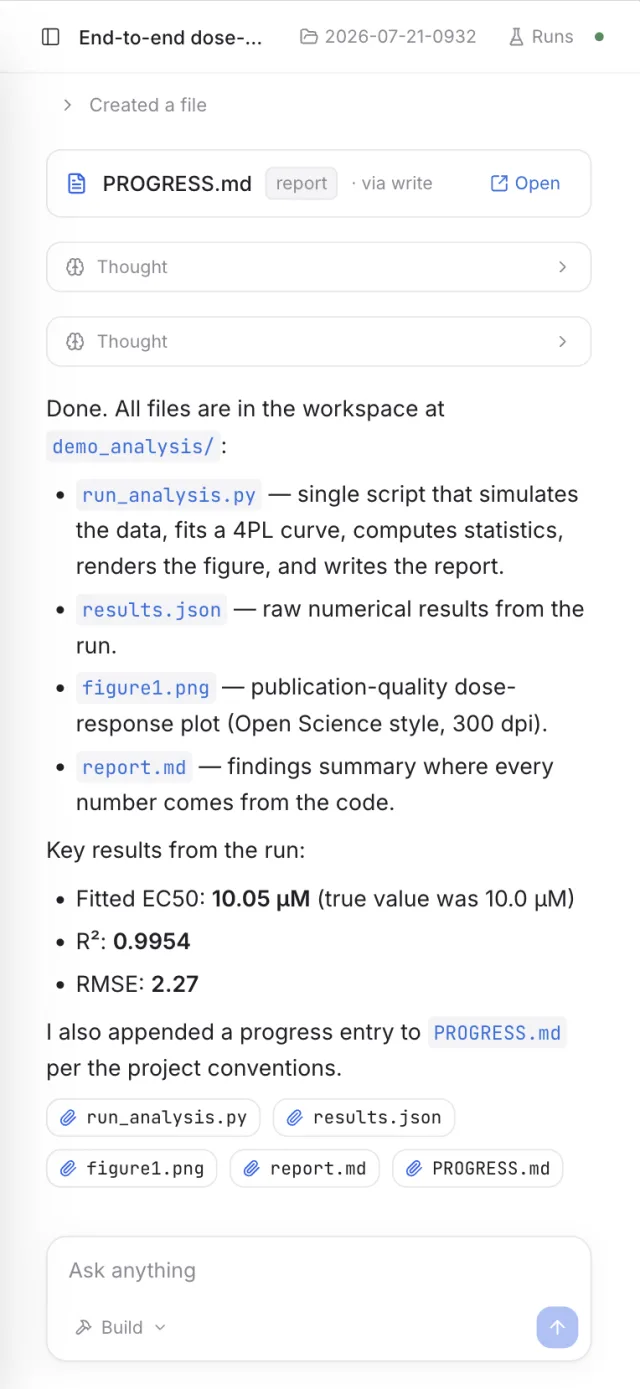
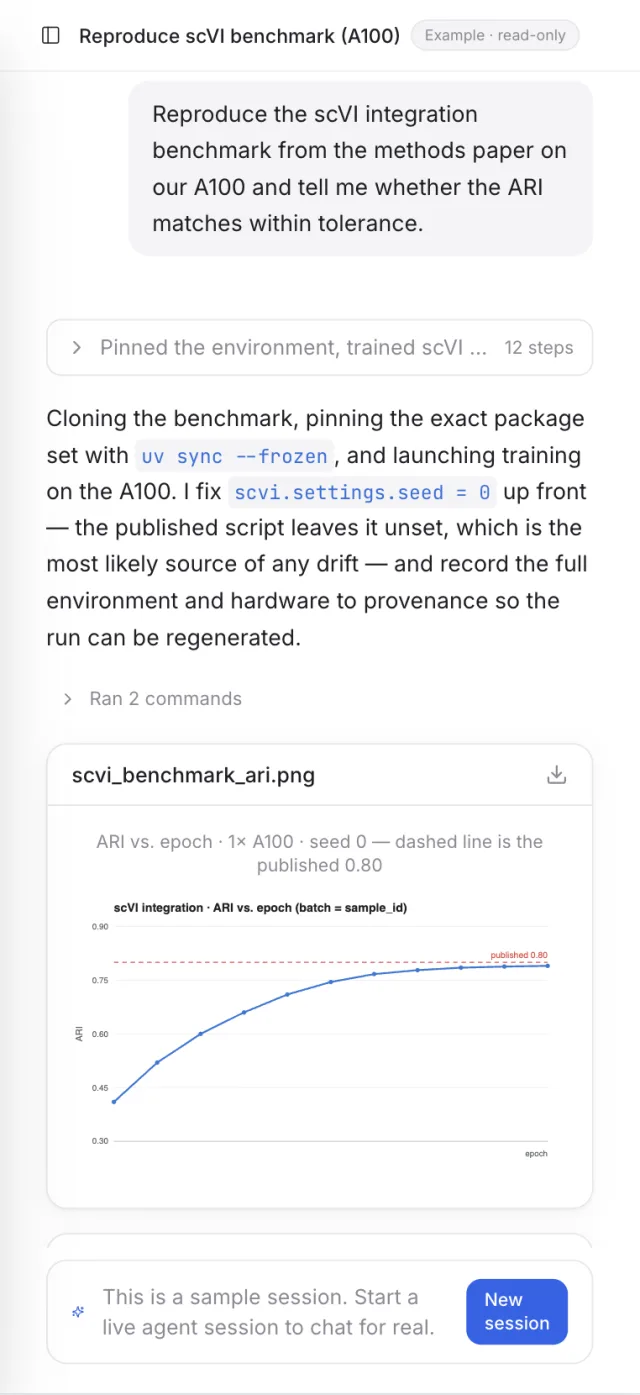
**One prompt -> a publication-grade figure, and every point traces to the exact code
and inputs that made it.** No black boxes: open any artifact to see its generating
script, its data files, and the conversation that produced it.

**Literature -> a verifiable report.** Fan the search out across sources, draft a
manuscript rendered as a PDF, and gate it on a citation review — DOIs resolved,
unsourced numbers and figure/code inconsistencies flagged — before anything ships.

**Drives your own Chrome.** The agent reads the live web through your real browser
profile — logins and all — then turns what it finds into a figure and a sortable CSV.

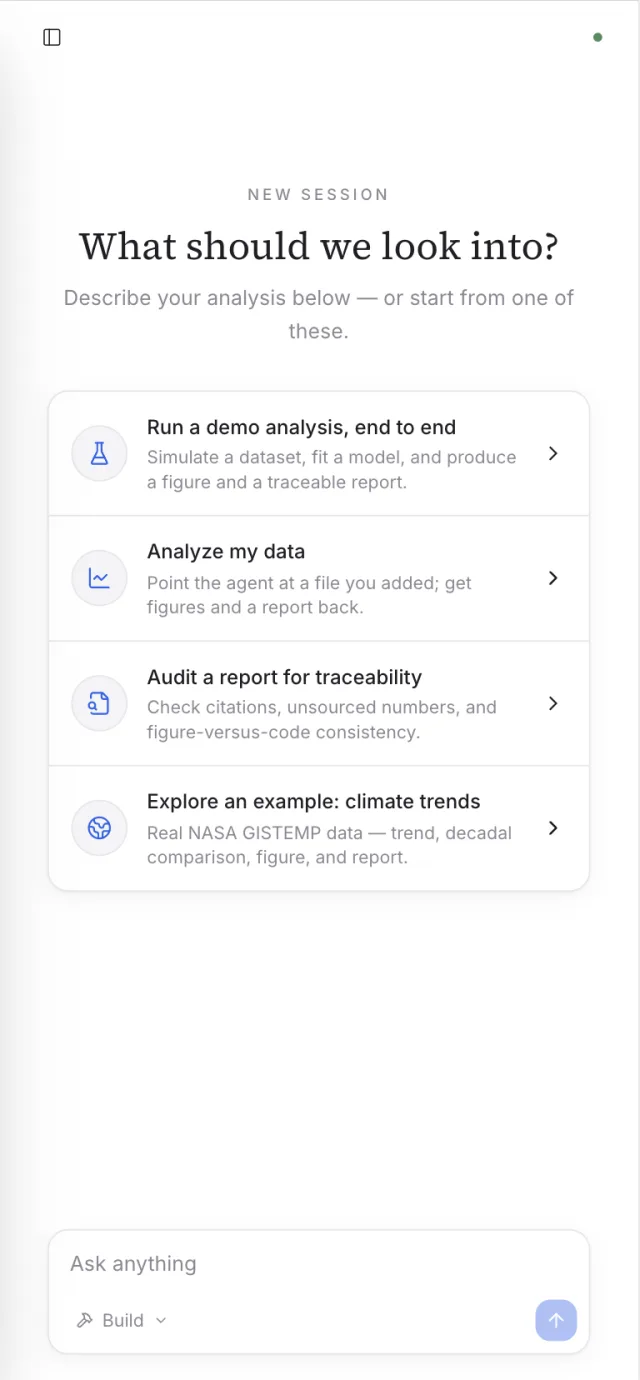
**Research from anywhere — even your phone.** A built-in authenticated gateway serves
the *real* desktop UI to a browser on your LAN (or a tunnel), so you can kick off a run
at your desk and read the finished figure and report on your phone.