A desktop companion platform with pets, plugins, and optional local agent integrations.
OpenPets puts an animated companion on your desktop, then lets plugins turn it into a focus buddy, reminder system, tiny game, launcher, or coding-agent sidekick.
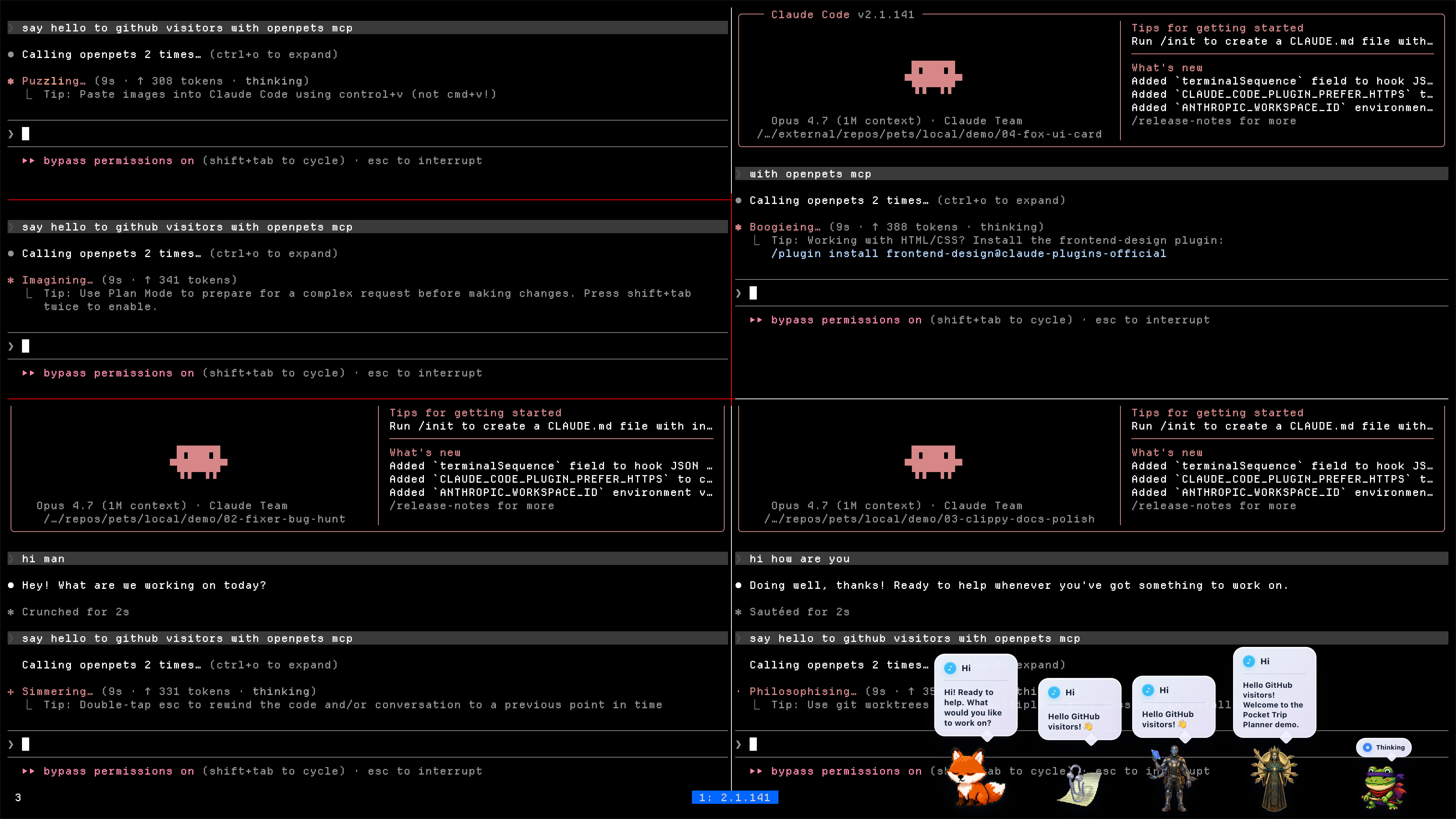
by Boring Dystopia Development



Read this in: English | 日本語 | 한국어 | 简体中文 | 繁體中文 | Português (Brasil) | Español (LatAm)
---
## Download OpenPets
**[Download the latest OpenPets desktop release](https://github.com/alvinunreal/openpets/releases/latest)** and launch it. A pet appears immediately; no agent setup required.
- **Desktop pets**: animated companions that idle, wander, react, and keep your workspace from feeling empty.
- **Official plugins**: focus timers, reminders, mood check-ins, mini games, launch shortcuts, hydration nudges, and virtual-pet stats.
- **Plugin SDK v3**: a sandboxed JavaScript/TypeScript runtime for building new pet abilities with permissions, quotas, storage, schedules, commands, panels, events, audio, notifications, and more.
- **Optional agent layer**: Claude Code, OpenCode, Cursor, Pi, and MCP clients can drive local pet reactions without exposing prompts, code, paths, logs, or secrets in speech bubbles.
---
## Star OpenPets
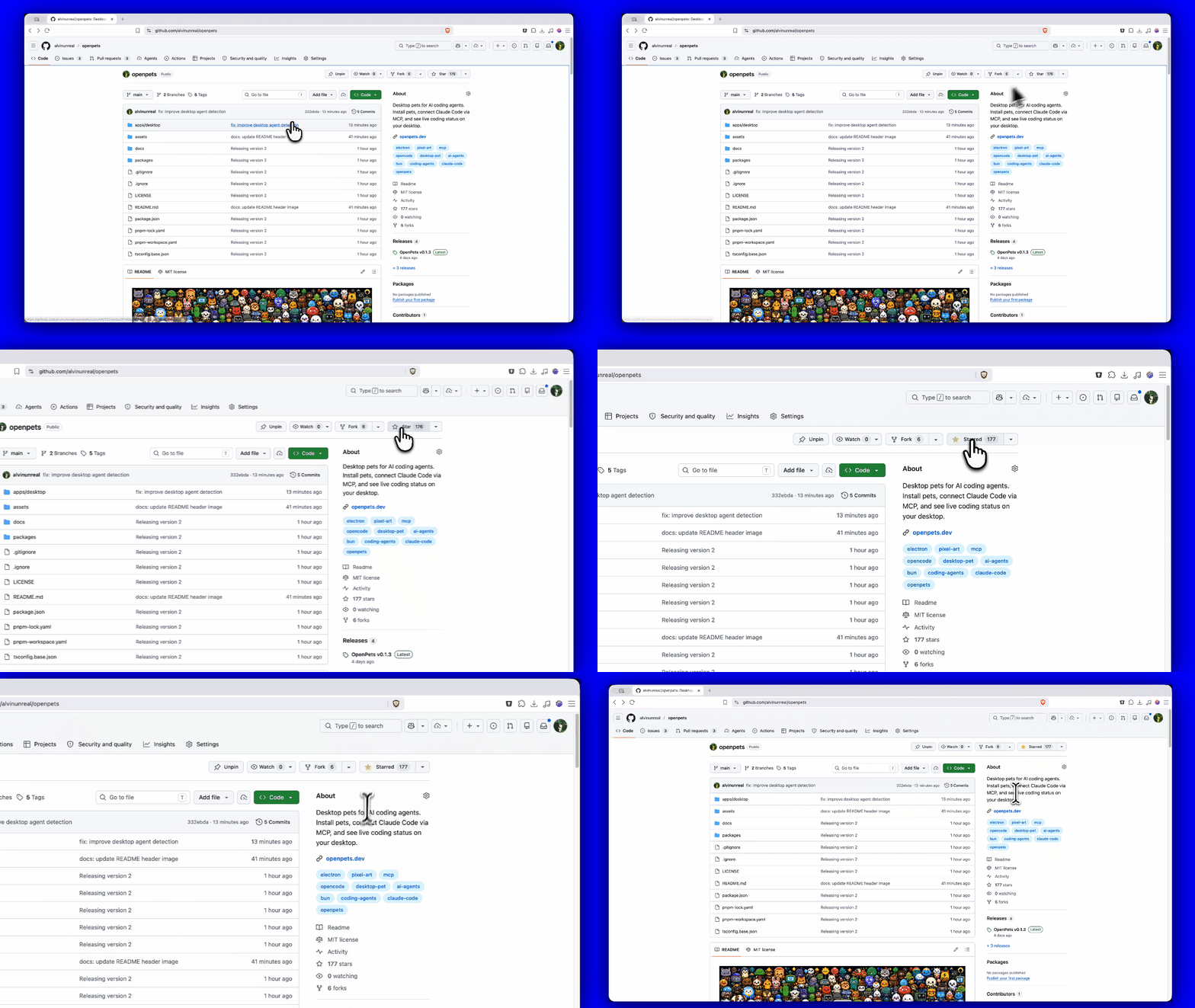
If OpenPets makes your coding setup or desktop workspace a little more fun, please give the repo a star.
---
## For Users: Getting Started
You do not need to be a developer or connect any AI agents to enjoy OpenPets. The desktop app is fully functional out of the box with the official plugin lineup.
### 1. Install OpenPets Desktop
Download the package for your operating system from [OpenPets Releases](https://github.com/alvinunreal/openpets/releases/latest):
- **macOS Apple Silicon**: `OpenPets-*-mac-arm64.dmg`
- **macOS Intel**: `OpenPets-*-mac-x64.dmg`
- **Windows**: `OpenPets-*-win-x64-setup.exe`
- **Linux**: `OpenPets-*-linux-x86_64.AppImage`
> Note: Windows release installers are signed. macOS builds may still be unsigned and can trigger a security warning; if macOS blocks execution, remove the quarantine flag via terminal:
> ```bash
> xattr -dr com.apple.quarantine /Applications/OpenPets.app
> ```
### 2. Manage and Customize Pets
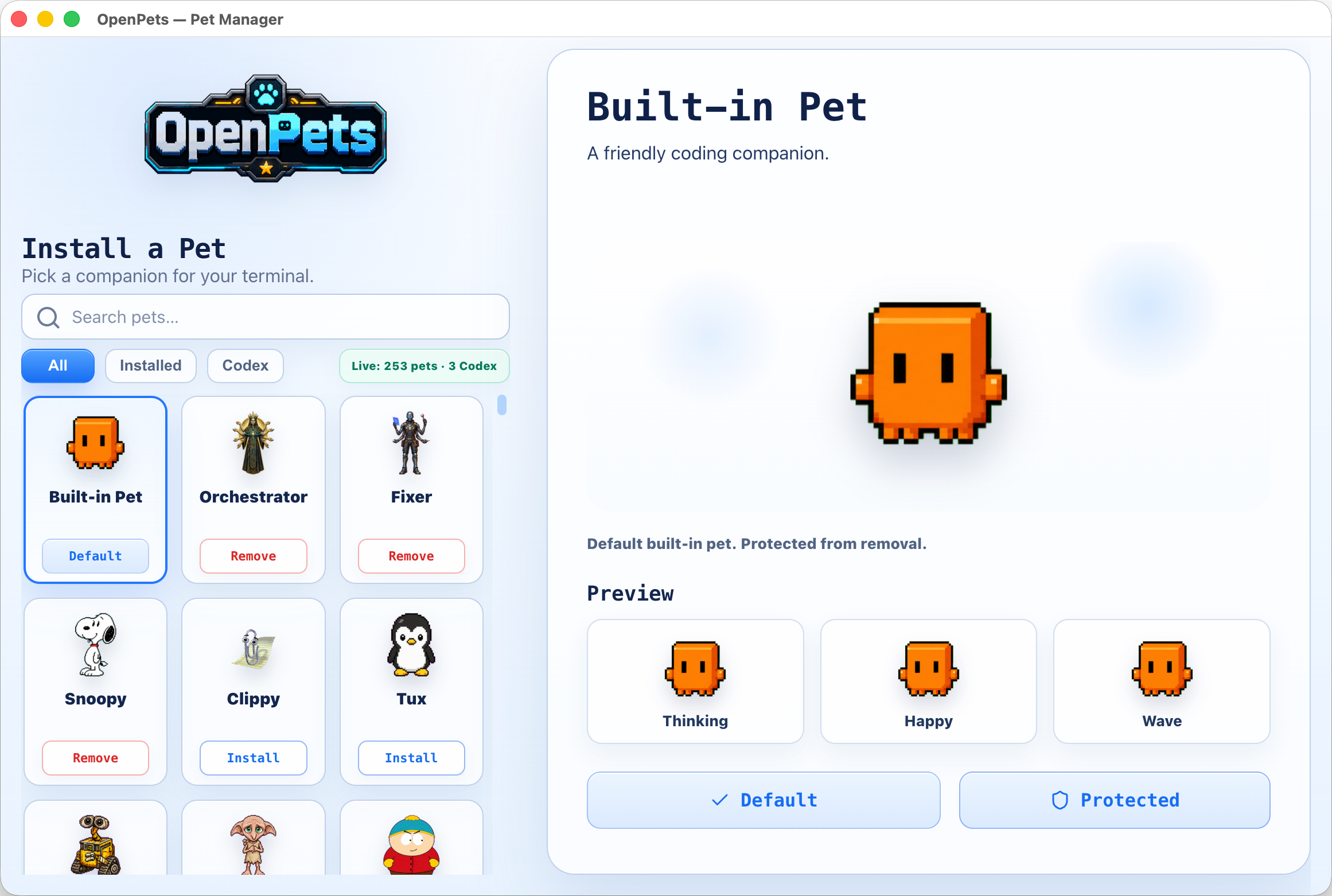
Browse installed pets, preview their animation frames, and configure which pet monitors each workspace or agent window from the built-in **Pet Gallery**.
### 3. Enable Official Plugins
OpenPets v3 ships with a modular **Official Plugin Catalog**. Enable or configure plugins via the desktop Control Center to add focus timers, reminders, and mini interactive games.
#### Shipped official lineup
- **Day Routine**: Tracks habits and reminds you to stretch or step away.
- **Focus Buddy**: Pomodoro-style focus timers to manage work cycles.
- **Fortune Cookie**: Cracks open randomized daily advice and wisdom.
- **Launch Buddy**: Allows registering shortcut commands to quickly open local folders, projects, or applications.
- **Magic 8 Ball**: Ask questions and receive playful, randomized answers from your pet.
- **Mood Check-in**: Periodically checks in on your mood to support emotional well-being.
- **Reminders**: Renders snoozeable, bell-alert notifications with custom audio tones.
- **Virtual Pet**: Turns your desktop companion into a Tamagotchi-style pet with hunger, affection, and energy levels tracked via a live status pin.
- **Water Reminder**: Keeps you hydrated with regular, customizable drinking prompts.
---
## Plugin Platform & SDK v3
The OpenPets plugin system offers a secure, developer-friendly SDK (`@open-pets/plugin-sdk`) for creating custom companion behavior.
### Security & Architecture
- **Sandboxed Runtime**: Each JS plugin runs inside a sandboxed BrowserWindow host environment.
- **Host-Rendered UI**: Plugins describe actions, HUDs, and notifications; the desktop host renders them. HTML/JS code cannot render raw HTML or execute arbitrary scripting inside a pet window.
- **Permissions Model**: Permissions must be declared in the manifest and approved by the user at install. Flagged sensitive APIs (like `voice:listen`, `clipboard`, and `pet:speak:dynamic`) require explicit consent toggles.
- **SSRF & Private Host Guards**: Network fetch requests are limited to developer-declared hostnames and guarded against local SSRF.
### The SDK surface (`ctx`)
Plugins hook into the desktop environment via the `ctx` object, exposing:
- `ctx.pets` / `ctx.pet`: Manage default and spawned pet instances: spawn, move, animate, and react.
- `ctx.ui`: Alerts, transient/pinned bubbles, custom menus, panels, and status HUDs. Pinned mini HUD bubbles support compact 2x2 grid layouts with progress bars, such as Virtual Pet stats.
- `ctx.audio`: Trigger host-managed alert tones or user-imported custom audio.
- `ctx.schedule`: Set precise timer hooks (`once`, `every`, `daily`, `cron`, `at`).
- `ctx.ai` / `ctx.secrets`: Hook into the user's host-configured AI provider (Anthropic, OpenAI, Ollama) without exposing API keys to the plugin source.
- `ctx.storage`: Simple JSON key-value store with change subscriptions.
- Other APIs: `events`, `assets`, `bus`, `net` (with streaming support), `notify`, `voice` (TTS & push-to-talk STT), `auth` (PKCE browser flow), `files` (secure picked OS dialogs), `system`, `commands`, `status`, and `log`.
### Developer Tools & Commands
Create, validate, and test plugins using the official CLI.
#### 1. Scaffold a new plugin
Create a template from any of the official layouts (`blank`, `reminder`, `ambient`, `ai-chat`, `tamagotchi`, `calendar`):
```bash
npx @open-pets/cli plugin new "My Plugin" --template tamagotchi
```
#### 2. Validate
Verify manifest layout, permissions, and configuration schemas before packing:
```bash
npx @open-pets/cli plugin validate ./my-plugin
```
#### 3. Test harness
Write deterministic tests without launching the desktop app. Using `@open-pets/plugin-sdk/testing`'s `createTestHarness`, you can mock the host, advance clocks, trigger actions, and verify reactions:
```javascript
import { createTestHarness } from "@open-pets/plugin-sdk/testing";
import { register } from "./index.js";
const h = createTestHarness(register, { permissions: ["pet:speak", "schedule"] });
await h.start();
h.expectScheduled("decay");
await h.clock.advance("30m");
h.expectSpoke(/need attention/i);
```
Run plugin tests from your plugin project:
```bash
npm test
```
---
## Advanced: Agent Integrations
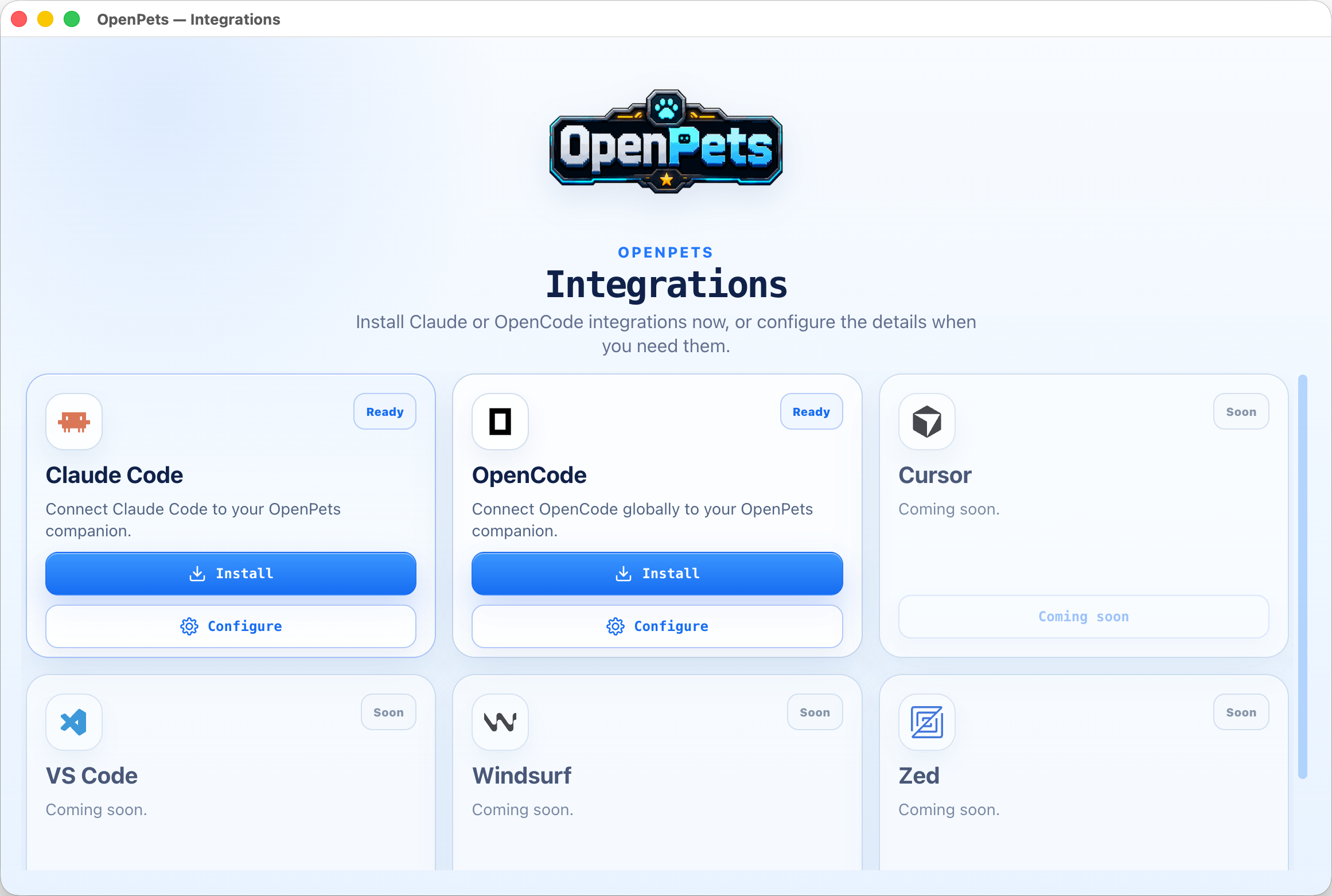
If you want your development agent to drive your desktop companion, OpenPets provides an optional local MCP (Model Context Protocol) integration layer.
### How it works
When you configure an agent, OpenPets exposes standard MCP tools. The agent can trigger animations, change status, and display text bubbles locally:
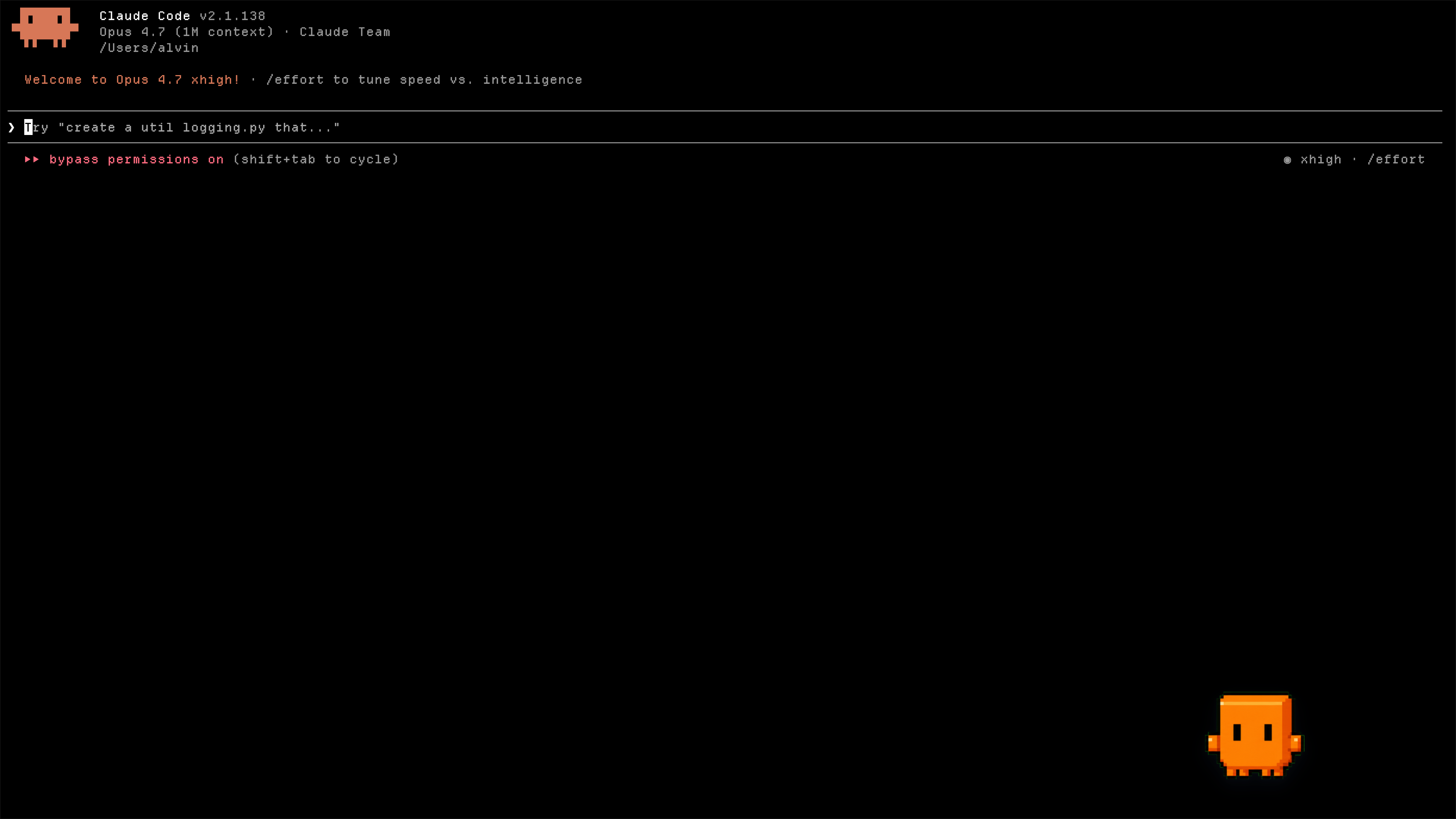
1. **Claude Code**: Installs OpenPets MCP, memory instructions in `~/.claude/CLAUDE.md`, and hooks in `~/.claude/settings.json`.
2. **OpenCode**: Installs OpenPets MCP, custom project instruction files, and the `@open-pets/opencode` automatic hook plugin.
3. **Cursor / Other MCP Clients**: Register OpenPets as a standard stdio or TCP MCP server.
### Diagnose your setup
Check whether the Claude hook and project Cursor MCP integrations are installed, need an update, or are broken, and whether the desktop app is reachable:
```bash
npx @open-pets/cli doctor
```
Pass `--cwd ` to inspect a different project's `.cursor/mcp.json`, or `--json` for machine-readable output. The command exits non-zero only when an integration is broken, so it is safe to run before reporting a bug.
### MCP Server Configuration
To run OpenPets as an MCP tool, add the server to your agent's configuration:
```json
{
"mcpServers": {
"openpets": {
"type": "stdio",
"command": "npx",
"args": ["-y", "@open-pets/mcp@latest"]
}
}
}
```
*Tip: To target a specific pet, pass the `--pet ` argument.*
### Available MCP Tools
- `openpets_status`: Retrieve target pet ID and check runtime connectivity.
- `openpets_react`: Set pet reaction animations (e.g., `thinking`, `editing`, `testing`, `success`, `error`).
- `openpets_say`: Display a short speech bubble.
### Local Privacy & Safety
- All automated reactions run on static local triggers (e.g., when a command runs or a file is written).
- Speech content is validated to prevent leaking sensitive variables, paths, secrets, or multiline code snippets.
- Real-time interaction requires a local discovery token write/read, protecting the IPC bridge from external network triggers.
---
## Development Workspace
For contributing to the OpenPets codebase, testing changes, or building the desktop packages locally.
### Prerequisites
- **Node.js**: version 20 or higher
- **pnpm**: version 11 or higher
- **TypeScript**: compiler support
### Commands
Install project workspace dependencies:
```bash
pnpm install
```
Launch the Electron application in local developer mode:
```bash
pnpm dev:desktop
```
Launch with live official plugins loaded and monitored:
```bash
pnpm dev:desktop:plugins
```
Run workspace typechecking, code-conformance validations, and tests:
```bash
pnpm check
pnpm typecheck
pnpm test
```
Package the desktop application:
```bash
# Build & package into target OS directory
pnpm package:desktop:dir
# Build & package into final installer / setup archives
pnpm package:desktop
```
### Workspace Structure
```text
apps/desktop Electron desktop application
packages/client @open-pets/client (IPC helper library)
packages/mcp @open-pets/mcp (Model Context Protocol stdio server)
packages/claude @open-pets/claude (Claude integrations, memory, & hooks)
packages/opencode @open-pets/opencode (OpenCode plugins & instruction configs)
packages/pi @open-pets/pi (Pi CLI extension integration)
packages/agent-events Shared sanitizers and events helper package
packages/cli @open-pets/cli (User entry point CLI for configuration & scaffolding)
packages/sdk @open-pets/plugin-sdk (Plugin SDK v3 declarations & testing harness)
packages/pet-format @open-pets/pet-format (Pet manifest and schema types)
plugins/official Official first-party plugin workspace (bundled with host catalog)
docs/ Technical specifications and architecture documentation
```
---
## Documentation
Explore detailed architectural and platform documentation inside the `docs/` folder:
- [`docs/architecture.md`](docs/architecture.md) - The one-page mental model: runtime topology, package spine, end-to-end flows.
- [`docs/desktop.md`](docs/desktop.md) - The Electron app: process model, tray-first UX, Control Center, security model.
- [`docs/agent-integrations.md`](docs/agent-integrations.md) - How Claude Code, MCP, OpenCode, Cursor, and Pi are configured.
- [`docs/plugins.md`](docs/plugins.md) - Plugin platform SDK v3 manifest, permissions, and sandboxed runtime.
- [`docs/sdk.md`](docs/sdk.md) - Public SDK v3 contract for plugin authors: capability namespaces, permission surface, test harness.
- [`docs/catalog.md`](docs/catalog.md) - Pet and plugin catalog contracts: v3/v2, pagination, install artifacts.
- [`docs/development.md`](docs/development.md) - Developer experience: monorepo layout, command surface, dev modes.
- [`docs/testing-and-validation.md`](docs/testing-and-validation.md) - Quality gates: behavior tests, runtime checks, release validators.
- [`docs/release.md`](docs/release.md) - Application packaging and release processes.
---
## Ownership & Promise
OpenPets is developed and maintained by [Boring Dystopia Development](https://boringdystopia.ai/). No foundation, no investors, no hidden agenda — an open project with a named owner. The deal, stated plainly:
- **The code is MIT, and stays MIT.** Fork it, ship it, remix it, hatch your own pets.
- **Local-first, forever.** No accounts, no sign-ups, no central AI server. AI features run through connections *you* configure, with *your* keys, on *your* machine.
- **The catalog is a convenience, not a leash.** Pets and plugins are fetched from `openpets.dev`, but the app is fully functional without it.
- **Users are not the business.** OpenPets will never paywall core features, the plugin SDK, or agent integrations — and it will never sell you content you could make yourself for free.
If you want to support the project: star the repo, hatch a pet, share it with a friend.
---
## Safety and Privacy
- **Local-Only**: OpenPets IPC works using a local socket/named pipe, secured with a per-run random security token.
- **SSRF Safety**: Plugin network connections are restricted to approved domains and blocked from local network/private IP access.
- **Dynamic Content Sanitization**: Any dynamic AI-speech text runs through strict local filters to redact paths, URLs, secrets, or multiline code snippets.
- **Sensitive Permission Consent**: Features accessing clipboard, microphone, or dynamic AI responses are off by default and require explicit user opt-in.
---
## Code signing policy
OpenPets Windows release artifacts are built only by the project's GitHub Actions trusted-build workflow and signed through the configured SignPath release policy. The canonical public policy is [openpets.dev/code-signing-policy](https://openpets.dev/code-signing-policy).
- **Maintainer, committer, reviewer, and signing approver:** [Alvin Unreal](https://github.com/alvinunreal).
- **Review:** Changes to release workflows, signing configuration, or Windows packaging require maintainer review before release approval.
- **Scope:** SignPath signing is limited to official OpenPets open-source release artifacts.
- **Signing ops:** The SignPath GitHub workflow may pause on release-signing requests that need approver review; approvals must be completed in the SignPath dashboard before publishing proceeds.
- **Privacy:** See the [Privacy & network behaviour policy](https://openpets.dev/privacy).
Free code signing provided by [SignPath.io](https://about.signpath.io), certificate by [SignPath Foundation](https://signpath.org).