
ApiArk
The API platform that respects your privacy, your RAM, and your Git workflow.
No login. No cloud. No bloat.
Postman uses 800 MB of RAM. ApiArk uses 60 MB.


Download •
Features •
Switching from Postman •
Performance •
Community •
Development
English •
Español •
Français •
Deutsch •
Português •
中文 •
日本語 •
한국어 •
العربية
---
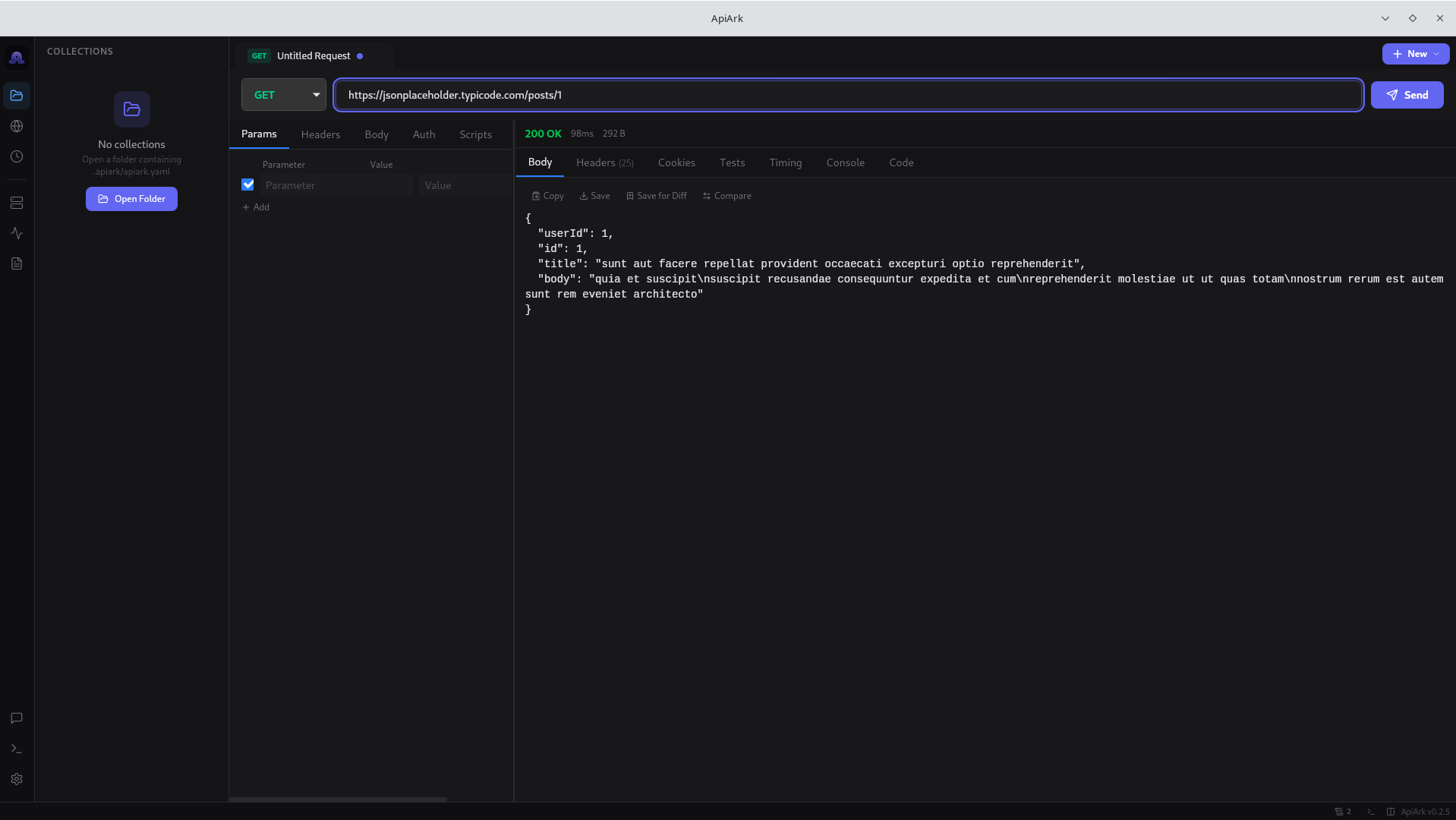
More screenshots
| POST Request |
GraphQL |
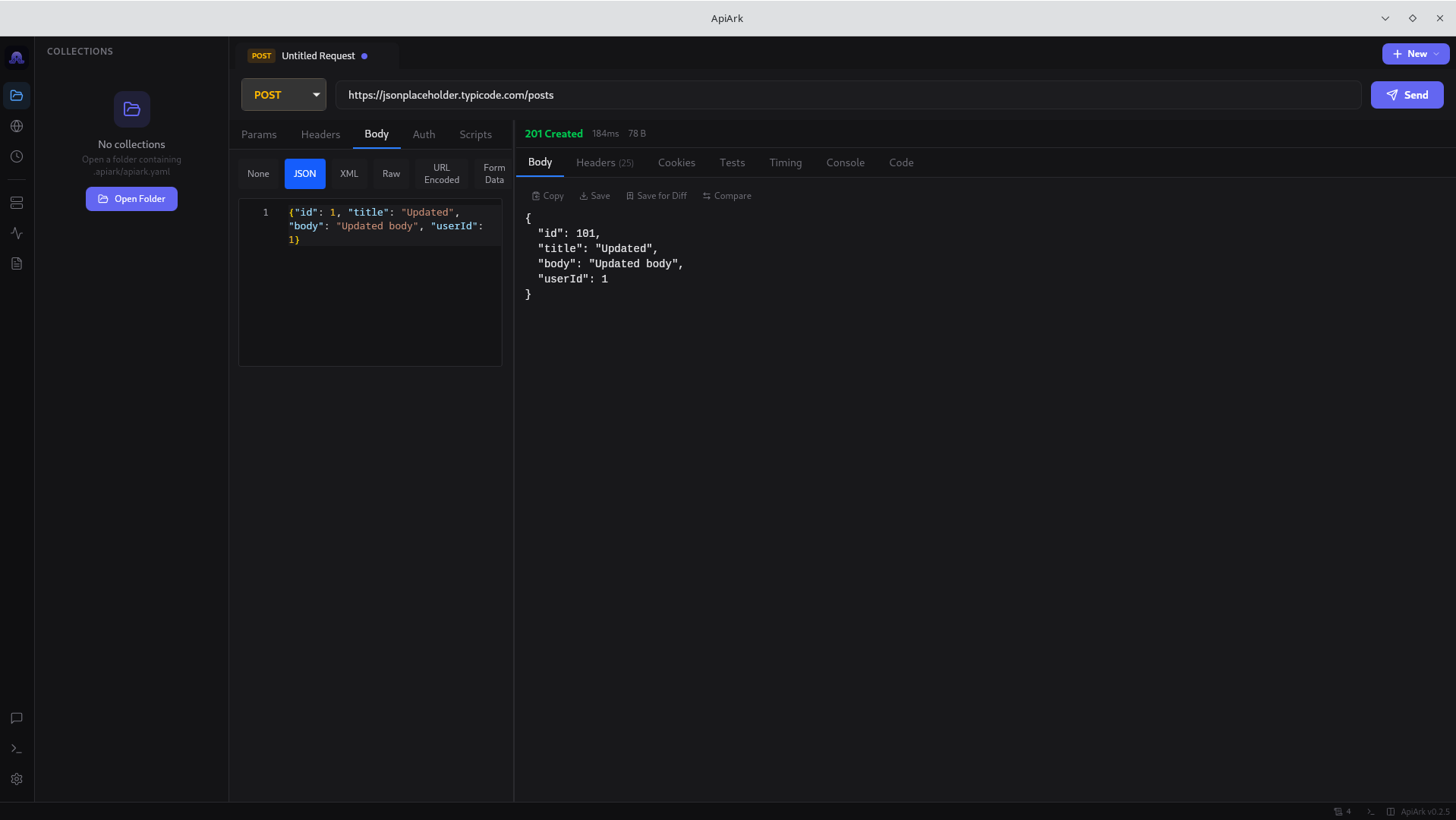 |
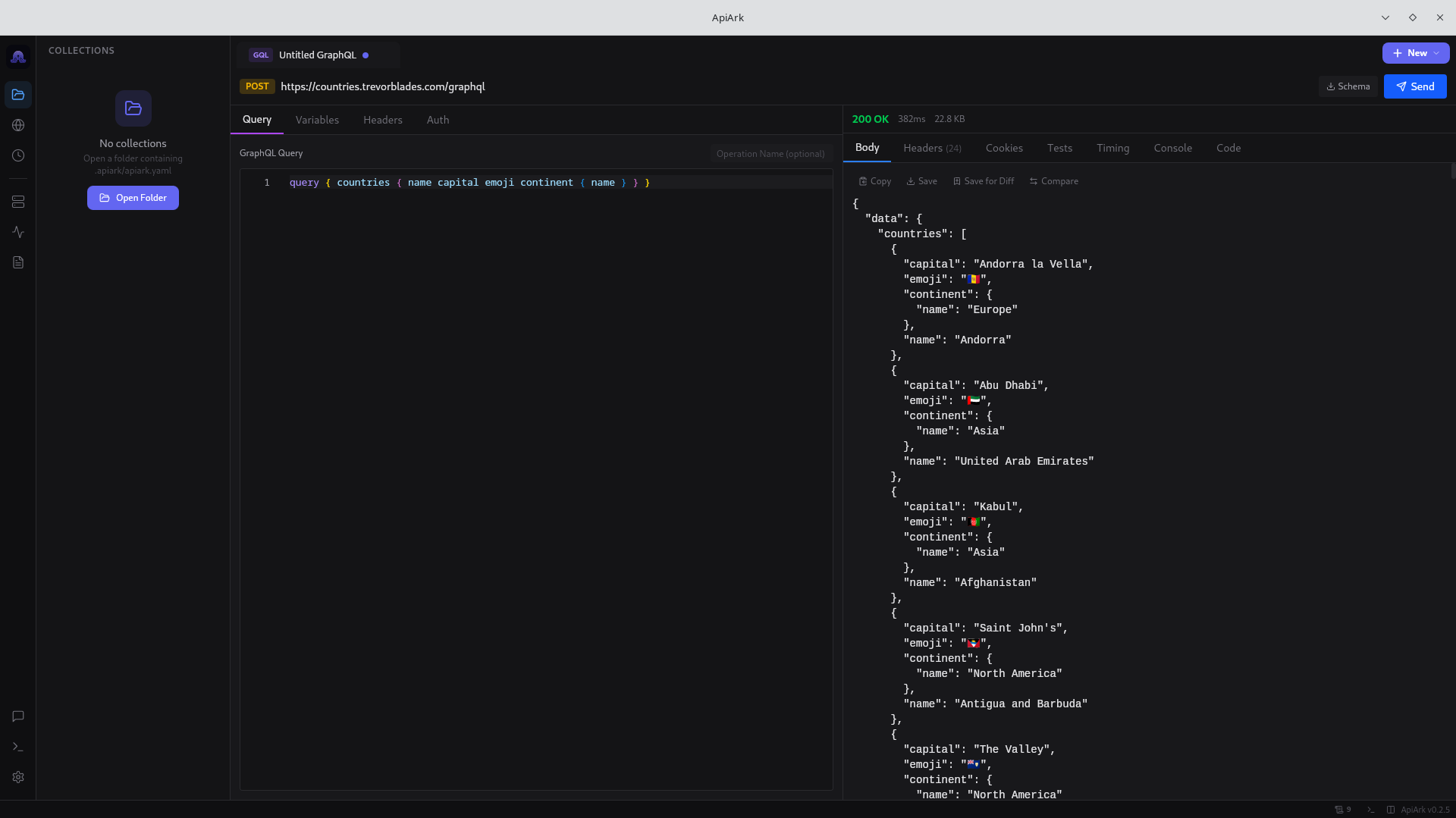 |
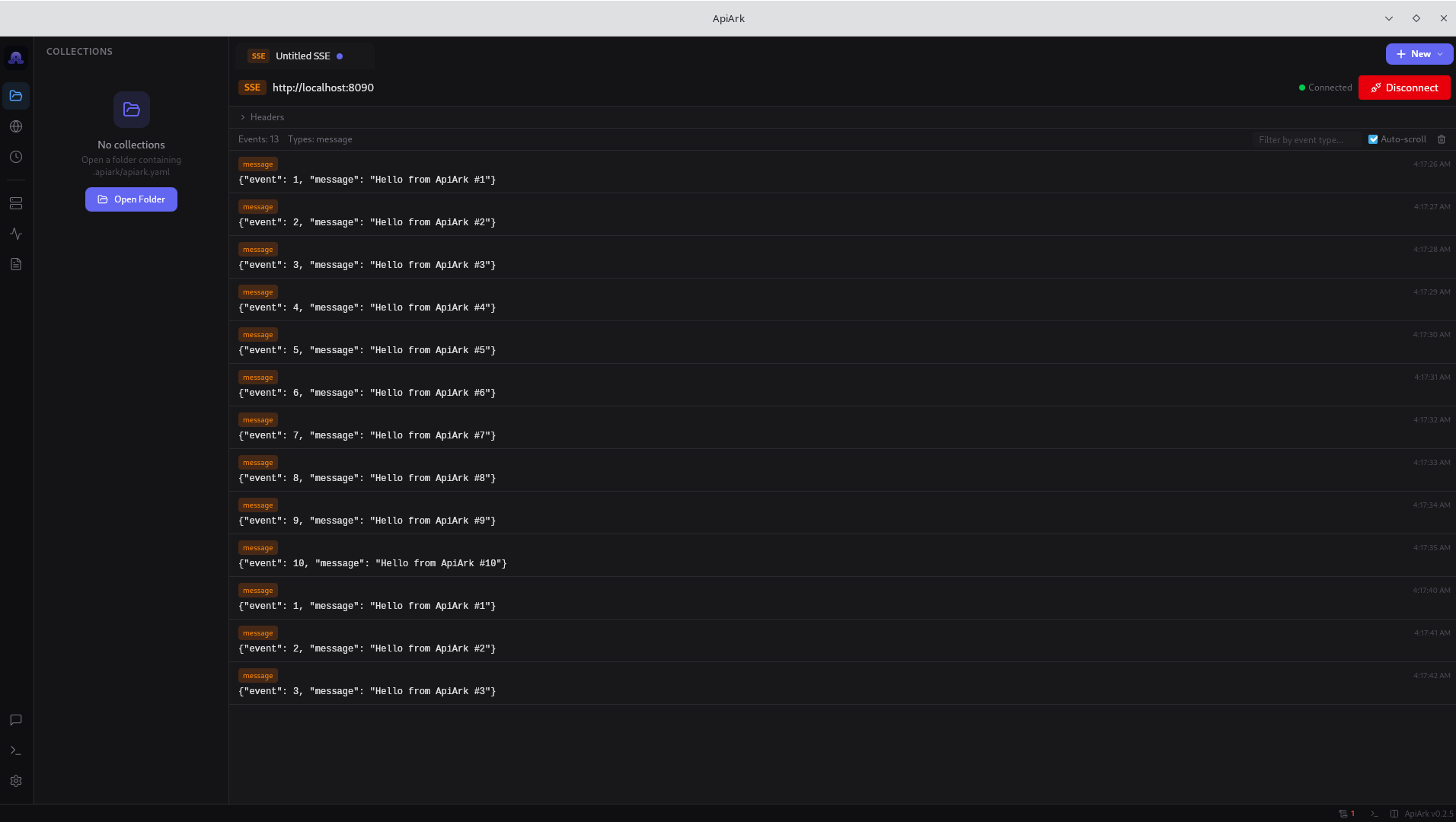
| WebSocket |
Server-Sent Events |
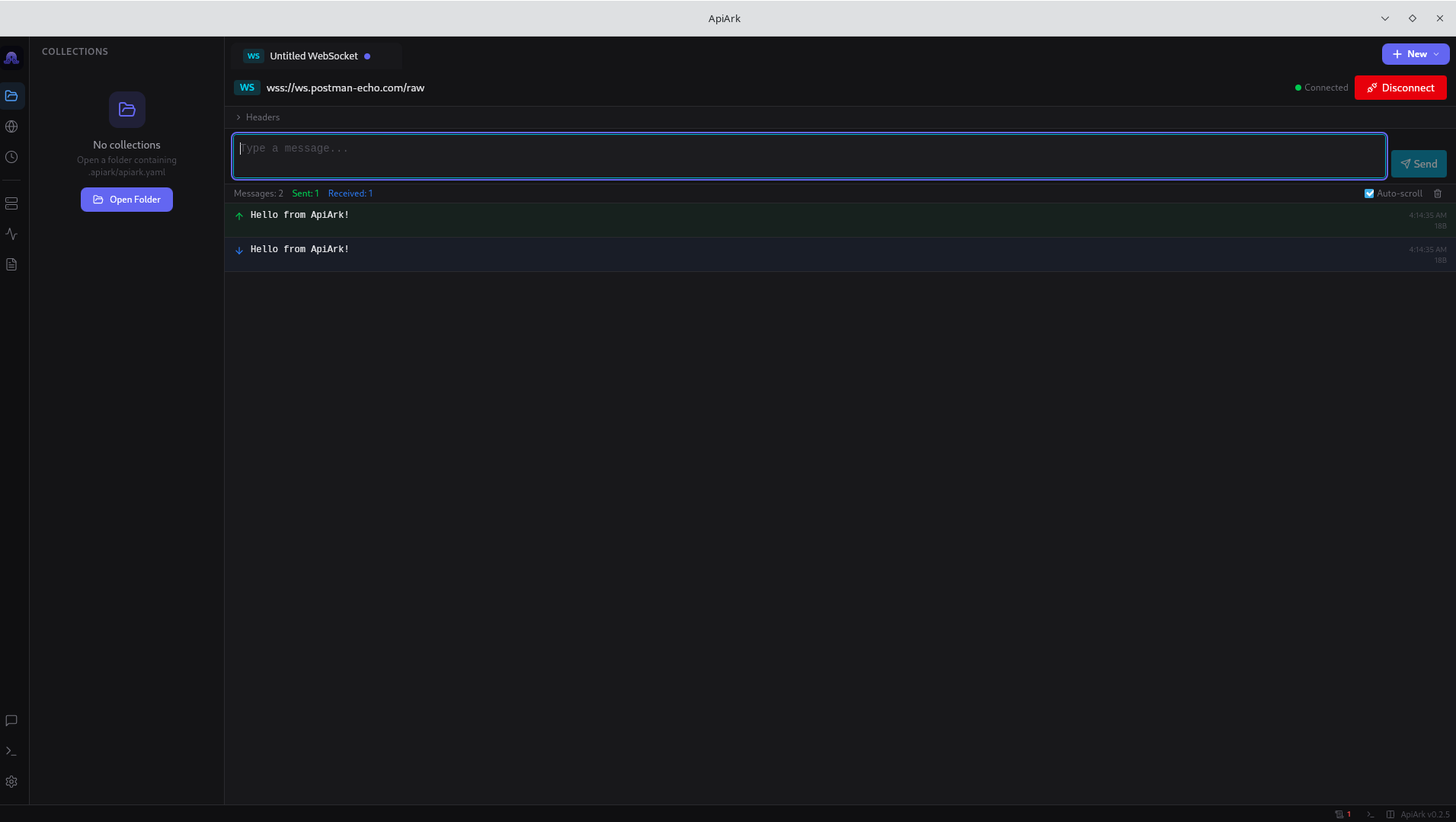 |
 |
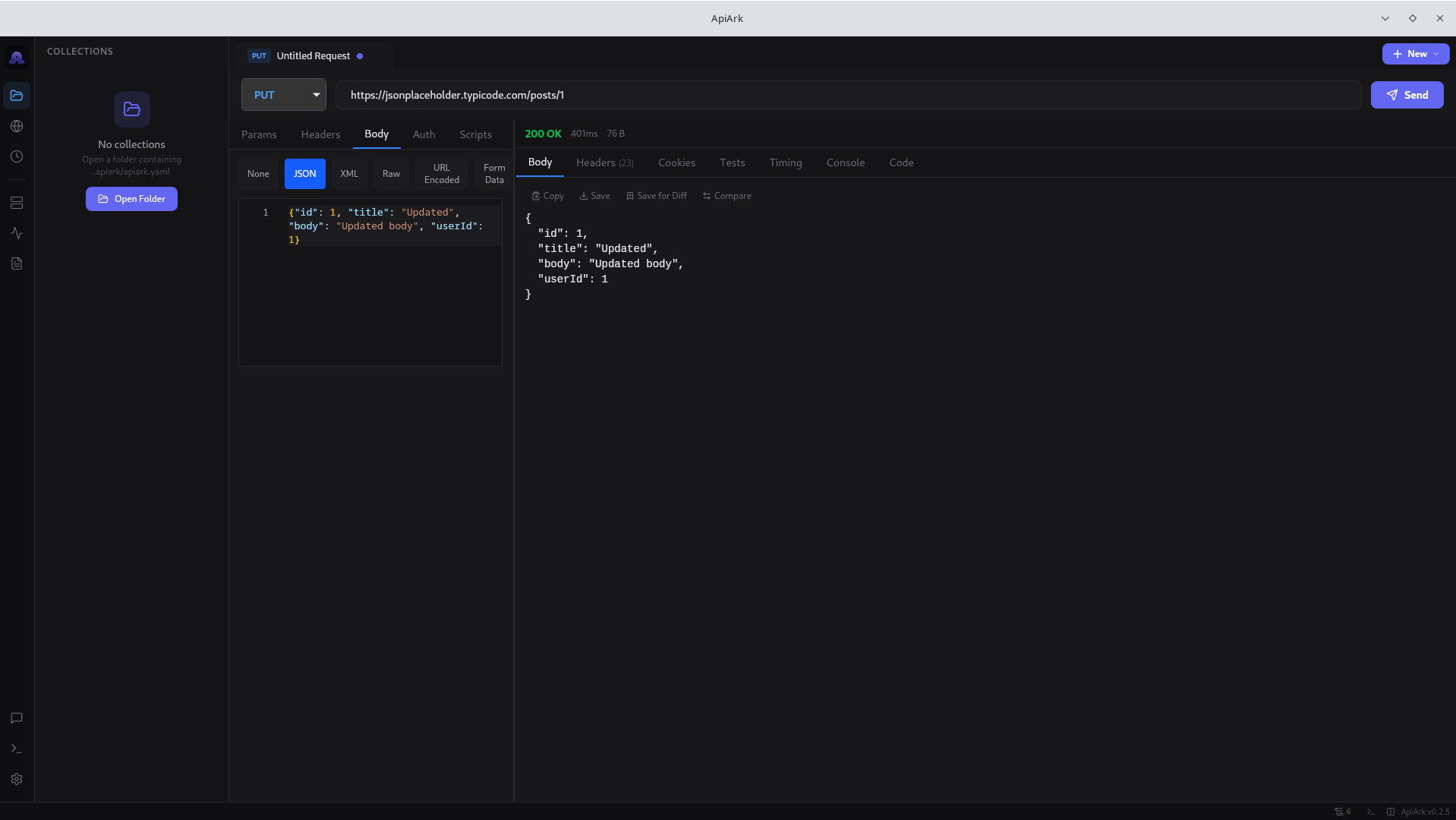
| PUT Request |
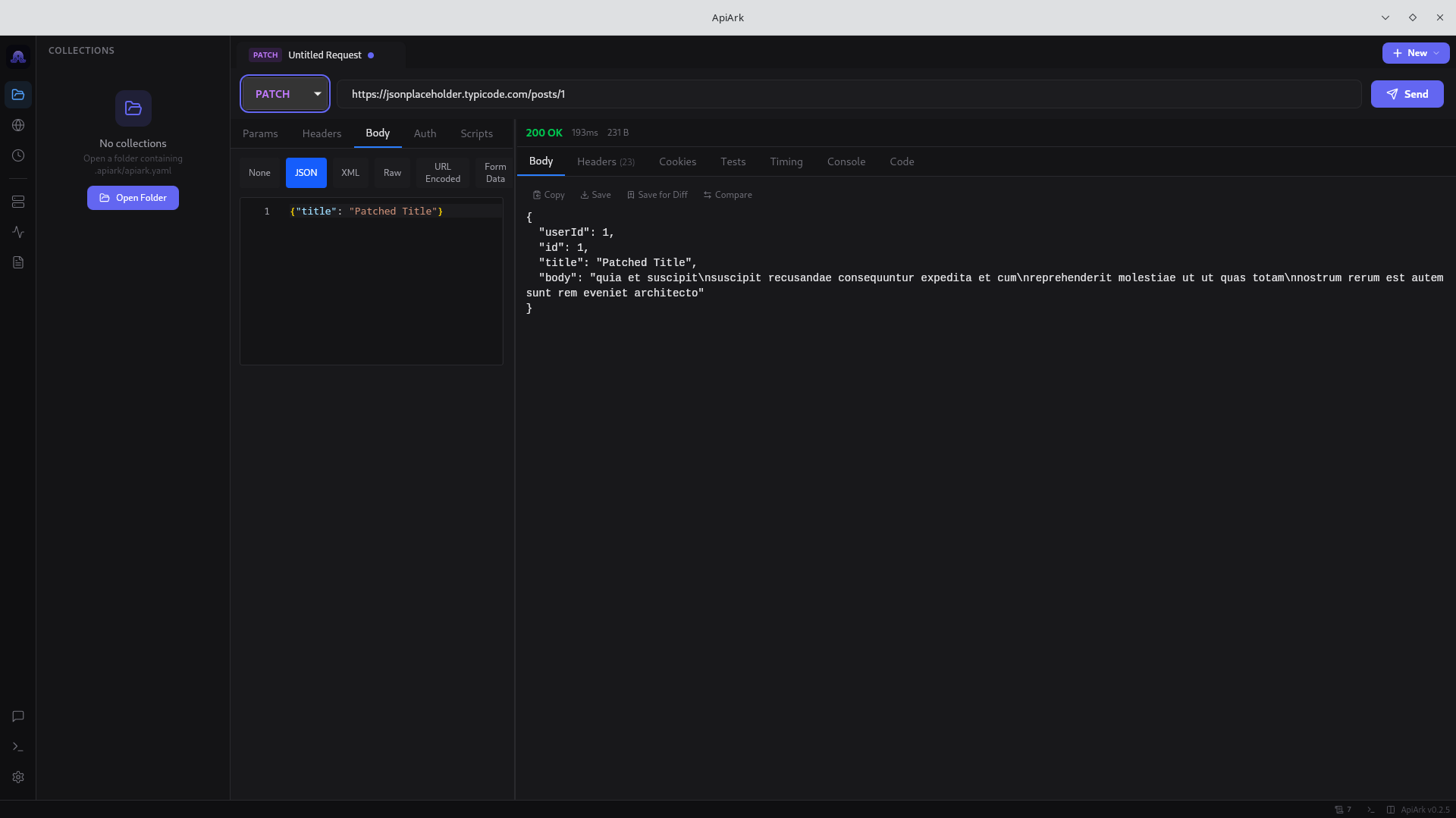
PATCH Request |
 |
 |
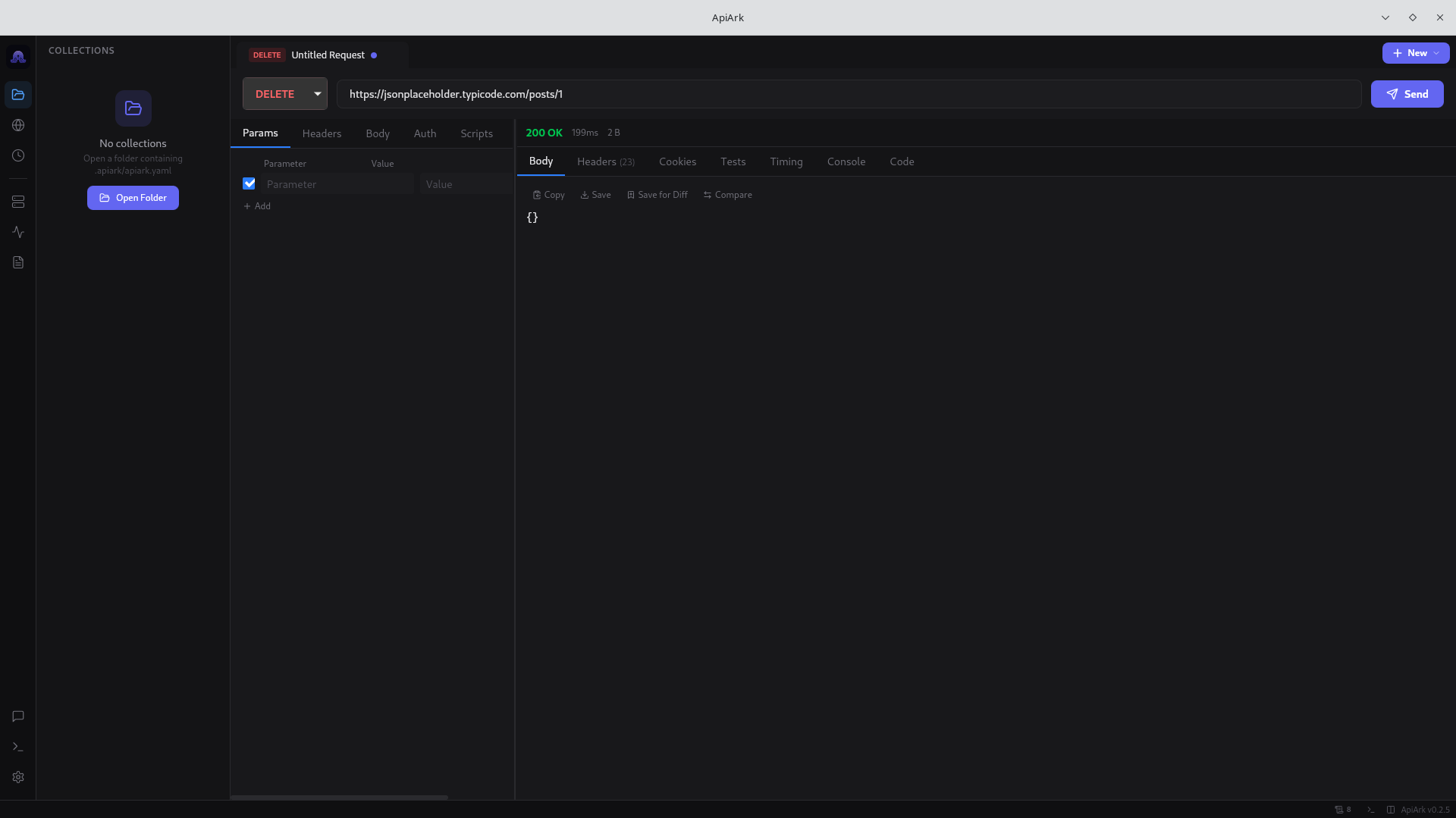
| DELETE Request |
|
 |
|
## Why ApiArk?
| | Postman | Bruno | Hoppscotch | **ApiArk** |
|---|---|---|---|---|
| **Framework** | Electron | Electron | Tauri | **Tauri v2** |
| **RAM Usage** | 300-800 MB | 150-300 MB | 50-80 MB | **~60 MB** |
| **Startup** | 10-30s | 3-8s | <2s | **<2s** |
| **Account Required** | Yes | No | Optional | **No** |
| **Data Storage** | Cloud | Filesystem | IndexedDB | **Filesystem (YAML)** |
| **Git-Friendly** | No | Yes (.bru) | No | **Yes (standard YAML)** |
| **gRPC** | Yes | Yes | No | **Yes** |
| **WebSocket** | Yes | No | Yes | **Yes** |
| **SSE** | Yes | No | Yes | **Yes** |
| **MQTT** | No | No | No | **Yes** |
| **Mock Servers** | Cloud only | No | No | **Local** |
| **Monitors** | Cloud only | No | No | **Local** |
| **Plugin System** | No | No | No | **JS + WASM** |
| **Proxy Capture** | No | No | No | **Yes** |
| **Response Diff** | No | No | No | **Yes** |
## Download
**[Latest Release](https://github.com/berbicanes/apiark/releases/latest)**
| Platform | Download |
|----------|----------|
| **Windows** | [`.exe` installer](https://github.com/berbicanes/apiark/releases/latest) • [`.msi`](https://github.com/berbicanes/apiark/releases/latest) |
| **macOS** | [Apple Silicon `.dmg`](https://github.com/berbicanes/apiark/releases/latest) • [Intel `.dmg`](https://github.com/berbicanes/apiark/releases/latest) |
| **Linux** | [`.AppImage`](https://github.com/berbicanes/apiark/releases/latest) • [`.deb`](https://github.com/berbicanes/apiark/releases/latest) • [`.rpm`](https://github.com/berbicanes/apiark/releases/latest) |
Package managers
```bash
# Homebrew (macOS)
brew tap berbicanes/apiark
brew install --cask apiark
# Scoop (Windows)
scoop bucket add apiark https://github.com/berbicanes/apiark
scoop install apiark
# APT (Debian/Ubuntu)
curl -fsSL https://berbicanes.github.io/apiark-apt/install.sh | sudo bash
sudo apt install apiark
```
Also available on the [Microsoft Store](https://apps.microsoft.com/search?query=ApiArk).
Build from source
**Prerequisites:** Node.js 22+, pnpm 10+, Rust toolchain, [Tauri v2 system deps](https://v2.tauri.app/start/prerequisites/)
```bash
git clone https://github.com/berbicanes/apiark.git
cd apiark
pnpm install
pnpm tauri build
```
## Switching from Postman
1. Export your Postman collection (Collection v2.1 JSON)
2. Open ApiArk
3. `Ctrl+K` > "Import Collection" > select your file
4. Done. Your requests are now YAML files you own.
Also imports from: **Insomnia**, **Bruno**, **Hoppscotch**, **OpenAPI 3.x**, **HAR**, **cURL**.
## Features
**Multi-Protocol** — REST, GraphQL, gRPC, WebSocket, SSE, MQTT, Socket.IO in one app. No tool has broader protocol coverage.
**Local-First Storage** — Every request is a `.yaml` file. Collections are directories. Everything is git-diffable. No proprietary formats.
**Dark Mode + Themes** — Dark, Light, Black/OLED themes with 8 accent colors.
**TypeScript Scripting** — Pre/post-request scripts with full type definitions. `ark.test()`, `ark.expect()`, `ark.env.set()`.
**Collection Runner** — Run entire collections with data-driven testing (CSV/JSON), configurable iterations, JUnit/HTML reports.
**Local Mock Servers** — Create mock APIs from your collections. Faker.js data, latency simulation, error injection. No cloud, no usage limits.
**Scheduled Monitoring** — Cron-based automated testing with desktop notifications and webhook alerts. Runs locally, not on someone else's server.
**API Docs Generation** — Generate HTML + Markdown documentation from your collections.
**OpenAPI Editor** — Edit and lint OpenAPI specs with Spectral integration.
**Response Diff** — Compare responses side-by-side across runs.
**Proxy Capture** — Local intercepting HTTP/HTTPS proxy for traffic inspection and replay.
**AI Assistant** — Natural language to requests, auto-generate tests, OpenAI-compatible API.
**Plugin System** — Extend ApiArk with JavaScript or WASM plugins.
**Import Everything** — Postman, Insomnia, Bruno, Hoppscotch, OpenAPI, HAR, cURL. One-click migration.
## Performance
Built with Tauri v2 (Rust backend + native OS webview), not Electron.
| Metric | Target |
|---|---|
| Binary size | ~20 MB |
| RAM at idle | ~60 MB |
| Cold startup | <2s |
| Request send latency | <10ms overhead |
## Data Format
Your data is plain YAML. No lock-in. No proprietary encoding.
```yaml
# users/create-user.yaml
name: Create User
method: POST
url: "{{baseUrl}}/api/users"
headers:
Content-Type: application/json
auth:
type: bearer
token: "{{adminToken}}"
body:
type: json
content: |
{
"name": "{{userName}}",
"email": "{{userEmail}}"
}
assert:
status: 201
body.id: { type: string }
responseTime: { lt: 2000 }
tests: |
ark.test("should return created user", () => {
const body = ark.response.json();
ark.expect(body).to.have.property("id");
});
```
## CLI
```bash
# Run a collection
apiark run ./my-collection --env production
# With data-driven testing
apiark run ./my-collection --data users.csv --reporter junit
# Import a Postman collection
apiark import postman-export.json
```
## No Lock-In Pledge
> If you decide to leave ApiArk, your data leaves with you. Every file is a standard format. Every database is open. We will never make it hard to switch away.
## Community
- [GitHub Discussions](https://github.com/berbicanes/apiark/discussions) — Ideas, Q&A, show & tell
- [GitHub Issues](https://github.com/berbicanes/apiark/issues) — Bug reports and feature requests
## Translations
ApiArk UI supports internationalization via `react-i18next`. Currently available in **English**.
Help us translate ApiArk into your language! See the [`locales/`](apps/desktop/src/locales/) directory and submit a PR.
## Development
```bash
# Install dependencies
pnpm install
# Run in development mode
pnpm tauri dev
# TypeScript check
pnpm -C apps/desktop exec tsc --noEmit
# Build for production
pnpm tauri build
```
### Project Structure
```
apiark/
├── apps/
│ ├── desktop/ # Tauri v2 desktop app
│ │ ├── src/ # React frontend
│ │ └── src-tauri/ # Rust backend
│ ├── cli/ # CLI tool (Rust)
│ ├── mcp-server/ # MCP server for AI editors
│ └── vscode-extension/ # VS Code extension
├── packages/
│ ├── types/ # Shared TypeScript types
│ └── importer/ # Collection importers
└── docs/ # Documentation and legal
```
### Tech Stack
**Frontend:** React 19, TypeScript, Vite 6, Zustand, Tailwind CSS 4, Monaco Editor, Radix UI
**Backend:** Rust, Tauri v2, reqwest, tokio, tonic (gRPC), axum (mock servers), deno_core (scripting)
## Contributing
Contributions are welcome! Check out the [GitHub Issues](https://github.com/berbicanes/apiark/issues) for open tasks and feature requests.
 ## License
[MIT](LICENSE)
---
## License
[MIT](LICENSE)
---
If ApiArk helps your workflow, consider giving it a star. It helps others discover the project.