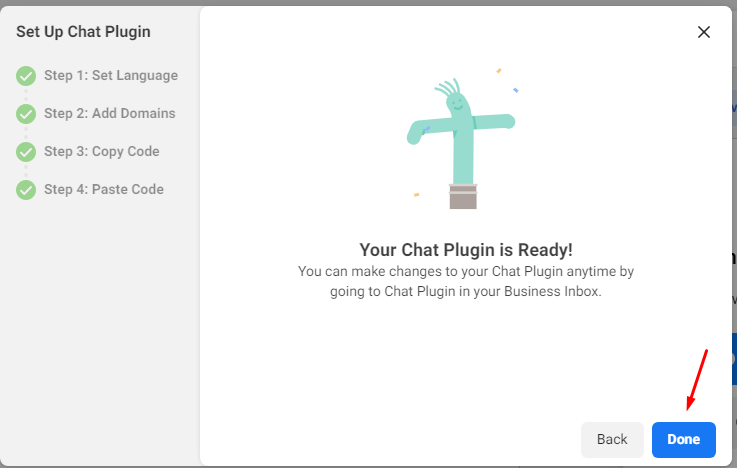
How to add messenger chatbot in your page
Here's the simple steps:
Click on this link To create a facebook page
Then find the button called then click it.
follow the picture shown
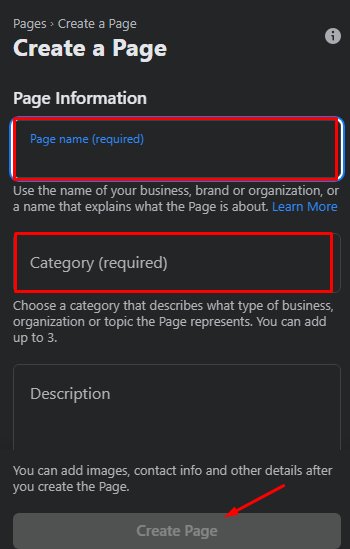
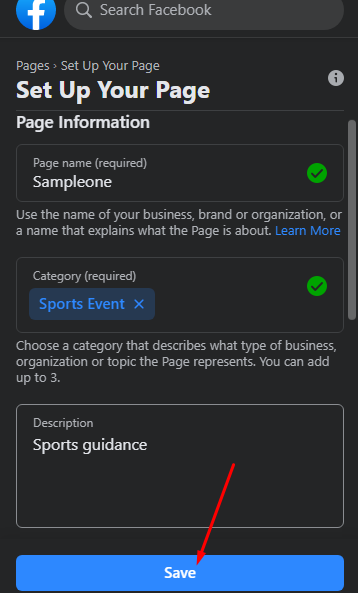
fill-out then click save
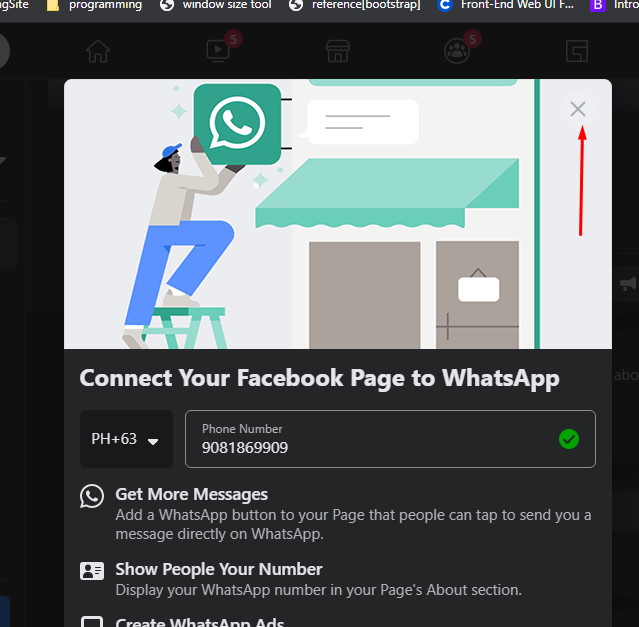
close this pop-up box
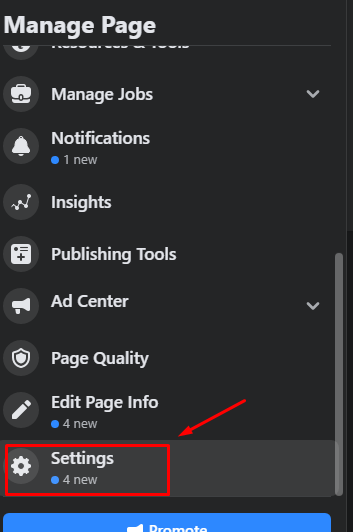
go to settings
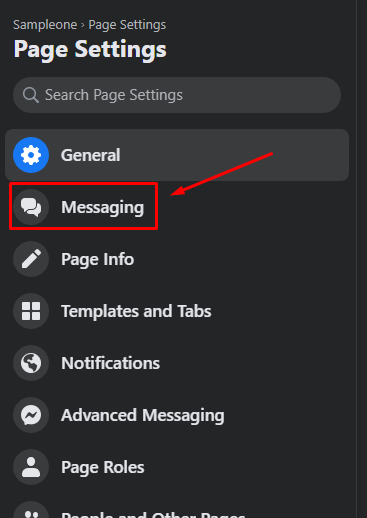
then messaging
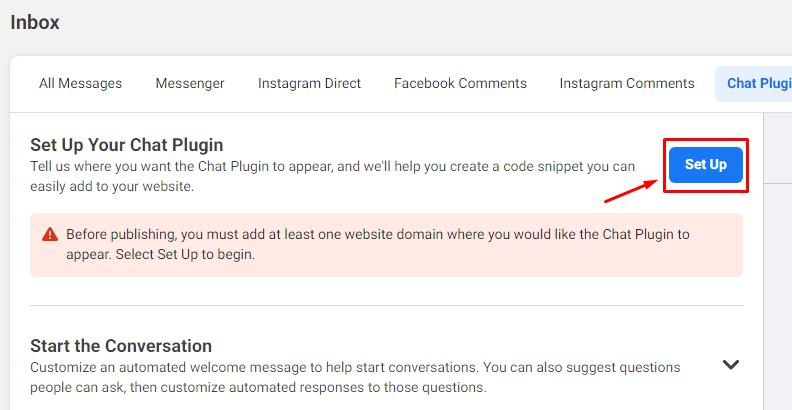
click set-up button
follow the screen instruction
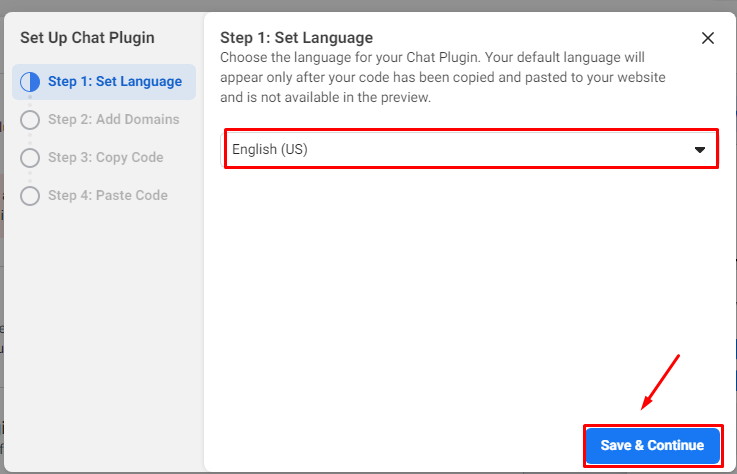
almost there
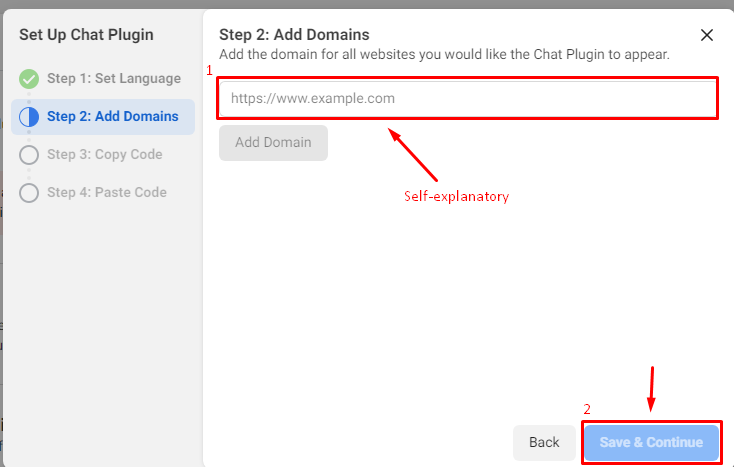
here's your favorite part, copy paste
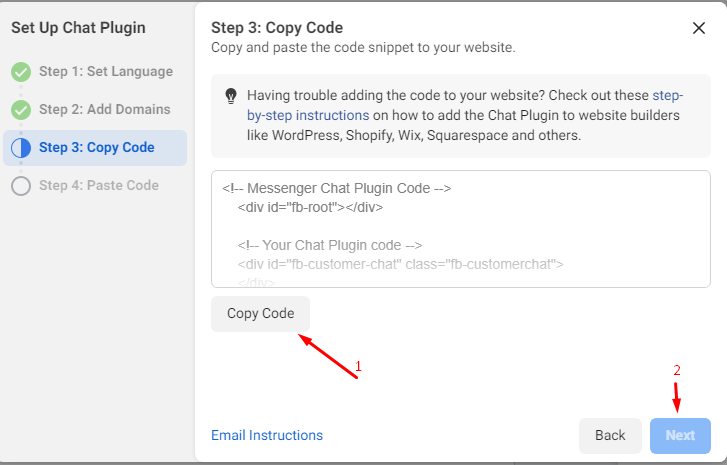
next screen should look like this, paste the code just right after the opening body tag
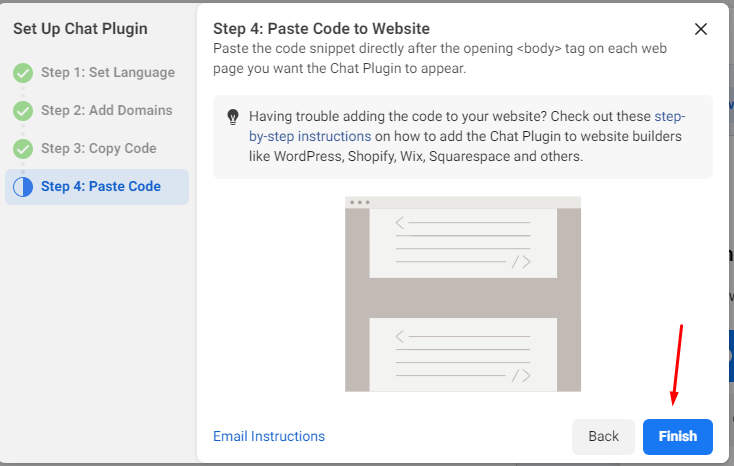
and finally, that's all!