High-performance self-hosted manga & novel management and reading platform
Single Go binary · Lightweight · AI-powered · NAS-friendly
Quick Start • Installation • Configuration • API • Development • FAQ
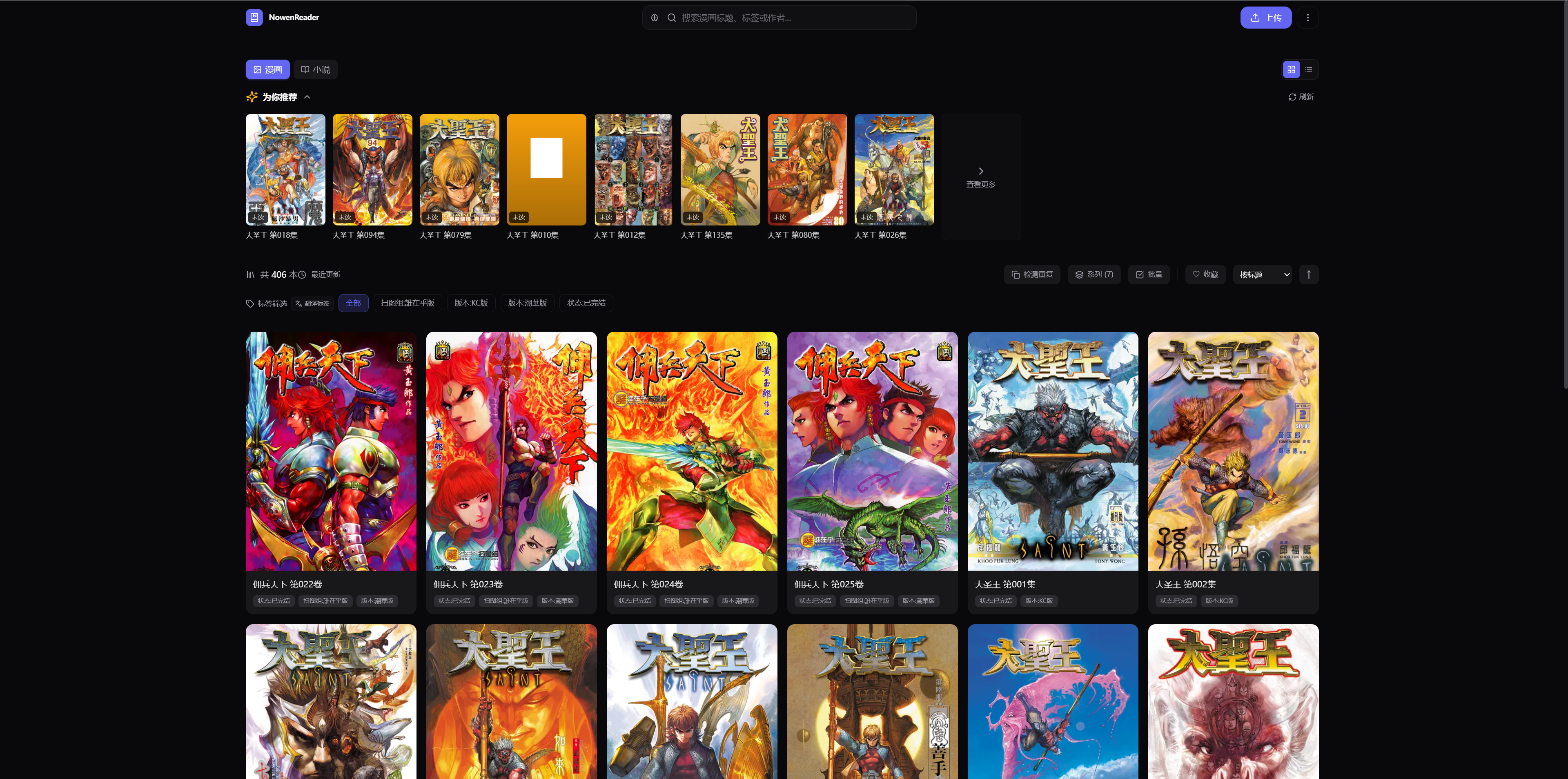
--- ## 💡 Introduction NowenReader is a self-hosted manga / novel management and reading platform optimized for NAS and personal server environments. | 🏆 Highlights | Description | |:---|:---| | 💾 **Ultra Lightweight** | Runs smoothly with 512 MB memory limit; Docker image only ~30 MB | | 📦 **Zero Dependency** | Compiled into a single static Go binary with embedded frontend (`go:embed`) | | 🐳 **One-click Docker** | Three Compose configurations: generic, production, NAS | | 🤖 **AI-powered (optional)** | 17+ LLM providers supported, including major Chinese models | | 📚 **Full Format Support** | Manga: ZIP / CBZ / CBR / RAR / 7Z / CB7 / PDF · Novels: TXT / EPUB / MOBI / AZW3 / HTML | | 🌐 **Bilingual UI** | Chinese / English interface with metadata translation | | 📱 **Multi-platform** | Web PWA + Flutter native client (Android / iOS / Desktop) | | 🏗️ **Multi-arch** | amd64 / arm64; covers mainstream NAS (Synology, QNAP, UGreen, TerraMaster, etc.) | ## ✨ Features - **📚 Content Management** — Multi-format, auto-scan, tags & categories, group merging, favorites & ratings, user-level reading status (want/reading/finished), reading status filter, metadata editing, file upload, batch operations, duplicate detection, invalid cleanup - **🔍 Metadata Scraping** — AniList / Bangumi / MangaDex / MangaUpdates / Kitsu; ComicInfo.xml & novel metadata extraction - **🤖 AI Assistance (optional)** — Semantic search, smart summary, tag/category suggestions, cover analysis, filename parsing, reading insights, AI chat, chapter summary, page translation, etc. - **📖 Reading Experience** — Single/double-page, webtoon mode, image filters & presets, webtoon double-tap zoom, comic bookmarks, novel chapters, PDF rendering, continue reading, reading stats & goals, data export - **📡 Protocol Integration** — OPDS support (KOReader / Moon+ Reader, etc.) - **📱 Multi-platform** — Web PWA + Flutter native client (Material 3, gesture zoom, immersive reading, progress sync) - **🛠️ Deploy-friendly** — Single Go binary, SQLite (WAL + FTS5), multi-arch Docker, i18n, theming, responsive - **🔐 Multi-user Library Access** — Per-library access control with public / private / group inheritance, friendly 403 for unauthorized content ## 🚀 Quick Start Three steps to a minimal deployment: ```bash # 1. Download the production compose file curl -O https://raw.githubusercontent.com/cropflre/nowen-reader/main/docker-compose.prod.yml # 2. Start the container docker compose -f docker-compose.prod.yml up -d # 3. Open in browser # http://localhost:6680 ``` On first visit you'll be prompted to register an admin account. Place manga in `./comics/` and novels in `./novels/` to enable auto-scanning. > 🔧 Need a different deployment method? See the [Installation Guide](./docs/INSTALL.en.md) (NAS / source build / binary / Docker Hub). To deploy at `https://example.com/reader/`, set `BASE_PATH=/reader` and configure the reverse proxy to preserve the `/reader` prefix. See the [subpath deployment guide](./docs/INSTALL.en.md#deploy-under-a-subpath) for complete Docker and Nginx examples. ## 📚 Documentation | Document | Content | |:---|:---| | [Installation Guide](./docs/INSTALL.en.md) | 5 deployment methods: Docker Hub, NAS, source build, binary, Docker Compose | | [Configuration](./docs/CONFIGURATION.en.md) | Environment variables, site settings, AI config, scanner parameters, supported formats | | [API Reference](./docs/API.md) | Full RESTful API documentation | | [Development Guide](./docs/DEVELOPMENT.md) | Prerequisites, project structure, Makefile, tech stack, CI/CD | | [FAQ](./docs/FAQ.md) | Common questions about deployment, permissions, thumbnails, PDF, AI, OPDS | | [Flutter Client](./flutter_app/README.md) | Mobile development & build instructions | ## 📸 Screenshots ### Desktop| List View (Light) | Grid View (Light) |
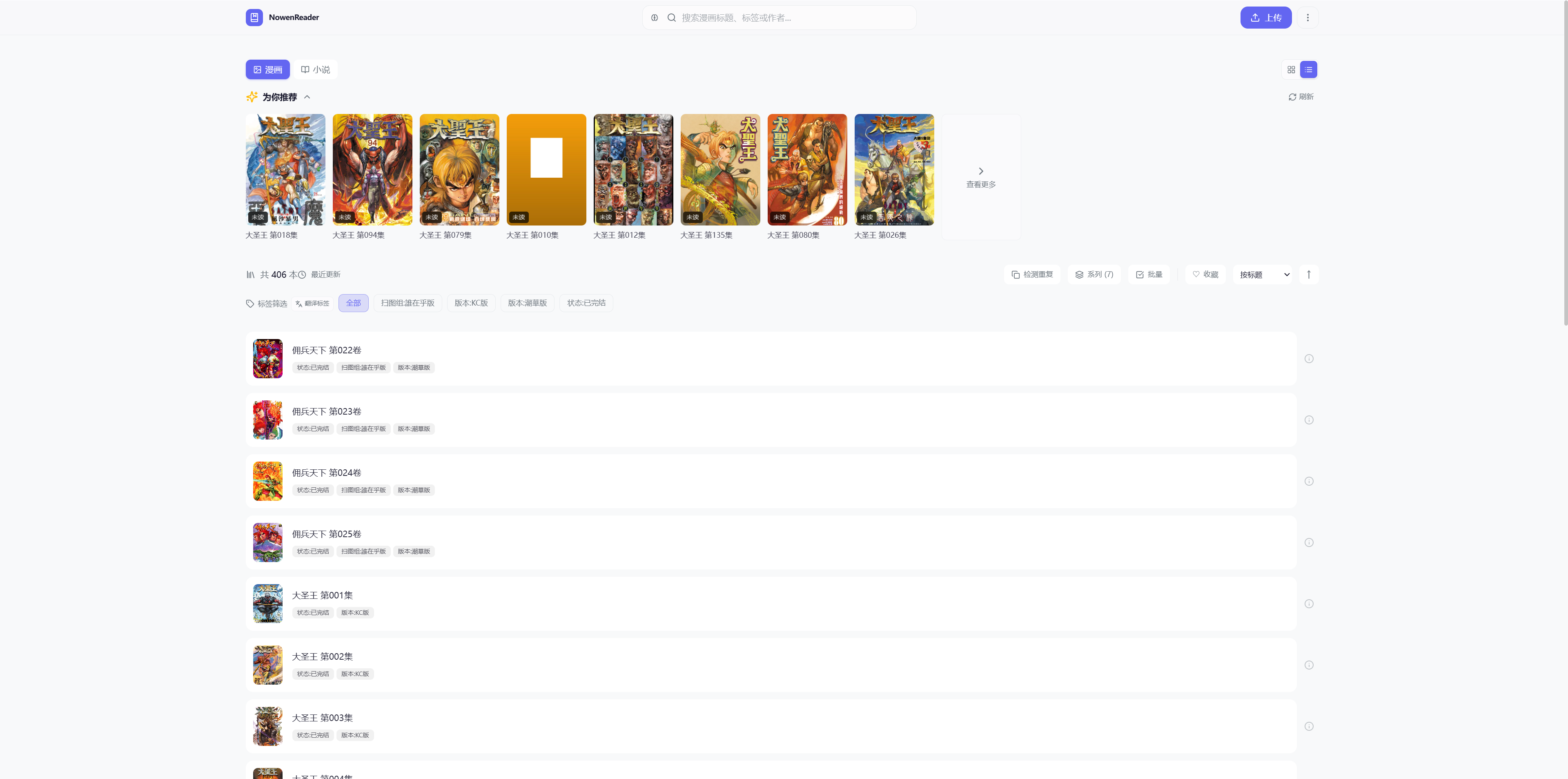 |
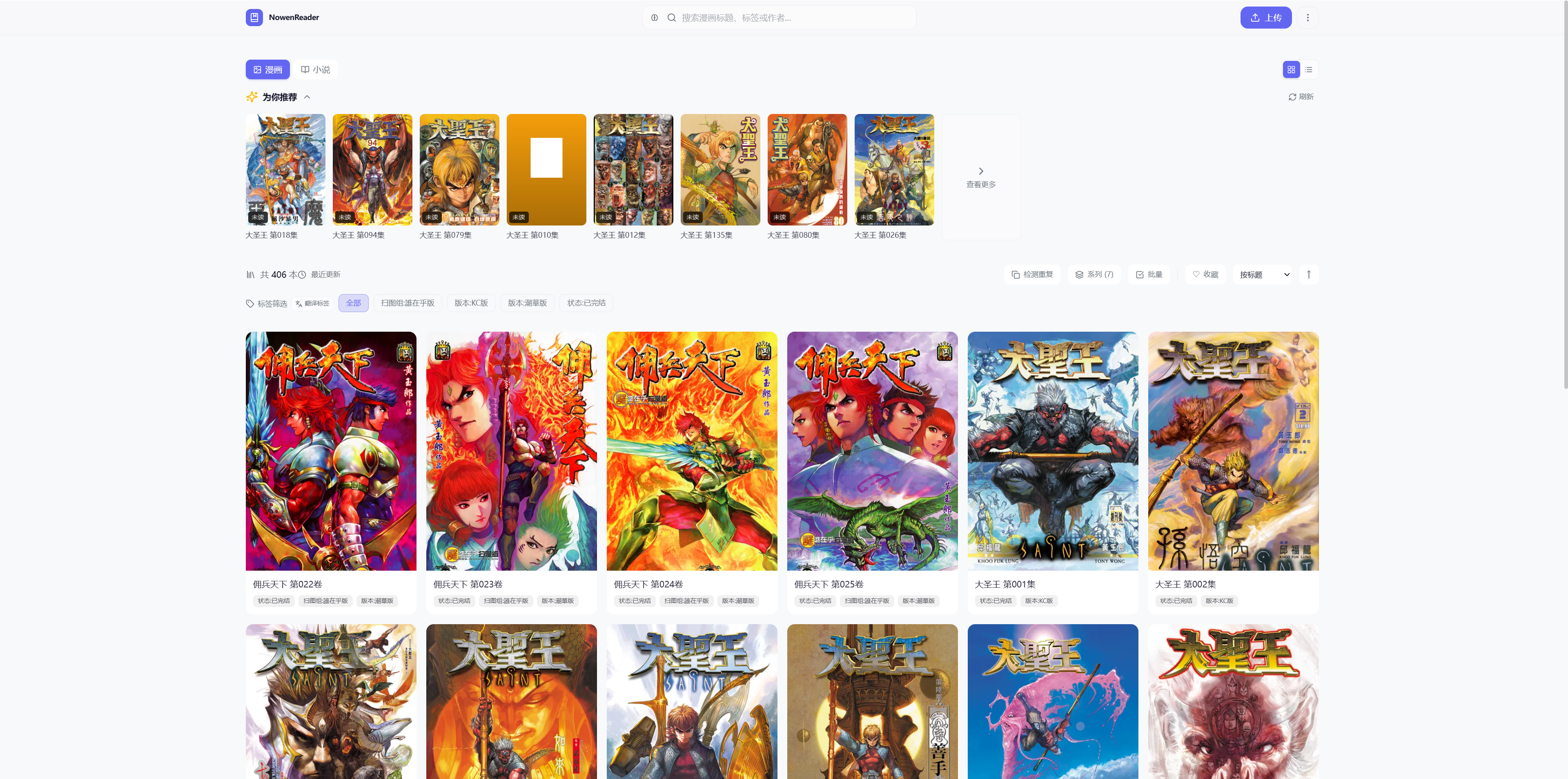 |
| Grid View (Dark) | List View (Dark) |
 |
.png) |