## Conni-X-Pro
English | 简体中文 | 日本語



Quick Start ·
Features ·
Tech Stack ·
Module Architecture ·
API & Conventions ·
Contributing
A full-stack open-source project for AI creation and workflows: frontend built with Vue 3 + Vite + TypeScript + Element Plus, backend powered by Spring Boot 3 multi-module architecture, integrating authentication, chat (LLM/OpenRouter streaming), ComfyUI workflow orchestration, object storage (Aliyun OSS), email notifications, system management, and more.
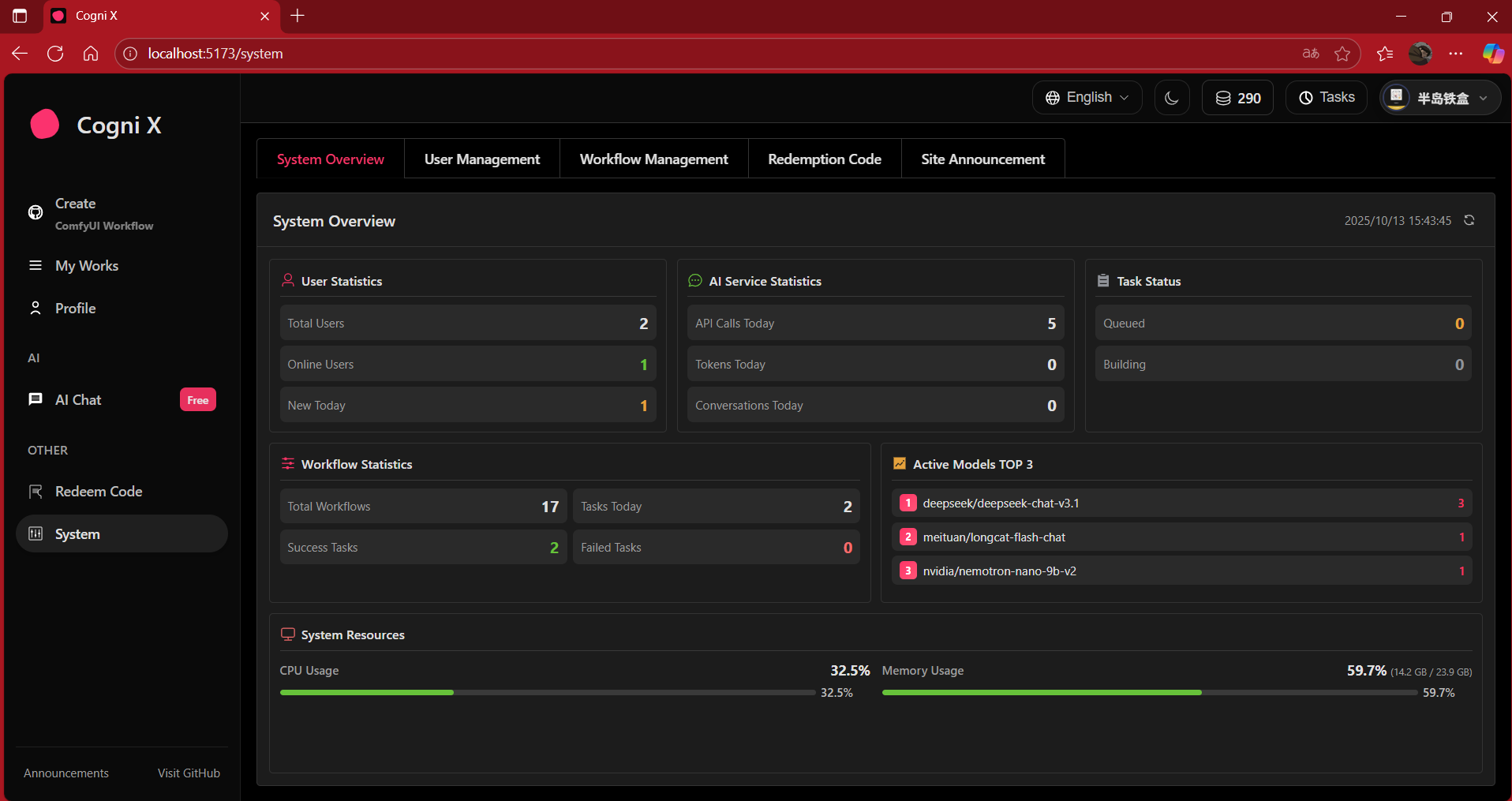
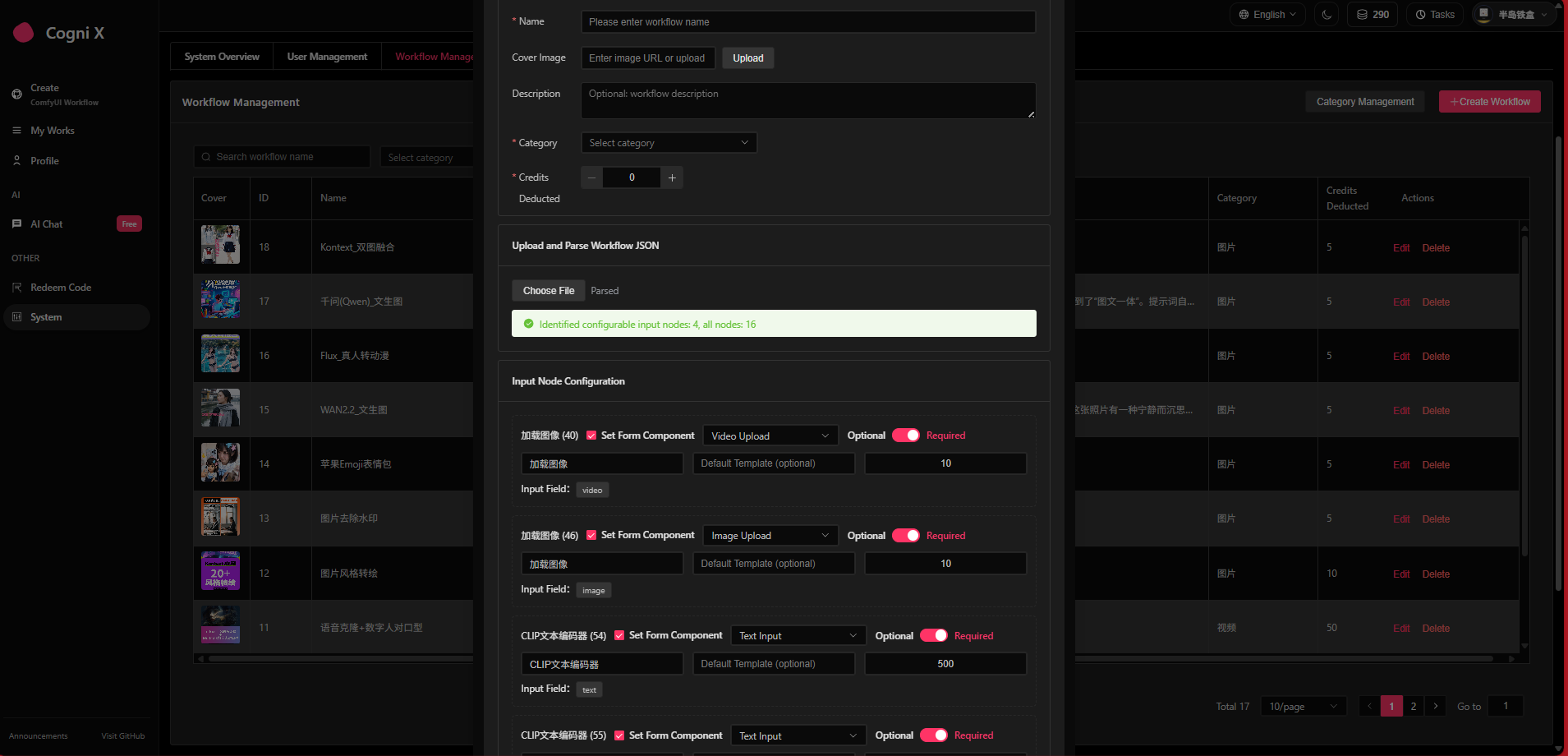
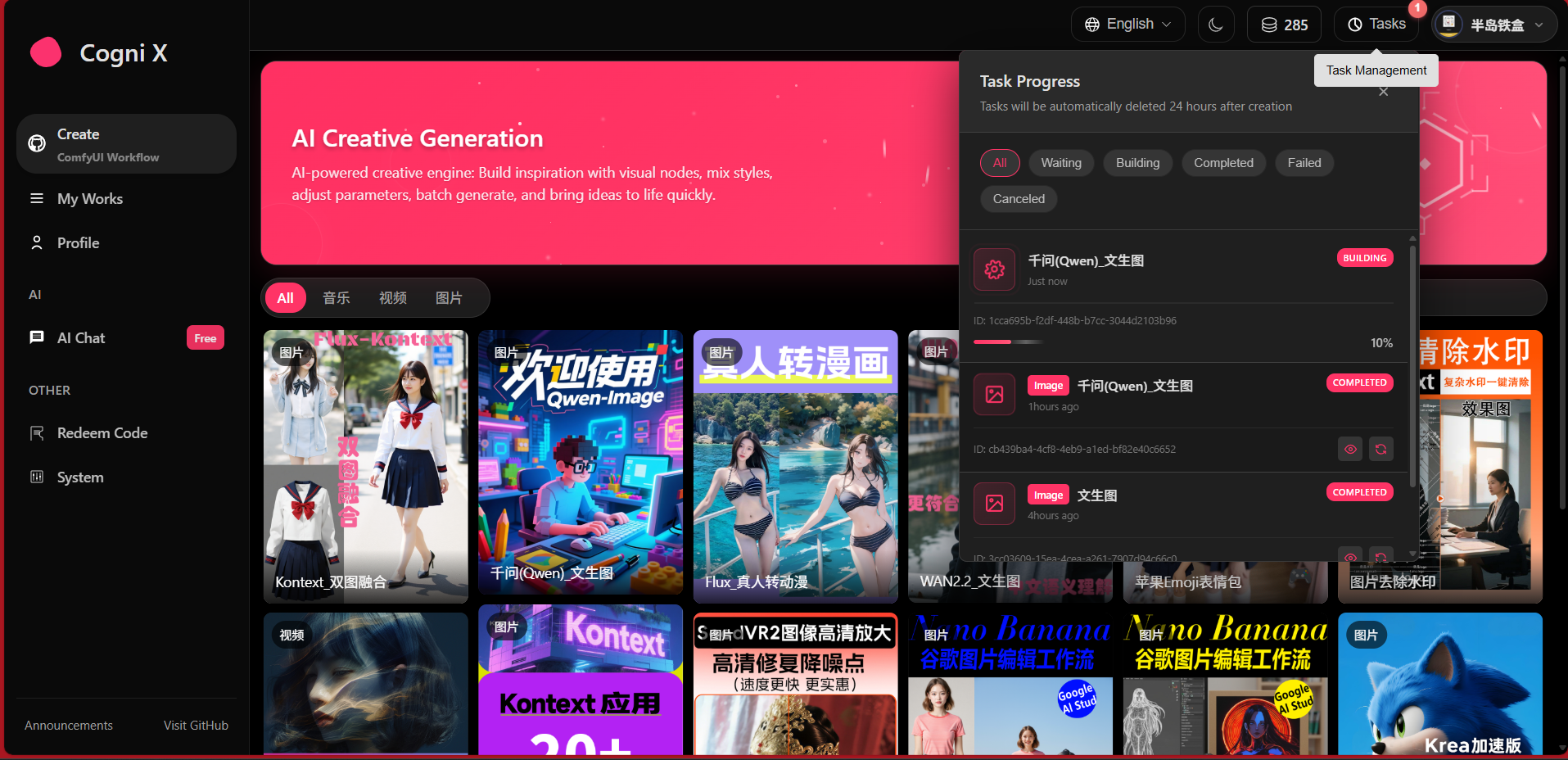
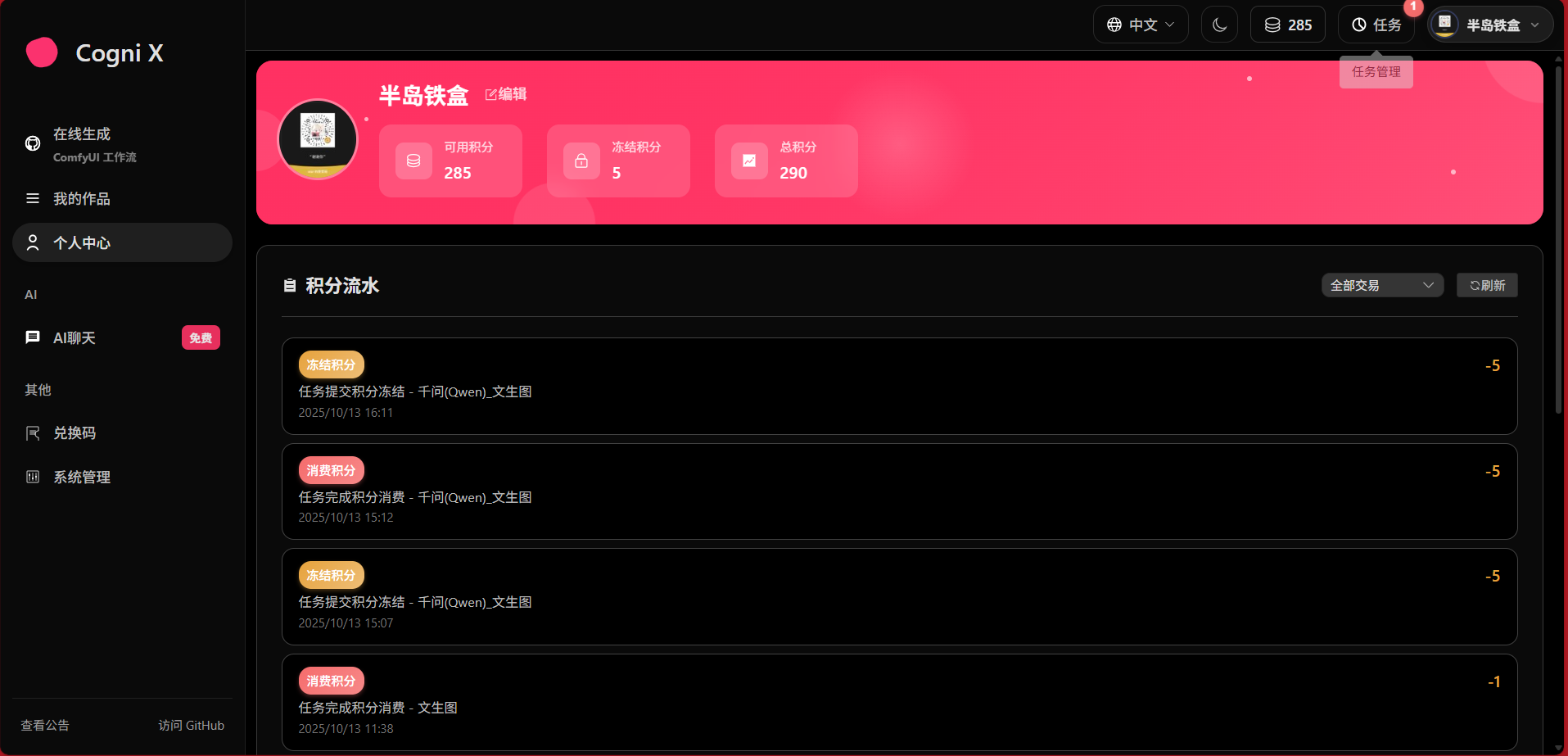
### Feature Preview
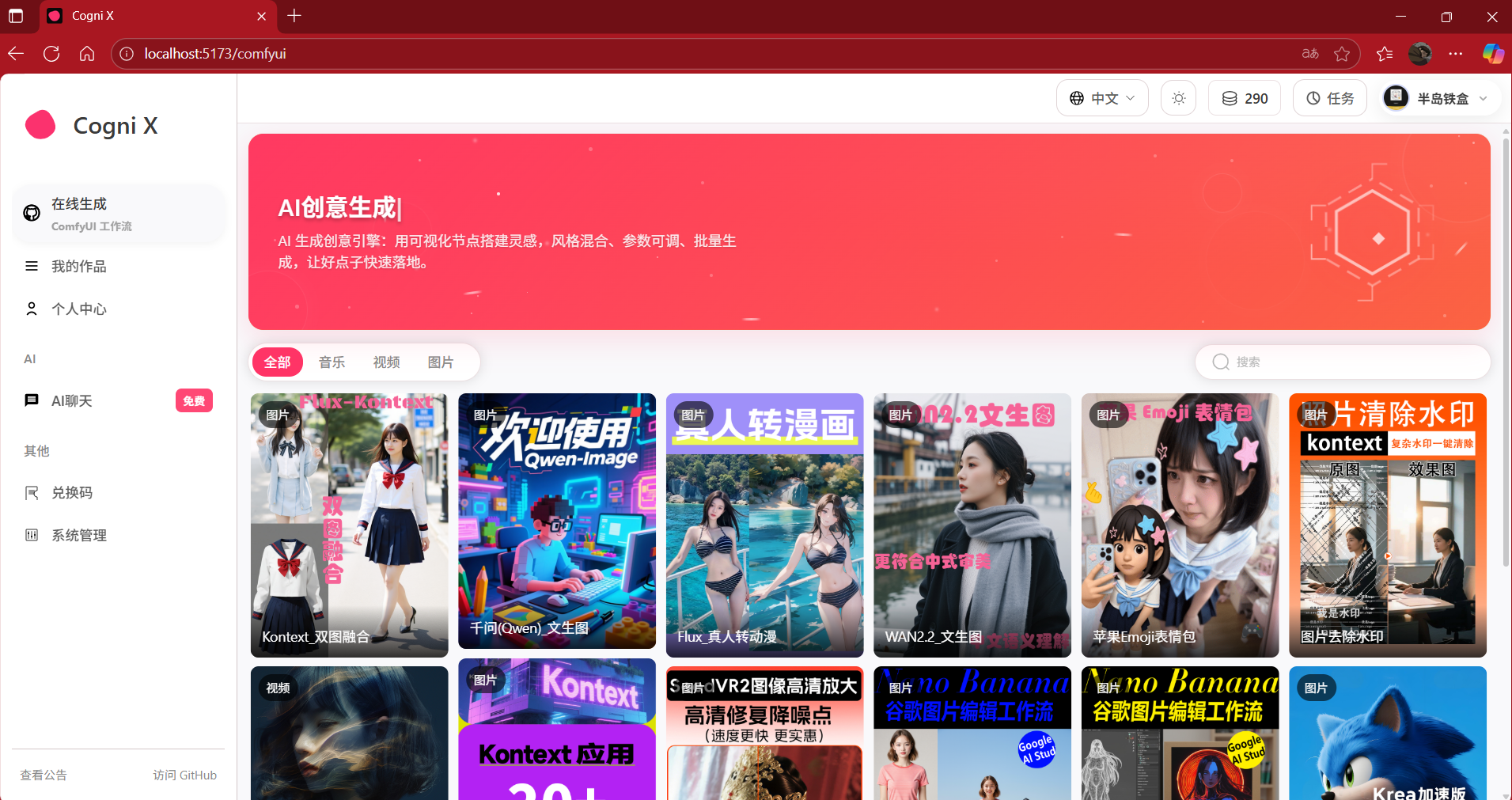
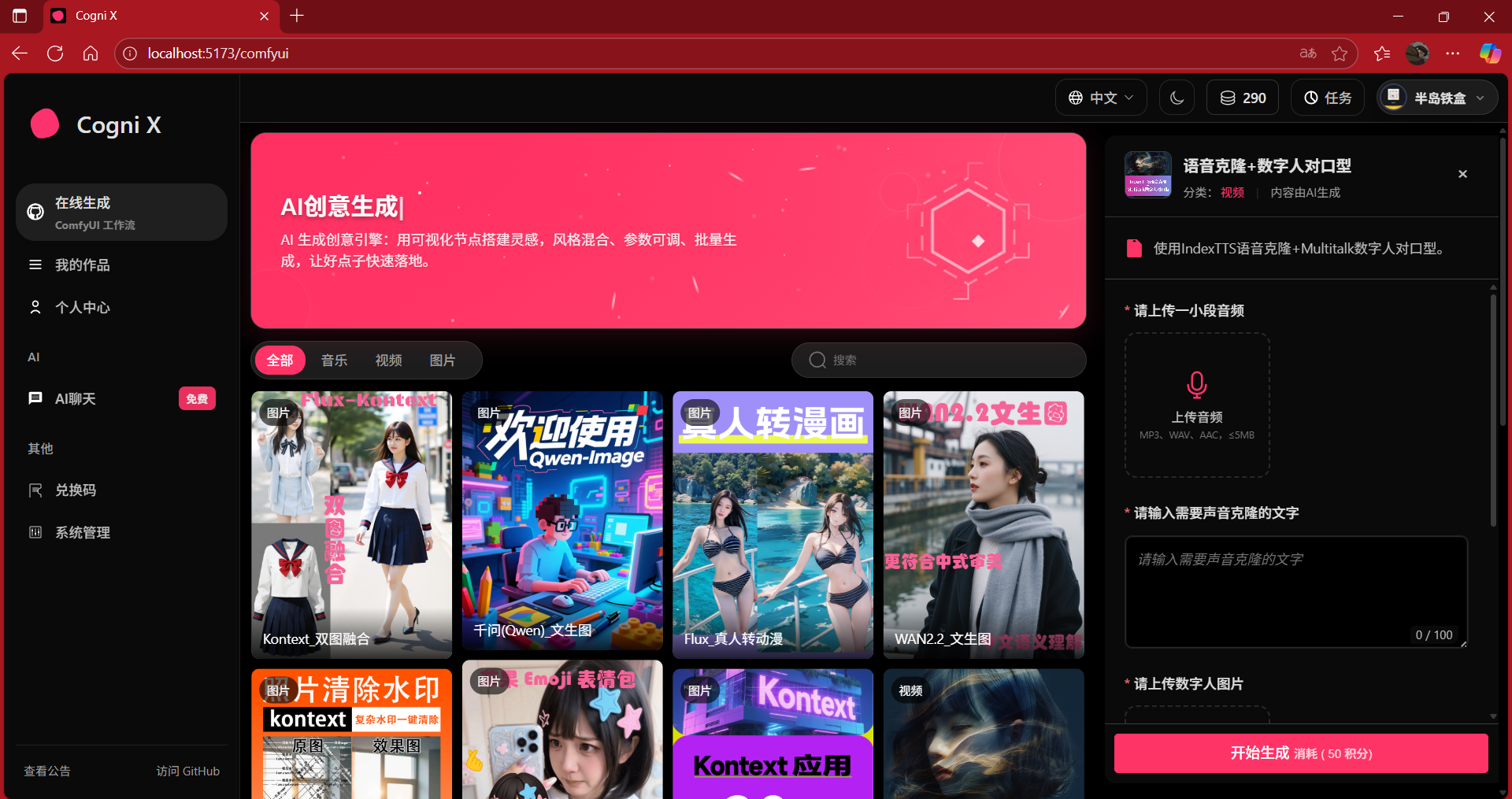
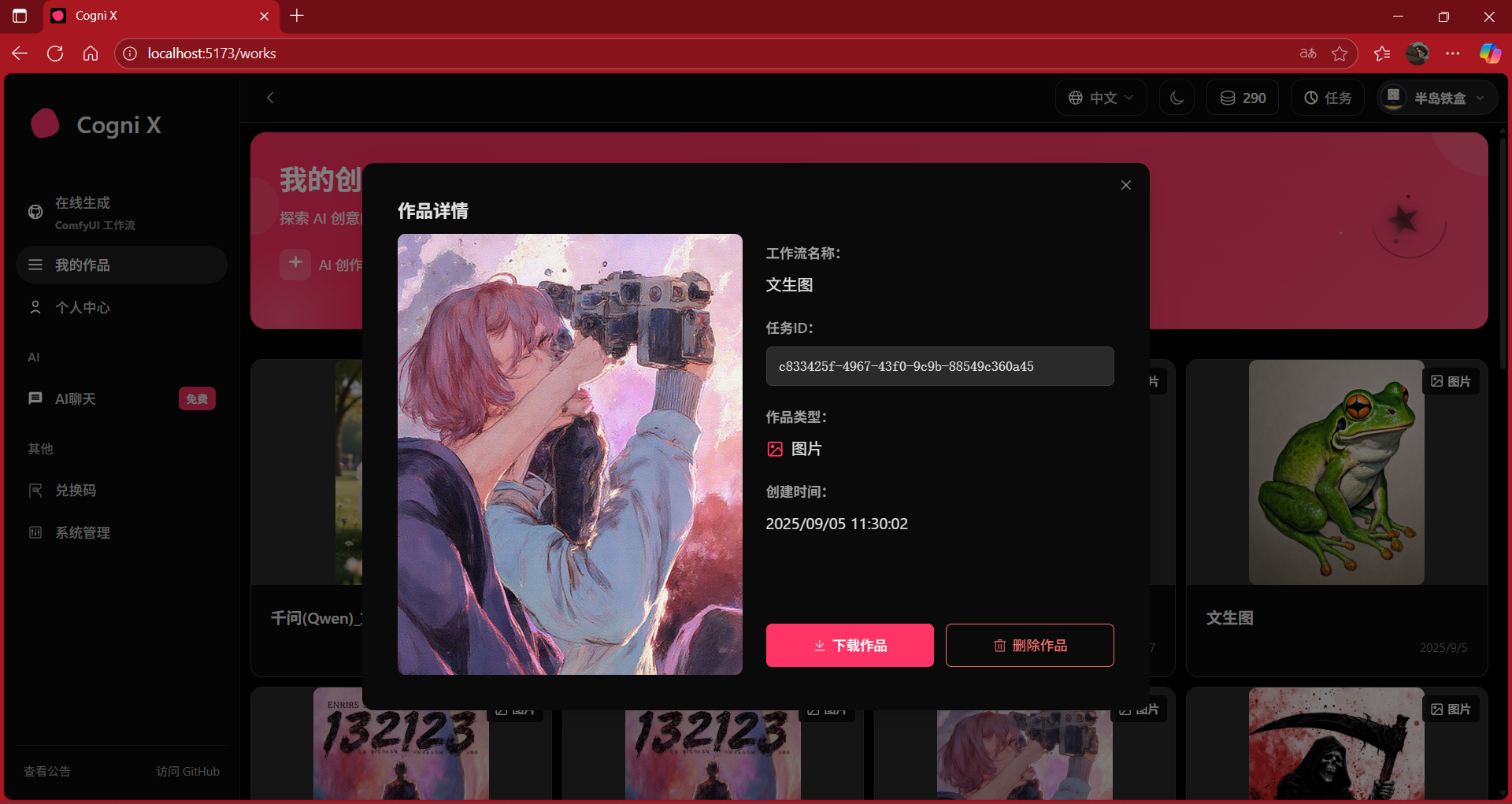
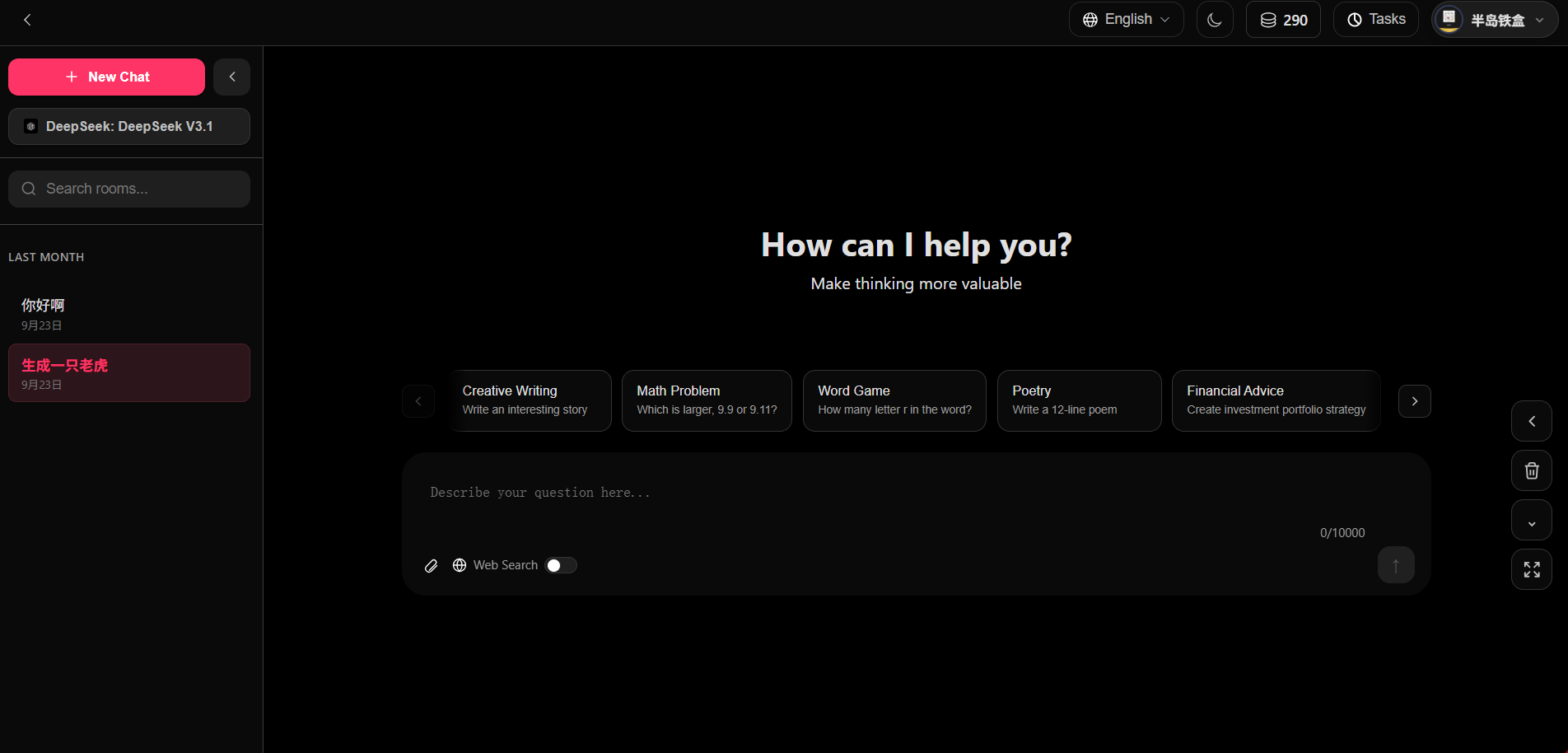
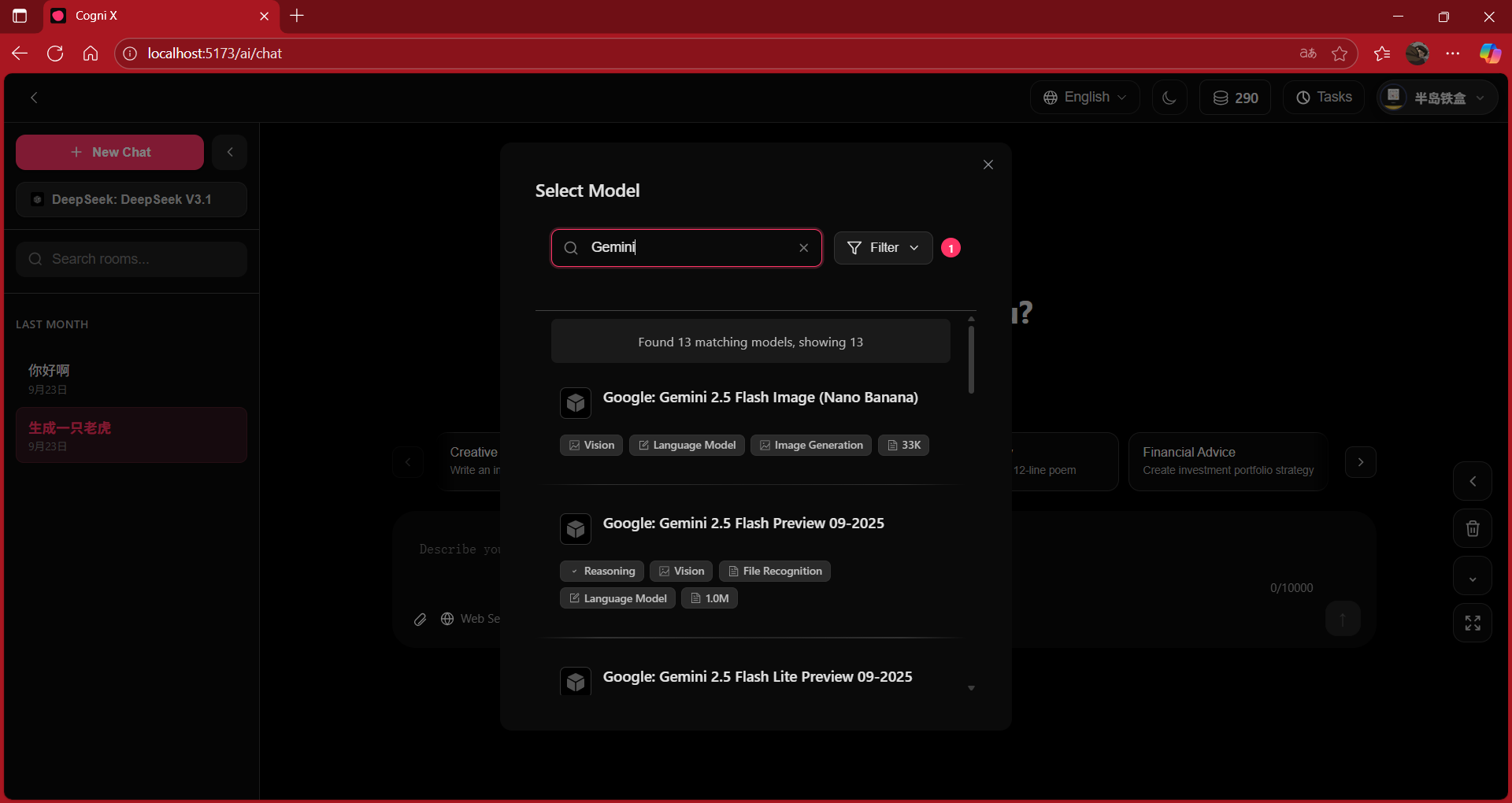
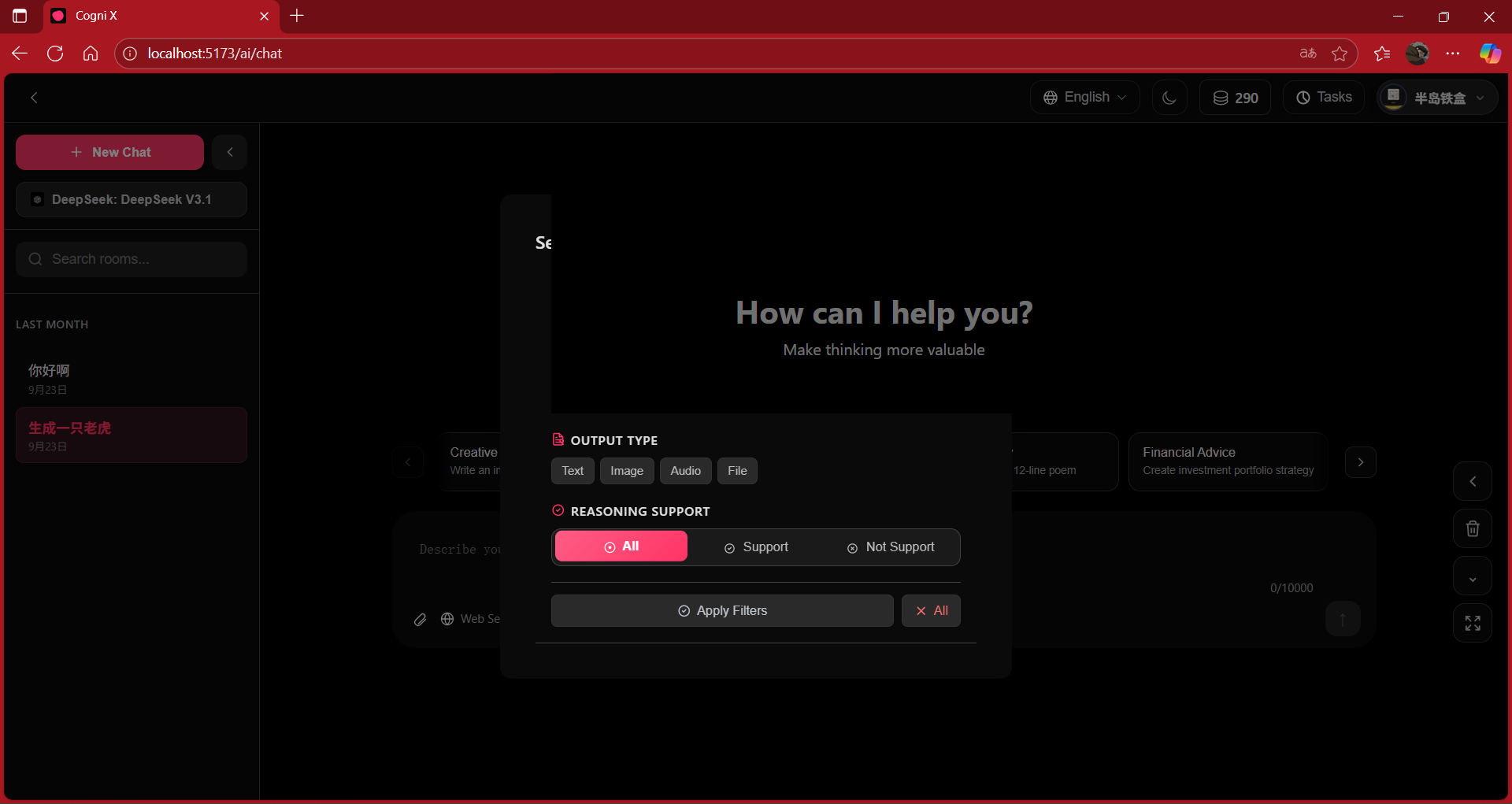
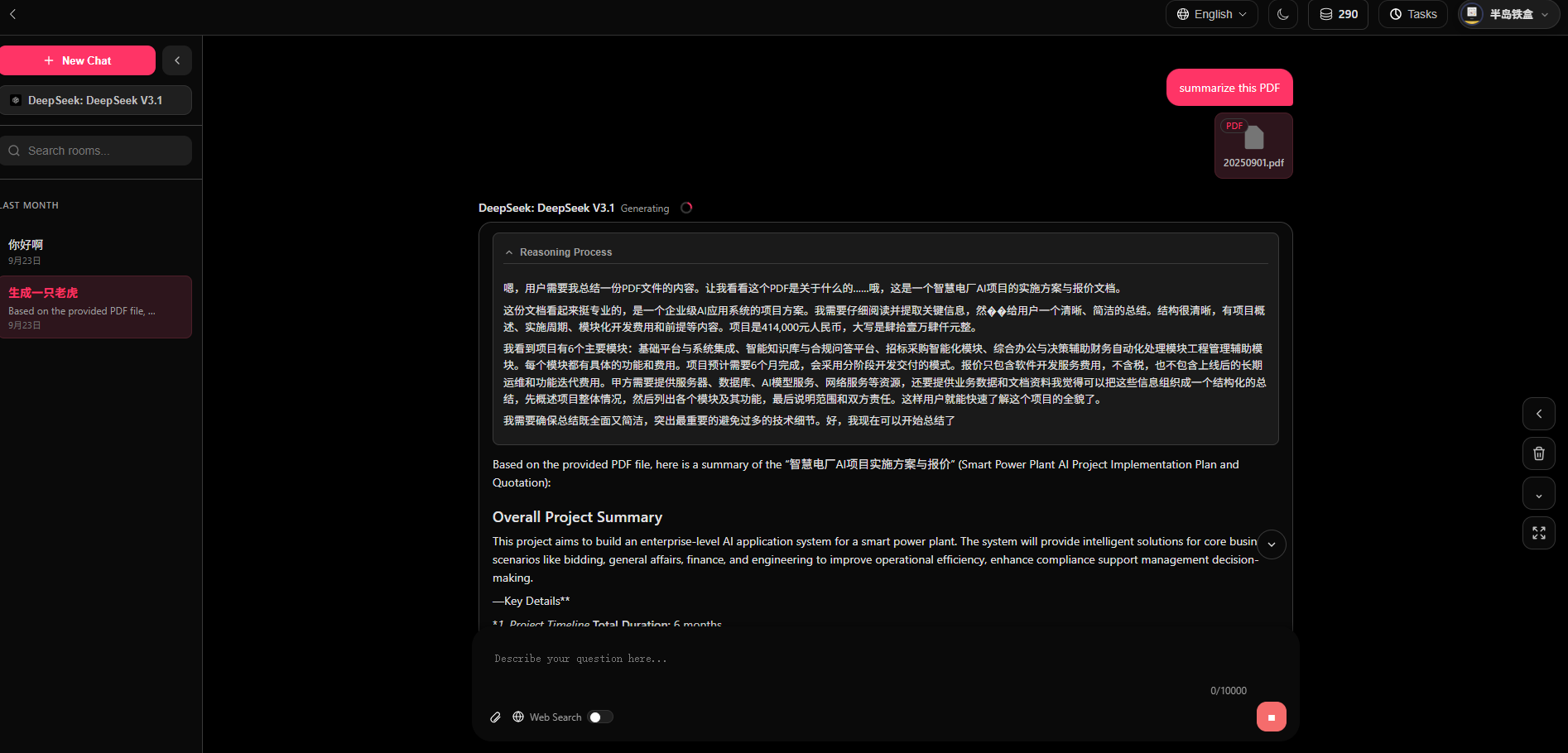
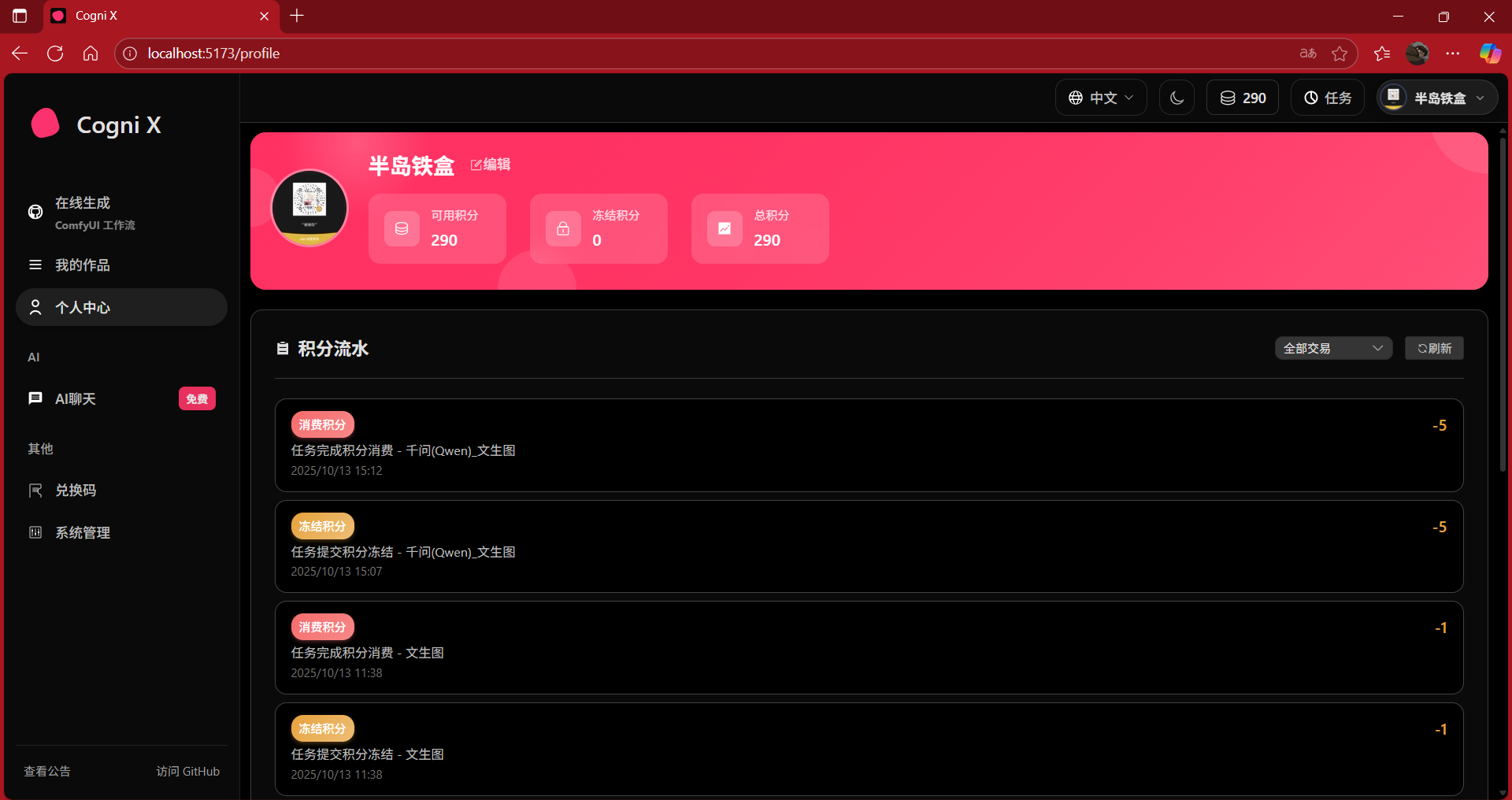
### ComfyUI Starter Kit for Demonstration
Files shared via cloud storage: 2 files including "2_整合包ComfyUI-aki-1.6.rar"
Link: https://pan.baidu.com/s/1hcsZiz367FtK4pJHRWVa_g?pwd=iavj Code: iavj
### Features
- **Authentication & Authorization**: Built on Sa-Token with Bearer Token approach, includes built-in API access filtering and route filtering.
- **Chat & AI Capabilities**: Integrated with OpenRouter, multi-model registration and auto-selection; SSE streaming chat, multi-language support with rich-text highlighting (primarily leverages free API model services - see yml config and backend docs for details).
- **ComfyUI Workflows**: Form-based parameter collection, task submission and status subscription, timeout & retry strategies, file type whitelist, multi-ComfyUI server support (submit, cancel, remake tasks).
- **Object Storage**: Aliyun OSS upload and display, global file type and size limit configuration.
- **Notifications**: Email verification codes/notifications (Thymeleaf templates), system announcements and in-app notifications.
- **System Management**: User/credits management, announcements, redemption codes, statistics dashboard, and other common admin features.
### Deployment
#### Backend Deployment
The backend is a standard Spring Boot multi-module project that can be packaged into an executable JAR file for deployment. We provide comprehensive deployment documentation covering traditional servers, Docker containers, and Kubernetes (K8s) deployment scenarios.
👉 **[View detailed backend deployment guide](./singleton/README.md)**
#### Frontend Deployment
The frontend project is built with Vue 3 and Vite. For deployment, it needs to be compiled into static files and hosted using web servers like Nginx with reverse proxy configuration.
👉 **[View detailed frontend deployment guide](./vue/README.md)**
### Tech Stack
- **Frontend**: Vue 3, Vite, TypeScript, Pinia, Vue Router, Element Plus, vue-i18n, highlight.js, lottie-web, @google/model-viewer.
- **Backend**: Spring Boot 3, Web + WebFlux (SSE), Sa-Token, MyBatis-Plus, Druid, MySQL, Redis (Redisson), Spring Mail, WebSocket, Lombok, Guava.
### Module Architecture
```
singleton/ # Backend multi-module aggregation project (Maven)
application/ # Executable startup module (aggregating business modules)
common/ # Common dependencies: config, interceptors, utils, storage, auth, etc.
auth/ # Authentication & user-related APIs
comfyui/ # ComfyUI task orchestration & WebSocket push
llm/ # LLM chat & model registration (OpenRouter)
notice/ # Notifications & announcements
oss/ # Aliyun OSS capability wrapper
system/ # System management domain
vue/ # Frontend project (Vite)
```
### Quick Start
#### Prerequisites
- JDK 21+ (22 recommended)
- Maven 3.9+
- Node.js 18+ / pnpm or npm
- MySQL 8+, Redis 6+
#### Backend Configuration
1. Copy or reference `singleton/application/src/main/resources/application-dev.yml`, and modify the following key items as needed:
- `spring.datasource.url/username/password` (MySQL)
- `spring.data.redis.host/port/password` (Redis)
- `spring.mail.*` (Optional, email verification codes/notifications)
- `ali.oss.*` (Aliyun OSS)
- `comfyui.server[*].url` (ComfyUI service address)
- `open-router.api-key` (OpenRouter API Key)
2. Start (development mode):
```bash
mvn -f singleton/pom.xml -pl application -am spring-boot:run -Pdev
```
Or package:
```bash
mvn -f singleton/pom.xml -Pdev clean package
java -jar singleton/application/target/application-*.jar
```
3. Default backend address: `http://localhost:9898/api` (`server.servlet.context-path=/api`).
#### Development Environment Configuration Details (application-dev.yml)
Example (replace placeholders with your own values):
```yaml
spring:
datasource:
url: jdbc:mysql://127.0.0.1:3306/ghosts?useUnicode=true&serverTimezone=Asia/Shanghai&characterEncoding=utf-8&zeroDateTimeBehavior=convertToNull&autoReconnect=true&allowMultiQueries=true&useSSL=true # MySQL connection string
username: root # Database user
password: "" # Database password
data:
redis:
database: 1 # Logical DB (0-15)
host: 127.0.0.1 # Redis host
port: 6379 # Redis port
password: "" # Leave empty if no password
mail:
host: smtp.qq.com # SMTP server
username: "@qq.com" # Sender email
password: "" # Auth code/app-specific password
default-encoding: UTF-8 # Encoding
properties:
mail:
smtp:
socketFactory:
class: javax.net.ssl.SSLSocketFactory # Enable SSL
port: 587 # SMTP port
admin:
init:
enabled: true # Enable auto admin initialization
email: admin@example.com # Admin email
password: admin123 # Admin password
nickname: System Admin # Admin nickname
initial-credits: 1000000 # Initial credits
ali:
certified:
access-key: "" # Aliyun AK
secret-key: "" # Aliyun SK
oss:
endpoint: "oss-accelerate.aliyuncs.com" # OSS endpoint
bucket-name: "" # OSS bucket name
domain: "https://.oss-accelerate.aliyuncs.com" # OSS domain
supported-file-types:
- extension: "jpg" # File extension
mimeType: "image/jpeg" # MIME type
maxSizeInBytes: 5242880 # Max size per file
comfyui:
server:
- name: COMFYUI-1 # Server identifier
url: http://localhost:8188 # ComfyUI address
submit-task-max: 100 # Max task queue
task:
max-retry-time: 30 # Single connection timeout (seconds)
max-retries: 2 # Retry count on failure
timeout-check-interval: 30 # Timeout check interval (minutes)
supported-file-types:
jpg: "image/jpeg" # Allowed upload types in forms
png: "image/png"
open-router:
api-key: "" # OpenRouter API Key
base-url: "https://openrouter.ai/api/v1" # API base URL
connect-timeout: 30000 # Connection timeout (ms)
read-timeout: 60000 # Read timeout (ms)
chat:
session-ttl-seconds: 2592000 # Session TTL (seconds)
truncation:
response-token-reserve: 2000 # Token reserve for response
text-chars-per-token: 4 # Text chars per token
image-token-estimate: 1500 # Token estimate per image
file-token-estimate: 4000 # Token estimate per file
enable-compression: true # Enable text compression
plugins:
web:
enabled: true # Enable web search
max-results: 5 # Max results
file-parser:
enabled: true # Enable file parsing
pdf:
engine: pdf-text # OCR engine
static-filename: document.pdf # Default filename
remote-registry:
enabled: true # Enable model pulling
url: "https://openrouter.ai/api/frontend/models" # Model list URL
cron: "0 0/30 * * * ?" # Refresh interval
read-timeout-seconds: 10 # Read timeout (seconds)
filter: FREE # Model scope: ALL/FREE/PAID
auto:
modelId: "" # Fixed model (optional)
prefer: FREE # FREE/PAID
audio:
max-size-bytes: 20971520 # Max audio size
allowed-formats:
- wav
- mp3
default-format: wav # Default format
reasoning:
enabled: true # Enable deep thinking
max-tokens: 2000 # Max tokens for reasoning
upload:
max-attachment-count: 8 # Max attachments per message
server:
port: 9000 # Dev port (can change to 9898 to match frontend)
servlet:
context-path: /api # API prefix
```
#### Start Frontend
```bash
cd vue
npm i
npm run dev
```
Visit: `http://localhost:5173`
### API & Conventions
- Base prefix: `/api`
- Auth header: `Authorization: Bearer ` (Sa-Token)
- Response structure and status codes: Follow backend unified conventions (see `common` module and controllers).
### Security & Compliance
- Do not commit sensitive credentials (database, email, OSS, OpenRouter Key, etc.) to the repository.
- It's recommended to use environment variables or private configuration files to override sample configurations.
- For public demo scenarios, limit file upload types and sizes (this project provides global whitelists and size limits).
### Roadmap (Suggestions)
- Cross-model session sharing and message replay optimization
- ComfyUI node template management and auto-form generation
- More fine-grained permissions and audit logs
- Complete E2E/unit testing and CI/CD workflows
### Contributing
Issues and PRs are welcome:
- Follow commit message conventions, preferably with reproduction steps or screenshots
- For new modules, please supplement with relevant documentation and sample configuration
### Support the Author
If this project helps you, feel free to support via WeChat donation:
