
Pho - A serverless application for viewing and uploading photos

中文 | English
### Installation
**Open Source Edition** (Android APK only):
- [Download APK](https://github.com/fregie/pho/releases) — SMB / WebDAV / NFS only, no Pro features
**Pro Edition** (all features, paid):
- [App Store](https://apps.apple.com/cn/app/pho-%E5%90%8C%E6%AD%A5%E7%85%A7%E7%89%87%E5%88%B0nas-%E7%BD%91%E7%9B%98/id6451428709) — iOS, with AES encryption, parallel upload, filters, Baidu Netdisk, and more
> This open-source repo only provides APK downloads. iOS users should download the Pro edition from the App Store (free to try basic features, then purchase Pro).
### Introduction
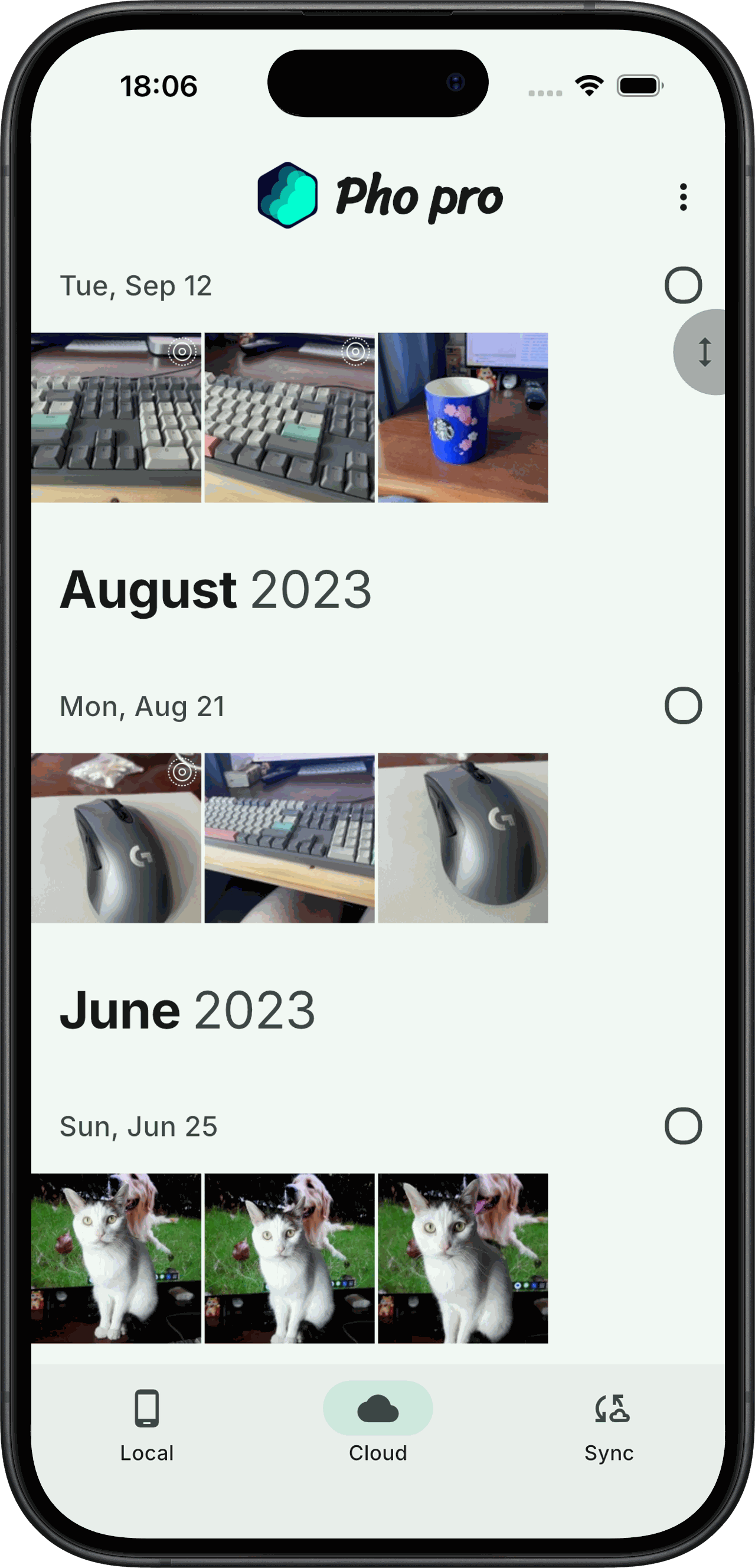
The primary objective of this application is to serve as a replacement for the native photo gallery application on smartphones. It also offers the capability to synchronize photos with online storage.
Pho is a simple app designed for viewing and synchronizing photos to cloud storage. It aims to provide an excellent user experience.
### Features
* Local photo browsing
* Cloud photo browsing
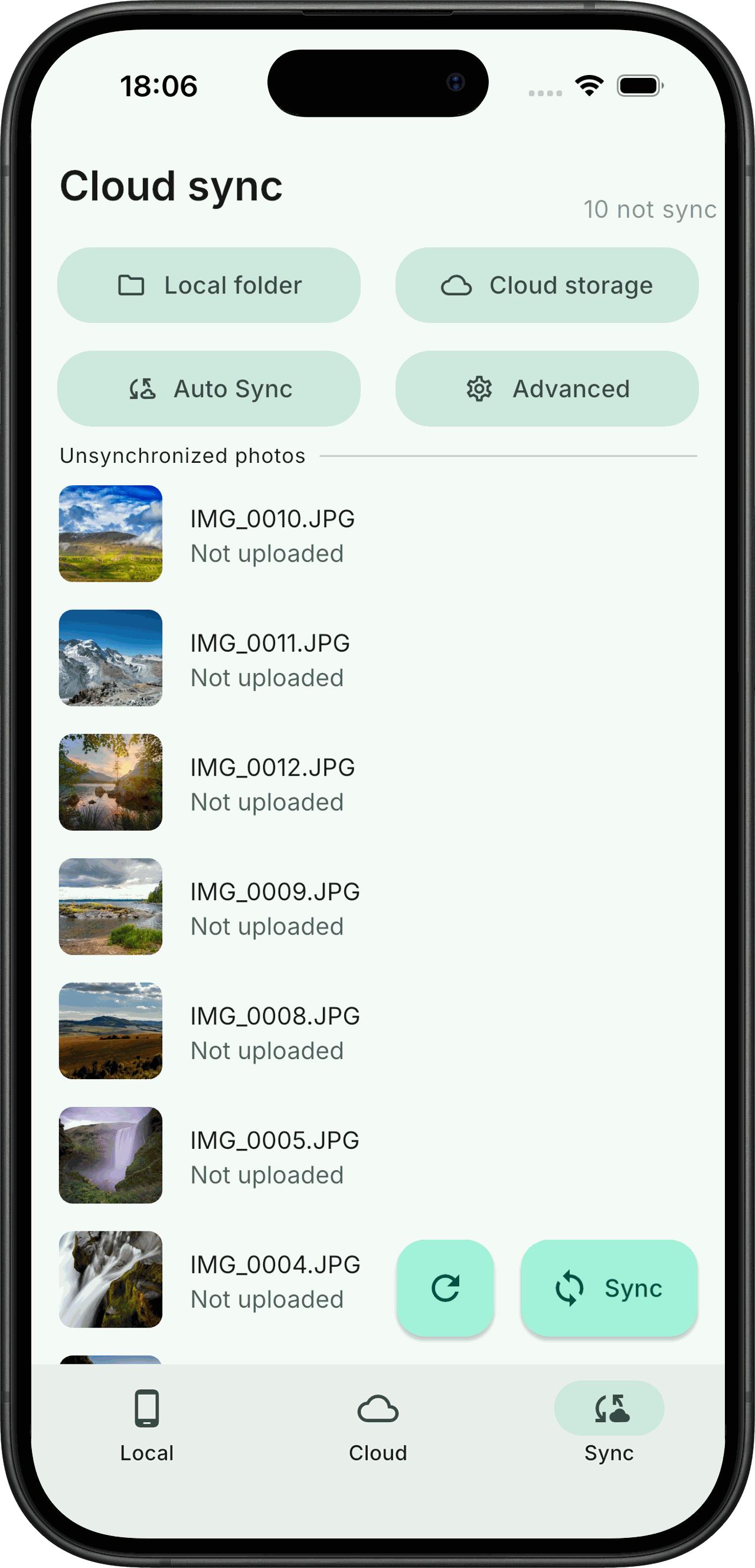
* Incremental photo synchronization to the cloud
* Background periodic synchronization
* No database, no server-side
* Organizing cloud storage directory structure by date
### Supported Cloud Storage
- [x] Samba
- [x] Webdav
- [x] NFS
- [ ] Alibaba Cloud Drive
- [ ] baidu netdisk
- [ ] oneDrive
- [ ] google drive
- [ ] google photo
### Screenshots


### Roadmap
- [x] Support zooming in/out of images
- [x] Support uploading/browsing videos
- [x] Support NFS
- [x] Support Baidu net disk
- [x] Support iOS
- [ ] Support web version
- [x] Add Chinese
### Contribute
Thank you all for your positive feedback.
There have been quite a few people who have provided requirements for this project, but as an individual, my resources are limited. If you are interested, you are welcome to join.
You can communicate by replying in the issue section and help in developing some features by submitting your pull request.
### File Storage Logic
The application stores files based on a straightforward principle of utilizing the time as the directory structure, and the source file name as the filename for storage. A .thumbnail directory is created in the root directory to store the generated thumbnails, and the directory structure for these thumbnails aligns with that of the source files.
You can access and utilize your backed-up photos in any other manner at any time, without dependence on this application.
Directory Structure Diagram:
```bash
├── 2022
│ ├── 07
│ │ ├── 02
│ │ │ ├── 20220702_100940.JPG
│ │ │ ├── 20220702_111416.JPG
│ │ │ └── 20220702_111508.JPG
│ │ └── 03
│ │ ├── 20220703_101923.DNG
│ │ ├── 20220703_112336.DNG
│ │ └── 20220703_112338.DNG
├── 2023
│ └── 01
│ └── 03
│ ├── 20230103_112348.JPG
│ ├── 20230103_124634.JPG
│ └── 20230103_124918.DNG
└── .thumbnail
└── 2022
└── 07
├── 02
│ ├── 20220702_100940.JPG
│ ├── 20220702_111416.JPG
│ └── 20220702_111508.JPG
└── 03
├── 20220703_101923.DNG
├── 20220703_112336.DNG
└── 20220703_112338.DNG
```
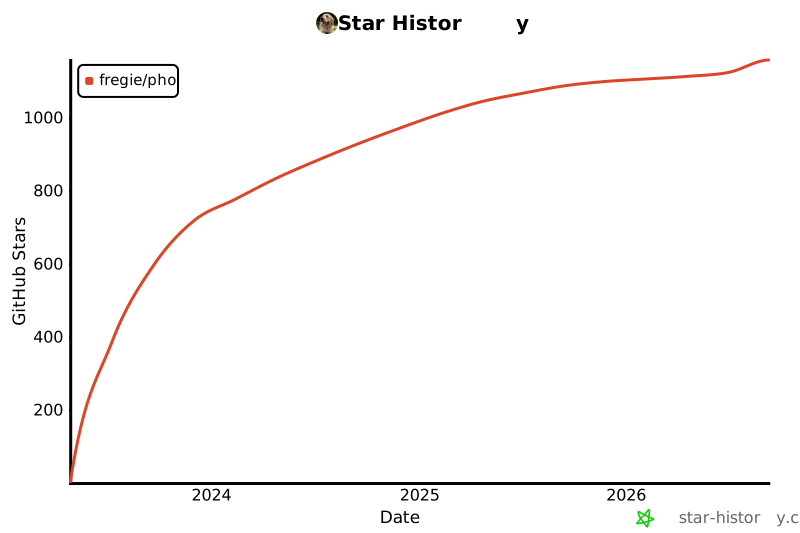
### Star History
[](https://star-history.com/#fregie/pho&Date)
### Join QQ group