English |
简体中文 |
Español
# Roxum IDE
Roxum IDE is a mobile-first code editor and mini IDE for Android, built with Flutter.
It combines editing, terminal workflows, Git/GitHub tooling, AI assistance, runtime downloads, and deep customization in one app.
#### Roxum uses the powerful [code_forge](https://github.com/heckmon/code_forge) package as the editor engine.
 ## Feature list:
- **Completely free and open source.**
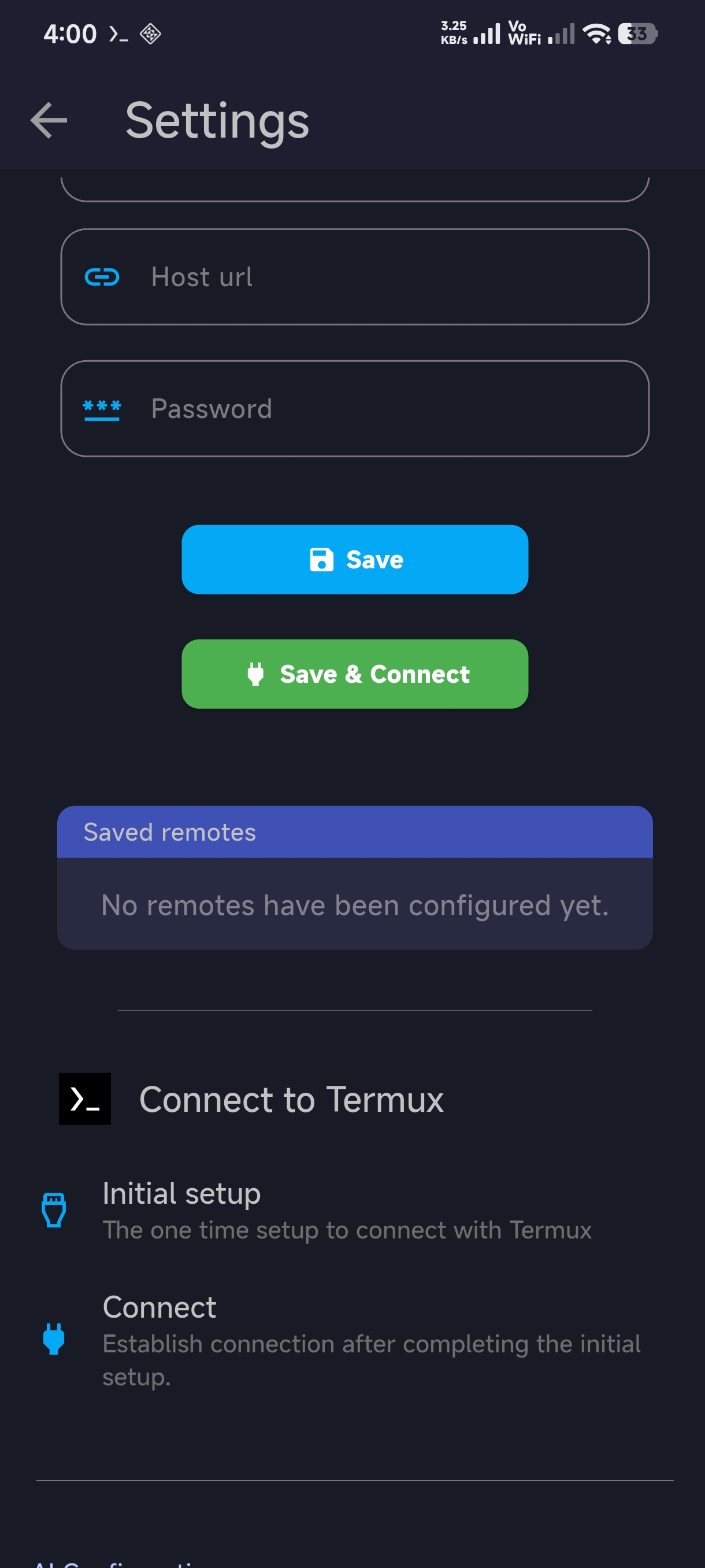
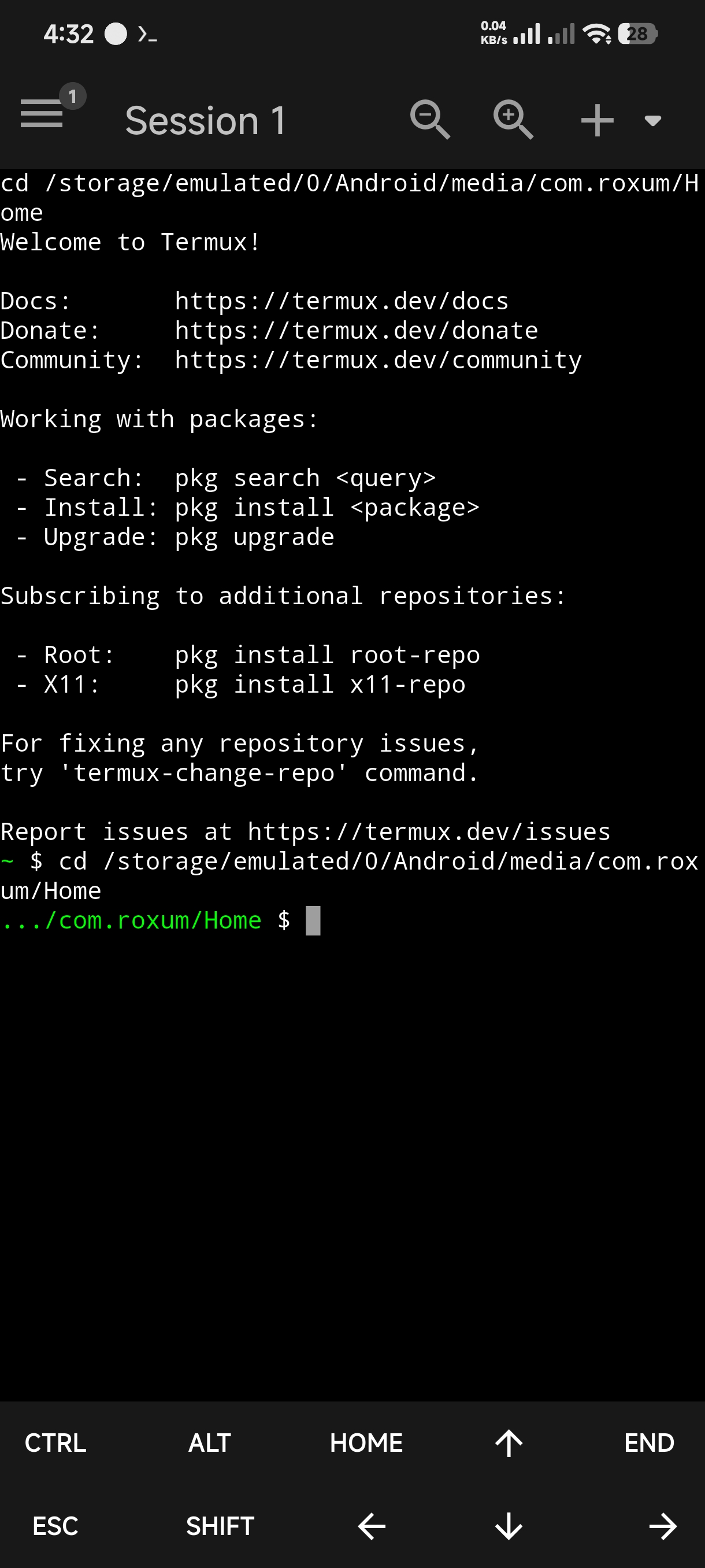
- **Built-in Termux support for using Termux as a backend.**
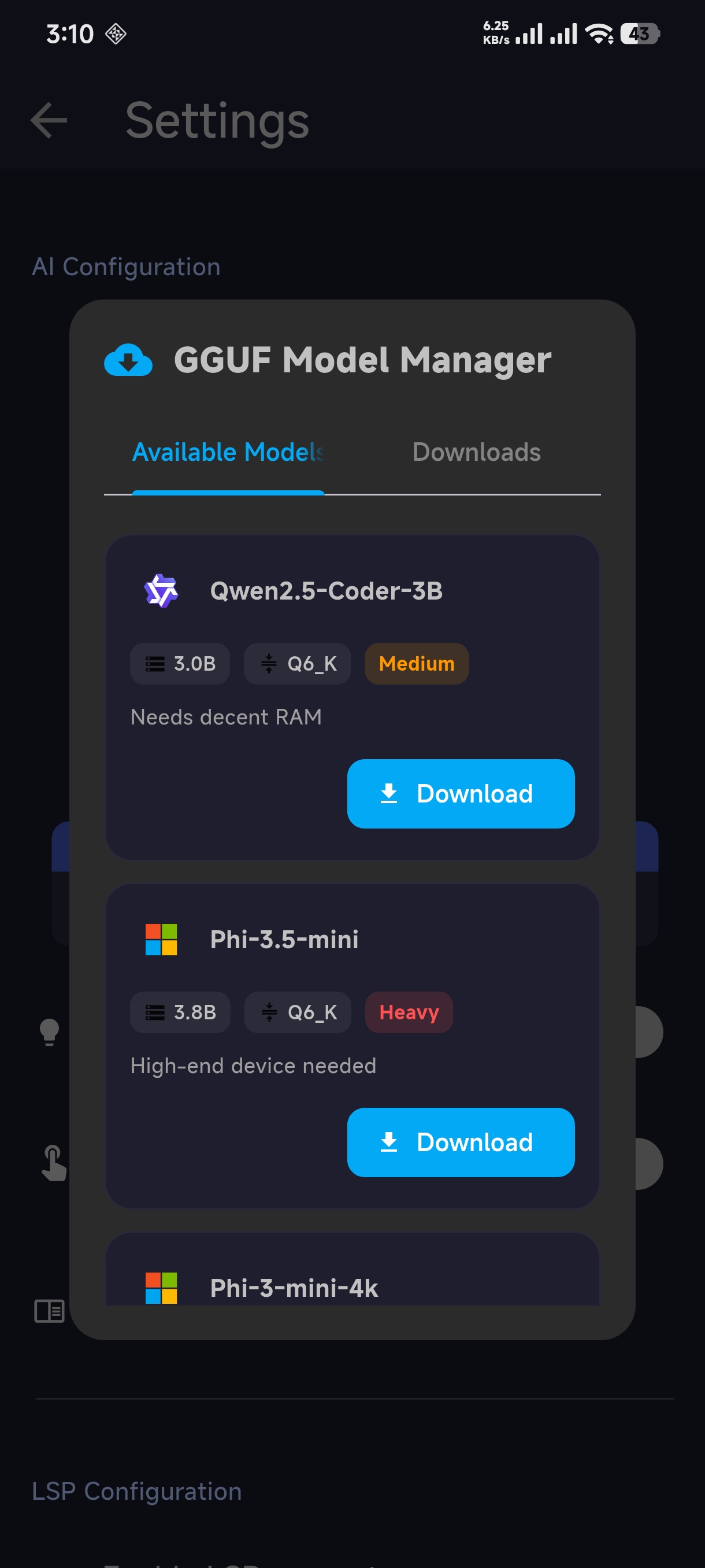
- **Download or load local GGUF LLM models for offline chat and code completion.**
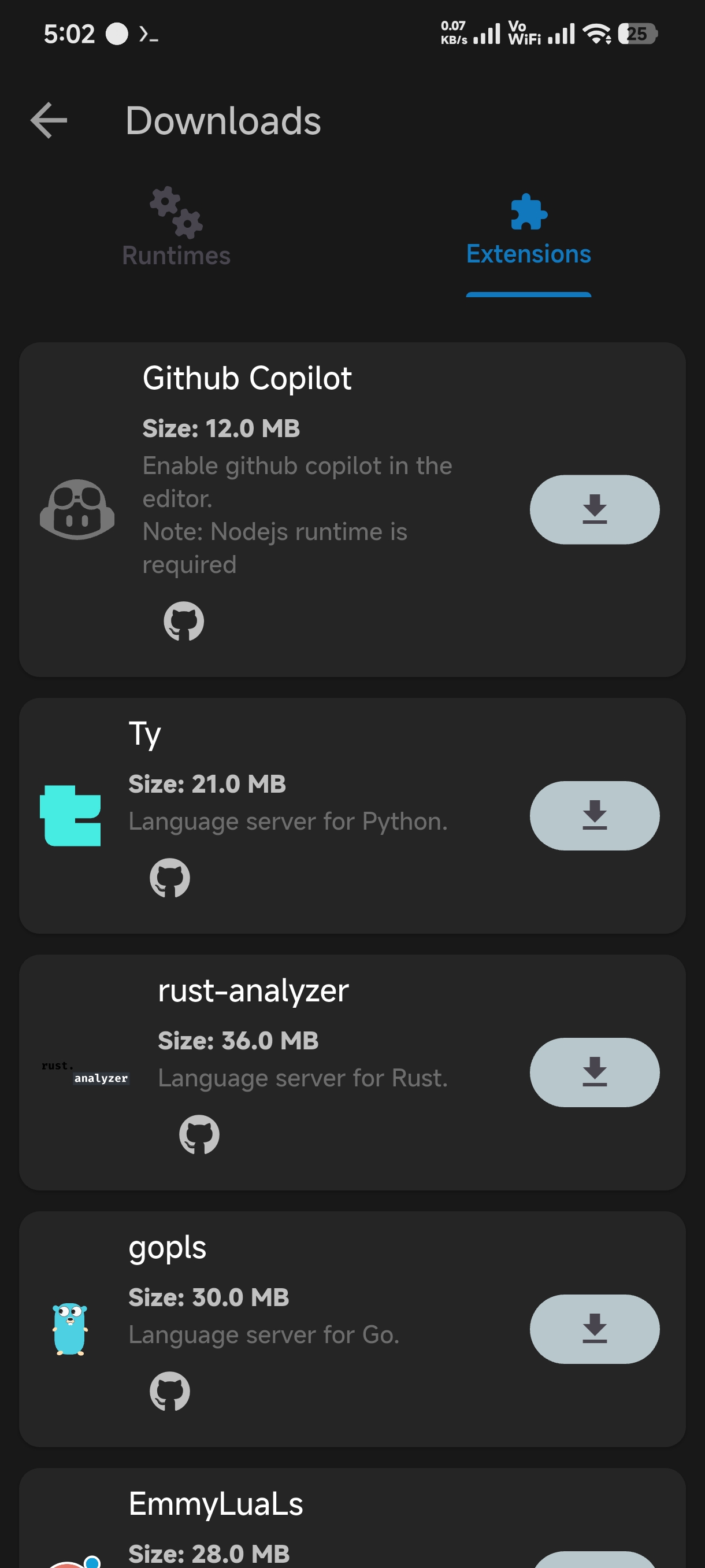
- **Offline compilers and extensions for popular languages.**
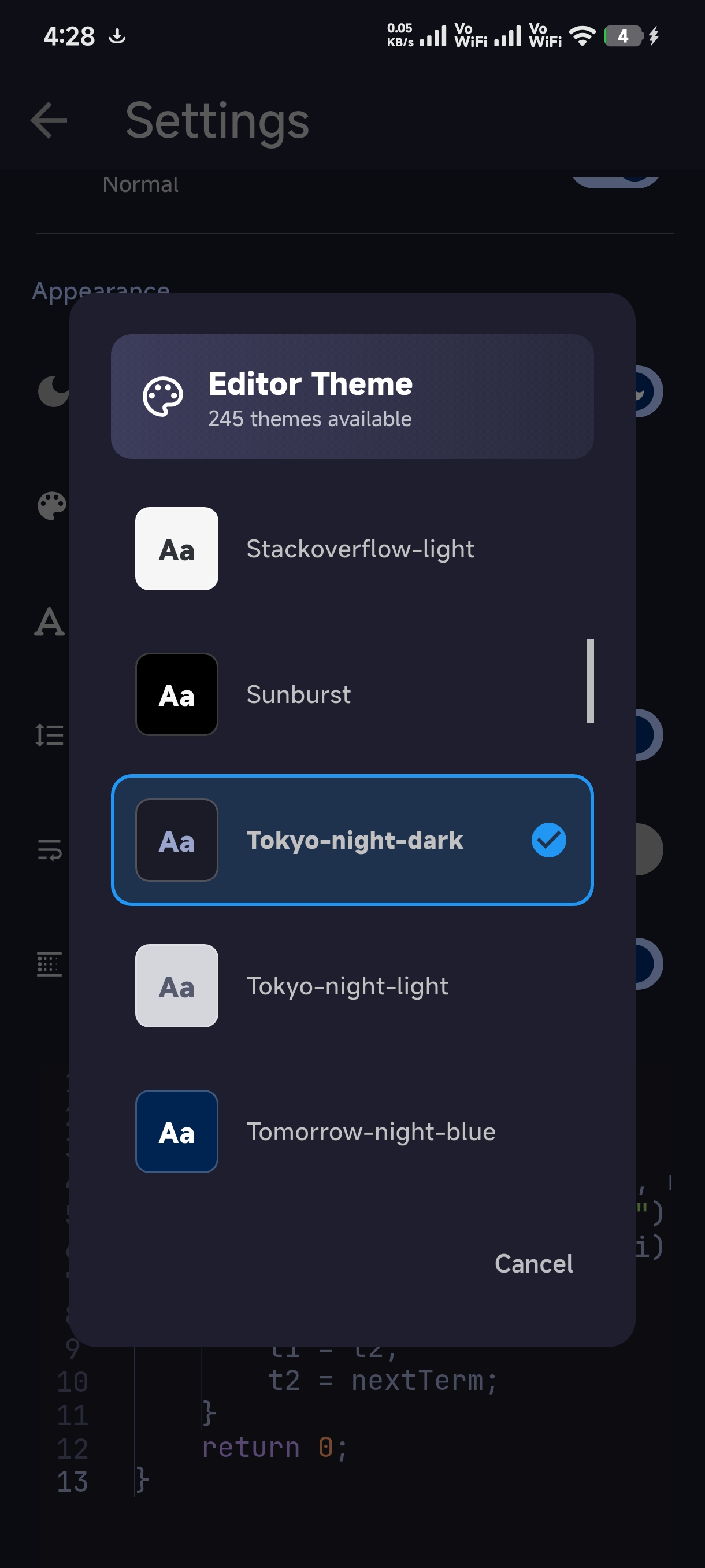
- **245 built-in themes and, an option for creating custom themes.**
- **Built-in terminal.**
- **Rust based editor backend using rope and sum tree data structures, similar to the zed editor.**
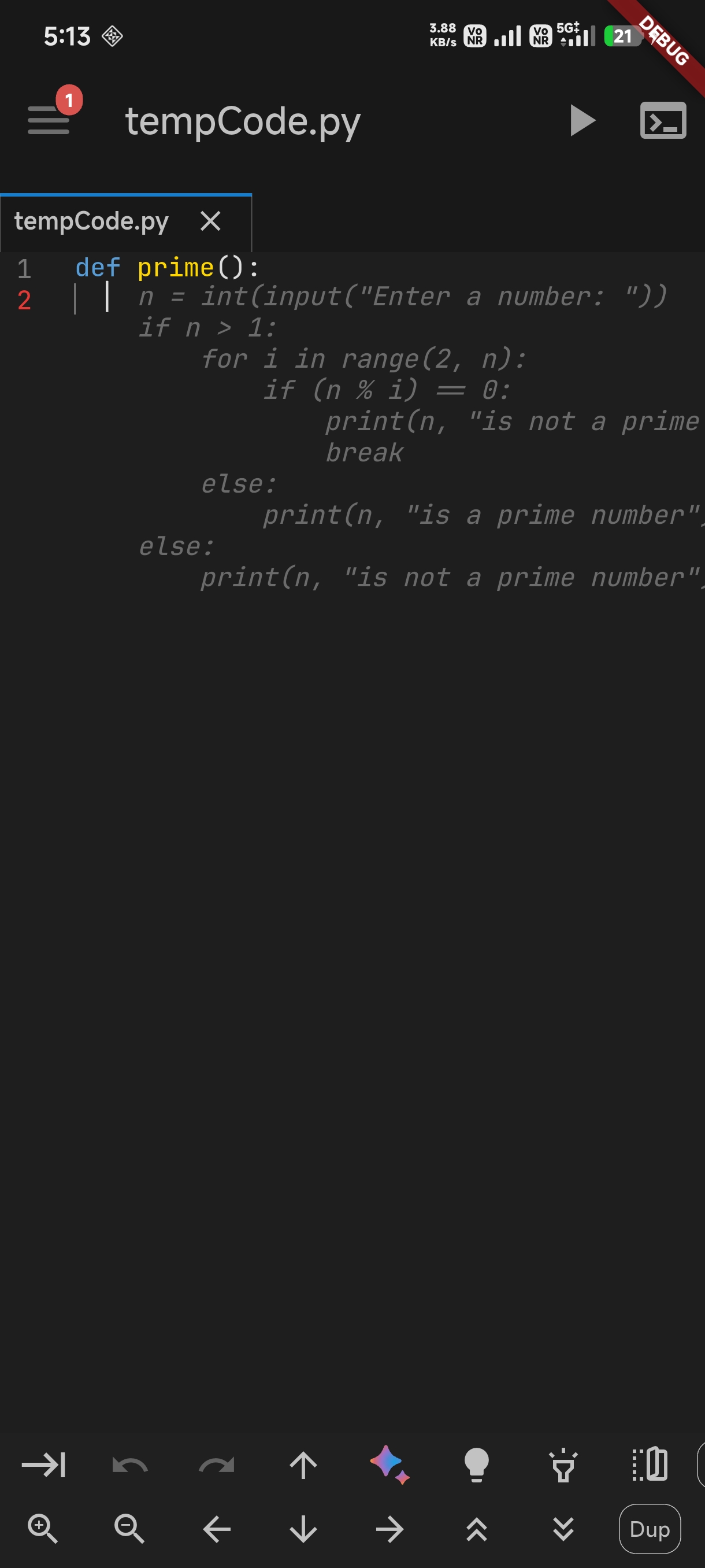
- **AI Code Completion.**
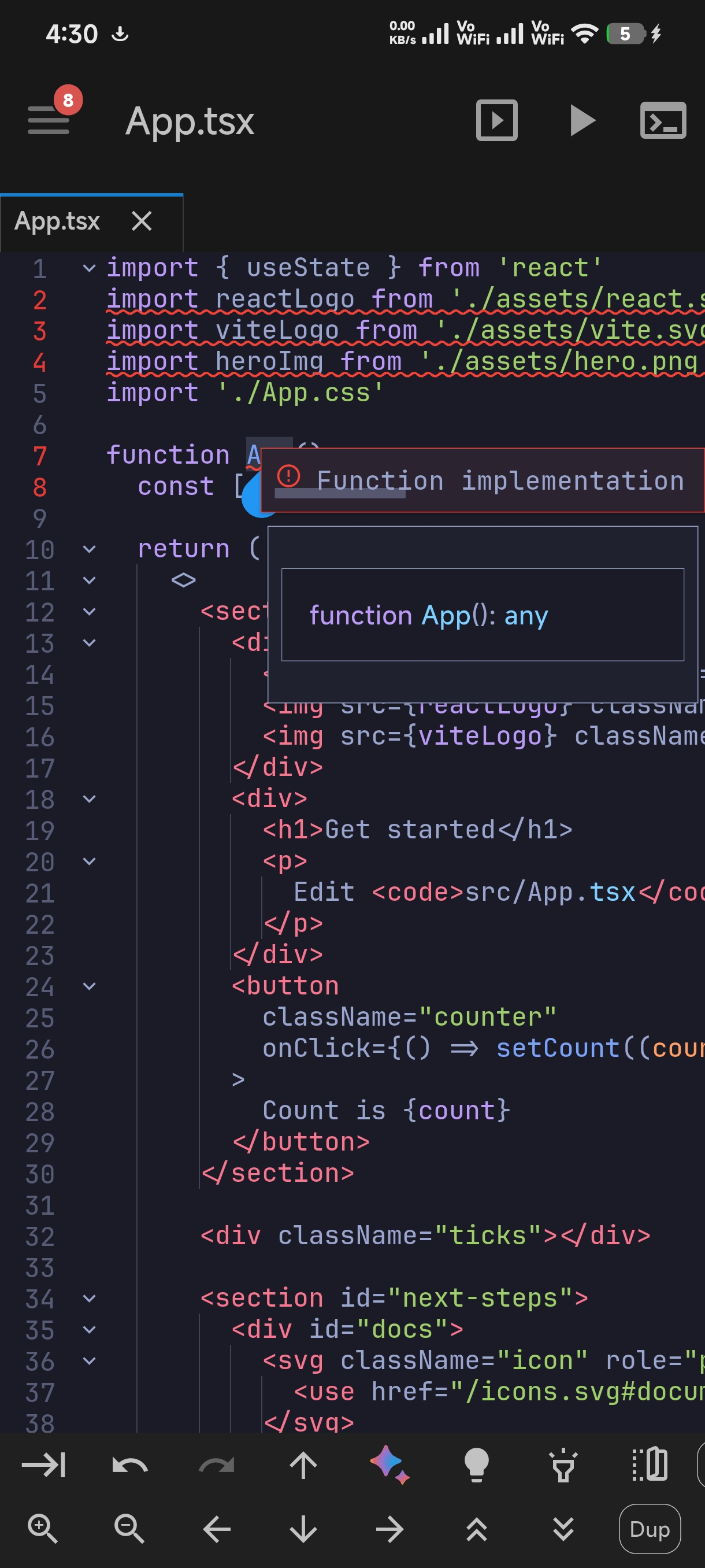
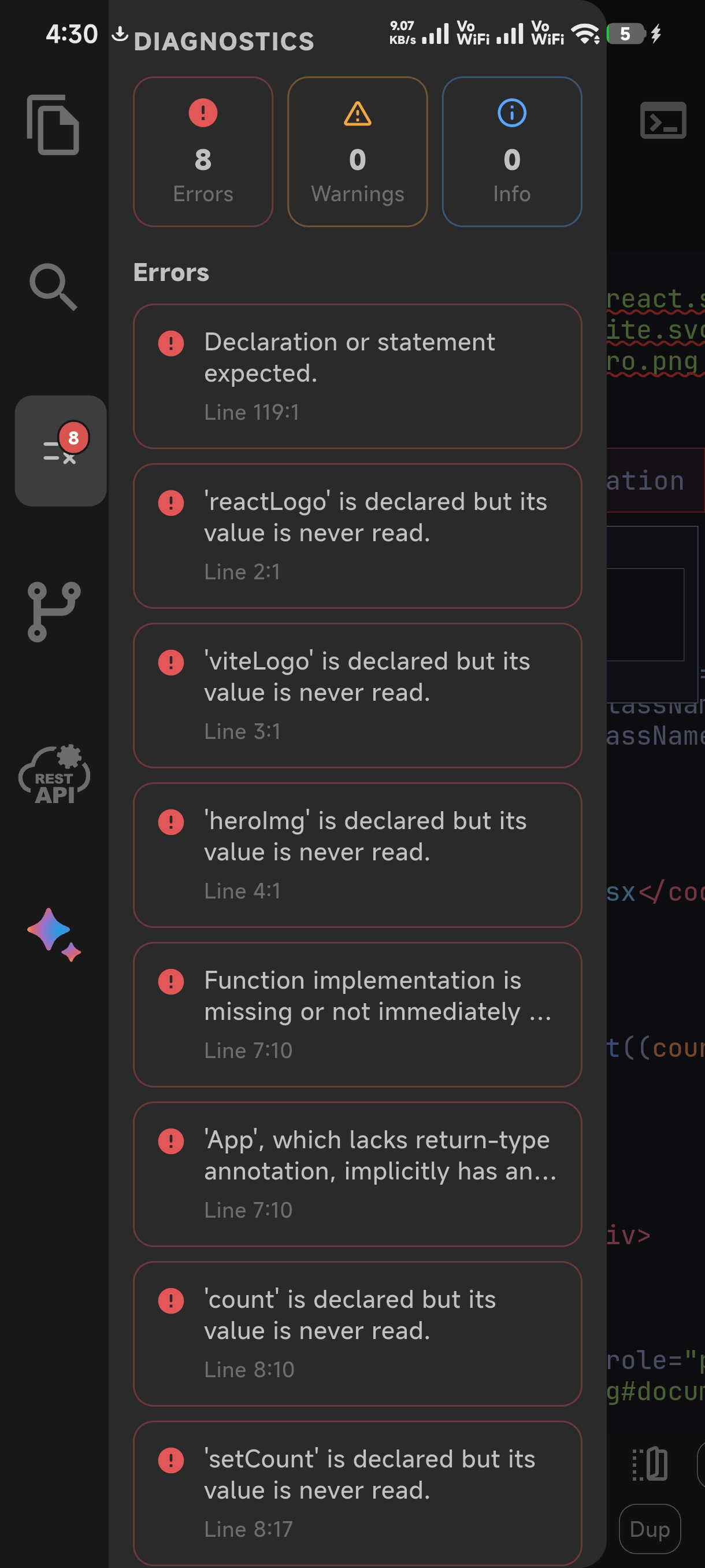
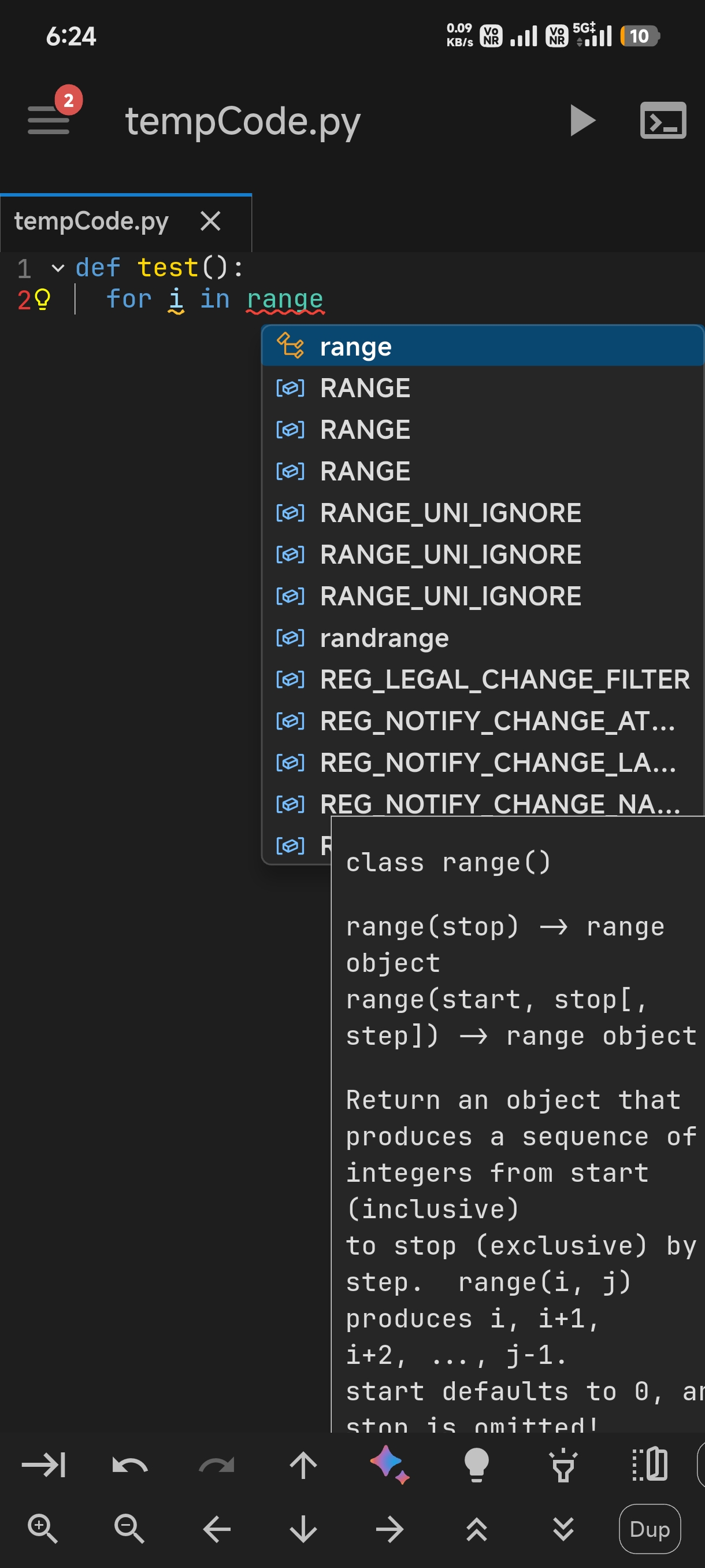
- **LSP support (suggesions, completions, error highlighting, hover info, etc).**
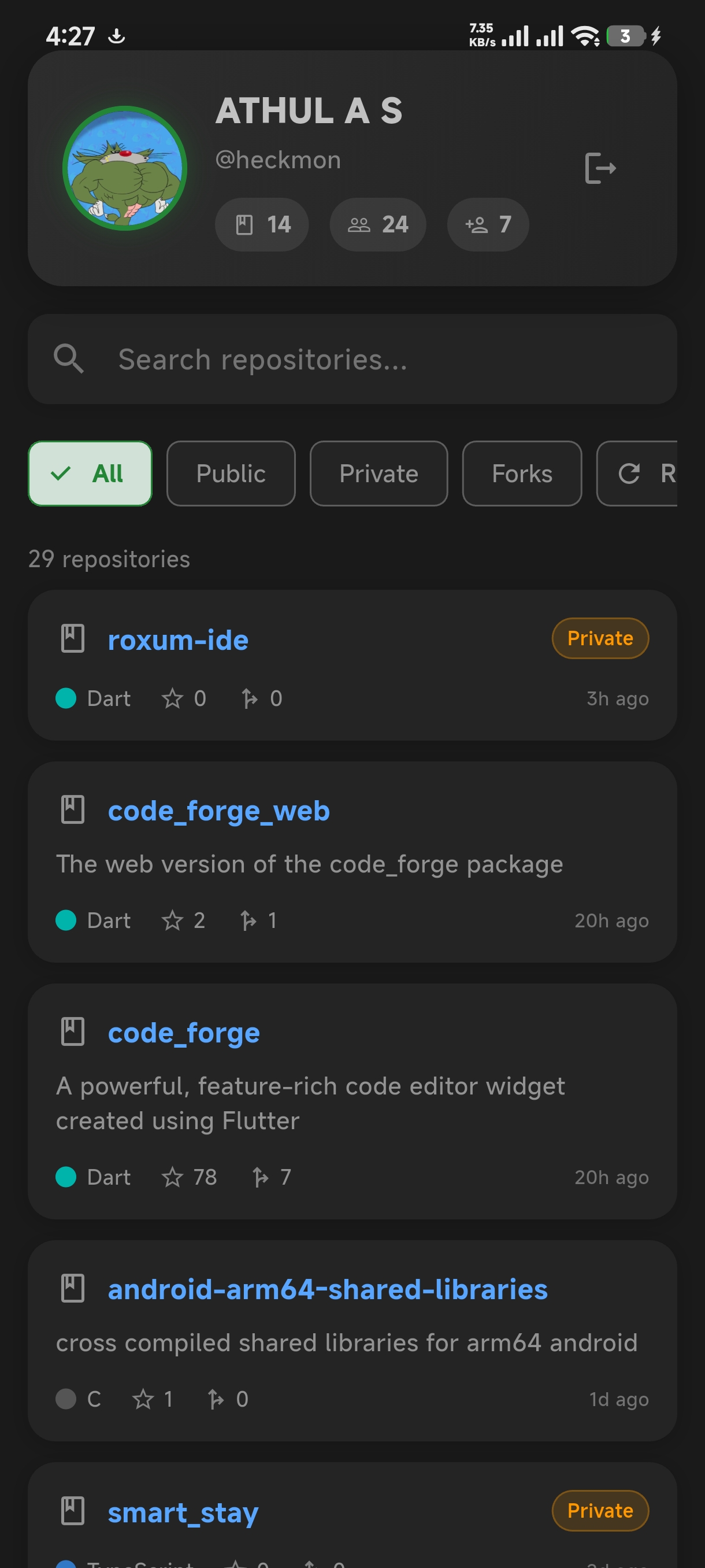
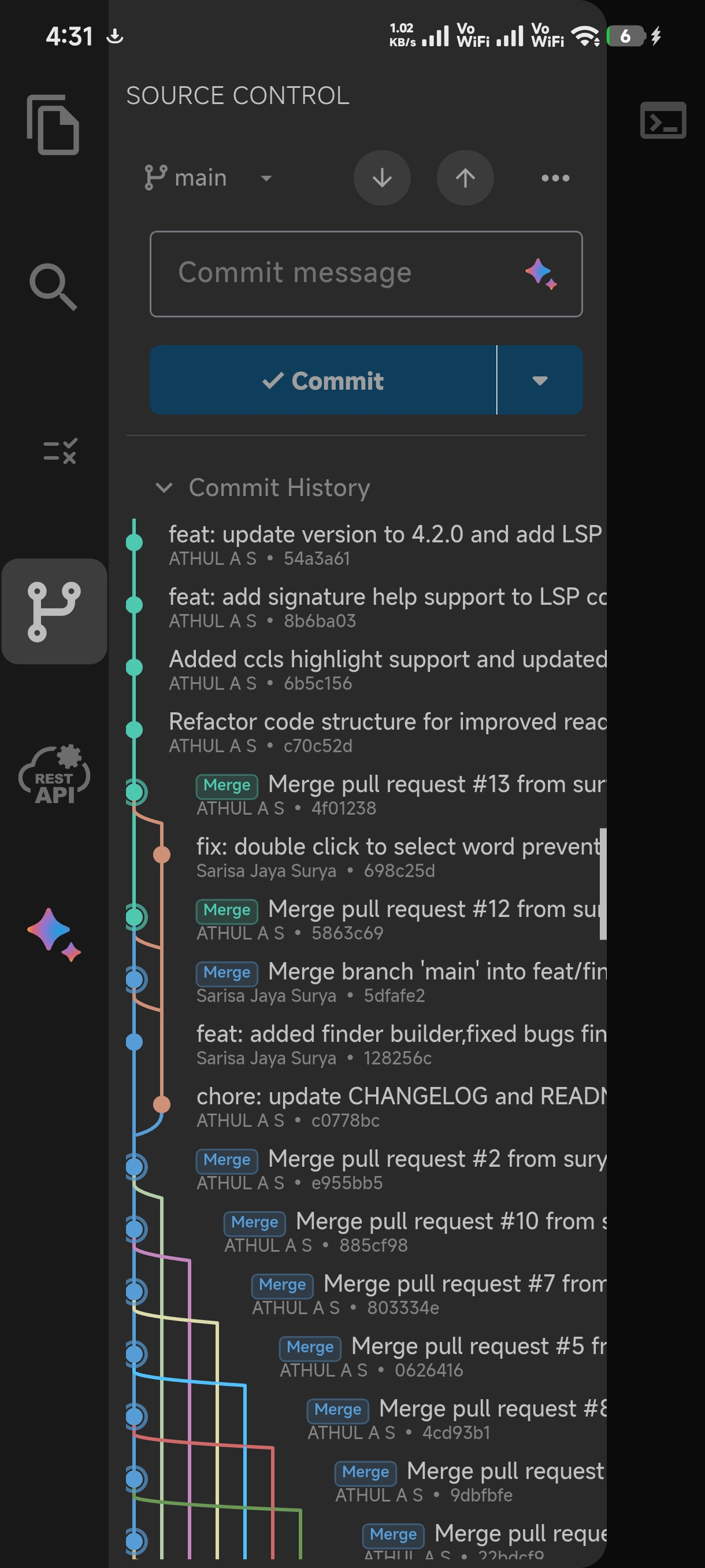
- **Git and Github intergration.**
- **SSH support for connecting with remote systems.**
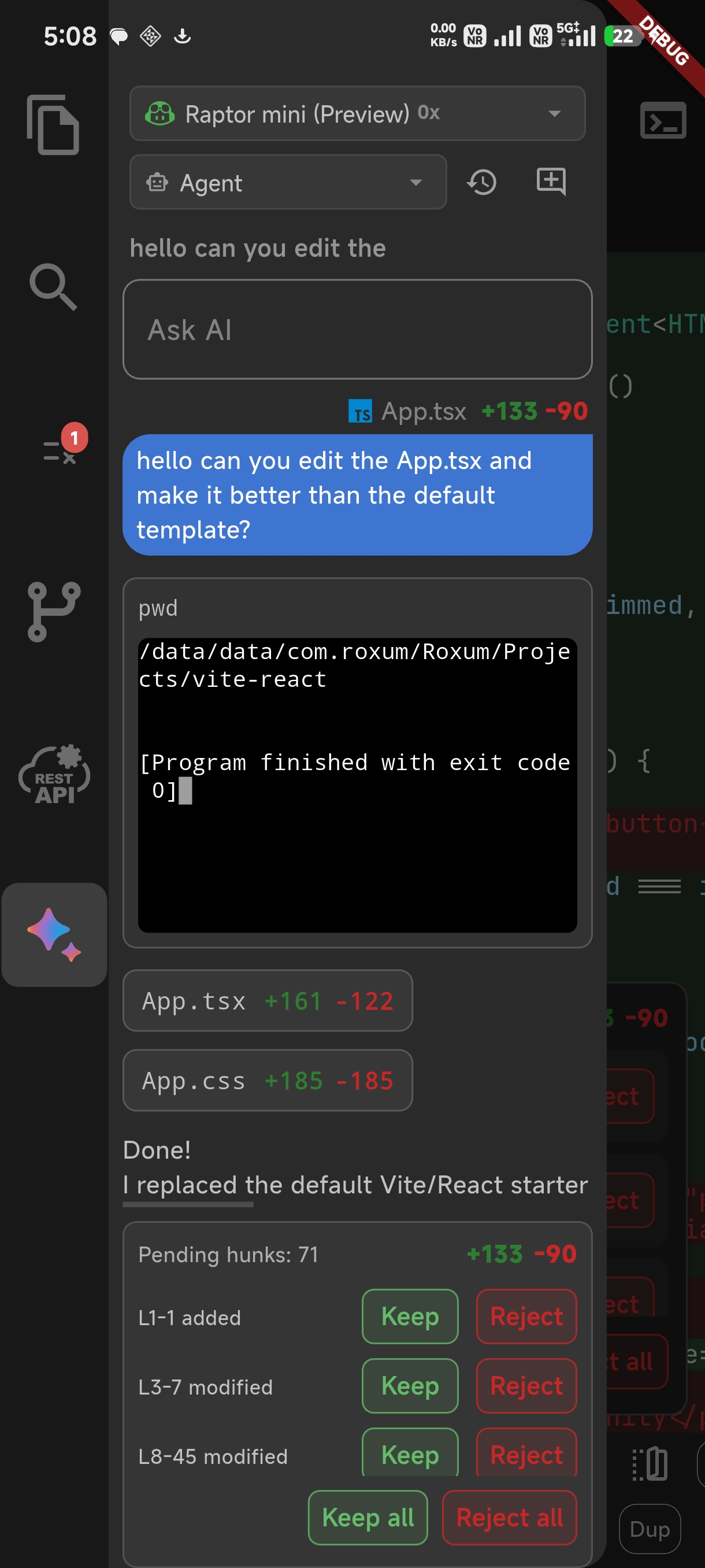
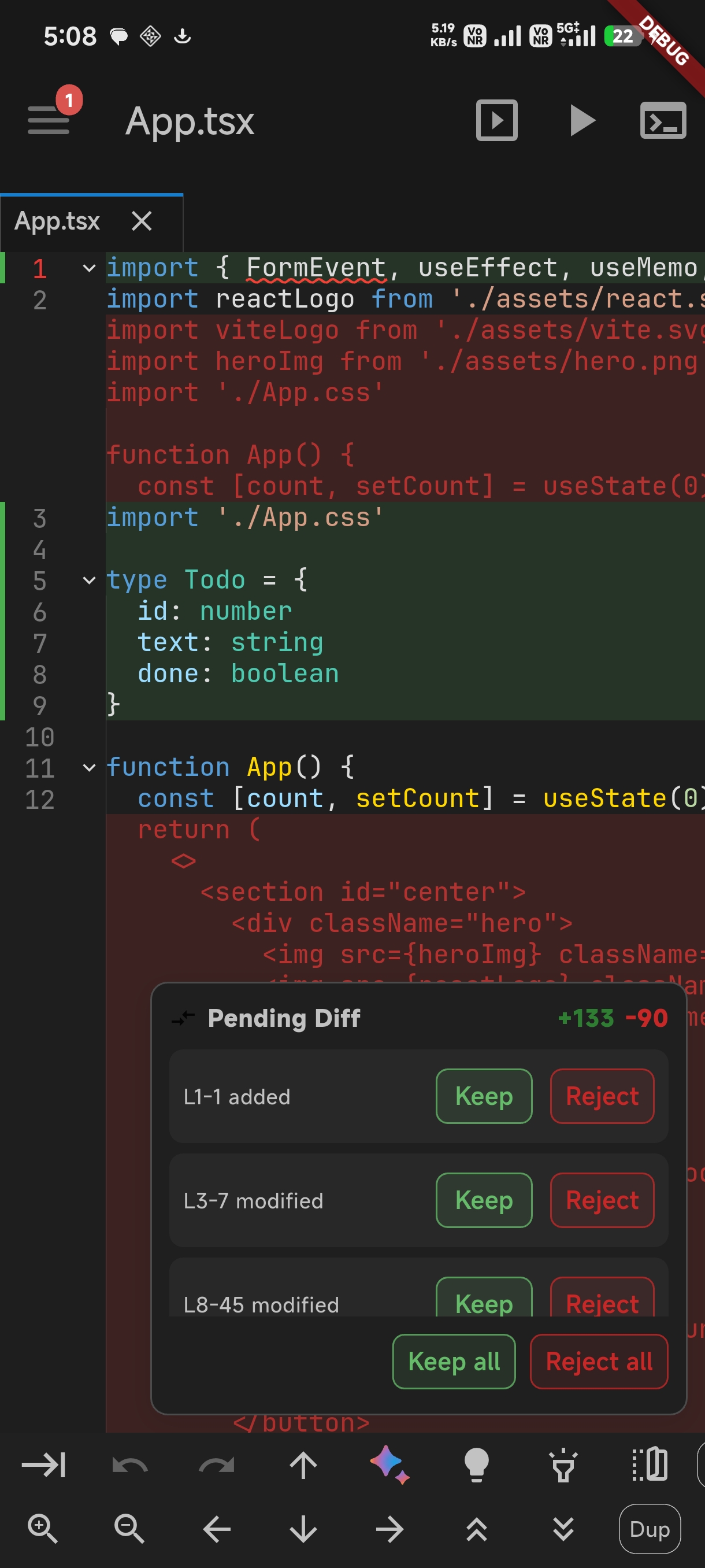
- **Intergrate with external AI providers for agentic editing.**
## What's new in 2.8.0:
- FIX: [#56](https://github.com/heckmon/roxum-ide/issues/56)
- FIX: [#53](https://github.com/heckmon/roxum-ide/issues/53)
- FIX: [#52](https://github.com/heckmon/roxum-ide/issues/52)
- FIX: Zig compiler error.
- ENHANCEMENT: Optimized editor backend.
---
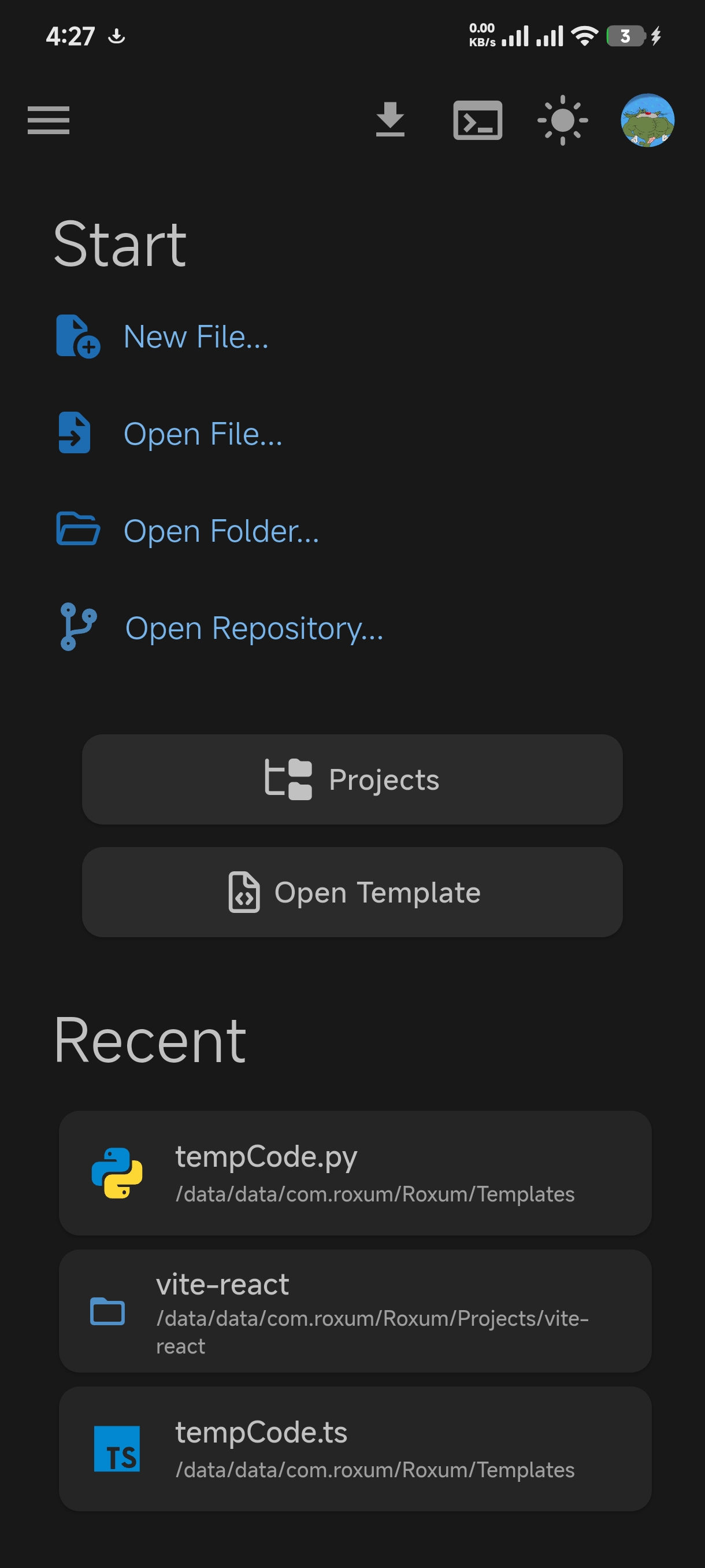
### Gallery
---
## Feature list:
- **Completely free and open source.**
- **Built-in Termux support for using Termux as a backend.**
- **Download or load local GGUF LLM models for offline chat and code completion.**
- **Offline compilers and extensions for popular languages.**
- **245 built-in themes and, an option for creating custom themes.**
- **Built-in terminal.**
- **Rust based editor backend using rope and sum tree data structures, similar to the zed editor.**
- **AI Code Completion.**
- **LSP support (suggesions, completions, error highlighting, hover info, etc).**
- **Git and Github intergration.**
- **SSH support for connecting with remote systems.**
- **Intergrate with external AI providers for agentic editing.**
## What's new in 2.8.0:
- FIX: [#56](https://github.com/heckmon/roxum-ide/issues/56)
- FIX: [#53](https://github.com/heckmon/roxum-ide/issues/53)
- FIX: [#52](https://github.com/heckmon/roxum-ide/issues/52)
- FIX: Zig compiler error.
- ENHANCEMENT: Optimized editor backend.
---
### Gallery
---
# If playstore isn't accessible in your country:
## Download the full apk from [releases](https://github.com/heckmon/roxum-ide/releases)
#### OR
## Build from source
This section is intended for users from countries like China where the Play Store isn't accessible. Otherwise, it is recommended to download the full-featured APK from the Play Store as mentioned above.
Clone this repo, then:
Make sure that [git-lfs](https://git-lfs.com/) is installed in your system and accessible via the `path`. Don't skip this step; the compilers and interpreters are stored in the GitHub large file storage.
#### 1) Build the app as an `aab` bundle.
> [!NOTE]
>
> To include all compilers, interpreters and extensions in the build, we build it as a standalone `aab` file, which is bigger compared to the APK downloaded from the Play Store. The Play Store build is smaller because these external dependencies are downloaded on demand when the user requests the particular compiler/interpreter/extension.
Make sure to install necessary Flutter and Android development tools before starting.
```bash
cd android && ./gradlew :app:bundleRelease
```
This will generate the output file in `build/app/outputs/bundle/release/app-release.aab`
#### 2) Creating APK from AAB
To install aab in your device, it needs to be converted to apk first. For that, download the latest bundletool from the official repo:
https://github.com/google/bundletool/releases
Then build the APK:
```bash
java -jar path/to/bundletool.jar build-apks --bundle=your_app/build/app/outputs/bundle/release/app-release.aab --output=output.apks --mode=universal
```
This will generate a file called output.apks in the current directory
#### 3) Then install the apks:
Make sure that you are connected to an emulator or physical device via `adb`.
```bash
java -jar /path/to/bundletool.jar install-apks --apks=output.apks
```
---
Special Thanks ♥️
- [@MaximoMachado](https://github.com/MaximoMachado) — helped fund the Play store release.