# dsh-user-message-timeline
Lightweight timeline inside the chat column — one pill per user message






DSH User Message Timeline — floating pill rail, hover preview, click/drag jump, paginated loading
Hover to preview, click to jump, viewport scrollable, switch left/right in one click
中文 · English
---
## Demo
| Light | Dark |
|---|---|
| 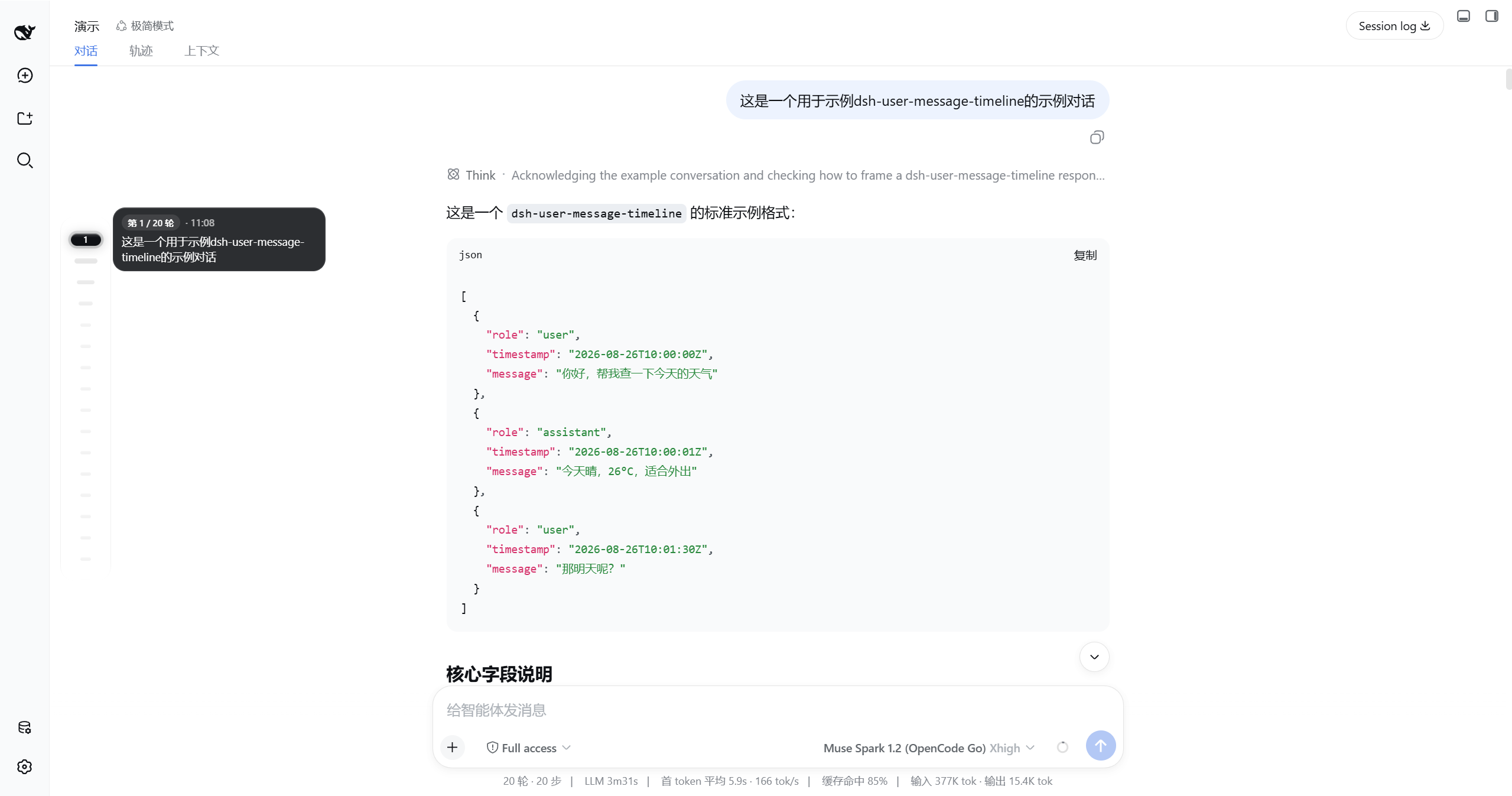 | 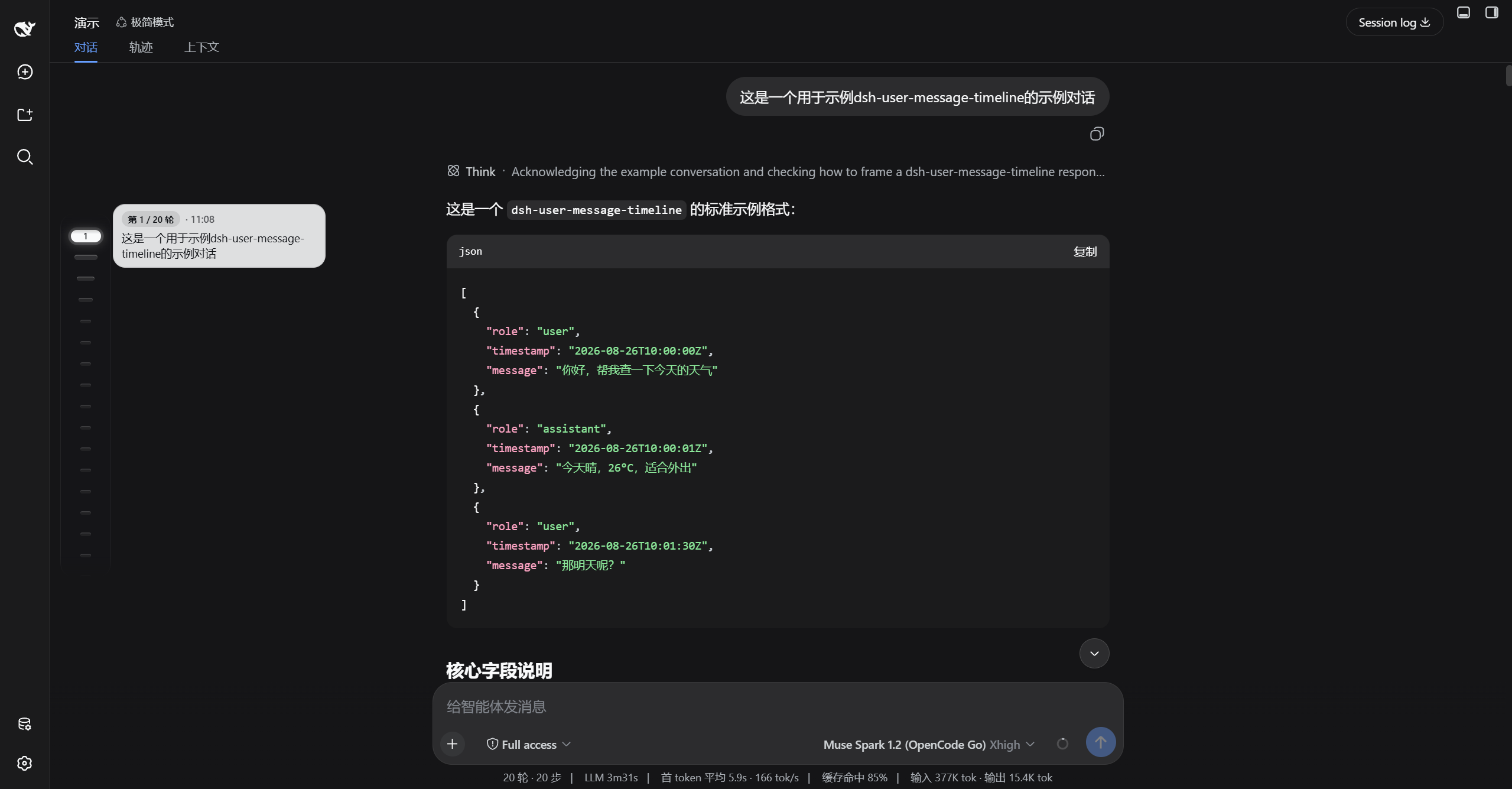 |
| Light | Dark |
|---|---|
| 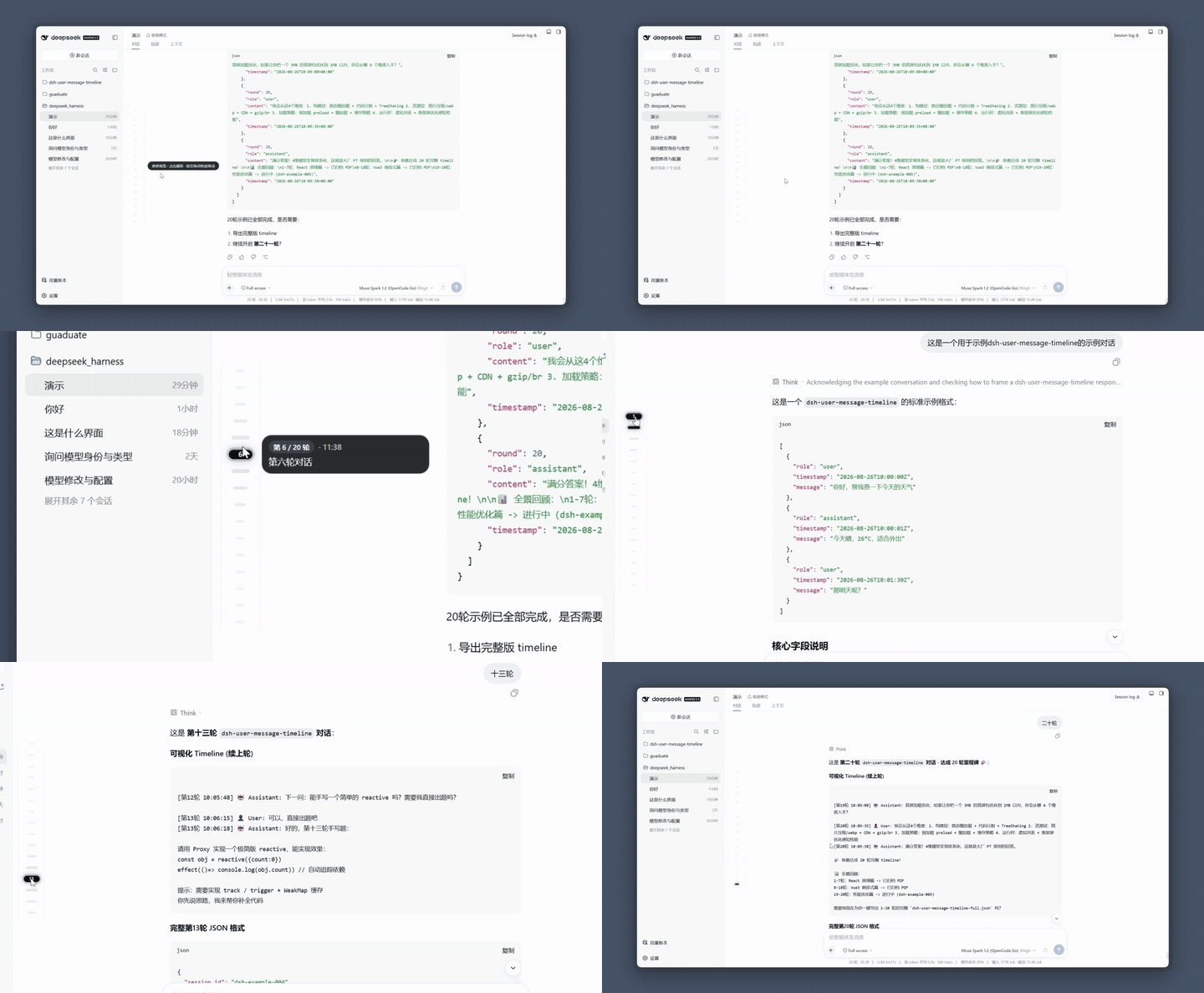 | 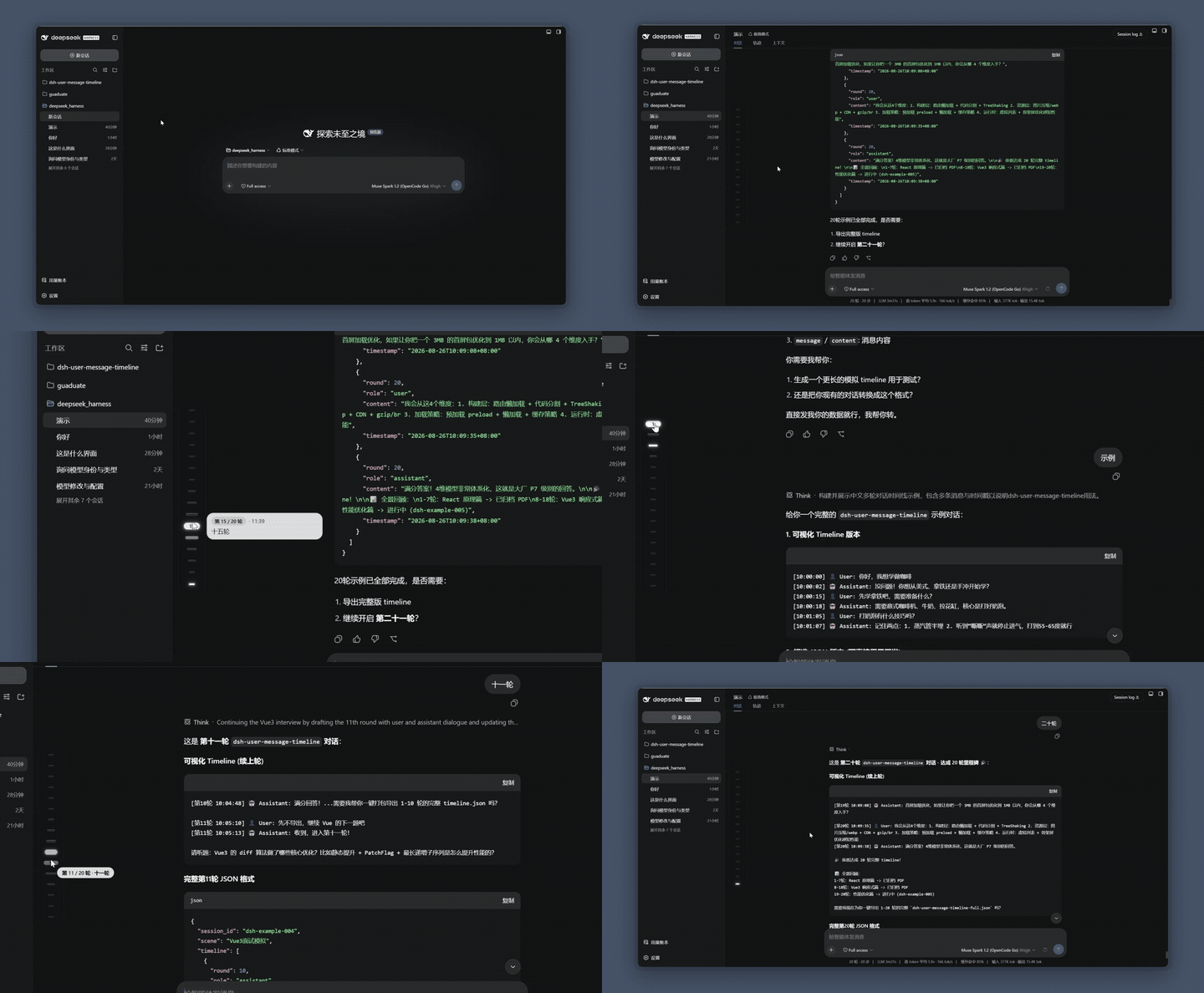 |
| Hover funnel → 240px preview → click jump → scrub HUD | Same, dark with inky glass |
| Settings |
|---|
| 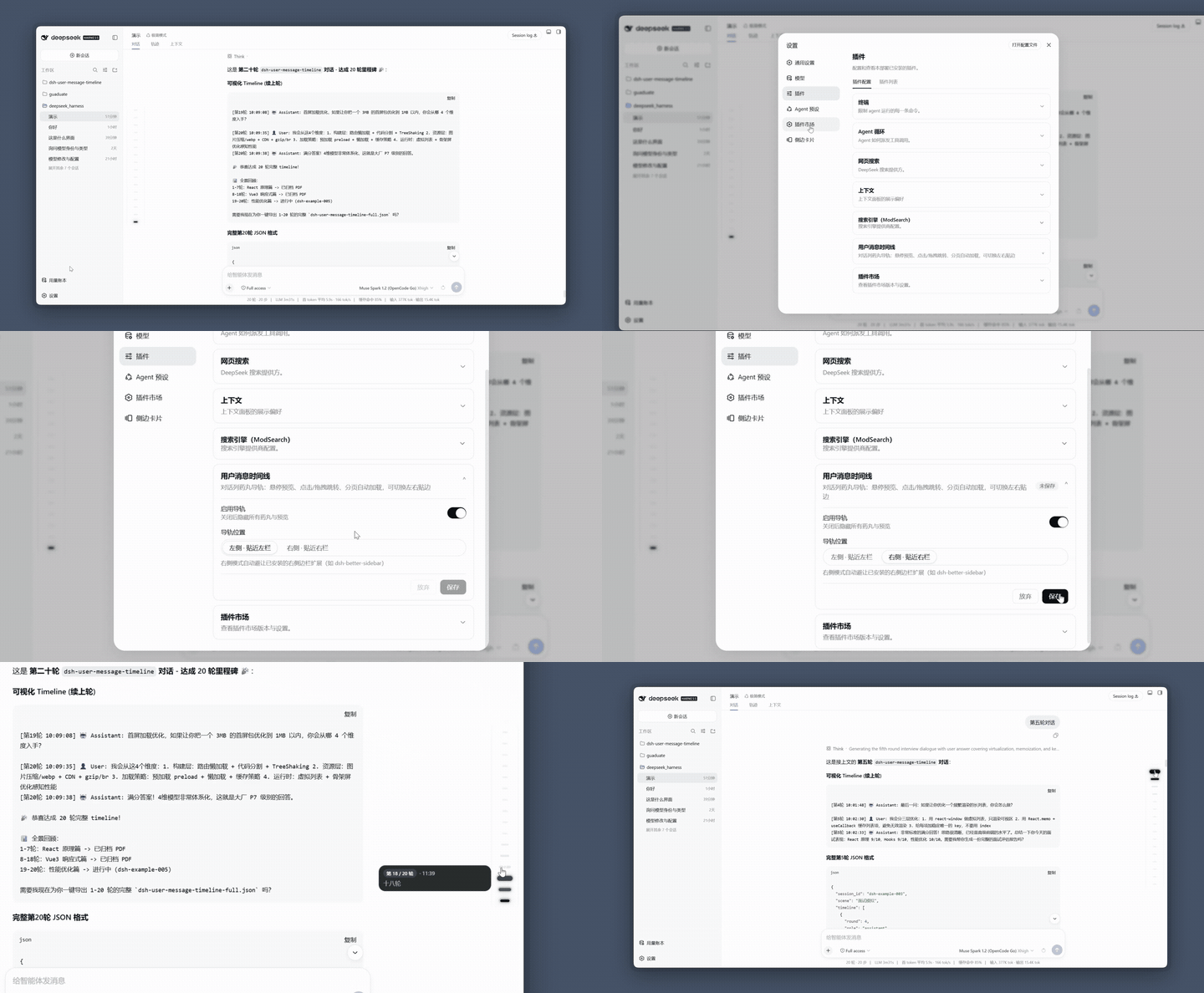 |
| Toggle to hide · left/right (right only adapts to dsh-better-sidebar) |
> GIFs are 15fps / 128-color previews. Full demo: [Light](https://www.bilibili.com/video/BV1FR896cEwY?t=9.0) · [Dark](https://www.bilibili.com/video/BV1zR896FEY8?t=2.1) or raw files in `docs/`.
## Features
| Feature | Description |
|---|---|
| Pill funnel | Idle `12×4`, 5 levels `36→26→20→16→12` near hover/active, `gap 10px` |
| Sticky preview | Hover 150ms / continuous 60ms, inky glass `240×48~108`, `clamp 6`, copyable |
| Drag scrub | `setPointerCapture + elementFromPoint`, HUD follows pointer |
| Pagination | Top `is-older` pulse, auto-load 20 pages |
| Viewport scroll | ≤16 in one screen, >16 scrollable `386px` |
| Silky | 120fps push via `ResizeObserver+rAF` |
| Preferences | Settings → Plugins → Plugin Config card |
## Install
**Prereqs**: DSH installed (`dsh web` works), Node.js ≥ 20.
```sh
dsh plugin --profile web add dsh-user-message-timeline
```
Hard refresh browser (`Cmd/Ctrl+Shift+R`) to see the rail.
**Option 2: Let DSH install it** — send this prompt to any DSH session:
```text
Please install the dsh-user-message-timeline plugin (floating pill rail), steps:
1. Run dsh plugin --profile web add dsh-user-message-timeline
2. Then remind me to hard refresh the browser (Cmd/Ctrl+Shift+R)
```
## Changelog
See [CHANGELOG.md](CHANGELOG.md) and [Releases](https://github.com/huang-chunc/dsh-user-message-timeline/releases).
## License
MIT © huang-chunc, see [LICENSE](LICENSE).