









Pon Netflix por nombre. Castea URLs. Audio en todas las habitaciones. Concierge IA. Todo desde tu terminal.
English · 한국어 · 中文 · 日本語 · Español · Deutsch · Português · Français
pip install stv && stv play "Frieren"
¿Sin TV? Se abre en el navegador. ¿Con TV? stv setup para conectarlo.
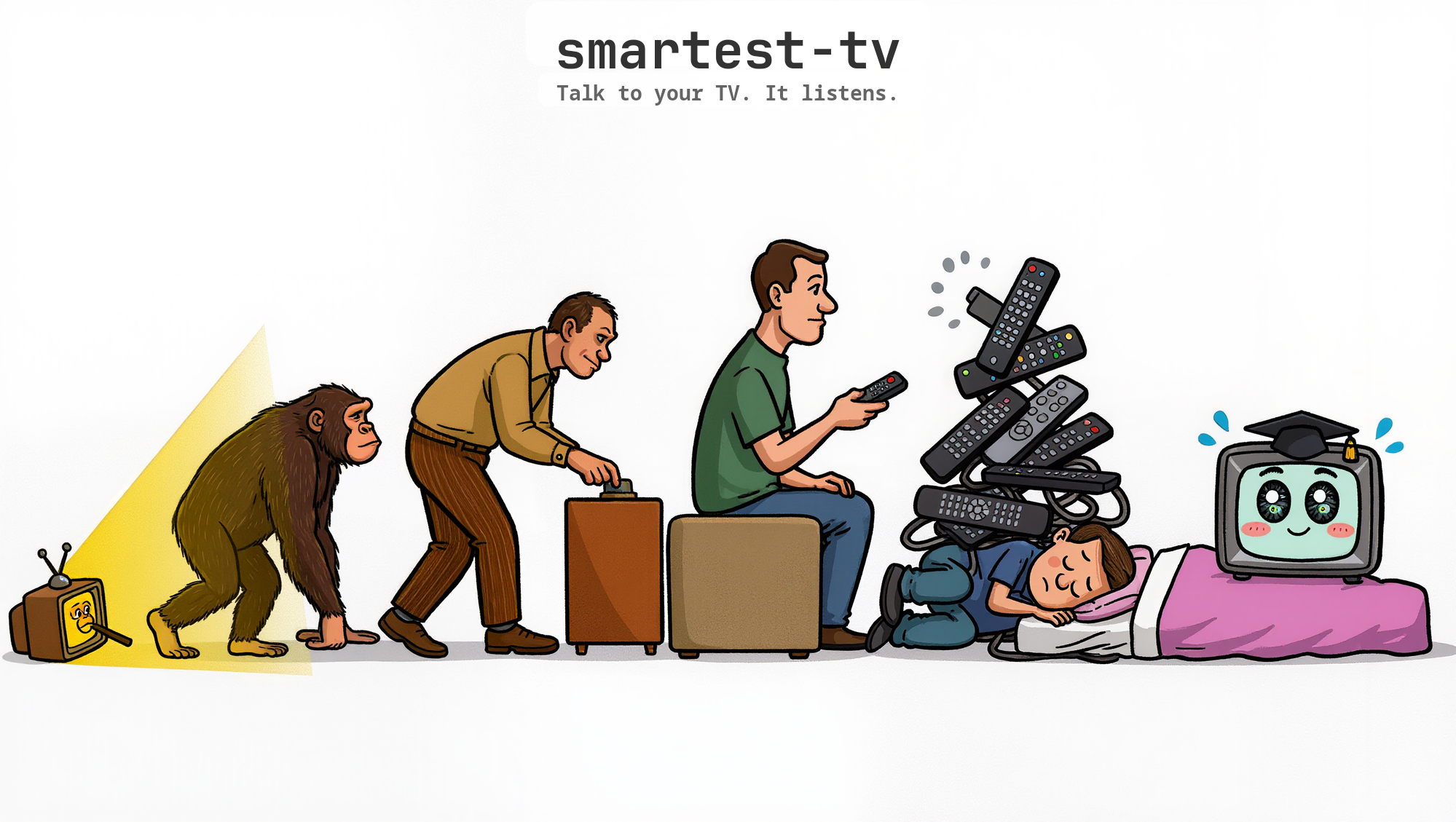
| 😩 Sin stv | 😎 Con stv |
|---|---|
| 1. Coger el mando 2. Abrir la app de Netflix 3. Buscar la serie 4. Elegir la temporada 5. Elegir el episodio 6. Dar play **~30 segundos** | ```bash stv play netflix "Dark" s1e1 stv play "Frieren" # auto-detects platform ``` **~3 segundos** |
| ### 🎬 Reproduce por nombre ```bash stv play netflix "Dark" s1e1 stv play "Frieren" # auto-detects platform stv play youtube "baby shark" stv play spotify "chill vibes" ``` Di el nombre. stv encuentra el ID, abre la app, empieza a reproducir. | ### 🔗 Castea cualquier URL ```bash stv cast https://youtu.be/dQw4w stv cast https://netflix.com/watch/... stv cast https://open.spotify.com/... ``` Un amigo te manda un enlace. Lo pegas. La tele lo pone. | ### 🎵 Cola y fiesta ```bash stv queue add youtube "Gangnam Style" stv queue add spotify "Blinding Lights" stv queue play ``` Todos añaden su canción. La tele las pone en orden. |
| ### 🎭 Escenas preestablecidas ```bash stv scene movie-night # volumen 20, cine stv scene kids # volumen 15, Cocomelon stv scene sleep # lluvia, apagado automático ``` Un comando pone el ambiente. |
### 🔊 Audio en todas las habitaciones
```bash
stv audio play "lo-fi beats"
stv audio volume kitchen 30
stv audio stop
```
Pantallas apagadas. Música en todas partes. **Sonos gratis.** |
### 📺 La tele como pantalla
```bash
stv display message "¡A cenar!"
stv display clock
stv display dashboard "Temp:22°C"
```
Dashboards, relojes, señalética. **$0/mes.** |
| ### 📊 Inteligencia de visionado ```bash stv insights stv screen-time stv sub-value netflix --cost 17.99 ``` ¿Vale tu Netflix $18 al mes? | ### 🌐 Fiesta sincronizada ```bash stv --all play youtube "lo-fi beats" stv --group party play netflix "Wed..." stv --all off # buenas noches ``` Todas las teles. A la vez. Incluso amigos remotos. | ### 🤖 Concierge IA ``` "Pon algo tranquilo" → tv_recommend → tv_play → Poniendo The Queen's Gambit ``` 21 herramientas MCP. Una frase es suficiente. |
| **Configuración (una línea):** ```json { "mcpServers": { "tv": { "command": "uvx", "args": ["stv"] } } } ``` O vía [OpenClaw](../../docs/integrations/openclaw.md): ```bash clawhub install smartest-tv ``` | **Luego solo habla:** ``` Tú: "Acabo de llegar a casa, prepara la noche de película" Claude: 🎬 Noche de película activada. Volumen → 20, modo cine activado. Según tu historial: 1. The Queen's Gambit (Netflix) 2. Ozark (Netflix) 3. Squid Game S2 (Netflix) Tú: "Pon el 1, y un reloj en la tele de la cocina" Claude: ✓ Poniendo The Queen's Gambit ✓ Reloj en la tele de la cocina ``` |
| **🌙 Piloto automático al dormir** ```bash stv audio play "rain" --rooms bedroom stv scene sleep stv --all off ``` Sonido ambiente, pantalla apagada, temporizador, todas las teles apagadas. | **🎧 Sonos gratis** ```bash stv audio play "lo-fi beats" stv audio volume kitchen 40 stv audio volume bedroom 15 ``` Cada tele es un altavoz. Volumen por habitación. Pantallas apagadas. | **💰 Auditoría de suscripciones** ```bash stv sub-value netflix --cost 17.99 # → $8.50/hr — considera cancelar stv sub-value youtube --cost 13.99 # → $1.20/hr — buen valor ``` |
MIT License · Hecho con Python · Sin nube requerida