
port0r.com · Discord · Download · itch.io · Ko-fi · Sponsor · Video · Port0r on Meta Quest (VR) · Nintendo Switch
# Sega Rally on Android **The 1995 arcade Sega Rally Championship on your phone or tablet, free, from the people who made Port0r: Rally VR.** > ### Download Sega Rally for Android v0.1.2 (free) > **[Port0r-SegaRally-Android-v0.1.2.apk](https://github.com/jacquesdupontd/port0r/releases/download/android-v0.1.2/Port0r-SegaRally-Android-v0.1.2.apk)** > from the [release page](https://github.com/jacquesdupontd/port0r/releases/tag/android-v0.1.2). Then follow the > [install guide](#install): a few minutes. The whole track in **true full screen**: the arcade's picture at its full height, HUD included, and the world widened to fill a modern screen. Drawn by the same Vulkan renderer as Port0r: Rally VR, at **60 images a second**, with a **dynamic resolution** that keeps it smooth and a **sharpening** pass that keeps it crisp. Jean-seb's community **HD textures** if you want them. **Touch controls designed for racing**, steering by **turning or tilting the device**, any **gamepad**, the Sega Rally **mods**, and your times on the **Port0r Discord leaderboard**. [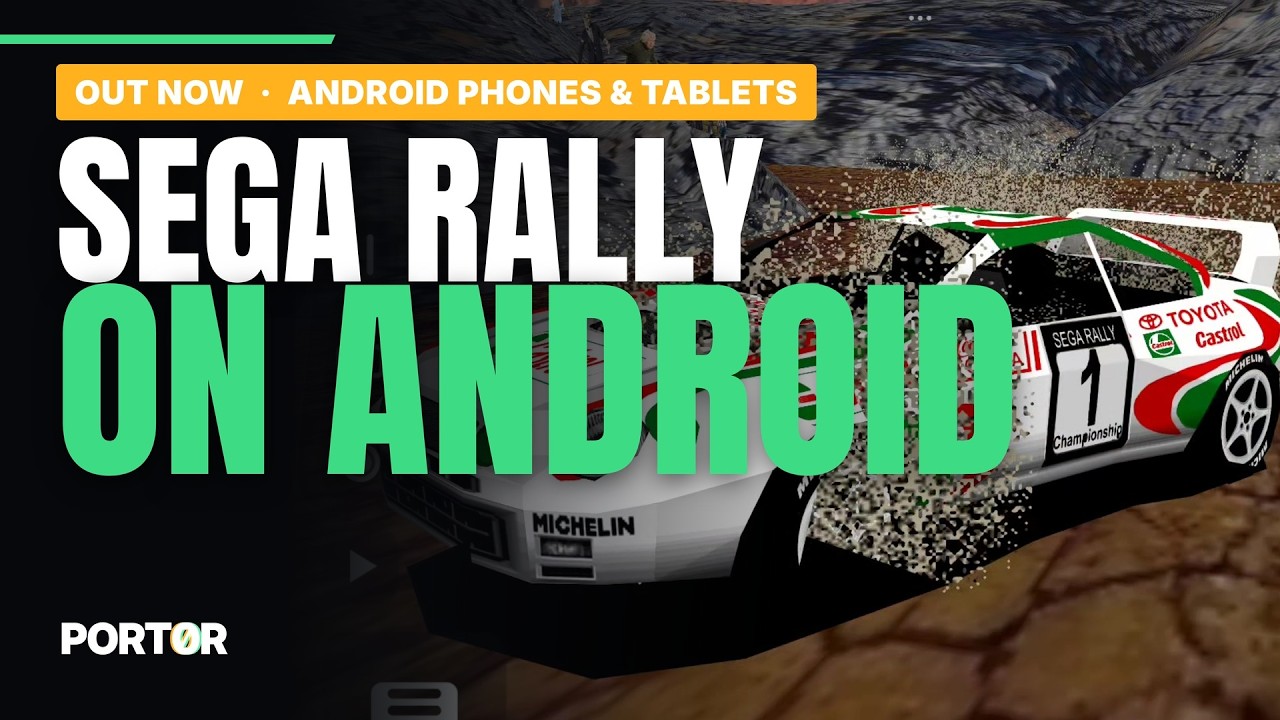](https://youtu.be/hZXkqHSjeHs) | Desert | Forest | Mountain | | --- | --- | --- | | 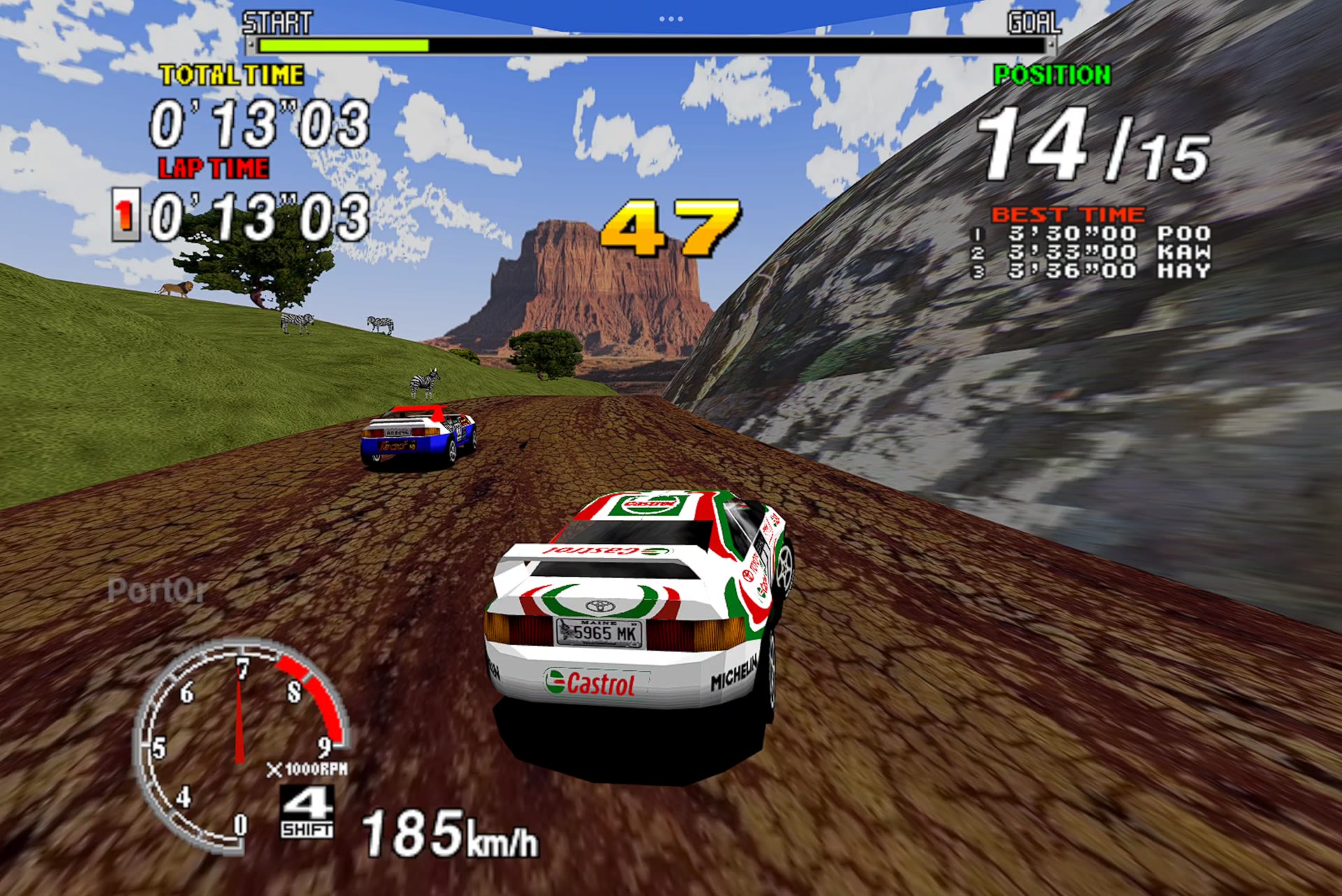 | 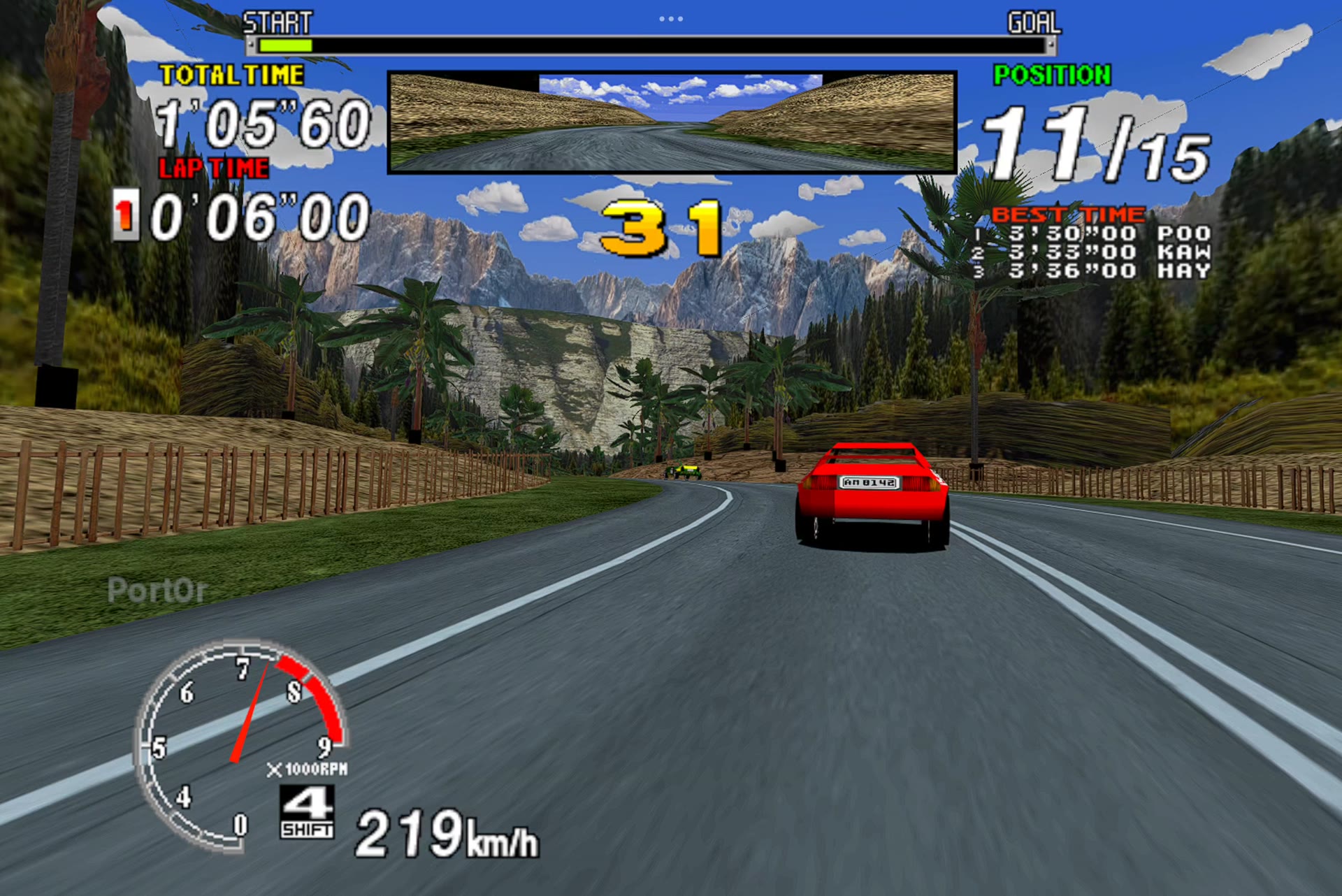 | 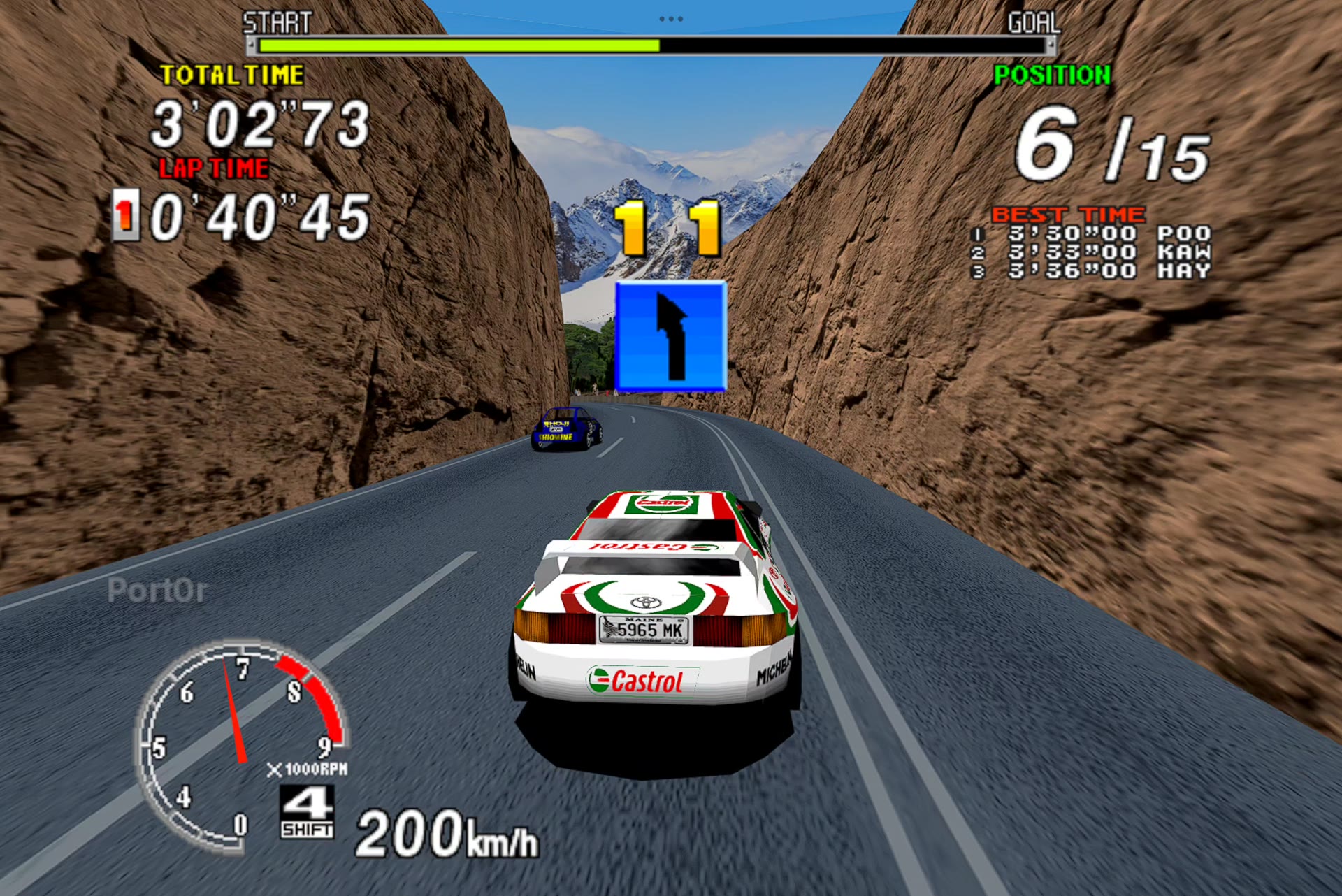 | | **Touch controls** | **Settings** | **Gamepad** | | 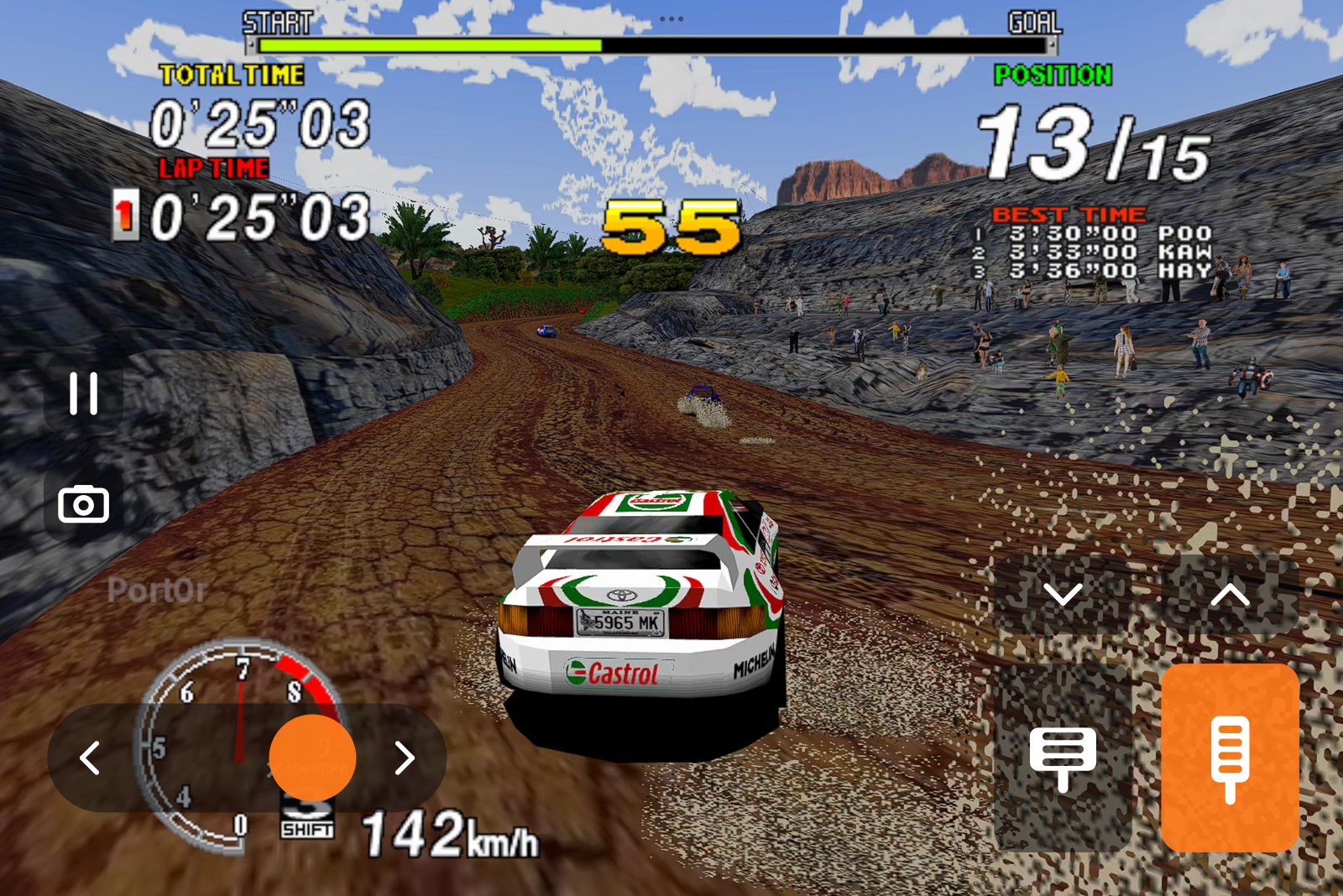 | 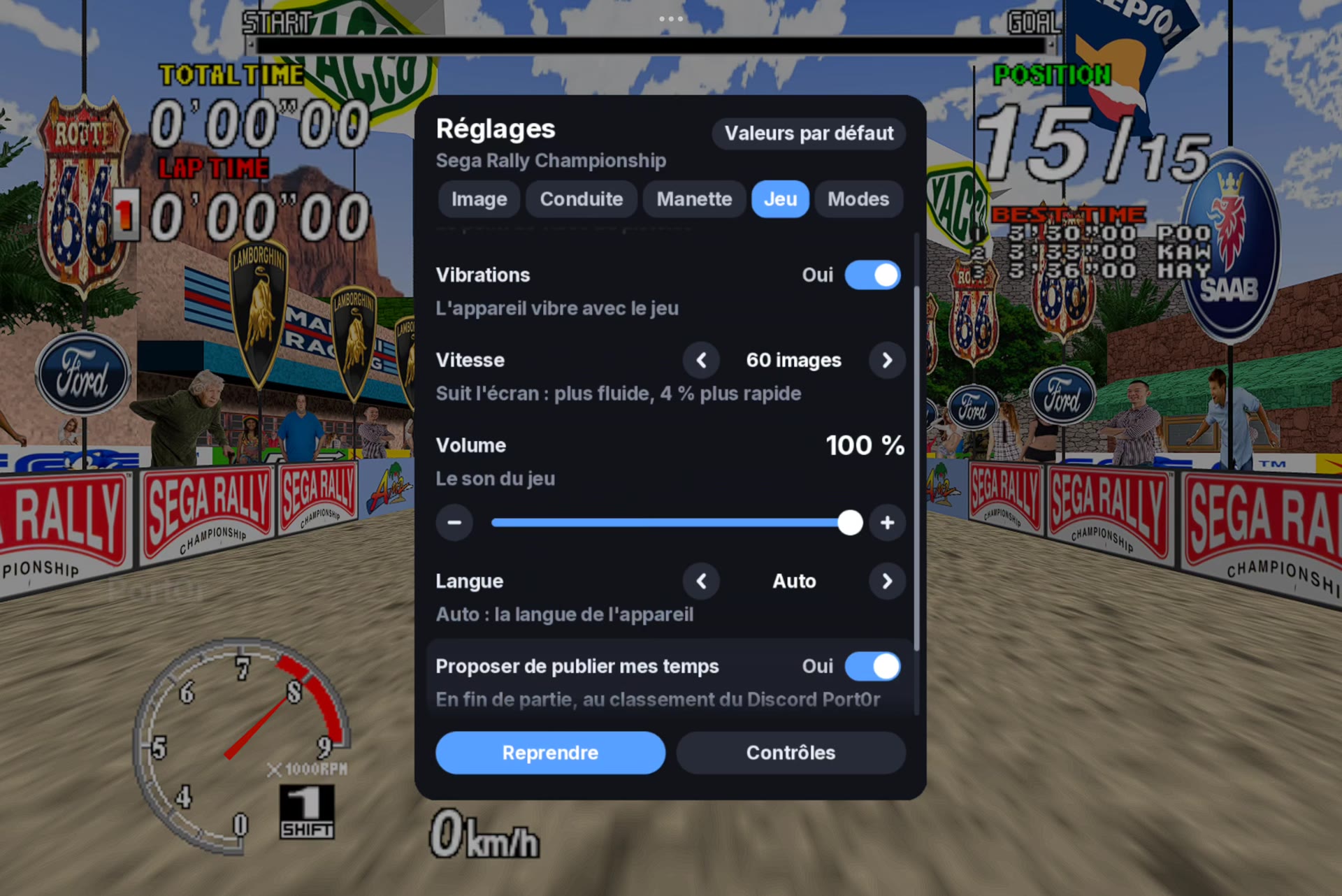 | 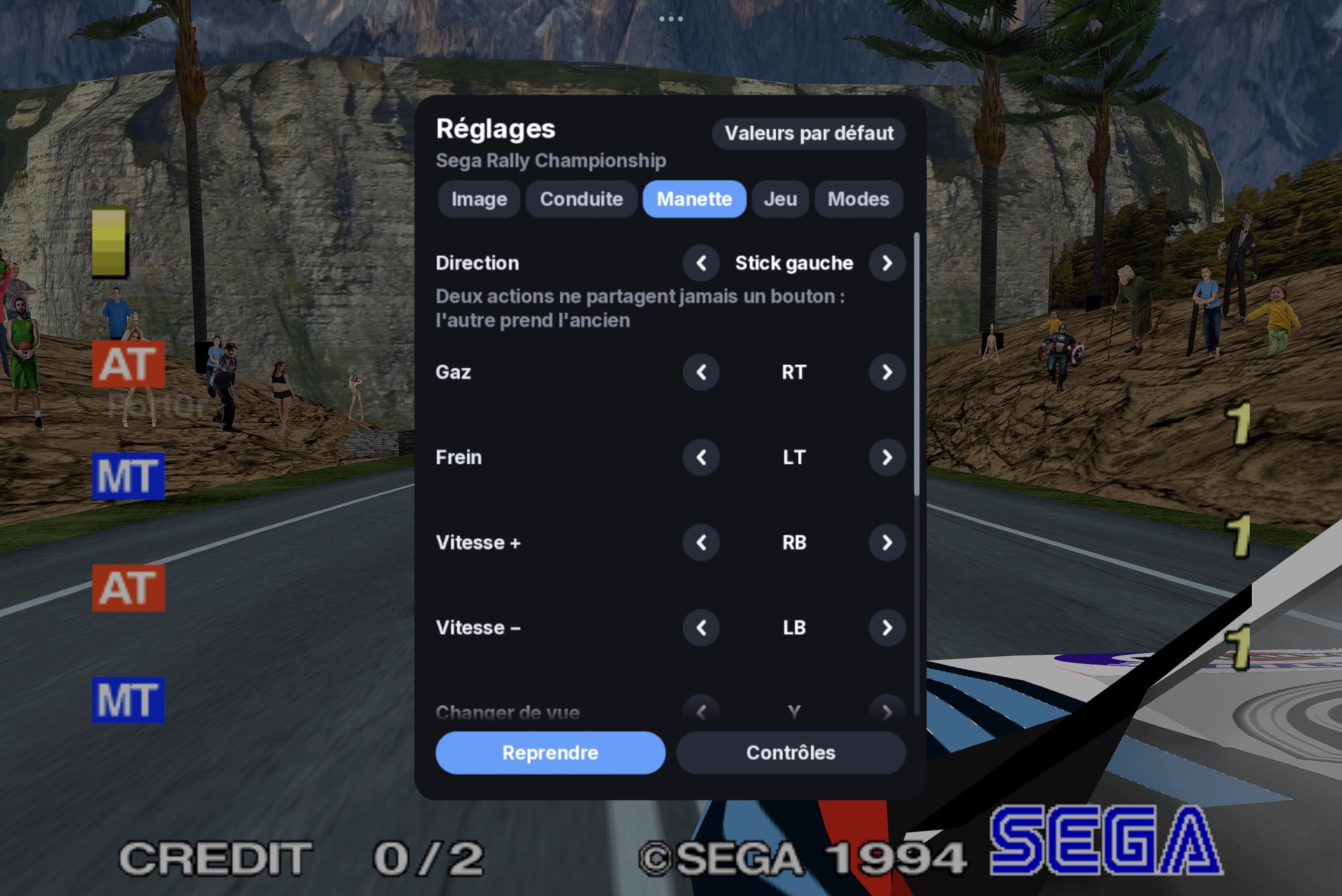 | *All screenshots: captured from a Xiaomi Pad 7 (Snapdragon 7+ Gen 3), HD textures on.* --- ## Contents - [What you need](#what-you-need) - [Install](#install) - [Controls](#controls) - [Settings](#settings) - [HD textures](#hd-textures) - [The leaderboard on Discord](#the-leaderboard-on-discord) - [Troubleshooting](#troubleshooting) - [Known limits](#known-limits) - [Help, bugs, support](#help-bugs-support) - [Credits and legal](#credits-and-legal) ## What you need - An Android phone or tablet with **Android 8 or newer** and **Vulkan** (most devices from 2019 on). Tested on a Snapdragon 7+ Gen 3 tablet: 60 images a second at its full 3200x2136. On a lighter device the dynamic resolution lowers the picture's sharpness before the smoothness. - **Your own** Sega Rally Championship arcade files, made for **MAME 0.289**: `srallyc.zip` and `segabill.zip`. Port0r never includes them and never says where to get them. No ROM requests on the Discord, please. - Optional: a gamepad (Bluetooth or USB), and Jean-seb's HD texture pack. ## Install 1. **Download** `Port0r-SegaRally-Android-v0.1.2.apk` on the device and open it. Android asks to allow installing apps from your browser or file manager: allow it for that app, then install. 2. **Put your game files anywhere on the device**: `srallyc.zip` and `segabill.zip`, **not unzipped**. The Download folder is the simplest. 3. **Open Port0r: Rally.** The first time, it asks for **access to all files**, to find your game files wherever they are: allow it and come back. The game starts by itself. If a file is missing or not the right version, the start screen names it and says what to do; it starts as soon as the right files are there. Port0r: Rally installs **next to** Port0r: Rally VR (Quest): they do not replace each other. ## Controls ### On the screen  | Action | Touch | |---|---| | Steer | Put your left thumb anywhere on the left half and slide: the slider appears under it | | Gas / brake | Bottom right: the brake, then the gas in the corner, side by side; slide from one to the other | | Gears (manual cars) | The arrows above the pedals | | Pause, the settings | The pause button, on the left | | Change view | The camera button, on the left | | Insert a coin / Start | The coin and play buttons, on the left (outside a race) | Every control can be made bigger, smaller or more transparent (Settings > Driving). **Progressive gas** (Settings > Driving) turns the gas pedal into a gauge: slide up for more, from 30 % at its foot to full throttle at its top; off, it is always full throttle. ### Steering with the device Settings > Driving > Steering: - **Turn the device**: hold it like a wheel and turn it. - **Tilt the device**: tip the right edge down to turn right. The left half of the screen is then the brake, the right half the gas. **Steering angle**, **smoothing**, **dead zone**, **invert** and **Straight ahead = as I hold it now** (to recentre) are in the same tab. When a gamepad is in use, the device's angle is ignored: the last thing you touched drives. ### With a gamepad | Action | Button (default) | |---|---| | Steer | Left stick (or the right stick, or the d-pad: Settings > Gamepad > Steering) | | Gas / brake | RT / LT (analog) | | Gears (manual cars) | RB up, LB down | | Change view | Y | | Start | A | | Insert a coin | Select (a short press) | | **Pause, the settings** | **Start** | | Show / hide the touch controls | **Select held** (or L3) | | In the settings | D-pad or stick to move, left / right to change, LB / RB tabs, A to choose, B to close | Every action can be moved to another button in **Settings > Gamepad**; two actions never share a button (the other one takes the old button). The touch controls disappear as soon as the gamepad is used, and come back when you touch the screen. ## Settings Start (or the pause button) pauses the game and opens the settings. - **Image**: **Resolution** (Auto: lowered only when the device cannot keep up; or Full, Balanced, Light), **Sharpness**, **Frame rate** (60, the game's own rate, cooler and longer on battery; or the screen's maximum), **HD textures**, **Brightness**, **Style** (colour, black and white, comic, night). - **Driving**: how you steer, the device's steering settings, the touch controls (on or off, opacity, size), progressive gas. - **Gamepad**: every button. - **Game**: vibrations (the knocks and the landings), speed (the arcade's own, or 60 images a second), volume, language (ten languages), the Discord leaderboard. - **Mods** (the Switch build's, same rules): free timer, free play, sporty automatic, adaptive steering, mirrored track, telemetry. - **Controls**: everything above, on one page. ## HD textures Jean-seb's community pack, optional. Put its zip anywhere on the device (the Download folder is the simplest): it is set up by itself at the next launch. Settings > Image > HD textures switches it on or off. ## The leaderboard on Discord At the end of a game, Port0r offers to publish your times (Settings > Game). The first time, it shows a code: link your Discord once, and your times land in #leaderboard on the [Port0r Discord](https://discord.gg/XMk7GgapuN). ## Updates The game checks for a new Android version once at launch, in the background (never during a race; a failed connection never stops you playing). When there is one, a short message says so on the start screen, and the settings panel shows **Version X available** at the top: open it to read **what's new before installing anything**, then **Download and install**. The download is checked against the release's SHA-256, then Android asks you to confirm the update; when it is done, choose **Open** to start the new version. Your settings, records and game files are kept. - Settings > Game > **Check for updates automatically** switches the launch check off; **Updates > Check now** checks whenever you want. - The first time, Android asks you to allow the game to install apps (once). - **Google Play Protect** asks again at every update installed from the game, because each new version is a file it has never seen (the package name does not change that): choose to install it, after its scan or without. - Nothing is sent but the request to GitHub's public release list. ## Troubleshooting | What you see | What to do | | --- | --- | | The start screen lists missing files | Put `srallyc.zip` and `segabill.zip`, not unzipped, anywhere on the device (Download is the simplest), and allow file access if Android asks. They must be made for MAME 0.289. | | It says a file is not the right version | Check your files against MAME 0.289 with a ROM manager; put the corrected ones anywhere on the device: they replace the old ones by themselves. | | Google Play Protect asks to scan the app | It does so for every app installed outside the Play Store, and again for updates installed from the game: choose to install it (without scanning, or after the scan). | | Installing is refused | Allow installing unknown apps for the app you downloaded with (your browser or file manager). On Xiaomi, also allow "Install via USB" only if you install from a computer. | | The car turns on its own | Steering is set to Turn or Tilt the device and the device is not held straight: Settings > Driving > Steering > Touch, or Straight ahead = as I hold it now. | | Not smooth on my device | Settings > Image > Resolution: Auto or Balanced, and Frame rate: 60. | | No sound after plugging headphones or a gamepad | It comes back by itself within a second; if not, tell us in #bugs with your device. | | Stuck anywhere | Ask on the [Discord](https://discord.gg/XMk7GgapuN): #install-help, or the bot in #ask-port0r. | ## Known limits - First Android version: tested on one tablet (Xiaomi Pad 7, Android 15) with a Bluetooth gamepad. Phones, Android TV boxes and other gamepads: tell us how it goes. - Some Android skins raise the screen's refresh rate while you touch it; the game stays at its own pace. - Racing wheels (Logitech G29 and others) are read, but not yet tuned on Android. ## Help, bugs, support - **Discord**: https://discord.gg/XMk7GgapuN (#install-help, #bugs, #wishes, #leaderboard) - **Bugs**: #bugs, or a [GitHub issue](https://github.com/jacquesdupontd/port0r/issues) with your device and Android version. - **Support the project**: Port0r takes all my time right now. If you'd like to keep it going, you can sponsor it on [GitHub Sponsors](https://github.com/sponsors/jacquesdupontd) or buy me a coffee on [Ko-fi](https://ko-fi.com/port0r). Sharing it helps a lot too. ## Credits and legal - HD textures: Jean-seb. - Built from MAME's BSD-3-Clause source files (every component's license: [THIRD-PARTY-NOTICES.txt](THIRD-PARTY-NOTICES.txt)). Port0r: a free fan project, by the same people as [Port0r on Meta Quest](README.md) (arcade games in true 3D VR) and [Sega Rally on Nintendo Switch](SWITCH.md). Sega Rally Championship is a trademark of SEGA. Port0r is not affiliated with SEGA or Google. No game files are included, ever.