


Monogram
Monogram

GPLv3 GitHub stars Ask DeepWiki Kotlin + Rust Boosty

English · Русский · Türkçe · 한국어 · اُردو · Español

Monogram is a blazing-fast, fully native Telegram client for Android 7.0 and newer. Built with Kotlin, Jetpack Compose, and Material 3, it pairs a modern Android interface with our own MTProto implementation in Rust

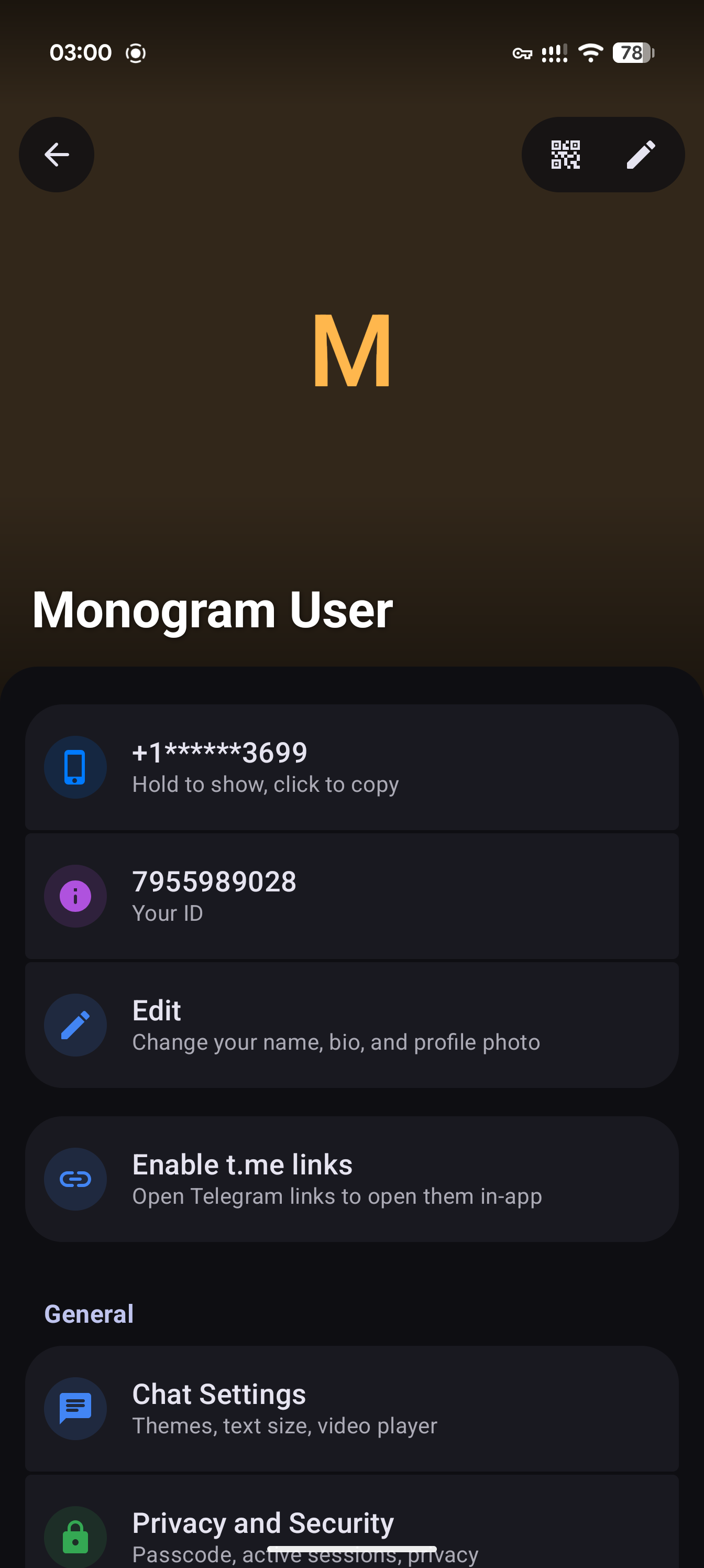
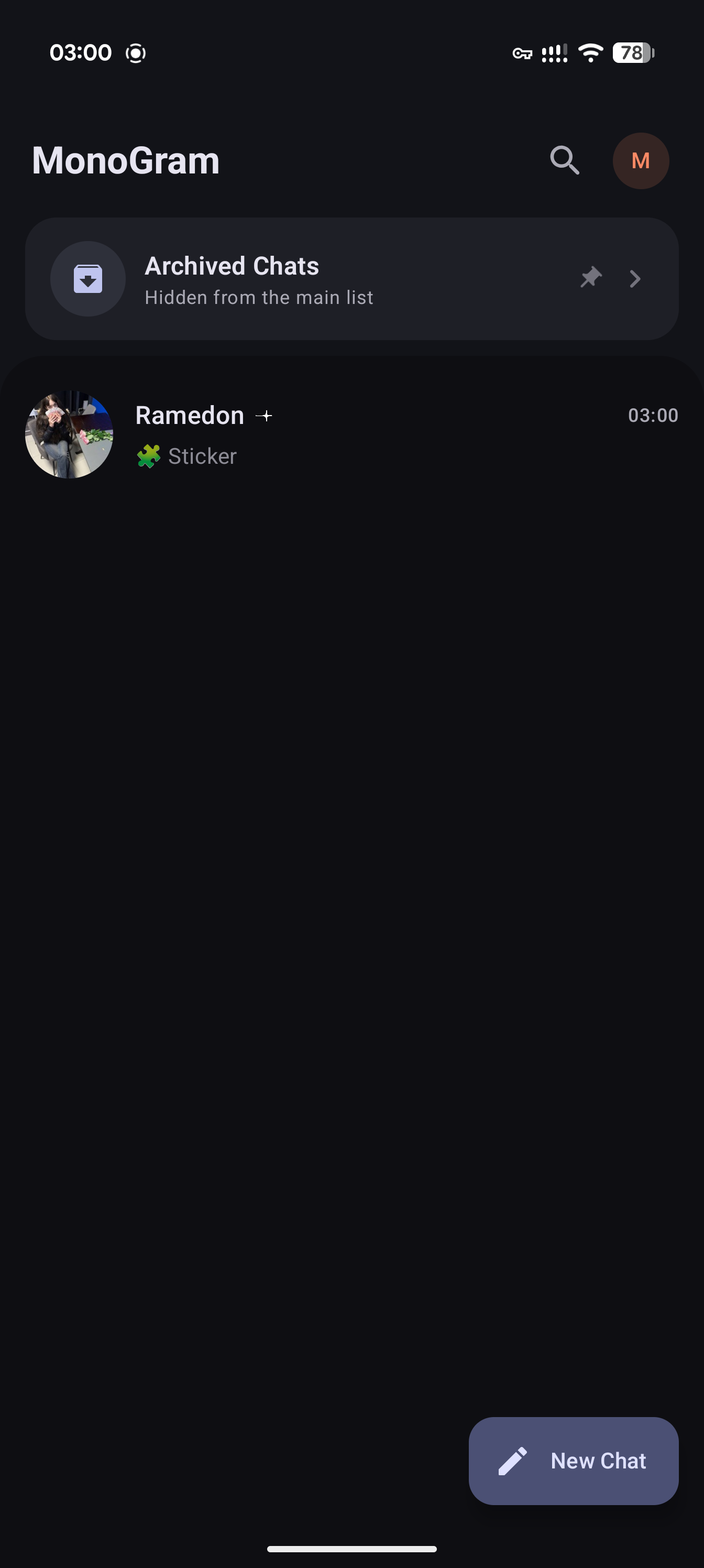
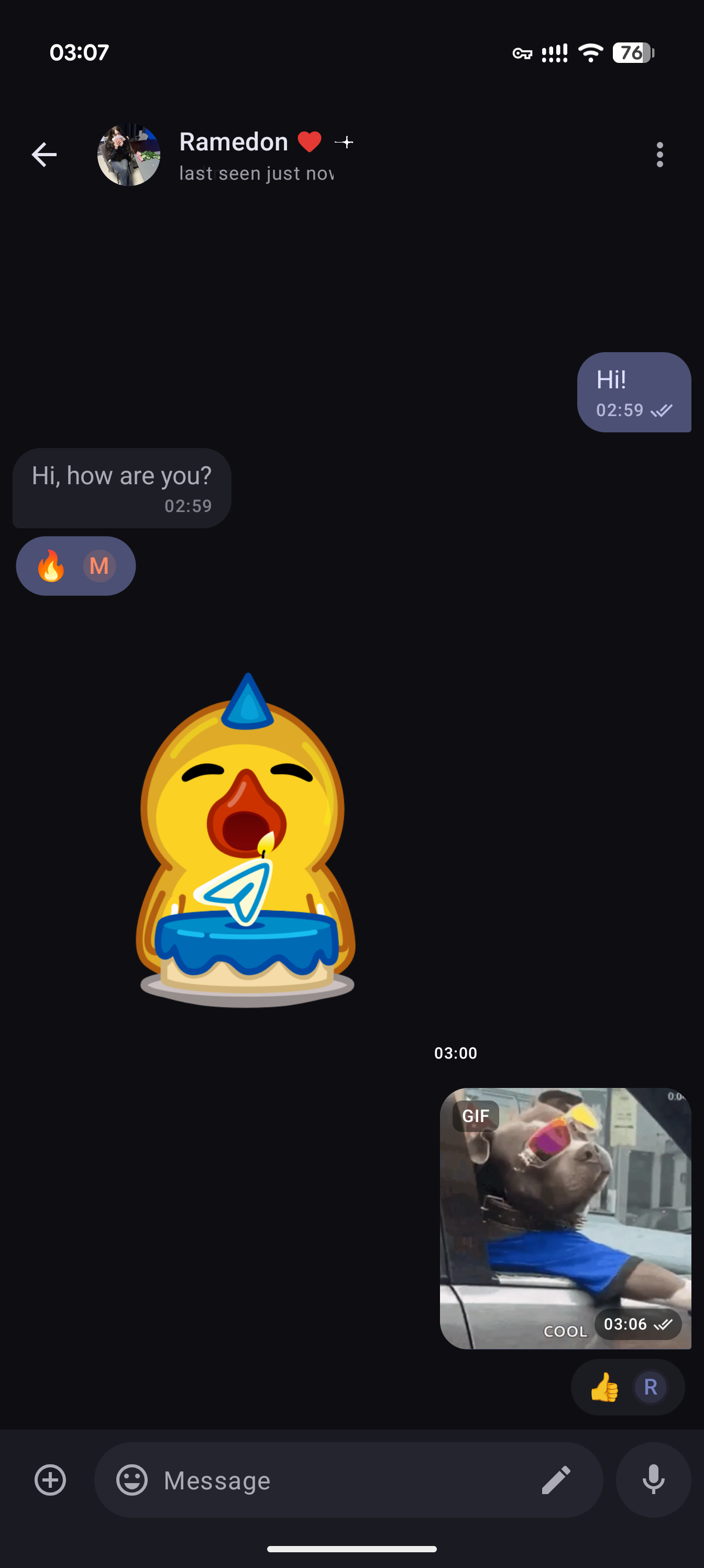
> [!IMPORTANT] > Monogram is in **active development**. Features and architecture are still evolving; bugs and incomplete behavior are possible. Support the project on [Boosty](https://boosty.to/monogram) ## Screenshots
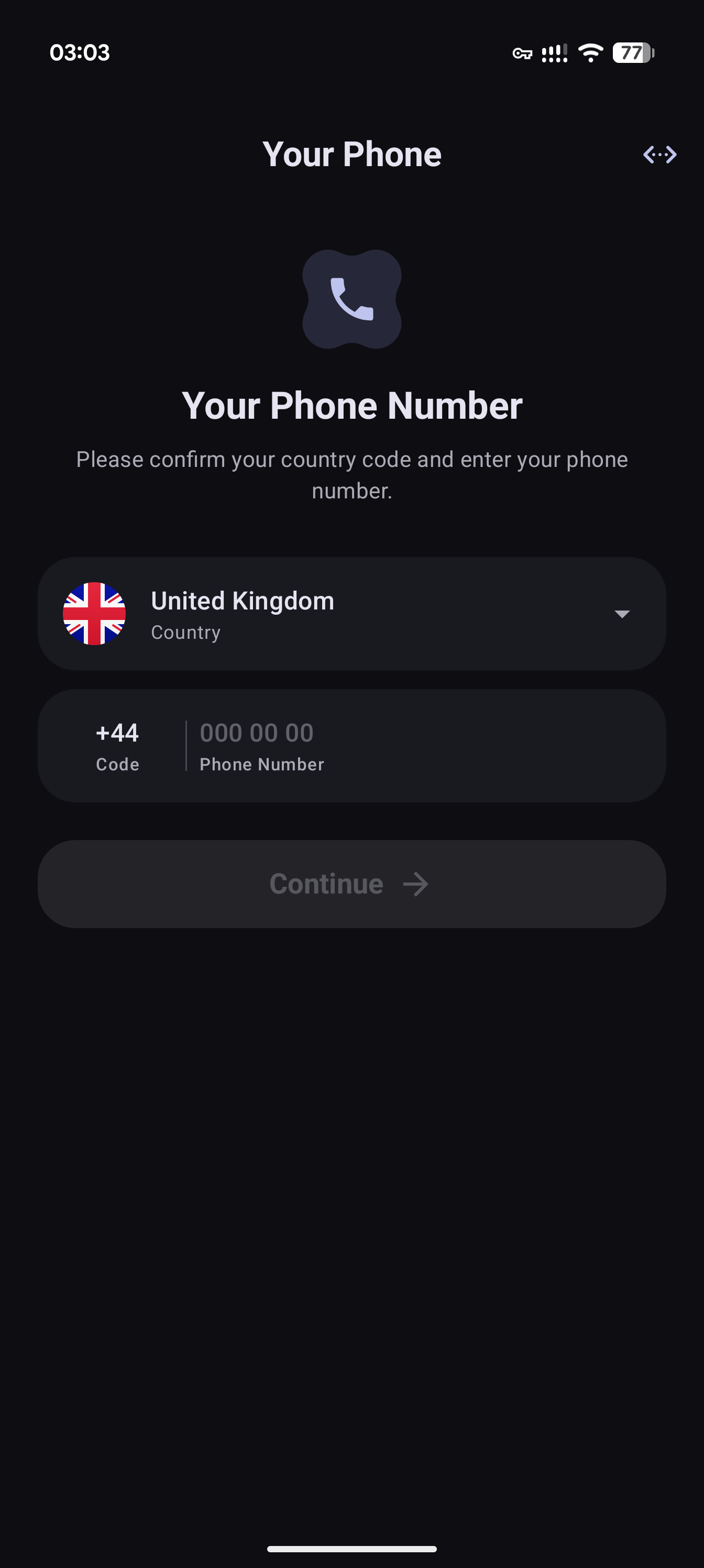
| | | | | |:---:|:---:|:---:|:---:| | Monogram 1 | Monogram 2 | Monogram 3 | Monogram 4 |
## Project highlights - **Fully native** — Built for Android with Kotlin and Jetpack Compose - **Made for your screen** — Material 3 layouts that adapt to phones, tablets, and larger displays - **Your chats, with media** — Photos, videos, and animated stickers in your conversations - **Blazingly fast, powered by Rust** — Our own native implementation of Telegram's MTProto protocol 🚀 - **No NFT or crypto** — Monogram will not include NFT promotions, gifts, or other Telegram features that we consider outside the scope of a messaging app ## Build from source ### 1. Requirements - **JDK 17** and an Android Studio version compatible with the project's Android Gradle Plugin (see [the version catalog](gradle/libs.versions.toml)) - **Android SDK Platform 37**, platform tools, and an **Android NDK**. CI uses **NDK r28c**. Set `ANDROID_NDK_HOME` to select an NDK explicitly; otherwise Gradle looks under the SDK's `ndk` directory. - **Rust 1.98 or newer**, Cargo, and the host platform's C/C++ build tools for native dependencies and UniFFI generation - **Git**, the Android Rust targets below, and **cargo-ndk**: ```console rustup target add aarch64-linux-android armv7-linux-androideabi x86_64-linux-android cargo install cargo-ndk --locked ``` ### 2. Clone the repositories ```console git clone --recurse-submodules https://github.com/monogram-android/monogram.git git clone --recurse-submodules https://github.com/gdlbo/telers-mtproto-impl.git cd monogram git submodule update --init --recursive ``` Run both clone commands from the same parent directory. The current Cargo manifests require `../telers-mtproto-impl` next to the Monogram checkout; the submodule under `vendor` does not replace this sibling checkout. CI uses the same layout. ### 3. Configure local settings Copy [local.properties.example](local.properties.example) to `local.properties`, then set `sdk.dir`, `API_ID`, and `API_HASH`. Unix-like systems: ```sh cp local.properties.example local.properties ``` Windows (PowerShell): ```powershell Copy-Item local.properties.example local.properties ``` Obtain your API credentials from [my.telegram.org/apps](https://my.telegram.org/apps). Builds can be produced without them, but Telegram login requires valid credentials. Keep `local.properties`, signing keys, and service-account credentials untracked; never include them in logs or commits. For your own release signing key, also set: ```properties RELEASE_STORE_FILE=keystore/release.jks RELEASE_STORE_PASSWORD=your_store_password RELEASE_KEY_ALIAS=your_key_alias RELEASE_KEY_PASSWORD=your_key_password ``` Without `RELEASE_STORE_FILE`, release and beta builds use the debug signing key by default. `-Punsigned=true` disables that fallback when no release key is configured. Debug-signed builds are for development, not distribution under your production signing identity. ### 4. Configure push notifications (optional) - **FCM:** Register a Firebase Android app for `org.monogram` (the same application ID is used for debug, release, and beta). Place its configuration at `app/google-services.json`; Gradle applies the Google Services plugin only when this file exists. Firebase dependencies remain part of the app even without the configuration file. - Register the corresponding FCM credentials for your Telegram API ID at [my.telegram.org/apps](https://my.telegram.org/apps). Keep `google-services.json` and any `firebase-adminsdk` JSON untracked; never package a service-account key in the APK. - FCM testing requires Google Play services; use a Google Play emulator image for emulator checks - **UnifiedPush:** Install and configure a compatible distributor on the device. The app includes UnifiedPush registration support. ### 5. Build and run Open the repository in Android Studio, sync Gradle, and select the `app` run configuration, or use the commands below from the repository root. `installDebug` requires a connected device or a running emulator. Unix-like systems: ```sh ./gradlew :app:assembleDebug ./gradlew :app:installDebug ./gradlew :app:assembleRelease ./gradlew :app:assembleBeta ``` Windows (PowerShell): ```powershell ./gradlew.bat :app:assembleDebug ./gradlew.bat :app:installDebug ./gradlew.bat :app:assembleRelease ./gradlew.bat :app:assembleBeta ``` - `debug`: development build - `release`: optimized build with R8 - `beta`: release-derived build with R8 disabled for easier debugging ### Native compilation Gradle builds the Rust libraries for `armeabi-v7a`, `arm64-v8a`, and `x86_64` and regenerates UniFFI Kotlin bindings from host debug libraries as part of the normal build. Prebuilt libvpx libraries are included under `native/vpx/prebuilt` for video stickers. To invoke the Android native compilation tasks directly: ```sh ./gradlew :native:mtproto:buildNativeMtproto :native:markup:buildNativeMarkup ``` On Windows, replace `./gradlew` with `./gradlew.bat`. Use `-PskipNativeBuild=true` only for Kotlin-only work when compatible native libraries and generated bindings already exist. It skips both native compilation and binding regeneration; SDK/NDK configuration is still required. ## Tech stack - **Languages and protocol:** Kotlin, Rust, MTProto, UniFFI - **UI and state:** Jetpack Compose, Material 3, Decompose, MVIKotlin - **Shared services:** Koin, Coroutines, Flow, Room - **Media and push:** Media3, Coil, libvpx, tlottie, Firebase Cloud Messaging, UnifiedPush ## Project structure | Path | Responsibility | |:---|:---| | `app` | Application entry point, dependency injection, navigation, and push integration | | `core/*` | Shared models, database, UI, utilities, and markup access | | `feature/*` | Authentication, chat list, conversations, folders, profiles, and settings | | `network/bridge` | Kotlin client API, domain mapping, and error handling | | `network/http` | HTTP media downloads, cache, and queue | | `native/mtproto-rs` | Rust protocol client and UniFFI exports | | `native/markup-rs` | Rust Markdown, syntax highlighting, and math parsing | | `native/mtproto`, `native/markup` | Kotlin facades, generated bindings, and native libraries | | `native/vpx` | Prebuilt VP9 decoder for video stickers | | `vendor` | Third-party source and submodules | Features call `network/bridge`; native protocol logic lives in Rust. Features must not import generated UniFFI types or depend on other feature modules. See [AGENTS.md](AGENTS.md) for development conventions and protocol invariants. ## Contributing Create your branch from `develop` and target `develop` with your pull request. Follow existing architecture and coding style, keep changes focused, and include a clear description and relevant verification. Respect the [Telegram API Terms of Service](https://core.telegram.org/api/terms). Run checks appropriate to the changed module. Examples: ```sh ./gradlew :network:bridge:test cargo test --manifest-path native/mtproto-rs/Cargo.toml cargo test --manifest-path native/markup-rs/Cargo.toml git diff --check ``` Use `./gradlew.bat` on Windows. Run only the checks relevant to your change; live Telegram and device behavior require separate validation with your own credentials. Report bugs with `[Bug]` and feature requests with `[Feature]` in the issue title. See the [Bug Tracker](https://github.com/orgs/monogram-android/projects/3/views/1) and [Feature Board](https://github.com/orgs/monogram-android/projects/5/views/1). ## Translations UI strings live in `core/ui/src/main/res/values/strings.xml` and the `feature/*/src/main/res/values/strings.xml` files. Add or update `values-/strings.xml` in each relevant module (for example, `values-de/strings.xml`). Preserve resource names, formatting placeholders, and plural forms. Submit translations in a pull request. Keep translated READMEs aligned with the English version. ## License Monogram is licensed under the [GNU General Public License v3.0](LICENSE). Third-party components and native crates retain the licenses declared in their respective source directories.