









📦 Releases · 💬 Discussions · 🐛 Issues · 📘 Ask DeepWiki | English · 中文 · 日本語
## Quick Start ### CLI + Web Console (recommended) ```bash npm i -g clawmaster clawmaster # start the web console ``` Open http://localhost:16223 — the setup wizard walks you through OpenClaw engine detection and LLM provider configuration. No config files to edit. ```bash clawmaster serve --daemon # run in background clawmaster stop # stop the service clawmaster doctor # verify your environment ``` > [!NOTE] > The current release is **v0.3.1**. The next milestone is [**v0.4.0**](https://github.com/openmaster-ai/clawmaster/milestone/1) — already shipping features land there as they merge. ### Desktop App (Beta) Download the installer for your platform from [GitHub Releases](https://github.com/openmaster-ai/clawmaster/releases): | Platform | Format | |---|---| | macOS Apple Silicon | `.dmg` | | macOS Intel | `.dmg` | | Windows x64 | `.msi`, `.exe` | | Linux x64 | `.deb`, `.AppImage` | > [!WARNING] > Desktop builds are in **beta**. The CLI + Web Console is the recommended and most thoroughly tested install method.
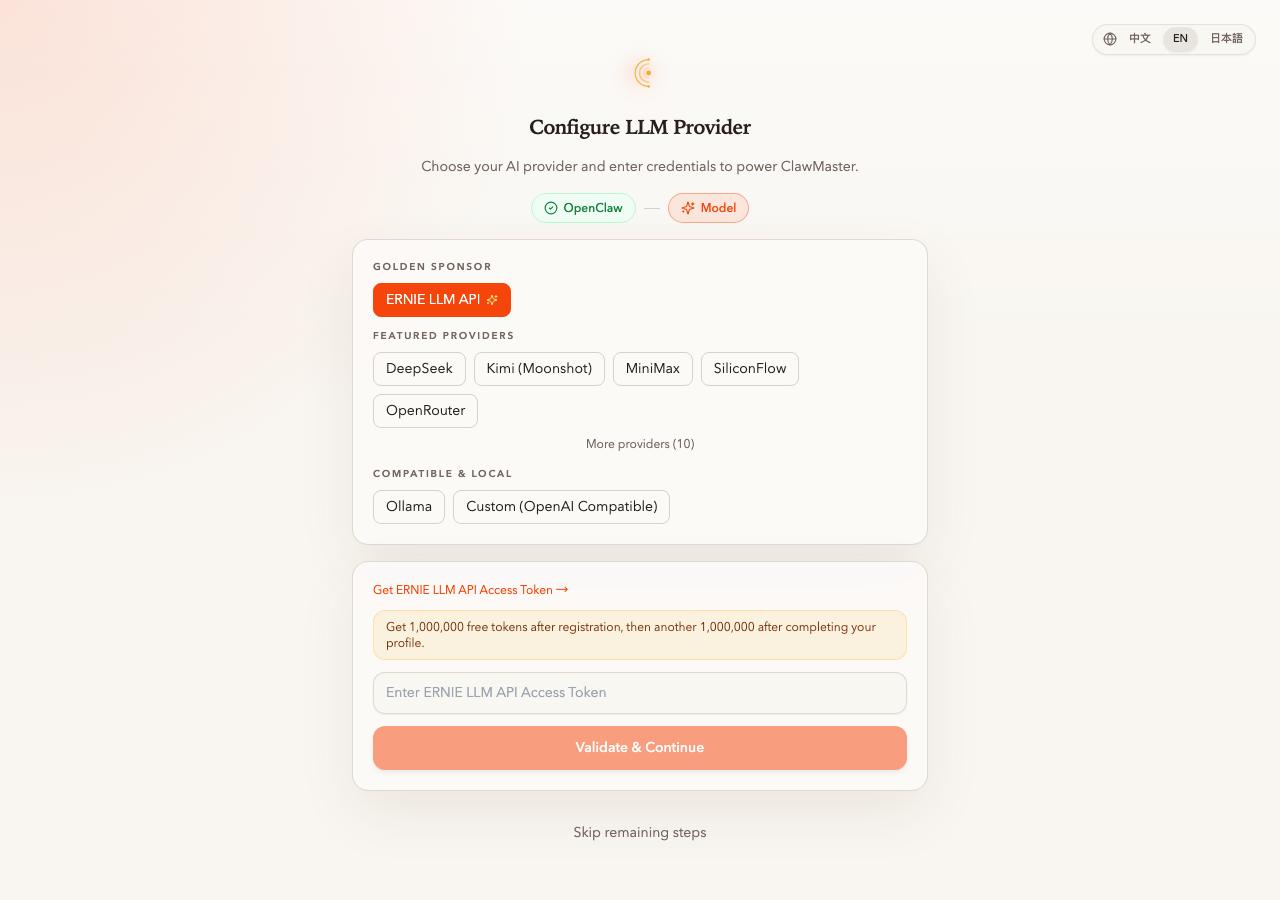 Setup wizard · 2-step guided install, tiered providers |
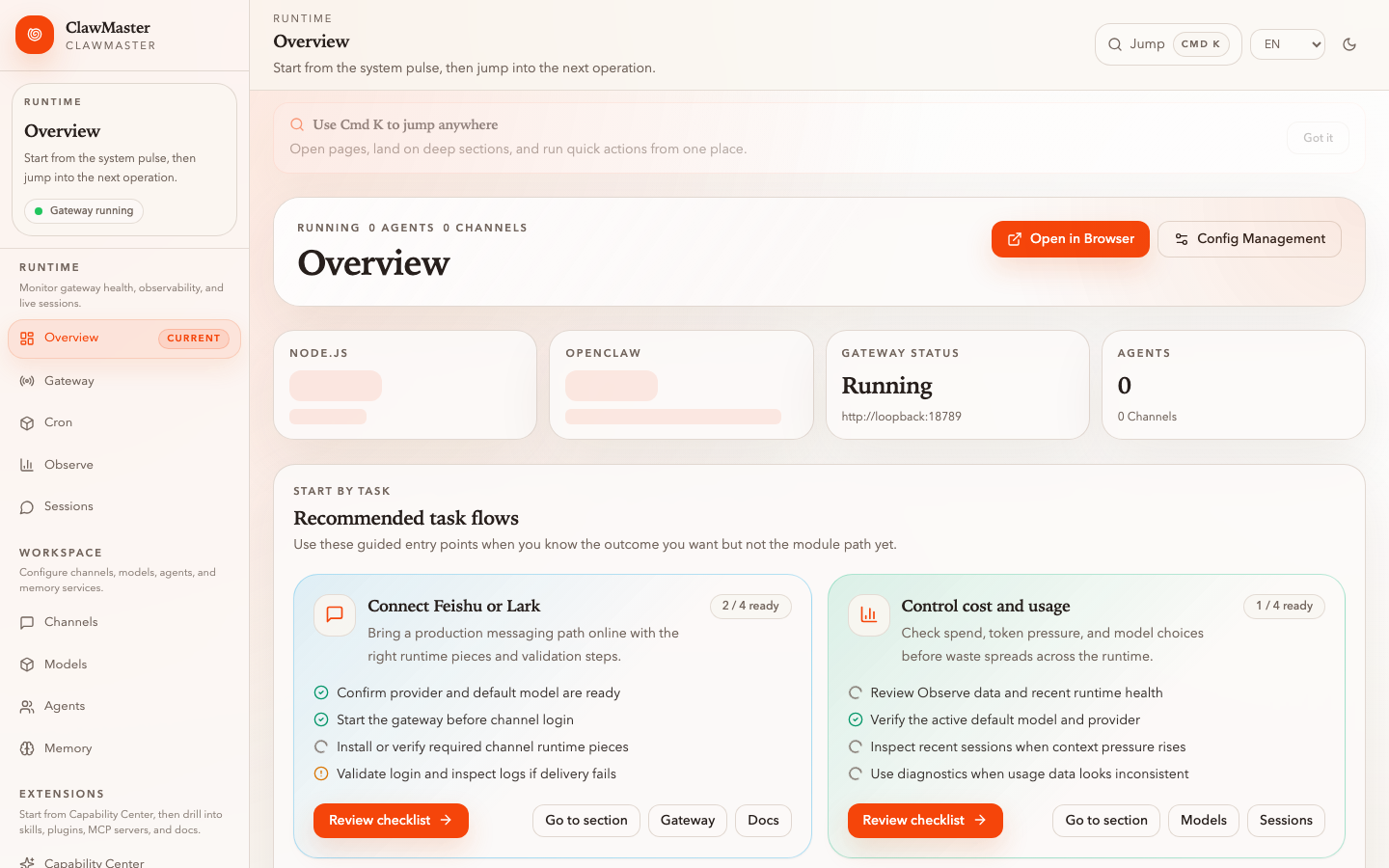 Overview · Runtime health, next-step task flows |
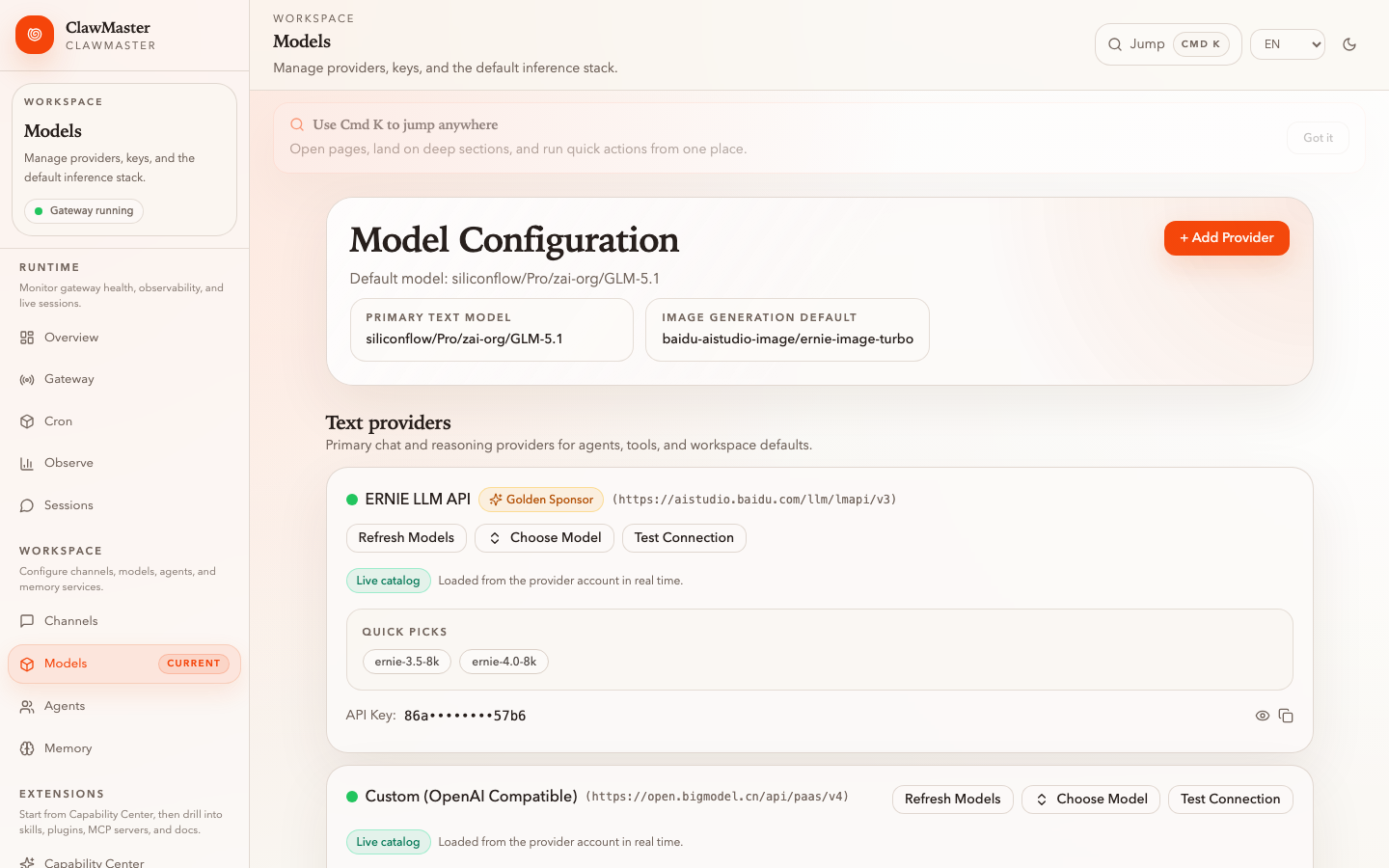 Models · Multi-provider config with live key validation |
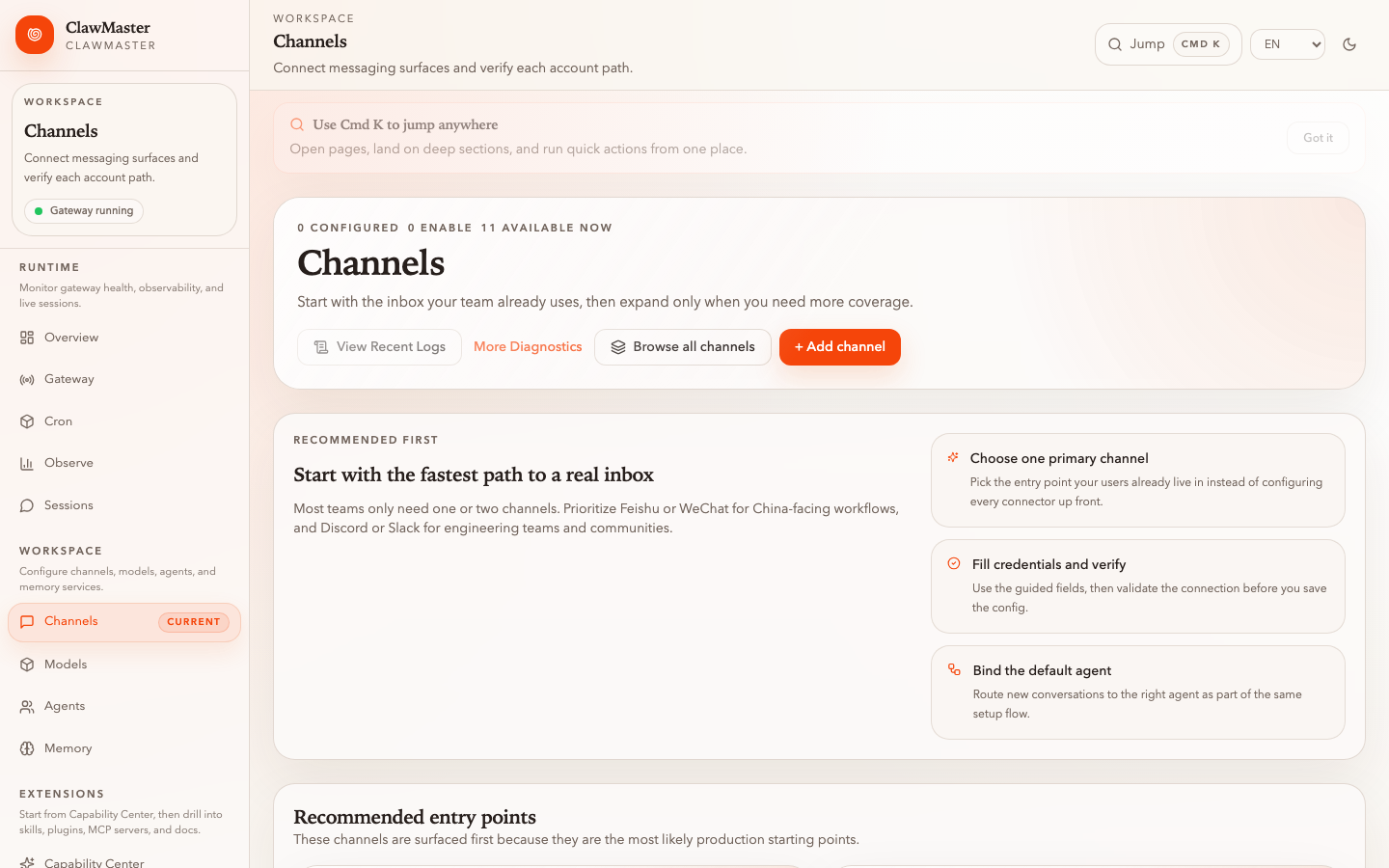 Channels · Guided onboarding for 6 messaging platforms |
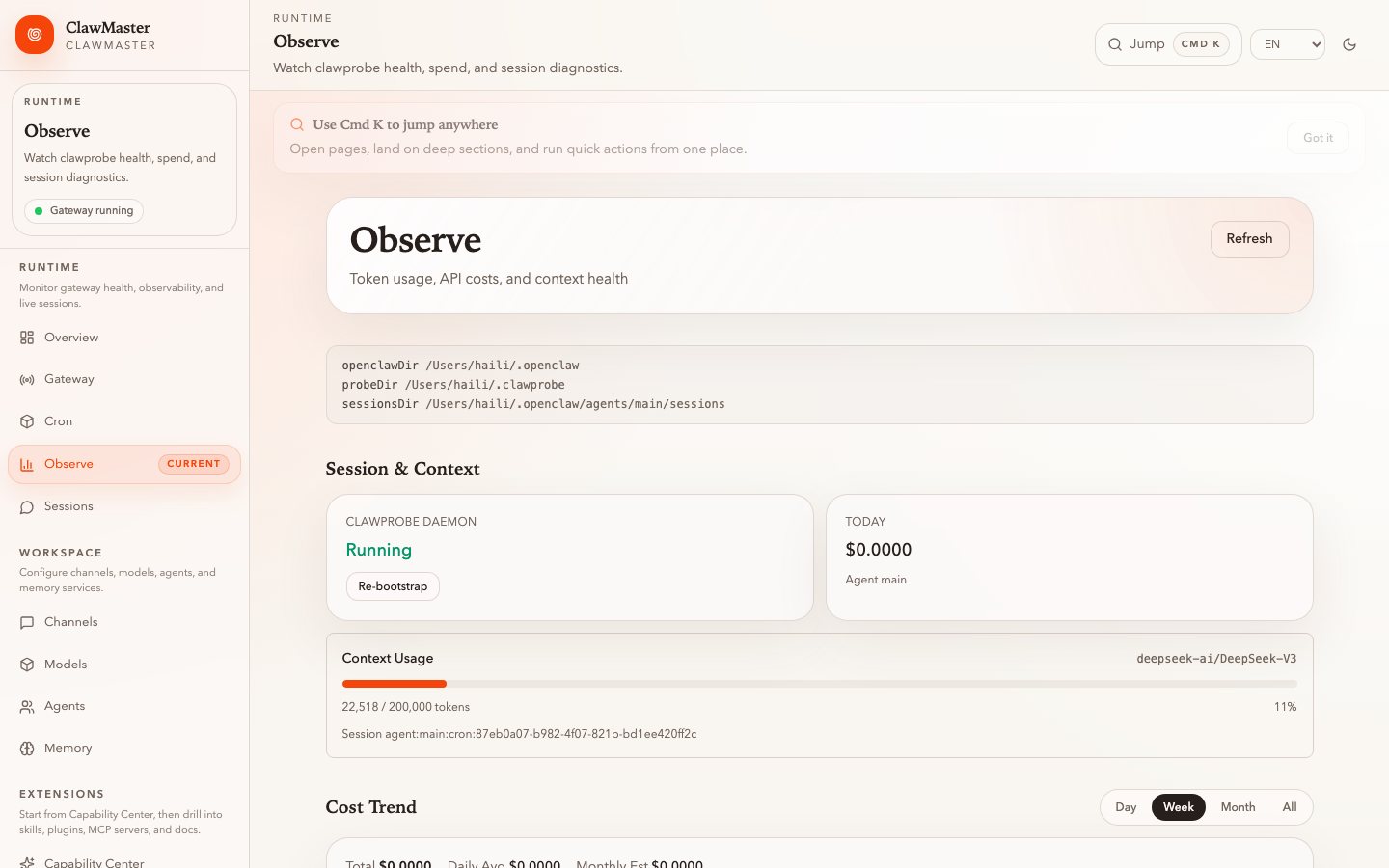 Observe · ClawProbe-backed cost, tokens, session health |
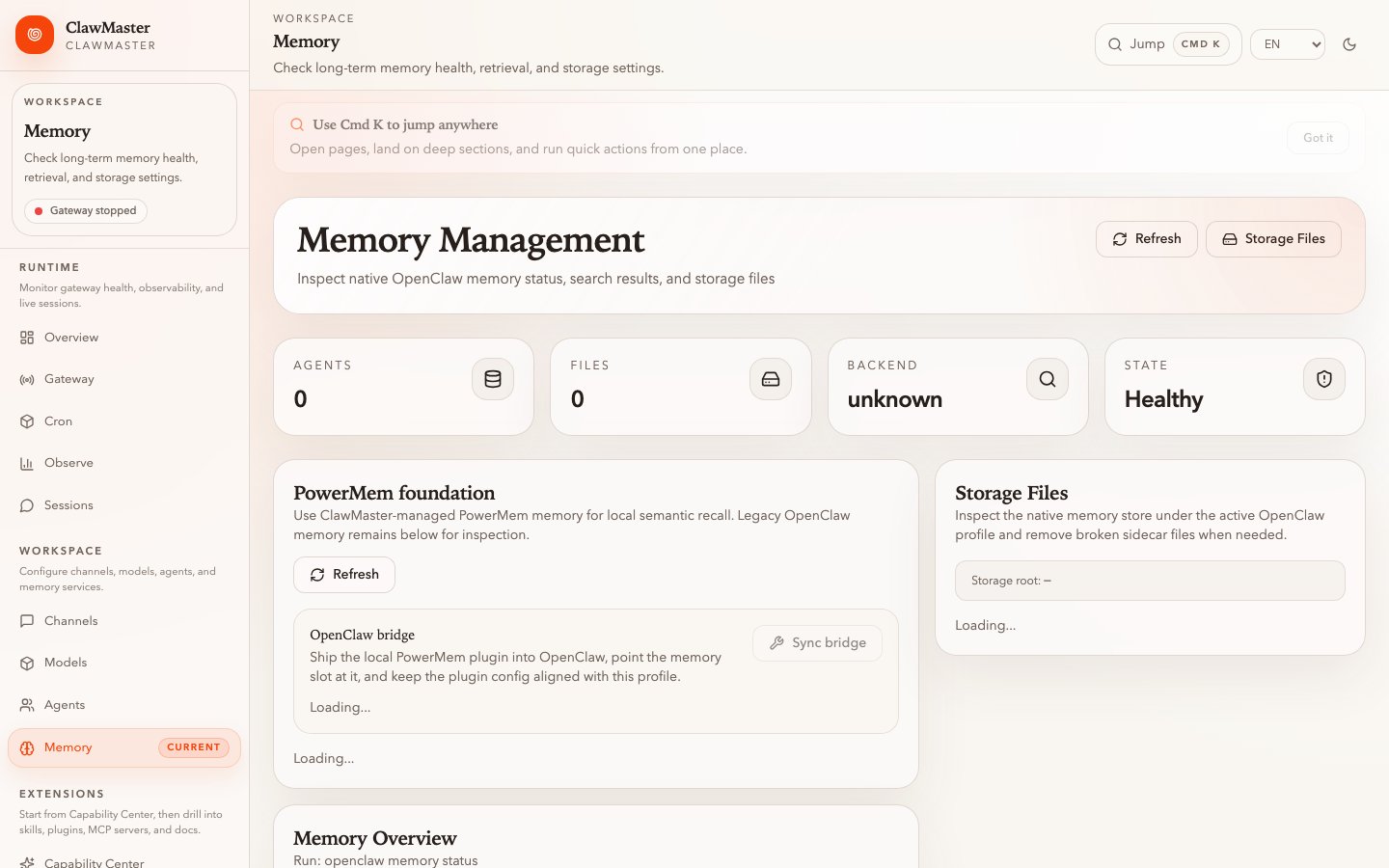 Memory · PowerMem runtime with seekdb / SQLite fallback |
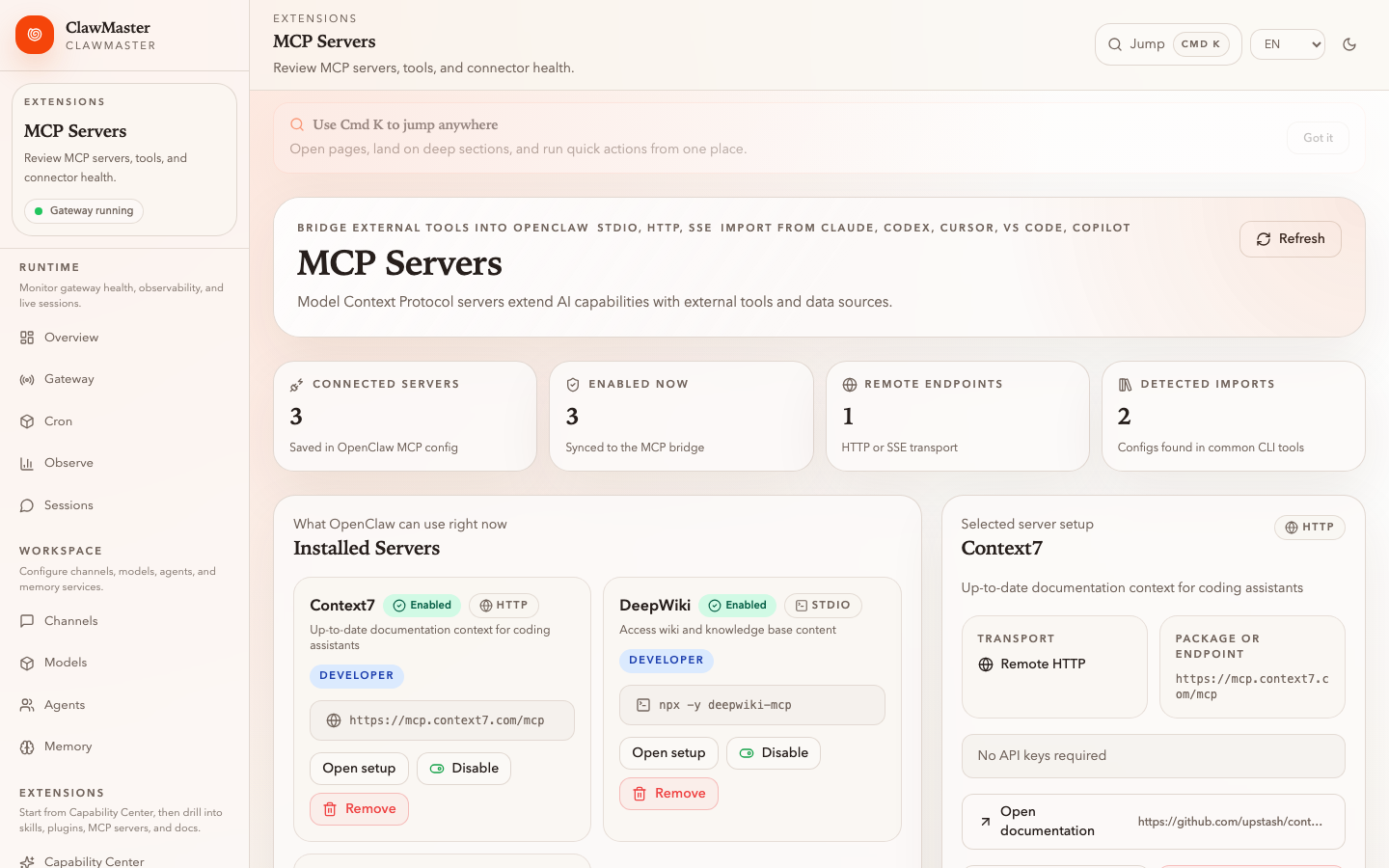 MCP · Servers, endpoints, and skill definitions |
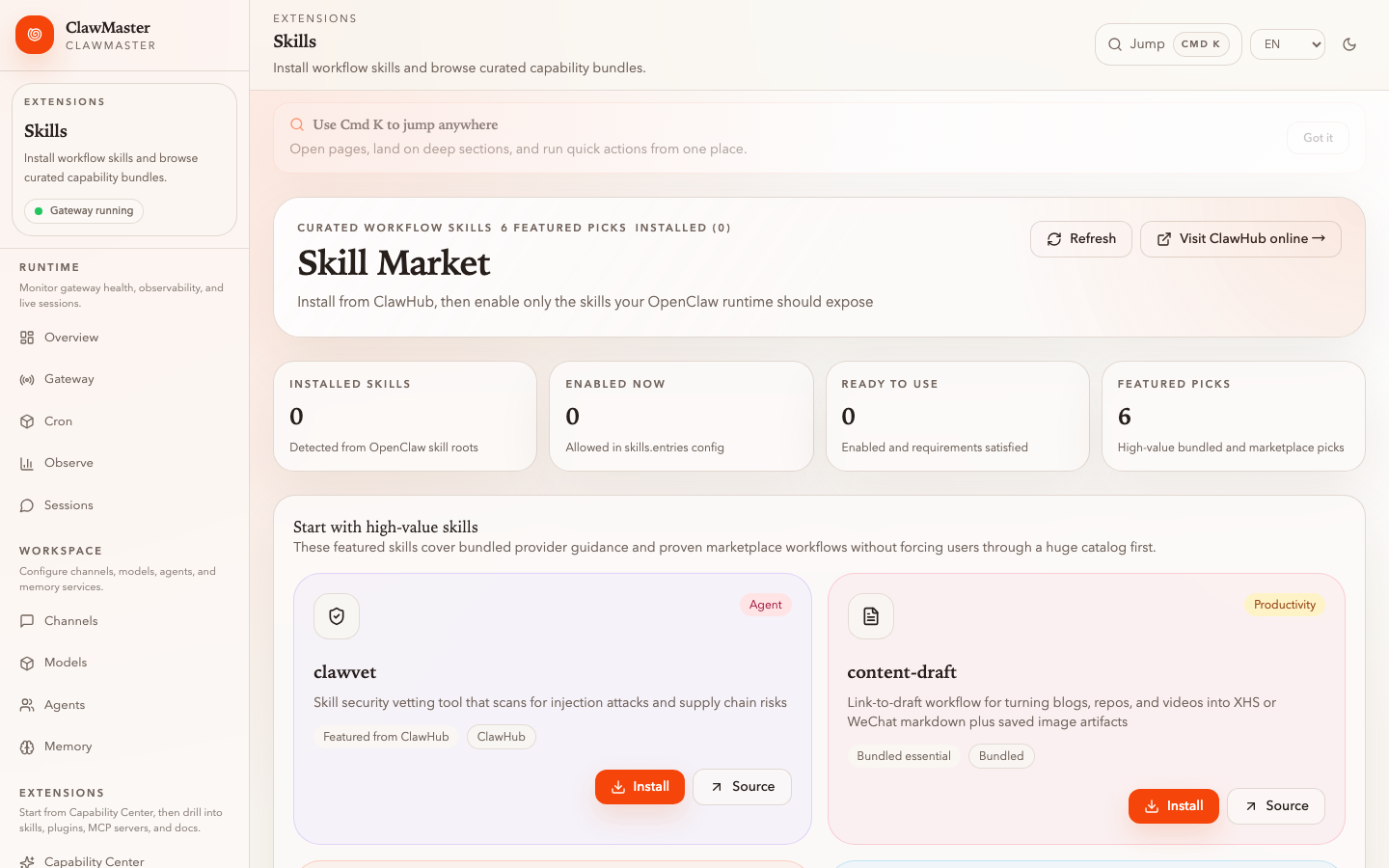 Skills · ClawHub marketplace with install and audit |