MWeb 1.1 版更新说明
新增
- 增加导入.txt或Markdown文档到文档库功能:File --> Import Files To Library...
- 增加TOC(Table of Content)支持,和是否 Render TOC 选项
- 增加免费版
- 增加sitemap功能
- 站点文件夹增加右键菜单
- 增加代码高亮功能,支持超多编程语言,1.0版本的朋友请去https://github.com/oulvhai/MWeb-Themes/下载最新的主题即可。支持语言及缩写详细请参考:http://highlightjs.readthedocs.org/en/latest/css-classes-reference.html
Custom site theme or design you owner theme
MWeb themes now add to github: https://github.com/oulvhai/MWeb-Themes.
MWeb theme structure
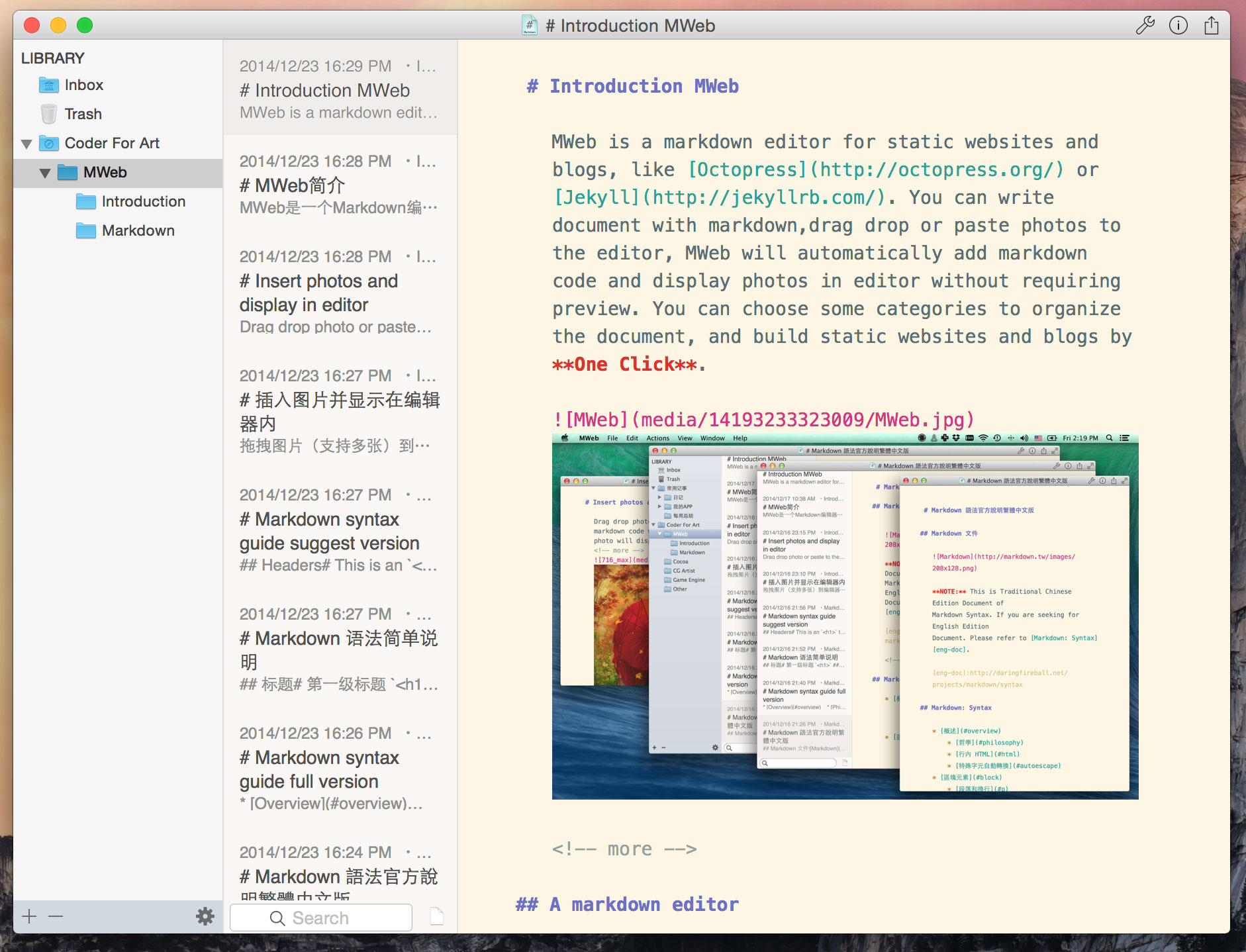
Click  , you will found a floder name is SiteThemes. MWeb all themes in this flodler,and a floder is a theme,it contains some documents and floders.
- asset -- floder, contains all theme's picture,CSS,JS etc..
- archives.html -- archives.html page template
- atom.xml -- RSS page template
- category.html -- all categiries pages template
- footer.html -- bottom of each page
- header.html -- top of each page
- page-index.html -- custom home page template
- page.html -- document when enable
Is pageuse this template - post.html -- document when disable
Is pageuse this template - sidebar.html -- sidebar template
- sitemap.xml -- google sitemap template
Custom home page
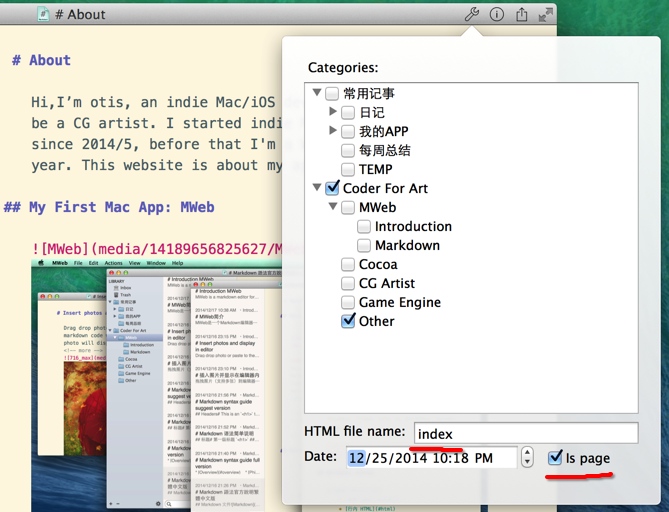
Set a document's HTML file name value: index and enable Is page.

自定网站或博客主题简单说明
MWeb全部主题已上传到Github: https://github.com/oulvhai/MWeb-Themes.
MWeb主题模板结构
MWeb所有网站主题模板都放在SiteThemes这个文件夹里,点击  这里可以直接显示SiteThemes文件夹,一个文件夹就表示一个主题。每个主题里包含的文档和文件夹的作用如下:
- asset -- 主题所有要用到的东西,图片、CSS、JS等等都放这里
- archives.html -- archives.html页所使用的模板
- atom.xml -- RSS所使用的模板
- category.html -- 分类所使用的模板
- footer.html -- 页面的底部
- header.html -- 页面的顶部
- page-index.html -- 自定首页模板
- page.html -- 文档选中
Is page时所使用的模板 - post.html -- 文档不选中
Is page所使用的模板 - sidebar.html -- 侧边栏的模板
- sitemap.xml -- 网站sitemap所使用的模板
自定首页
如图,设定想要设置为首页的文档的 HTML file name 为 index, 选中 Is page 选项。

MWeb - Markdown editor for static websites and blogs on OS X
MWeb Now Have Official Site
中文:http://zh.mweb.im
English:http://www.mweb.im
Notice: This page will not update!
MWeb Help
Markdown syntax guide
Markdown syntax guide suggest version
Markdown syntax guide full version
MWeb Q & A
MWeb Q & A
If you can't find the answer, please send feedback to me: Help --> Send Feedback
Some may useful articles
Custom site theme or design you owner theme...
MWeb Screenshot and in Yosemite
MWeb 1.1 release
MWeb 1.2 release
Use GoodSync synchronize MWeb's static websites to FTP,SFTP,WebDAV,Amazon S3 automatically
Introduction MWeb
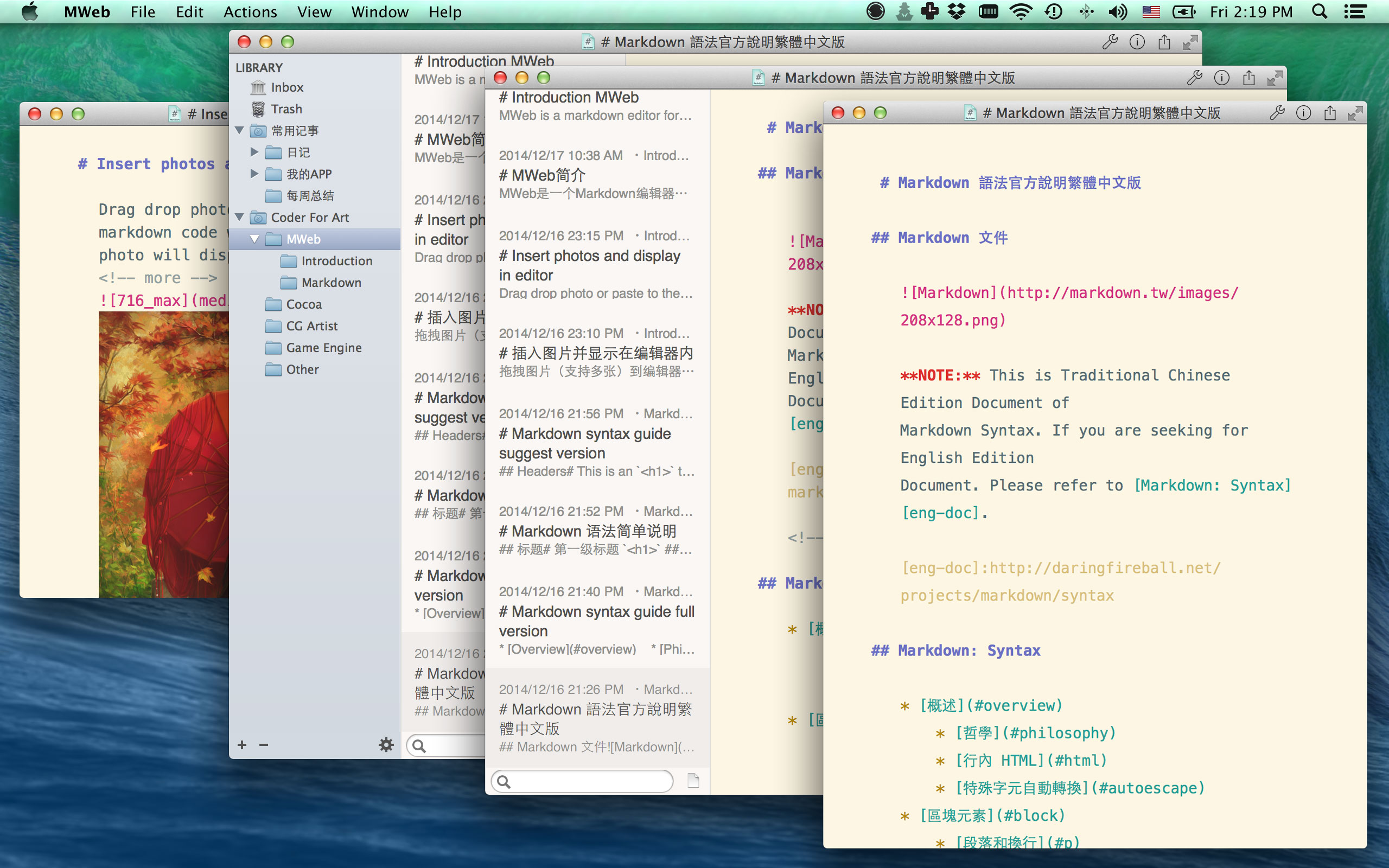
MWeb is a markdown editor for static websites and blogs on OS X, like Octopress or Jekyll but easy to use. You can write document with markdown,drag & drop or paste photos to the editor, MWeb will automatically add markdown code and display photos in editor. You can choose some categories to organize the document, and build static websites and blogs One Click.

MWeb - OS X上的Markdown编辑器和全静态网站、博客生成工具
MWeb 现在有了新官网
中文:http://zh.mweb.im
English:http://www.mweb.im
注意: 这个页面的信息都是旧的,这页也不再更新!
MWeb帮助
如果您不知道什么是Markdown,请阅读以下两篇文章
Markdown 语法简单说明
Markdown 语法官方说明繁体中文版
MWeb所有问题和回答收集(会不断更新)
MWeb问题和回答
如果您在上面的连接中找不到答案,请在MWeb中点:Help --> Send Feedback 写信给我!
MWeb其他可能有用的文章
自定网站主题、增加评论和分享和设计新主题...
MWeb更多截图和在Yosemite下的效果
MWeb 1.1 版更新说明
MWeb 1.2 版更新说明
把生成的静态网站发布到github或FTP
使用GoodSync把MWeb生成的静态网站自动同步到FTP、SFTP、WebDAV、Amazon S3等
MWeb简介
MWeb是一个Markdown编辑器和全静态网站、博客生成工具,像Octopress和 Jekyll,但是更简单易用。MWeb很合适经常用Markdown写文档、日记和经常要插入图片和大段代码的朋友。


Copyright © 2015 Powered by MWeb, Theme used GitHub CSS.