
An open-source, cross-platform reader. Organize your library, enjoy your books, and explore them with notes, translation, read-aloud and AI.



Download · Gitee mirror · Features · Settings guide · Documentation · Telegram channel · Telegram group · Feedback
Available for Android, iOS, macOS, Windows, Linux and native HarmonyOS. Local reading needs no AI account; online tools are optional. 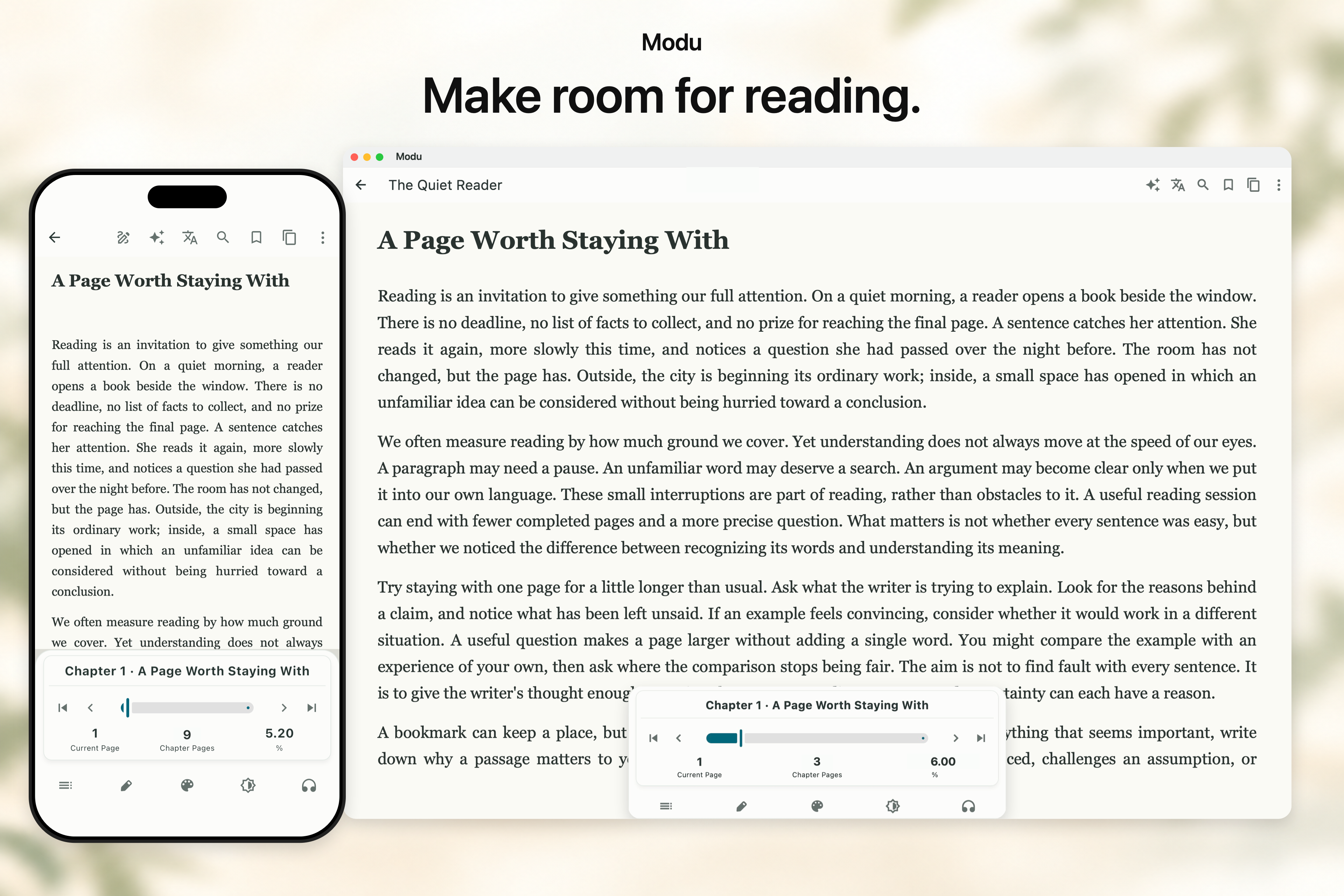 ## Downloads and guides [Download the latest release](https://github.com/sobranie2406/modureader/releases/latest) · [Gitee mirror](https://gitee.com/sobranie2406/modureader/releases) · [Installation guide](docs/RELEASING.md) · [Release notes](docs/RELEASE_NOTES.md) [Feature guide](docs/FEATURES.md) · [Settings guide](docs/SETTINGS.md) · [All documentation](docs/README.md) · [Sample ebook](docs/examples/modu-reading-demo-en.epub) ## Features A flexible library, comfortable typography, scan-to-text reading, AI, translation, listening and sync. Keep your everyday reading tools close to the page. ### PDFs and scanned books Keep the original layout while removing empty margins. Panel reading, rotation, zoom and image enhancement help you see the details on smaller screens. 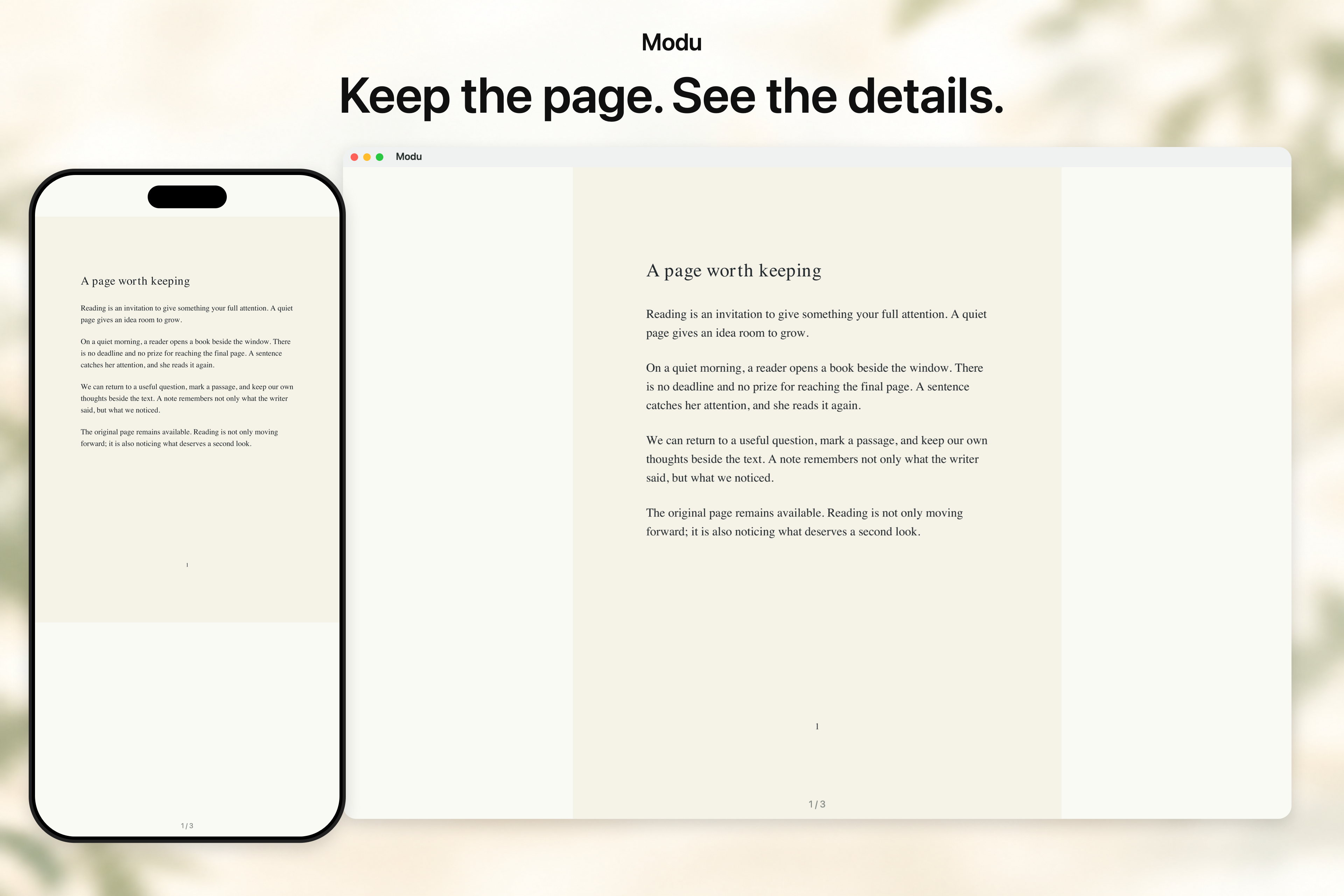 ### On-device OCR Turn scanned pages into text you can reflow, select, translate and annotate. Lightweight OCR models run locally and work offline after download. 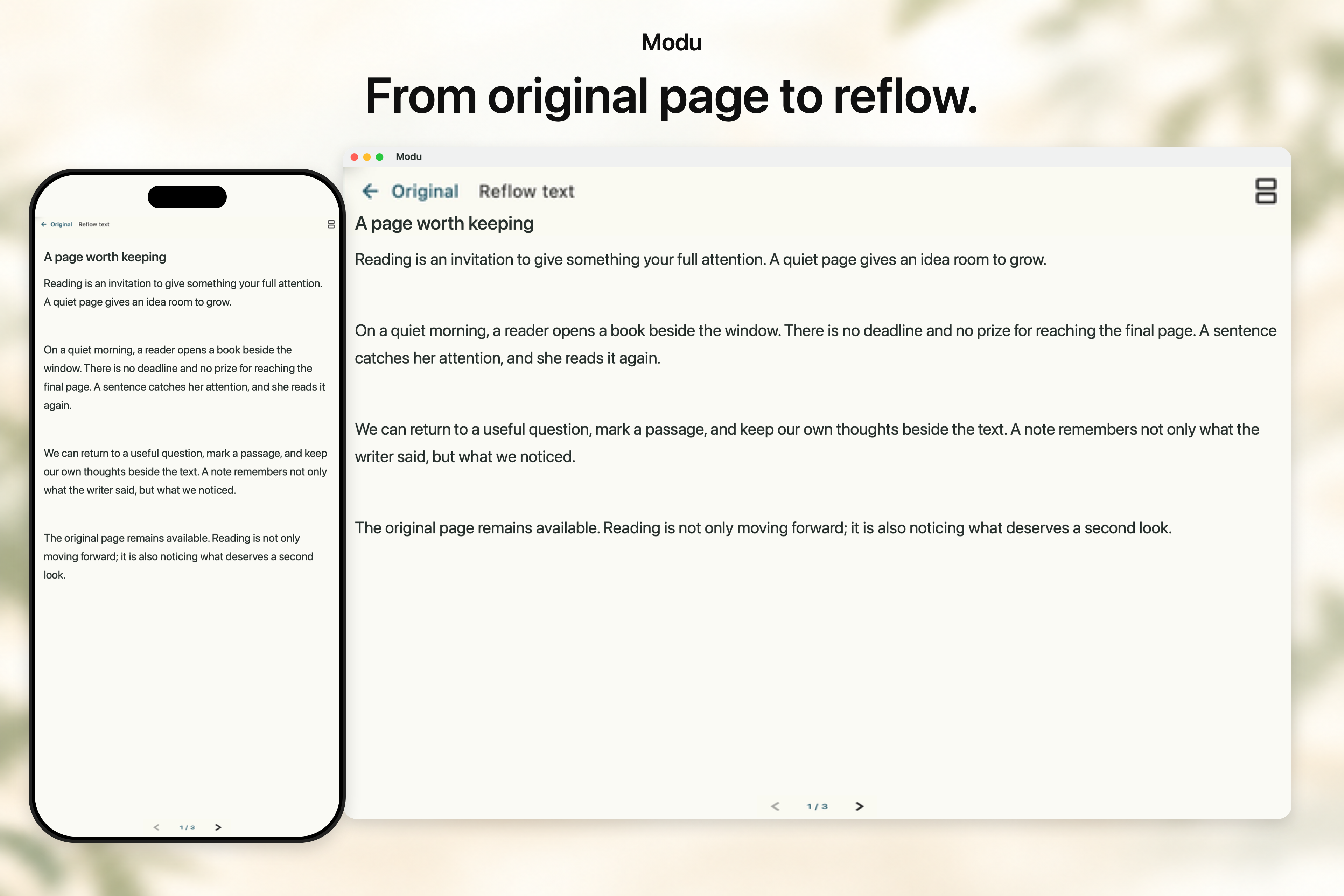 ### Original and reflowed text Read the original page alongside adjustable text. Stack them in portrait or place them side by side in landscape to check the source without losing your place. 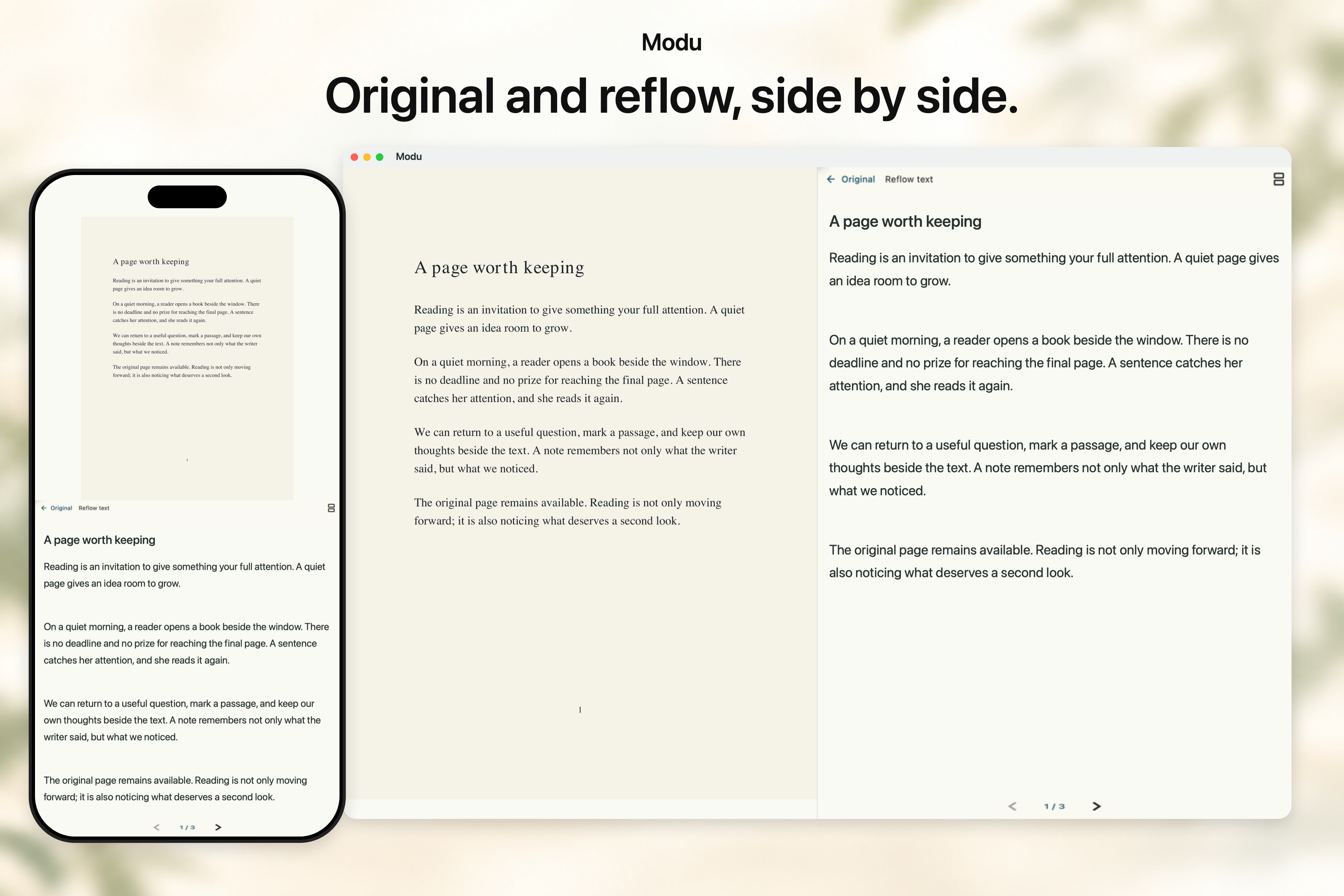 ### Library management Bring EPUB, PDF, MOBI, AZW3, FB2, TXT, Markdown and text UMD books together. Organize them with folders, filters, sorting and pins; import in batches, download from a WebDAV library or bring over an ANX Reader backup. 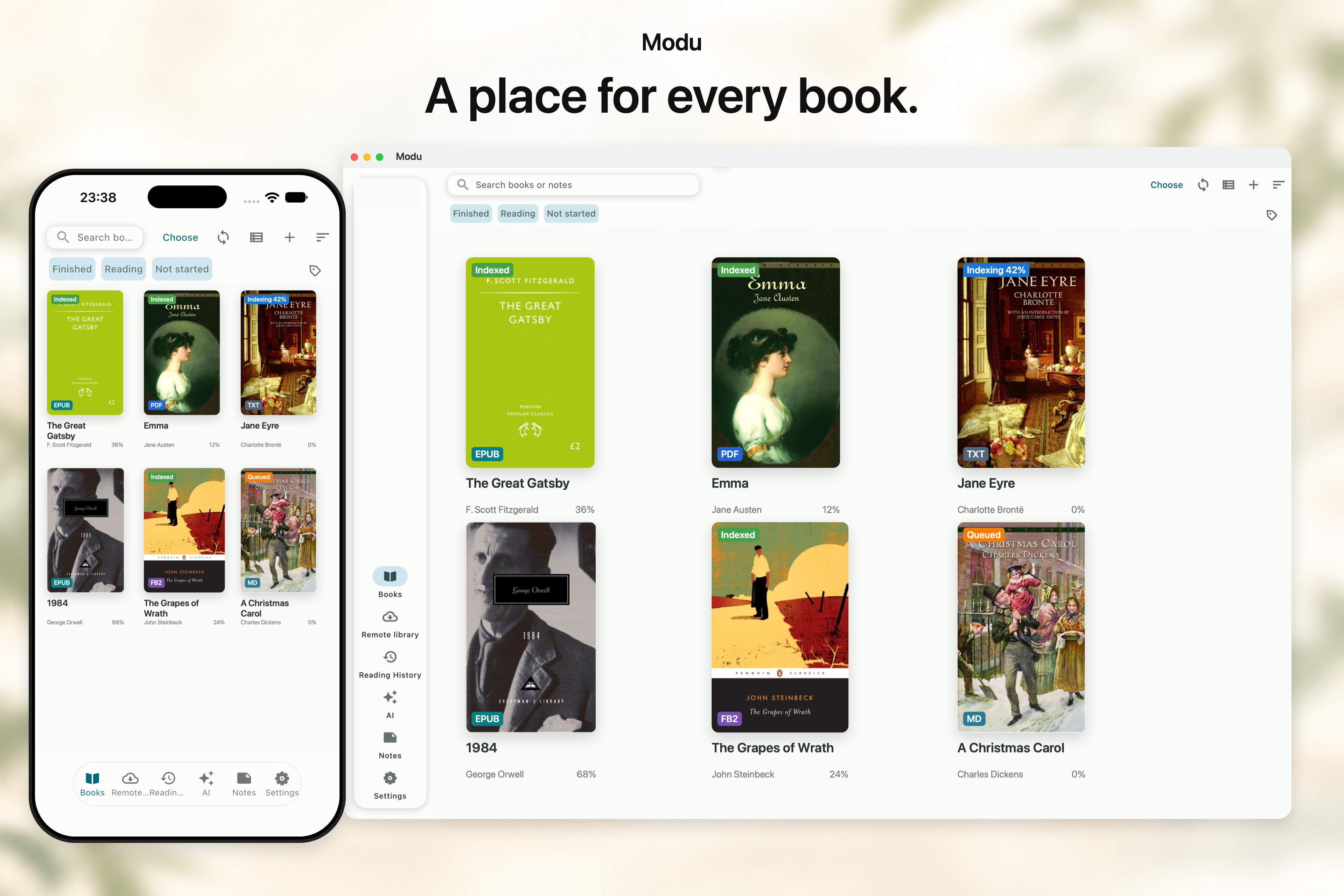 ### Comfortable typography Choose your fonts, weight, spacing and margins. Switch between pages and scrolling, light and dark themes, or OLED and e-ink modes. 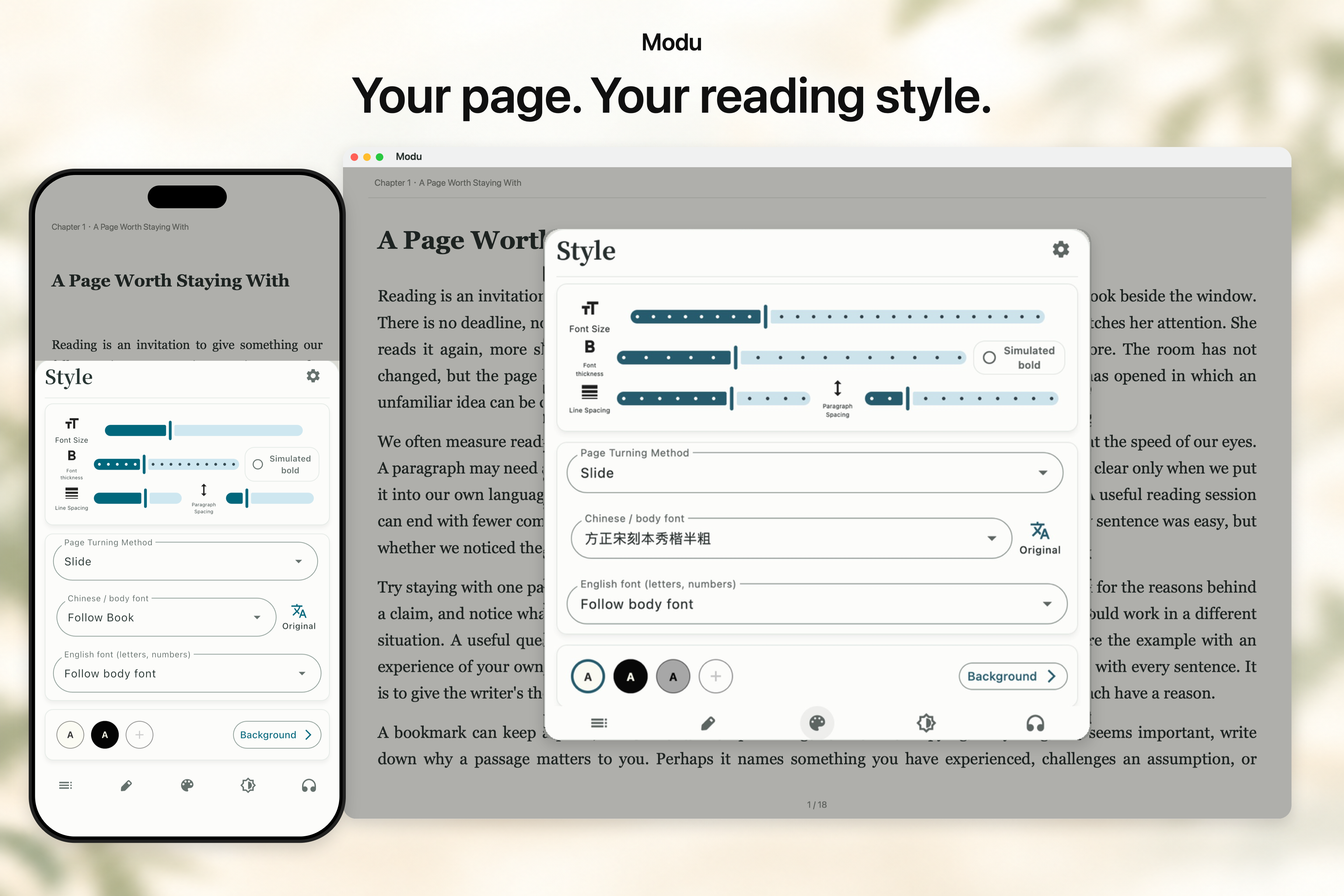 ### Custom reading styles Start with presets and visual controls, or fine-tune the page with CSS. Color dialogue, highlight keywords and switch between profiles to suit different books. 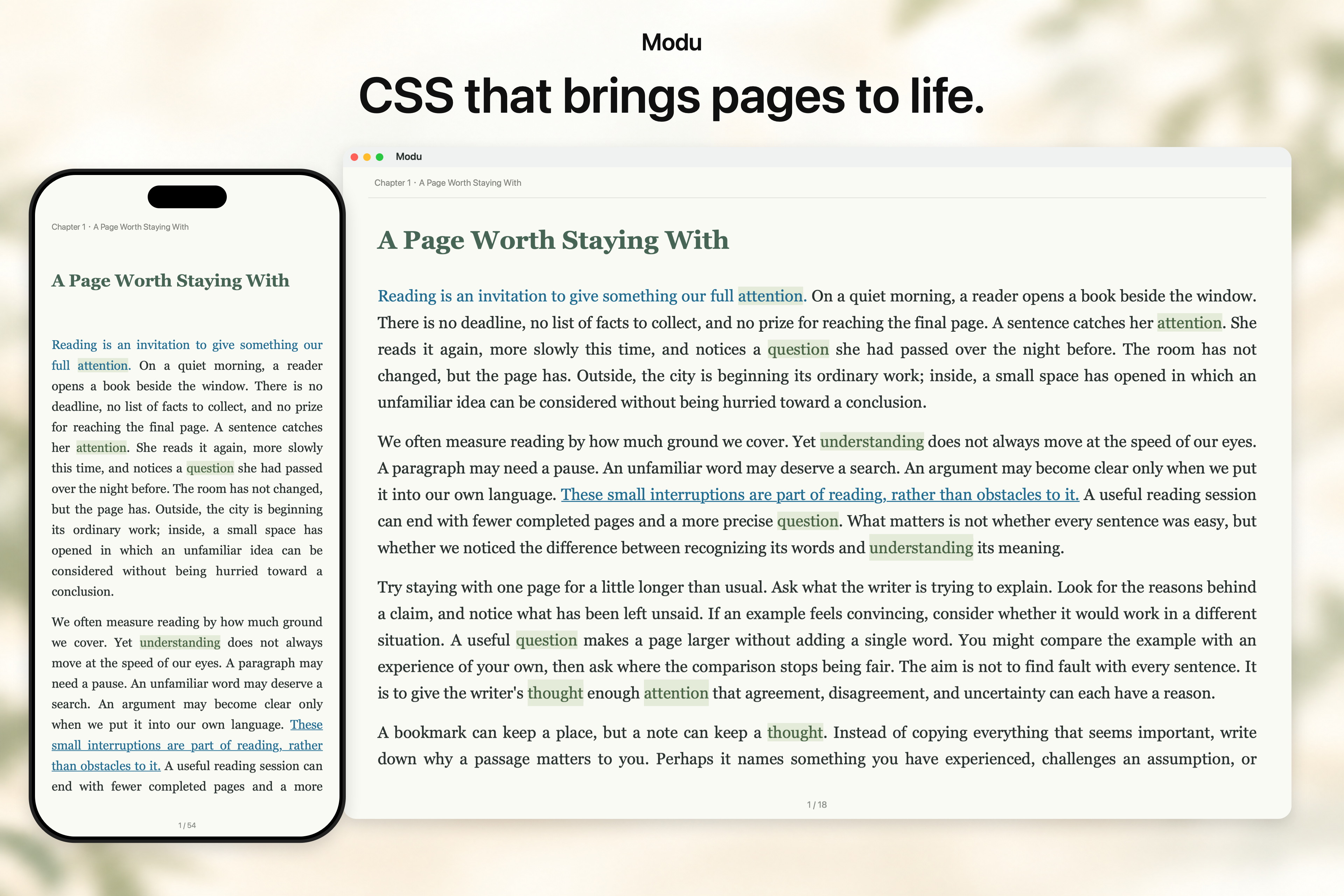 ### Read aloud Listen with system speech, Edge TTS, Xiaomi MiMo, OpenAI-compatible services or DashScope. Set speed from 0.1× to 4.0× in 0.1 steps or type a value; Android MiMo supports local pitch adjustment. Choose a voice and delivery prompts where supported. Reflowable ebooks support continuous listening across chapters and narration highlights. 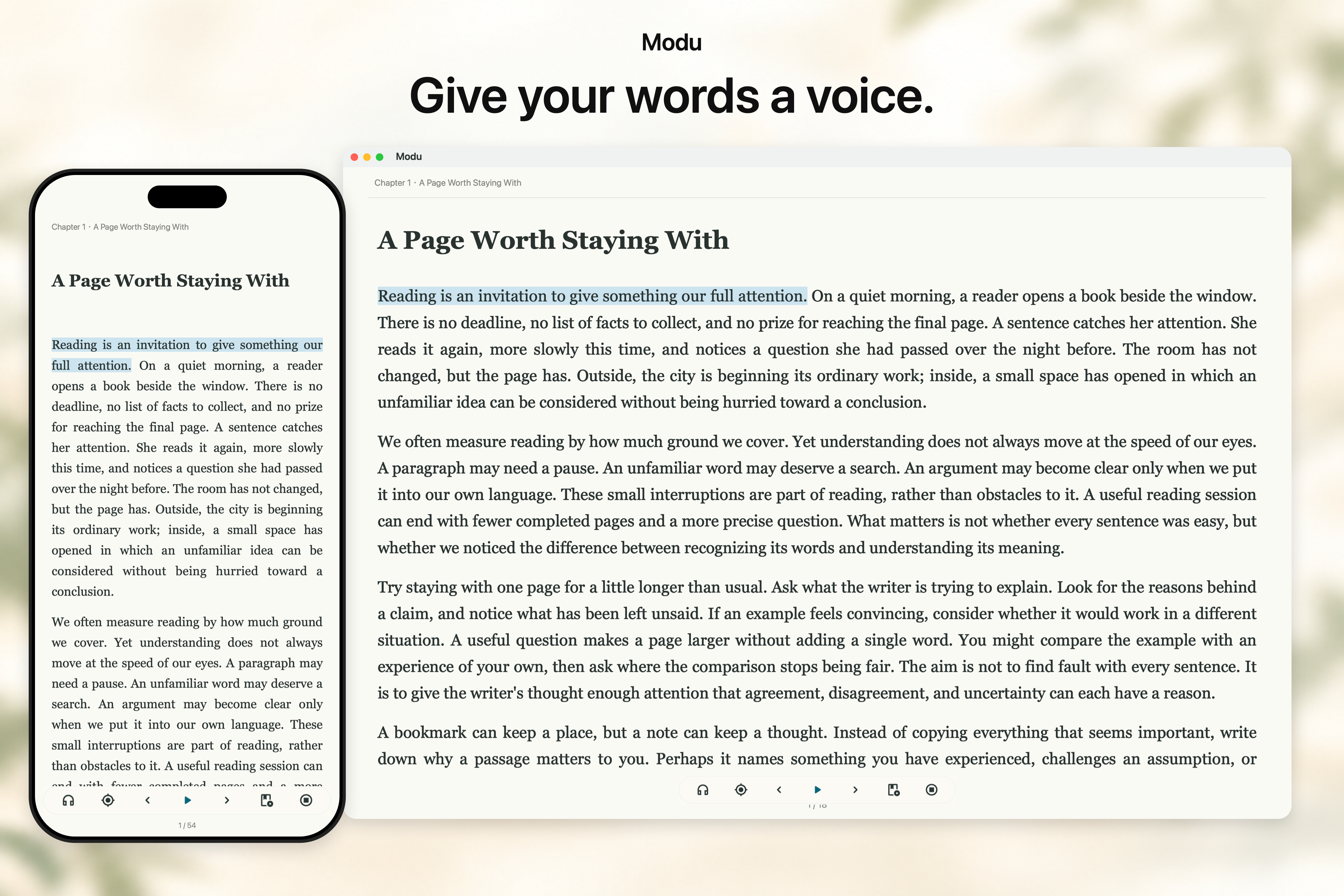 ### AI reading Explain a passage, summarize a chapter, examine an argument, follow characters or create a mind map. Connect your own AI provider, customize reading skills and ask follow-up questions about the book. 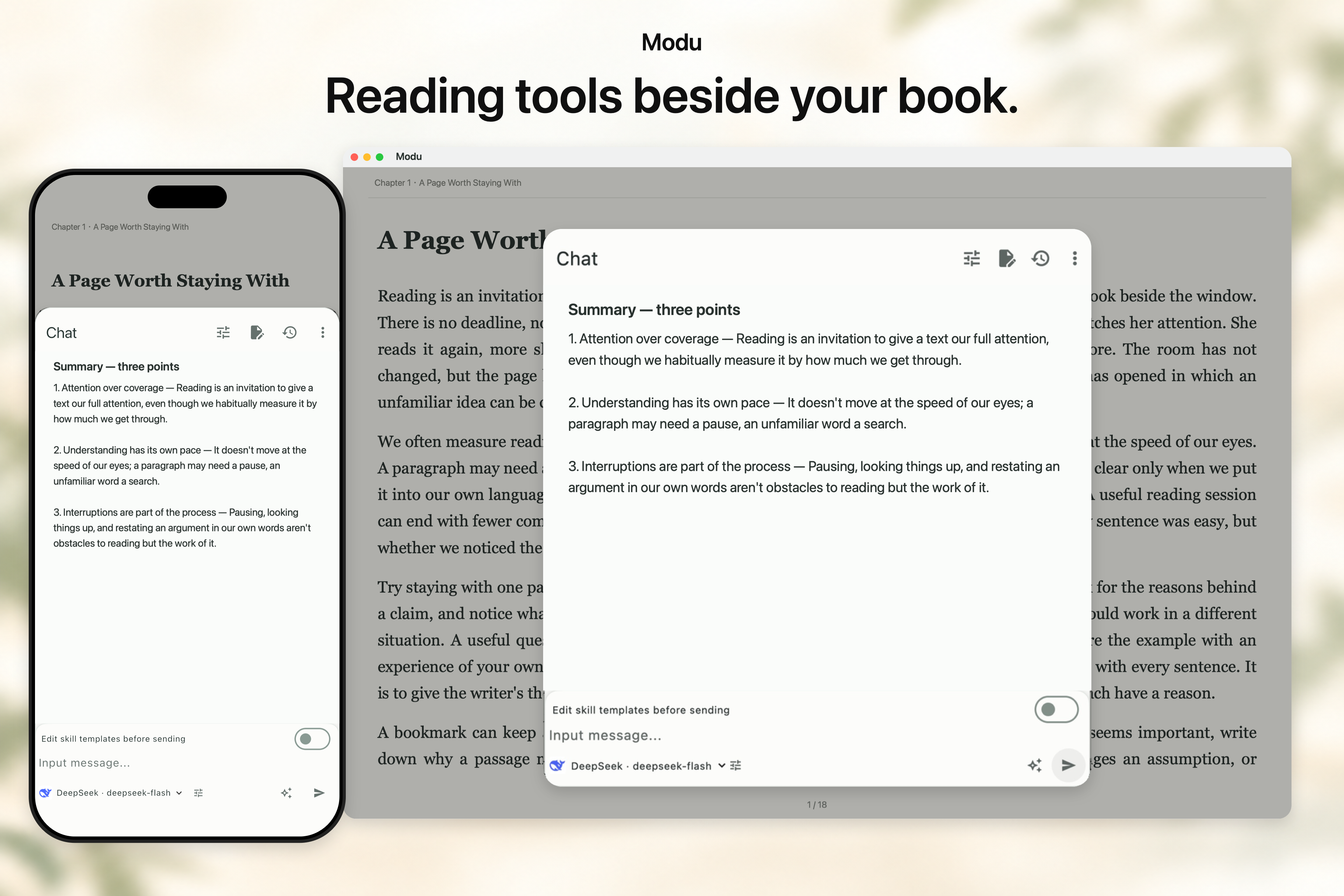 ### Selection tools Select text to copy, highlight, translate, look it up or ask AI. Reorder the toolbar and keep your favorite commands within reach. 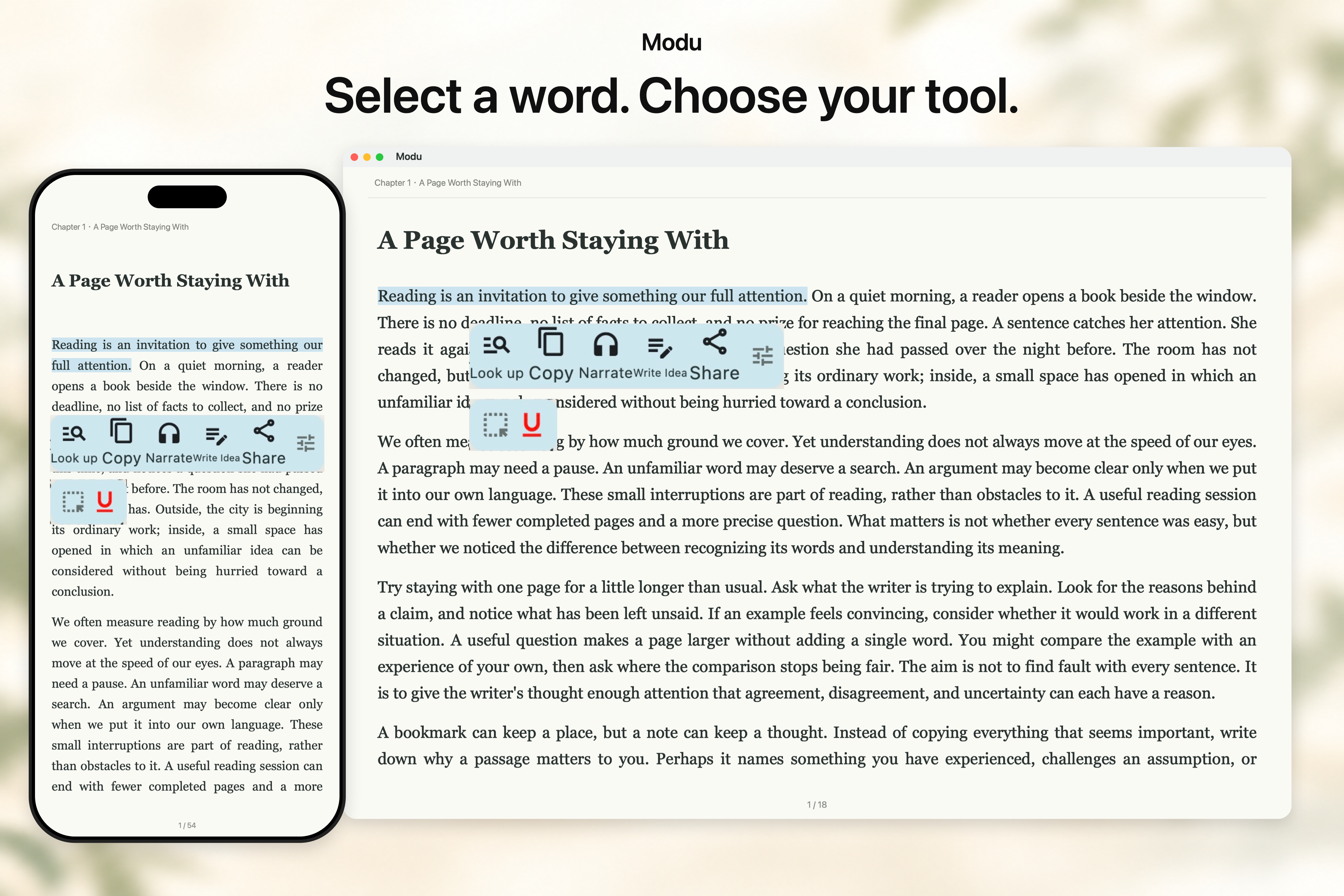 ### Unified lookup See dictionary definitions, selected-text translations and AI Knowledge in the Overview tab without leaving the book. Import MDX or StarDict dictionaries for offline lookup, and choose translation and AI sources as needed. 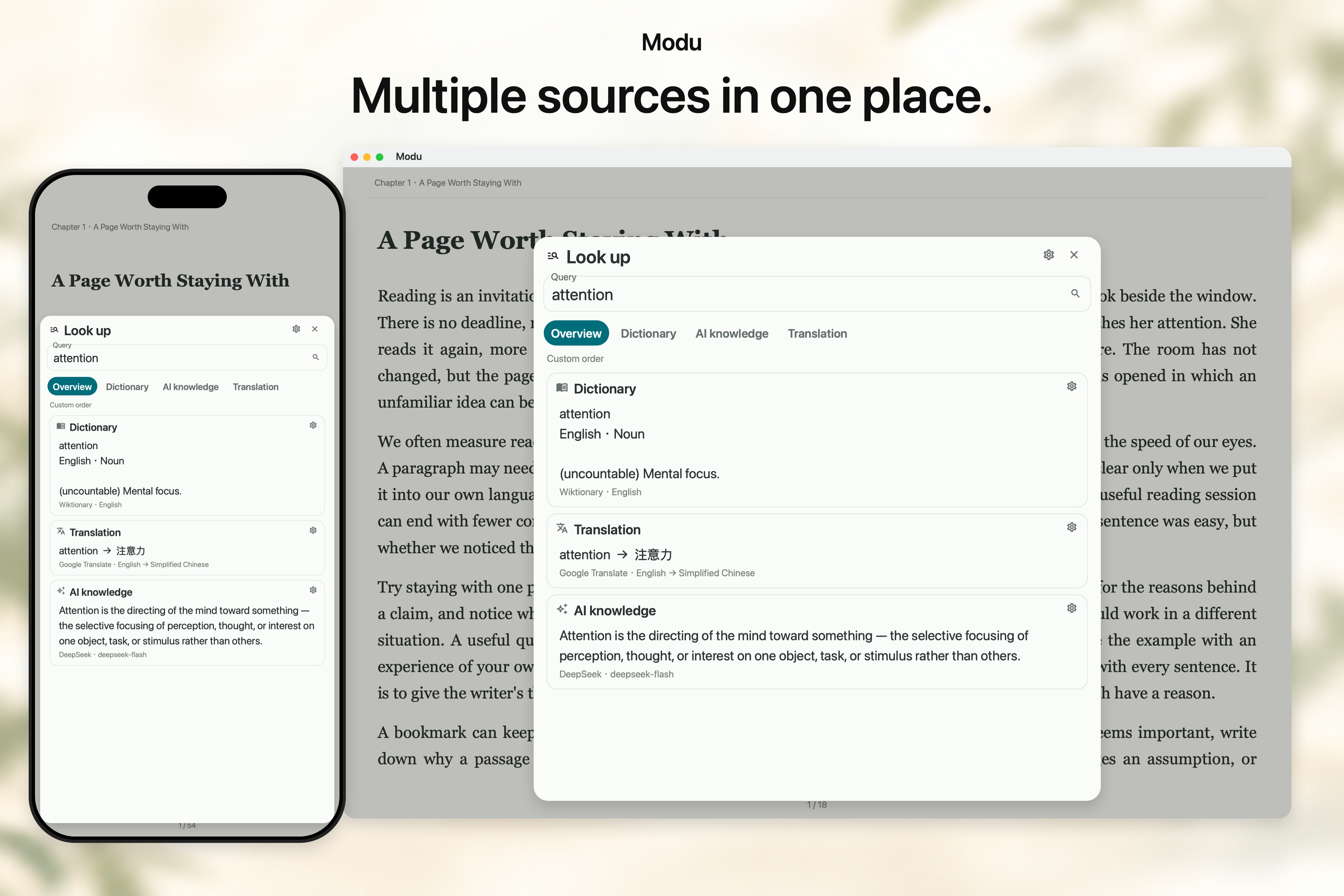 ### Highlights and notes Mark a passage and capture your thoughts. Review notes by book and chapter, export Markdown, TXT or CSV, and follow note links back to the original text. 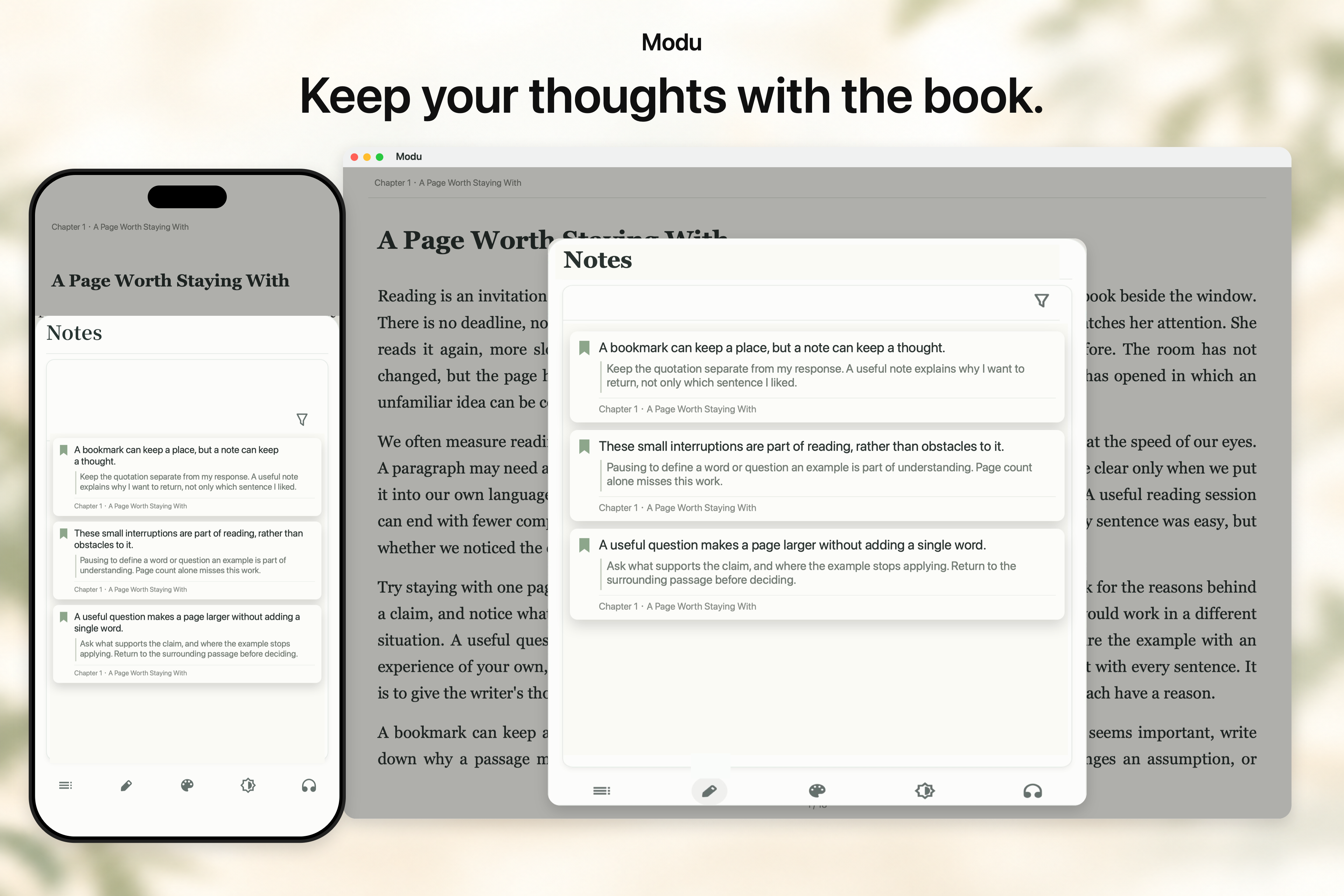 ### Reading history Track your habits with time trends, heatmaps and daily goals. Review recent books, progress and multiple reading rounds to see how your reading adds up. 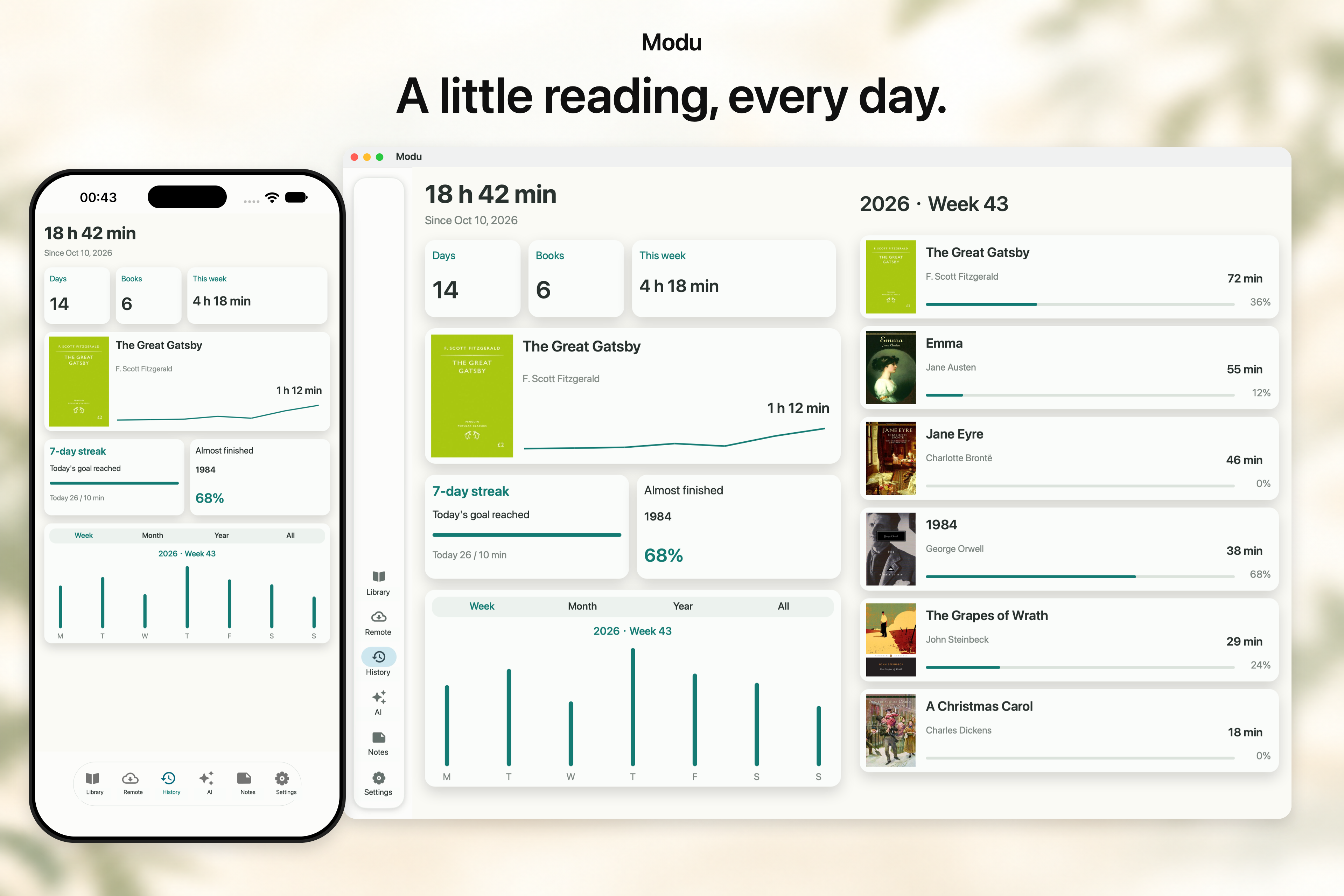 ### Sync across devices Use your own WebDAV server or S3-compatible storage to sync books, notes, bookmarks and reading positions. Pick up where you left off, whether reading or listening. 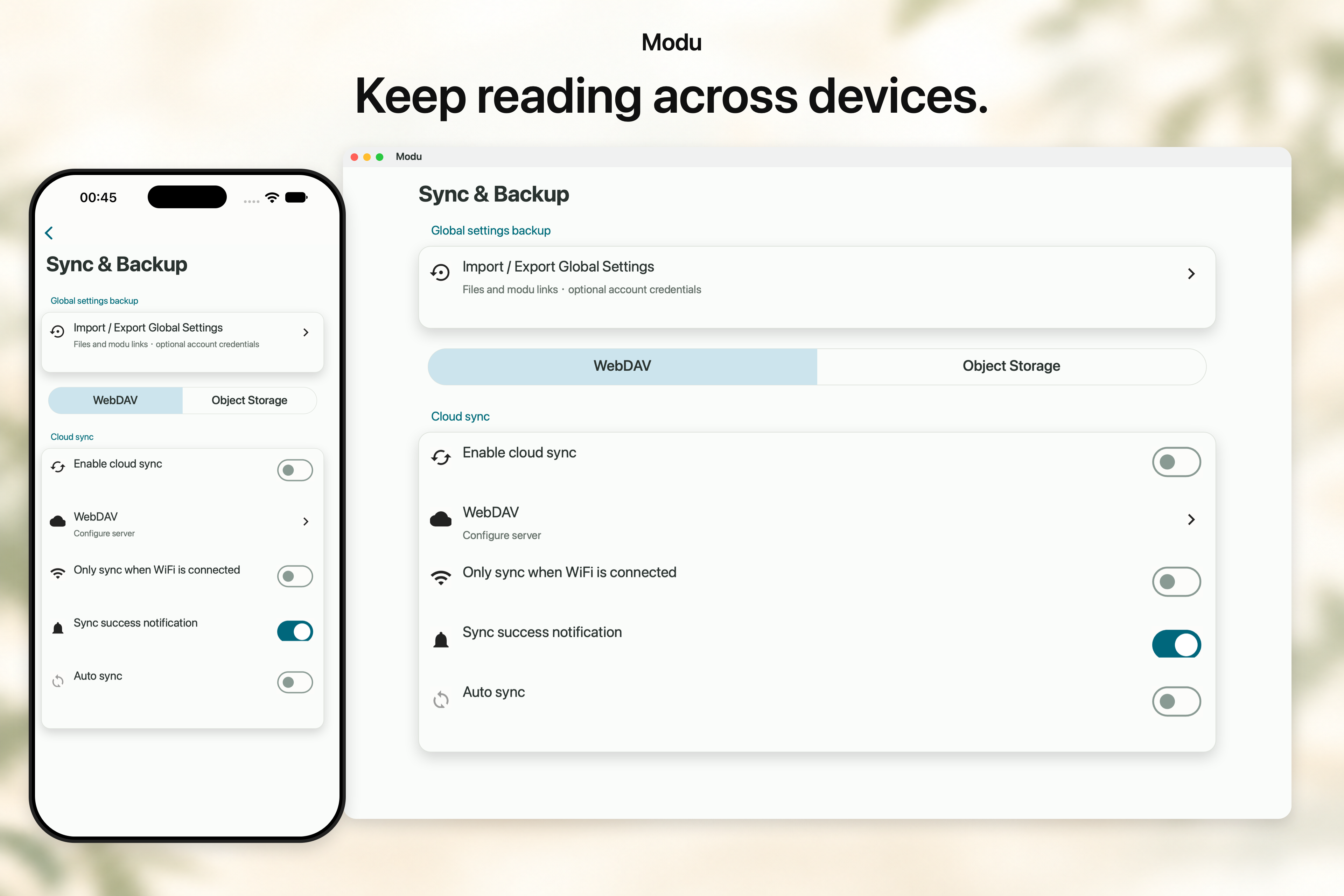 ### Backup and migration Library backups preserve books and reading records. Settings backups carry your typography, CSS profiles, AI skills and favorite tools to a new device. 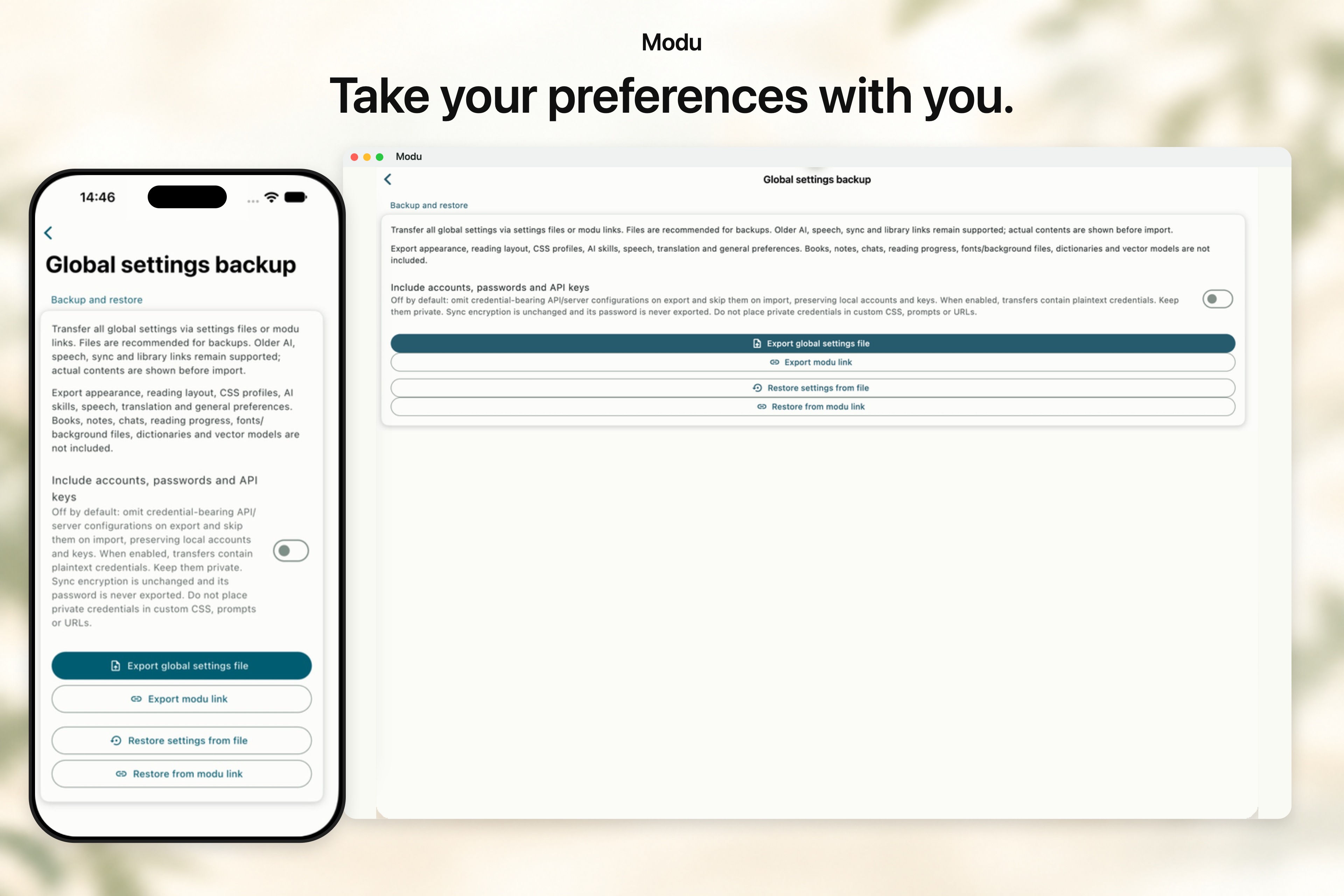 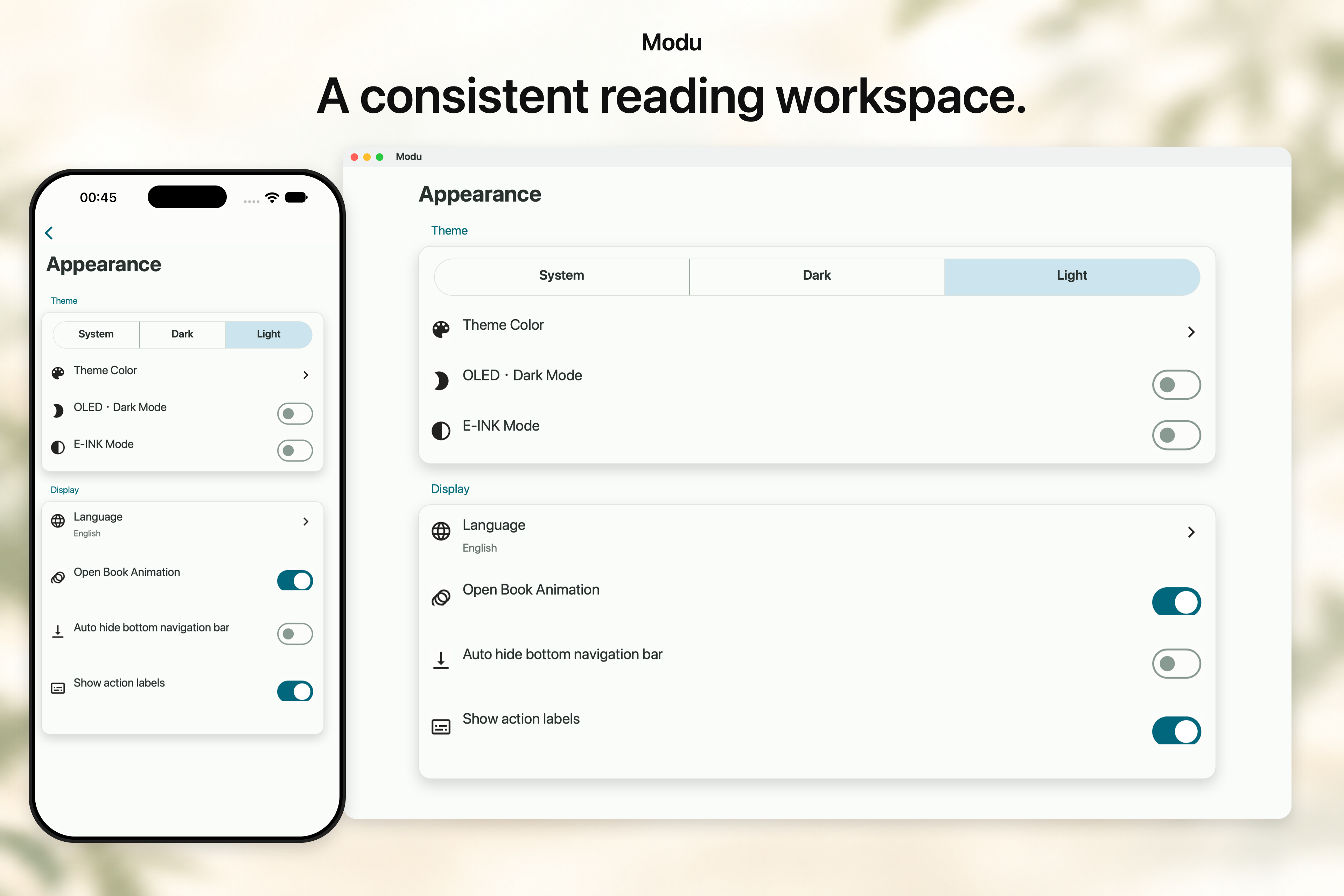 ## Community and feedback [Telegram channel](https://t.me/Modureader) · [Telegram group](https://t.me/ModuReaderDiscussion) · **QQ group: 1009765685** Report a bug or suggest a feature: [GitHub Issues](https://github.com/sobranie2406/modureader/issues/new/choose) · [Feedback form](https://docs.qq.com/smartsheet/form/dxaiuhjrhCar%2Ft00i2h%2FvI8Bvs?tab=t00i2h) ## Contribute Help improve Modu with bug reports, code or documentation. If you enjoy the app, a Star helps others discover it. [Contributing](CONTRIBUTING.md) · [Building and packaging](docs/RELEASING.md) · [Privacy](PRIVACY.md) · [Security](SECURITY.md)