
APKSignerGUI
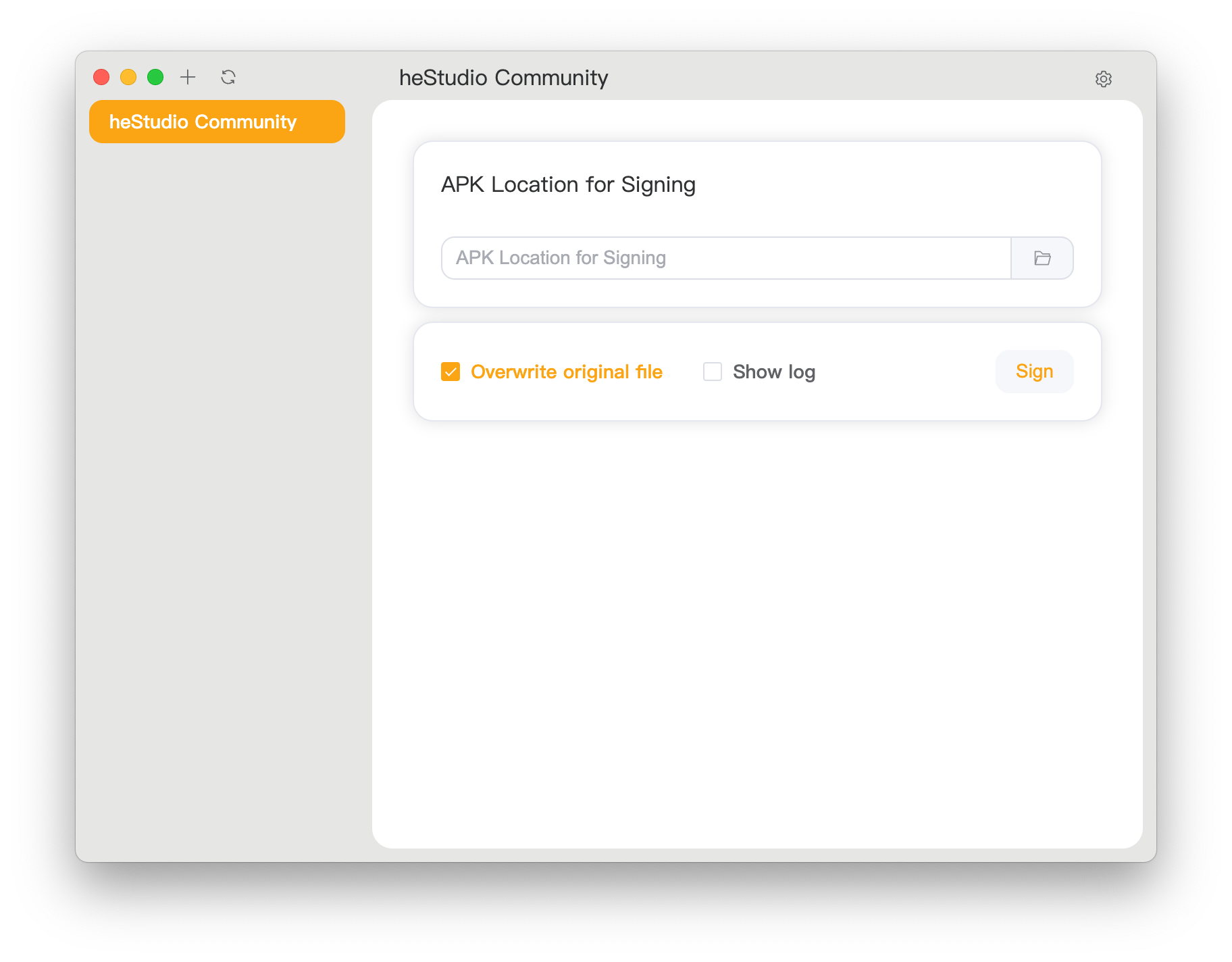
Simple and complete graphical tool for APK signing
Simple and complete graphical tool for APK signing
 3. Or build it yourself as described below.
### macOS Installation Issues
When installing on macOS, you may encounter the error `“APKSignerGUI.app” is damaged and can't be opened. You should move it to the Trash.` This is usually not because the file is actually damaged. To completely avoid this issue, we'd need to pay Apple $99 annually for a trusted certificate, which we cannot afford. To use the software, you'll need to perform some additional steps:
1. Download and move the app to your Applications folder.
2. Open Terminal and run:
```shell
xattr -d com.apple.quarantine /Applications/APKSignerGUI.app
```
3. Open the application and start using it.
### Compatibility
Officially supported platforms (prebuilt and tested):
- **Windows**: Windows 10/11 x86_64 (latest version), Windows 10/11 ARM64 (latest version)
- **Linux**: Debian 12 and derivatives, x86_64 and ARM64
- **macOS**: Apple Silicon devices running macOS 10.11 or later
Other platforms may require manual compilation.
#### Why no 32-bit support?
We believe 32-bit systems are obsolete and often incapable of basic operations. Most vendors no longer support them. It's highly unlikely you can do modern software development on such systems. If you're still using one, we trust you're capable of compiling this tool yourself.
### How to Use?
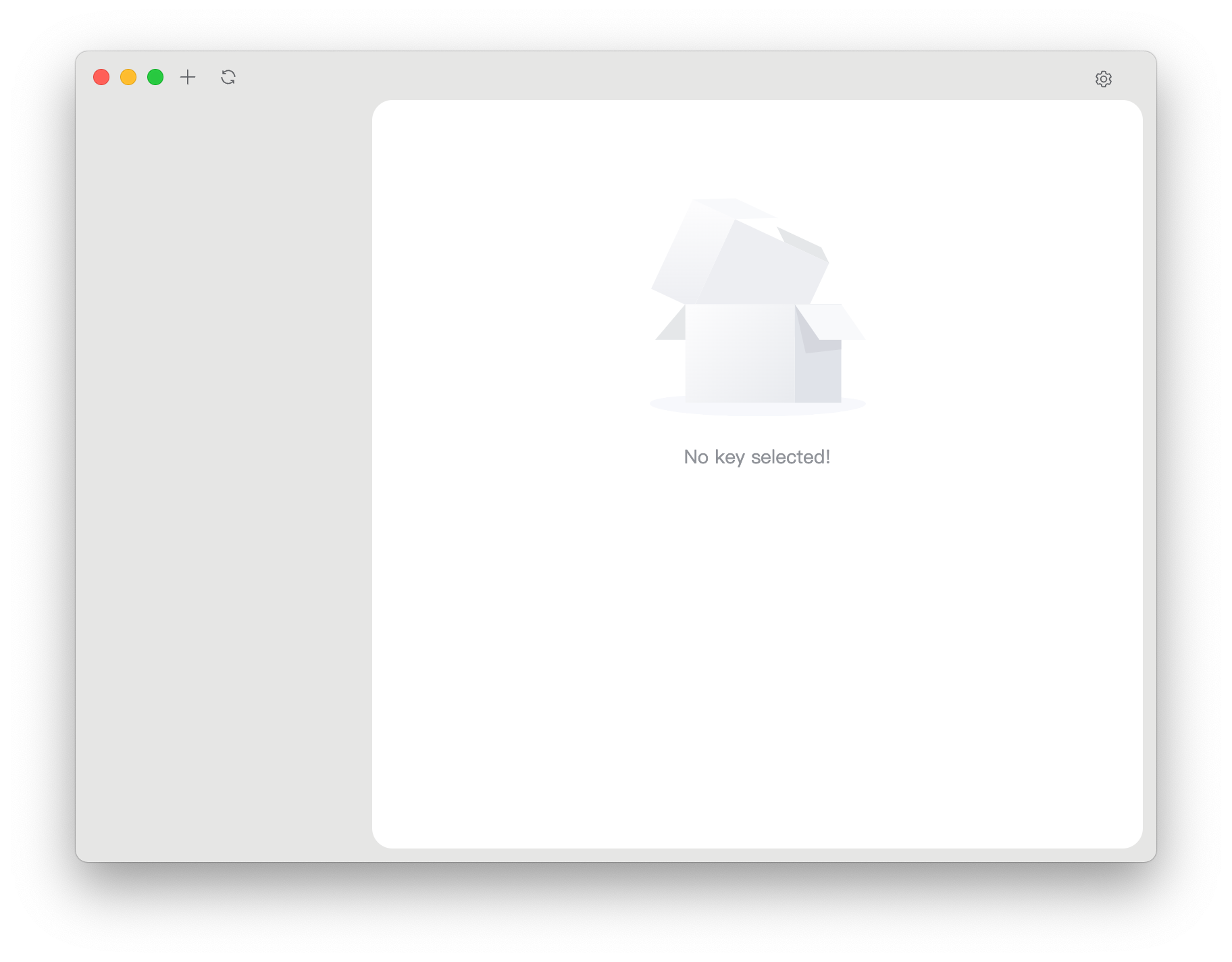
1. Open the application. You should see a screen like this. Click the top-right gear icon to configure settings.
2. Locate `apksigner` and `zipalign` in your `sdk/build-tools/
3. Or build it yourself as described below.
### macOS Installation Issues
When installing on macOS, you may encounter the error `“APKSignerGUI.app” is damaged and can't be opened. You should move it to the Trash.` This is usually not because the file is actually damaged. To completely avoid this issue, we'd need to pay Apple $99 annually for a trusted certificate, which we cannot afford. To use the software, you'll need to perform some additional steps:
1. Download and move the app to your Applications folder.
2. Open Terminal and run:
```shell
xattr -d com.apple.quarantine /Applications/APKSignerGUI.app
```
3. Open the application and start using it.
### Compatibility
Officially supported platforms (prebuilt and tested):
- **Windows**: Windows 10/11 x86_64 (latest version), Windows 10/11 ARM64 (latest version)
- **Linux**: Debian 12 and derivatives, x86_64 and ARM64
- **macOS**: Apple Silicon devices running macOS 10.11 or later
Other platforms may require manual compilation.
#### Why no 32-bit support?
We believe 32-bit systems are obsolete and often incapable of basic operations. Most vendors no longer support them. It's highly unlikely you can do modern software development on such systems. If you're still using one, we trust you're capable of compiling this tool yourself.
### How to Use?
1. Open the application. You should see a screen like this. Click the top-right gear icon to configure settings.

2. Locate `apksigner` and `zipalign` in your `sdk/build-tools/