
Embedding Matplotlib in graphical user interfaces#

You can embed Matplotlib directly into a user interface application by following the embedding_in_SOMEGUI.py examples here. Currently Matplotlib supports PyQt/PySide, PyGObject, Tkinter, and wxPython.

When embedding Matplotlib in a GUI, use standalone Figure objects only. Do not use pyplot, because you do not want to depend on its globally managed state and its event loop control. In particular, use fig = Figure() rather than plt.figure(), and fig = Figure(); axs = fig.subplots() rather than fig, axs = plt.subplots(). The examples below show how to connect these figures to the supported GUI toolkits.
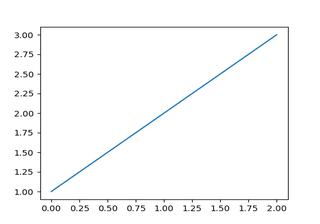
CanvasAgg demo

CanvasAgg demo

Embed in GTK3 with a navigation toolbar

Embed in GTK3 with a navigation toolbar

Embed in GTK3

Embed in GTK3

Embed in GTK4 with a navigation toolbar

Embed in GTK4 with a navigation toolbar

Embed in GTK4

Embed in GTK4

Embed in Qt

Embed in Qt

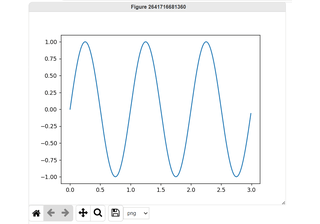
Embed in Tk

Embed in Tk

Embed in wx #2

Embed in wx #2

Embed in wx #3

Embed in wx #3

Embed in wx #4

Embed in wx #4

Embed in wx #5

Embed in wx #5

Embedding WebAgg

Embedding WebAgg

Fourier Demo WX

Fourier Demo WX

GTK3 spreadsheet

GTK3 spreadsheet

GTK4 spreadsheet

GTK4 spreadsheet

Display mathtext in WX

Display mathtext in WX

Matplotlib with Glade 3

Matplotlib with Glade 3

mplcvd -- an example of figure hook

mplcvd -- an example of figure hook

pyplot with GTK3

pyplot with GTK3

pyplot with GTK4

pyplot with GTK4

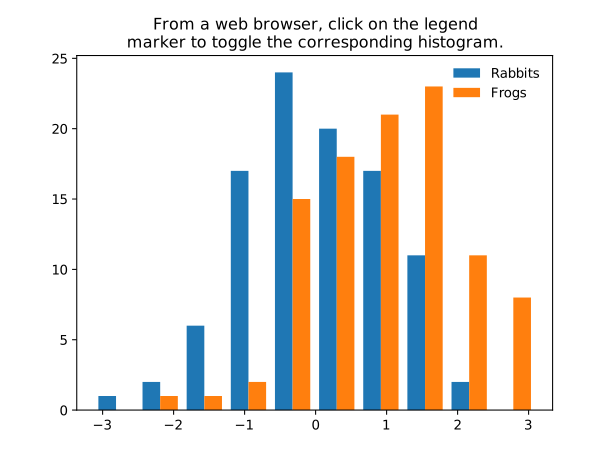
SVG Histogram

SVG Histogram

SVG Tooltip

SVG Tooltip

Tool Manager

Tool Manager

Embed in a web application server (Flask)

Embed in a web application server (Flask)

Add a cursor in WX

Add a cursor in WX