
In the OpenDJ Control Panel, select Manage Indexes > New VLV Index..., and then set up your VLV index using the New VLV Index window.
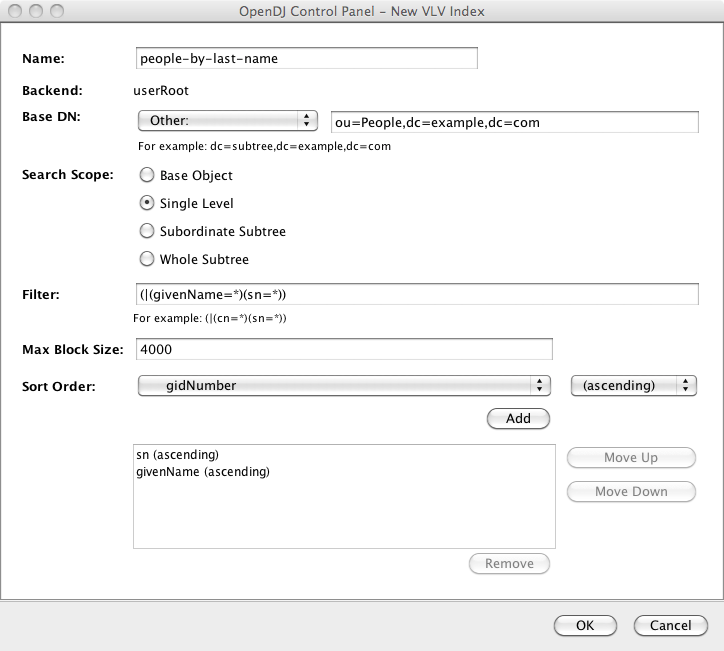
After you finish configuring your index and click OK, the Control Panel prompts you to make the additional changes necessary to complete the VLV index configuration, and then to build the index.
You can also create the equivalent index configuration using the dsconfig command.
$ dsconfig
 create-local-db-vlv-index
 --port 4444
 --hostname opendj.example.com
 --bindDn "cn=Directory Manager"
 --bindPassword password
 --backend-name userRoot
 --index-name people-by-last-name
 --set base-dn:ou=People,dc=example,dc=com
 --set filter:"(|(givenName=*)(sn=*))"
 --set scope:single-level
 --set sort-order:"+sn +givenName"
 --trustAll
 --no-prompt
![[Note]](common/images/admon/note.png) |
Note |
|---|---|
|
When referring to a virtual list view (VLV) index after creation, you
must add |
