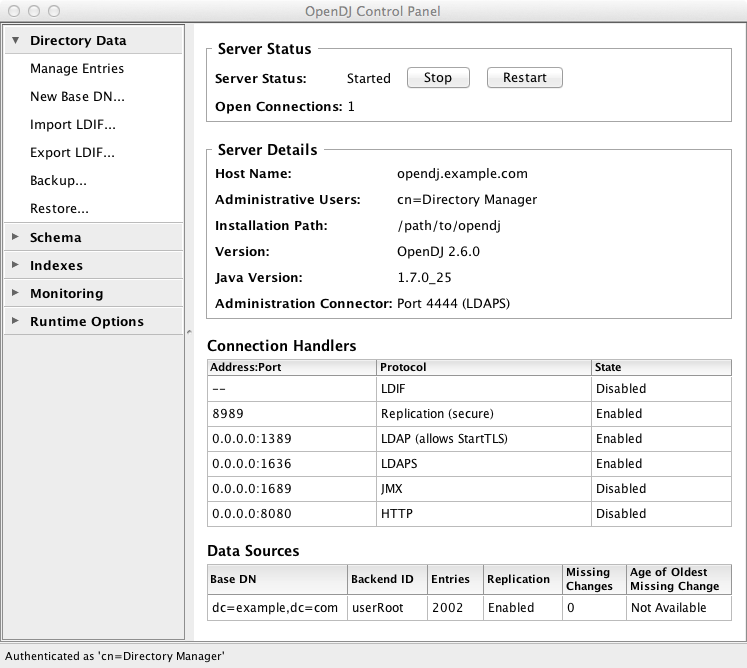
You can set up replication during installation by choosing to configure replication through the setup wizard.
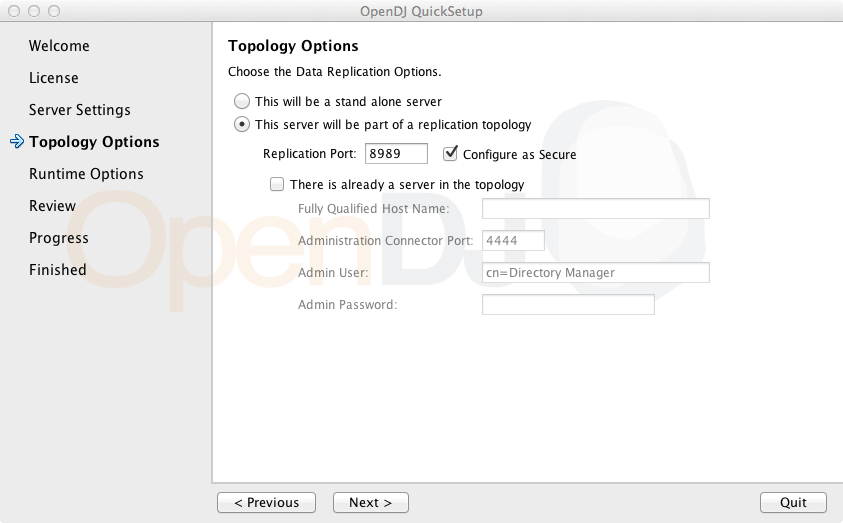
In the Topology Options screen for the first server you set up, select This server will be part of a replication topology. If you also choose Configure as Secure, then replication traffic is protected by SSL.
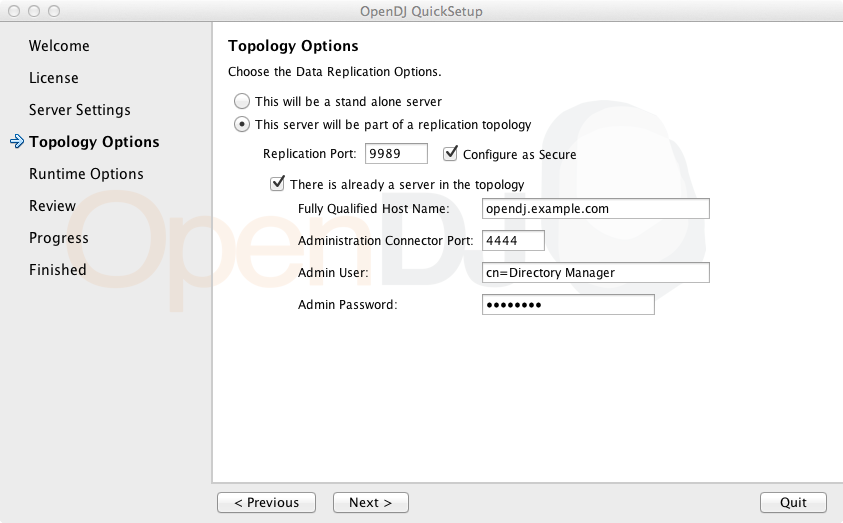
In the Topology Options screen for subsequent servers, also select There is already a server in the topology, providing the Host Name, Administration Connector Port number, Admin User, and Admin Password for the first replica you set up.
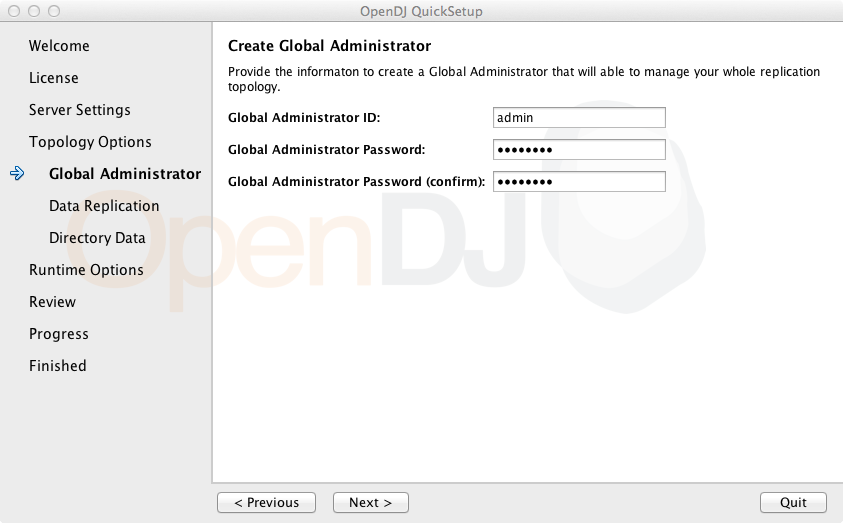
You also set up a global administrator account, stored under
cn=admin data across replicas, used to manage replication
in the topology.
You further set up what to replicate.
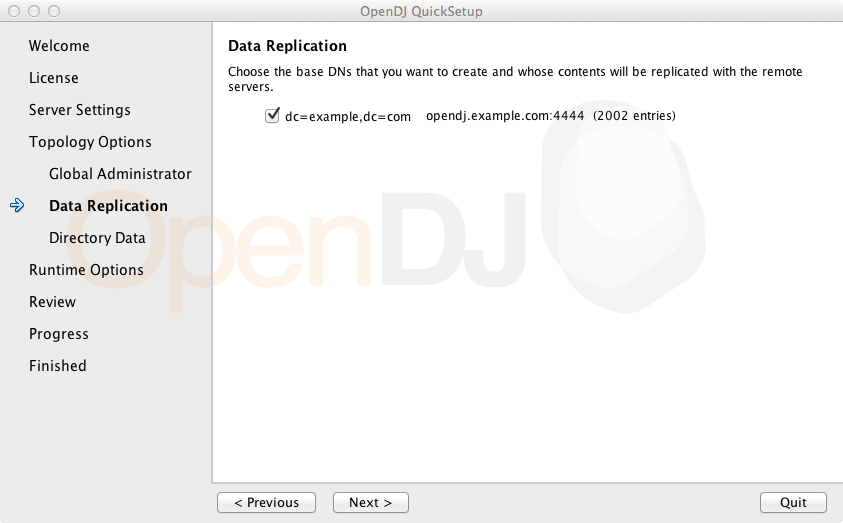
Once replication is set up, it works for all the replicas. You can monitor the replication connection and status through the OpenDJ Control Panel.